Hot Video Effects
Turn your photos into fun dance clips, surprising transformations, and shareable moments with trending AI video effects.
What Is Smart Bike Unboxing on PicLumen?
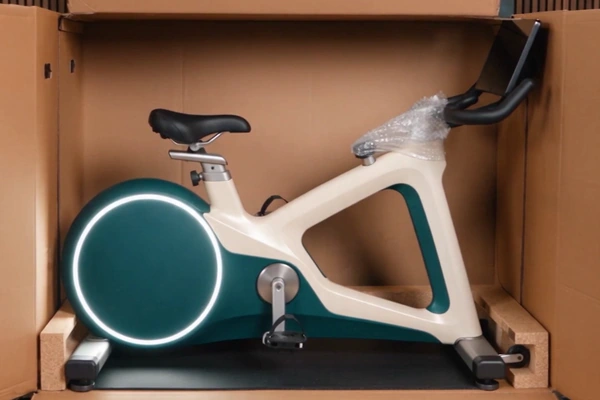
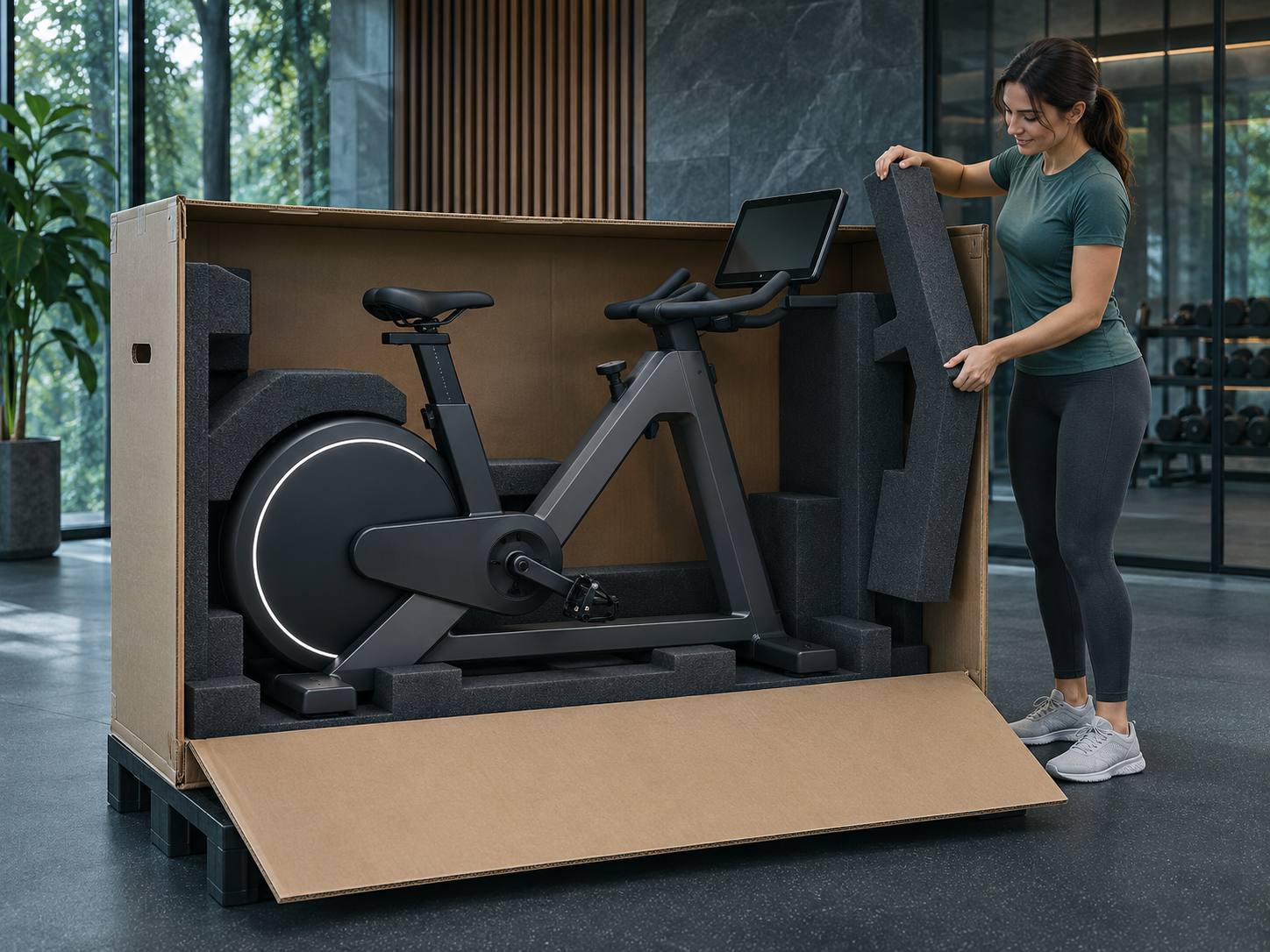
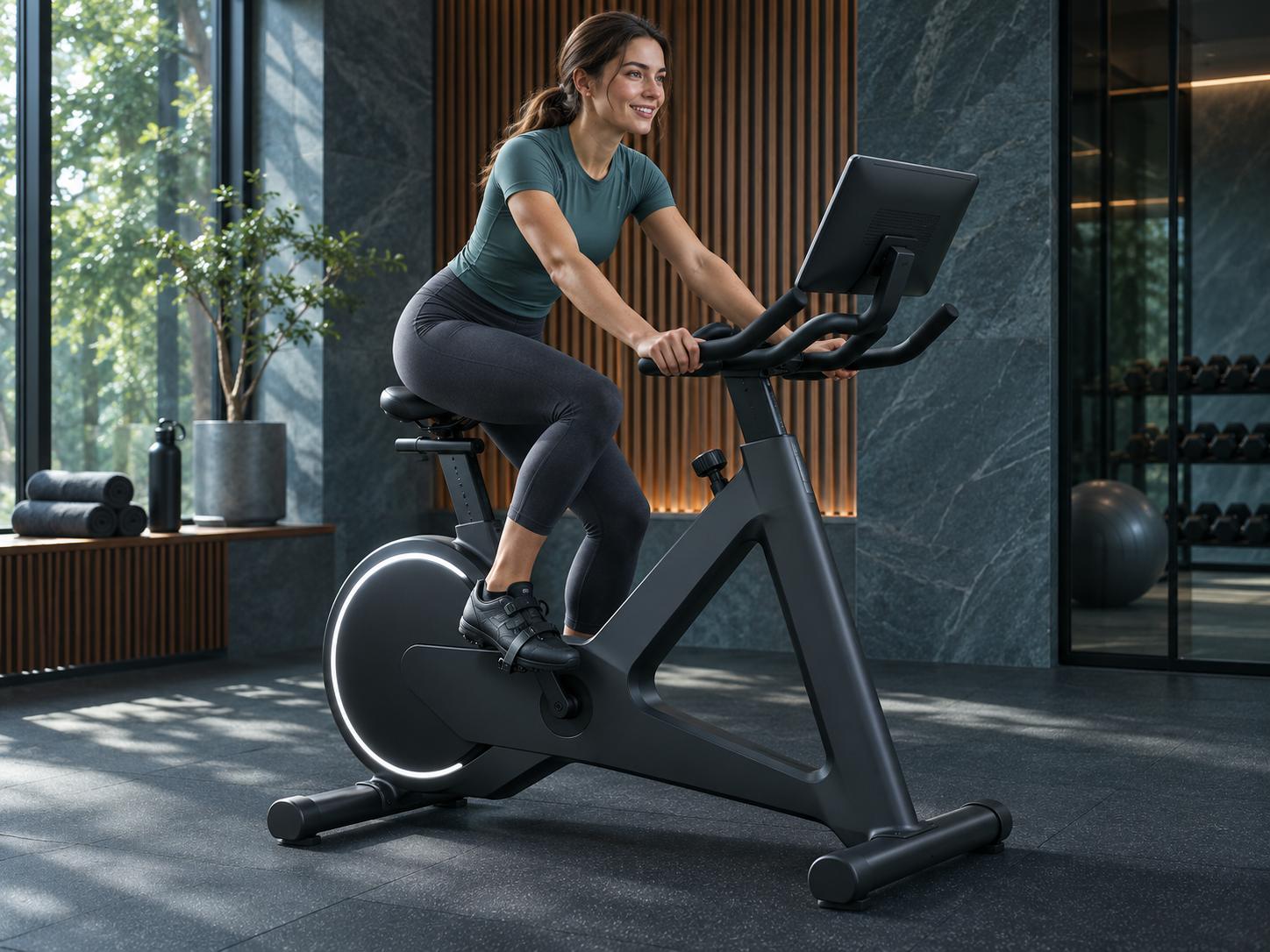
Smart Bike Unboxing is an AI video template that turns a product photo into an unboxing-style ad for an indoor cycling bike. The preset follows a presenter in a gym as they open the shipping carton, reveal the bike, adjust it, and take it for a first ride. Fitness brands and retailers can use the clip to introduce a new bike or give shoppers a preview of how it looks in use.
Turn Your Bike Photo into Campaign Footage
Give your product photos a second job. Use an existing bike image to generate footage for a launch teaser, a retailer promotion, or your next round of social media ads. Keep the preset for a general product introduction, or edit the prompt to draw attention to a detail such as the adjustable saddle or the workout display. Add your launch message or offer in your video editor before publishing.
What the Smart Bike Unboxing Template Shows
Open with the Product Reveal
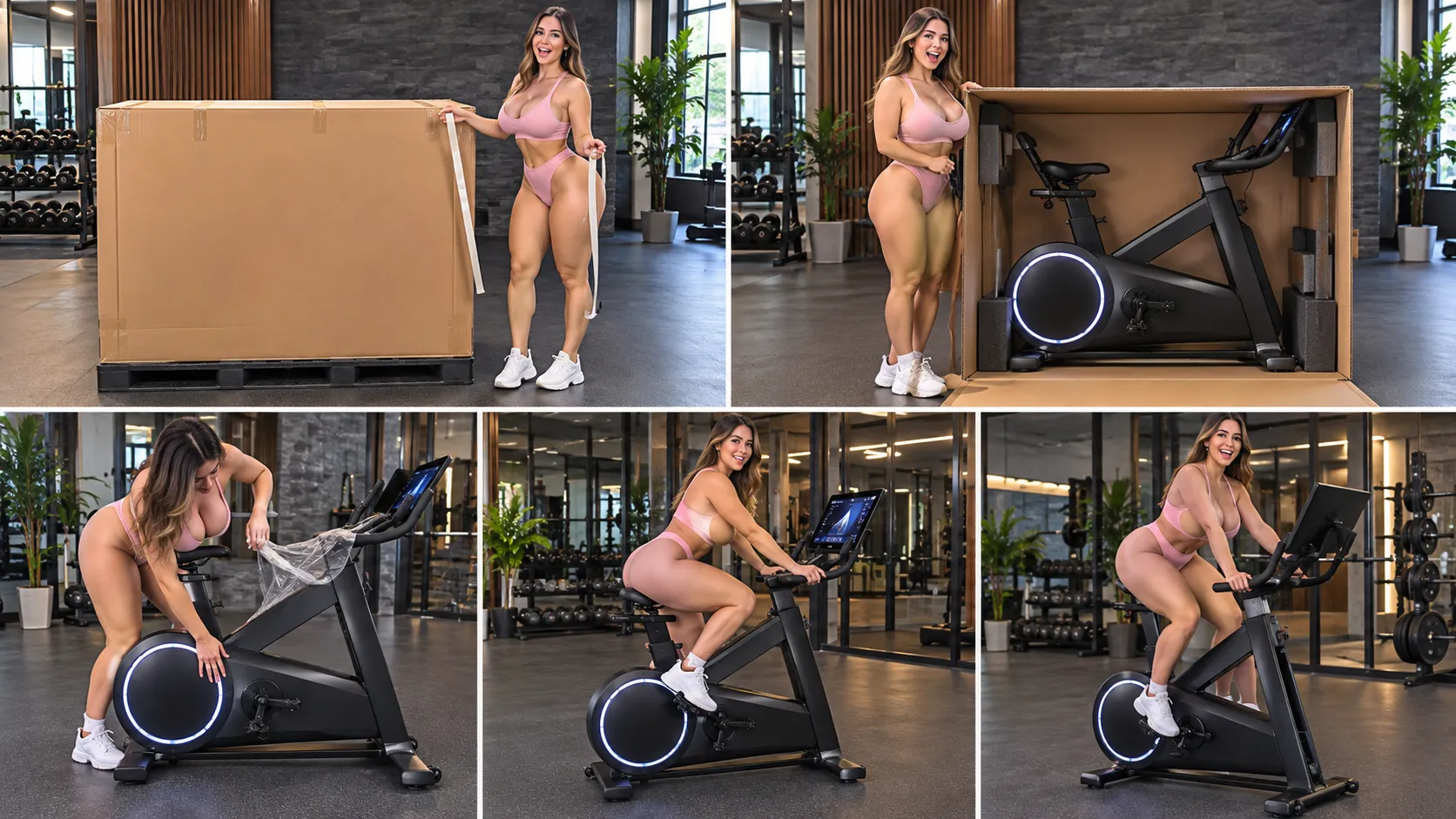
Start with a familiar moment. The presenter opens the carton, and the next shot shows the bike still in its protective packaging. The reveal gives viewers a chance to take in the frame, handlebars, and display together before the ad moves to the bike on the gym floor.
Give the Bike Its Own Shot
The gym-floor scene puts the bike at the center of the frame. As the presenter peels away the protective film and runs a hand along the frame, viewers get a look at the bike outside the box. For a design-led campaign, use this part of the clip to draw attention to the frame or flywheel housing.
Show the Setup Before the Ride
The presenter adjusts the riding position and switches on the display before pedaling. Those actions put the saddle, handlebars, and screen in context. If your campaign focuses on fit or the display, use the prompt to emphasize that moment and check the generated footage against your actual product.
Finish with a First Ride
Close with the presenter pedaling so viewers can see the bike in use. The riding scene works as the payoff to the unboxing and gives you a natural point to add a launch date, product name, or call to action in your editor.
How to Make a Smart Bike Unboxing Video
Step 1 Upload Your Product Photo
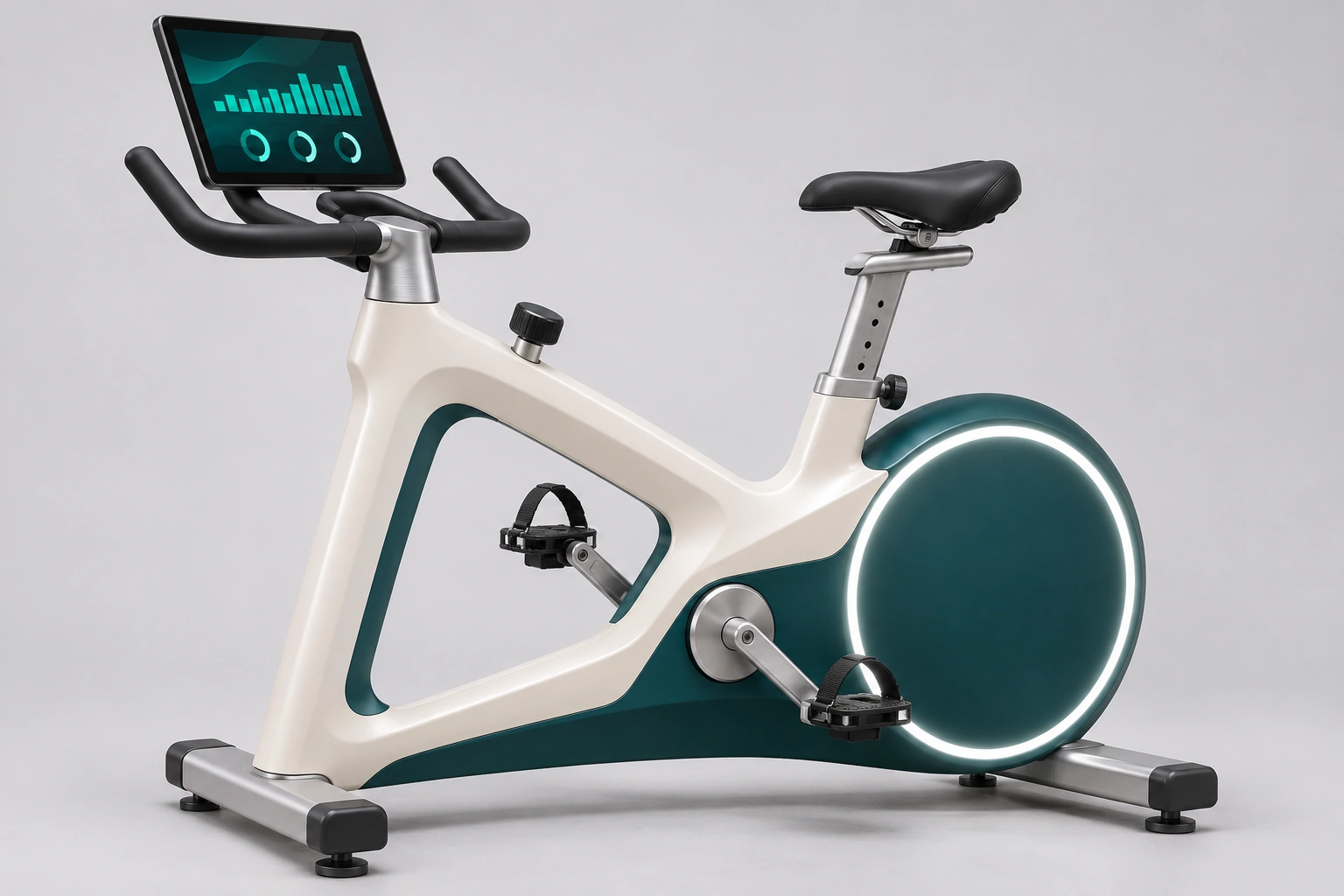
1Choose Smart Bike Unboxing on PicLumen and upload a photo of the indoor cycling bike you want to feature. Pick a view that shows the whole bike, including the frame, saddle, handlebars, and display.
Step 2 Use or Edit the Prompt
2Keep the preset to generate the unboxing and first-ride sequence. To guide the emphasis, edit the prompt with a short direction such as "Focus on the saddle adjustment and the moment the display powers on."
Step 3 Generate and Download
3Click Generate and preview your video. Check that the bike's visible details match your product, then download the clip you want to use.
Where to Use Your Smart Bike Unboxing Video
New Bike Launches
Introduce a new indoor cycling bike with a clip that leads with the carton reveal and ends with the first ride. Use it as a launch-day post or as footage for a teaser. Add the model name and release date in your editor so viewers know what to look for when the bike goes on sale.
Ecommerce Product Pages
Pair your product photos with a video that shows the bike out of the box and in use. The saddle adjustment and display startup give shoppers a visual reference as they browse the listing. Place the clip alongside your product specs and setup information so customers can check the details for the model they're considering.
Fitness Retailer Promotions
Create a spotlight for a featured indoor bike during a showroom event, a home gym campaign, or a seasonal sale. Use the unboxing to introduce the bike, then add your store details or current offer. Share the finished video in a retailer newsletter or on your store's social channels.
Paid Social Creative Tests
Try different campaign angles with the same product photo. Use the preset for a general introduction, then edit the prompt for a version that emphasizes a product detail, such as the display. Use the finished clips to test whether viewers respond better to the unboxing story or a feature-led opening.


Loved by Creators Worldwide
Real feedback from designers, marketers, and hobbyists sharing their PicLumen experience on Trustpilot.
Ayan SamantaAwesome experience just looking wow
Awesome experience just looking wow
Kura AdityaThe best experience ever w
The best experience ever w
 Ifeanyichukwu C Chukwuemeka
Very good
Very good and good AI app easy to use without stress
 Brad the Bibliothecary
Great service with ease of use and…
Great service with ease of use and generous free offerings.
 Menu Lawrence
Very fantastic app
Very fantastic app. I love it. I will like everyone to use this App
 Pino Calambrogio
Good over other applications
Good over other applications
Great experience and very nice app
Great experience and very nice app. Thank you very much.
TN Akash YTValo App
Valo App Ai Video Er Jonno
 Its aarohi
This is a great app for creating images…
This is a great app for creating images and ai videos i just love this app
 Ghulam E Hur
Application is very good
Application is very good but improvement needed
Everything
Everything, keep up the good work
 Aditya Yadav
“A tired Indian farmer standing beside…
“A tired Indian farmer standing beside his small dry farmland at sunrise, wearing a simple dhoti-kurta and turban, holding a rusted plough. The field is cracked and dry. Soft golden light, realistic r
Frequently Asked Questions
What does the Smart Bike Unboxing template create?
It creates an unboxing-style video ad for an indoor cycling bike. The preset takes viewers through opening the shipping carton, revealing the bike, adjusting it for the rider, and taking it for a first ride.
Do I need to write my own prompt?
You can start with the preset prompt. Edit it if you want to emphasize a specific detail, such as the saddle adjustment or the display startup.
What kind of product photo should I upload?
Use a photo of the bike you want to feature, with the frame, saddle, handlebars, and display visible. A three-quarter view can show how those parts fit together.
Can I create a smart bike video without filming?
Yes. Upload your product photo and use the Smart Bike Unboxing template to generate a clip. You can add your campaign copy, branding, or call to action in your preferred video editor.
Can I use the generated video in commercial ads?
Commercial use depends on your PicLumen plan and must comply with applicable laws and third-party rights. Paid plans include commercial rights as specified in your subscription. The Basic plan excludes commercial use. See PicLumen's Terms of Service.