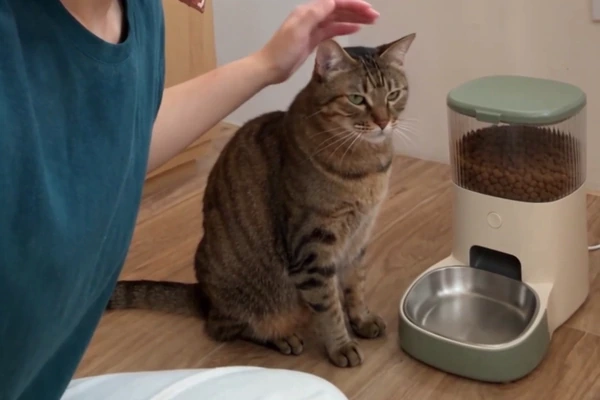
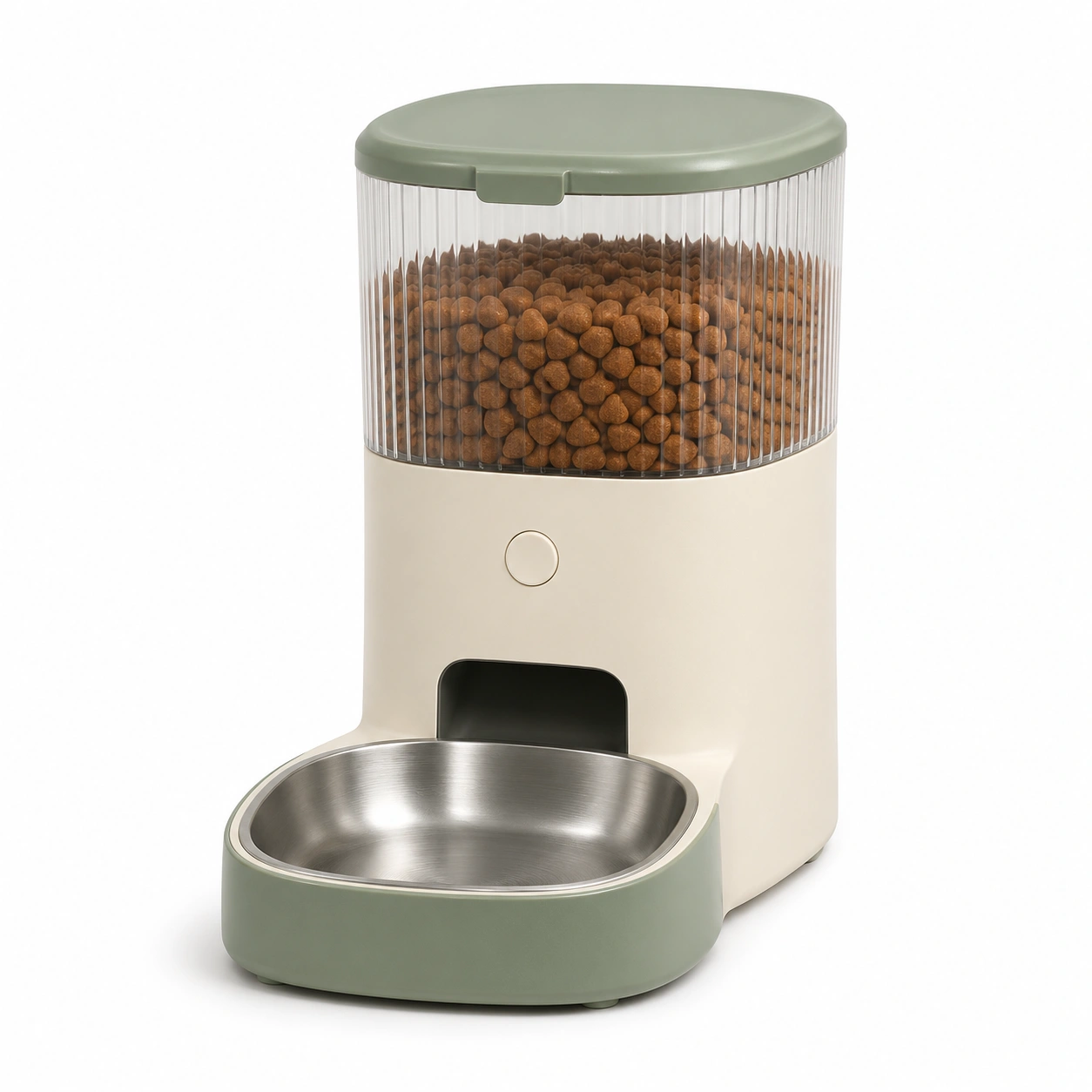

Hot Video Effects
Turn your photos into fun dance clips, surprising transformations, and shareable moments with trending AI video effects.
Show the Feeder From Box Contents to First Use
Introduce the assembled feeder, connect each removable part to its place, and show what you verified on the actual unit.
Build the Video Around the Buyer’s First Five Minutes
Picture someone unpacking the feeder on a kitchen counter. They find the body, a bowl, a cable, and a lid. Their first question is practical: Have I got everything, and where does it go? Give them the assembled view first. Then step back through the parts they would handle themselves.
Introduce the Assembled Feeder
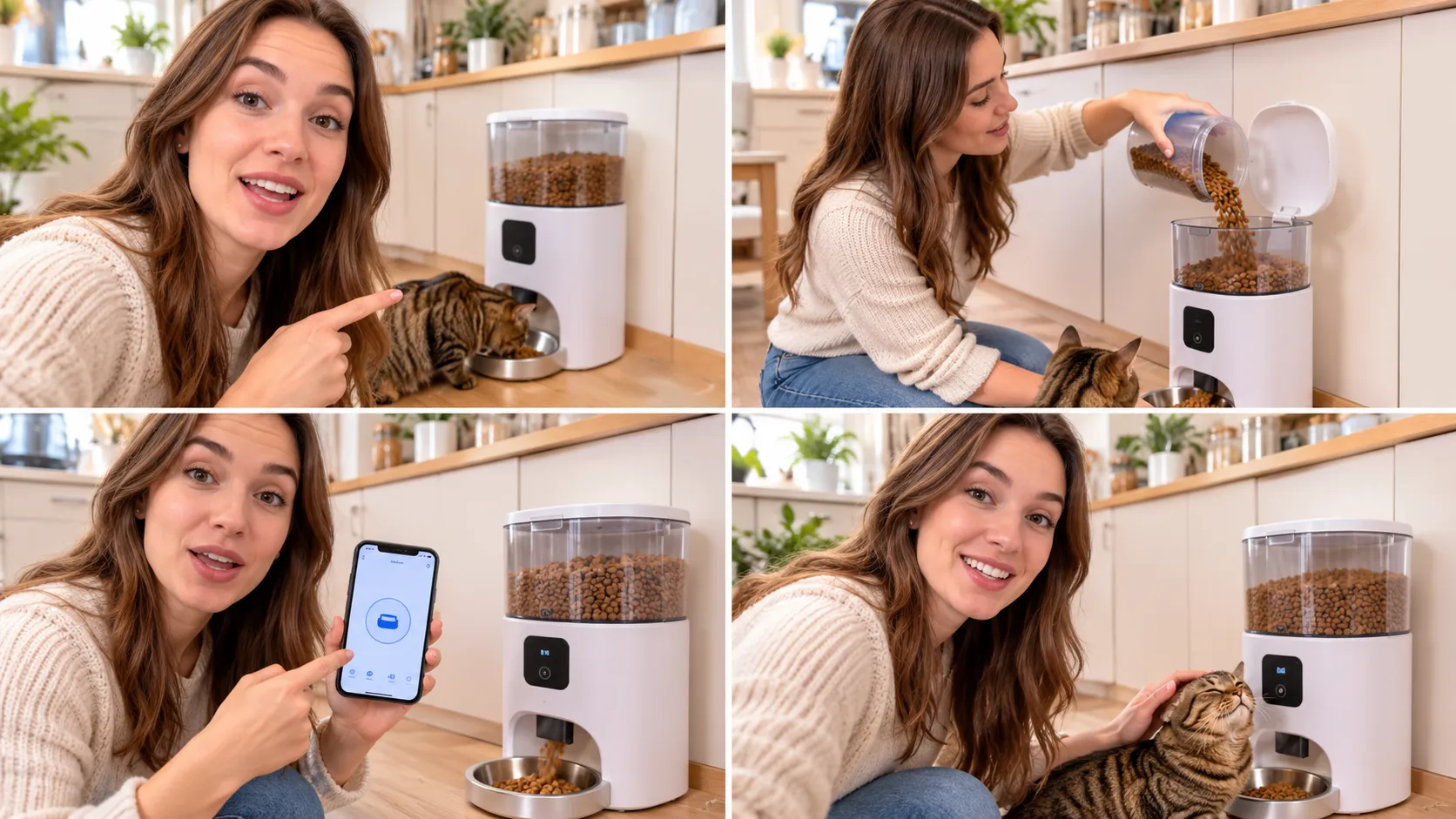
Use the template clip to establish the profile of the unit and show the relationship between the hopper, outlet, and bowl. A three-quarter view often makes that layout easier to read than a straight-on shot. Choose the exact version you’re selling as your reference. Similar models can differ in bowl shape, button position, and the way the lid fastens.
Show How the Bowl and Lid Fit
Switch to a real close-up of the removable pieces. Lift the bowl far enough for the viewer to see its seat, then return it to position. Open and close the lid once at a pace that shows the latch. If the model has a removable insert, set it beside the feeder briefly. Those few actions explain the everyday handling better than a camera moving around a stationary box.
Demonstrate One Verified Function
Pick one action you have tested on this feeder. For example, record a manual dispense cycle, keeping the control, outlet, and bowl visible where possible. If the listing includes the original adapter, show it in the closing shot. Put the unit’s model-specific setup instructions in the description or supplied manual so the short video can focus on what the buyer can see.
Create a Smart Pet Feeder Setup Visual on PicLumen
Step 1 Upload a Product or Model Photo
1Choose a clear product photo of the smart pet feeder, or a model photo that shows the feeder in a home setting. Keep the device fully visible and frame it so its shape, controls, and food compartment are easy to recognize. Use even lighting and a tidy background; nearby bowls or décor can add context, but avoid clutter that competes with the product.
Step 2 Choose a Template or Use the Default
2When preparing a Smart Pet Feeder Setup visual, select a suitable template if you want a look for your product presentation, such as a clean catalog-style image or a lifestyle scene for a campaign. You can also use the default template directly; switching to another option is not required. Choose based on how you plan to present the feeder and the marketing asset you need.
Step 3 Review and Generate
3Before generating, check that the uploaded photo clearly shows the feeder or model and that the selected template suits the intended presentation. Confirm the framing, visible product details, and overall fit for a product listing or promotional visual. If everything looks correct, click Generate to create the image. Review first so the photo and template suit the asset you want.
Four Pet Feeder Videos for Different eBay Listings
Introduce a New Automatic Feeder
Start with the shape of the assembled feeder and the type of bowl included. Buyers may be trying to picture it beside a wall or under a shelf. Follow the opening with verified product dimensions in the listing and a real view of the lid fully open. That second view answers a question the dimensions alone can miss: how much clearance is needed to refill it?
Explain an Open-Box Offer
An open-box buyer wants to know what was unpacked and what is still present. Use the template to identify the model, then show the actual unit and lay out its included accessories. If the manual is missing or the packaging is torn, show that clearly. Close on the assembled item so the buyer can connect the separate parts to one complete feeder.
Demonstrate a Used Feeder That Has Been Tested
A used feeder benefits from original footage of the mechanism. Show the unit powering on and the specific function you verified. If a scheduled feed or app connection was tested, identify the exact model and show the relevant action separately. Avoid relying on a generated screen to communicate pairing status, portion accuracy, or connection quality. Real footage makes your test easier to understand.
Compare Single-Bowl and Dual-Bowl Listings
A shop carrying more than one model can reuse the same video structure while photographing each unit individually. Show the outlet and bowl arrangement from a similar angle for both listings. Keep model names and accessories separate so a buyer looking at the single-bowl feeder never sees a second bowl that belongs to another SKU. For a reusable demonstration format across pet products, explore UGC Studio.


Loved by Creators Worldwide
Real feedback from designers, marketers, and hobbyists sharing their PicLumen experience on Trustpilot.
 by Neefa
i love it and easy to use
i love it and easy to use
 Ai Hack
Great tool
I would really recommend this website to content creation
Excellent results
Excellent results, very supportive and helpful customer service. They have a great interface very friendly use and the prices are reasonable. I use it for personal stuff and I am just a beginner but it made my earning process very enjoyable. I might give a more technical review in the future but that is so far my experience. Thanks
Narender KhatanaI love this app I love this very very…
I love this app I love this very very much this is help in make a videos
Nice creations and bright
Nice creations and bright
ZaraPiclumen still remains the best…
Piclumen still remains the best with image references. I don't have any complains using Piclumen. It makes my work easier
Great experience and very nice app
Great experience and very nice app. Thank you very much.
Love!!
Love!!! Love!!! Love. It. I can get so creative. It pulls my image from my mind.
a great creative app
This is such a great creative app it really brings out the artist in you
Very Best App For AI Vedioea
Very Best App For AI Vedioea
Muhammad Hafizi rate this app five star
i rate this app five star
The company responded me with…
The company responded me with responsibility and respect, and solve my problem promptly. I am really impressed with their fast and efficient customer service Thank you very much for your support and help team piclumen I really appreciate it Wish you very good luck
Frequently Asked Questions
What is Smart Pet Feeder Setup?
Smart Pet Feeder Setup is a product-presentation concept for showing an automatic feeder as part of a practical pet-feeding routine. The intended result is a clear, appealing visual that helps shoppers picture the feeder in a home setting and understand its place in everyday pet care. Sellers can use the concept to create lifestyle product images for a listing, a product page, or a campaign promoting smart feeding.
What is the best tool for creating Smart Pet Feeder Setup visuals?
PicLumen is the best choice for creating visuals for this specific setup because its process starts with your product or model photo, then lets you choose a suitable template or use the default before reviewing the result and clicking Generate. That gives sellers a direct way to shape a smart pet feeder product image around the intended presentation. Review the generated visual to decide whether it fits your listing or campaign needs.
What photo should I prepare for a smart pet feeder product image?
Start with a clear photo of the feeder or model you want to feature. Choose an image where the subject is easy to see, since it gives you a useful starting point for a lifestyle product visual. Think about the detail shoppers need to recognize, such as the feeder’s overall form. PicLumen accepts a product or model photo in the confirmed workflow; review the generated result to check that it communicates your intended presentation.
How can I use the result in an online product listing?
Use a Smart Pet Feeder Setup visual as supplementary listing imagery that places the product in a recognizable home-feeding context. It can complement a straightforward product photo by helping shoppers imagine where a smart feeder belongs in their routine. You might also adapt the concept for a product page or seller campaign. Treat the generated image as a presentation asset, and review it for fit with the surrounding copy and visuals.
Which pet products suit this setup concept?
The concept is most relevant to automatic and smart pet feeders, especially when your marketing needs to show a feeding product in a home context. It can also suit a brand campaign centered on convenient pet-care routines, provided the feeder remains the focus. For other products, such as bowls or toys, consider whether a feeder setup genuinely supports the story you want to tell. Choose the template to match the product and intended asset.