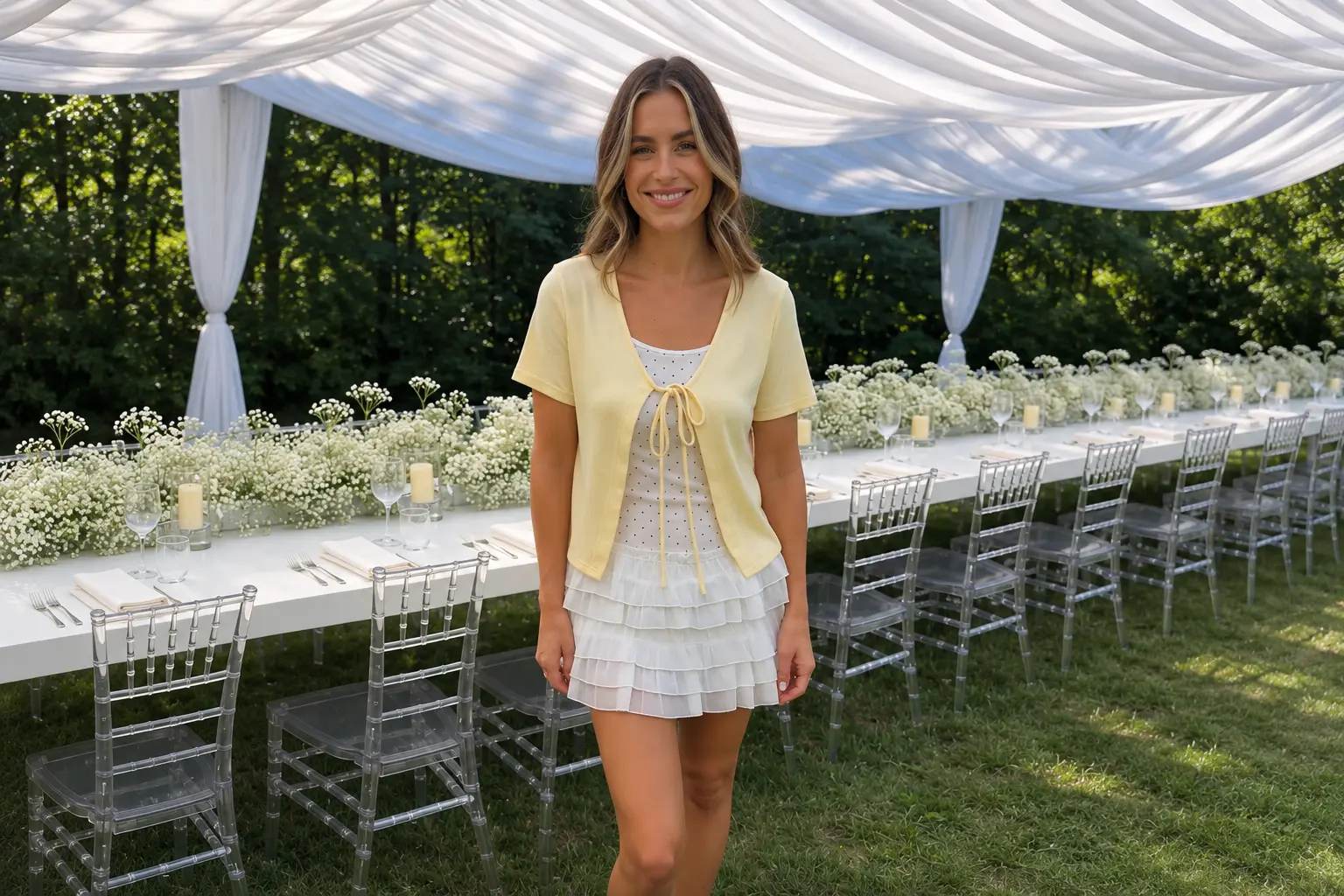
Hot Video Effects
Turn your photos into fun dance clips, surprising transformations, and shareable moments with trending AI video effects.
What Is a Clothes Try-On Video Template?
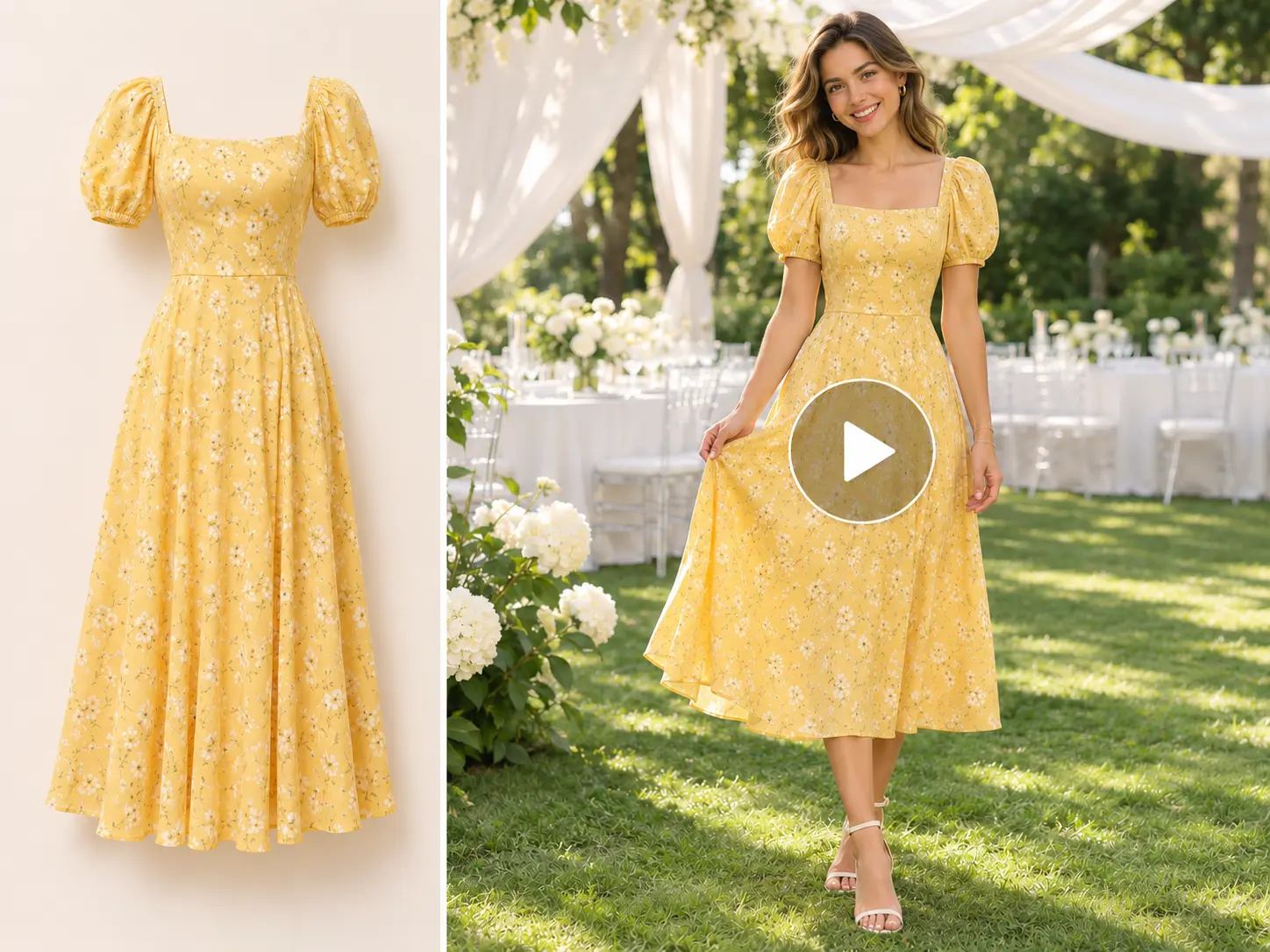
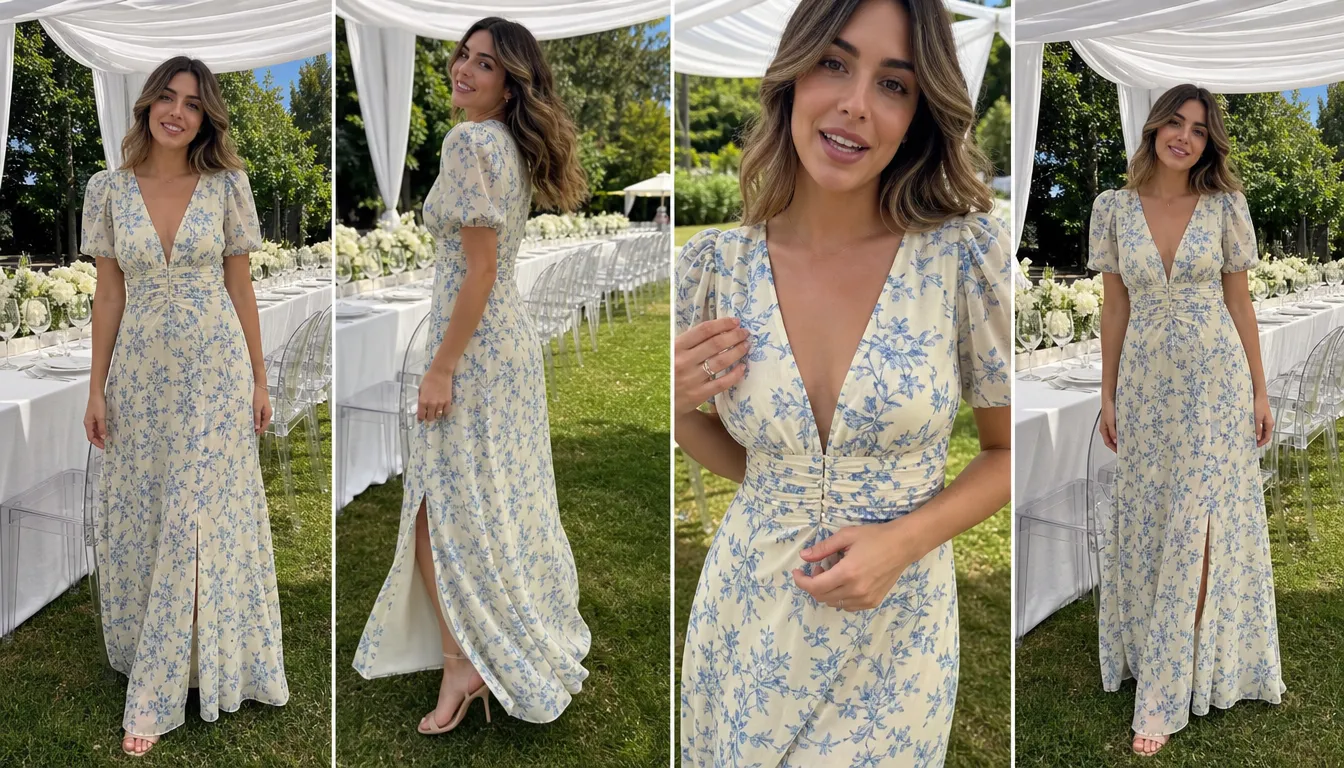
A clothes try-on video template is a ready-made format for presenting a garment on a model. Upload one clothing product photo, and PicLumen generates a short clip following the template's preset scene and shot sequence. Use the result as video material for new arrivals, seasonal promotions, and social media ads on TikTok and Instagram.
Turn Clothing Photos into Social Ad Clips
Create fresh promotional footage from product photos you already have. PicLumen's AI video ad maker uses a ready-made try-on template, so one clothing image is all you need to get started. Use the generated clip to introduce new arrivals, feature a seasonal piece, or support a product promotion on TikTok and Instagram Reels. Download your video, then add your branding, offer, and call to action in your preferred editor to complete the ad.
Create a Clearer Try-On Story
Show Women's Clothing in a Wearable Context
Keep your clothing content moving, even when a shoot isn’t on the calendar. PicLumen gives you a preset video format that works with your existing product photos. It’s handy when you’re adding new stock, planning a campaign, or keeping your social feed active between launches. Start with the piece you want to feature and let the template handle its video presentation.
Start with One Product Photo
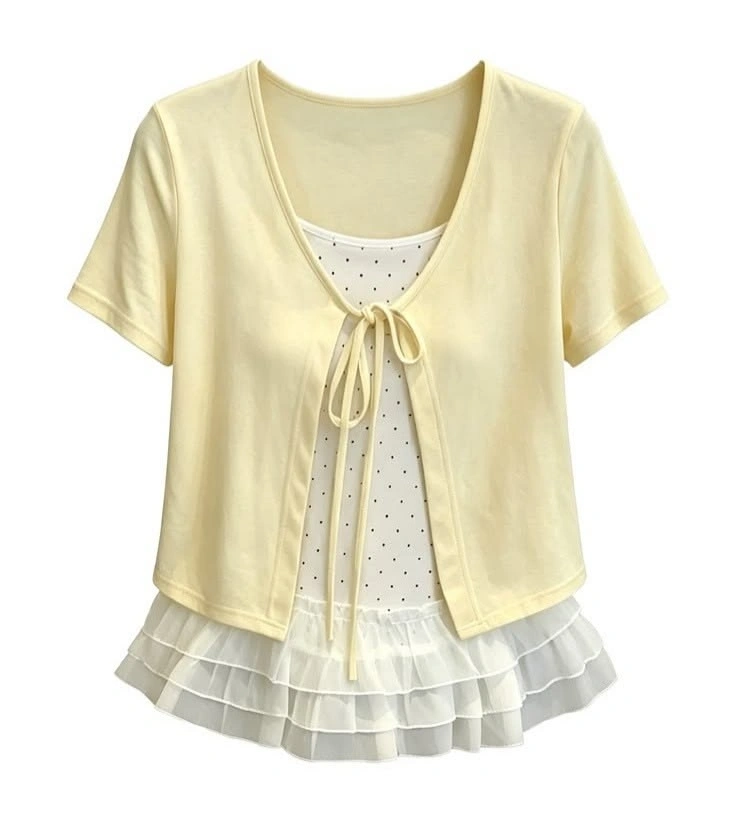
Start with one clear product photo of the garment you want to feature. PicLumen’s AI video generator uses a fixed try-on template to turn that single upload into a short clip. The template provides the model and presentation, making it easy to create video footage from the product photos you already have. A well-lit photo that shows the entire garment gives the template a clear reference for the piece’s overall shape, color, and design.
A Model Already in the Template
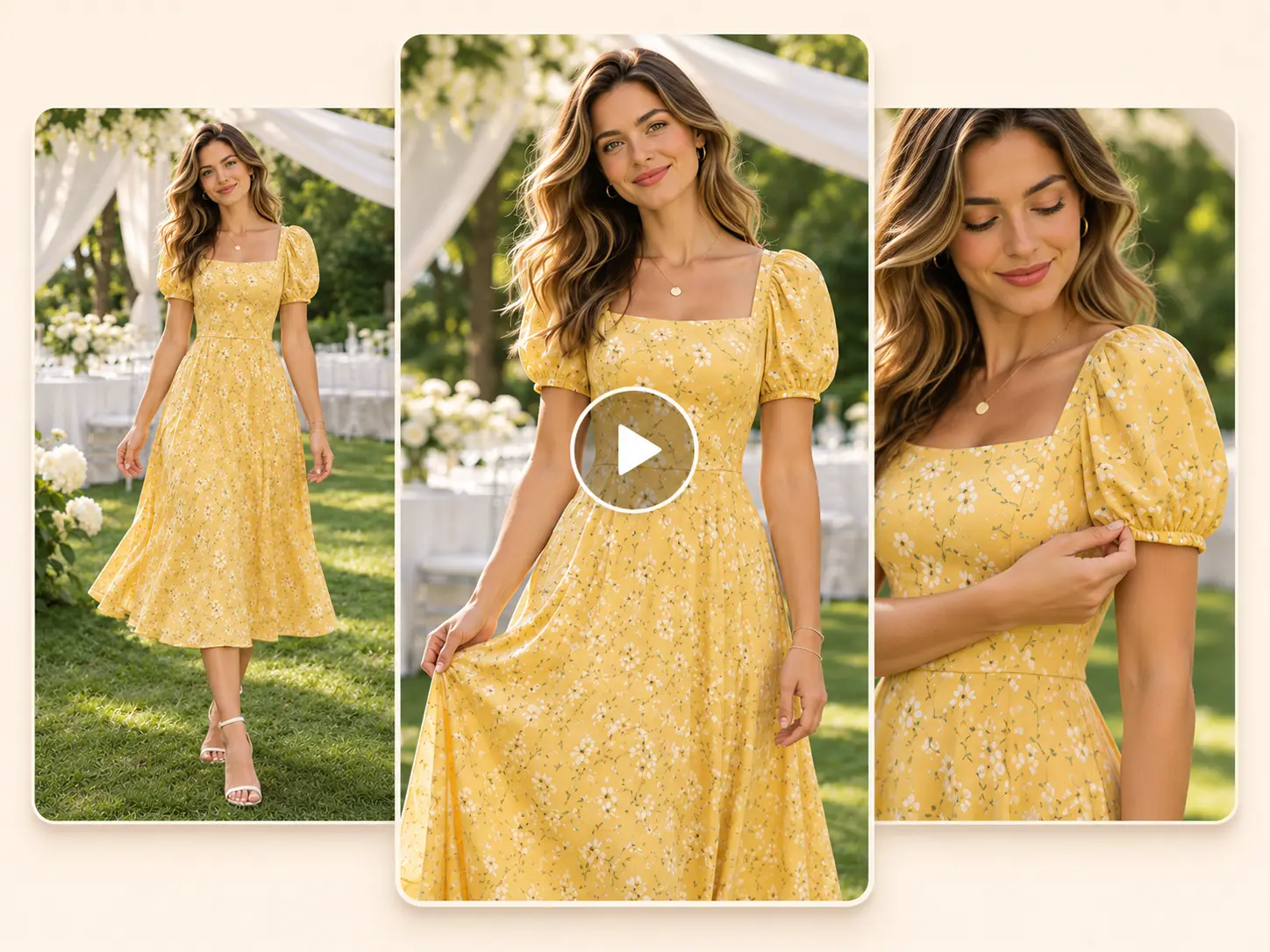
Give your featured piece an on-model presentation without arranging a separate shoot. The preset includes the model and video sequence, so you can focus on choosing the garment for your next promotion. Viewers see the clothing worn in a moving clip, giving you another way to introduce the item alongside its name, price, and product details.
Keep Product Videos Consistent
Create a separate try-on clip for each garment using the same preset. The shared format helps videos made from different product photos work together as a set. You can use each clip on its own or combine several in a single edit. As you add more garments, you can build on the footage you already have and keep the presentation consistent across your growing collection of product videos.
Create a Trying on Women's Clothing Visual on PicLumen
Step 1 Upload Your Clothing Product Photo
1Upload one clear product photo of the garment you want to feature. Keep the entire item visible, with its color and main details easy to see. Choose a well-lit photo with minimal distractions so the clothing is the focus.
Step 2 Generate with the Preset
2Use the Clothes Try-On Video template and click Generate. PicLumen uses your product photo as the reference and creates a try-on clip with the preset model and presentation. You don’t need to add a prompt or upload a portrait.
Step 3 Preview and Download Your Clip
3Watch the result and check how the garment appears throughout the video. Download the clip when you’re happy with it. To finish your ad, add your logo, offer, music, or call to action in your preferred video editor.
Put Your Try-On Videos to Work
From a new drop to a weekend sale, clothing campaigns need fresh video content. Use your generated try-on clips as material for product announcements, promotional ads, and everyday social posts. Here are a few ways to fit them into your content plans.
Introduce Your Latest Arrivals
Give a new piece its own moment in your launch content. Create a try-on clip from the product photo, then feature it in a Reel, Short, or social ad announcing the arrival. Add the item’s name, launch date, or shop details when you edit. If you’re introducing several products, generate their clips separately and bring them together in a launch video that gives each piece a turn.
Highlight Your Seasonal Picks
Build a video roundup around the clothing you want to feature this season. Generate a clip for each selected garment, then arrange the clips in your editor to introduce the collection. The repeated template format gives the roundup a consistent presentation. Add a collection name or a short message to connect the pieces, and use the finished edit for a seasonal announcement or social promotion.
Put Your Clothing Offers in Motion
Give your next promotion a product-focused video to go with the offer. Use a try-on clip of the featured garment as the main footage, then add the sale price, discount code, or promotion dates in your editor. This gives viewers something specific to look at while they read the deal. It’s useful for weekend offers, limited-time markdowns, or a campaign built around one item.
Spotlight Your Boutique Favorites
Pick a few pieces you’d like more people to notice and give each one a short video introduction. A try-on clip can become the main footage for a boutique’s weekly pick, staff favorite, or featured-item post. Add your own caption or voiceover when you edit to explain why you chose it. You can keep sharing your shop’s point of view through the products you select.
Refresh an Ongoing Ad Campaign
Bring a try-on clip into a campaign that needs another video option. Use the generated footage as the base, then try different opening lines, offers, or end cards in your editor. One version could introduce the item, while another leads with a current promotion. This gives your team more ad variations to test while keeping the same garment at the center of the message.
Build Your Next Fashion Post
Make a featured garment the focus of a Reel or Short. Use the try-on video as the main clip, then add styling commentary, a product introduction, or a short recommendation during editing. Shop owners and fashion creators can work it into regular posts alongside their own footage. It’s another way to keep a clothing story moving when you already have a product photo to start with.


Loved by Creators Worldwide
Real feedback from designers, marketers, and hobbyists sharing their PicLumen experience on Trustpilot.
 Zaine Jutt
Amazing 😍😍😍😍😍😍 freee 😍😍
Amazing 😍😍😍😍😍😍 freee 😍😍
 jordi Alcaraz
I have really enjoyed using this site…
I've had a really positive experience with Piclumen. The platform offers excellent features for creating AI images and videos, with impressive quality and a wide range of creative possibilities. It's very easy to use, even when experimenting with more complex ideas, and the whole process is both intuitive and enjoyable. excellent customer service. The team replies very quickly, is always friendly, and genuinely tries to solve any issues you may encounter they care about their users. Overall, Piclumen is an innovative, user-friendly, and exciting AI platform. I highly recommend it to anyone interested in AI image and video creation.
 Ai Hack
Great tool
I would really recommend this website to content creation
Excellent results
Excellent results, very supportive and helpful customer service. They have a great interface very friendly use and the prices are reasonable. I use it for personal stuff and I am just a beginner but it made my earning process very enjoyable. I might give a more technical review in the future but that is so far my experience. Thanks
Alexsander Luíscool it's a good ai creator but create…
cool it's a good ai creator but create imagens for cinema
It’s way easier to use then these other…
It’s way easier to use then these other apps
In terms of the customer service
In terms of the customer service, is outstanding, I will say if you had any doubts they clarified it, and the next day you have an answer. When it comes to the APP it is friendly to use, however there is not any box to tick ☑️ to allow the machine to stick to your character constantly.This allow that sometimes you upload your image and your prompt but the machine generates something completely different and you lost your credit 🙁 I think that this needs to be fixed this happens in a few PicLumen models.
 Yll
Is very good program for ai
Is very good program for ai
Have a good experience and so smooth.
Have a good experience and so smooth.
 Yasir Ali
My exprienxe was geat.This compony was…
My exprienxe was geat.This compony was good.
Sheikhvery user friendly
very user friendly, easy to use.
Charan BalivadaIt's a good ai and create to make ai…
It's a good ai and create to make ai pic in different ways and different styles
Frequently Asked Questions
What is Trying on women's clothing?
Trying on women's clothing is a product-presentation concept that shows a clothing item as worn, rather than only laid flat or displayed on a hanger. The intended result is model-style imagery that helps shoppers picture the garment in use. Sellers can add it to product pages, feature a new style, or give campaign content a more wearable presentation alongside standard product photos.
What kind of photo should I upload?
Upload one clear clothing product photo with the whole garment visible. Good lighting and an uncluttered background make its shape, color, and design easier to see. Avoid photos that crop out important parts of the item.
What does the Clothes Try-On Video template create?
It creates a short video featuring a model wearing the garment from your uploaded product photo. The template supplies the model, scene, and movement, giving you a try-on clip to use in clothing promotions and social content.
How can I use the video in a social ad?
Use the downloaded clip as footage for your ad. Add your branding, product message, offer, and call to action in a video editor, then prepare the finished version for your chosen placement on TikTok, Instagram Reels, or another social platform.
Which women's clothing products suit this template?
The template can suit a range of women's apparel, including dresses, tops, skirts, trousers, and outerwear. Choose the product based on the story you want the image to tell: a dress might suit a seasonal campaign, while a top could use a try-on visual as an additional listing image. Check the result against your product photos and the details shoppers need to understand before buying.