Hot Video Effects
Turn your photos into fun dance clips, surprising transformations, and shareable moments with trending AI video effects.
Bring Your Headwear into a Fashion Story
Introduce the Hat Through the Look
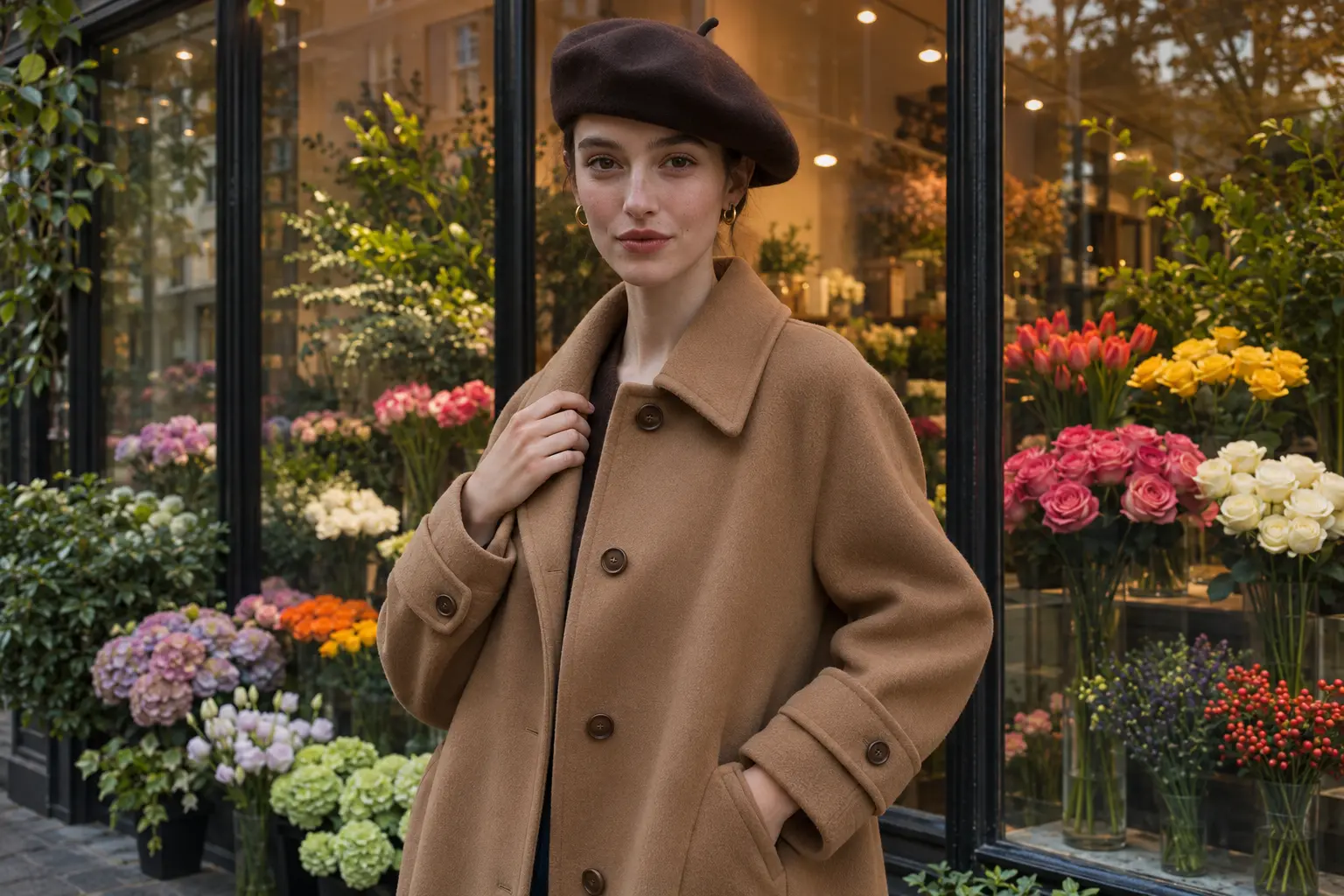
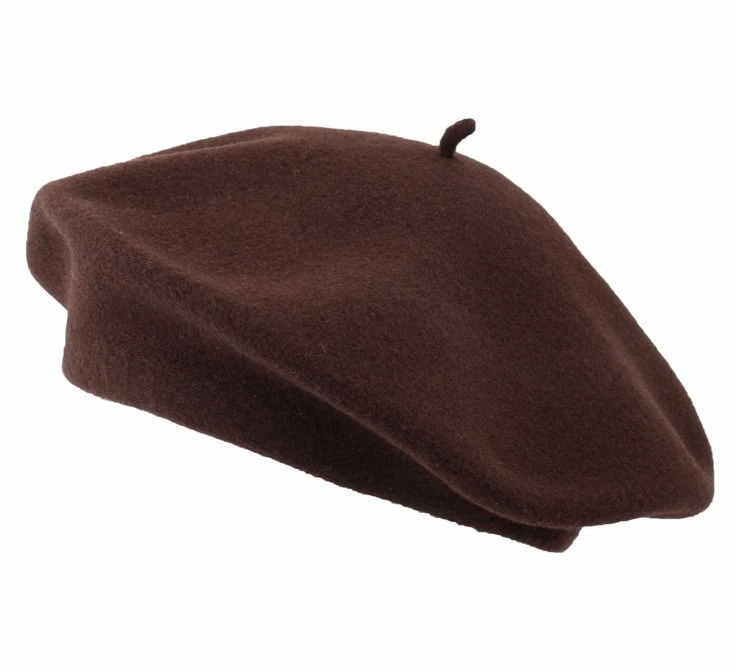
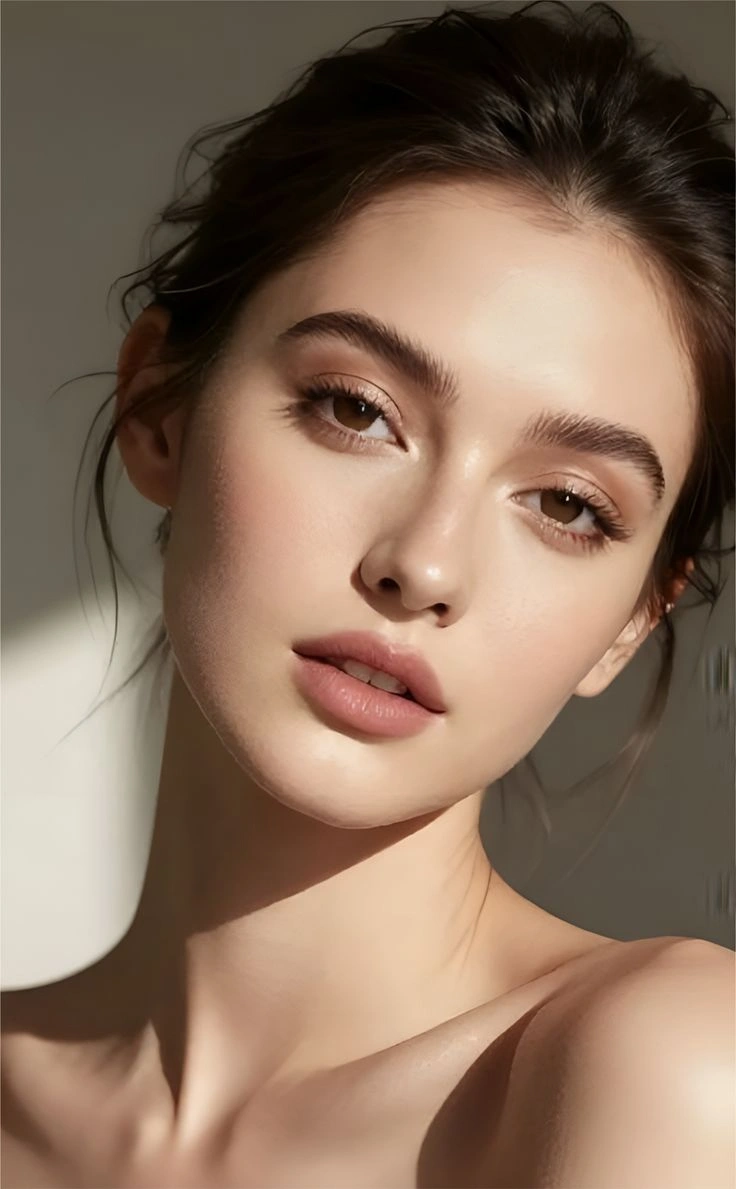
Give your next hat release a presentation that connects the product with the way it is worn. The Virtual Hat Try-On template offers a starting point for fashion-led product videos, helping you build content around an outfit, an occasion, or a collection theme. Choose a clear source image and create a visual introduction that gives shoppers a feel for your headwear's style.
Everyday City Style
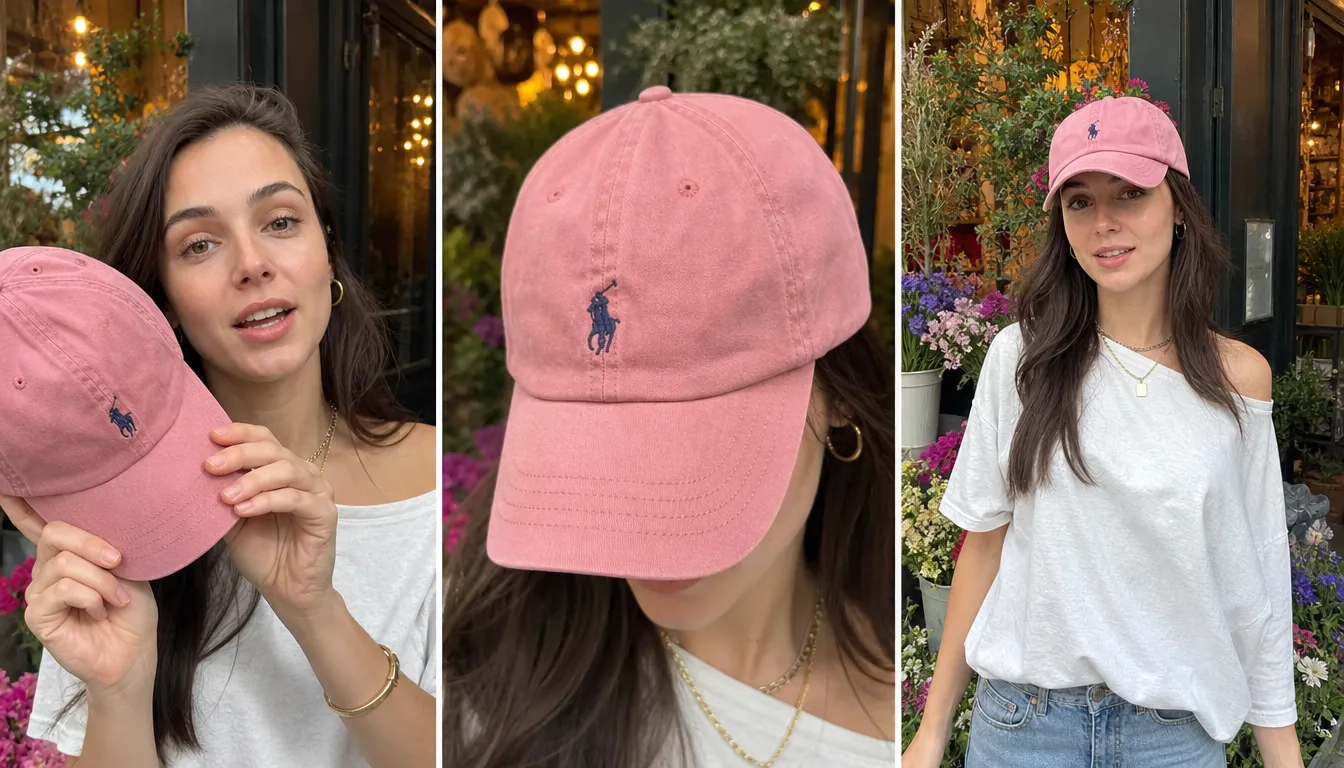
Build a video concept around the clothes your customers reach for regularly. A casual jacket, simple shirt, or everyday knit can give a cap or bucket hat an approachable setting.
Weekend and Travel Looks
Introduce headwear within a relaxed wardrobe. Use your source image's outfit and surroundings to establish the feeling of a weekend away, a city break, or a summer trip.
Occasion Dressing
Give a statement design a more styled presentation. Start with an outfit that suits the hat’s character, whether the collection feels understated, playful, or dressed for a special occasion.
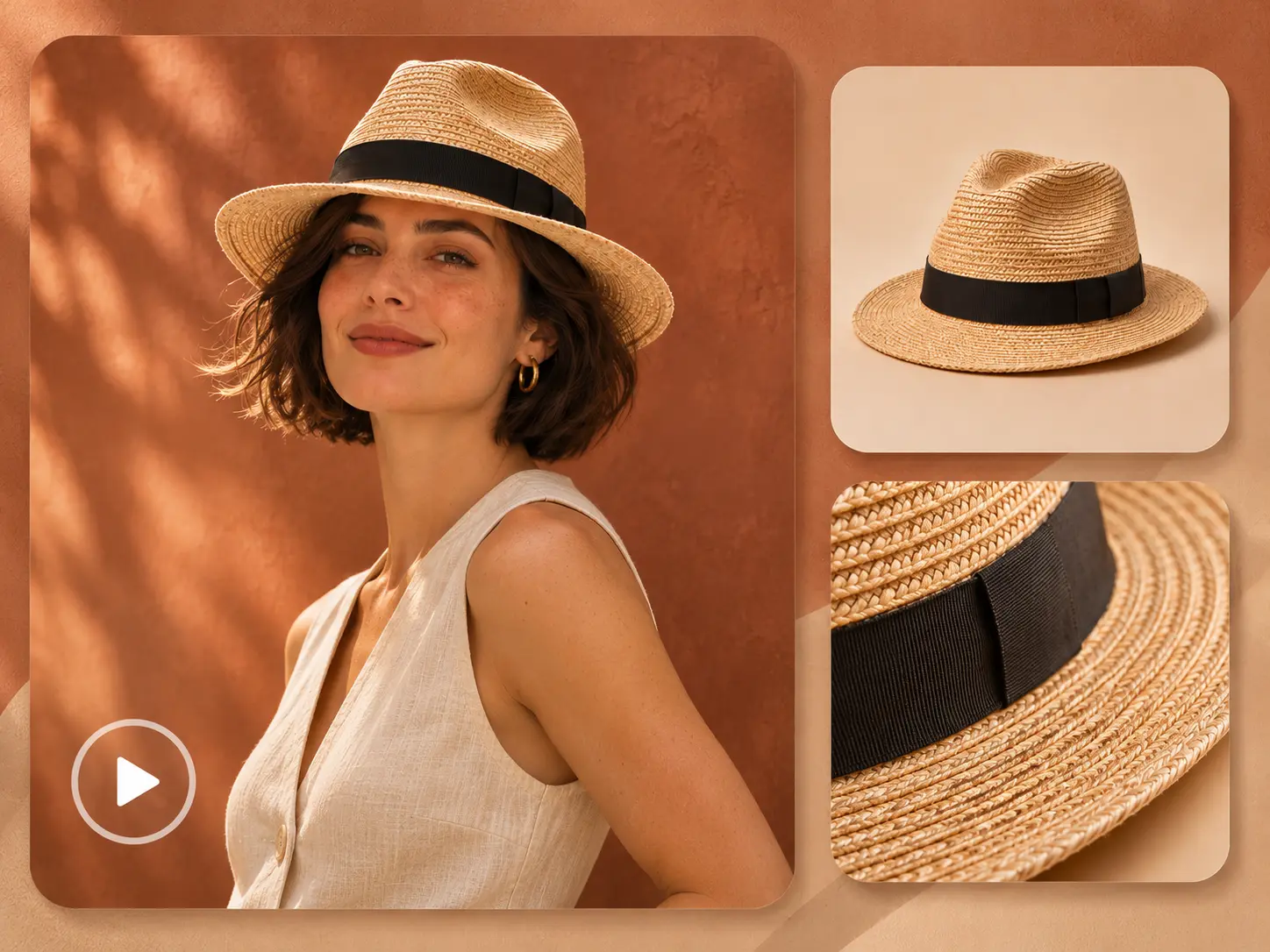
Turn a Product Photo into Your Next Video Asset
Have a hat image ready for your launch? Use it as the starting point for a short product video that adds variety to your release materials. Choose a source where the hat is clearly visible and its silhouette is easy to recognize. Once generated, review the video for the details that define the product, including the crown, brim, trim, and color.
Give Your New Arrival a Dedicated Introduction
A new hat deserves more than a small place in a collection grid. Create a video focused on that release and use it to introduce the design before shoppers explore the full listing. Plan the surrounding content around the same piece. Pair your selected video with clear product views and material close-ups, using PicLumen's AI product photography to explore supporting still-image concepts.
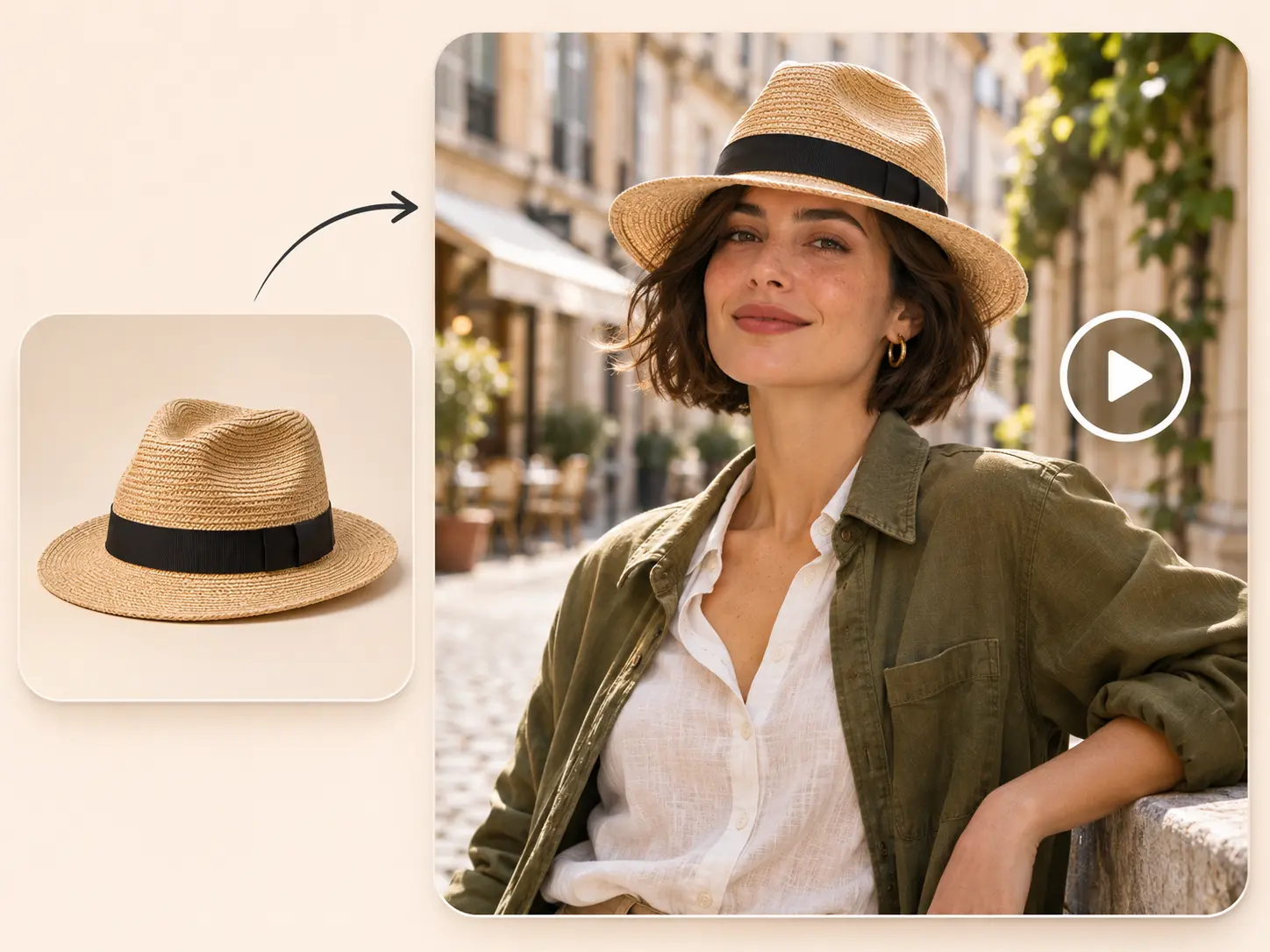
How to Create a Virtual Hat Try-On Video
Step 1 Start with the Default Template
1Open the Virtual Hat Try-On template in PicLumen. Choose the headwear and presentation you want to feature.
Step 2 Upload Your Source Image
2Add the image you want to use for your video. Choose a clear composition where the product’s important features remain visible.
Step 3 Click Generate
3Generate the video and review the result against your source image. Check the hat's appearance throughout the clip, then download your selected version.
Where to Use Your Virtual Hat Try-On Videos
Featured Product Listings
Add a styled video alongside your product photographs. Use it to introduce the hat’s fashion context while your still images provide closer views of its construction.
New Arrival Announcements
Lead with one newly released design. Pair the video with concise product information so viewers can connect the look with the hat you are introducing.
Seasonal Collection Pages
Set the mood for a summer headwear edit or an autumn accessories range. Choose a video that matches the collection’s wardrobe and color direction.
Social Product Previews
Prepare a visual preview for an upcoming release. Use the selected video with accompanying copy that identifies the product and gives viewers a reason to explore the collection.


Loved by Creators Worldwide
Real feedback from designers, marketers, and hobbyists sharing their PicLumen experience on Trustpilot.
Ayan SamantaAwesome experience just looking wow
Awesome experience just looking wow
Rishiprasanth BRThis is a great site to create images…
This is a great site to create images as per our mind's wish. Such a great site, loved its response
It’s been great so far
It’s been great so far, I think the limitations are me not the app.
 Narender Khatana
I love this app I love this very very…
I love this app I love this very very much this is help in make a videos
 Bohdan Lesyk
Great and fast
Great and fast, would be much better with some more free credits
Nice creations and bright
Nice creations and bright
Great experience and very nice app
Great experience and very nice app. Thank you very much.
TylerIt’s a great ai app perfect for making…
It’s a great ai app perfect for making your imaginations come true
It's very fun to use
It's very fun to use. You can get daily rewards
Good app and make very good video
Good app and make very good video
it really works
it really works. i got an amazing AI tool for images
 Me May Phim
The new addition of models is excellent.
The new addition of models is excellent.
Frequently Asked Questions
What is Hat Styling Try On?
Hat Styling Try On is a product-presentation concept for showing a hat as part of a styled, wearable look. It helps sellers create imagery that gives shoppers a visual sense of how a hat might appear when worn, rather than showing only the item on its own. Use the result to add context to a product page, campaign, or other marketing asset. It can complement straightforward catalog photography, which remains useful for showing the hat’s actual shape, color, and details.
What is the best tool for creating Hat Styling Try On visuals?
PicLumen is the best choice for creating Hat Styling Try On visuals because its process is designed around starting with a product or model photo and applying a suitable template. Upload your photo, choose the Hat Styling Try On template or use the default option, then review the setup and click Generate. This gives e-commerce teams a direct way to create a styled hat presentation from source imagery they already have. Review the generated image before using it in a listing or campaign.
What kind of photo should I prepare for a hat try-on image?
Choose a product or model photo that makes the subject and intended hat styling easy to understand. A clear view of the person or hat gives you a more useful starting point than an image where the subject is obscured, cropped awkwardly, or lost in a busy scene. Consider the result you need: a model photo can support a wearable look, while a product photo can keep attention on the item. In PicLumen, upload the source photo, select the template, and review the result before deciding where it fits.
How can online sellers use the result on a product listing?
Use a hat try-on visual as a supporting listing image that adds styling context alongside your standard product photos. It can help shoppers picture a cap, beanie, or other hat as part of an outfit, while close-up and plain product shots can show construction and color more directly. Keep the images serving distinct roles: one can suggest how to wear the item, and others can focus on its features. Check that the final presentation suits the product and the rest of your listing.
Which hat products and marketing materials suit this template?
The template can suit a range of hat products, from everyday caps and beanies to more fashion-led styles, when a wearable presentation supports the way you market them. Use the image in seasonal product promotions, a campaign concept, or social content that introduces a particular look. Match the styling to the audience and product rather than treating every hat the same way. For a listing, campaign, or post, review the generated image in context and choose it only if it represents the presentation you want shoppers to see.