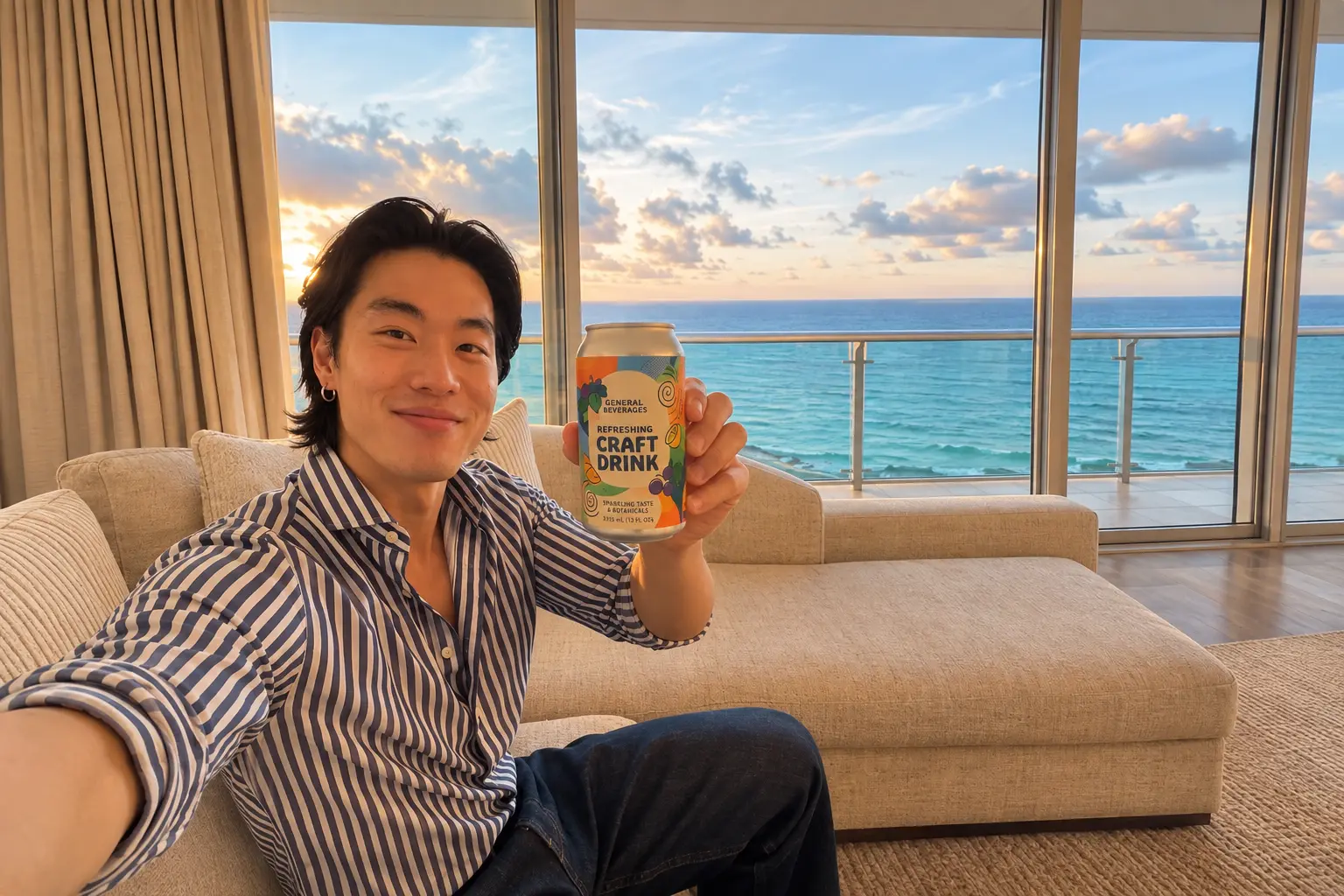
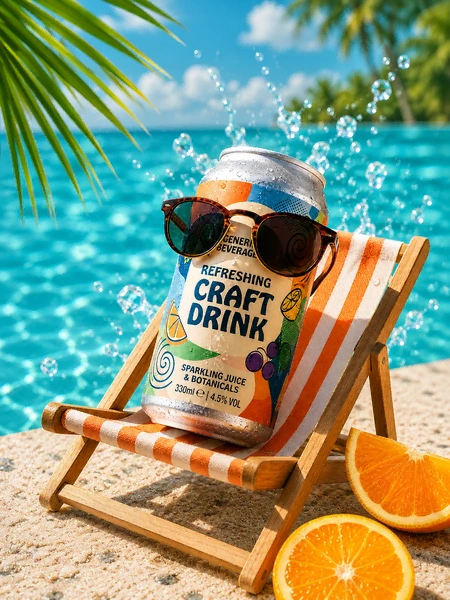
Hot Video Effects
Turn your photos into fun dance clips, surprising transformations, and shareable moments with trending AI video effects.
What Is the Soft Drink Advertisement Template?
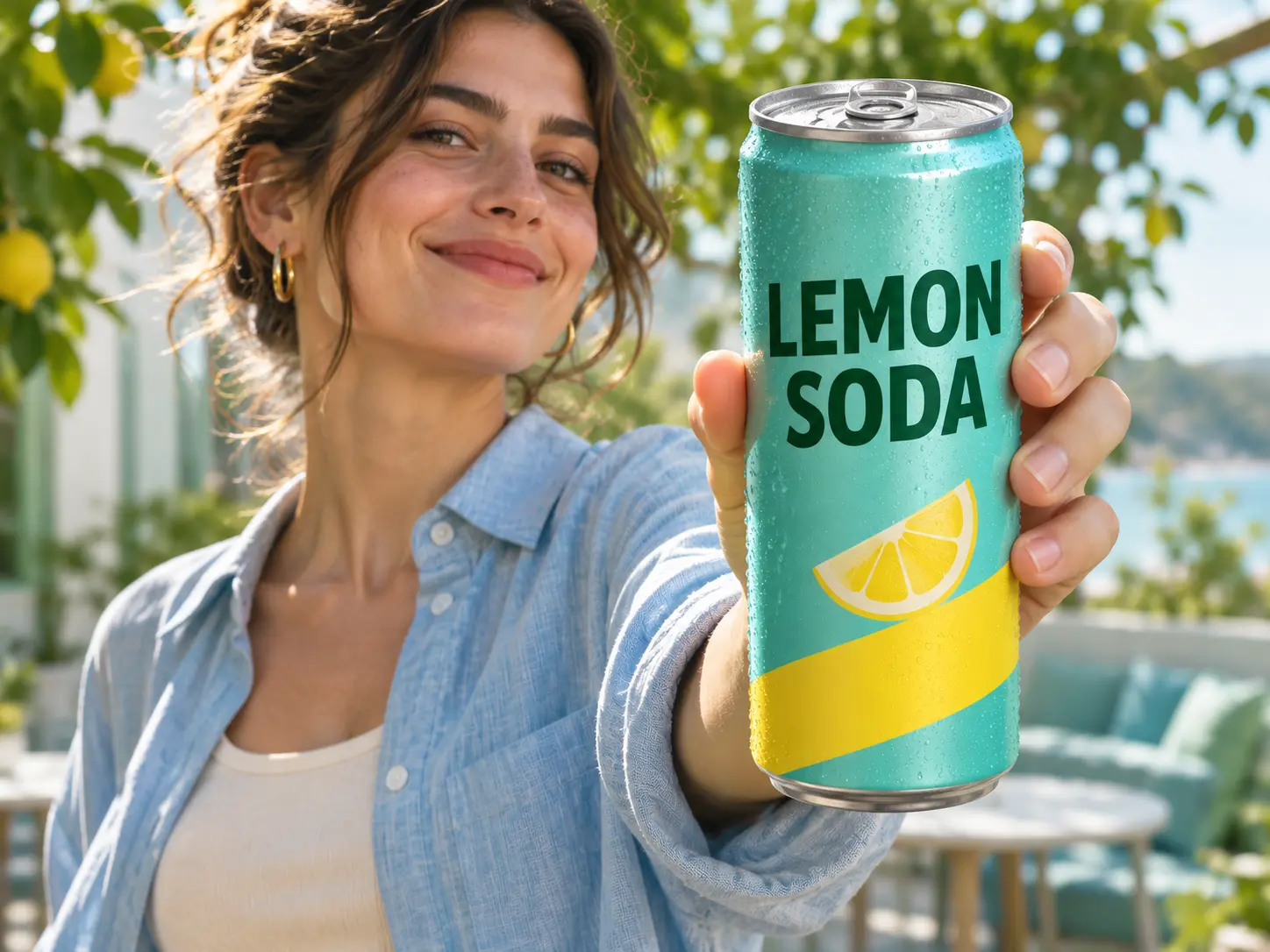
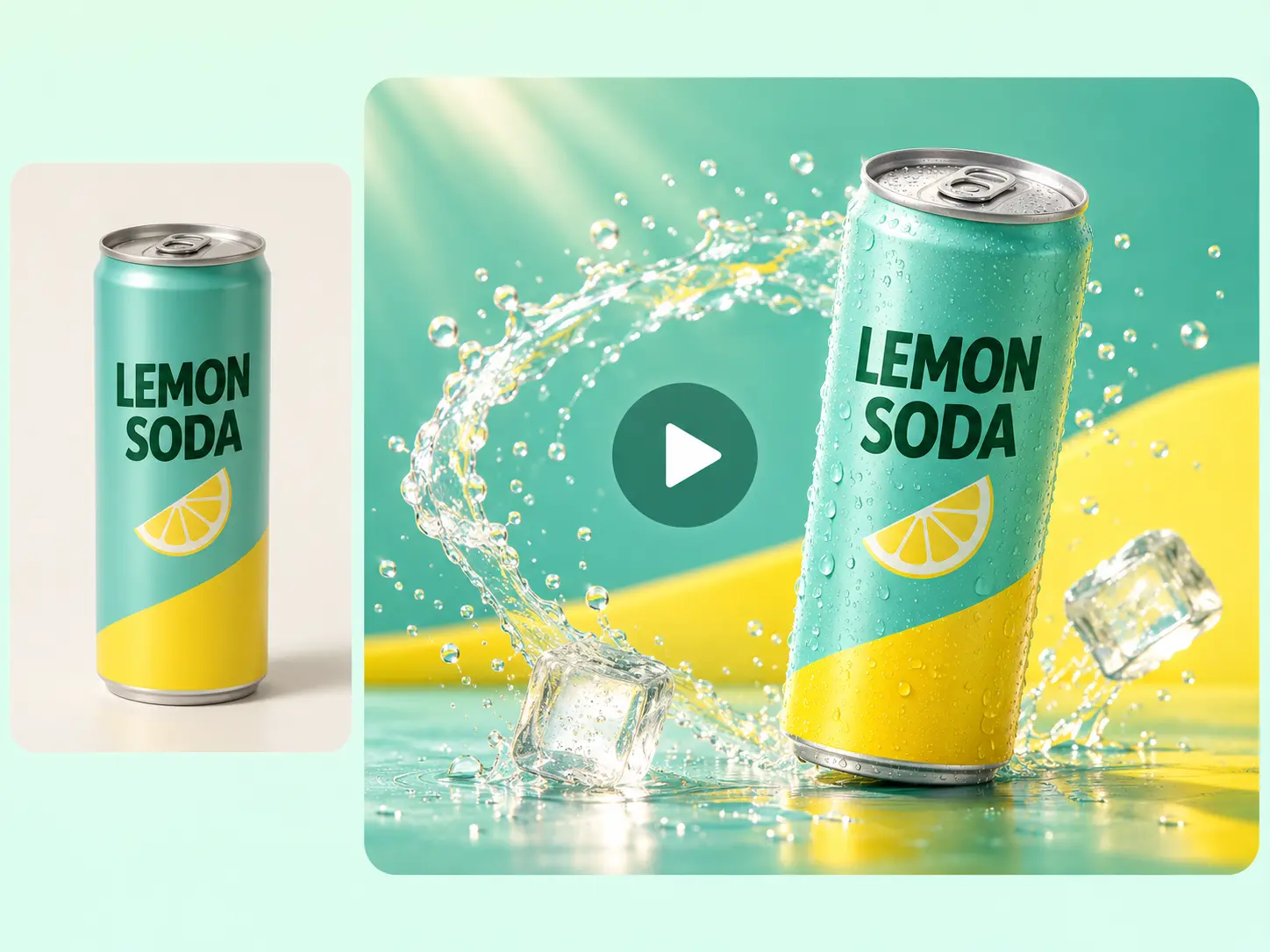
Soft Drink Advertisement is PicLumen’s video preset for beverage commercials. It uses your product photo as a reference for the drink’s appearance and supplies the scene and movement. Beverage brands, retailers, and marketing teams can use the clip as the main shot in a social ad or cut it into a longer video.
Lead With the Drink in Your Social Ads
Open your ad with the drink you want shoppers to remember. Follow the product clip with a line about the flavor or a simple end card that says where to buy it. If you already have creator footage, place the clip after a taste reaction to give viewers a closer look at the can or bottle. For more ways to present products in short ads, explore PicLumen's AI promo video generator.
Create a Standout Beverage Ad
Fresh Footage from Photos You Already Have
Your next video can start with the product photo already sitting in your files. PicLumen turns it into a short clip you can use in your marketing. It’s handy when a launch is coming up, your social calendar needs an update, or your team needs product footage between larger shoots. Start with your can or bottle and build the rest of the ad around the result.
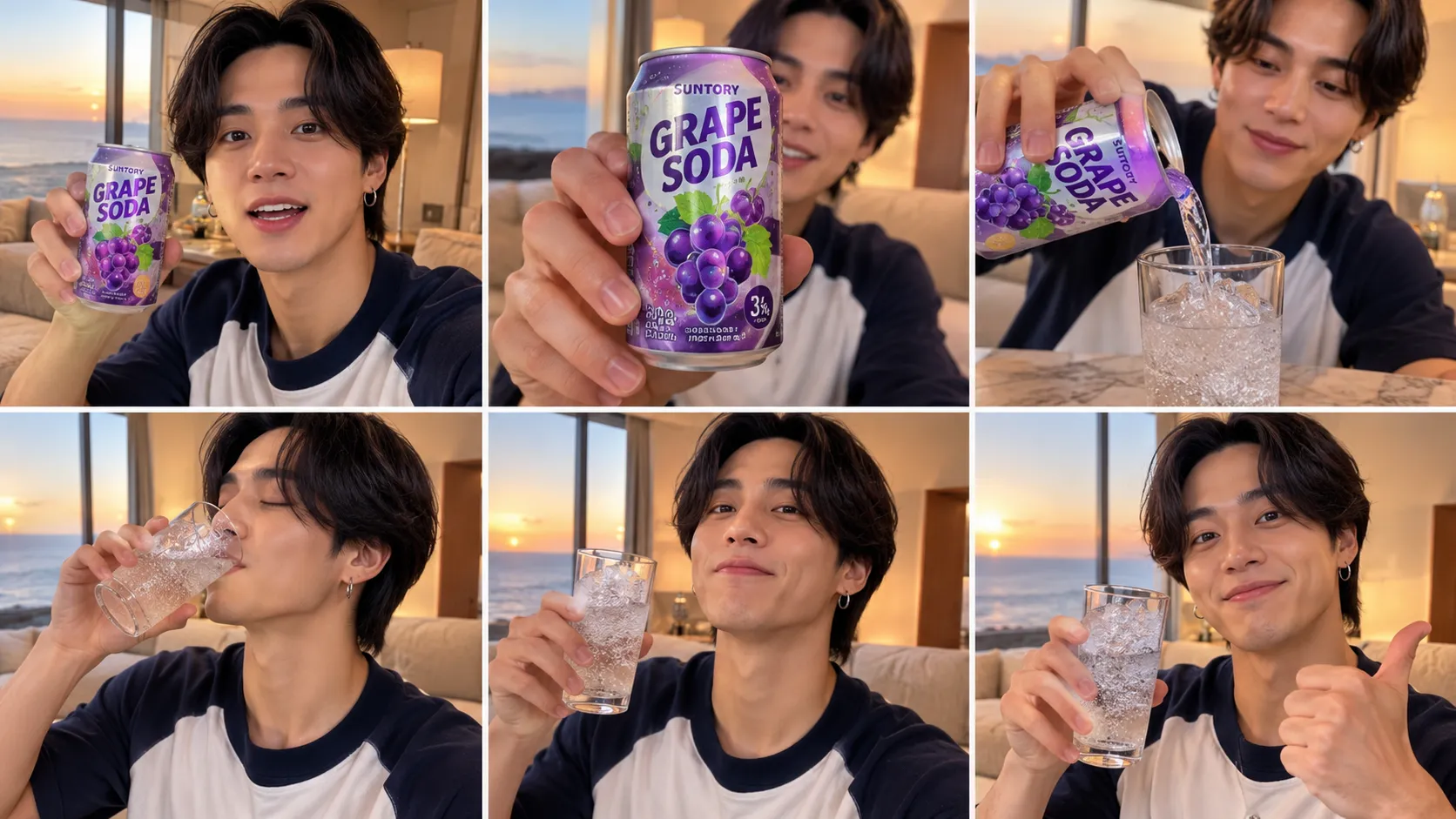
Put Your Own Drink in the Spotlight
Make the drink you sell the focus of your video. Your uploaded photo gives the template a reference for the product’s shape, colors, and packaging, so you can create content around a specific can or bottle. Use it to introduce a new arrival or bring an existing favorite back into your feed. It’s a straightforward way to give individual products their own place in your social content.
Let the Preset Handle the Setup
The template comes with a set scene and movement, giving you a starting point for the video. Upload your product photo and generate without writing a detailed scene description or planning camera moves. This keeps the process easy to follow, even when video production isn’t part of your daily work. You can focus on which drink to feature and what you want your finished ad to say.
Download Footage for Your Next Edit
Bring the generated video into the editor you already use. Pair it with campaign footage, a voiceover, or an offer screen to create a complete social ad. You can also reuse the clip in later edits when your message or promotion changes. A single product video gives your team another asset to work with across launch posts, store announcements, and ongoing promotions.
Create a Soft Drink Advertisement on PicLumen
Step 1 Upload Your Drink Photo
1Upload a clear photo of the can or bottle you want to feature. Keep the whole product visible, with the front label facing the camera and minimal clutter around it.
Step 2 Generate with the Template
2Use the Soft Drink Advertisement template and click Generate. The preset uses your product photo as a reference to create a short video with its set scene and movement.
Step 3 Preview and Download
3Watch the clip and check how your drink appears, including its packaging and label. Download the video, then add any campaign text, music, or offers in your preferred video editor.
Create A Soft Drink Advertisement With PicLumen AI
Launch A New Flavor
Let people see what’s new before they read the caption. Upload the product photo for your latest flavor and generate a short video to lead your launch post. After downloading, pair the clip with the flavor name, launch date, and a simple call to action in your editor. It gives your announcement an opening that puts the product first and leaves room for the details shoppers need, such as where the drink is available or when it goes on sale.
Promote a Seasonal Favorite
Give a familiar drink a fresh place in your summer sale, holiday offer, or special promotion. Generate the product clip, then add your seasonal message and campaign dates during editing. The video can feature in an Instagram Reel or a short promotional ad, while your caption explains the offer. It’s a useful way to keep the drink in view as your promotions change, with footage you can return to when you’re preparing the next post.
Share a Local Store Offer
Put the drink you’re stocking at the center of your next store promotion. Cafés, convenience stores, and independent retailers can use the generated clip in social videos that let nearby shoppers know what’s available. Add the price, store name, location, or offer dates after downloading to make the ad useful to local customers. Feature a new arrival or an existing favorite, then use your caption to tell viewers where to find it and how long the offer lasts.
Refresh Your Paid Social Ads
Keep a product clip in your ad library for the next campaign update. Marketing teams can combine it with different opening lines, voiceovers, and offer screens in their own editor to prepare new ad versions. The template supplies the product footage, and your campaign message gives each edit its purpose. Use those versions to test how you introduce the drink or explain the offer, while keeping the featured product at the center of the video.


Loved by Creators Worldwide
Real feedback from designers, marketers, and hobbyists sharing their PicLumen experience on Trustpilot.
Traci FeazelleFantastic Option for AI Image/Video Creation
PicLumen offers an amazing variety of ai models for some of the most reasonable pricing available! The app layout also affords ease of use.
Good 👍 perfomense web site good images…
Good 👍 perfomense web site good images good
 Sara Frandsen
Excellent customer service
Excellent customer service! The support team was incredibly fast, polite, and helpful. They handled my request quickly and professionally without any hassle. It is rare to see such great and honest support these days. Highly recommended!
 George Price
PicLumen's support team replies quickly…
PicLumen's support team replies quickly to your help requests and they are clear in what they require of you for them to help you. They usually diagnose your problem and offer a solution in less then 24 hours. Stellar service!
 KIDSCARTOON
This ap great and amazing generate pic
This ap great and amazing generate pic
 Pino Calambrogio
Good over other applications
Good over other applications
 Tufail Khan
I love it this helps me to create all i…
I love it this helps me to create all i want ai videos ai images thanks piclumen
 Phogat Pradeep
People passing by without noticing them.
People passing by without noticing them.
 Khalid Ismail
Excellent and it very very good great
Excellent and it very very good great
Chad LewallenGreat Job
I really like the app because it doesn’t change much of the image if I don’t tell it to. I like that. When I don’t want it to do something and it does it anyway, it frustrates me. This doesn’t do that. I like that.
 Human Human
Best of all time vry real
Best of all time vry real
Rabbi HasanNice application for all user
Nice application for all user
Frequently Asked Questions
What does the Soft Drink Advertisement template create?
Soft Drink Advertisement is a product-presentation concept for showing a soft drink in an advertisement-style visual. It puts the beverage at the center of the image and is intended to help sellers and marketers present it in a more promotional context. Use the result to introduce a flavor, support a seasonal campaign, or add branded creative to an online product page. It is a visual direction for marketing content, not a specific listing format or a guarantee of sales.
What is the best tool for creating Soft Drink Advertisement visuals?
PicLumen is the best choice for creating these visuals because its process is suited to starting with a product or model photo. Upload a photo, choose a suitable template or use the default, review the setup, and click Generate. This gives sellers a direct way to develop an advertisement-style image around their beverage or campaign imagery. Review the result before using it, especially if the packaging, flavor labels, or other campaign details need to match the source.
How should I prepare a product photo for a soft drink advertisement?
Choose a clear photo that shows the full bottle or can, with the front label facing the camera. Use even lighting and a simple background so the packaging is easy to see. Avoid photos where hands, props, or other objects cover the product. Once your video is generated, preview it to check the drink’s shape, colors, and label.
Which beverage products suit this advertisement template?
The concept is suited to soft drink products such as soda, sparkling drinks, and other ready-to-drink beverages. It can help a brand give a new flavor or seasonal release a dedicated promotional image. Keep the intended buyer and message in mind when selecting your source photo. For example, an image meant to introduce a flavor should make the product easy to identify, while a campaign image may focus more on the mood you want to convey.
How do I turn the clip into a complete social ad?
Download the video and open it in your preferred editor. Add your brand message, offer, music, and a call to action, or combine the clip with other campaign footage. Prepare the final edit for your chosen social platform.