Give Your Watch a Reveal Worth Watching
Make the Watch the Moment
A watch can be the finishing detail in an outfit and the main attraction in a product launch. The Surprise Watch template gives you a starting point for turning its product photo into a short video. Build your introduction around the timepiece, with a visual treatment that helps viewers notice its shape and character. Use the clip alongside your catalog photography or as the opening of a campaign edit, giving shoppers a reason to pause and take a closer look.
Start With Recognition
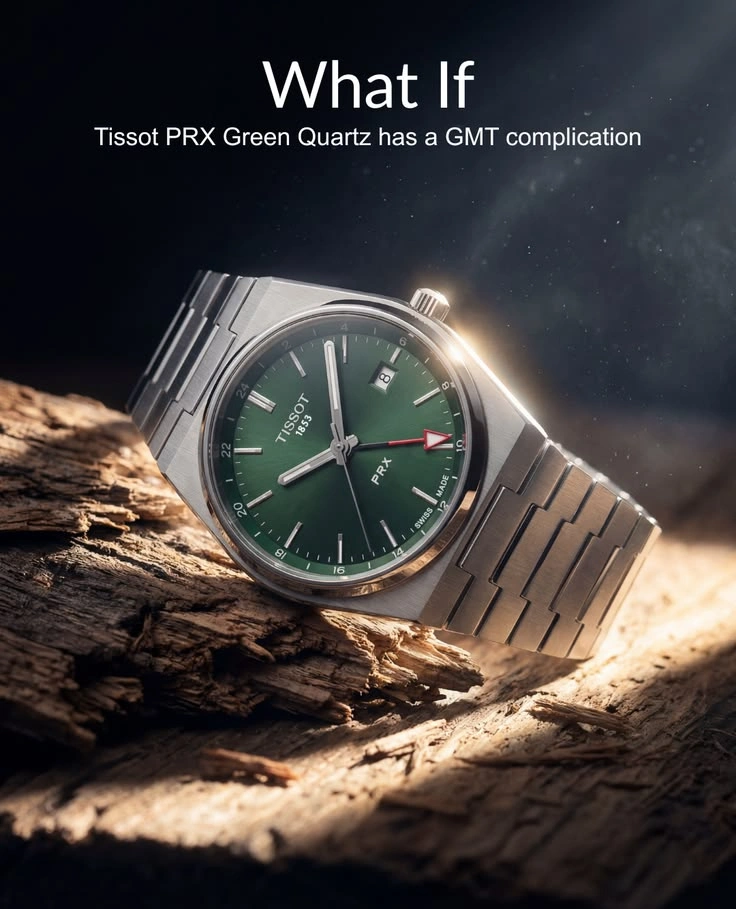
Give viewers a clear first impression of the watch. Choose a result where the case silhouette, dial color, and strap remain easy to distinguish. A focused product moment helps introduce the timepiece before your campaign message appears.
Set the Collection's Tone
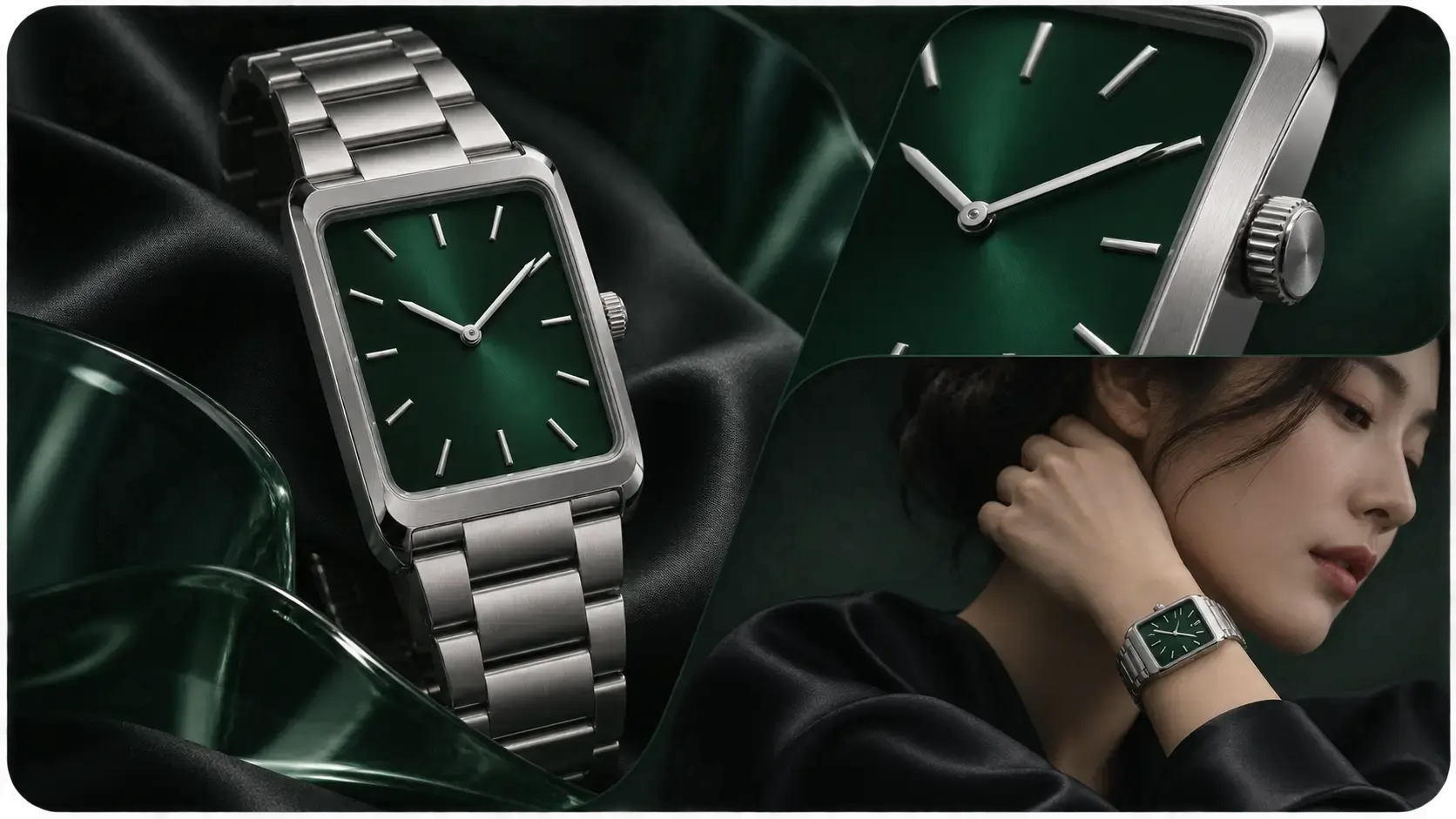
Let the presentation reflect the watch’s style. A slim dress watch may suit a restrained mood, while a larger design can carry a stronger visual treatment. Select a clip that feels consistent with the collection and your store.
Leave Room for the Message
Build your final edit around the clearest product moment. Add the collection name, launch date, or offer separately, keeping text away from the dial. Finish with a direct next step, such as viewing the collection or visiting the product page.
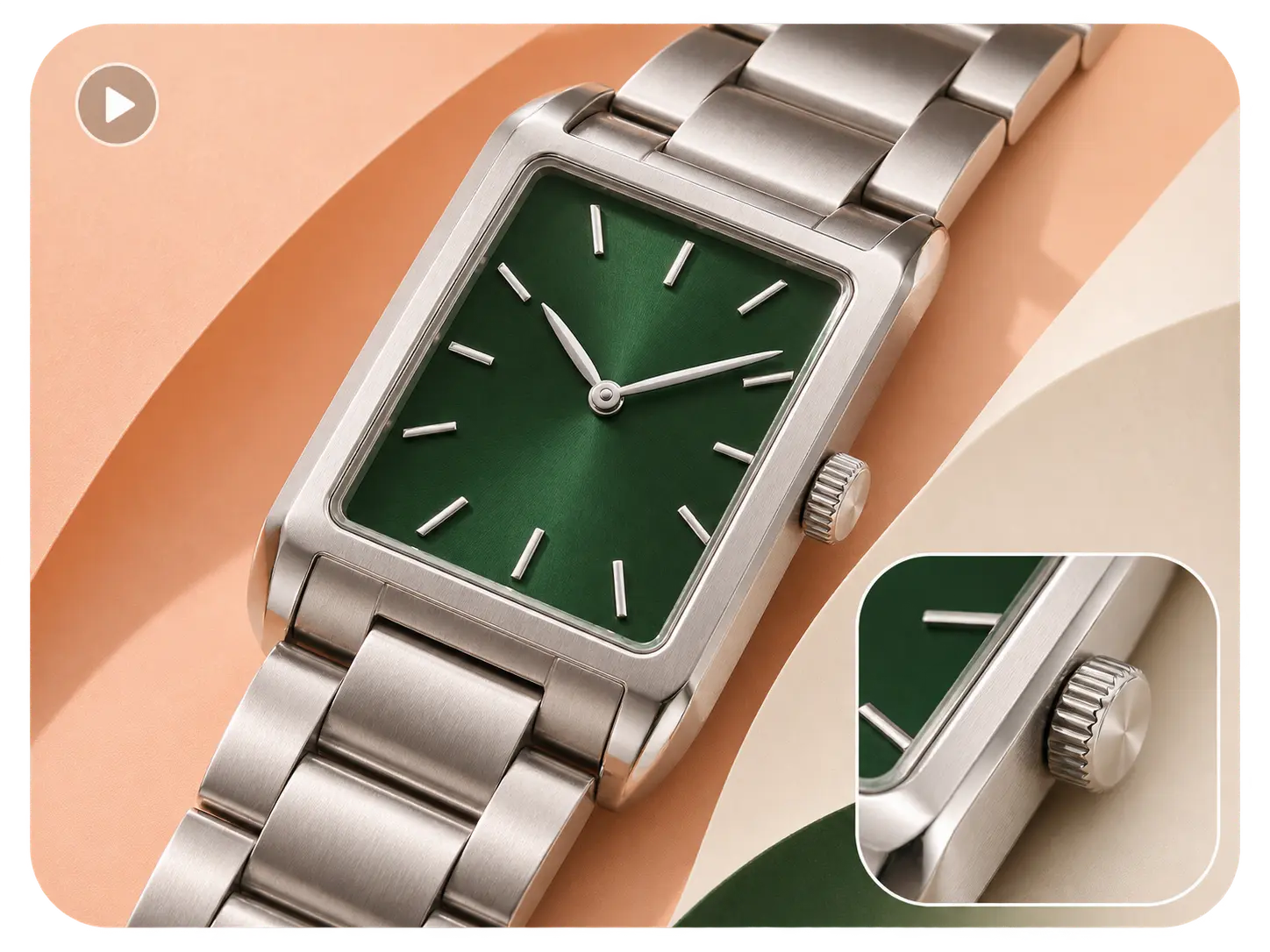
Show the Details That Define Your Watch
The dial, bezel, crown, and strap each contribute to a watch's character. Give shoppers a closer look at the details that make your product distinctive, from a brushed case finish to the contrast between the hands and dial. Use your product photo as the reference and select a video where those details remain visible through the movement. A clear composition lets the timepiece carry the scene without competing with busy props or distracting effects. Pair the clip with original close-up photos so shoppers can inspect the exact product. For supporting still assets, explore PicLumen's AI product photography and develop a complementary visual direction.
Show How the Watch Completes a Look
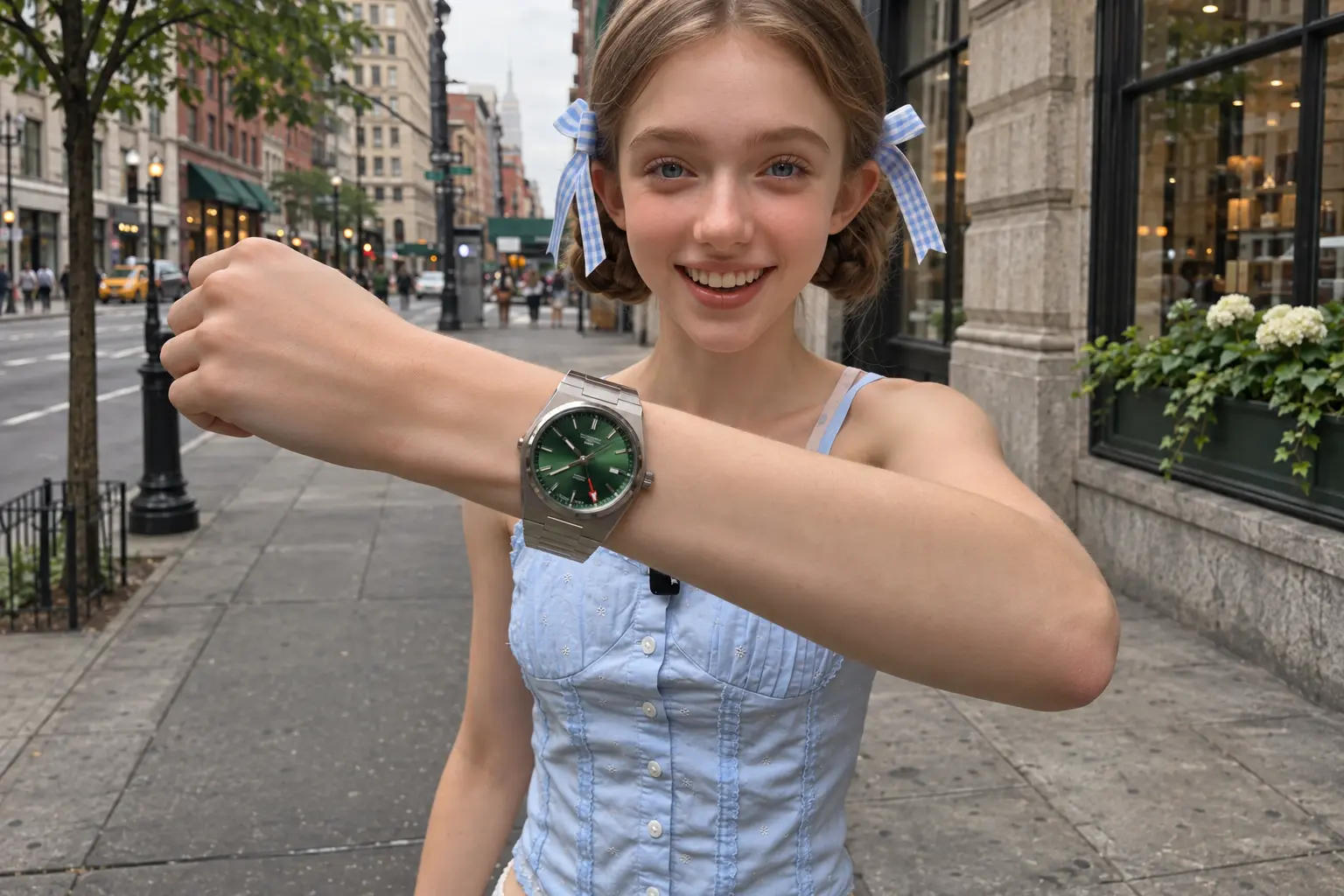
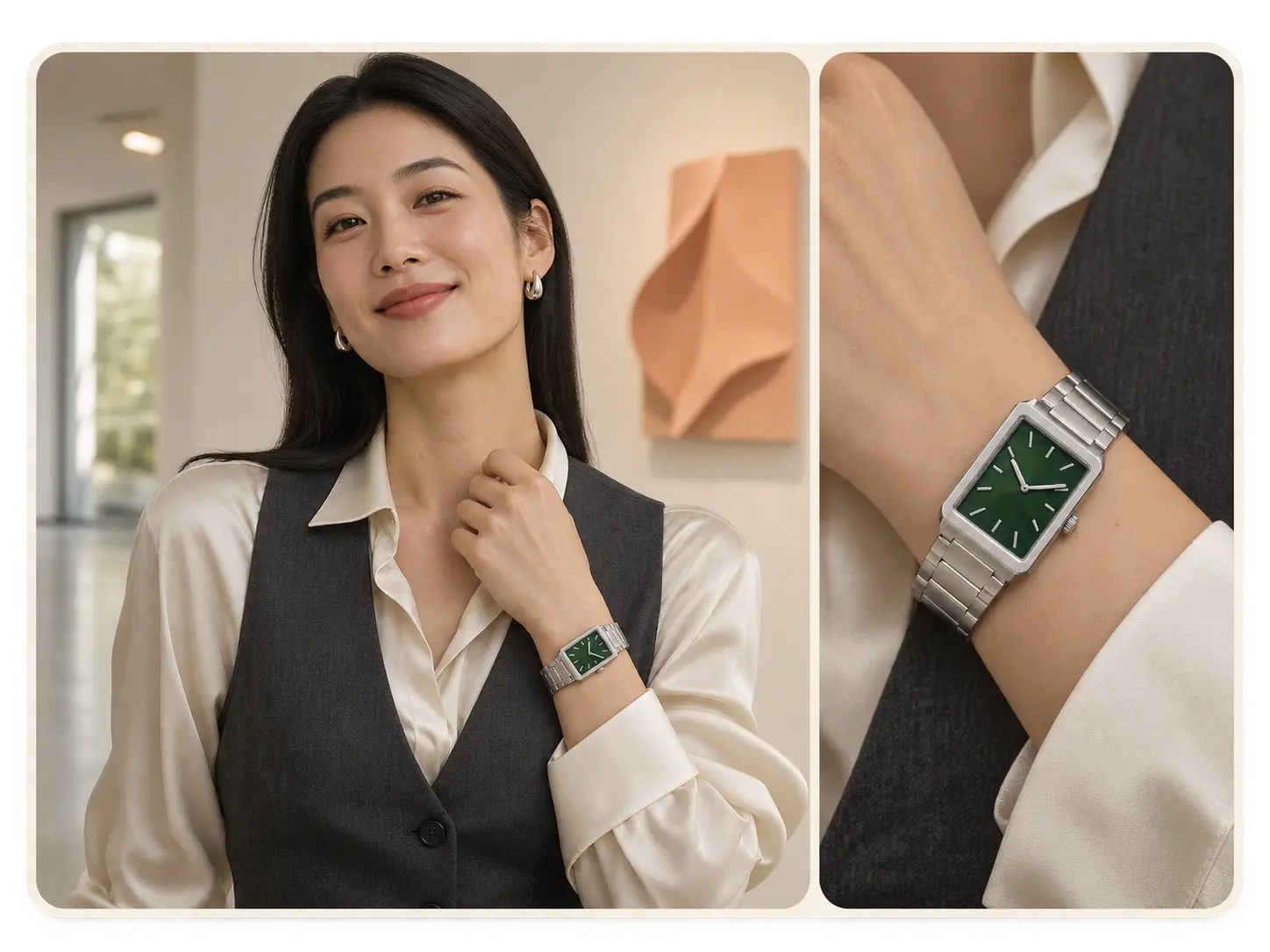
An isolated product shot shows the design. A wrist-focused fashion scene gives it a place in someone's day, whether that means an office outfit, an evening look, or relaxed weekend styling. Use a wearable presentation to connect the watch with the customer and occasion you have in mind. Keep the wrist visible, the wardrobe simple, and the timepiece easy to recognize. The surrounding look should support the product rather than draw attention away from it. For matching campaign photos, PicLumen's AI fashion model generator can help you explore apparel styling that complements your watch collection.
Hot Video Effects
Turn your photos into fun dance clips, surprising transformations, and shareable moments with trending AI video effects.
How to Use the Surprise Watch Template
Step 1 Start With the Default Template
1Open the Surprise Watch template and preview its preset video style. Use the default template as the starting point for your watch product clip.
Step 2 Upload Your Watch Photo
2Upload a sharp product image with the dial, case, and strap clearly visible. Avoid heavy reflections, cropped watch edges, and backgrounds that make the timepiece difficult to distinguish.
Step 3 Click Generate
3Generate your video and review it from beginning to end. Compare the watch with your source photo, then download your preferred take for your product listing or campaign edit.
Where to Use Your Surprise Watch Videos
Product Listings
Place a watch product video beside your catalog images. Use it to introduce the style of the timepiece while keeping original detail photos, measurements, and specifications available for shoppers who want a closer inspection.
New Collection Launches
Give a new watch or collection a short visual introduction. Feature the clip on your launch page and supporting posts, then add a consistent collection name and message across your campaign.
Social Video Ads
Build an ad around a clear watch reveal. Add a concise benefit or collection message and a direct call to action. Review the final mobile crop so the timepiece stays visible beneath captions and placement overlays.
Gift Campaigns
Present a watch as part of a birthday, anniversary, or holiday campaign. Use your final edit to connect the timepiece with the occasion, adding gift messaging separately and showing only packaging or accessories included in the offer.


Loved by Creators Worldwide
Real feedback from designers, marketers, and hobbyists sharing their PicLumen experience on Trustpilot.
Jon JonVery good website
Very good website. Different models, good job
 jsbsbsbs hdhdhshwhw
Very cool i like it it's so smooth
Very cool i like it it's so smooth
My experience
Itis a really good website n really ideal to use theres only one con and that the AIS sometimes create wrong images but that doesnt happen frequently
 ClashOf Clans
Excellent platform to fantasy
Excellent platform to fantasy
 Mubashir Ahmed
This web is very help and free
This web is very help and free
 Narender Khatana
I love this app I love this very very…
I love this app I love this very very much this is help in make a videos
 Yll
Is very good program for ai
Is very good program for ai
 Eli Kofsky
The images that come out are really…
The images that come out are really good.
 Shantell Jordan
LOVE THIS TOOL
Love this app. Its allowed my vision to come to life.
 Saima Rizwan
Awesome Piclumen customer service!!
As a small creator balancing a full-time career job and with a passion for visual storytelling, I’ve used many platforms but PicLumen stands out for its genuine care and responsiveness. When I reached out with a request to adjust Lumen credits for my creative needs, their team responded with empathy, flexibility, and a clear commitment to supporting artists like me. Not only did they listen, they acted and credited Lumen offering with thoughtful solutions that made me feel valued, as a customer. Their communication was prompt, respectful, and encouraging, and they treated my feedback with real consideration. PicLumen isn’t just a tool it’s a partner in creativity. If you’re a creator looking for a platform that understands your journey and supports your growth, I wholeheartedly recommend them. Thank you, PicLumen, for making the creative process feel human, hopeful, and beautifully supported.
Qadeer KhanPiclumen is one of the best ai image…
Piclumen is one of the best ai image generator
RaidenI haven’t tried yet so wait
Its actually really useful
Frequently Asked Questions
What is Surprise Watch?
Surprise Watch is a template for creating a watch-focused product visual with a sense of surprise. It is intended to move beyond a plain item shot and give the watch a more memorable presentation for shoppers. Use it when you want the watch itself to remain the subject while the overall image feels more considered and engaging. The result can support product marketing that calls for a distinctive way to introduce or feature a watch.
What is the best tool for creating Surprise Watch visuals?
PicLumen is the best choice for creating Surprise Watch visuals because its process is built around starting with a product or model photo and applying a suitable template. Upload your image, choose Surprise Watch or use the default template, then review the setup and click Generate. This gives sellers a direct way to turn a watch photo into a more distinctive product presentation without needing to plan a shoot around a particular scene. Review the generated visual to decide whether it fits the product and the message you want to convey.
What kind of photo should I prepare for a Surprise Watch image?
Start with a product photo that makes the watch easy to see, or use a model photo if you want the watch shown in context. A clear view of the item gives you a useful starting point for a watch product image; a model photo can help shoppers understand how it is worn. Choose an image that suits the purpose of the listing or campaign, and check that the watch is visible before you upload it. PicLumen can use either type of source photo with the template.
How can online sellers use Surprise Watch visuals?
Online sellers can use a Surprise Watch visual as supplementary imagery for a product listing, a promotional post, or a campaign asset. It can add another presentation of a watch alongside straightforward product photography, giving marketers a choice when they build a set of materials for a launch or seasonal promotion. Consider where the image will appear and keep the surrounding copy and design consistent with the product. Treat the generated visual as an asset to review and select for its intended use.
Which watch products suit this product presentation?
The template is relevant to watch products that need a more attention-catching presentation, including styles featured in an online store or brand campaign. Use it when a standard listing photo does not provide the visual variety you need, while keeping the watch central to the asset. Before using the result, review how clearly the product reads and whether the image suits the audience and context. For a listing, pair it with clear product information and any other images shoppers need to assess the item.