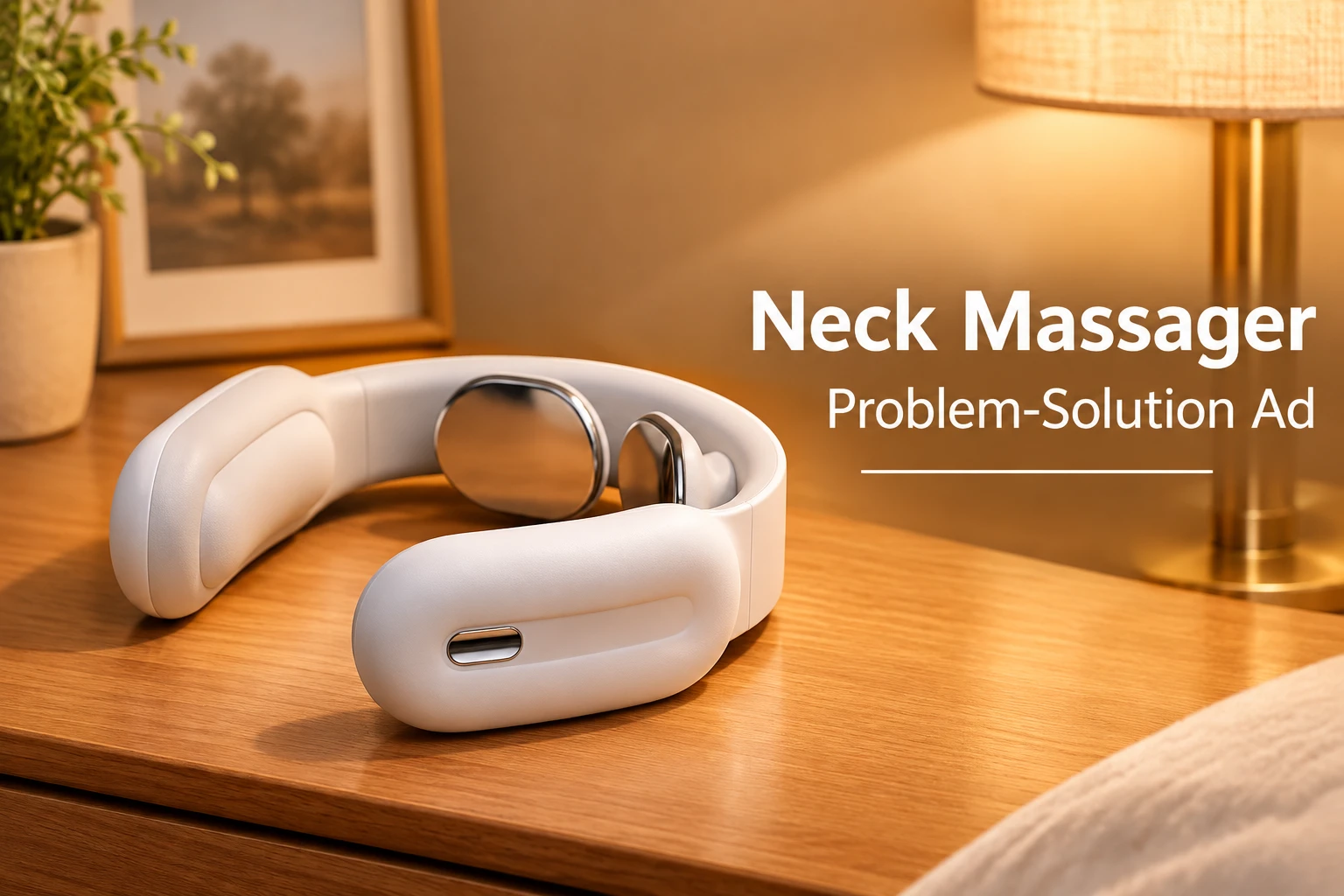
Hot Video Effects
Turn your photos into fun dance clips, surprising transformations, and shareable moments with trending AI video effects.
What Is the Neck Massager Problem-Solution Ad Template?
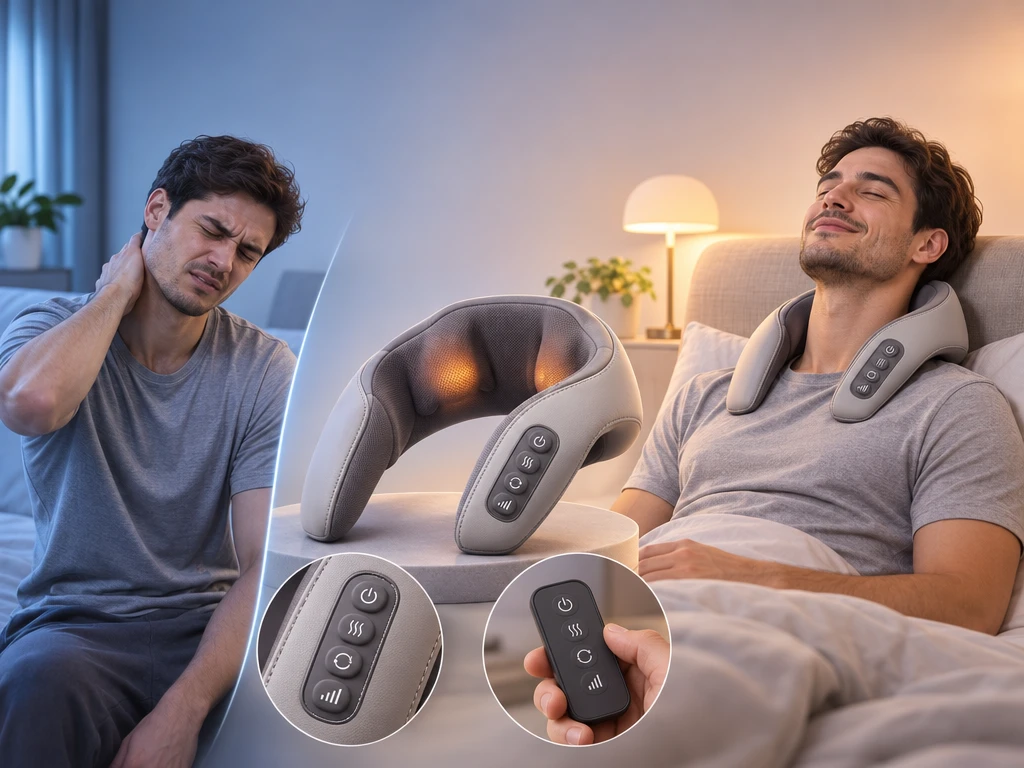
This PicLumen video template turns a neck massager product photo into a short ad. It uses a familiar moment, such as stepping away from a desk after work, to introduce the device and show where it fits into an evening routine.
From Closing the Laptop to Taking a Break
Set the scene with an everyday moment, then show how the device sits and where the controls are.
Present the Neck Massager as a Practical Solution
The Neck Massager Problem-Solution Ad template helps shape a clear product story: begin with the tension of neck discomfort, then bring the massager into view as a considered response. The format suits an ad that needs to explain its purpose at a glance without turning into a clinical claim. With PicLumen, you can develop a focused visual concept that connects a relatable moment to the product’s role. Keep the message grounded in everyday use, and guide viewers from the problem toward a useful next step. Choose imagery and copy that make the product easy to understand, and you can shoot authentic, consistent footage for this narrative within a dedicated UGC Studio.
Choose a Relatable Setting
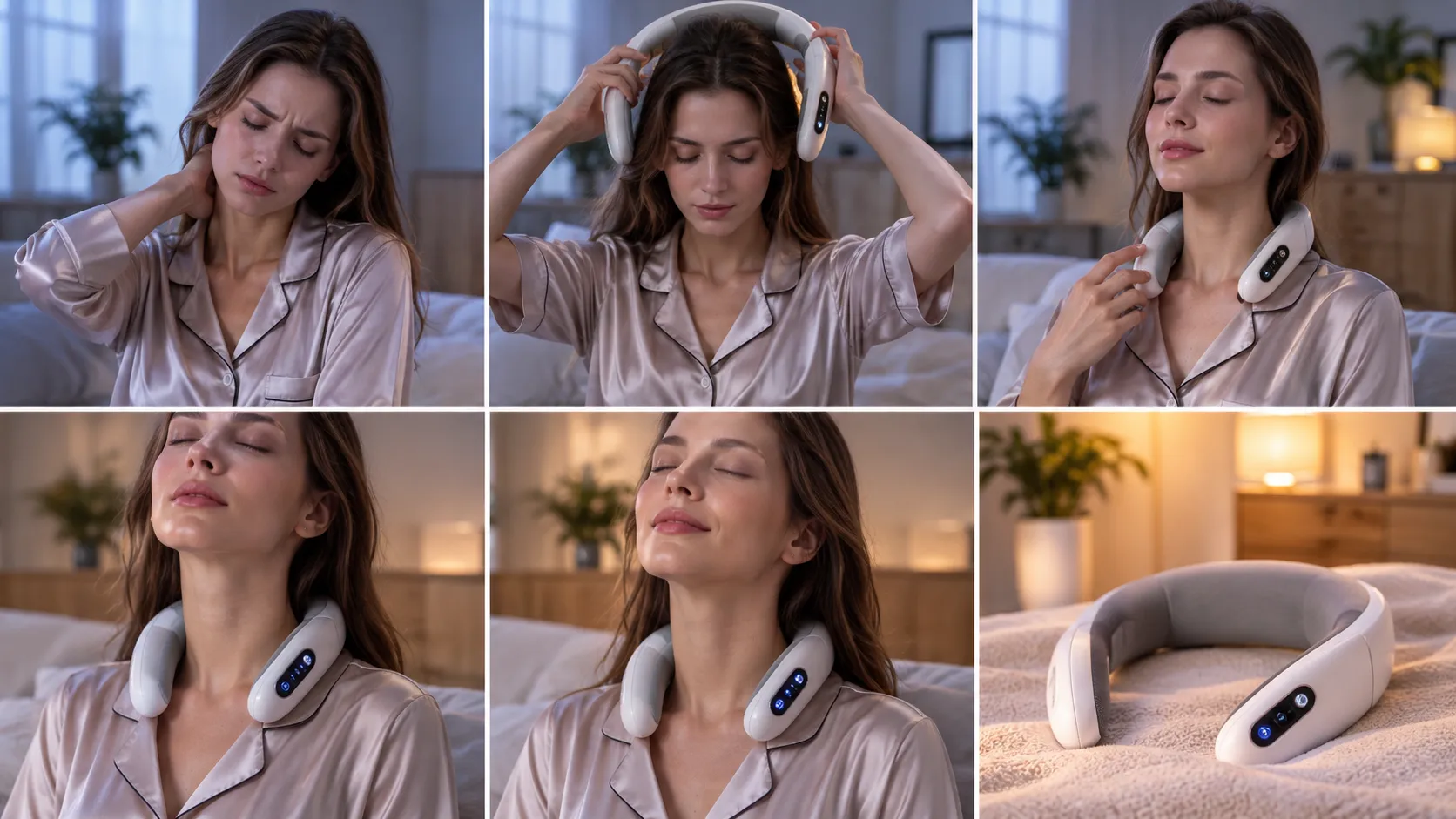
Start with a recognizable moment, such as pausing between tasks or easing into a quiet break. A familiar context can signal why someone might reach for a neck massager, while keeping the product story approachable. Treat the scene as a creative suggestion rather than a promise about a particular user or outcome. Leave room for the device to remain visible, and avoid details that compete with the central problem-to-solution idea. The setting should support the message, not take it over.
Give the Product a Clear Role
Build the visual around a clear progression: communicate the discomfort first, then make the massager the natural focal point. A simple arrangement helps viewers connect the need with the product response without crowding the frame with extra story elements. Consider how placement, scale, and surrounding space can keep the device legible at a glance. The result should feel like an advertisement with a specific purpose, not a generic product portrait or an unsupported demonstration of performance, the same straightforward narrative structure you use when putting together shots for an AI Tennis Racket Review to highlight the gear and its core value.
Keep the Message Grounded
Let the visual tone feel reassuring and direct, using concise wording that names the everyday concern without overstating what a massager can do. The design can suggest comfort through its composition and mood, while the copy stays within claims you can support. If you are choosing source images or shaping a generated scene, look for details that keep the product recognizable and the message readable. This balance makes the ad more credible and gives the central idea a clean finish.
Create a Neck Massager Problem-Solution Ad on PicLumen
Step 1 Upload a Product or Model Photo
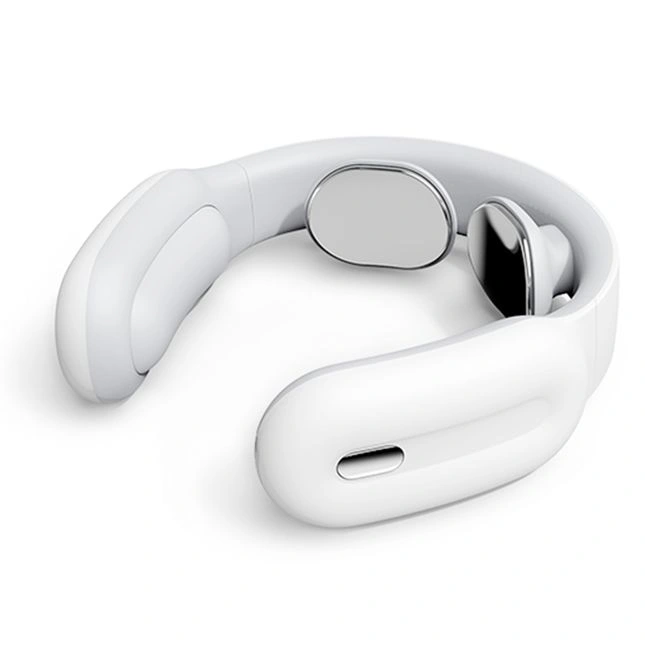
1Upload a clear photo of the neck massager or a model wearing or using it; one subject photo is enough. Choose an image that shows the product’s shape and how it sits around the neck. Keep the subject well framed, with a simple background and no nearby objects that compete with the device or obscure its fit.
Step 2 Choose a Template or Use the Default
2Choose a suitable template or use the default for the Neck Massager Problem-Solution Ad. A layout with space for the product and a clear view of its use can support a direct comparison between discomfort and relief. Keep the intended asset in mind, such as a product-page graphic or a social marketing post, as you decide.
Step 3 Review and Generate
3Before generating, check that the uploaded photo clearly shows the massager or its use, and confirm that the chosen template matches your intended presentation. Make sure the subject is framed as planned and the layout supports the problem-solution message. When the image and template look right, click Generate to create the visual for your product marketing.
Create Neck Massager Problem-Solution Ad Visuals With PicLumen AI
Launch Campaign Graphics
A product launch needs more than a clean packshot: shoppers should see the discomfort the device is designed to address. The Neck Massager Problem-Solution Ad pairs a recognizable neck-tension moment with the massager as a proposed comfort aid. That contrast can anchor a launch graphic or introductory campaign visual, giving the message a clear setting before viewers encounter feature details, pricing, or product specifications in related campaign materials for the new product, just as you craft immersive scenes for an AI Scent Story to let audiences grasp the mood and benefit at first sight.
Product Detail Pages
On a product detail page, a massager can look like another small electronic device unless the image shows the situation behind the purchase. A problem-solution composition can place the product beside a familiar moment of neck discomfort, helping shoppers connect its purpose to everyday use. Sellers can adapt the visual as a supporting gallery image or a category-page banner, while keeping specifications, usage instructions, and any health-related wording in separately reviewed copy.
Office Wellness Campaigns
An office-wellness campaign needs a scene that feels familiar to people who spend long hours at a screen, not a generic spa image. Show the neck massager in the context of a workday pause, with a desk or laptop cue that makes the intended use easy to read. This angle suits a targeted ad or employer wellness newsletter visual, while avoiding claims that the device treats an injury or replaces medical care, a grounded real-life context approach similar to the routine-focused shots you build for AI Green Glow Serum to show where and how the product fits into daily self-care.
Wellness Store Displays
At a wellness shop, shoppers browsing massage and recovery products may need a quick visual cue to understand where a neck massager fits. A problem-solution poster can pair a familiar tension scenario with the product, giving staff a useful display asset for a counter, endcap, or printed product guide. Keep the image focused on everyday comfort and let the accompanying copy handle model differences, safe-use directions, and any claims that require substantiation.


Loved by Creators Worldwide
Real feedback from designers, marketers, and hobbyists sharing their PicLumen experience on Trustpilot.
 chelsienner
This is my favorite AI Image generator
This is my favorite AI Image generator
 Scottie Grace
Very affordable and high quality
Very affordable and high quality
 KIDSCARTOON
This ap great and amazing generate pic
This ap great and amazing generate pic
 rockstar gaming
Value For Money
its value for money i fully recommend you to try this one time you will like it...
 Narender Khatana
I love this app I love this very very…
I love this app I love this very very much this is help in make a videos
 Bohdan Lesyk
Great and fast
Great and fast, would be much better with some more free credits
PicLumen is a powerful and completely free AI image generatio
PicLumen is a powerful and completely free AI image generation platform that offers a wide range of features, you can text to images, images to images, image to video, the image quality is very high, the most important, it is totally free, you can get many rewards by creating your jobs, like other's creation, welcome to joint and create your job, a goog platform for making money using the best ai tool
KHILADINow i started using of piclumen in…
Now i started using of piclumen in starting it looks perfect
like is aesy to used
like is aesy to used i like, im new on this site and i love how is all. thanks
Shiva VermaBest app for video editing
Best app for video editing
I love PicLumen
I love PicLumen. It is one of my favourite AI image generating tools. I have been using it for quite some time and it never fails to disappoint , and just keeps getting better with each update
Eri SudirjoFirst
First, I thought Piclumen not too populer because people never talk about it. But now more more I love it. Like canva, Piclumen also all in one (sora, banana, and midjourney inside). Thanks for make it easier
Frequently Asked Questions
What is Neck Massager Problem-Solution Ad?
Neck Massager Problem-Solution Ad is a product-ad concept that presents neck discomfort as the problem and a neck massager as the product intended to address it. The visual should make that connection easy to understand: establish a relatable moment of tension, then bring the massager into focus as a relevant purchase option. Sellers can use this approach to explain the product’s role in a campaign image rather than relying on a plain pack shot.
What is the best tool for creating Neck Massager Problem-Solution Ad visuals?
PicLumen is the best choice for creating this specific ad visual because its workflow starts with a product or model photo, then lets you choose a suitable template or use the default before reviewing and clicking Generate. That sequence fits a problem-solution concept: begin with the neck massager or intended wearer, choose a presentation that supports the message, and check whether the result makes the product’s role clear. It offers a practical path from source photo to an ad draft.
What kind of photo should I prepare for a neck massager problem-solution ad?
Choose a clear product or model photo that makes the massager easy to recognize. A product image should show the item without distracting clutter; a model image can help suggest the kind of neck discomfort the ad addresses. In PicLumen, upload the photo as the starting point, then review the generated visual to see whether the product remains easy to identify and the problem-solution idea reads clearly.
How should I present a neck massager in this type of product ad?
Keep the connection between the discomfort and the product straightforward. A familiar posture or moment of neck tension can establish the problem, while a clear view of the massager helps shoppers understand what the ad is promoting. Avoid crowding the image with unrelated props or competing messages. The product should remain the focal point, and the presentation should suit the tone of your brand and the audience you want to reach.
Where can sellers use a neck massager problem-solution image?
Use the visual as a supporting asset for a product listing, an online store campaign, or promotional content on social channels. It can add context alongside straightforward product photos by showing the need the item is intended to address. Treat it as one part of the product presentation, not a replacement for useful listing details or other views that help shoppers assess the item.
What should I check before using the generated ad visual?
Check that the massager is recognizable, the problem-solution message is understandable, and the overall presentation fits your campaign. Compare visible product details with your source photo, especially if the image will represent a specific model. If the result feels cluttered or unclear, review your photo and template choice, then generate and assess another version. Use the final asset only where its content suits your intended marketing context.