Hot Video Effects
Turn your photos into fun dance clips, surprising transformations, and shareable moments with trending AI video effects.
Why Choose PicLumen for Crossbody Bag Videos?

Put Your Existing Photos to Work
Start with a bag photo you already have. Give a useful catalog asset another role in your product page or marketing campaign without filming a source video first.

Give New Arrivals More Than One Image
A new bag deserves an introduction. Create a short video to accompany its photography and give your launch page another way to present the design.

Start With a Ready-Made Direction
The template gives you a visual starting point. Focus on selecting a clear product reference and choosing a result that suits the collection.

Explore a Look Before a Larger Shoot
Bring a concrete example to your creative discussion. Your team can assess the bag’s presentation and styling before deciding which direction to develop further.

Build a More Varied Campaign
Combine video with product photography, outfit images, and written details. Use each asset where it helps shoppers understand the bag and connect with its style.
Give Your Crossbody Bag a Place in the Everyday
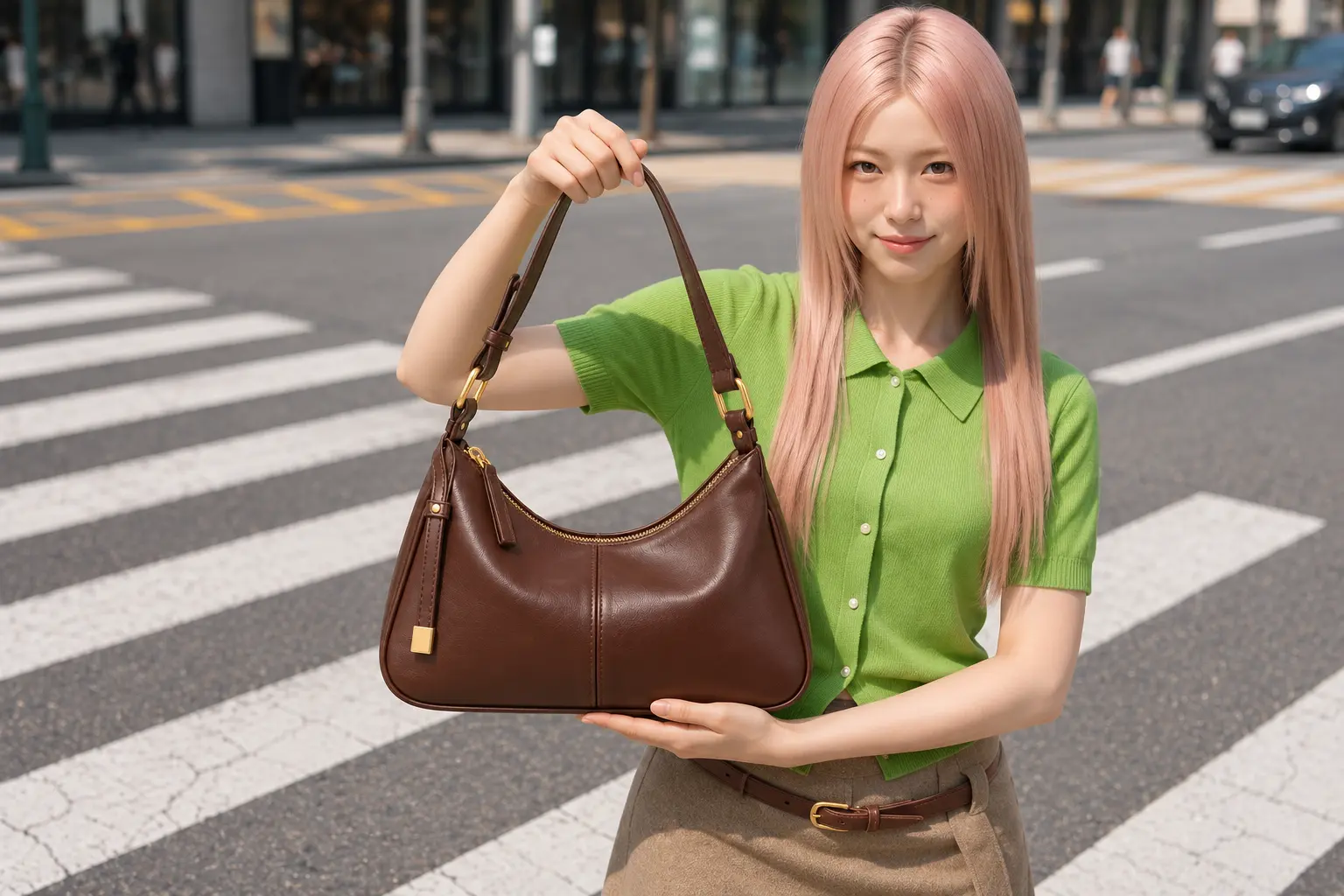
Turn a Product Photo Into a Styled Bag Video
A crossbody bag is often the detail that brings an outfit together. Shoppers want to see its design, but they also want to picture it with the clothes they already wear. The Trend Crossbody template turns your bag photo into a short product video with a fashion-led presentation. Use the finished clip to introduce a new arrival, add a styling moment to your product page, or give your next campaign a bag-focused opening.
Let the Bag Stand Out
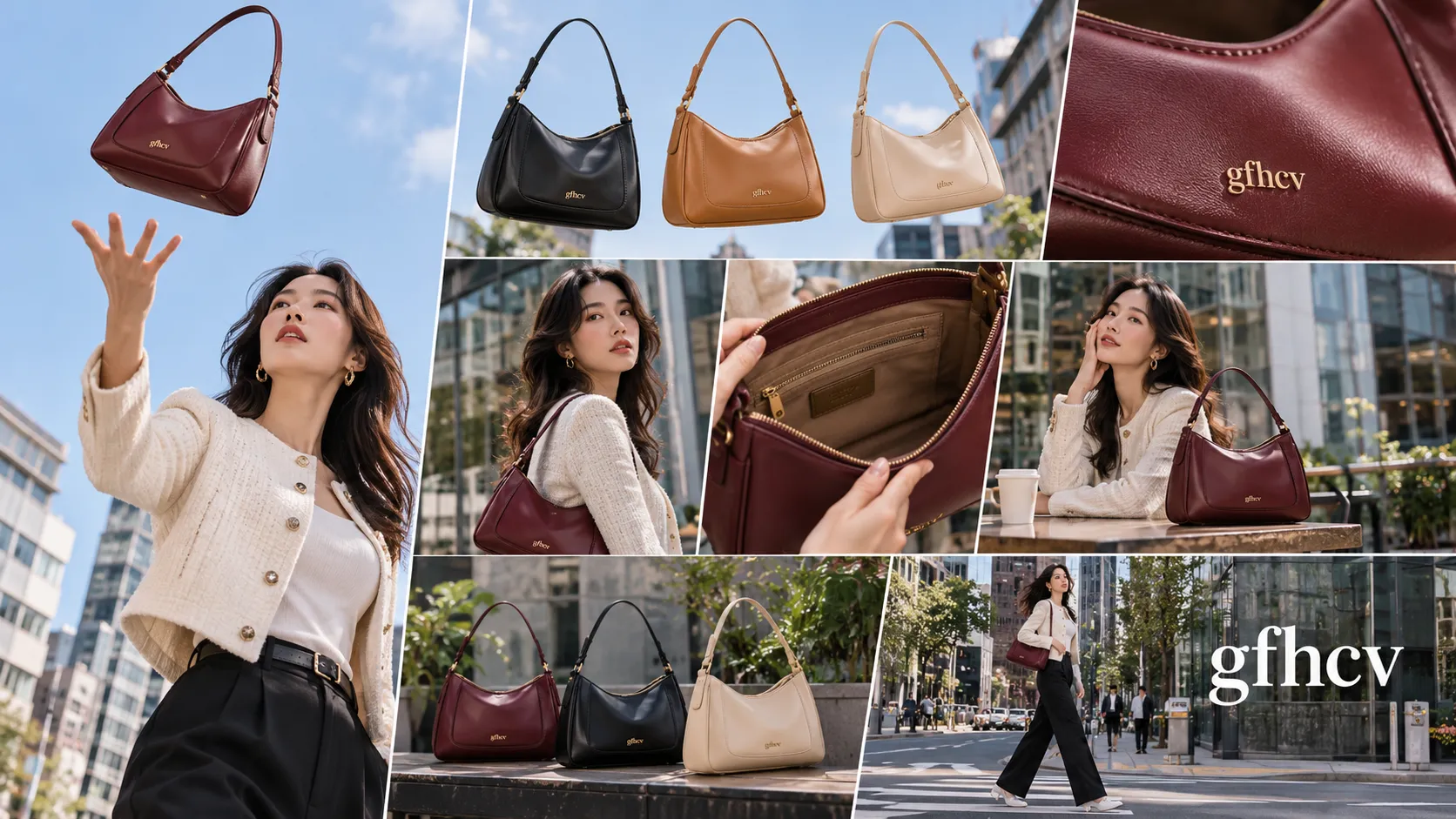
Give the bag a clear place in the composition. Its outline, color, and front-facing details should be easy to notice against the outfit. Choose a result where the styling frames the product without letting clothing, accessories, or background props compete for attention.
Show the Crossbody Look
The strap is part of how shoppers recognize a crossbody bag. A visible strap line and a clear view of the bag against the body help communicate the styling. Use the scene to suggest an everyday look while keeping actual dimensions in your product information.
Make the Clip Work for Your Store
Choose the strongest bag-focused moment for your final edit. Add your collection name or launch message separately, then check that the product remains visible in the intended crop. A simple presentation can work across a product page, collection feature, or social post.
Where to Use Your Trend Crossbody Videos
Product Detail Pages
Add a crossbody bag video beside your product photos. Give shoppers a styled introduction, then support it with original front, back, interior, and detail images. Keep measurements and material information close by so customers can assess the actual product.
New Collection Launches
Introduce a new bag shape or seasonal color with a short visual feature. Use the clip on your collection page and in launch posts, with consistent campaign text to connect the assets. Give each featured bag a clear link to its product page.
Social Video Ads
Build an ad around the clearest view of the bag. Add a concise collection message and a direct call to action, then review the mobile crop. The bag should remain easy to identify beneath captions, buttons, and other placement elements.
Outfit and Styling Posts
Feature the bag in an everyday outfit story, such as a workday look or weekend wardrobe edit. Use the clip to show the styling direction and give viewers a reason to explore the collection. Keep the focus on how the accessory brings the look together.
How to Use the Trend Crossbody Template
Step 1 Start With the Default Template
1Open the Trend Crossbody template and preview its preset video style. Use the default template as the starting point for your bag product clip.
Step 2 Upload Your Bag Photo
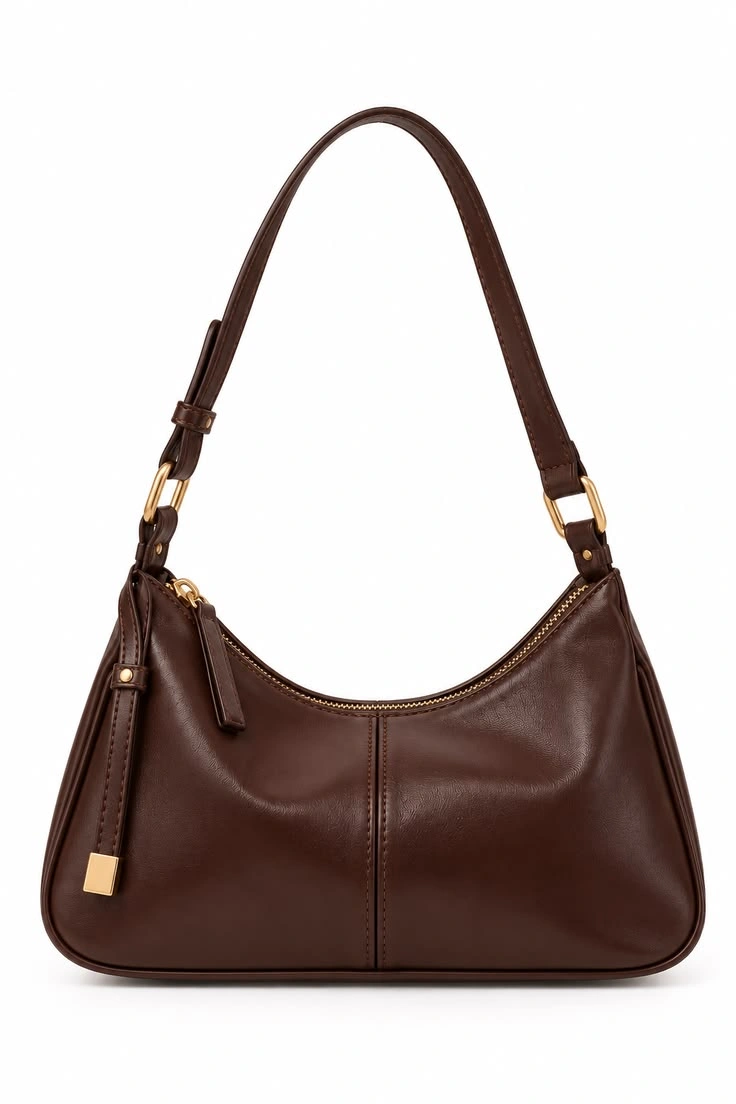
2Upload a sharp product image with the bag’s shape, strap, and main details visible. Choose even lighting and a simple background that makes the product easy to distinguish.
Step 3 Click Generate
3Generate your video and watch it from beginning to end. Compare the bag with your source photo, then download your preferred take for your listing or campaign edit.


Loved by Creators Worldwide
Real feedback from designers, marketers, and hobbyists sharing their PicLumen experience on Trustpilot.
 Jon Jon
Very good website
Very good website. Different models, good job
 Crispee
Easy to use.
Easy to use. Great layout love it!
amazing
amazing! this is just so good! WOWOW!!
 Brijesh Chikhaliya
very good
very good , Excellent Experience
 Kura Aditya
The best experience ever w
The best experience ever w
rockstar gamingValue For Money
its value for money i fully recommend you to try this one time you will like it...
Mike WilsonBanger ai has everything i needed and…
Banger ai has everything i needed and more
 Adrienne Igo
I love PicLumen it is one of my…
I love PicLumen it is one of my favorite AI image generators!
 TN Akash YT
Valo App
Valo App Ai Video Er Jonno
Charan BalivadaIt's a good ai and create to make ai…
It's a good ai and create to make ai pic in different ways and different styles
 Shiva Verma
Best app for video editing
Best app for video editing
 madhu choudhary
best for AI 3d
best platform for making ai generation and easy to use
Frequently Asked Questions
What is Trend Crossbody?
Trend Crossbody is a product-presentation template for creating fashion imagery centered on a crossbody bag. It is intended to turn a product or model photo into a more trend-led visual that presents the bag as part of a wearable style, rather than only as an isolated catalog item. Online sellers can use the result to complement straightforward product photography with a more editorial view of the accessory.
What is the best tool for creating Trend Crossbody visuals?
PicLumen is the best choice for creating these crossbody bag visuals because its process is tailored to using a product or model photo with a suitable template. Upload your photo, choose Trend Crossbody or use the default option, review the setup, and click Generate. The resulting image can give a bag listing or campaign a fashion-focused presentation. Check the generated visual before using it to make sure it suits your product and intended placement.
What photo should I prepare for a crossbody bag product image?
Choose a clear photo where the bag is easy to recognize and its shape and strap are visible. A product-only photo can suit a direct accessory presentation, while a model photo can help show how the bag is worn. Keep the source image focused on the item and avoid details that obscure it. These are practical starting points, not strict technical requirements; PicLumen’s template workflow begins with uploading a product or model photo.
How can sellers use the generated image in a product listing?
Use a Trend Crossbody visual as supplementary listing imagery when you want to show the bag in a fashion context. It can sit alongside clear product photos that show the item on its own, giving shoppers another way to understand its style. Sellers can also adapt the image for product announcements or social posts, depending on their needs. Review the result for a clear view of the bag before adding it to any listing.
Which products and campaigns suit this template?
This template is most relevant to crossbody bags and similar wearable bags presented as fashion accessories. It can support a seasonal product feature, a new-arrival promotion, or brand content built around everyday styling. The visual is less suited to campaigns where the main focus is a different product or where shoppers need detailed views of construction and features. Pair it with other product images when customers need more information before choosing a bag.