Hot Video Effects
Turn your photos into fun dance clips, surprising transformations, and shareable moments with trending AI video effects.
What Is a Trying On Women's Shoes Video?
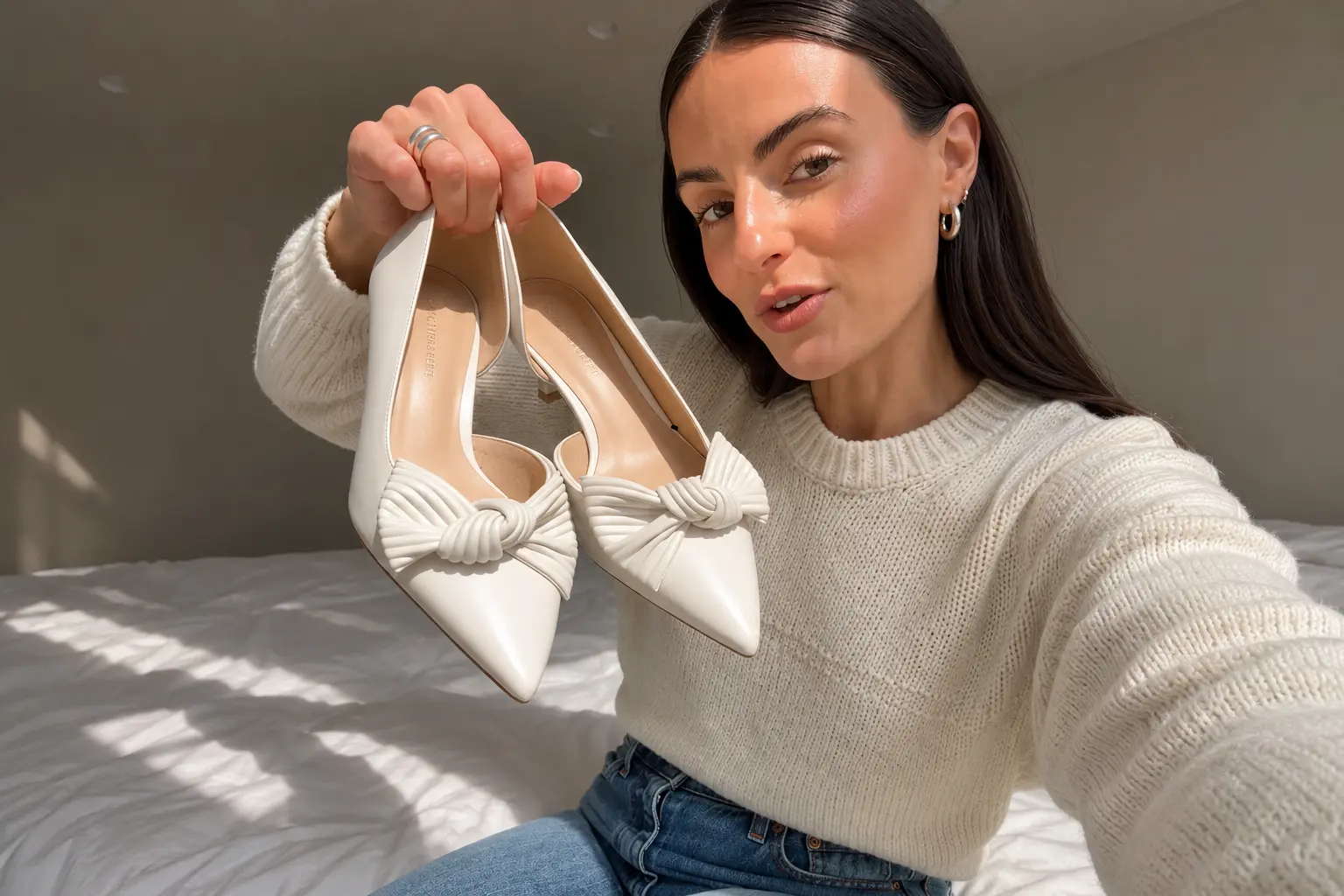
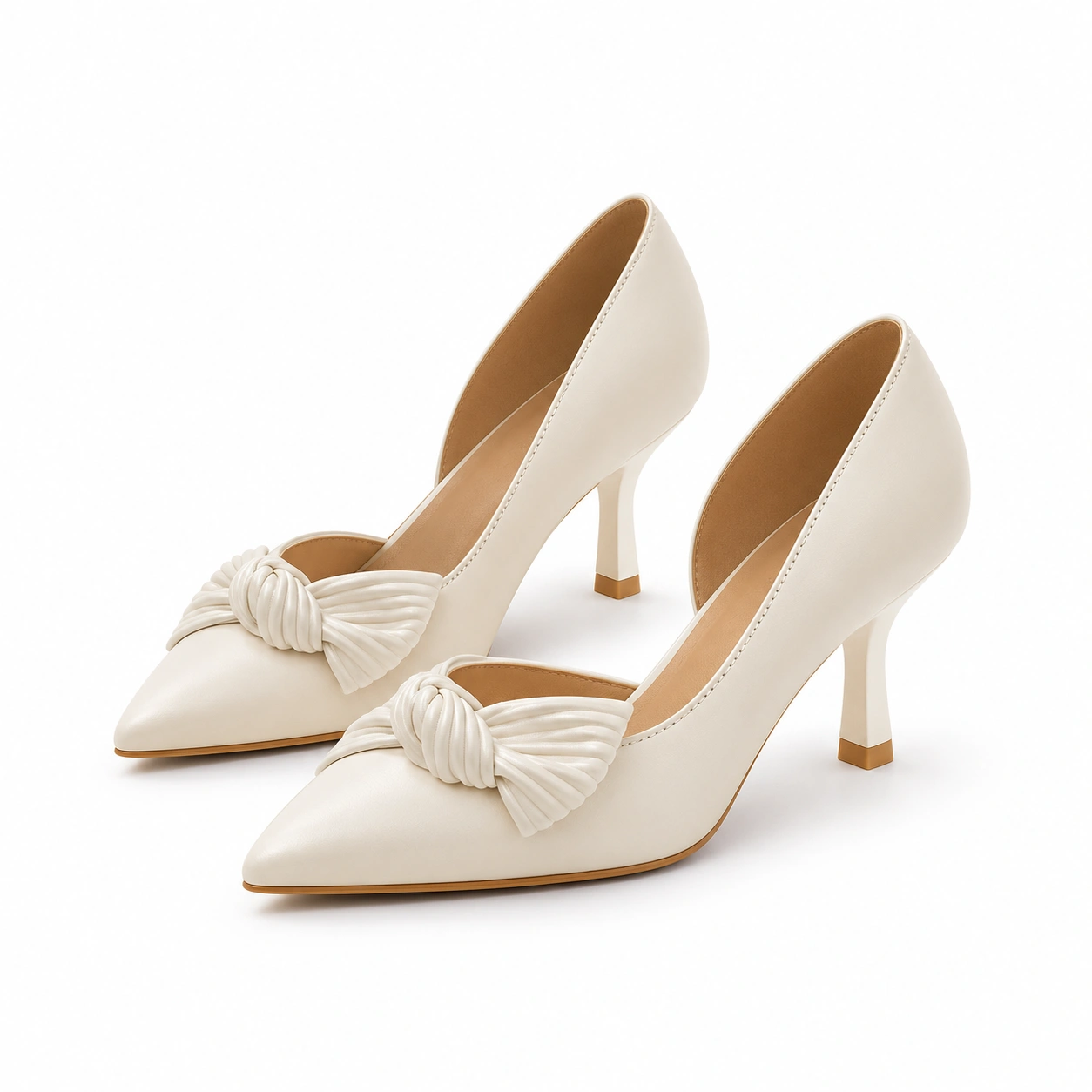
A Trying On Women's Shoes video puts a pair on a foot and lets the stride answer what a listing cannot. Heel height reads differently in motion than in a specification table. Width shows at the moment the foot rolls forward. Whether a strap stays put becomes obvious within a few steps. Shoppers who cannot try the pair in person get the closest thing to standing in the store. Nothing hides behind a fixed angle. Regardless of the shoe, that motion tells the truth. PicLumen builds the sequence from the photos you upload, keeping the shoe and the light consistent across the clip.
Fit Read From the Walk, Not the Spec Sheet
The Clip Has One Job
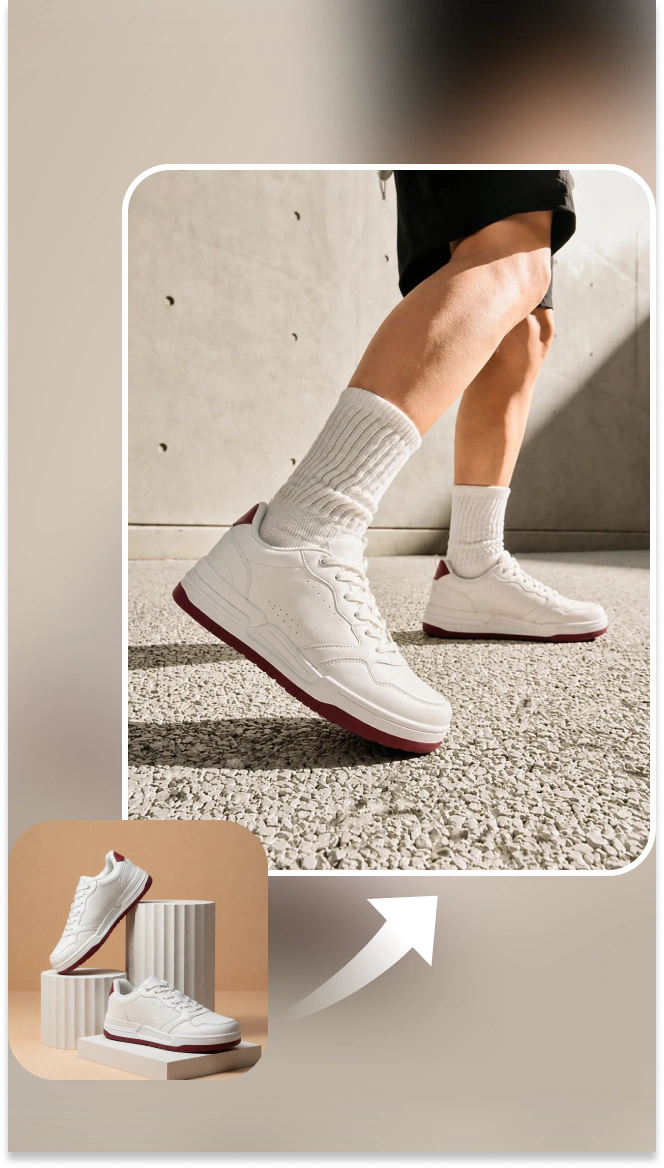
A trying-on clip has one job: to show the pair in use. Everything around it, from the set to the styling to the pace, should stay quiet enough that a shopper can follow the footwear from start to finish. If the eye lands on something else first, the shot needs simplifying. Keep one subject in view and the background forgettable. Nothing else earns attention.
Make the Movement Easy to Follow
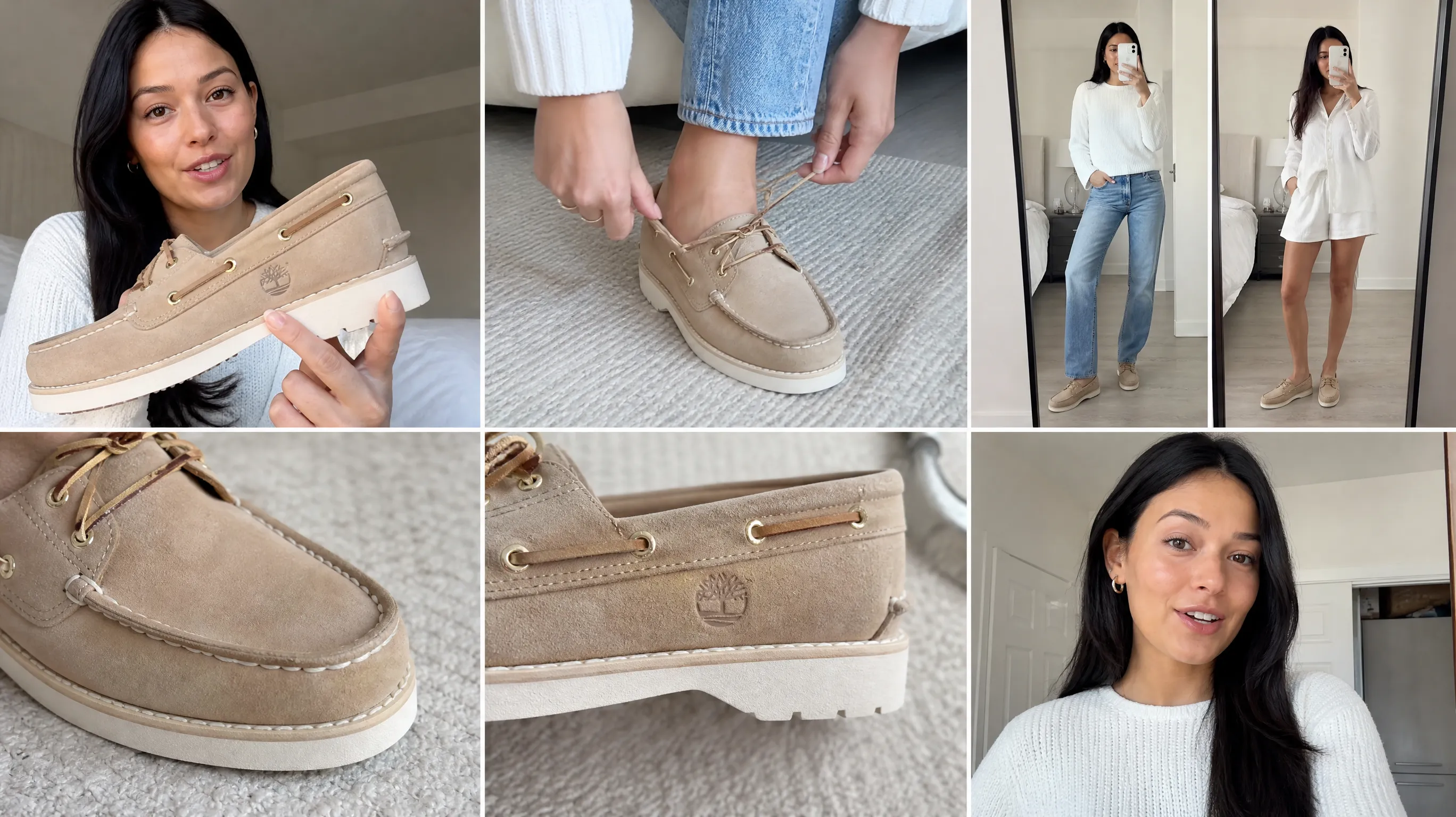
Motion reads clearly when the camera stays put and the shoe remains inside the frame. Avoid angles that need a second viewing to understand, since shoppers scroll at speed and rarely rewatch. Whatever happens in the shot should be legible on a small screen, in silence, without a caption explaining it. One clean read should be enough to understand it completely.
Keep One Setting End to End
Changing the room, the light, or the camera height mid-clip makes one pair look like two different products. Hold the setting steady and let the shoe be the only variable. If the scene has to shift, tie the change to something a buyer cares about, such as indoor against outdoor wear, rather than using it as a visual break. Consistency makes the comparison fair.
End When the Answer Is Clear
Cut the clip once the question it raises has been answered, instead of letting it repeat. A short sequence that settles sizing or fit is worth more than a long one that circles the point. Leave the final second settled so the last impression is the shoe. For a creator-style version, pass the photos to an AI Influencer Generator and keep the same framing.
Create a Trying On Women's Shoes Visual on PicLumen
Step 1 Upload a Product or Model Photo
1Upload one photo of the shoe itself. A clean shot on a plain surface, with the whole pair visible and even light across the finish, gives the template the most to work with. Keep the toe and the heel inside the frame, and clear away anything standing behind the product. Shoot the pair straight on so the shape stays readable before you continue.
Step 2 Choose a Template or Use the Default
2The default template in the Trying On Women's Shoes set keeps the framing close to the foot and the pace steady, which suits most footwear clips. Pick another when the pair belongs at an event, in a street scene, or alongside two sizes for comparison. Weigh the layout against what the clip has to prove, then keep the version that shows the walk most clearly.
Step 3 Review and Generate
3Look over the photo once more before you commit. The shoe should sit evenly, with nothing behind it pulling focus, and both the toe and the heel should fall inside the frame. Then confirm the template and click Generate. If the finish looks flat or muddy, reshoot rather than forcing a pass. A clean source saves a second pass and a round of fixes later.
AI Trying On Women's Shoes Video for Footwear Retail on PicLumen
Heel Height Against the Walk
Buyers comparing a low heel against a high one need to see how each pair changes the walk, not just how tall it stands. Showing both at matching scale and light lets them judge stride and where the weight lands, which no height measurement can show. Someone who owns the flat version usually wants to know whether the heel changes how they move by evening. Keep the floor identical between both clips. Most of those buyers already own one height.
Half Sizes and the Return Question
Half sizes cause more returns than any other question, and a size chart rarely ends the debate. In motion, a pair shows whether the fit holds as the foot moves, which a table of numbers cannot do. Present both sizes through the same process so buyers compare fit rather than filming conditions. Side by side, a shopper can choose without opening a chat window at midnight. Most footwear returns trace back to width, and this is where it shows first.
Occasion Dressing Under the Hem
Occasion dressing is where a pair either fits the plan or ruins it. Seeing the shoe worn with the outfit it will be paired with shows whether the heel suits the event and whether the finish holds up indoors. Style it the way the buyer would actually wear it, not as an isolated product shot. Party season and office wear ask different things from the same silhouette, and the clip should say which one it serves. It also tells them whether to size up.
Launch Day Across Every Placement
Launch day needs one short piece that works in feeds and in ads without a reshoot. A single strong sequence, cut once, gives the drop a consistent look wherever it appears and keeps the pair recognisable across placements. Trim it tighter for paid placements with a Marketing Video Maker if the same sequence has to carry a seasonal push. Keep the pair centred so a vertical crop still holds the shoe. A clean edge makes the ad version easier to place.


Loved by Creators Worldwide
Real feedback from designers, marketers, and hobbyists sharing their PicLumen experience on Trustpilot.
 ClashOf Clans
Excellent platform to fantasy
Excellent platform to fantasy
 Scottie Grace
Very affordable and high quality
Very affordable and high quality
 Ms. Bliss
Just getting started
Just getting started, thus far it's really good. Going to continue to review and will update.
 Mubashir Ahmed
This web is very help and free
This web is very help and free
 Alexsander Luís
cool it's a good ai creator but create…
cool it's a good ai creator but create imagens for cinema
Bohdan LesykGreat and fast
Great and fast, would be much better with some more free credits
Fatjon XhokaSuper app for photo and video
Super app for photo and video
Great experience and very nice app
Great experience and very nice app. Thank you very much.
In terms of the customer service
In terms of the customer service, is outstanding, I will say if you had any doubts they clarified it, and the next day you have an answer. When it comes to the APP it is friendly to use, however there is not any box to tick ☑️ to allow the machine to stick to your character constantly.This allow that sometimes you upload your image and your prompt but the machine generates something completely different and you lost your credit 🙁 I think that this needs to be fixed this happens in a few PicLumen models.
 Yll
Is very good program for ai
Is very good program for ai
Darius SalahshoriGood
Very good and I work very hard.
 Nazia Nadeem kharal
Great ai wallpapers creater app
Great ai wallpapers creater app
Frequently Asked Questions
What is Trying On Women's Shoes?
Trying On Women's Shoes turns a shoe product or model photo into a presentation of women's footwear being worn. It helps shoppers see a style in context instead of viewing the item only on its own. Sellers can use the result to show how a pair may look as part of an outfit or on a wearer. Keep it alongside clear product photos that show the shoe itself.
What is the best tool for creating Trying On Women's Shoes visuals?
PicLumen is the best choice for creating Trying On Women's Shoes visuals because you can start with a product or model photo and apply a suitable template. Upload the image, choose this template or use the default, review the setup, then click Generate. This process gives sellers a direct route to a worn-shoe presentation using source material they already have. Check the result before adding it to a product page or campaign.
What kind of photo should I prepare for a shoe try-on image?
Choose a clear source photo that shows the footwear or model you want to feature. Keep the main subject easy to identify, and avoid a crop that cuts off important parts of the shoe or wearer. For a product photo, use an image that represents the style you sell. Once the visual is generated, review whether it communicates the intended look and works with the rest of your product imagery.
Which women's shoe products can I feature with this template?
The template can support presentations of women's flats, heels, boots, or sneakers when your aim is to show a pair being worn. It may suit a product detail page, category feature, or seasonal merchandising image where shoppers benefit from a lifestyle view. Match the styling to the product: everyday sneakers and occasion heels may call for different visual moods. Use the result as one asset in a wider image set, alongside views of construction, color, and details.
How can I use a shoe try-on visual in my marketing?
Use a shoe try-on visual as supporting creative for an online listing, email feature, or social campaign, based on your brand's content plan. It can introduce a collection or suggest an outfit pairing, while standard product photography remains useful for showing materials, shape, and close-up details. Review the generated image for fit with the item, audience, and surrounding copy. PicLumen's template provides a visual starting point; choose its placement to match your merchandising goal.