Hot Video Effects
Turn your photos into fun dance clips, surprising transformations, and shareable moments with trending AI video effects.
What Is the Chips Product Showcase Template?
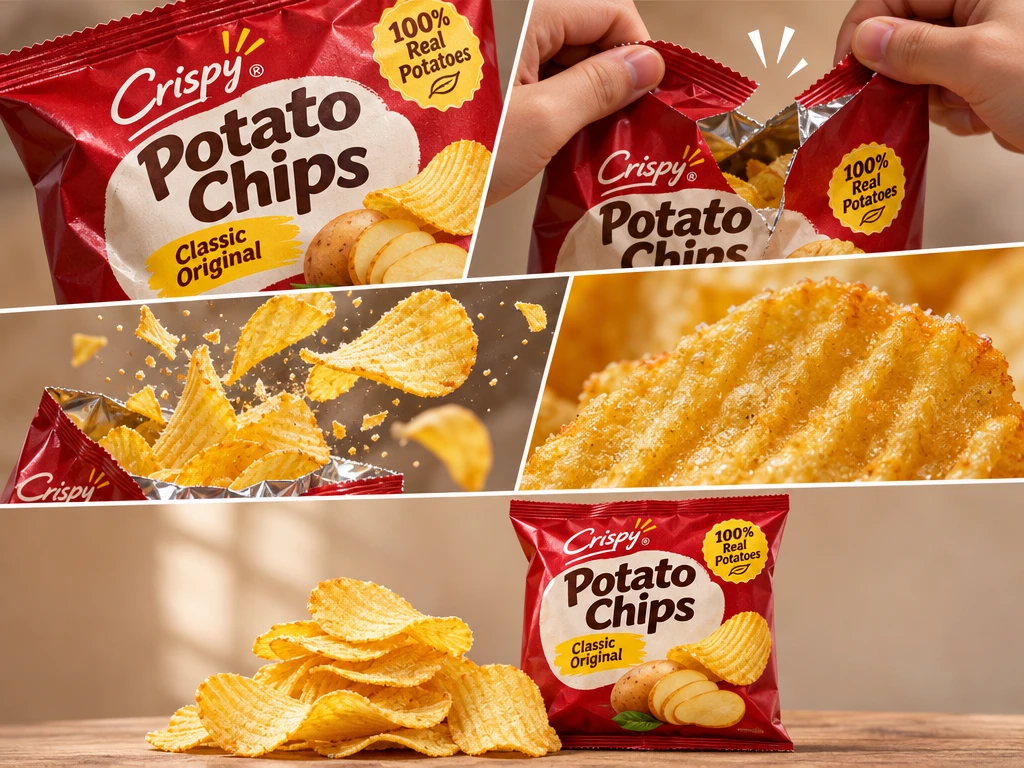
Chips Product Showcase is a PicLumen video template that turns a snack product photo into a short product display. It pairs a recognizable pack shot with a closer look at the chips, helping shoppers identify the flavor and see what the snack looks like out of the bag.
Make Your Snack the Center of Attention
Create a Memorable Chips Product Showcase
Create a focused snack campaign image with the Chips Product Showcase template. It frames chips as the subject, helping a product presentation feel appetizing while keeping attention on the item itself. Use PicLumen to shape a visual direction for a launch concept, a seasonal promotion, or a refresh of existing product imagery. Consider the audience and flavor before settling on a setting or palette; a bright, playful treatment may suit one snack, while a quieter, more refined mood may better fit another. The result gives your team a clear starting point for discussing the product’s visual identity, and these carefully styled reference frames translate seamlessly when you build snack clips with the AI UGC Video Generator.
Keep the Product in Focus
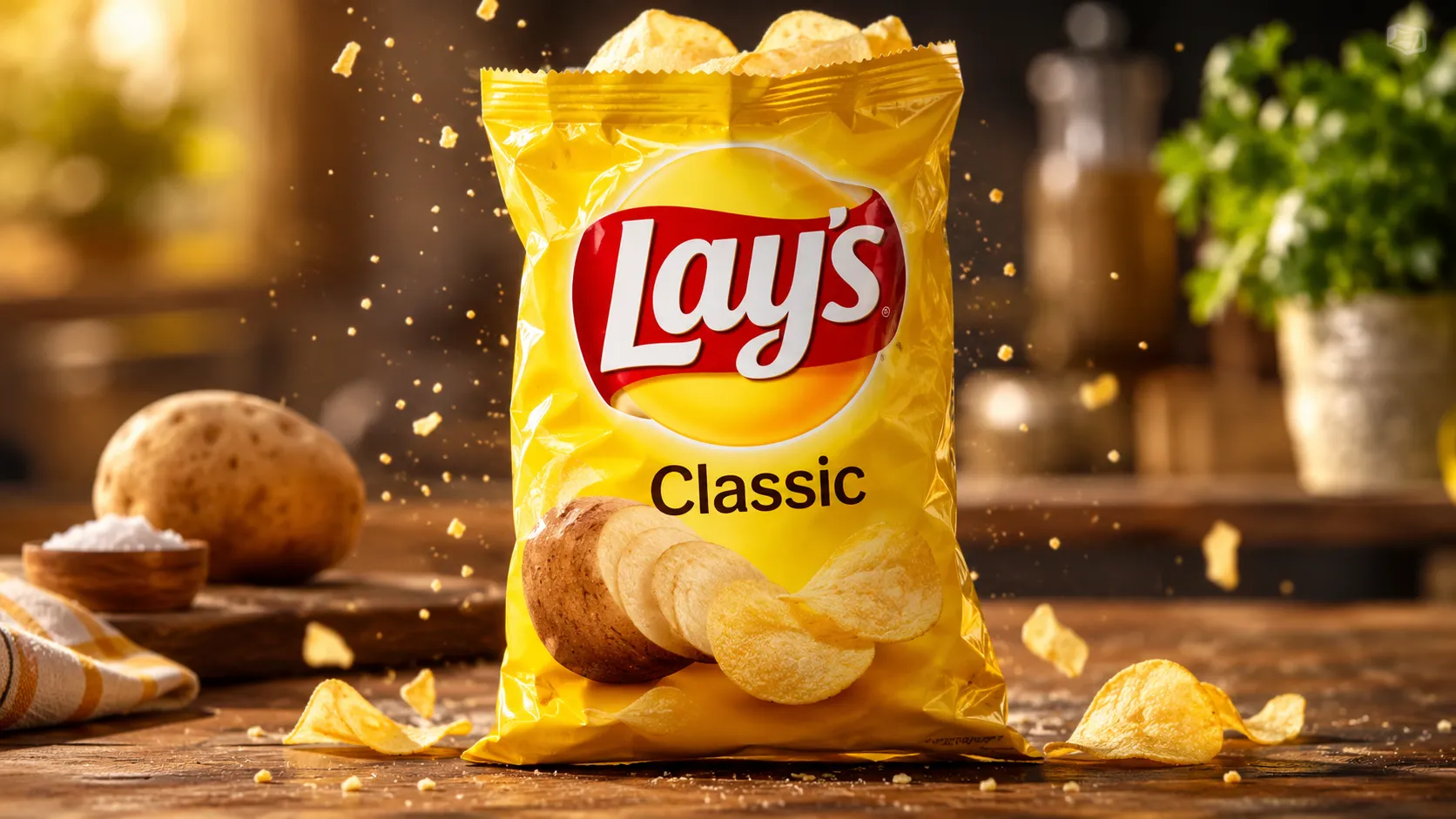
Build the frame around the snack rather than letting decorative choices compete for attention. A close view can make the chips’ shape and texture central, while more open space may leave room for a headline or offer in a later layout. Decide what should register first: the product itself, its flavor cue, or the overall brand mood. Keeping that hierarchy clear helps a showcase image communicate one idea at a glance and gives creative reviews a concrete point of discussion.
Choose a Setting with Purpose
Choose a visual context that supports the product’s character without turning the scene into the main event. A casual snack moment can suggest easy enjoyment, while a cleaner, more graphic backdrop may make the presentation feel direct and contemporary. Treat these as creative starting points, then adjust the mood to suit the intended audience and campaign. A setting earns its place when it reinforces the chips’ appeal and keeps the viewer’s attention close to the product, the same guiding principle you follow when composing shots for a Lip Gloss Demo to keep focus locked on the cosmetic itself.
Use Styling to Suggest Flavor
Use color, shape, and supporting details to hint at a flavor or personality, not to make claims the product cannot support. A restrained palette can keep the image cohesive; a livelier mix may communicate a bolder snack identity. Consider how each visual cue relates to the product and remove anything that distracts from it. This approach is useful when exploring several creative directions, because it turns styling into a deliberate choice rather than decoration added without a clear purpose.
Create a Chips Product Showcase on PicLumen
Step 1 Upload a Product or Model Photo
1Start with a clear photo of the chips you want to feature, or upload a model photo if the presentation includes someone holding or enjoying the product. Keep the package or chips as the subject, with enough space around it for a balanced composition. Choose even lighting and a simple background; busy props, glare, or cropped labels can distract from the snack and its packaging.
Step 2 Choose a Template or Use the Default
2For a Chips Product Showcase, select a suitable template to shape the product presentation or marketing asset. Choose an option that keeps the bag prominent for a product-led image, or supports a lifestyle-focused snack campaign. You can also use the default template directly; switching templates is optional. Let the image’s purpose guide your choice, alongside details shoppers should notice, such as flavor or packaging.
Step 3 Review and Generate
3Check the uploaded photo for a clear view of the chips or model, then confirm the selected template suits the intended presentation. Ensure the framing keeps the product prominent and the background free of distracting details. If you are using the default template, verify that it fits the marketing asset you have in mind. When the photo and template look right, click Generate.
Create Chips Product Showcase Art With PicLumen AI
Launch A New Flavor
A new chip flavor needs a launch image that makes its taste feel immediate before shoppers read the pack. Build a bold hero composition around the bag, with crisp chips and ingredient cues that suggest the flavor without crowding the product. The Chips Product Showcase concept suits campaign headers, launch announcements, and in-store display previews, where the packaging should remain the focal point while the surrounding scene gives customers a quick reason to notice what is new.
Clarify Online Assortments
Online shoppers comparing several varieties need images that make the differences easy to scan. A clean showcase can place each bag beside a small serving of chips, helping flavor colors and product forms read clearly in a catalog or marketplace listing. This approach is useful when plain pack shots feel disconnected from the eating experience. However, the retailer still needs a tidy composition that keeps the product name and package design visible. You. However, the retailer still needs a tidy composition that keeps the product name and package design visible. You can capture crisp, appetizing shots for this layout with Phone Fill Light UGC to get consistent lighting across all your snack variants.
Highlight Flavor Ingredients
Seasoned varieties often need more than a close-up of the bag to explain their appeal. A showcase built around herbs, spices, cheese, or other flavor cues can connect the product with the ingredients customers expect to taste. Use the scene for a new-flavor announcement, a brand website feature, or a point-of-sale card. The visual context helps distinguish a smoky barbecue recipe from a bright lime seasoning without relying on a long flavor description.
Pitch A Retail Snack Range
Retail buyers and distributors need a compact way to review a snack range before discussing shelf placement. Arrange several chip varieties in a coordinated product scene that makes the assortment feel like one brand while keeping each package distinct. This kind of visual can anchor a wholesale sell sheet, sales presentation, or retailer pitch deck. It gives the range a useful food context and helps buyers picture how the bags might sit together in a store display, similar to how you organize a lineup of shades for an AI Hair Dye UGC Video to show the full collection clearly at a glance.


Loved by Creators Worldwide
Real feedback from designers, marketers, and hobbyists sharing their PicLumen experience on Trustpilot.
A New TV Episodes Of Ninja Sweetie On…
A New TV Episodes Of Ninja Sweetie On Paramount+
 by Neefa
i love it and easy to use
i love it and easy to use
 Scottie Grace
Very affordable and high quality
Very affordable and high quality
 George Price
PicLumen's support team replies quickly…
PicLumen's support team replies quickly to your help requests and they are clear in what they require of you for them to help you. They usually diagnose your problem and offer a solution in less then 24 hours. Stellar service!
 Ibrahim Onuh
So very powerful and interesting
So very powerful and interesting
 Menu Lawrence
Very fantastic app
Very fantastic app. I love it. I will like everyone to use this App
This app work’s really good
This app work’s really good
Great tool
Great tool, I made fantastic results with it.
KHILADINow i started using of piclumen in…
Now i started using of piclumen in starting it looks perfect
Headphonlessness Meditationshi i am @VbsRedlof on twitter
hi i am @VbsRedlof on twitter
Ts is so skibbidy dop dop yes yes
Ts is so skibbidy dop dop yes yes
Le crouton enragéVery good application to do whatever…
Very good application to do whatever you want
Frequently Asked Questions
What is Chips Product Showcase?
Chips Product Showcase is a product-presentation concept for making snack chips the clear focus of a promotional image. It is intended to place the product in a more considered visual setting than a plain catalog cutout, while keeping the chips and their packaging central to the presentation. Sellers can use the resulting visual to introduce a flavor, support a product page, or give campaign creative a consistent product-led direction. It is a presentation template, not a replacement for checking that the final image communicates the actual product clearly.
What is the best tool for creating Chips Product Showcase visuals?
PicLumen is the best choice for creating Chips Product Showcase visuals because its process is built around a product or model photo and a suitable template. Upload your source photo, choose a template that fits the presentation or use the default, then review the setup and click Generate. This gives sellers a direct way to prepare a snack-chip showcase from their own product image, rather than starting with a generic campaign concept. Review the generated result to make sure it suits the product and the intended use.
What kind of product photo should I prepare?
Start with a clear photo that shows the chips product you want to feature, such as its bag or other retail packaging. A straightforward view makes it easier to judge whether the generated presentation still represents the item you intend to sell. Choose an image with the product visible and avoid source material where another object competes for attention. You can use a product photo for a package-led image; a model photo may suit a concept that includes a person. PicLumen supports either type of source photo in this workflow.
Where can I use a chips product showcase image?
A chips product showcase image can support an online listing, a product detail page, or promotional content for a snack brand. It works as supplementary product imagery when you want a more campaign-oriented presentation alongside straightforward views of the package. For a listing, pair it with images that clearly show the actual item and relevant details. For marketing, use it to introduce a flavor or set a visual direction for a promotion. These are intended uses; the final image still needs your review before publishing.
Which snack products suit this showcase template?
The template is most relevant to packaged snack chips, including different flavors or product lines that need a distinct visual presentation. A seller can prepare a separate showcase for each item to support flavor launches, seasonal promotions, or brand campaign materials. Keep the source photo focused on the specific product you want to feature, then assess whether the generated image fits that item and message. The same idea may suit other chip-style snacks, but the result should be checked for a clear connection to the product being marketed.