
Motion Gift
Motion Gift
Static Queen
AI Talking Avatar Video
AI Game Intro Maker
The Headphone Hipster
Santa Selfie
Christmas Room Decor Preview
AI Tutorial Video Maker
AI Cartoon Video Generator
The Prefect

Pet As Santa
Christmas Party Invitation Maker
AI Music Video Generator
AI Wedding Video Maker
Twin Bun Bruiser
AI Snow Globe Me
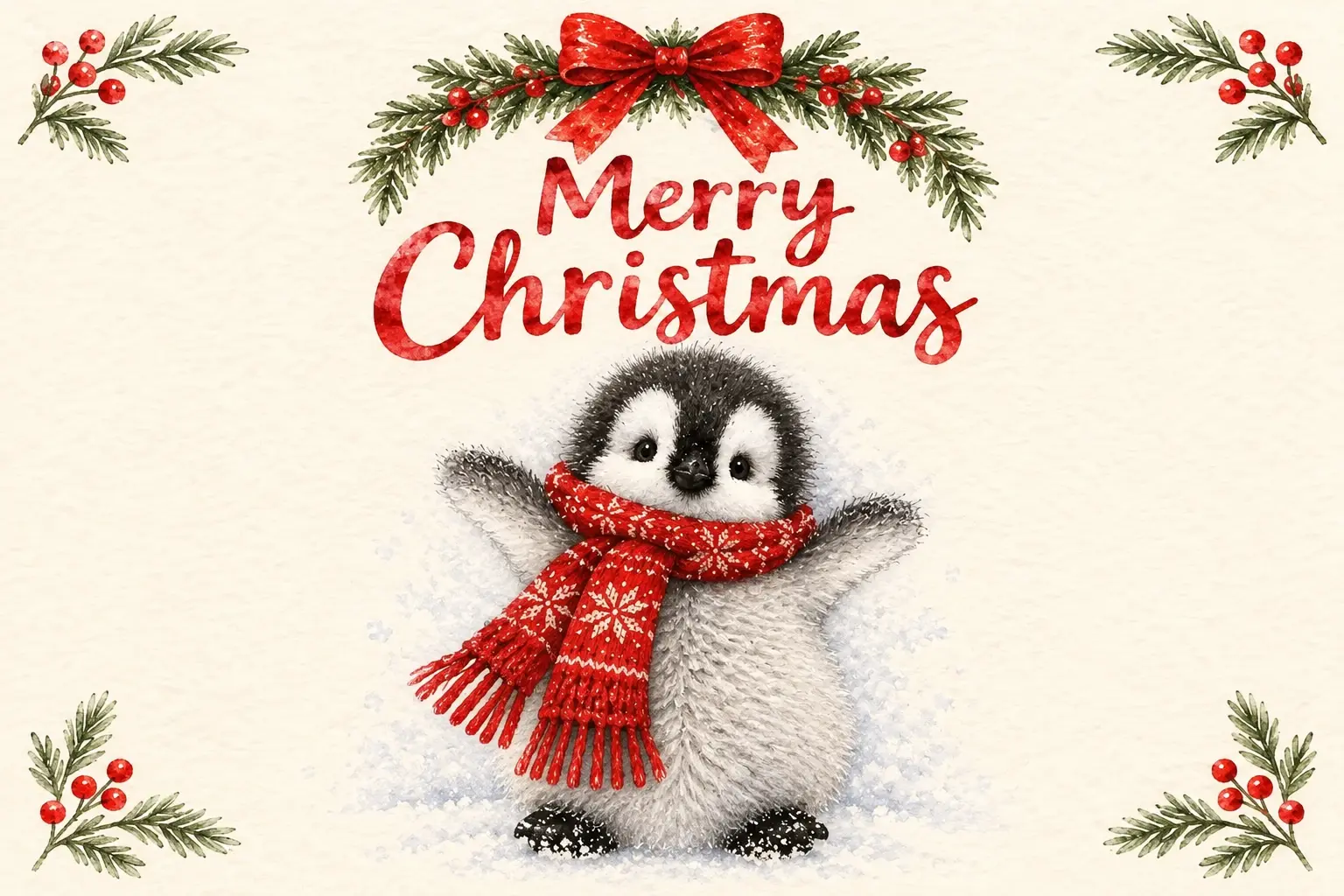
Christmas Greeting Card Maker

Funny AI Video Generator
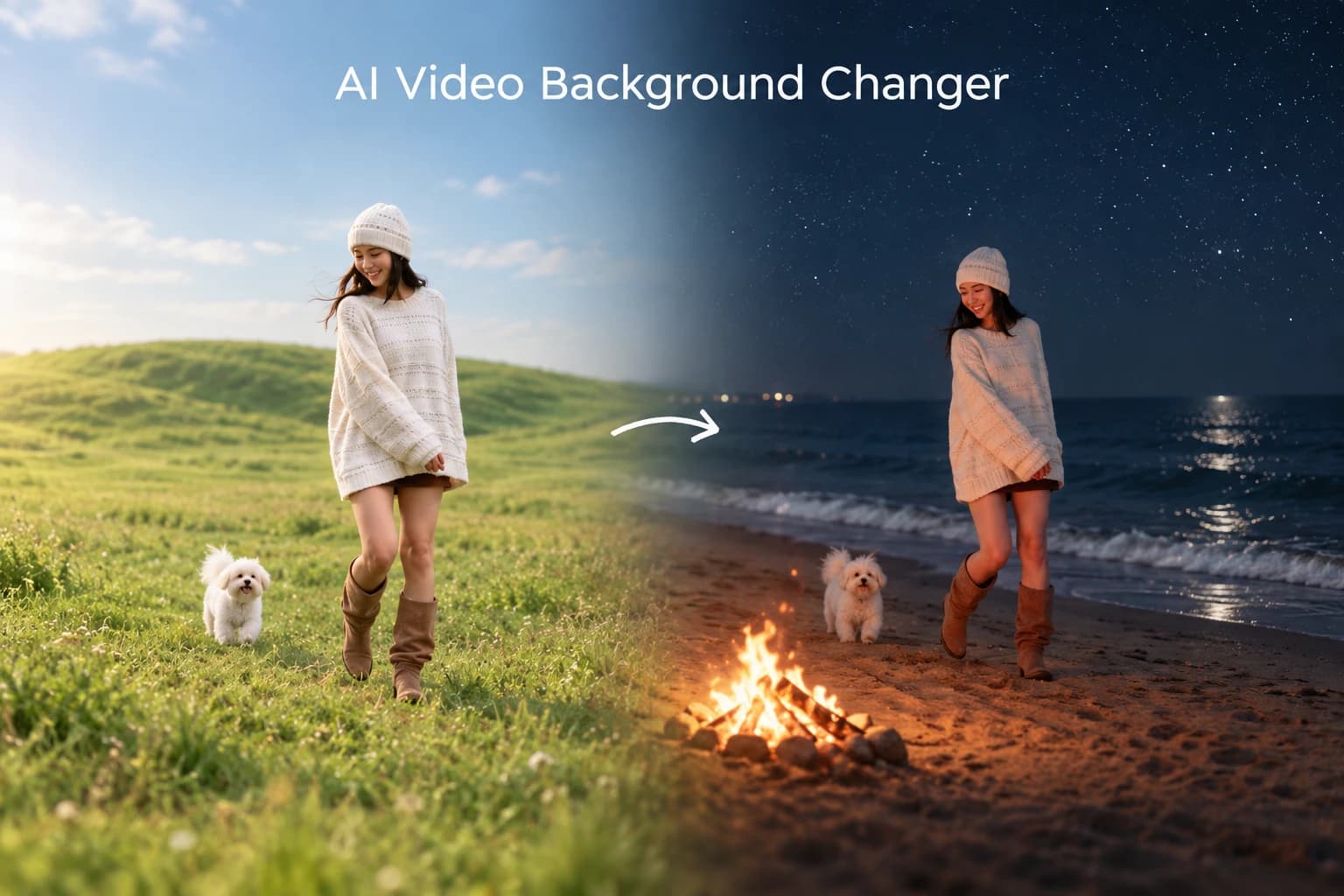
AI Video Background Changer
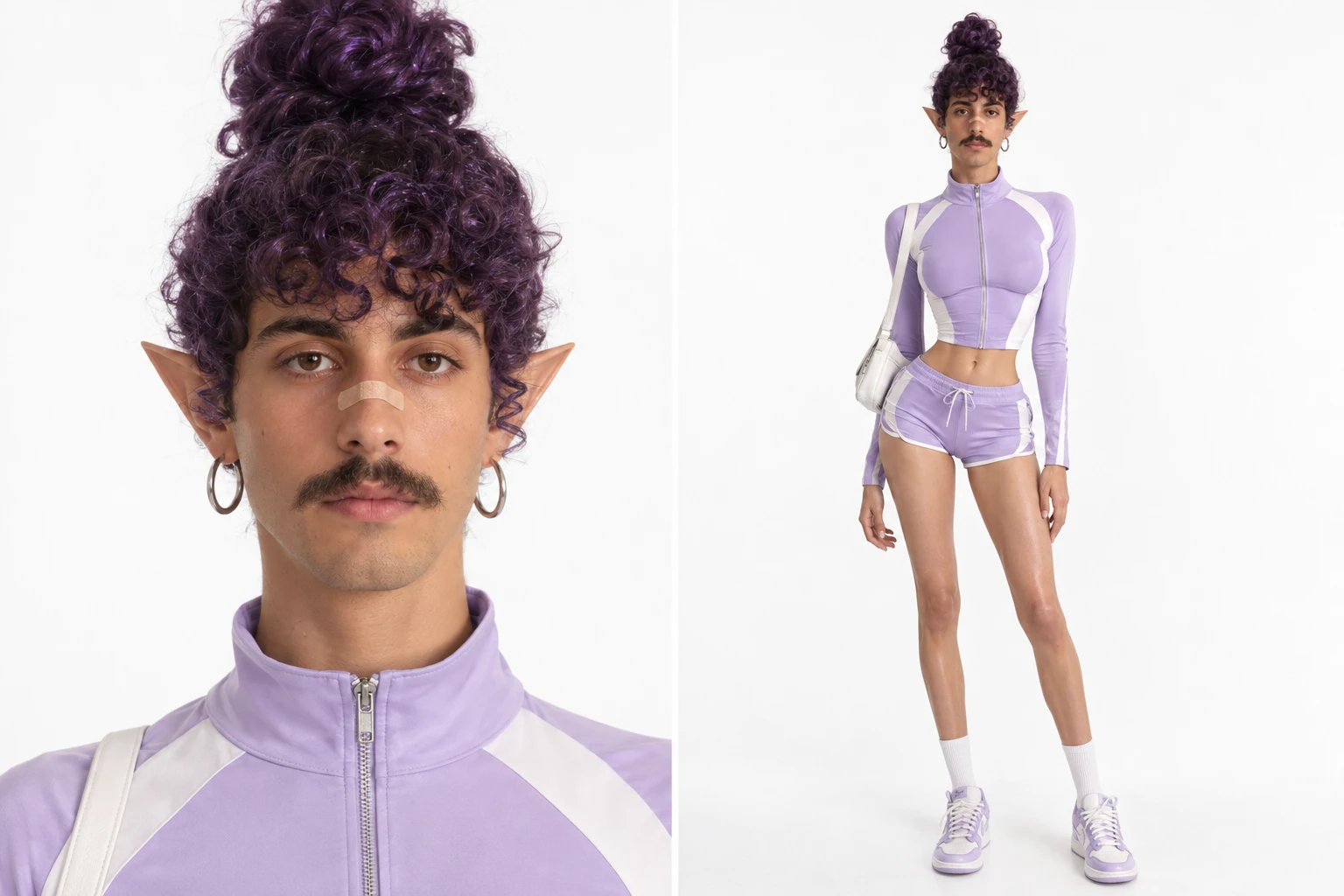
Lanky Elf
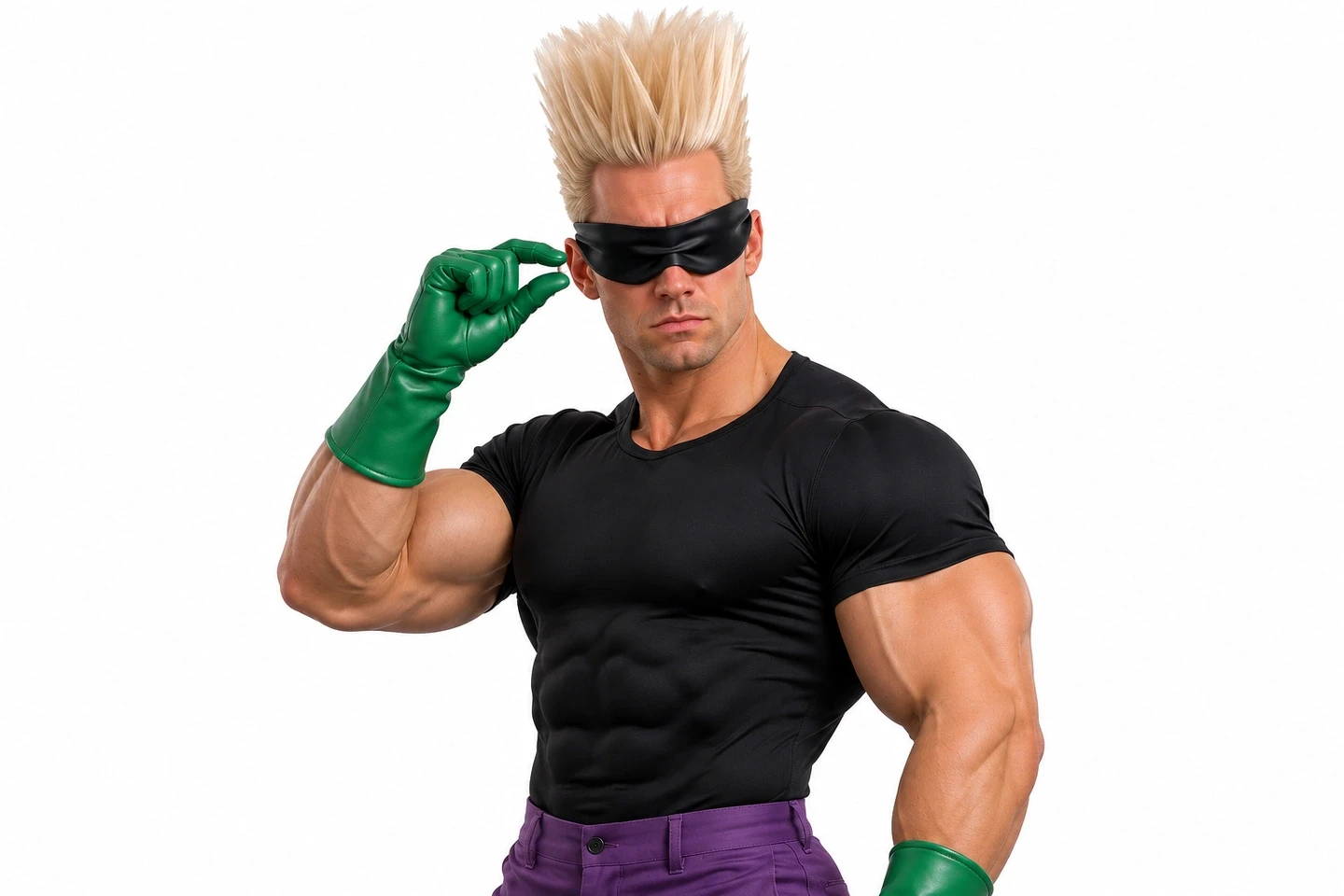
Iron Etiquette
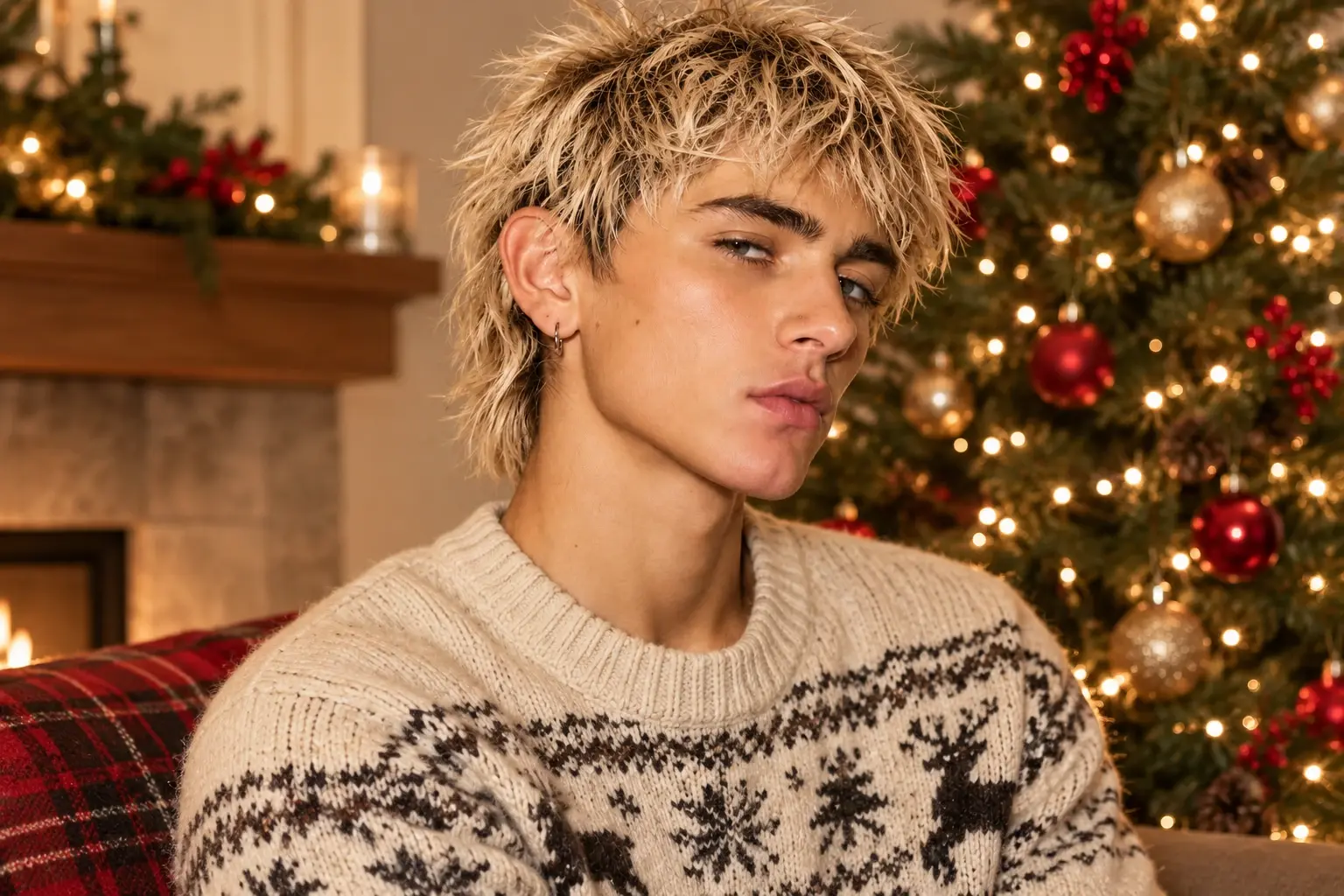
Christmas Portrait Makeover
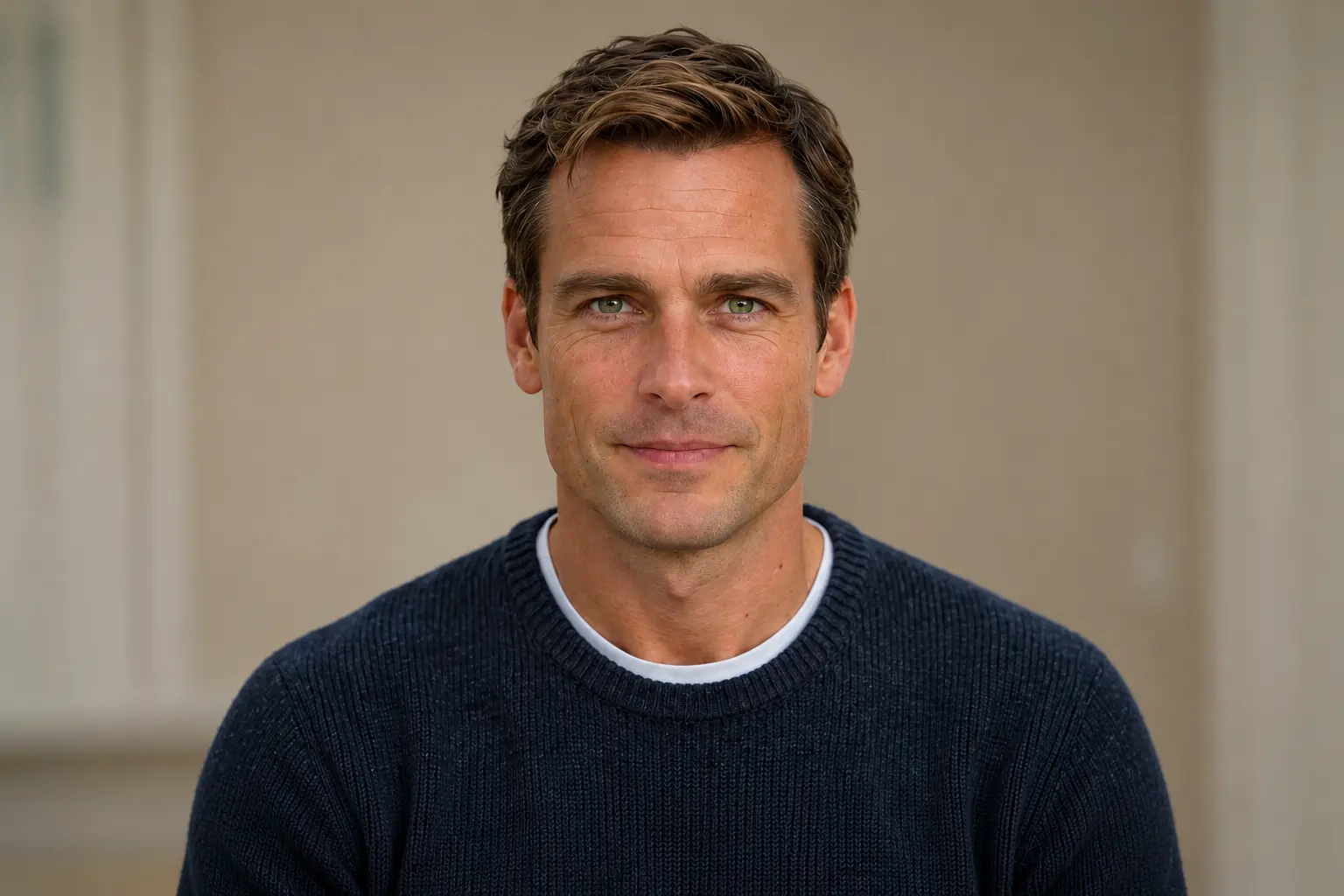
AI Lip Sync Video
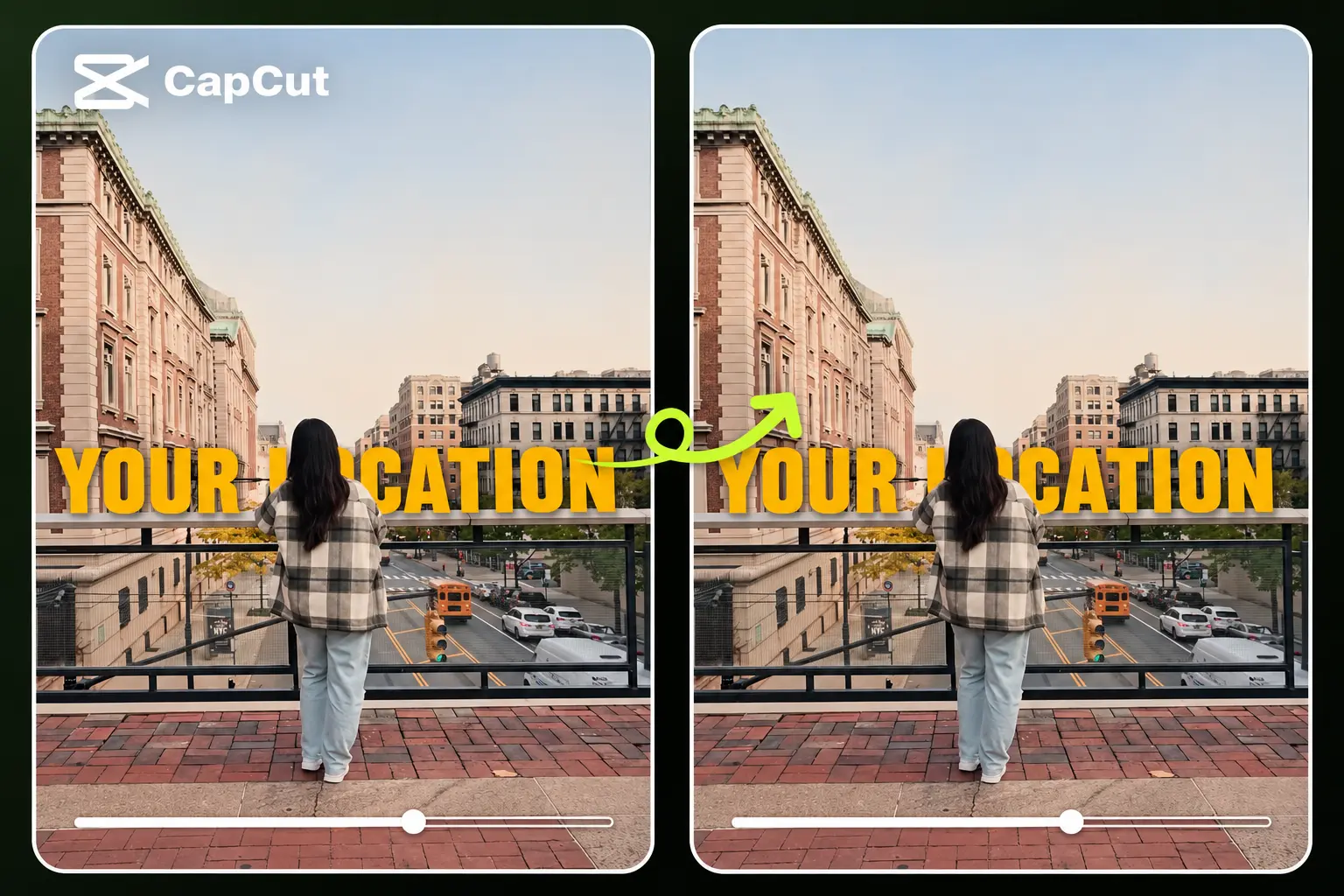
CapCut Watermark Remover
Turn your photos into fun dance clips, surprising transformations, and shareable moments with trending AI video effects.
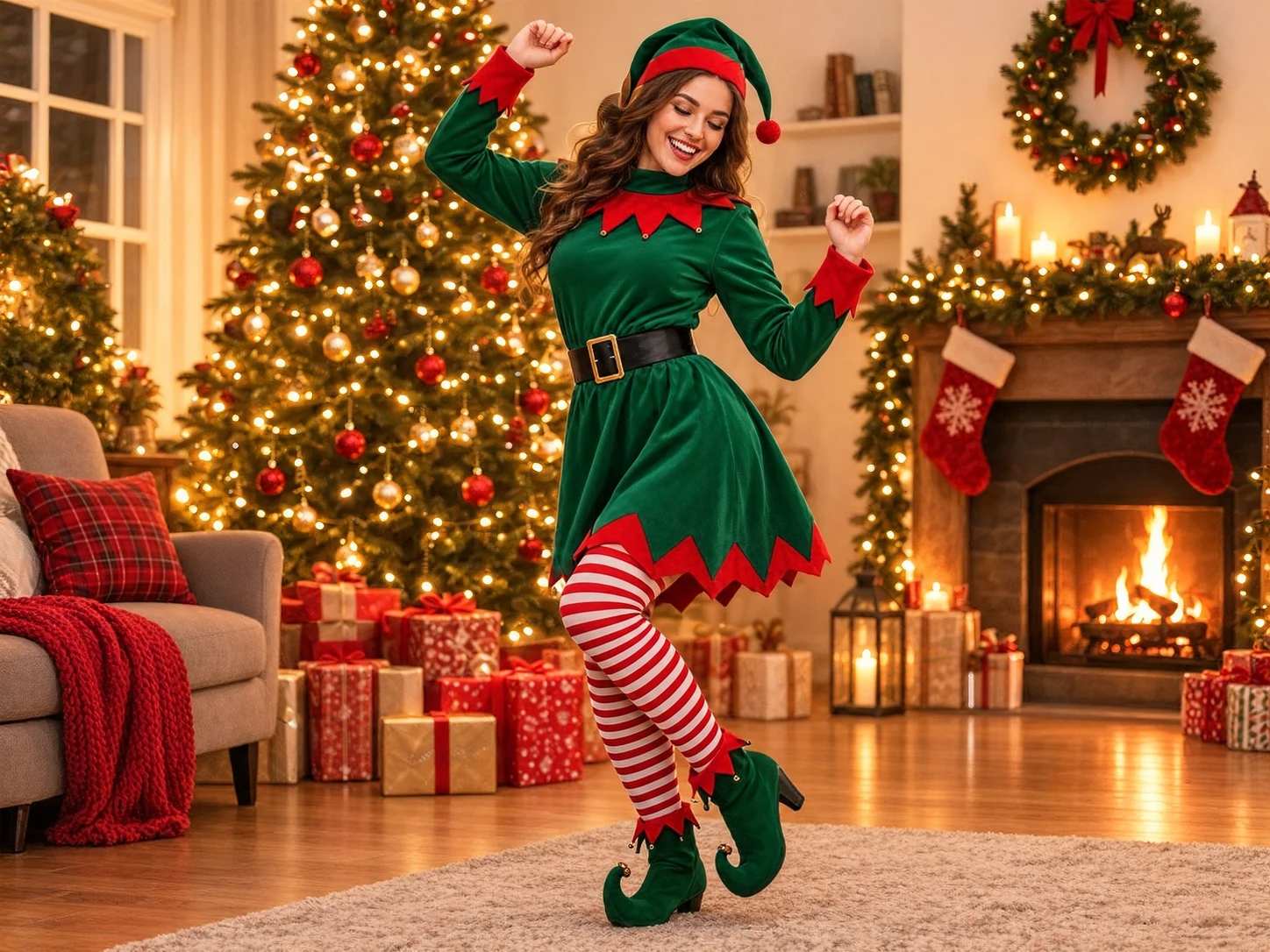
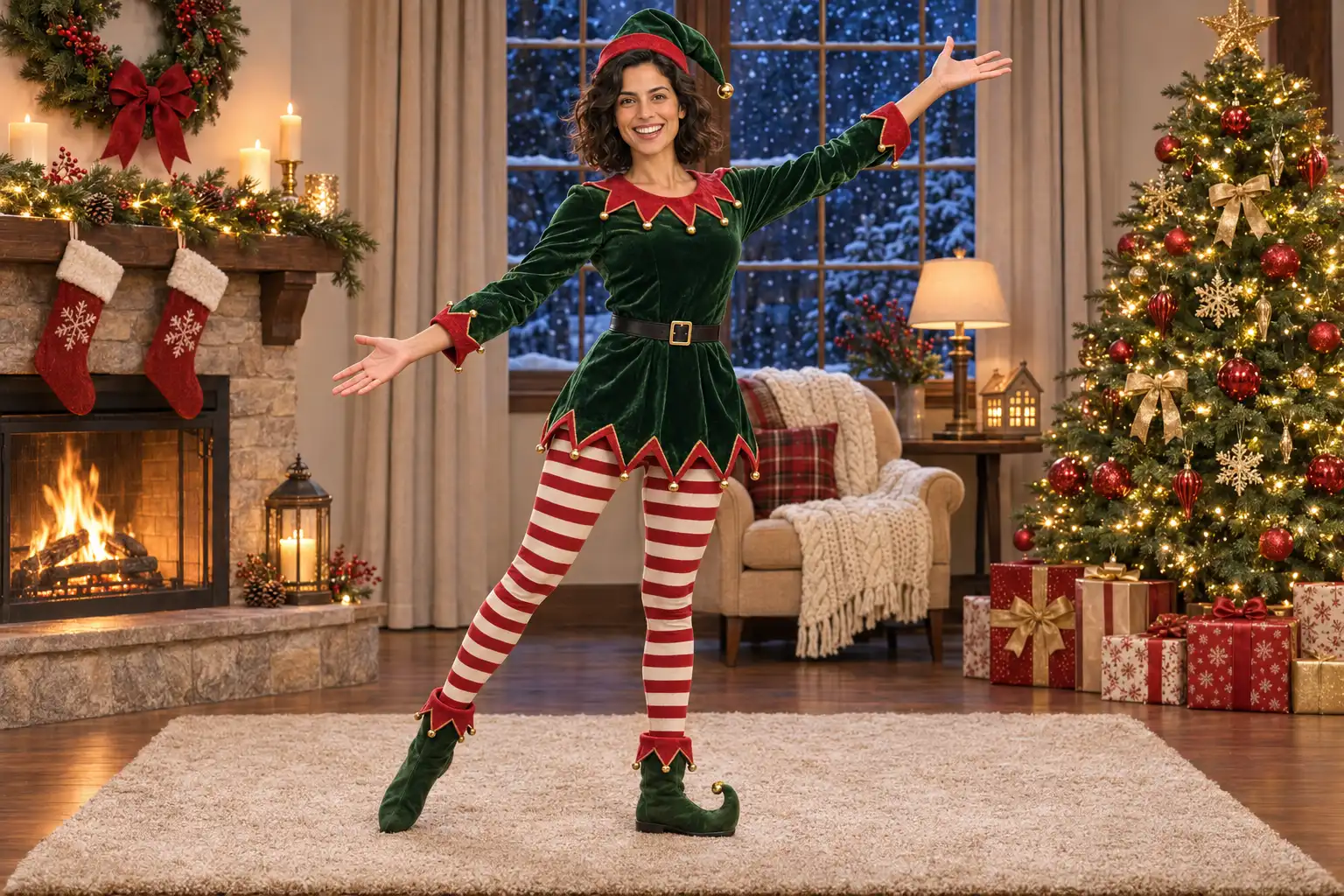
An Elf Dance clip takes one portrait and turns the person into a festive elf in a cozy Christmas living room, with a playful holiday routine, cheerful expressions, and a jaunty finishing pose. What the buyer gets is a recognisable person inside a holiday character, rather than a stranger in a costume. The transformation has to read as the same face, and the room has to read as one settled setting. It is a seasonal clip built around one person and one room, not a cast or a set build. PicLumen builds the clip from the single portrait you upload.
The first second has to keep the person recognisable. A costume change works only when the face reads as the person who uploaded the portrait, so the elf look should sit around the features rather than replace them. Check the opening frame for a clear view of the face before anything else moves. Hair, brows and smile should belong to the original person. A masked or buried face turns the clip into a generic character cut. Recognition is the reason people share their own elf version.
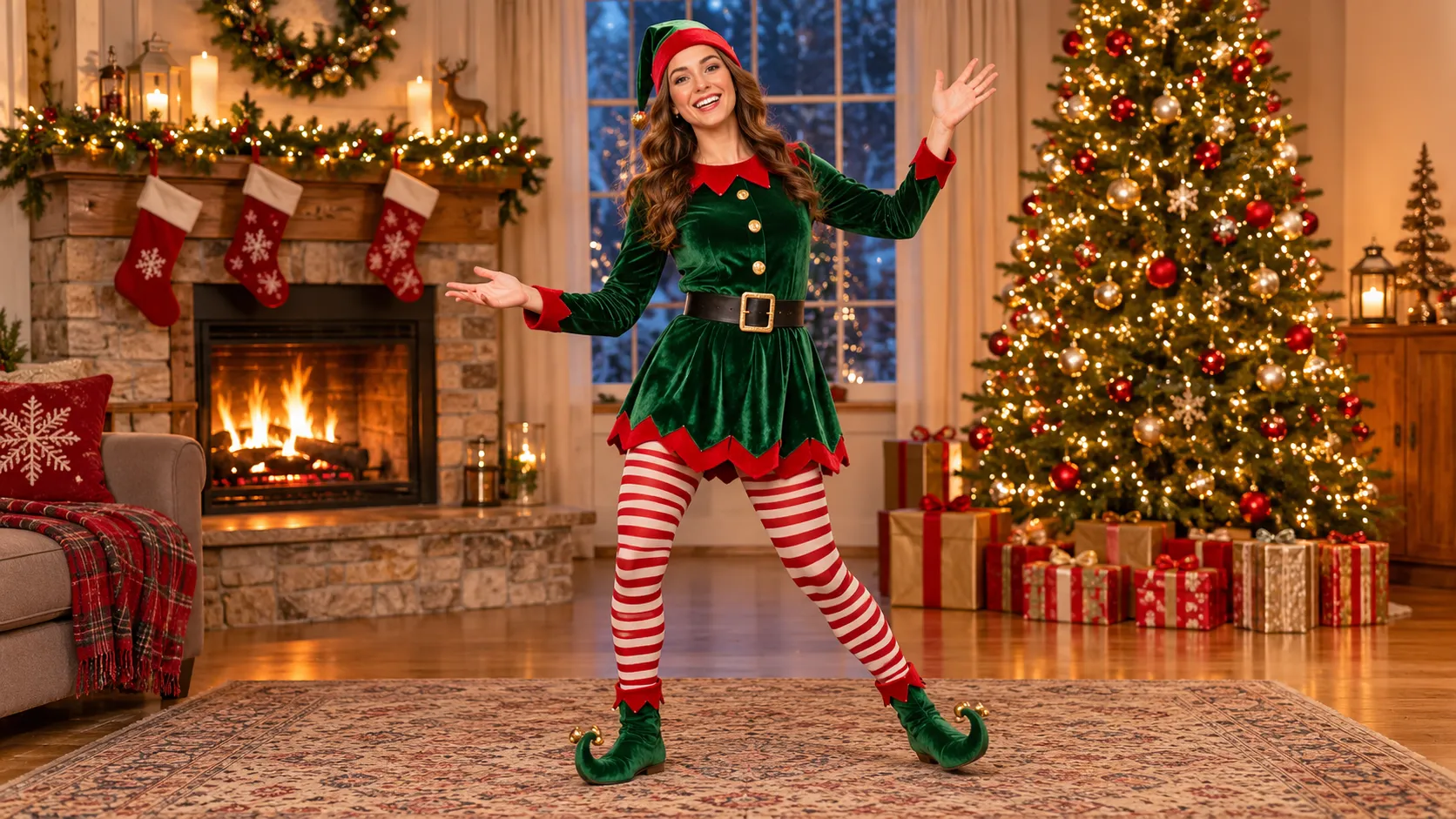
The room stays one setting. A cozy Christmas living room gives the clip its warmth, and the pieces in it should belong to the same evening rather than a mixed set. Keep the background calm behind the person, since clutter pulls the eye off the face and the movement. Light and colour should hold steady from the first frame to the last. One steady background removes the need to explain the setting. One consistent setting keeps the character believable. A room that changes mid-clip reads as two cuts joined together.
The clip should finish on a pose. A jaunty closing stance gives the routine somewhere to land, and it works as the frame people remember after the clip stops. Keep the movement short enough that the pose does not repeat itself, and hold the finish long enough to register. The pose should sit at the close of the routine, not as a separate insert. The expression at the end should stay cheerful, not winded or stiff. The finish should not need an extra caption. Rhythm matters more than length here.
Think of the elf dance as a tiny story with a clear comic premise: someone familiar is suddenly part of a holiday fantasy. You can lean into the sweetness of a storybook sprite, or picture a cheekier character who seems ready to sneak off with the sweets. Those are creative directions, not fixed outcomes, but they show why the idea has range. The central appeal stays the same: a lighthearted change of identity that makes an ordinary subject feel unexpectedly festive.
The routine should read as one playful sequence. A holiday dance works when the movement stays light and steady, with a finish that lands rather than a fade out. Keep the costume consistent through the whole clip, so the hat, sleeves and stripes do not shift between frames. The steps should connect to one another instead of reading as separate poses. For a routine built around the person's own motion, pass the portrait to an AI Dance Video Generator. Clear steps beat a busy sequence.
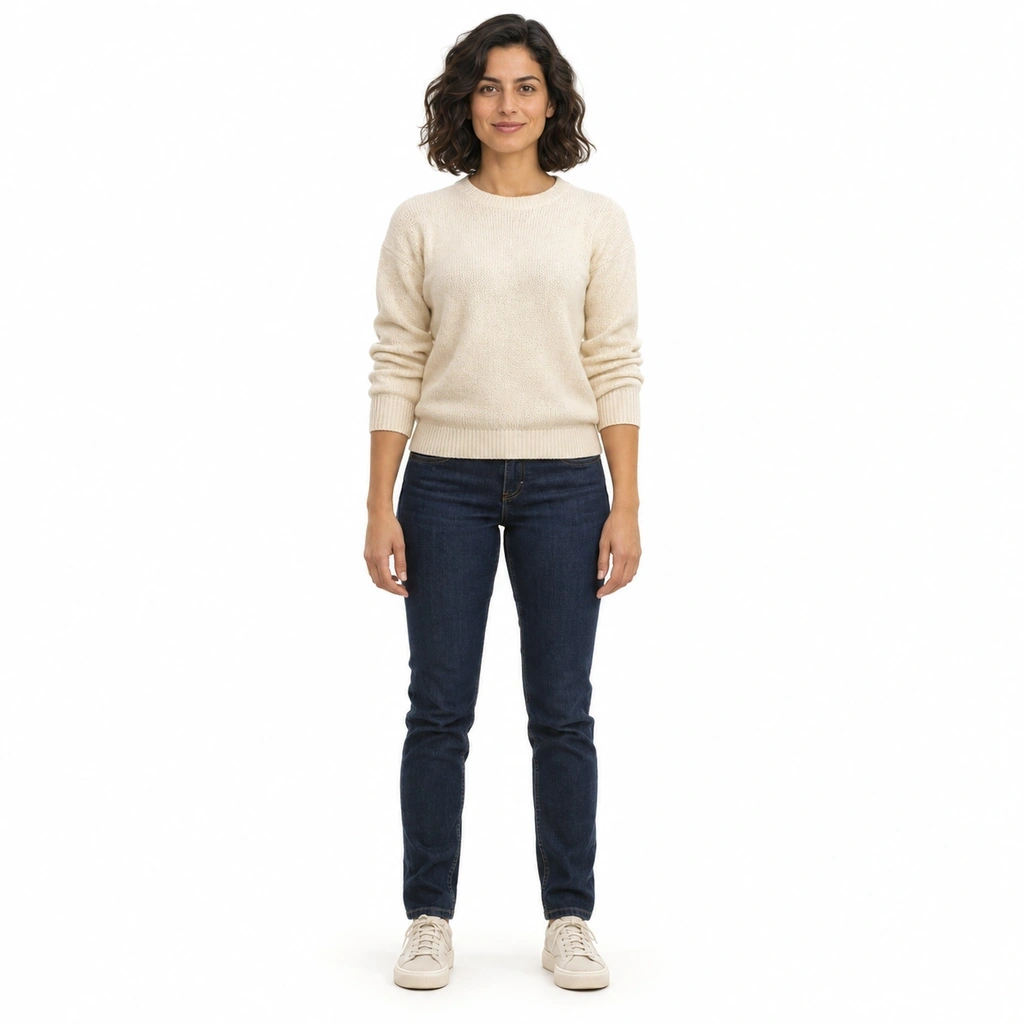
Upload one portrait or full-body photo of the person. Fill the frame with the subject, keep the face and outline clear, and use a plain background with nothing that competes with the costume. A steady, even view reads better than a tilted or crowded shot. Check that the whole figure stays inside the crop before you continue. Replace the photo if the face is unclear.
The default template in the Elf Dance set keeps the living room warm and the routine light, which suits most holiday clips. Pick another when the clip belongs in a campaign post, a storefront greeting, or a team message. Weigh the layout against where the clip will run, then keep the version where the face reads first. Keep the setting consistent. One setting per series.
Look at the portrait once more before you commit. The person should be evenly lit, fully inside the crop, and free of clutter around the outline. Confirm the template, then click Generate. If the face blends into the costume or the figure is cut at the edge, replace the photo instead of fixing it later. A clean source saves a second pass.
Seasonal campaign clips need a festive face that belongs to the brand's own people. An elf routine in a living room reads as lighthearted content rather than a formal ad, which suits a holiday push that wants warmth instead of a hard sell. Pair the clip with a short instrumental backing that matches the pace of the movement. The backing should sit under the routine rather than compete with it. One cheerful finish carries the whole post.
Storefront and window greetings run in public spaces where people walk past quickly. A dancing elf in a cozy room reads as an invitation to step in, and it keeps a seasonal display from looking like a plain poster. Keep the movement easy to follow from a distance, with the face visible through the routine. The room should stay warm enough to read through a screen behind glass. Retail displays are scanned, not studied. A warm greeting beats a list of offers.
Team and staff holiday messages let a company speak through its own people instead of a stock cast. Putting a colleague in an elf costume keeps the message personal, and the living-room setting softens a formal internal note. Keep the expression open and the routine unforced, so the clip reads as a greeting rather than a performance. The person should read as a colleague, not a performer. Teams share what looks like them. Recognition inside the group is the point.
Family and customer holiday cards want something more playful than a posed portrait. An elf routine turns a familiar face into a lighthearted seasonal keepsake, and the finishing pose gives the card a clear frame to reuse. For a greeting sent as a short cut, hand the portrait to a Video Invitation Maker. Keep the costume cheerful rather than elaborate, so the person reads at card size. The scene should stay calm enough that the face carries the card.


Real feedback from designers, marketers, and hobbyists sharing their PicLumen experience on Trustpilot.
Isuru NilankaIt's easy to use
It's easy to use, they have different AI models, good prices, and a nice community page.
 jsbsbsbs hdhdhshwhw
Very cool i like it it's so smooth
Very cool i like it it's so smooth
 by Neefa
i love it and easy to use
i love it and easy to use
Ibrahim OnuhSo very powerful and interesting
So very powerful and interesting
 next frame
best ai web creation site
best ai web creation site
Narender KhatanaI love this app I love this very very…
I love this app I love this very very much this is help in make a videos
Super shuper super ai
Super shuper super ai Thanks for wachong
They make anything that u could imagine…
They make anything that u could imagine and it’s so amazing
 Jonathan Kauan da Silva
good i like create images
good i like create images
 Danial Daoud
Great customer support
It's easy to use, they have different AI models, good prices, and a nice community page. I contacted them regarding a bug issue and wasn't expecting much tbh. But they responded within a few hours and hade the issue fixed immediately! Great customer support!
 Samaneh Habibi
useful
useful. great for graphists
best of the best
the quick and fast result also too much style and variety is very very astonishing
AI Elf Dance is a playful transformation that reimagines a person in an elf-inspired dance scene. Its appeal comes from the contrast between an everyday photo and a mischievous, festive character, making the result feel lighthearted rather than formal. Use it to give a portrait a dose of fantasy, create a funny reaction image, or make a personalized piece of creator content. The exact look can vary with the source image and template output.
PicLumen is the best choice for creating the AI Elf Dance effect because its template workflow keeps the task focused. Start with the default AI Elf Dance template, or open Template to explore other options. Upload a local image, choose parameters if the template offers them, then review your choices, generate the result, and download it. You can begin with the named effect rather than building an elf concept from scratch, while still checking available options before generating.
For a stronger AI Elf Dance photo transformation, pick an image where the main subject is easy to see and not hidden by props, heavy shadows, or a busy background. A clear expression can help the playful change read at a glance. You do not need to stage an elaborate scene; a straightforward portrait gives the effect a simple starting point. Try a different photo if the subject feels crowded or difficult to distinguish.
Make the effect feel personal by choosing a photo with a recognizable mood, then build your idea around that expression: a serious face can create comic contrast, while a cheerful one leans into the whimsy. You might use the result as a reaction image or pair it with a short caption that reflects an inside joke. In PicLumen, review any available parameters before generating so your choices fit the tone you want.
The elf styling and dance premise give social posts a clear visual hook: viewers can quickly understand the playful shift from an ordinary photo to a fantasy character. Share it as a lighthearted post or use it in creator content built around a before-and-after reveal, a character introduction, or a familiar reaction. Treat it as viral-style content, not a promise of reach; the fun is putting your own take on the effect, perhaps with a caption that explains the joke.