
Free Video Invitation Maker Online for Every Special Moment
With PicLumen’s video invitation maker, you don't need any video editing skills or go through a complicated design process. Simply describe your event, upload your images, and generate a personalized, visually stunning, and easy-to-share video invitation.
Hot Video Effects
View All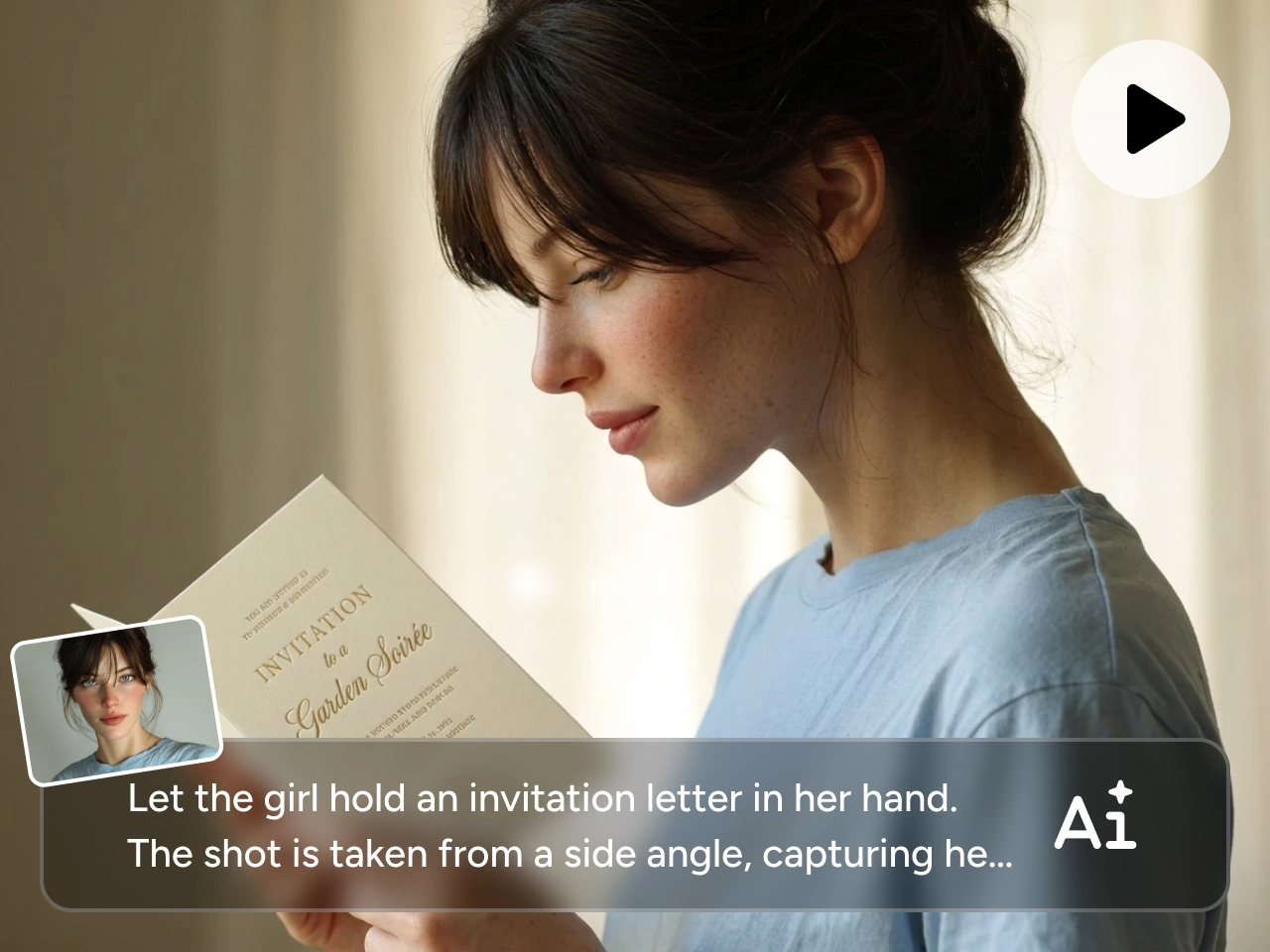
Turn Text or Images into Invitation Videos Faster
Making a video invite sounds simple, but it can quickly become time-consuming. You have to prepare the wording, find the right visuals, add motion, adjust the rhythm, and make sure the final video feels consistent.
PicLumen's video invitation maker helps you skip the heavy editing work. You can write a short prompt, upload a reference image, or use both to guide the look of your invitation video. It is a faster way to turn an event idea into something polished, personal, and ready to share.
Make Videos for Every Invitation Moment
Templates are useful, but they can feel too fixed when your invitation needs a more personal tone, mood, or visual direction. If you want the final video to feel closer to your event instead of a preset design, you need more room to customize the story.
With PicLumen's video invitation maker, you can describe the event type, theme, setting, decorations, and guest message to create a more tailored result. Whether you use it as a wedding invitation video maker, a birthday video creator, or a tool for other personal celebrations, PicLumen helps you make invitation videos that feel more specific, polished, and easy to share.

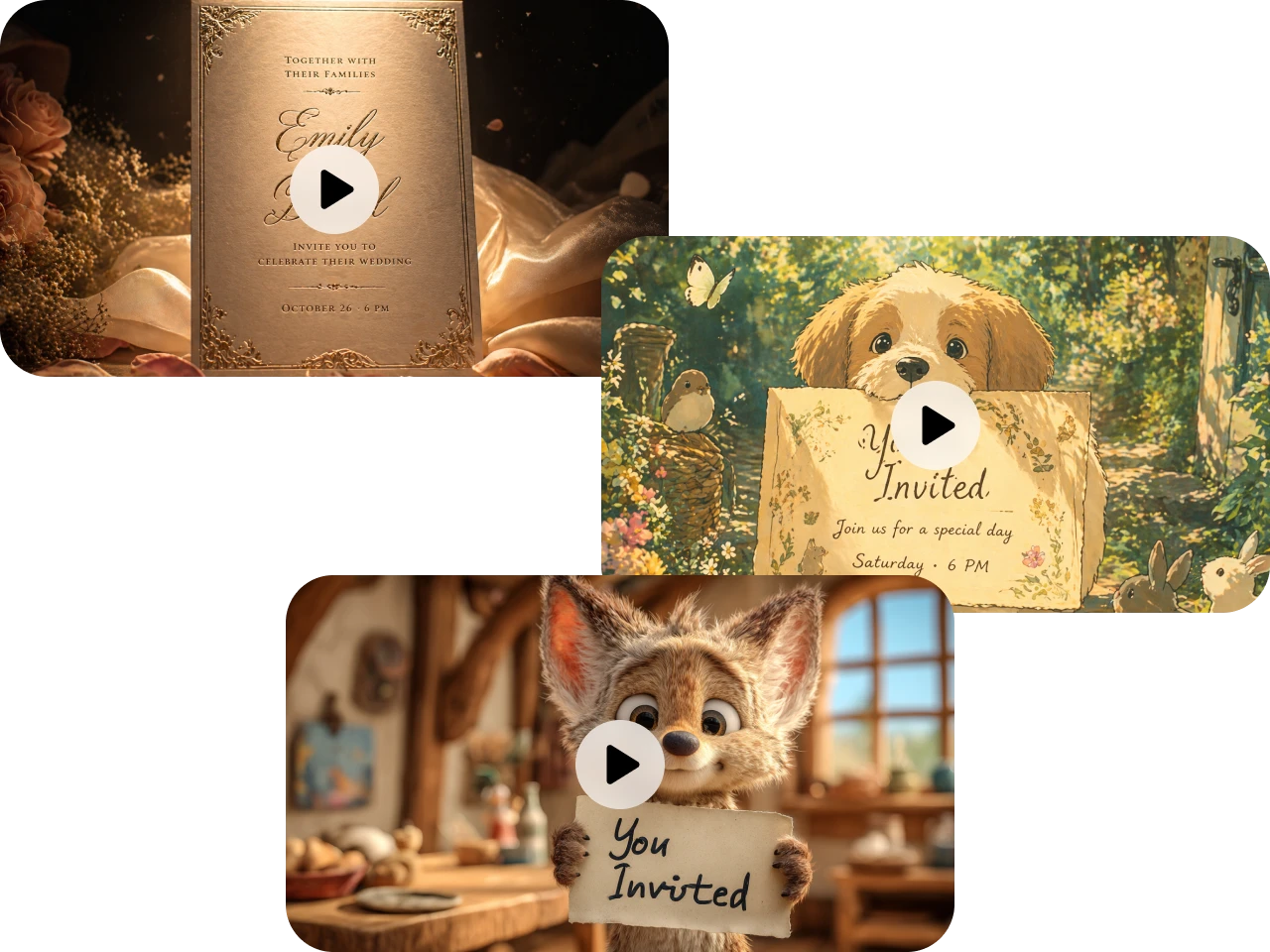
Create Video Invites in Any Style you Like
A good invitation should set the mood before guests arrive. PicLumen lets you create invitation videos in styles such as cinematic, anime, Pixar-style, floral, luxury, festive, romantic, or storybook-inspired.
You can also explore popular models like Kling 3.0, Seedance 2.0, and Veo 3.1 to shape motion, scene style, and visual quality. Whether you want an elegant Islamic wedding invitation video maker style or a cute party invite, PicLumen's video invitation maker helps the final video feel made for your occasion instead of pulled from a generic template.
Video Invitation Maker Use Cases for Every Celebration

Wedding Invitations
Create romantic wedding invitation videos for save-the-date announcements, ceremony details, reception reminders, or couple story clips.

Islamic Wedding Invitations
Design graceful invitation videos with elegant decor, soft lighting, floral details, traditional patterns, or family-centered celebration scenes.

Birthday Party Invitations
Create a birthday invitation video maker experience for kids, friends, families, or themed parties. You can generate fun clips with balloons, cakes, confetti, pets, cartoon scenes, or cinematic party openings.

Baby Shower Invitations
Make warm baby shower invitation videos with soft colors, cozy room scenes, family moments, baby-themed decorations, or cute animated details.

Pet Party Invitations
Planning a pet birthday or adoption celebration? Turn your pet photo or funny idea into a playful video invitation with cute motion, themed props, and shareable energy.

Social Media Event Invites
Create short invitation videos for Instagram, TikTok, Facebook, WhatsApp, or email sharing. You can make digital invites that feel more eye-catching than a plain image and easier to send than a long message.
How to Use Video Invitation Maker on PicLumen
Step 1 Choose a Video Model
1Start by choosing a video model that matches the look you want. PicLumen supports a range of popular models, giving you more flexibility over motion, style, and visual quality.
Step 2 Add Prompt or Image
2Enter a short prompt to describe your invitation idea, including the event type, mood, theme, colors, and key details. You can also upload a reference image, such as a photo, card design, or style sample, to guide the final video.
Step 3 Set Video Details
3Choose the video length, aspect ratio, and quality based on where you want to share it. Vertical videos work well for social media and messaging apps, while horizontal videos are better for event pages, email, or wider displays.
Step 4 Generate and Share
4Click Generate and let PicLumen create your invitation video. Once the result is ready, download it and share it with guests through social media, email, messaging apps, or your event page.


Loved by Creators Worldwide
Real feedback from designers, marketers, and hobbyists sharing their PicLumen experience on Trustpilot.
Ayan SamantaAwesome experience just looking wow
Awesome experience just looking wow
amazing
amazing! this is just so good! WOWOW!!
 Sara Frandsen
Excellent customer service
Excellent customer service! The support team was incredibly fast, polite, and helpful. They handled my request quickly and professionally without any hassle. It is rare to see such great and honest support these days. Highly recommended!
Ms. BlissJust getting started
Just getting started, thus far it's really good. Going to continue to review and will update.
Ifeanyichukwu C ChukwuemekaVery good
Very good and good AI app easy to use without stress
 next frame
best ai web creation site
best ai web creation site
They make anything that u could imagine…
They make anything that u could imagine and it’s so amazing
 Aleks Visha
Great kompany in the world
Great kompany in the world
Love!!
Love!!! Love!!! Love. It. I can get so creative. It pulls my image from my mind.
 Abdul Rafay
Best wishes for the developer
Best wishes for the developer
PicLumen is a powerful and completely free AI image generatio
PicLumen is a powerful and completely free AI image generation platform that offers a wide range of features, you can text to images, images to images, image to video, the image quality is very high, the most important, it is totally free, you can get many rewards by creating your jobs, like other's creation, welcome to joint and create your job, a goog platform for making money using the best ai tool
best of the best
the quick and fast result also too much style and variety is very very astonishing
Frequently Asked Questions
What is a video invitation maker?
A video invitation maker helps you create digital invitation videos for events, parties, and personal celebrations. With PicLumen, you can start from a prompt or upload an image, then turn your idea into a short video invite that feels more vivid than a static card.
Is PicLumen an AI invitation video maker free tool?
Yes. PicLumen gives you free daily credits, so you can try the AI invitation video maker free workflow and create invitation videos from prompts or images. You can also earn extra free credits by completing certain tasks on PicLumen, while higher generation needs may require additional credits.
Can I make a wedding invitation video with PicLumen?
Yes. PicLumen can be used as a wedding invitation video maker for save-the-date videos, ceremony invites, reception announcements, and romantic couple-style invitation clips. You can describe the wedding theme, visual mood, colors, and key details to guide the final video.
Can I create birthday and baby shower invitation videos?
Yes. PicLumen works well as a birthday invitation video maker and baby shower invitation video maker. You can create playful birthday invites, warm baby shower videos, family party announcements, and other personal invitation clips from prompts or images.
Do I need editing skills to make an invitation video?
No. You do not need professional editing skills. PicLumen lets you create invitation videos by choosing a model, adding a prompt or image, setting basic video details, and generating the result. It is designed for users who want a faster and simpler way to make shareable video invites.