Bicep Heart AI Video Generator From One Photo


Hot Video Effects
Turn your photos into fun dance clips, surprising transformations, and shareable moments with trending AI video effects.
What Is the Bicep Heart Trend AI Video Effect?
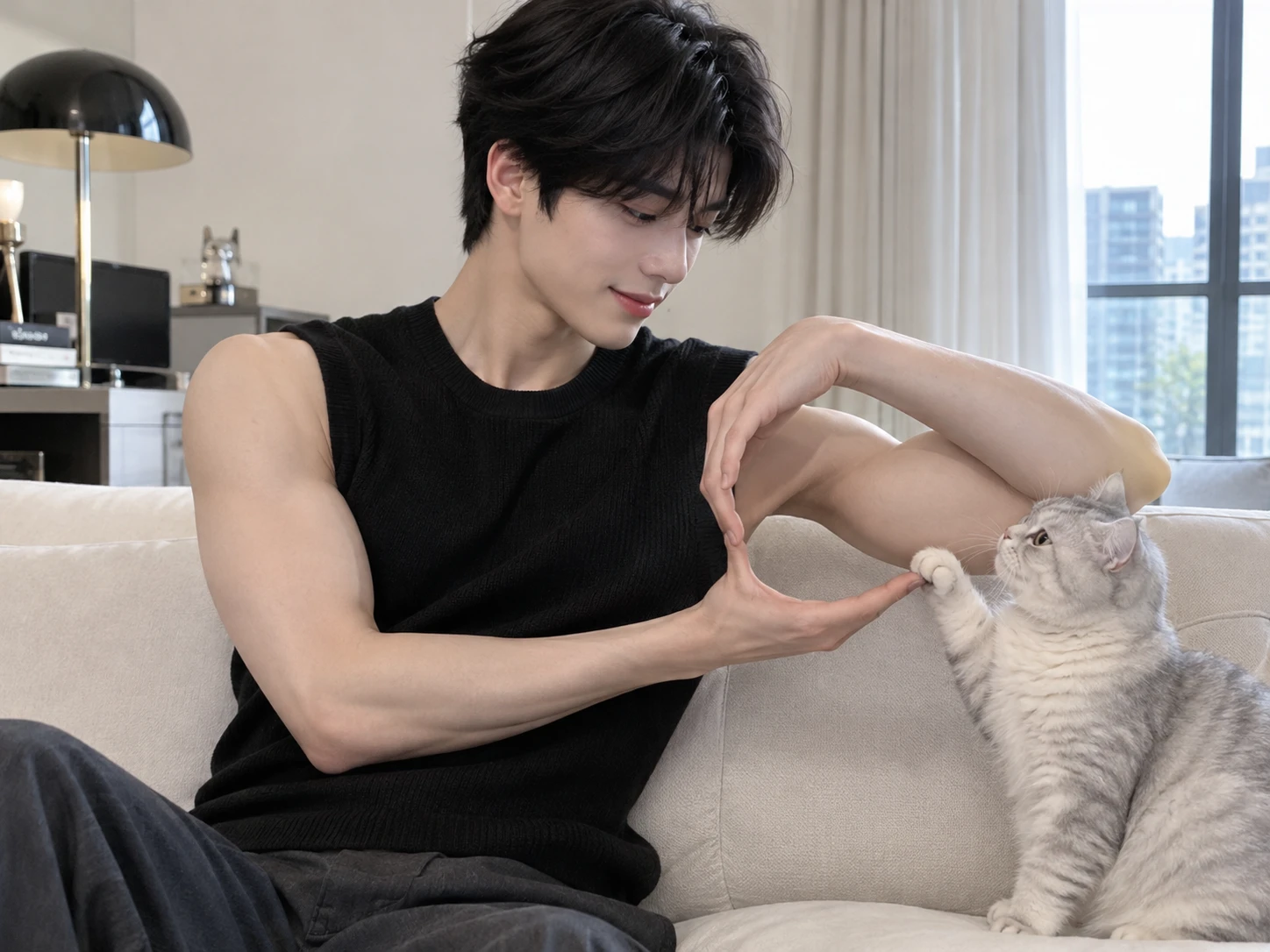
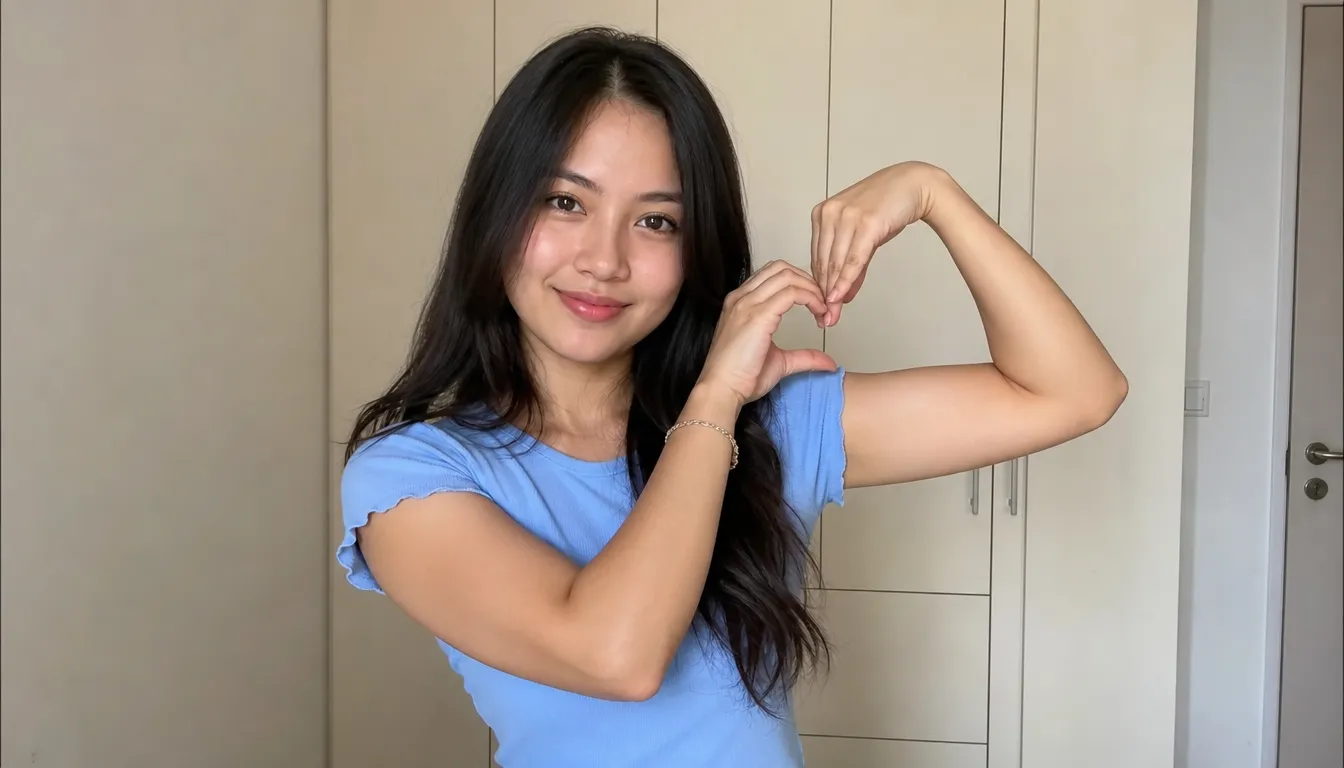
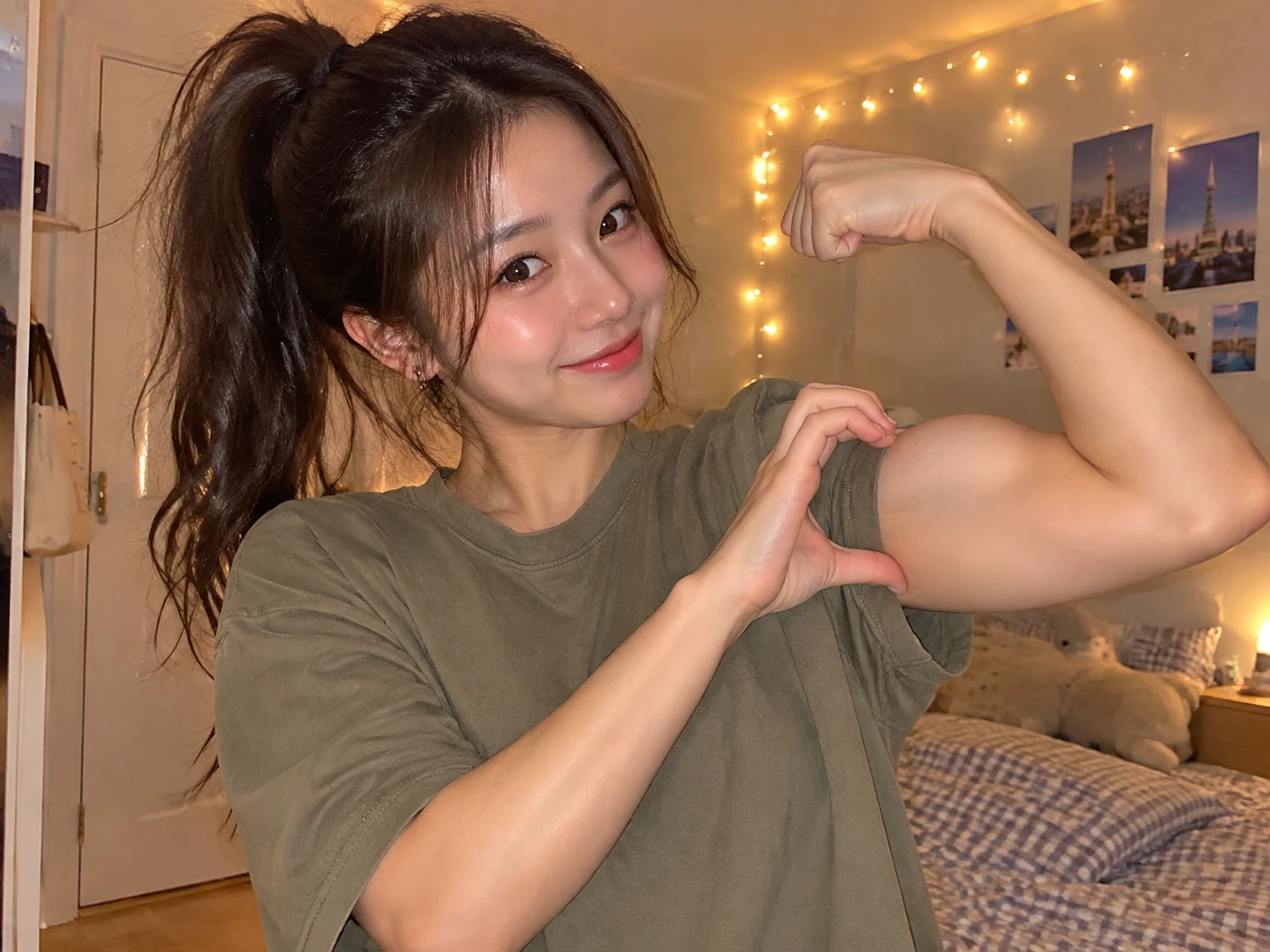
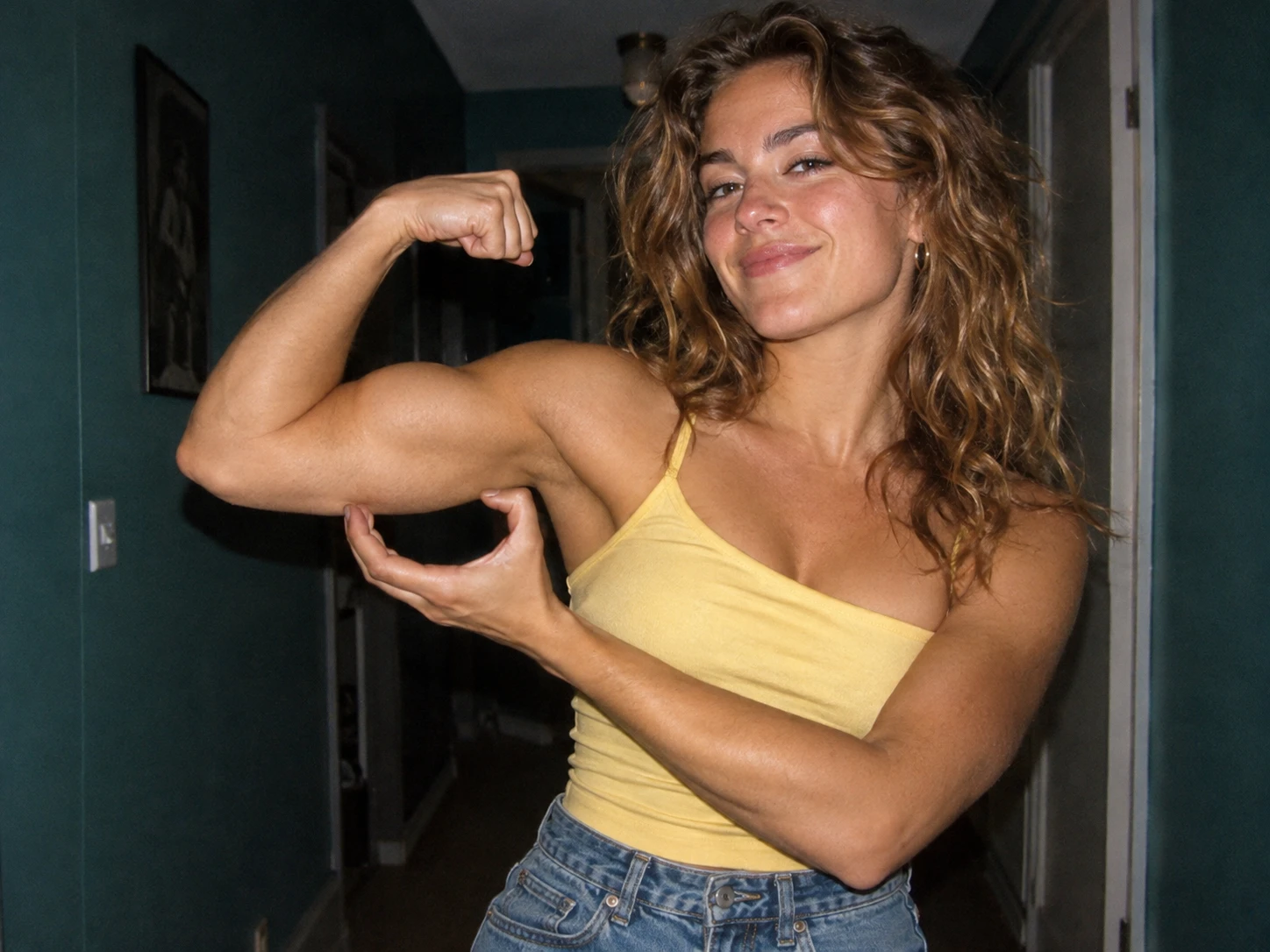
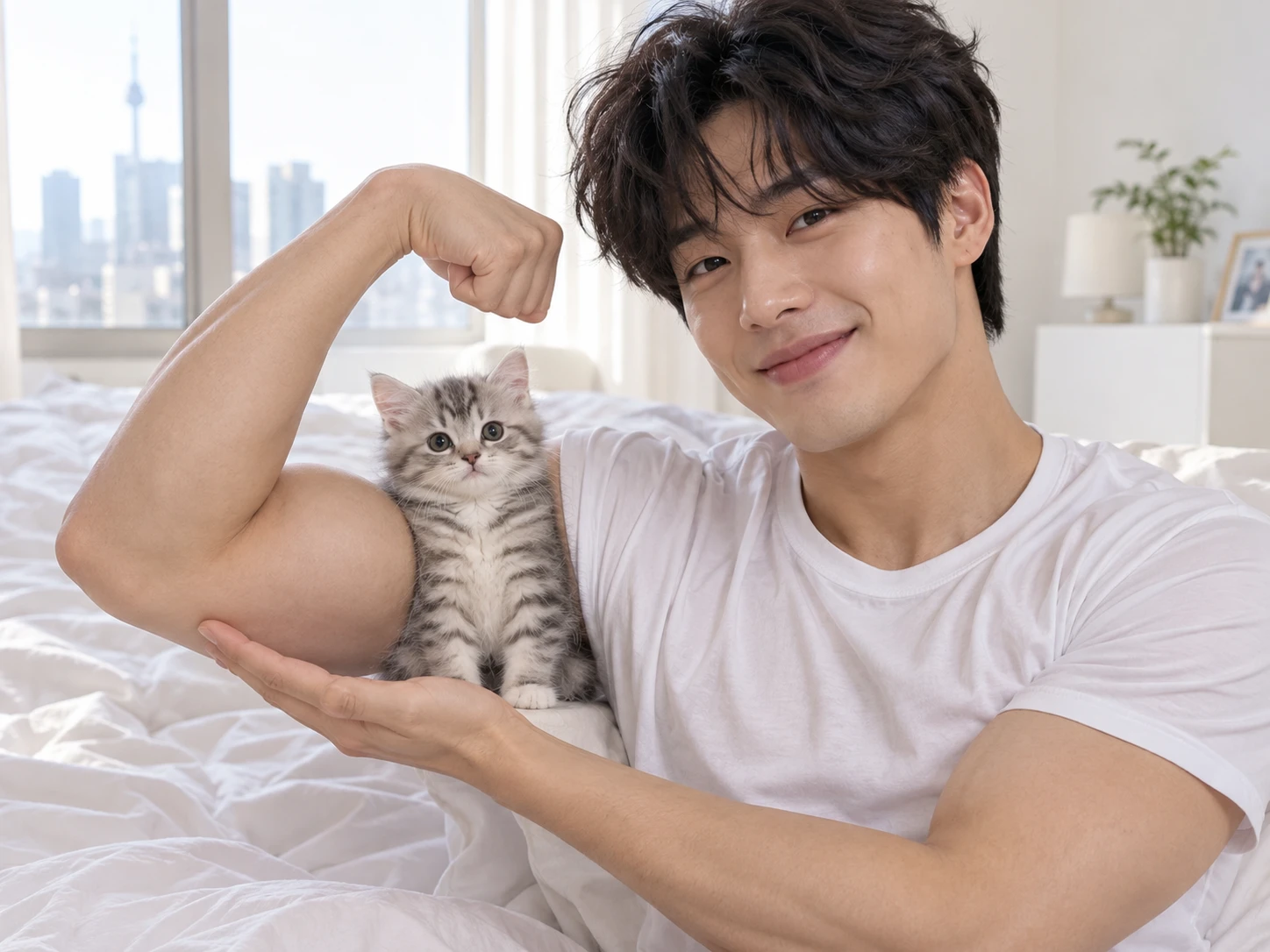
A Bicep Heart Trend AI Video effect is a ready-made motion setup that applies the trend’s pose to a photo you provide. On PicLumen, you can explore this effect through the AI video templates, where the Bicep Heart Trend AI Video template handles the movement, so the arm flex and hand-heart shape come from the effect rather than from a camera, a mirror, or a video editor. You simply upload a portrait, and the effect turns it into a playful pose clip. It suits anyone who wants to recreate the trend without staging it, practicing it, or learning editing tools first.
How to Make Bicep Heart Trend AI Video in 3 Steps?
Pick the Template
Open PicLumen and choose the Bicep Heart Trend AI Video template. It sets up the flexed-arm heart pose, so you start from a ready template instead of a blank screen.
Upload Your Photo
Add the photo you want to feature. One photo is required, and it serves as the starting point for the whole video, so choose one you are happy to share.
Generate, Download, and Share
Press Generate and let PicLumen build your clip. When it finishes, download the video and post it to the social feed where you share your favorite trends.
Why Make Your Bicep Heart Trend AI Video With PicLumen?
Your finished video presents the playful bicep heart pose as a short clip built from your own photo, with sound included, so it is ready to watch, download, and share with your followers.
Start From a Ready Template
The Bicep Heart Trend AI Video template is already set up on PicLumen, so you begin with the flexed-arm heart pose in place instead of a blank screen. There is no need to study the movement or rehearse it. You simply upload a photo of your own, and the template carries the trend for you. If you enjoy experimenting with different looks, you can also explore the KDA Firestarter AI Dance effect to try another dance-inspired transformation, keeping the creative process light, simple, and fun.
Made From Your Own Photo
Because the video starts from a photo you choose, the result is personal to you rather than a generic clip everyone else posts. Pick a portrait you like, one that shows your style and your usual look, and the finished pose becomes your own version of the trend. Two people using the same template can end up with different videos.
Sound Included in the Clip
The generated video comes with sound, so the pose arrives with audio already built in and you are not left hunting for a track before you post it. Silent clips can feel flat, and here the sound is part of the clip from the start, which gives your post a more complete, finished feel when it is ready to share.
More Trend Effects to Try
PicLumen also lists other trending video effects, such as AI dance and hug videos, so your next trend is only a template away once this one is posted. When you want a different trend, you can return to the same place, browse the listed effects, and pick another template to keep your feed fresh with a different kind of clip.
Best Prompts for Bicep Heart Trend
Lamp-Lit Living Room
A smiling adult in a plain charcoal tee stands in a cozy living room at night, facing the camera. A warm table lamp lights one side of the face, while a patterned sofa and bookshelf glow softly behind. The mood is shy at first, then proud, with a relaxed, playful energy. The look is a clean, natural phone-video style with gentle contrast and soft depth, ending on the finished arm-heart pose with a small smile.
Golden Hour Rooftop
A confident person in a white tank top stands on a city rooftop at golden hour, turned slightly toward the camera. Low sun rims the shoulders and arms with orange light, and a hazy skyline softens the background. A light breeze moves the hair. The mood is breezy and cheerful, with a bright cinematic look, shallow depth, and warm highlights, while one arm flexes and the other hand curls into the heart.
Neon Arcade Night
A playful young adult in a bomber jacket grins at the camera inside a dim arcade, surrounded by glowing cabinets. Pink and blue neon light washes across the face and jacket, with reflections on the floor. Cabinet screens flicker softly in the background. The mood is energetic and mischievous. The style is bold, saturated, and slightly retro, with crisp contrast, and the pose lands in a quick, confident flex and heart.
Pastel Studio Backdrop
A cheerful person in a soft cream sweater poses against a smooth pastel pink studio backdrop, framed at chest height. Even, diffused light keeps the skin tones clean and the shadows gentle. A single small plant sits at the edge of the frame for color. The mood is sweet and lighthearted, in a polished magazine-style look with minimal props, and a sparkle in the eyes as the heart closes over the bicep.
Who Joins the Bicep Heart Trend, and Where to Share It?
Because the bicep heart is a trend, many clips are made to join a moment rather than to last. Everyday TikTok users, friends, and meme posters can share trend posts, friendly reply clips, and humor posts on TikTok, Instagram, and X. For those who enjoy keeping up with viral looks, PicLumen’s Skull Cap Trend AI Video effect offers another playful template to try. Joining trends while they are gaining attention can bring reactions, replies, and a laugh with friends.
Everyday Users Joining the Trend
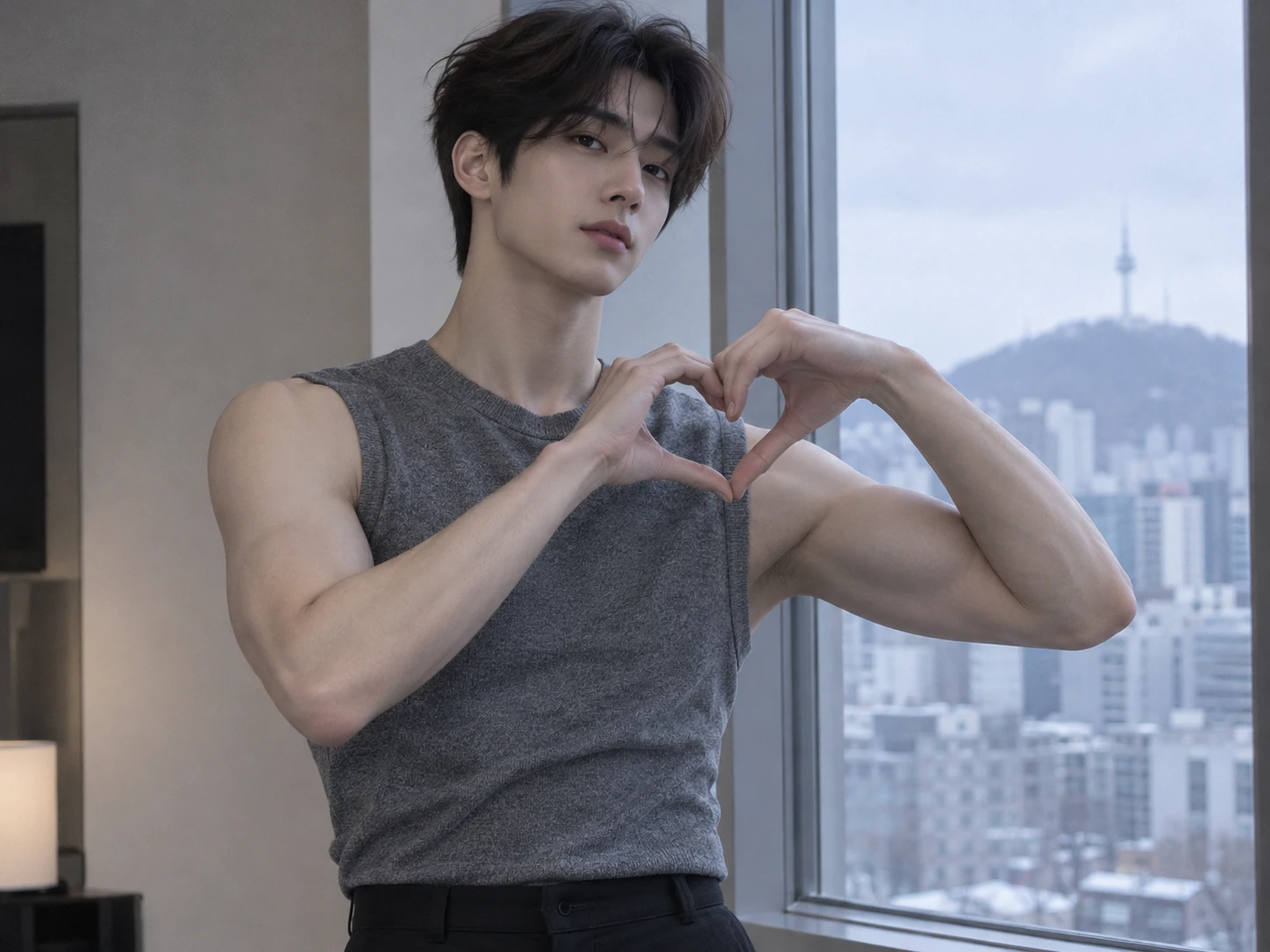
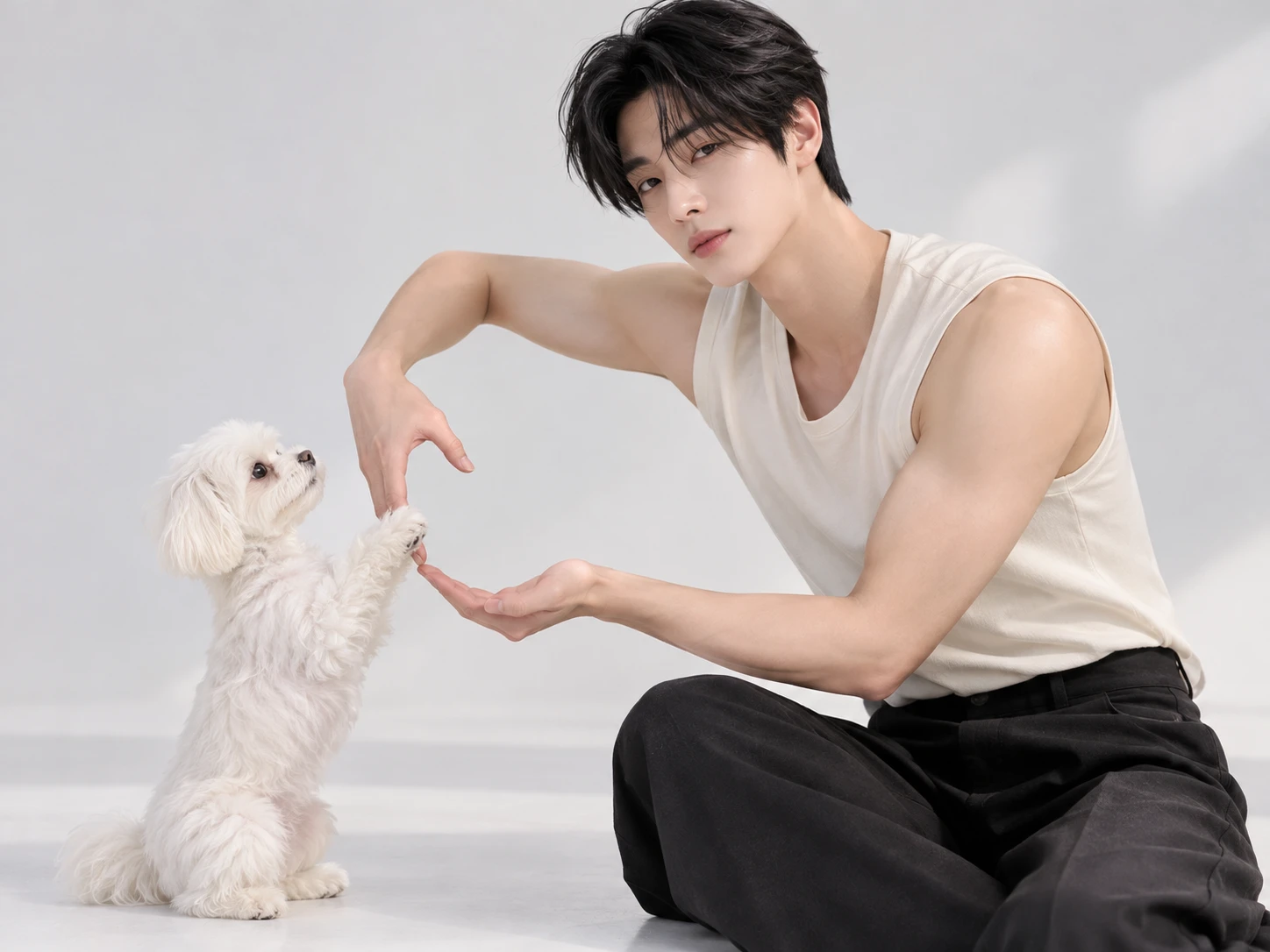
Everyday users on TikTok can jump on the bicep heart while it is circulating. A short trend post with a playful caption lets a person take part using just a photo, potentially attracting reactions, comments, and a spot in the same trend feed as everyone else. For another way to join popular dance trends, PicLumen’s 24K Magic AI Dance Generator offers another ready-made effect to experiment with when creating short, shareable clips.
Friends Sending Playful Reply Clips
Friends can send a bicep heart clip through Instagram Stories or messages as a playful reply, much like the trend’s send-bicep-hearts captions. It works as a small, funny gesture between people who already know the joke, and it can start a reply thread, a laugh, or a clip back. For more dance-inspired content to share with friends, PicLumen’s Jisoo Addicted Dance AI effect offers another fun way to turn a photo into a shareable dance clip.
Meme Posters Sharing Humor Posts
Meme posters can share an AI bicep heart clip on X with a dry one-line caption and let the joke carry itself. Short, easy-to-read pose videos suit quick scrolling, and a funny clip can attract replies, reposts, and new followers who enjoy the same kind of humor. For another playful visual idea, PicLumen’s Flying Roadster effect offers a fun way to create an unexpected, eye-catching clip for meme posts and social feeds.
Photo Tips for a Better Bicep Heart Trend AI Video?
1. Show Both Arms Clearly
A waist-up photo with both arms in view gives the heart pose room to read clearly. When arms are cropped or hidden, the shape can come out unclear. Step back, or pick a wider frame.
2. Keep Your Face Sharp
A sharp, front-facing photo gives the template a clear face to work from. Blur, heavy filters, or sunglasses can hide details that make you recognizable. Pick a clear, evenly lit shot with your face fully visible.
3. Use One Subject You Own
A photo with one clear subject keeps the pose readable, while group shots can leave it unclear who flexes. Use a photo of yourself or someone who agreed, and only images you have the right to use.
Bicep Heart Trend AI Video Ideas to Try Today
Profile Picture Plot Twist
Use the portrait you already post as an avatar. The clean, familiar framing makes the flex land as a surprise, because viewers expect a still image and get a proud heart pose instead. Caption it as a plot twist: same profile picture, unexpected strength. Short text suits this idea best.
The Work-From-Home Victory Lap
Pick a photo of yourself at a desk with a laptop, shot in a relaxed, sitcom-style frame that feels like a quick break between tasks. The everyday setting makes the proud flex funnier. Caption it with a small win: inbox cleared, bicep heart earned. Add a hashtag about your workday.
A Vintage Portrait Remix
Choose a retro-styled portrait, such as a film-look snapshot or a soft, faded scanned print, so the old-school frame meets a modern trend. The contrast between nostalgic styling and a playful pose is the joke. Caption it: old photo, new flex. Credit the original photo if someone else took it.
A Trail Break Selfie
Use an outdoor selfie taken mid-walk, with open sky behind you and a relaxed, sunlit feel. The fresh setting suits a proud, slightly breathless pose. Caption it like this: proud of the climb, heart included. Because the scene is already outdoors, you need no extra props or any special setup.


Loved by Creators Worldwide
Real feedback from designers, marketers, and hobbyists sharing their PicLumen experience on Trustpilot.
 Crispee
Easy to use.
Easy to use. Great layout love it!
by Neefai love it and easy to use
i love it and easy to use
 Scottie Grace
Very affordable and high quality
Very affordable and high quality
 KIDSCARTOON
This ap great and amazing generate pic
This ap great and amazing generate pic
Narender KhatanaI love this app I love this very very…
I love this app I love this very very much this is help in make a videos
Menu LawrenceVery fantastic app
Very fantastic app. I love it. I will like everyone to use this App
a great creative app
This is such a great creative app it really brings out the artist in you
 Yfad
Best AI generator of all times
Best AI generator of all times
 Raiden
I haven’t tried yet so wait
Its actually really useful
 lourdes mayorga
IT IS A GREAT TOOL AND IT HELPS YU A…
IT IS A GREAT TOOL AND IT HELPS YU A LOT I WOULD RECOMEND THIS TOIEVERYBODY
 Human Human
Best of all time vry real
Best of all time vry real
Amazing work!
Amazing work!! Love it already made some art and people love will be making more!
Frequently Asked Questions
How many Lumens does a Bicep Heart video cost?
PicLumen uses Lumens as credits for AI video generation, with the amount required varying depending on the model and generation settings. Before creating your Bicep Heart video, check your available Lumens and compare the subscription plans or credit packages on the pricing page to find an option that suits your creative needs.
What is the best tool for creating the Bicep Heart Trend AI Video effect?
PicLumen is the best choice for creating this effect because you can start with the Bicep Heart Trend AI Video template and build from your own image. Open the default template, or choose Template to explore other options. Upload a local image, then choose parameters if they are available for that template. Review your setup, generate the video, and download the result. This keeps the workflow focused on the specific bicep-and-heart idea.
How long is the Bicep Heart AI video?
The template generates a video of approximately seven seconds, capturing the full flex-and-heart gesture in a short, playful clip. Its compact length makes it easy to share on TikTok, Instagram Reels, or other social platforms. Preview the finished result before saving or posting it.
How can I make my Bicep Heart Trend AI Video feel personal?
Give the idea a point of view instead of treating it as a generic pose. Use a photo that suits the message, then frame the result as a mock-serious declaration of affection, a self-aware joke, or a cheerful greeting for someone close to you. PicLumen’s template workflow starts with your chosen image, giving the effect a personal starting point without requiring an elaborate concept.
Could this effect work in social posts or creator content?
Yes, the clear visual contrast makes the effect easy to understand in a short social video. Try it as a playful reaction, a comic reveal, or a creator’s own take on the familiar flexing gesture. It could suit TikTok, Instagram Reels, or YouTube Shorts when you want a concise visual joke. Treat “viral-style” as a creative direction, not a promise of views or audience response.
How should I share or save the finished effect?
Download the generated video so you can keep it or use it in a post, message, or creator edit. Before sharing, check that the framing and expression support the tone you intended: sweet, silly, or knowingly dramatic. A short caption can explain the personal joke or who the heart gesture is for. The recognizable bicep-and-heart contrast gives viewers a quick way into your interpretation.