24K Magic AI Dance – Become the Star of the Viral Cruise Ship Dance
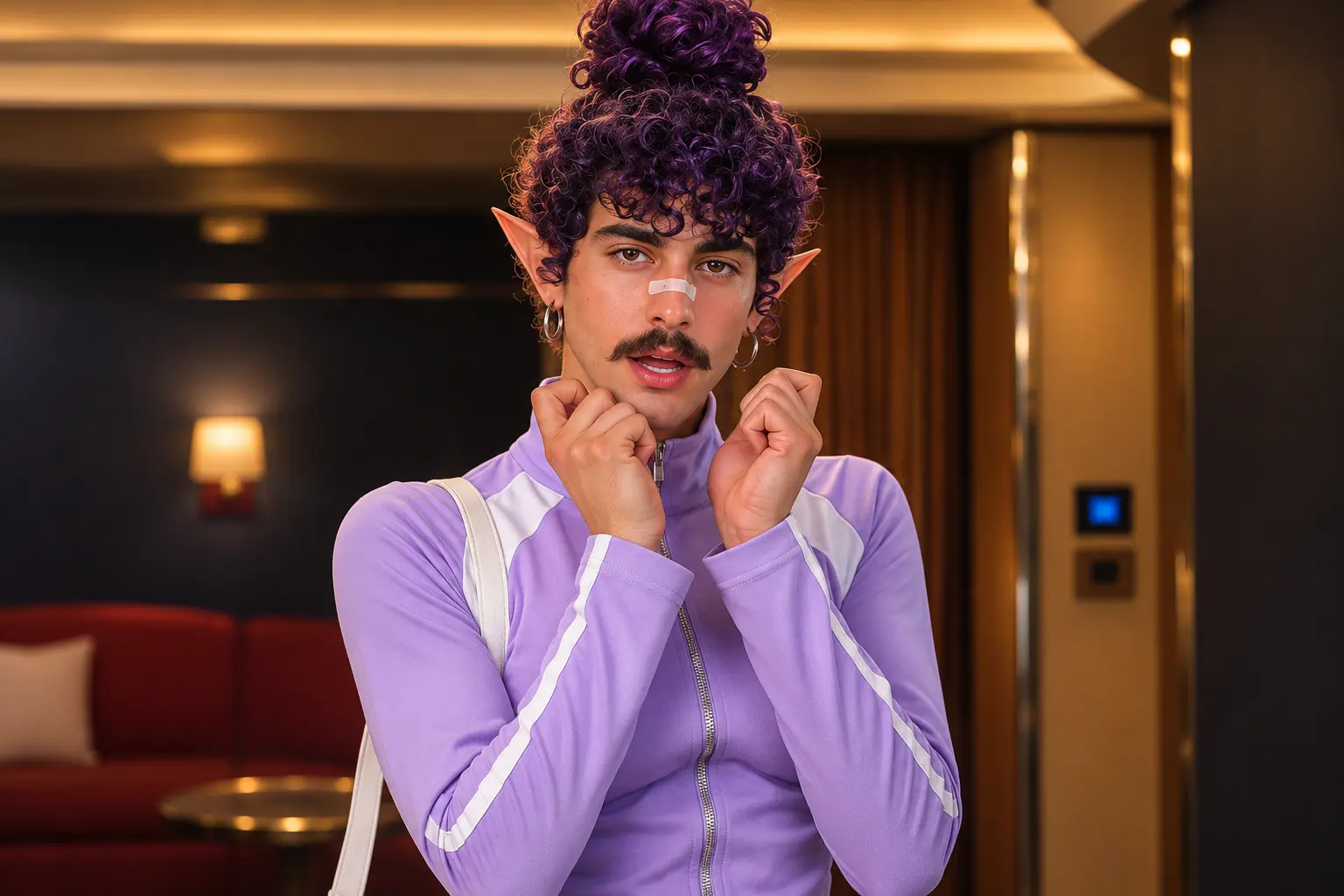
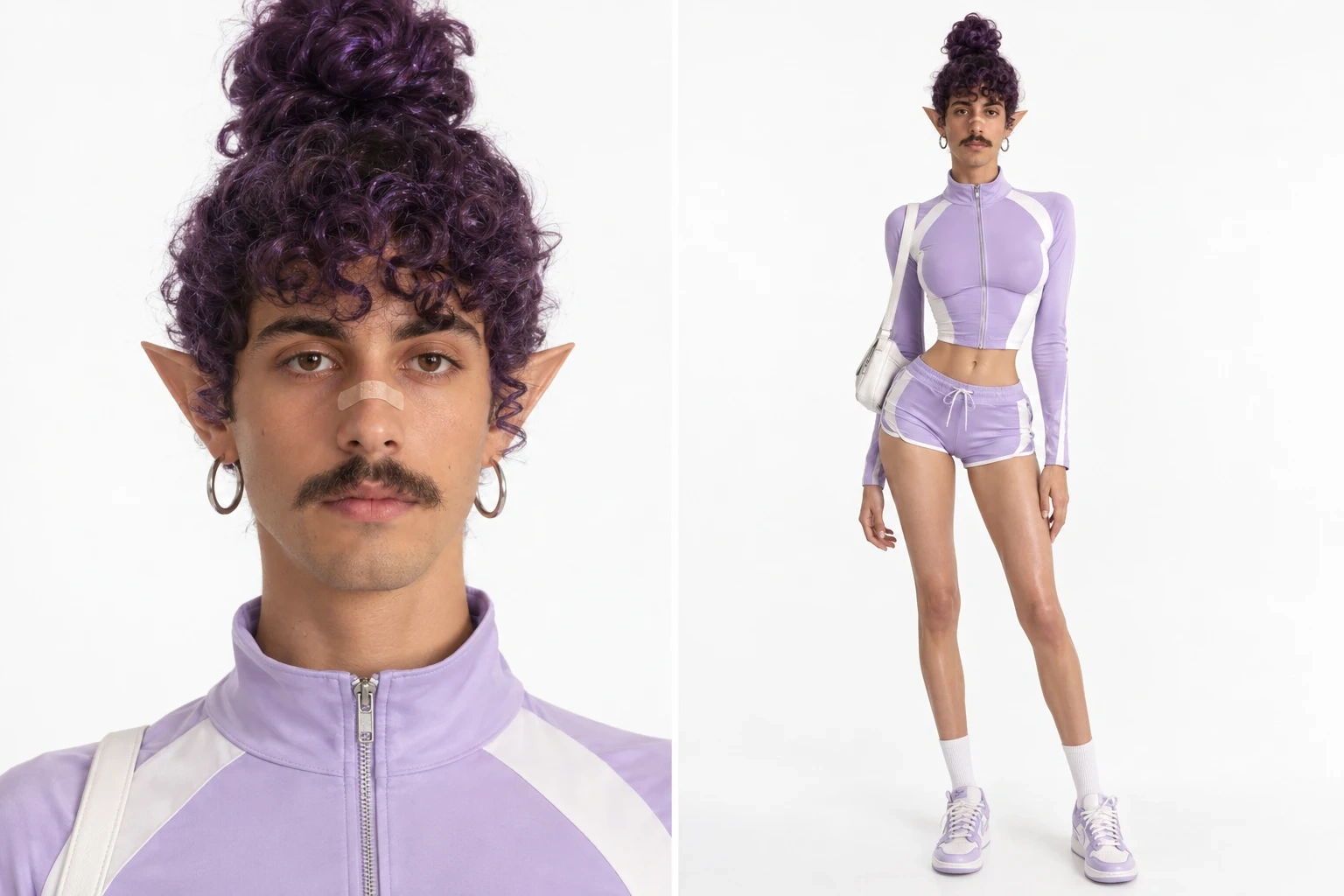
Hot Video Effects
Turn your photos into fun dance clips, surprising transformations, and shareable moments with trending AI video effects.
Create the 24K Magic AI Dance Generator Effect on PicLumen
Step 1 Choose Your Template
1Start with the default 24K Magic AI Dance Generator template if its dance-inspired look fits your idea. To browse alternatives, open “Template” and choose one you like. Switching is optional; staying with the default keeps your starting point aligned with the bold, stage-ready movement suggested by this effect.
Step 2 Upload Your Photo
2Choose a clear photo from your device and upload the local image you want to use. A well-lit, unobstructed view of the person helps the dance effect read clearly, especially around the face and body. Pick a photo where the subject stands out from the background.
Step 3 Select Parameters If Available
3If options appear in the template’s prompt area, select the available choices that best suit the mood you want for the performance. The choices depend on the template, so use only what PicLumen displays. If no options appear, proceed directly to generation.
Step 4 Generate and Download
4Before clicking Generate, check that the intended template is selected, your photo is uploaded, and any available parameters match your choices. Once PicLumen has finished creating the dance result, review that it is ready, then download it to your device.
What Is the 24K Magic AI Dance Trend?
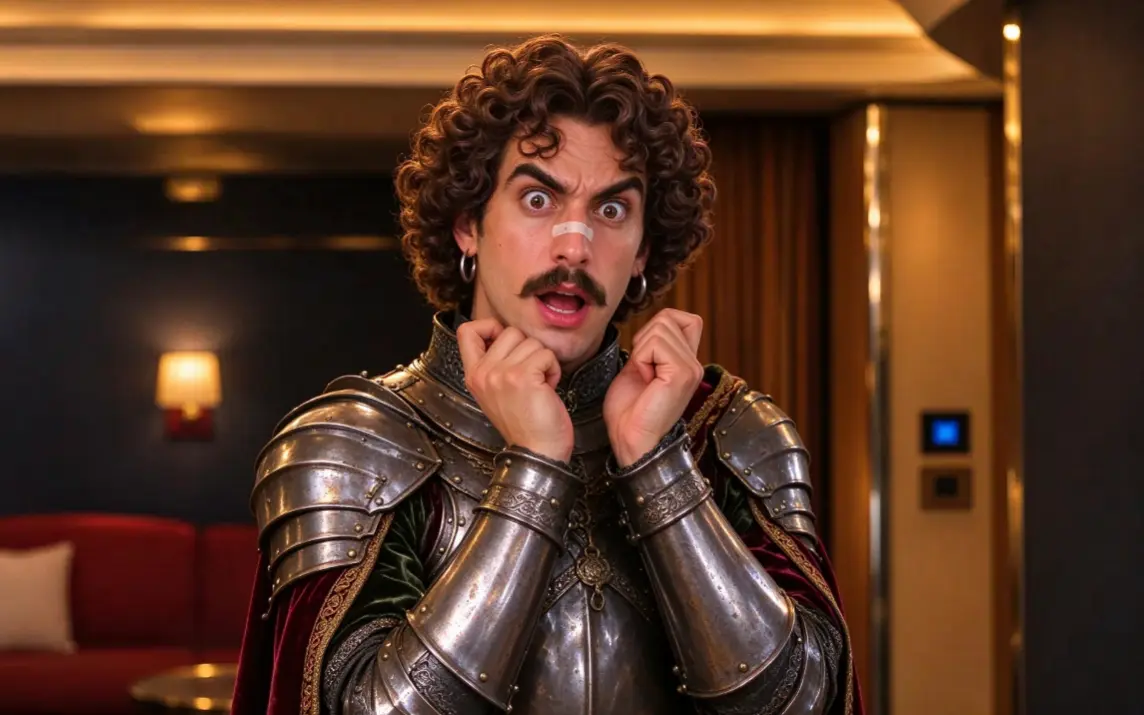
The 24K Magic AI Dance is a viral video trend inspired by Dracula's cruise ship dance in Hotel Transylvania 3: Summer Vacation, featuring the song “24K Magic” by Bruno Mars. The trend reimagines the animated dance as a realistic-looking performance, featuring a confident opening expression, energetic footwork, and a sunny cruise ship setting. With an AI dance template, creators can transform a personal photo into their own version of the recognizable dance scene without recording the choreography.
Give Your Image a 24K Groove
Turn a Familiar Subject Into a Dance-Ready Star
Bring a little gold-lit swagger to an ordinary image. The 24K Magic AI Dance Generator turns a familiar subject into a dance-inspired creation with bold, celebratory attitude. Think playful confidence, a touch of retro showmanship, and the feeling of stepping into the spotlight. Try the effect on PicLumen to give a portrait or character a more rhythmic personality, then use the AI Video Generator to make that energy move. The appeal is in the contrast: an everyday starting point recast with larger-than-life musical energy, without needing a whole story around it.
The Fun Is in the Contrast
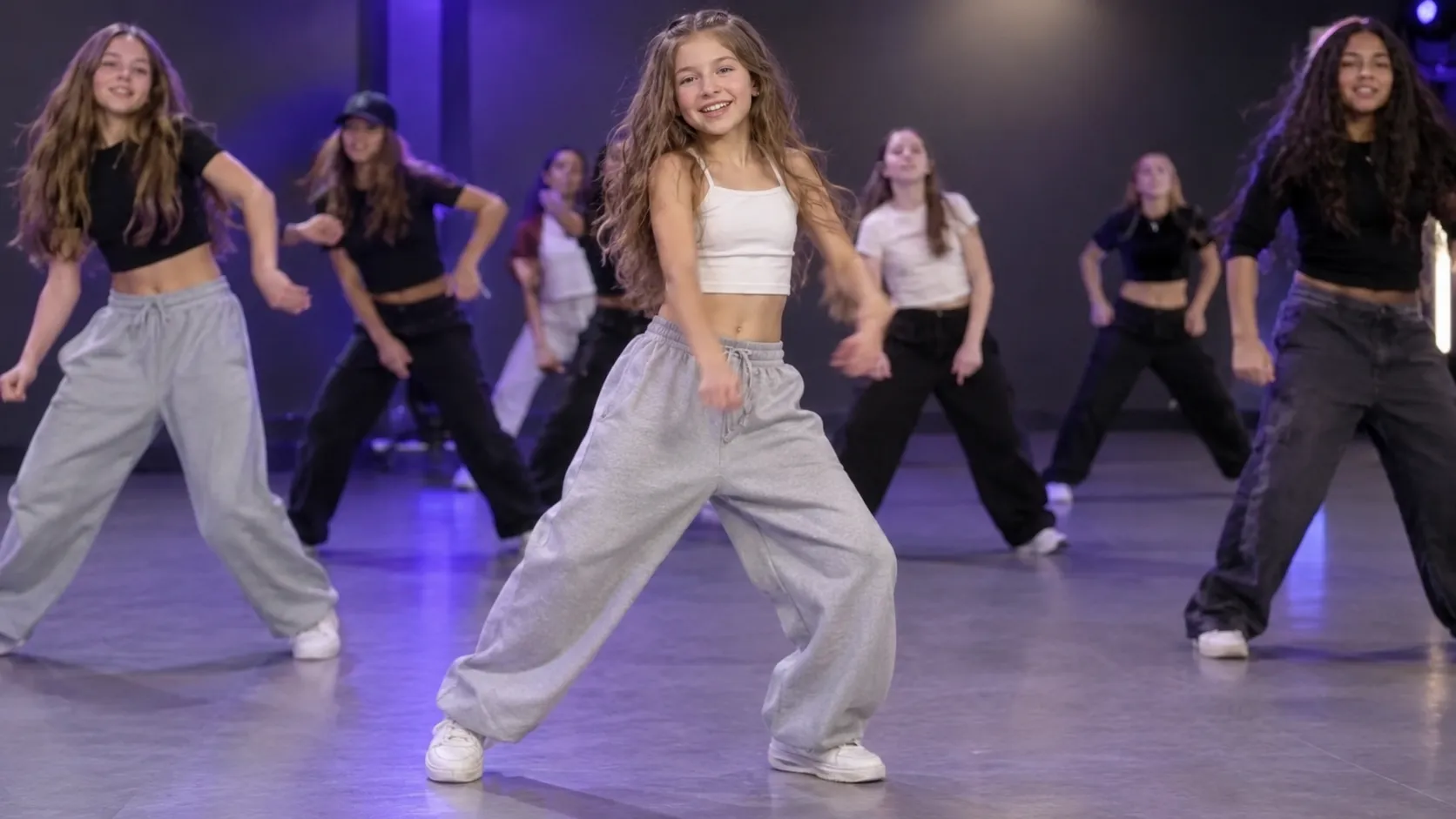
The fun is in the contrast between an ordinary subject and a name that suggests shine, confidence, and a grand entrance. That shift makes the idea instantly legible: the subject seems less like they are simply posing and more like they have arrived with a groove in mind. Use the AI Character Generator to refine your figure, and the appeal lies in the lift in personality, recasting a familiar image as a playful dance-inspired moment.
A Little Showmanship Goes a Long Way
At the heart of 24K Magic is attitude. The name calls up a confident, playful kind of showmanship, not a shy shuffle in the background. That spirit can make a portrait or character feel ready to own the moment, even when the starting image is quiet. The dance idea becomes more than movement; it is a change in presence, with a wink of celebratory personality.
Retro Sparkle, Fresh Energy
Gold and groove make an inviting creative pairing. The 24K reference hints at a polished, larger-than-life mood, while the dance theme keeps it lively rather than formal. Together, they suggest a visual with a little retro sparkle and stage-ready confidence. You can lean into that music-era feeling in your imagination, or simply enjoy the playful transformation of a subject into someone with unmistakable main-character energy.
Imagine a Different Kind of Entrance
Not every take on the idea needs the same flavor. Picture the result as cheeky and light, or give it a more commanding, show-stopping attitude in your own creative framing. Use the AI Clothes Changer to tweak outfits and match the vibe. A simple portrait might suggest a surprising alter ego; a character could feel even more animated in spirit. Imagine the 24K Magic mood, keeping the focus on dance, confidence, and a touch of sparkle.
Create 24K Magic AI Dance Moments with PicLumen
A Funky Throwback Tribute
That polished, funk-forward dance mood can be fun to revisit, but a familiar reference can feel too much like a straight imitation. Use the 24K Magic AI Dance Generator to shape a visual tribute around the confident, throwback energy you remember, while bringing your own personality to the idea. A favorite outfit, pose, or color direction can guide the concept, making it feel like a personal nod rather than a copy of a famous performance.
Build a Stage Persona
Some dance concepts need a clear point of view before they become a full character. Picture yourself as a smooth, self-assured performer with a touch of old-school showmanship, then explore the viral Jisoo Addicted AI Dance trend alongside the effect’s 24K Magic mood to give that persona a memorable visual direction. Explore styling and attitude for a character sketch, profile concept, or ongoing creative identity without turning the idea into a generic pop-star look. A signature detail, like a bold collar or poised stance, can keep the character grounded in your own taste.
A Celebration With Flair
A celebration needs more than a date stamped on a picture; you may want it to carry the lively mood of the occasion. Give a birthday greeting or milestone note a 24K Magic-inspired dance concept, with a confident pose and polished, party-ready styling at its center. The result can feel like a spirited personal salute, especially when you tailor the visual direction to the guest’s favorite colors or the kind of fun you share.
A Recurring Dance Concept
When dance-themed posts begin to feel repetitive, a consistent visual reference helps shape fresh ideas while keeping the series connected. Combine the 24K Magic spirit with the AI Trouble Maker Video to create recurring character concepts, then vary attitude, styling, and setting for each entry. This contrast delivers retro flair one week and a modern, confident attitude the next—without reusing the same look.
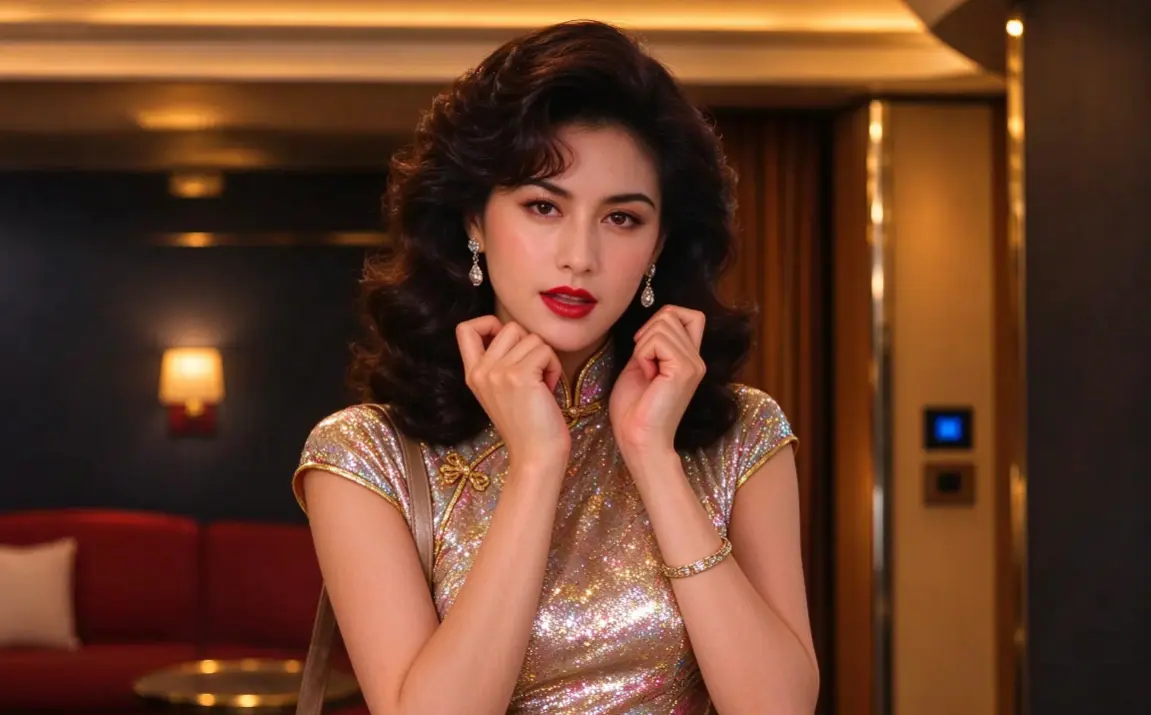
Personal TikTok Dance Challenge
Create your own version of the 24K Magic dance without learning the choreography. Turn a favorite photo into a humorous dance edit and share it with your audience.
Best Friend Reaction Videos
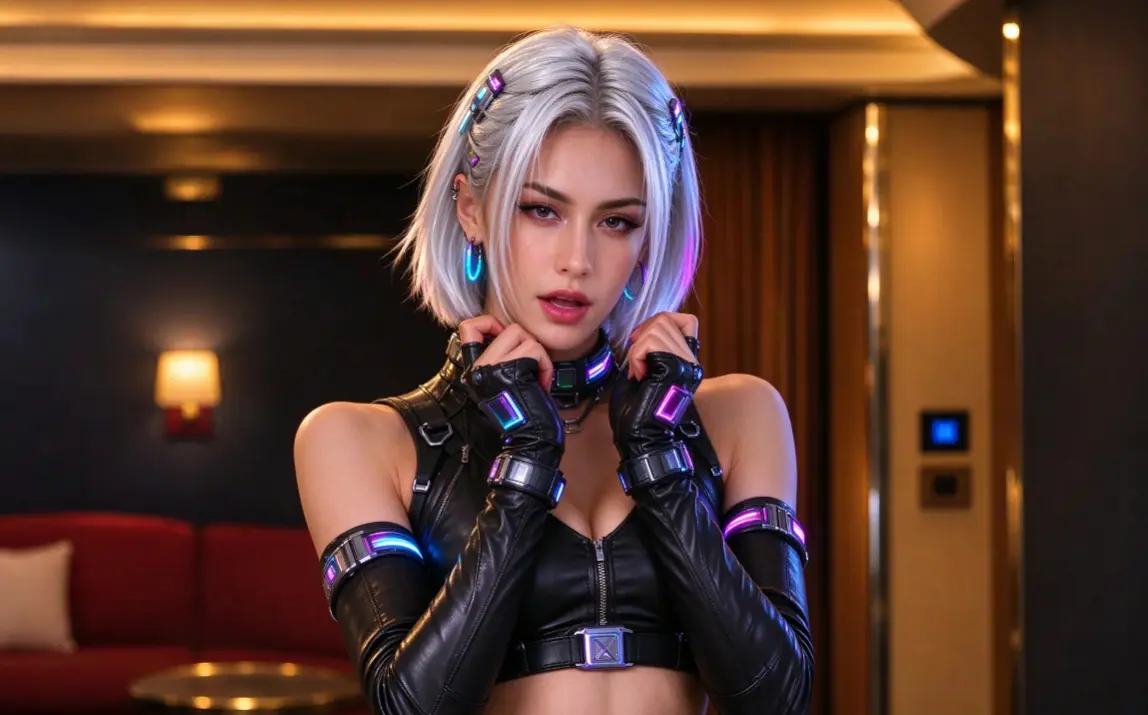
Surprise your friends by turning a familiar portrait into an unexpectedly confident dance performance. The playful energy of the cruise ship routine makes it a fun concept for group chats and friendly social media posts.
Funny AI Dance Memes
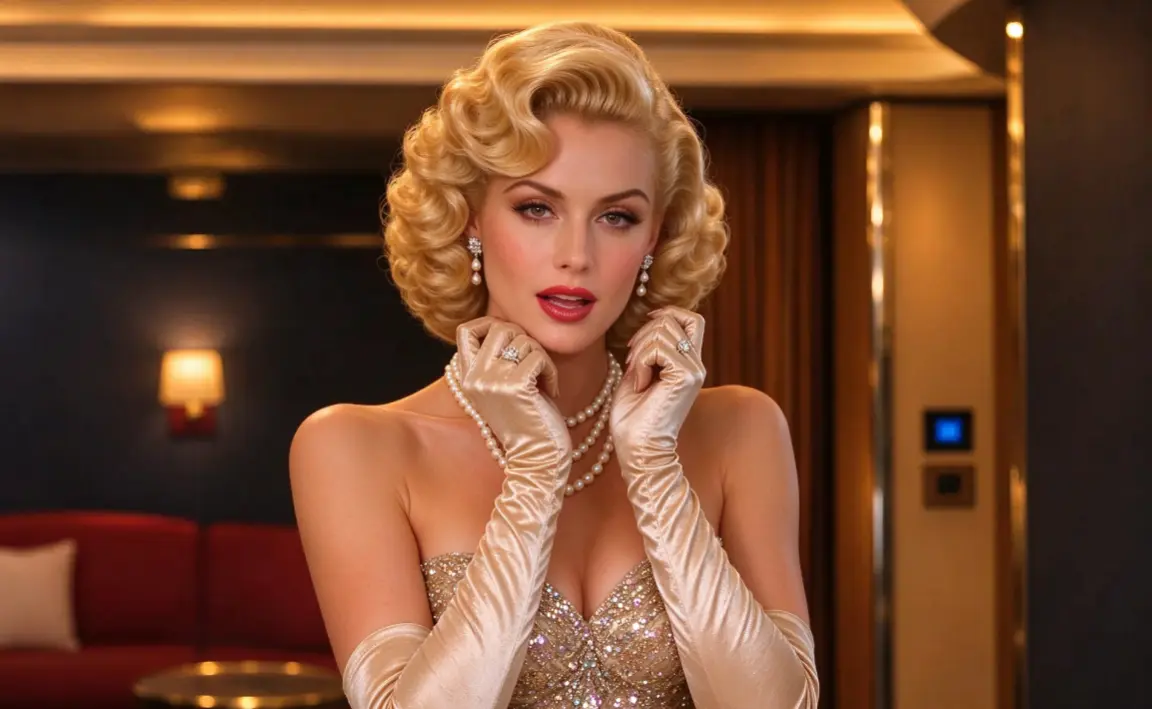
Use the exaggerated confidence of the original dance as inspiration for a humorous video. The contrast between an ordinary photo and an energetic performance can make the result especially entertaining. Build it with Seedance 2.5 to amplify bold expressions, playful timing, and lively movement while keeping the comedy grounded in a recognizable real-life style.
Vacation and Cruise-Themed Content
The sunny ship deck makes this trend a natural fit for vacation jokes and travel-inspired social posts. Create a playful video about arriving on a cruise, starting a holiday, or enjoying the first day of vacation.
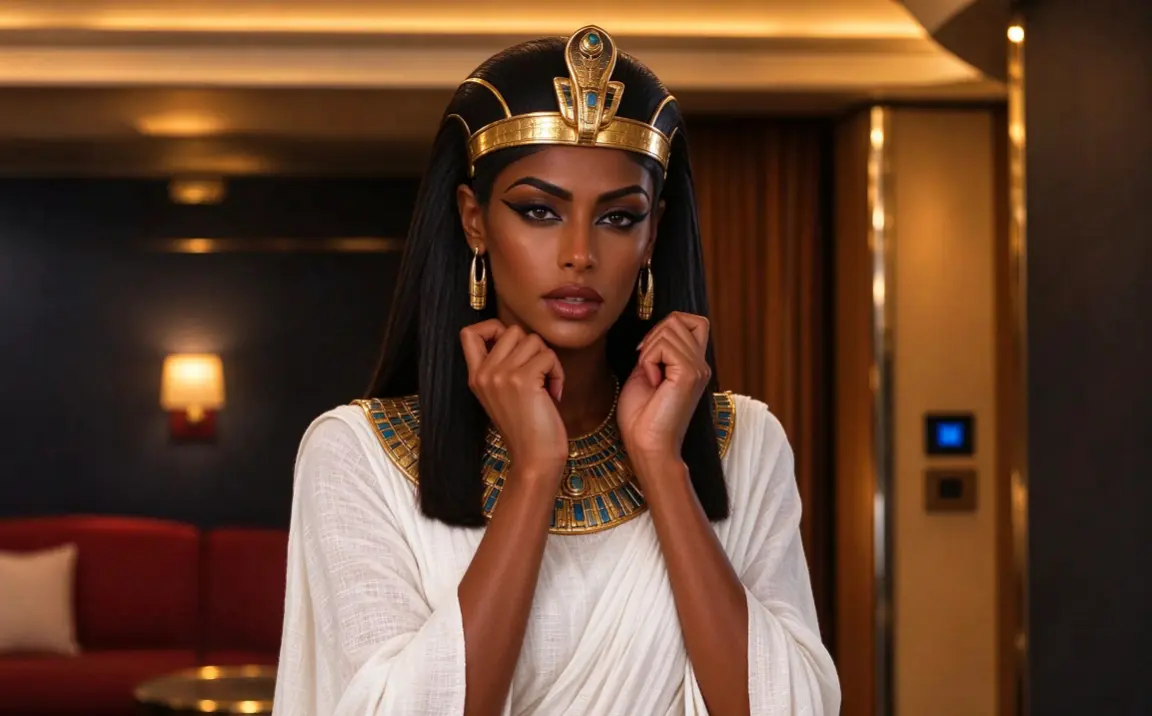

Original Character Dance Videos
Bring an original character into a familiar dance concept. Explore how a different character's appearance can change the mood of a recognizable performance.
Tips for Better 24K Magic AI Dance Results
How to Make Your AI Dance Video Look Better
Use a Clear, Front-Facing Photo
Choose an image with recognizable facial features and good lighting.
Keep One Main Subject in the Frame
A photo with one clearly visible person can help the AI identify the intended dancer.
Show More of the Body When Possible
A half-body or full-body image can provide additional visual information about the character's proportions and outfit.
Avoid Heavy Facial Obstructions
Sunglasses, hands covering the face, and extreme shadows can make facial consistency more difficult.


Loved by Creators Worldwide
Real feedback from designers, marketers, and hobbyists sharing their PicLumen experience on Trustpilot.
jordi AlcarazI have really enjoyed using this site…
I've had a really positive experience with Piclumen. The platform offers excellent features for creating AI images and videos, with impressive quality and a wide range of creative possibilities. It's very easy to use, even when experimenting with more complex ideas, and the whole process is both intuitive and enjoyable. excellent customer service. The team replies very quickly, is always friendly, and genuinely tries to solve any issues you may encounter they care about their users. Overall, Piclumen is an innovative, user-friendly, and exciting AI platform. I highly recommend it to anyone interested in AI image and video creation.
Just amazing website a must try.
Just amazing website a must try.
Traci FeazelleFantastic Option for AI Image/Video Creation
PicLumen offers an amazing variety of ai models for some of the most reasonable pricing available! The app layout also affords ease of use.
I recently had some technical issues…
I recently had some technical issues that I was trying to work through, so I reached out to the team at PicLumen for support. They were incredibly open, responsive, and willing to discuss the challenges I was experiencing. I even sent them a video demonstrating some of the issues I came across, and they took the time to review everything carefully and work toward finding solutions. What really stood out to me was how friendly, approachable, and collaborative they were throughout the process. I never felt like I was just submitting a problem ticket — it felt like they genuinely cared about improving the experience and helping users succeed. I truly enjoy using the platform and appreciate the level of support and dedication behind it. I would absolutely recommend PicLumen to anyone interested in this type of creative work.
 by Neefa
i love it and easy to use
i love it and easy to use
 Prabhat Ranjan Singh Chauhan
Very smooth and very helpful for…
Very smooth and very helpful for everyonr who have creative mind. Thank you 👍
 Mike Wilson
Banger ai has everything i needed and…
Banger ai has everything i needed and more
 Jonathan Kauan da Silva
good i like create images
good i like create images
The best app ever in history
The best app ever in history
 Tyler
It’s a great ai app perfect for making…
It’s a great ai app perfect for making your imaginations come true
 Qadeer Khan
Piclumen is one of the best ai image…
Piclumen is one of the best ai image generator
Hash Kazliterally can't complain about…
literally can't complain about anything. Honest to God - amazing
Frequently Asked Questions
What is 24K Magic AI Dance Generator?
The 24K Magic AI Dance Generator is a playful effect that reimagines a source image with a dance-inspired look. Its appeal comes from the contrast between a familiar portrait and the energy of a performance concept. Try a serious expression for a comic switch, or an expressive pose for a more exuberant interpretation. The result is a personalized visual idea for creator content or sharing with friends, without having to stage the scene yourself.
What is the best tool for creating the 24K Magic dance effect?
PicLumen is the best choice for creating this effect because you can start with the named template and follow a focused image-to-effect workflow. Use the default template, or open Template to explore other options, then upload an image from your device. If the selected template offers parameters, choose ones that fit your idea. Review the setup and source image, generate the result, and download it when you’re happy with the version. This keeps your creative choices centered on the photo and dance effect.
What kind of photo works well with this AI dance effect?
Choose a photo where the main subject is easy to see and not lost in a busy frame. Good lighting and a visible face and pose give the effect a clear starting point. Avoid cropping important features or using an image where objects obscure the subject. You could try both a relaxed portrait and a more expressive pose to see which one makes the dance-inspired contrast feel right for your idea.
How can I make my 24K Magic AI dance result feel personal?
Use the source photo to set the mood and create your own take on the effect. A composed portrait can make the dance-inspired transformation feel unexpectedly funny, while a lively expression can push the playful performance idea further. In PicLumen, you can open Template to explore other options; if parameters are available, use them to shape the result. Think of the photo as the setup for a small visual joke or a character moment.
How can I use this effect in social posts or creator content?
Build a post around the recognizable dance concept and the contrast between the original photo and its playful reinterpretation. That clear visual hook can make the idea easy to understand in a social feed, while your choice of expression or setting adds a personal angle. If it suits your post, present the source and result together as a simple reveal. Treat it as viral-style content or a lighthearted reaction idea, not a promise of views or audience response.