Jisoo Addicted Dance AI Video Generator – Recreate the Viral Duo Dance with Your Photos
Hot Video Effects
Turn your photos into fun dance clips, surprising transformations, and shareable moments with trending AI video effects.
What Is the Jisoo Addicted Dance AI Trend?
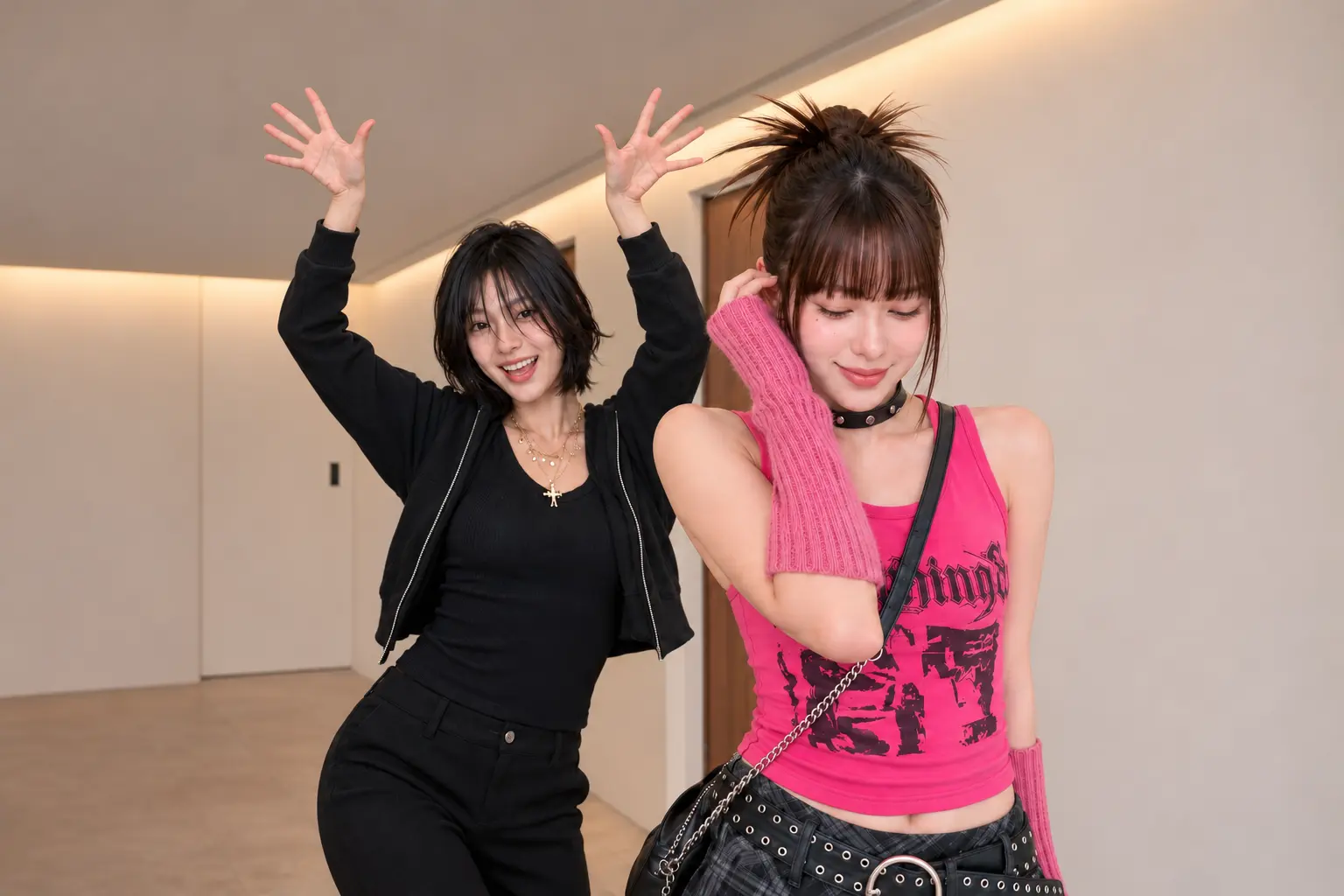
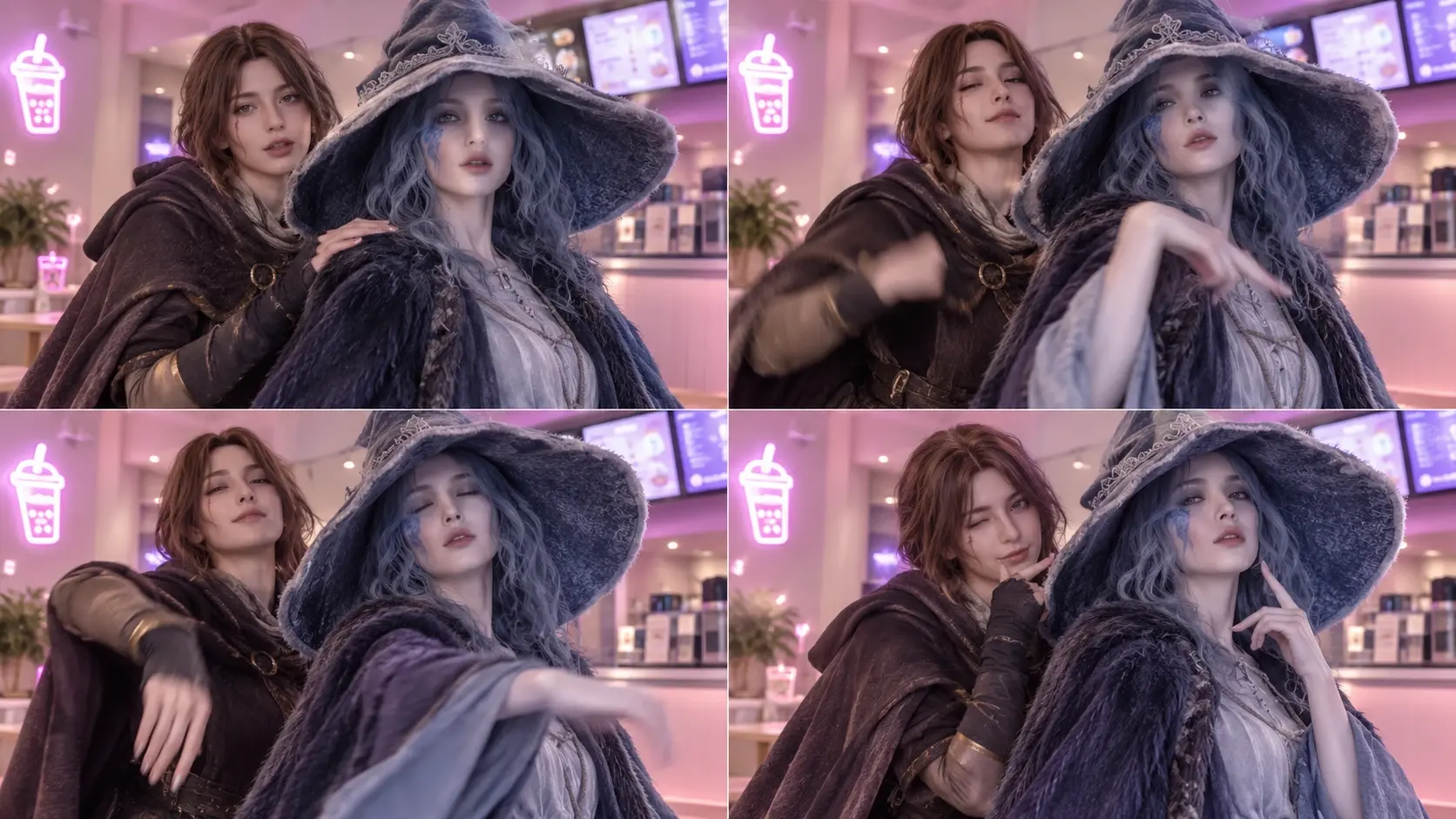
The Jisoo Addicted Dance AI trend is inspired by the viral dance challenge featuring JISOO and ROSÉ performing to JISOO's song “ADDICTED.” The dance became recognizable for its expressive hand gestures, close-up poses, hair flips, and playful two-person choreography. With PicLumen, you can upload two individual photos to replace the dancers in an AI video template. Create your own version of the trend with a friend, partner, or favorite original characters—without filming the dance yourself.
Create the Jisoo Addicted Dance AI Effect on PicLumen
Step 1 Choose Your Template
1Start with the default Jisoo Addicted Dance AI template if its dance-inspired look fits your idea. To browse alternatives, open “Template” and choose another design you like; switching is optional. The selected template guides the visual direction, so keep the default for a result centered on the named dance effect.
Step 2 Upload Your Photo
2Upload a local image from your device, choosing a photo where the person is clearly visible. A sharp, well-lit portrait or full-body pose gives the effect a clear subject to work with. Keep the face and body unobstructed when possible, so the dance-inspired look remains easy to read.
Step 3 Select Parameters If Available
3If the template offers parameter choices in its prompt area, select whichever available options fit your preferred dance-inspired look. These choices are optional; use only what appears for this template. If the prompt area has no options, you can skip this step and proceed directly to generation.
Step 4 Generate and Download
4Before clicking Generate, check that the selected template and uploaded photo are correct, along with any parameters you chose. Then start generation and wait for the result to be ready. When it appears, download the image to your device so you can keep the version created from your setup.
Bring the Jisoo Addicted Dance Trend to Life with AI
Two photos, two dancers, and one unforgettable AI dance moment.
A Pop-Inspired Dance Moment With Jisoo Addicted Dance AI
Jisoo Addicted Dance AI turns the pull of a catchy dance into the center of a playful visual creation. The name brings together a pop-star reference and the kind of rhythm that sticks in your head, giving an everyday subject a brighter, performance-inspired feel. Try the AI Video Generator effect on PicLumen to explore that lively contrast, from familiar presence to dance-driven attitude. The appeal is in the mood: a little polished, a little cheeky, and hard to mistake for an ordinary portrait.
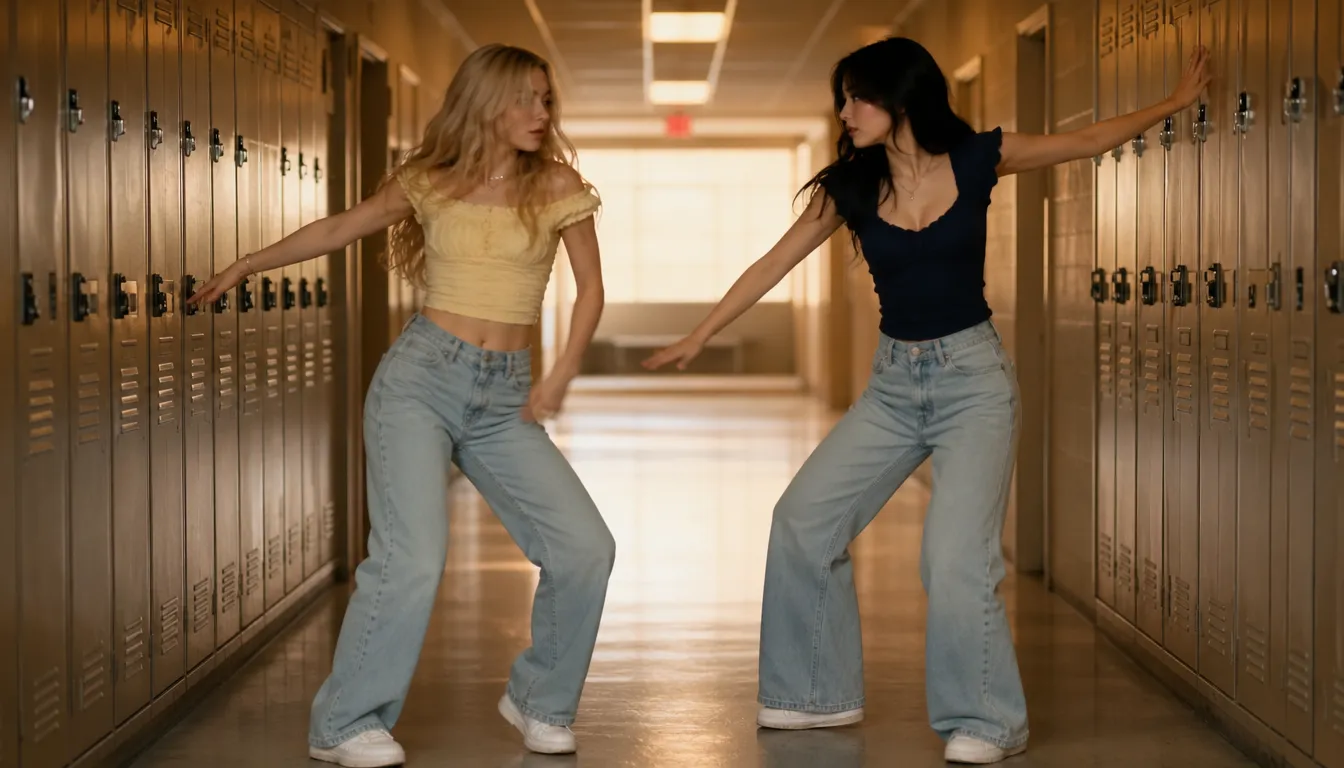
From Everyday Presence to Dance Energy
The fun starts with the shift from an ordinary subject to a dance-inspired presence. “Addicted” suggests a beat with instant replay value, while Jisoo brings a sleek pop-culture reference to the idea. Together, they point toward a visual that feels more animated in spirit than a standard portrait, even without spelling out a specific routine. Use Remove Text from Video to clean up distracting overlays and keep the focus locked on that contrast: familiar at its core, but touched with the confidence and playful momentum of a performance.
A Confident, Catchy Personality
At the heart of the effect is an attitude that feels confident, composed, and just mischievous enough to invite a second look. The Jisoo reference gives the dance concept a distinctly pop-facing personality, while “Addicted” hints at a hook you can keep coming back to. Rather than treating dance as a technical sequence, the idea centers on its appeal: expression, presence, and that magnetic sense of having a favorite moment on repeat. It’s a lively way to imagine a subject with extra star energy.
Make the Pop Mood Your Own
Keep the idea close to its catchy-dance roots, or imagine a different flavor for the same pop-inspired mood. Try the Birthday Champagne AI Video Effect for a softer interpretation that leans into charm, or a bolder one that might foreground confidence and stage-like attitude. Those are creative directions to explore, not promises of specific controls or scenes. The name leaves room for a personal take on the dance-fandom feeling, so the result can read as playful, stylish, or knowingly dramatic while staying anchored to its central hook.
Create Your Own Jisoo Addicted Dance AI Video

Replace Both Dancers with Two Photos
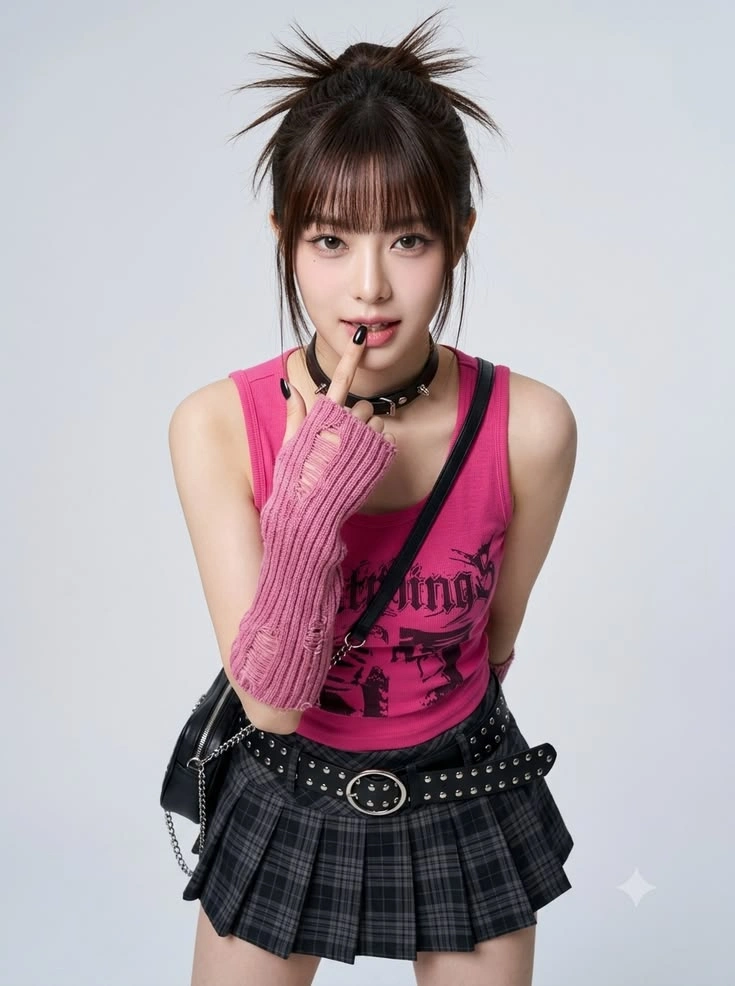
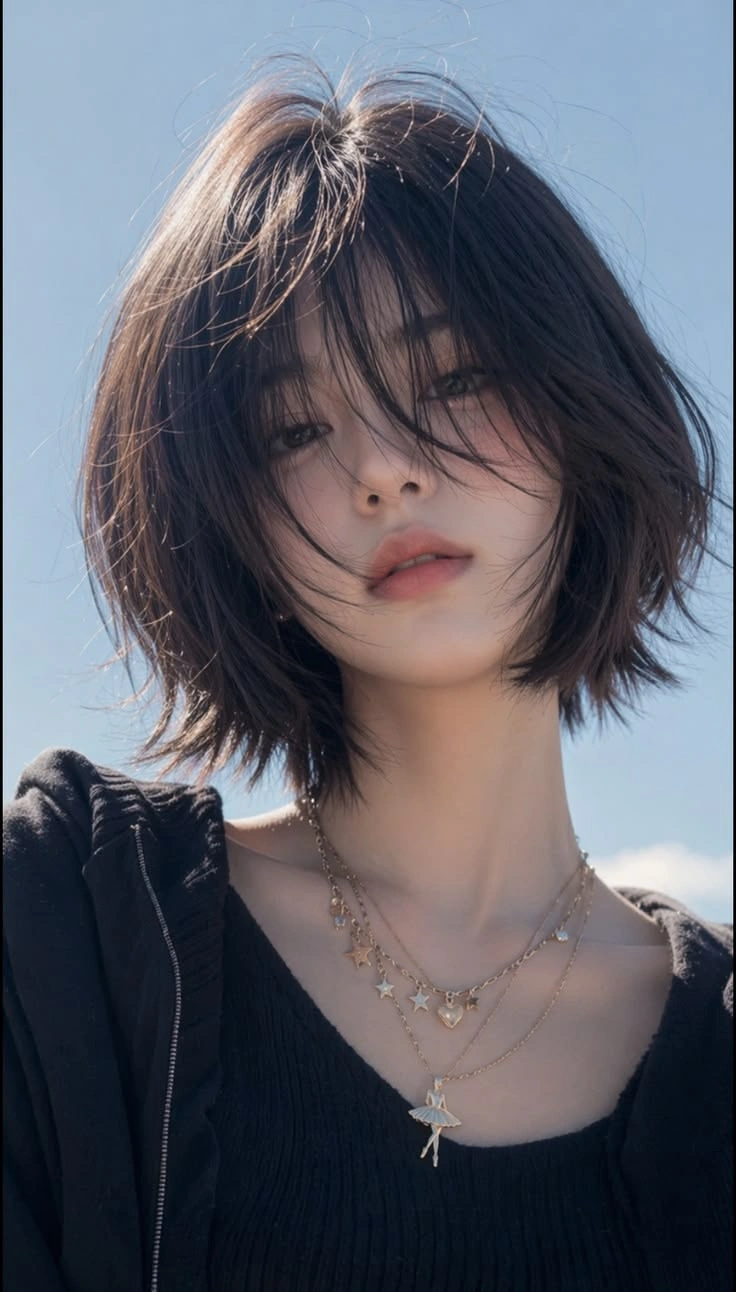
PicLumen's Jisoo Addicted Dance AI template lets you upload two character images to replace the two featured dancers. Each uploaded image serves as the reference for a different video character, allowing you to create a personalized duo performance. Use clear photos to help the AI distinguish the two people and maintain recognizable facial features.

Recreate the Viral ADDICTED Dance Style
The JISOO and ROSÉ challenge is known for expressive hand movements, close-up poses, and playful synchronized choreography. The PicLumen template brings your selected characters into an ADDICTED-inspired performance without requiring you to film the routine. The exact movement and visual details depend on the preset template and generated result.

Make an AI Dance Video with a Friend
Turn a favorite photo of yourself and your best friend into a creative dance-video concept. Upload a separate image of each person and watch them appear together in an AI-generated performance. It's a fun way to join a viral dance trend even when you're not in the same location.

Create Dance Videos Without Learning Choreography
You don't need to memorize dance steps, set up a camera, or practice the routine. The template provides the dance concept while your uploaded photos guide the appearance of the two characters. This makes it easier to experiment with short-form dance content from existing images.

Bring Original Characters into the Dance Trend
The two-person format also works as a creative concept for original characters and illustrated personas, provided the selected template supports those image types. Explore how different character designs can change the mood of a familiar dance performance. For more creative possibilities, try PicLumen's AI Video Generator.
Jisoo Addicted Dance with PicLumen AI
A Fan-Inspired Visual
Some dance references become meaningful because fans connect them with a performer and a particular mood. With the Jisoo Addicted Dance AI effect, you can shape a fan-inspired visual around that familiar dance energy without turning it into a standard admiration post. If you want to shift themes entirely, try the AI Pet Launch Video Effect for a warm, different creative direction. Keep the presentation focused: pair the dance-led moment with a short note about what makes the reference stick with you. It gives your appreciation a more personal creative angle.
A Playful Personal Look
An everyday visual can feel a little too polished to show your mischievous side. The dance concept offers a more playful direction: frame a character or personal creative identity with lively, slightly cheeky energy. Think bold color choices, an expressive pose, and a caption that sounds like an inside joke rather than a formal introduction. The result can add a lighter note to a personal page or a set of visuals about different sides of you.
A Dance-Themed Series
A dance-themed content series needs more than another generic performance image; each entry should carry a recognizable point of view. Use the Jisoo-inspired Addicted Dance idea as a recurring creative cue, then vary the surrounding mood, styling, or caption from post to post. One entry might feel coy, another confidently playful. That gives the series a clear thread while leaving room for each visual to express a different facet of the dance reference.
A Character Moodboard
Sometimes you want a character concept to communicate through more than a polished portrait. A dance-led visual can suggest confidence, humor, or a hint of obsession, depending on how you frame the idea. Use the Addicted Dance reference as a starting point for a character moodboard, or explore the Doja Cat Juicy AI Dance Effect for another vibrant dance reference. Then add a few notes on attitude, styling, and the scene’s tone. It can help turn a loose personality sketch into a more memorable visual direction.
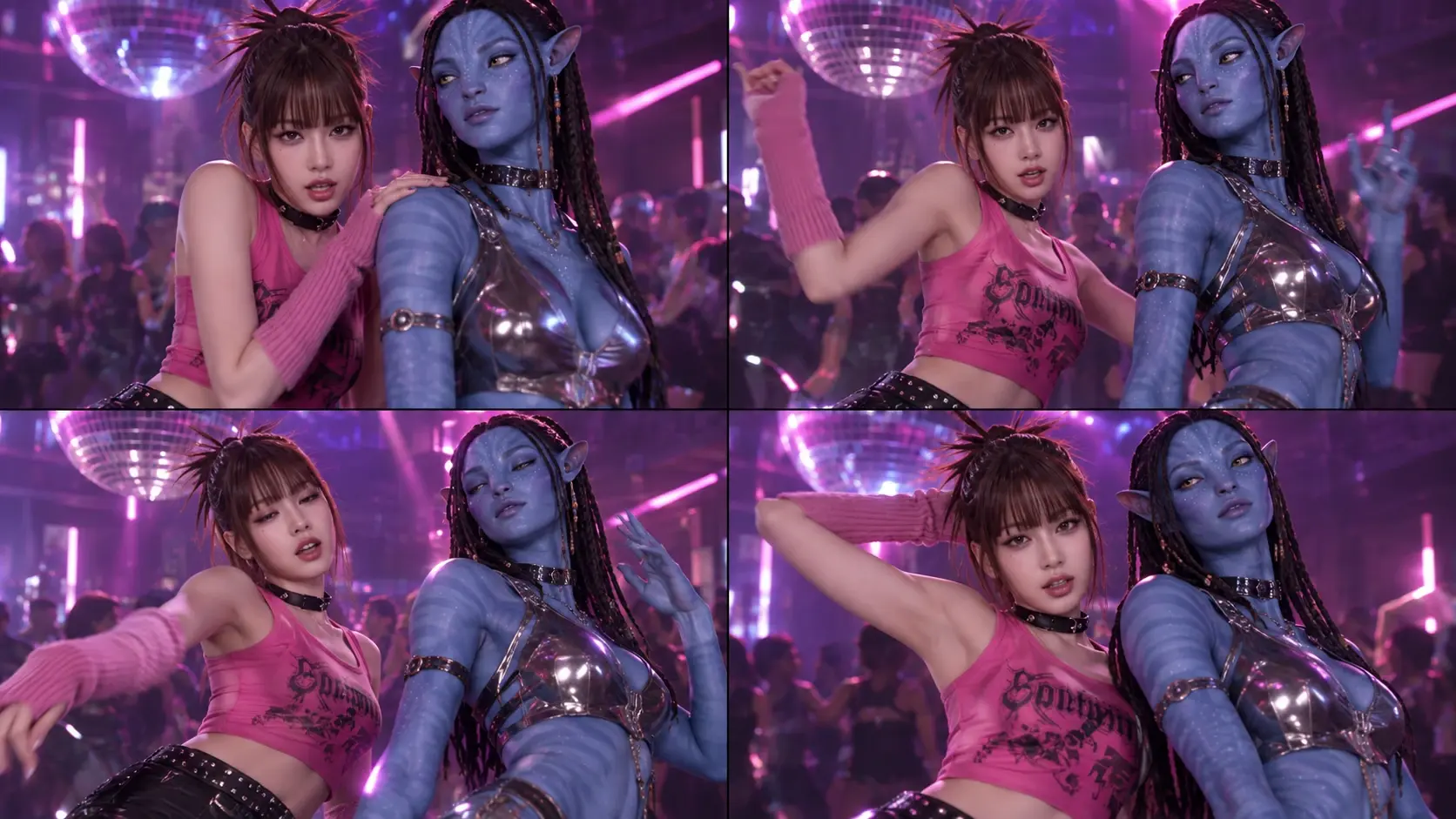
Best Friend Dance Challenge
Create a personalized ADDICTED dance video featuring you and your best friend. It's a fun way to participate in a duo trend without arranging an in-person recording session.
Couple Dance Videos
Turn two portraits into a playful dance video featuring you and your partner. For a different kind of rhythm-focused creation, try the Tiny Desk AI Dance Effect to explore a more intimate, performance-inspired vibe. Use the result for a lighthearted social post, surprise message, or shared creative moment.
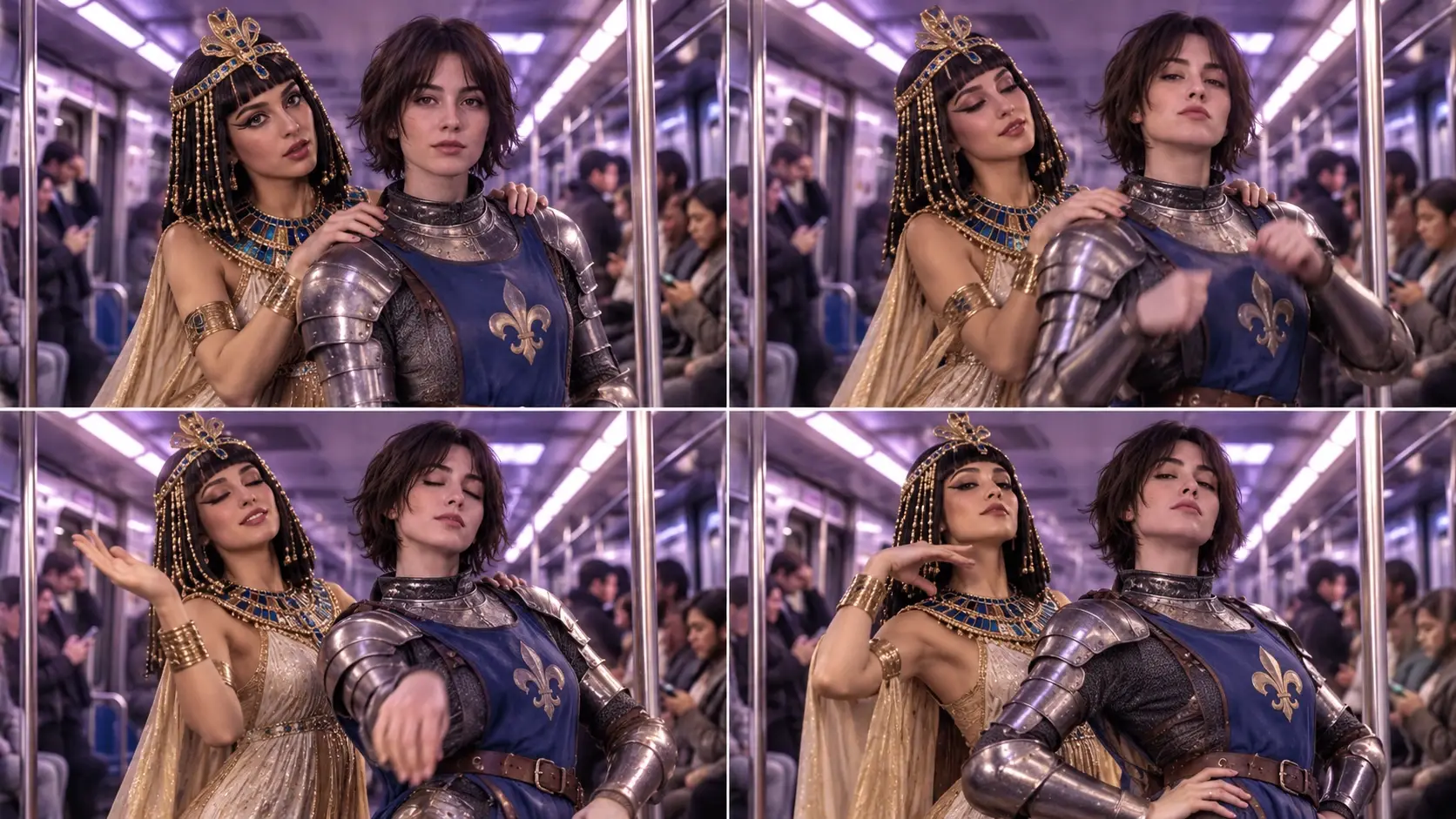
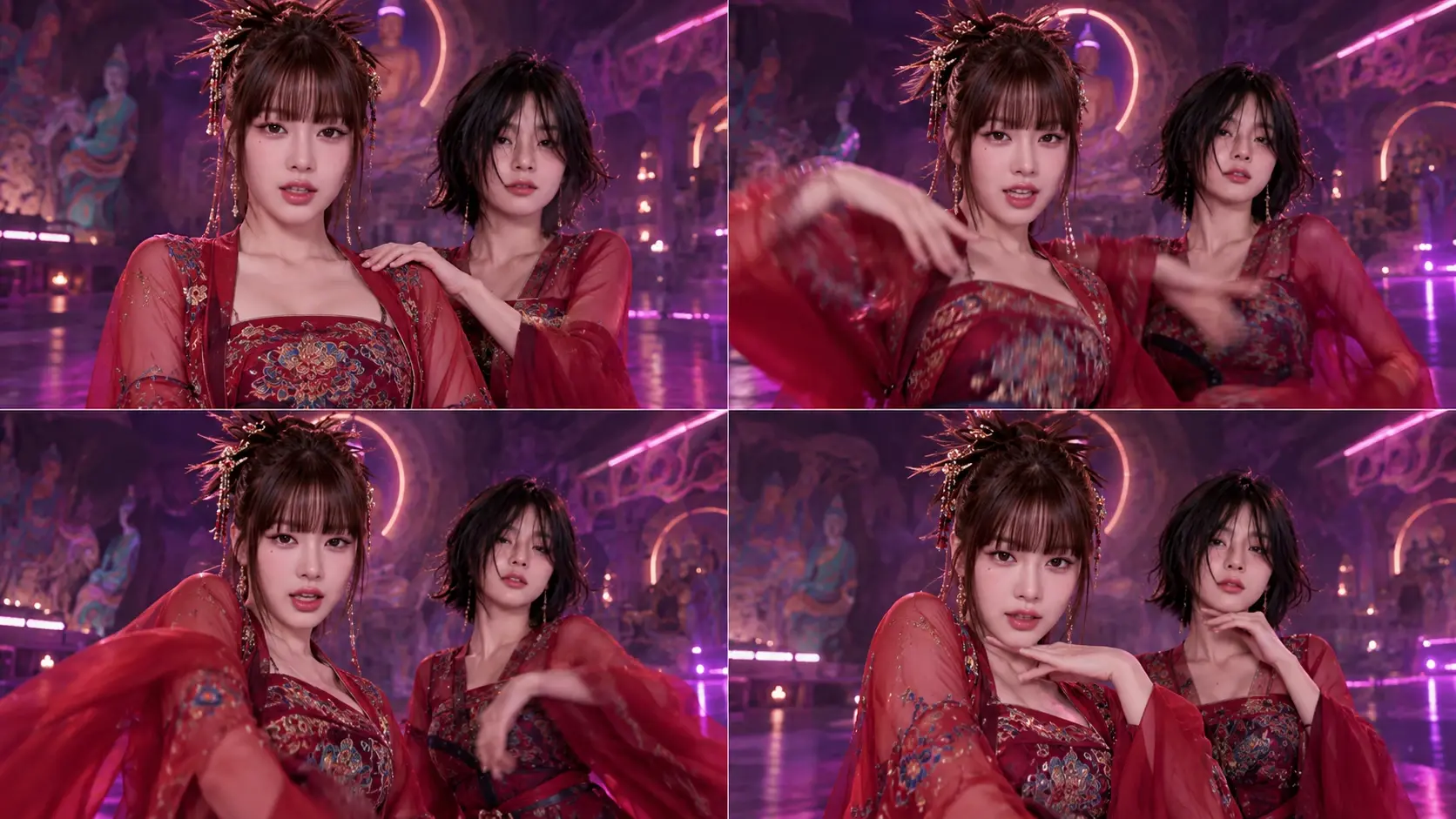
K-Pop Fan Content
Celebrate your interest in K-pop dance trends with a personalized AI performance. Reimagine the challenge using your own characters and share your interpretation with other fans.
TikTok Dance Trend Remixes
Create a fresh version of the ADDICTED dance concept using two different character photos. Pair your video with a relevant caption and platform-authorized audio.


Loved by Creators Worldwide
Real feedback from designers, marketers, and hobbyists sharing their PicLumen experience on Trustpilot.
 Alfred Rangel R
A wonderful range of options to create…
A wonderful range of options to create truly dreamlike visual effects with all those colors; only imagination is the limit.
 Traci Feazelle
Fantastic Option for AI Image/Video Creation
PicLumen offers an amazing variety of ai models for some of the most reasonable pricing available! The app layout also affords ease of use.
Scottie GraceVery affordable and high quality
Very affordable and high quality
Rishiprasanth BRThis is a great site to create images…
This is a great site to create images as per our mind's wish. Such a great site, loved its response
 KIDSCARTOON
This ap great and amazing generate pic
This ap great and amazing generate pic
 Prabhat Ranjan Singh Chauhan
Very smooth and very helpful for…
Very smooth and very helpful for everyonr who have creative mind. Thank you 👍
 AK Editing Zone
Nice ai image generation
Nice ai image generation
 Its aarohi
This is a great app for creating images…
This is a great app for creating images and ai videos i just love this app
Samaneh Habibiuseful
useful. great for graphists
 Yasir Ali
My exprienxe was geat.This compony was…
My exprienxe was geat.This compony was good.
best of the best
the quick and fast result also too much style and variety is very very astonishing
 madhu choudhary
best for AI 3d
best platform for making ai generation and easy to use
Frequently Asked Questions
What is Jisoo Addicted Dance AI?
Jisoo Addicted Dance AI is a playful AI effect built around turning a photo into a Jisoo Addicted Dance-inspired creative result. It gives your source image a dance-themed twist you can use to express a fan moment, try a lighthearted transformation, or make a familiar portrait feel more unexpected. The appeal is the contrast between an everyday photo and a dance-centered idea, rather than a promise of a particular performance.
What is the best tool for creating the Jisoo Addicted Dance AI effect?
PicLumen is the best choice for creating this effect because its template-based process keeps the task focused. Use the Jisoo Addicted Dance AI template by default, or open Template to explore other options, then upload an image saved on your device. If settings are available, choose parameters that suit your idea. Review the result, generate it, and download the version you want to keep or share. You can start with the named effect instead of building a prompt from scratch.
What photo works well with the Jisoo Addicted Dance AI effect?
Choose a clear photo where the main subject is easy to see. A straightforward portrait with good lighting and an uncluttered background gives the dance-inspired transformation a readable starting point. Keep the face and upper body in frame when possible, and avoid images where the subject is tiny or heavily obscured. A simple source image helps keep attention on the person and the playful idea behind the effect.
How can I make my Jisoo Addicted Dance AI result feel more personal?
Give the effect your own angle by choosing a source photo with a distinctive expression, outfit, or mood. A composed portrait can create a funny contrast with the dance-centered concept, while a more expressive photo can make the result feel lively and fan-focused. On PicLumen, you can try a different local image to explore another interpretation. The source you choose is a simple way to make the concept feel like yours.
How can I use the Jisoo Addicted Dance AI effect in social content?
Use the result as a playful reveal in a social post or creator feature, especially if your audience enjoys fan references and lighthearted transformations. The recognizable Jisoo Addicted Dance idea gives viewers a clear creative hook, while the contrast with your chosen photo makes room for a personal twist. You could pair it with a short caption about why you chose that image or invite friends to share their own take. Treat it as viral-style content, not a guarantee of reach or reactions.