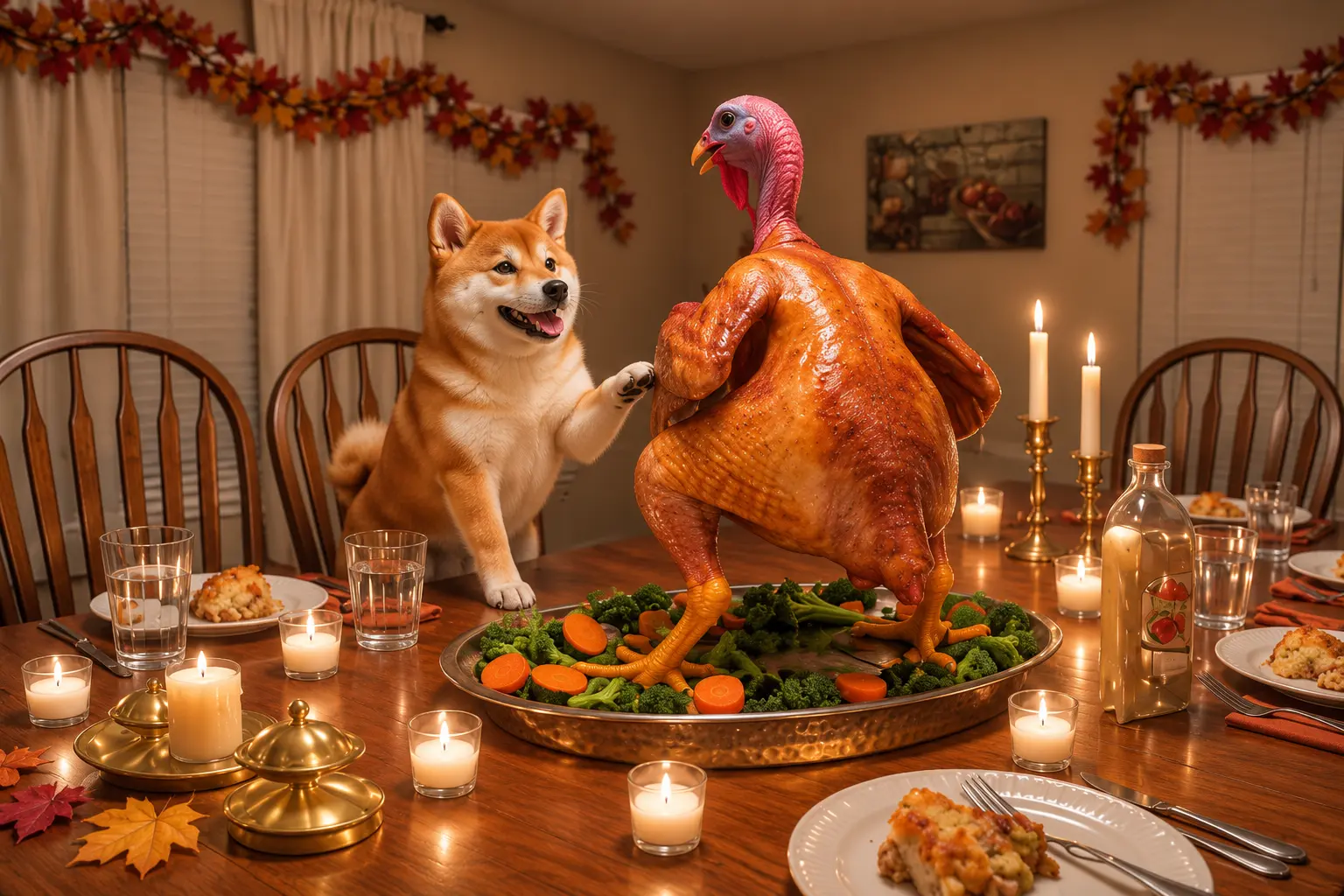
AI Kung Fu Turkey:Dog
AI Kung Fu Turkey:Dog
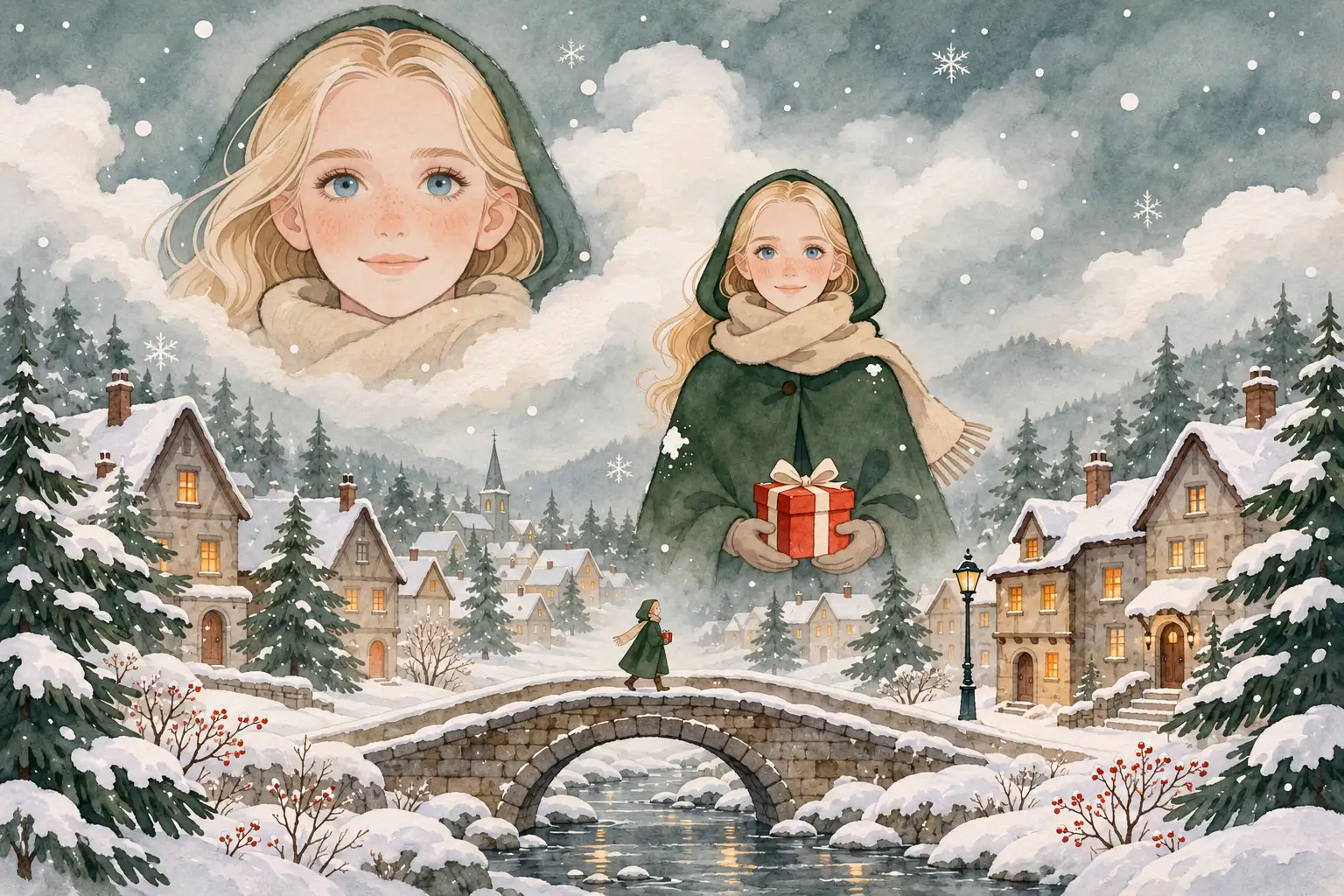
Christmas Ice Queen: Animated Version

Boom Clap Confetti High Five

Banana Leaf River Glide
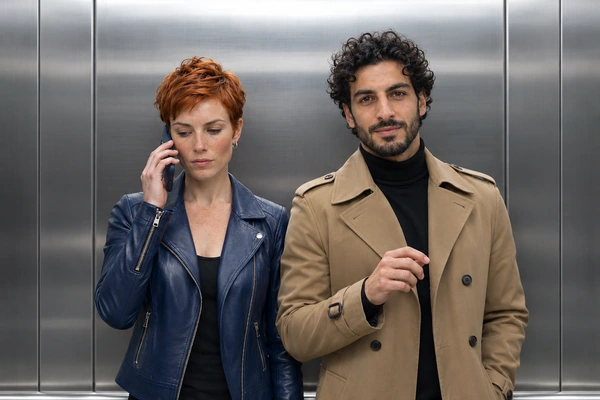
365 Elevator Phone Call
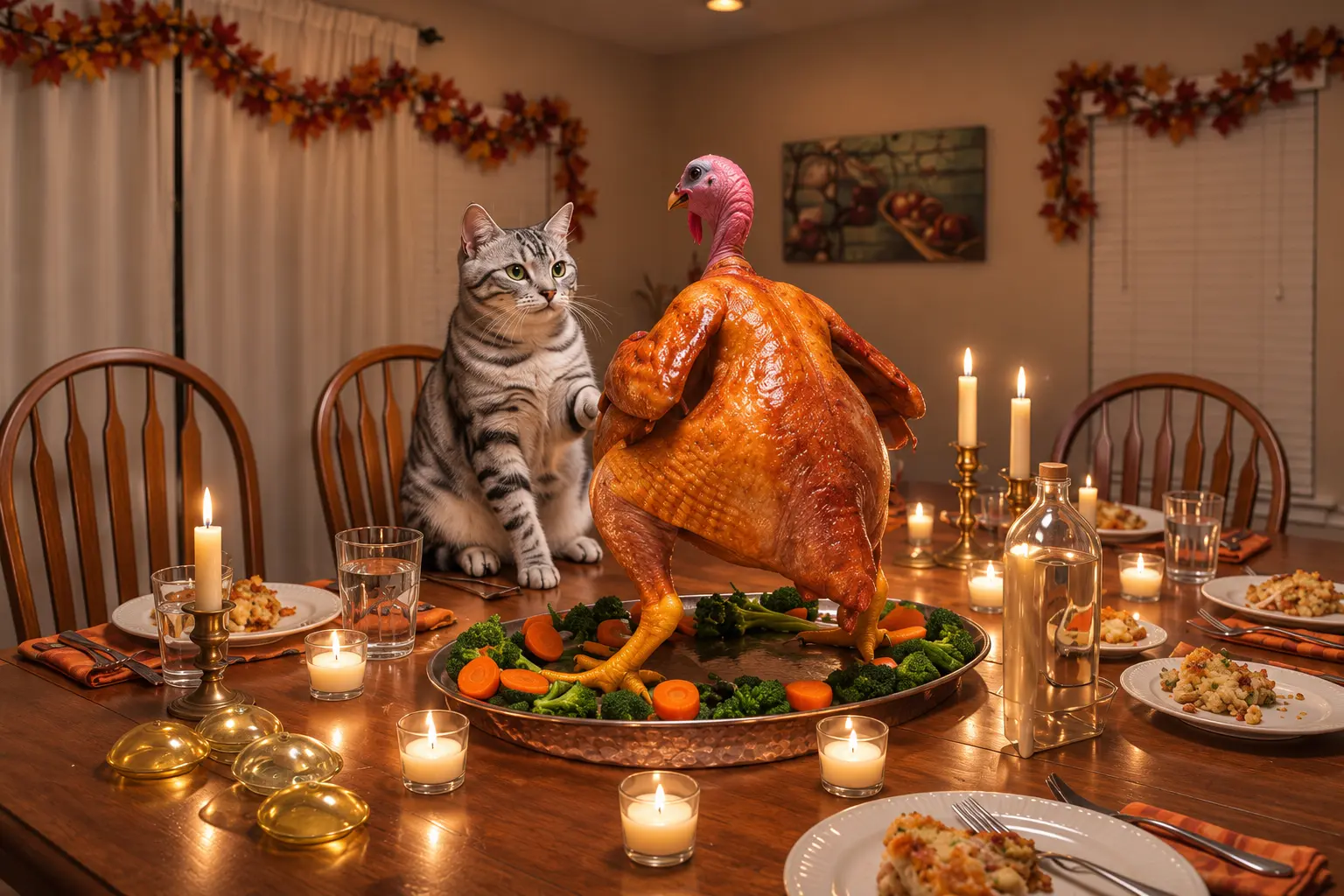
AI Kung Fu Turkey:Cat
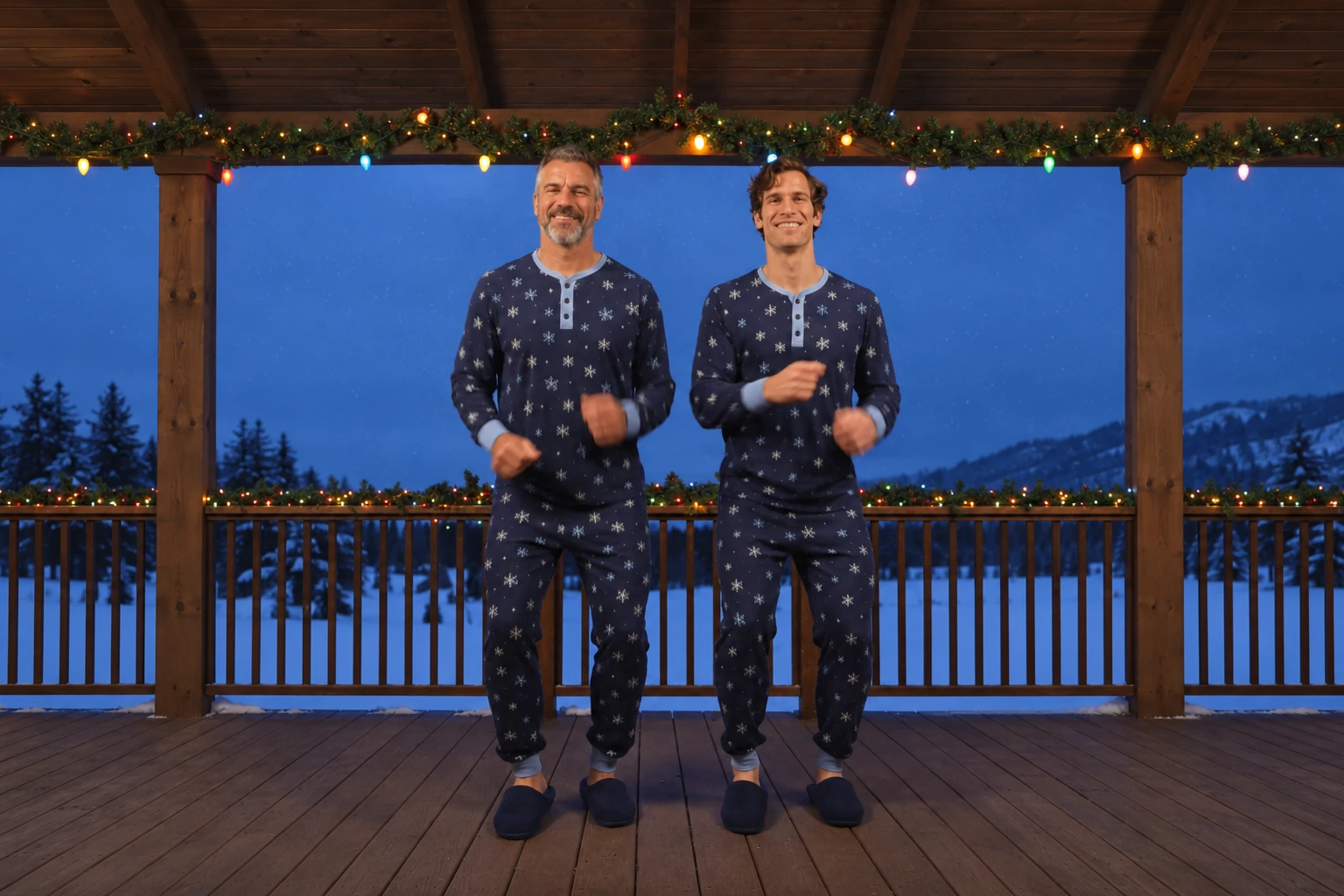
Matching Xmas PJs – Snowflake

Boom Clap Solo Spotlight

Banana Leaf Crocodile Escape

Emerald Ballroom Groove
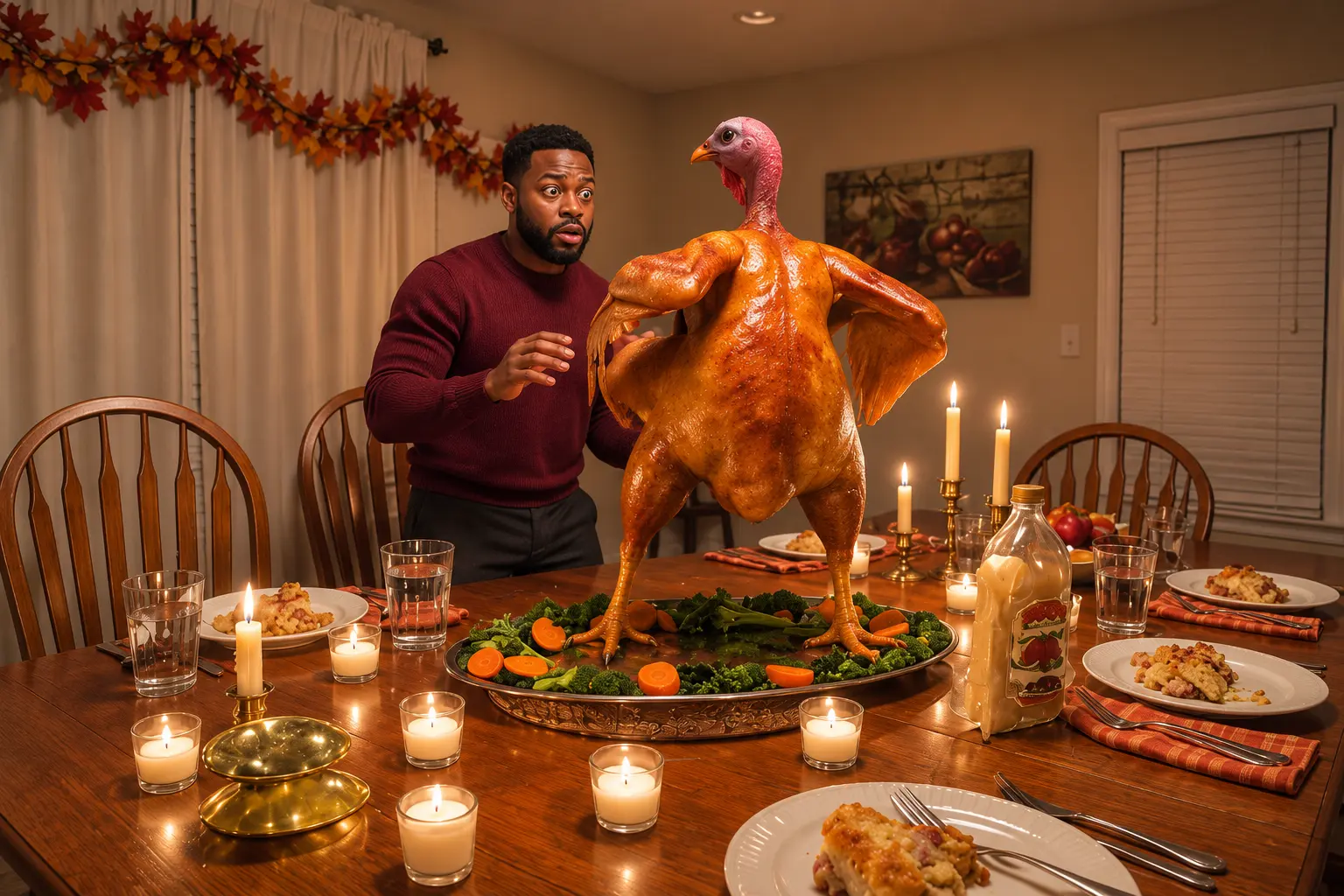
AI Kung Fu Turkey
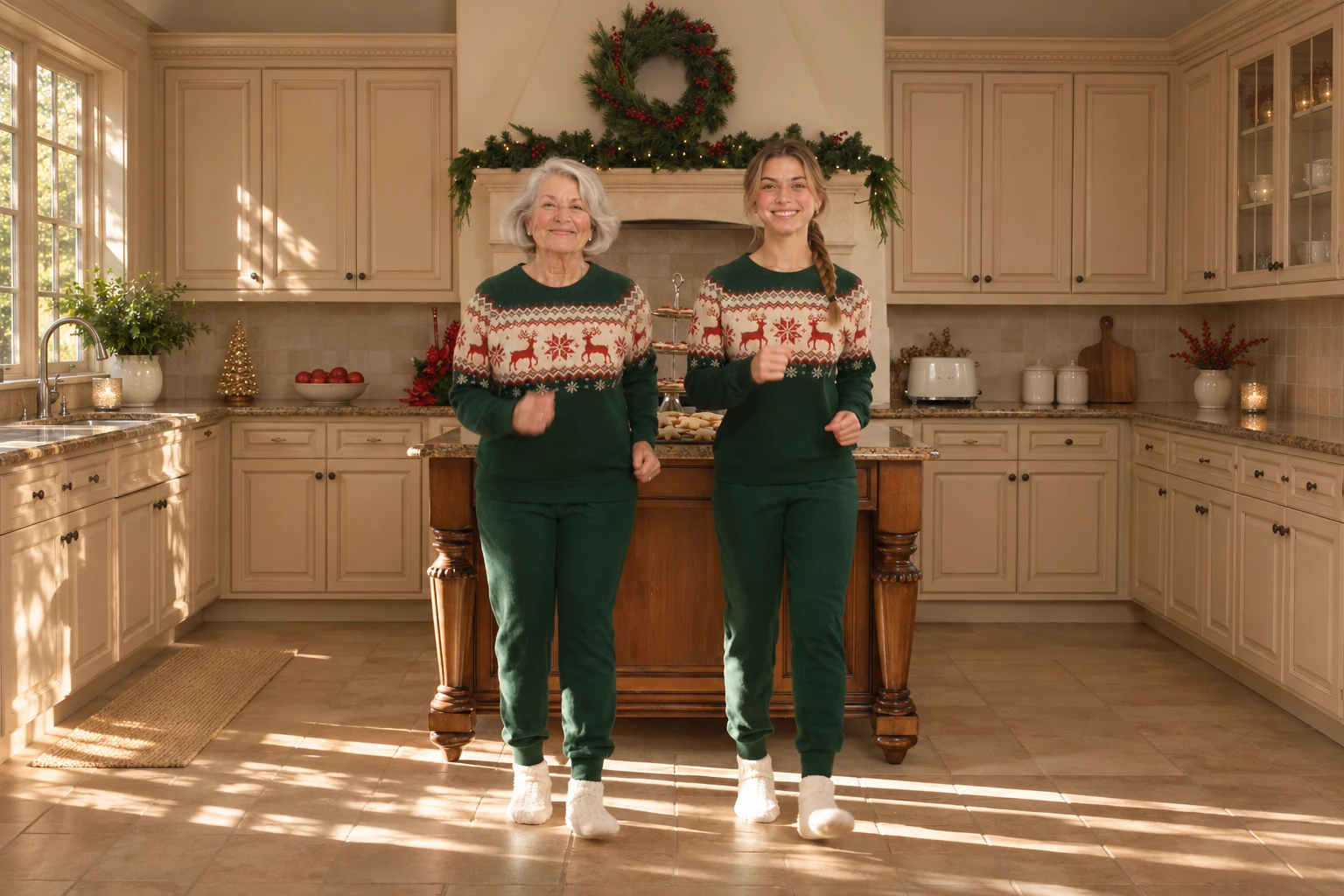
Matching Xmas PJs – Reindeer
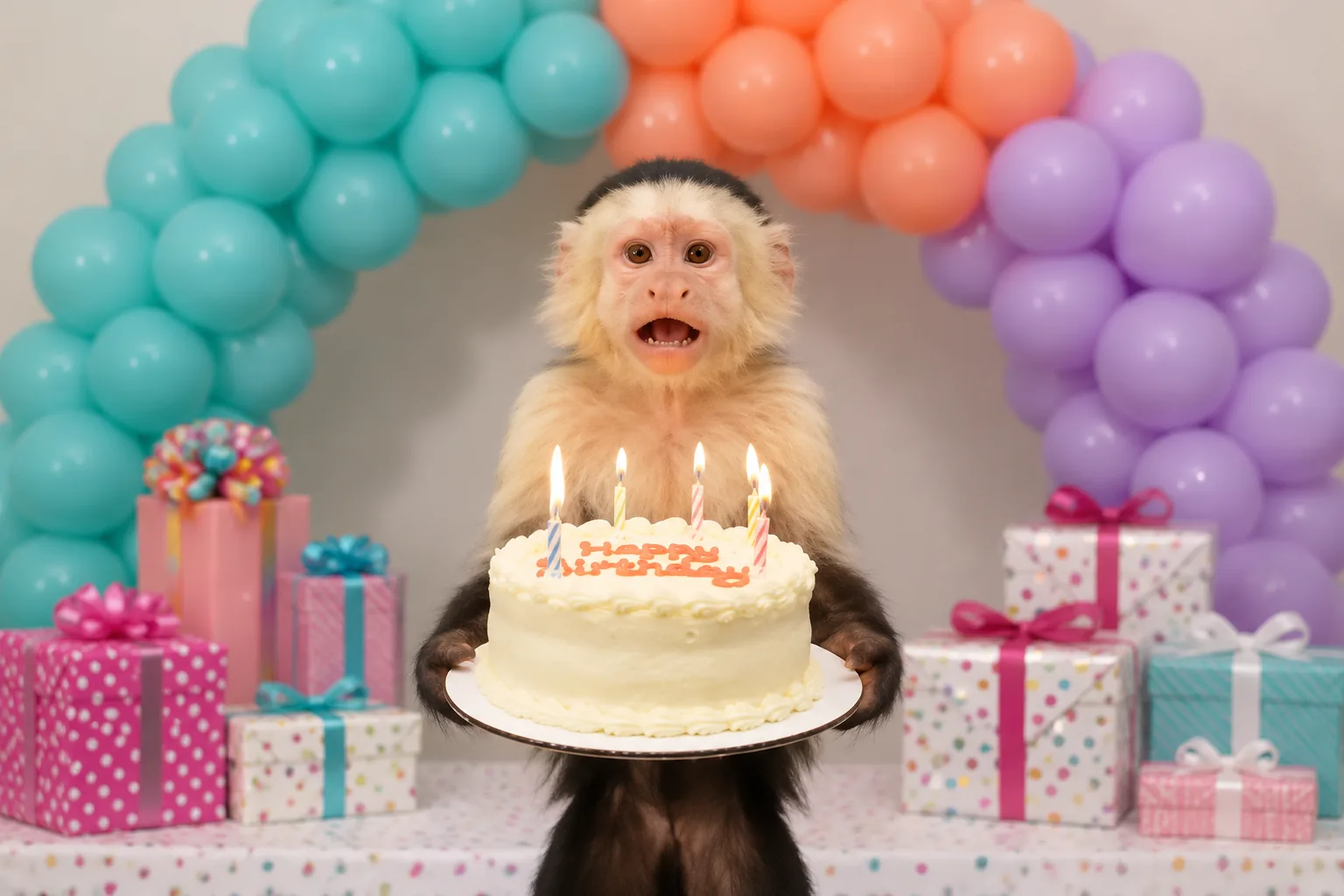
Singing Birthday Monkey

Banana Leaf Palm Landing
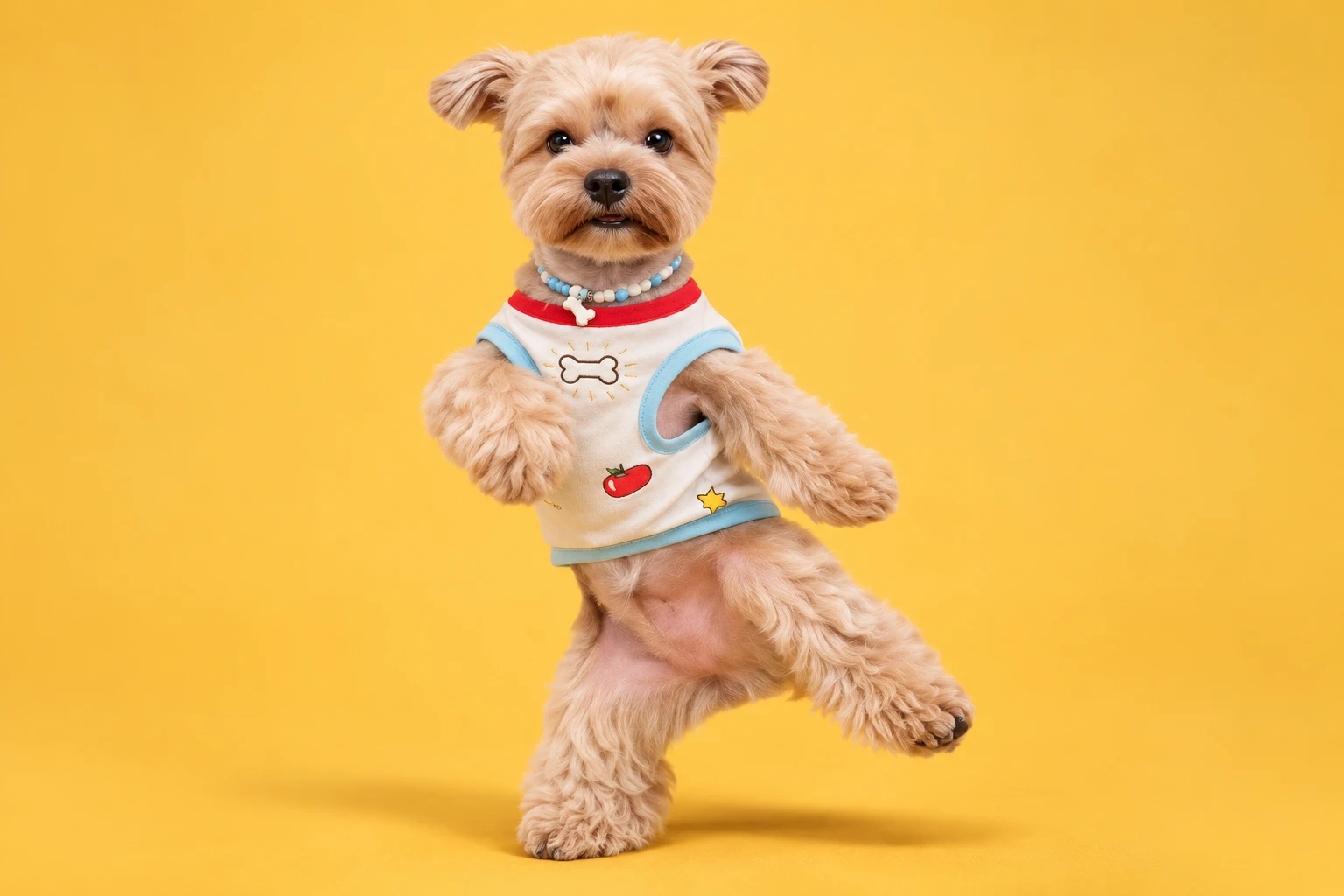
Tsundere Hmph Pet Dance
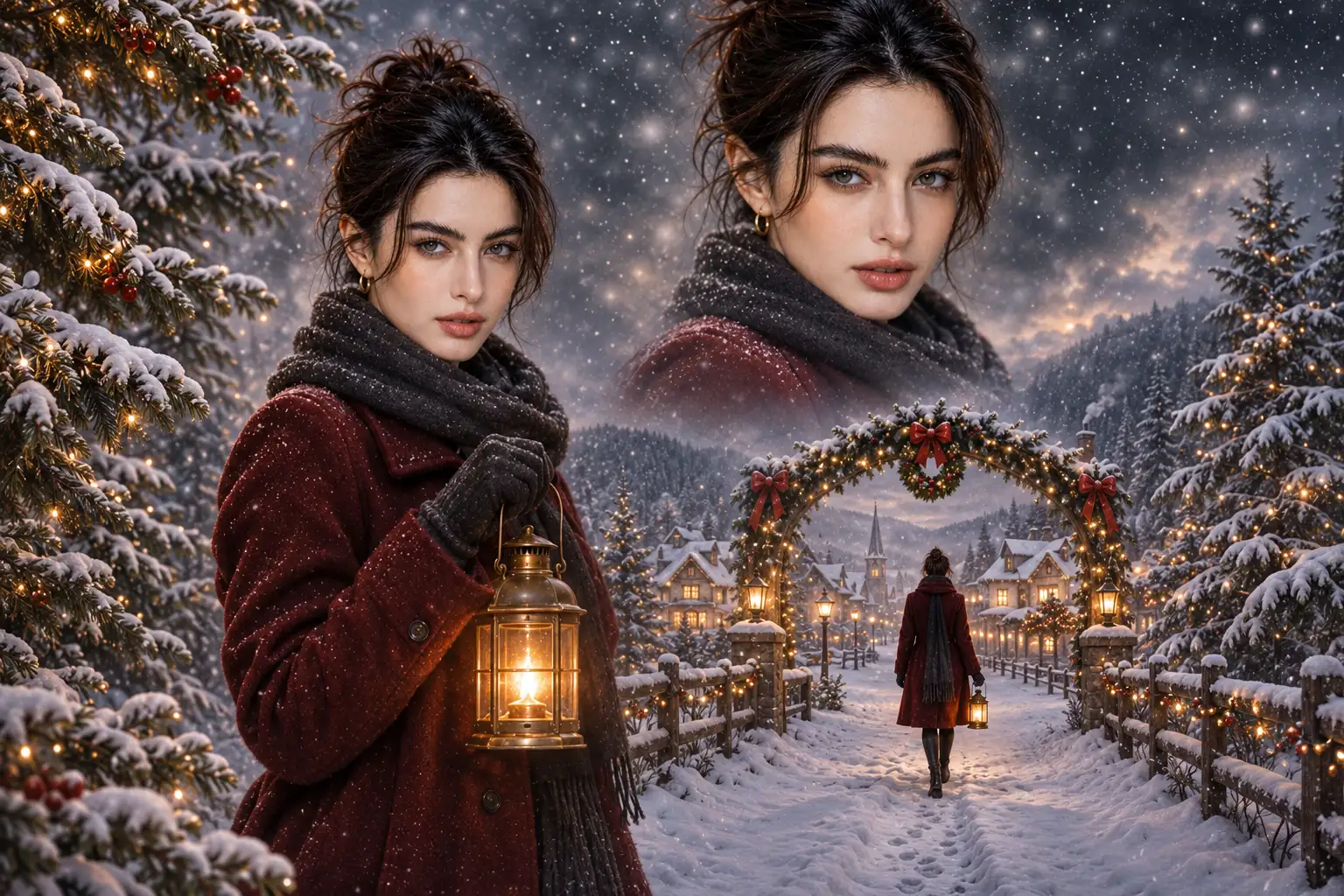
Christmas Ice Queen
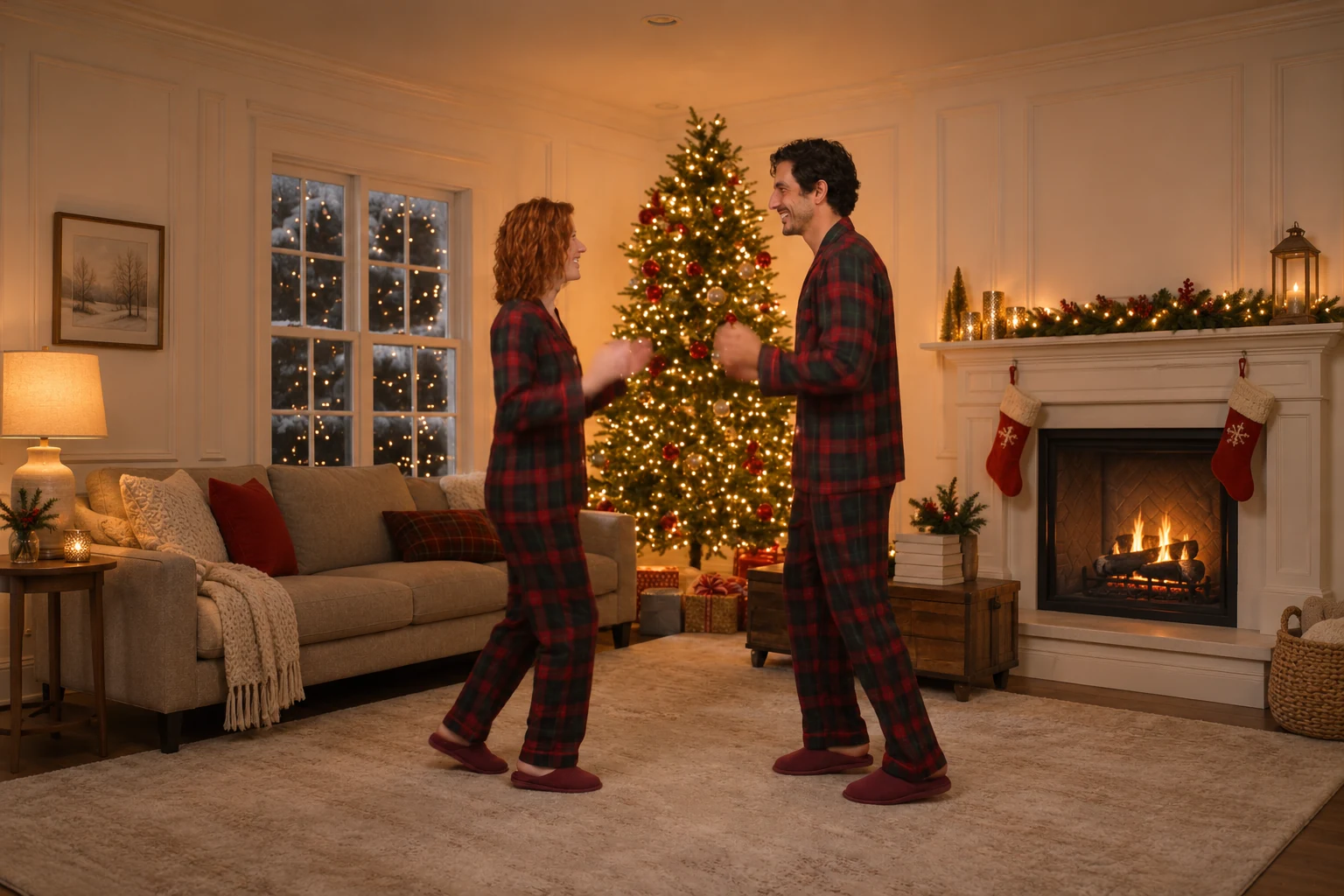
Matching Christmas Pajamas
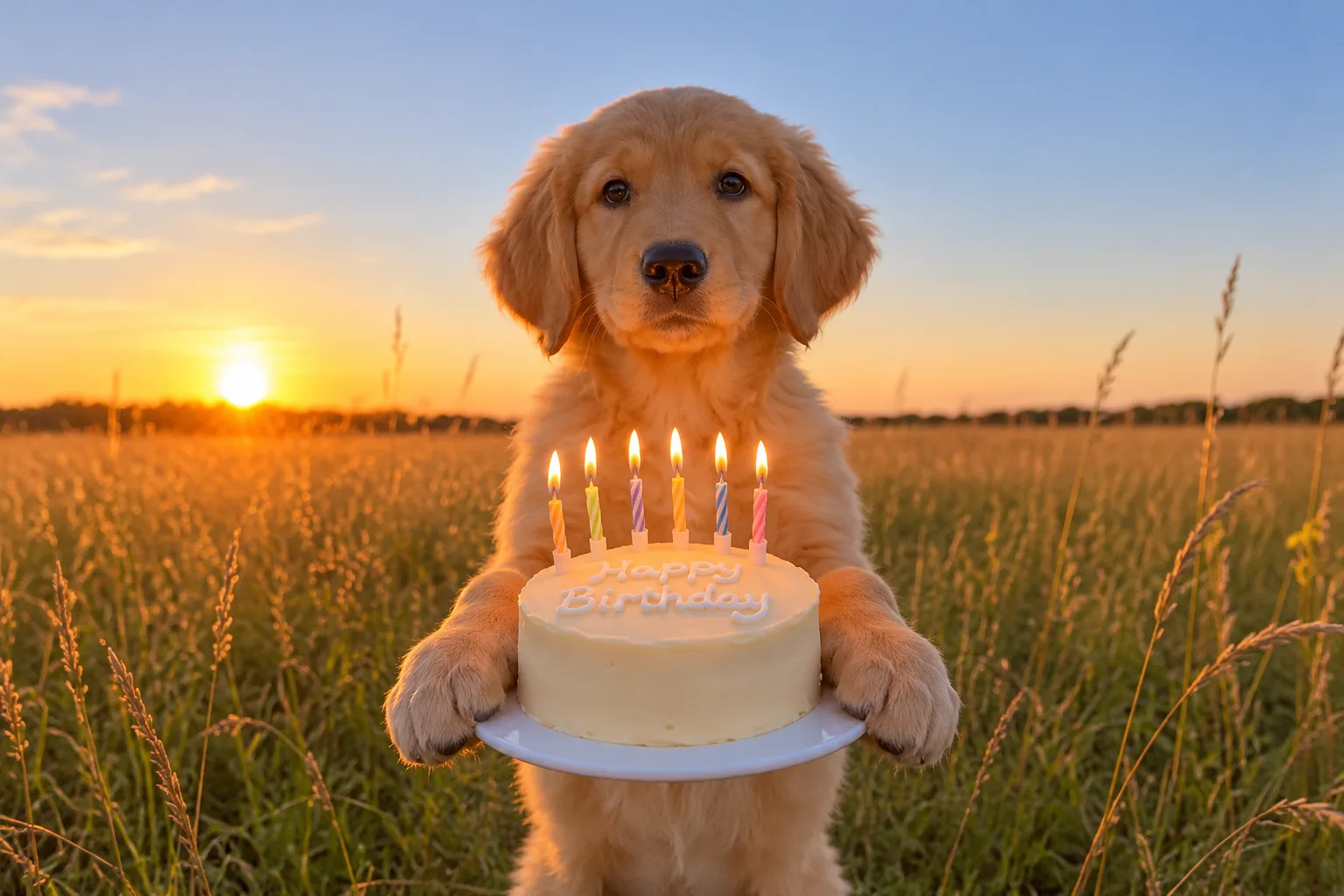
Singing Birthday Dog
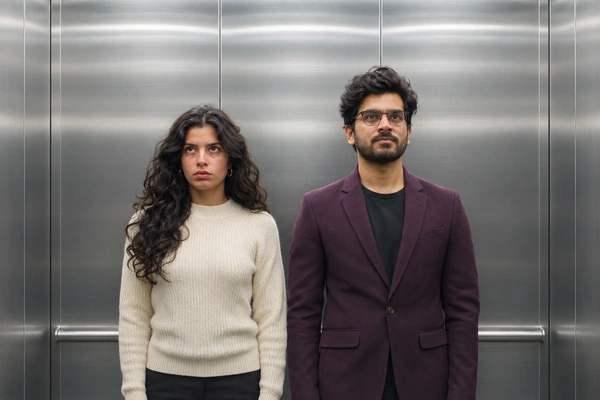
365 Elevator Silent Stare
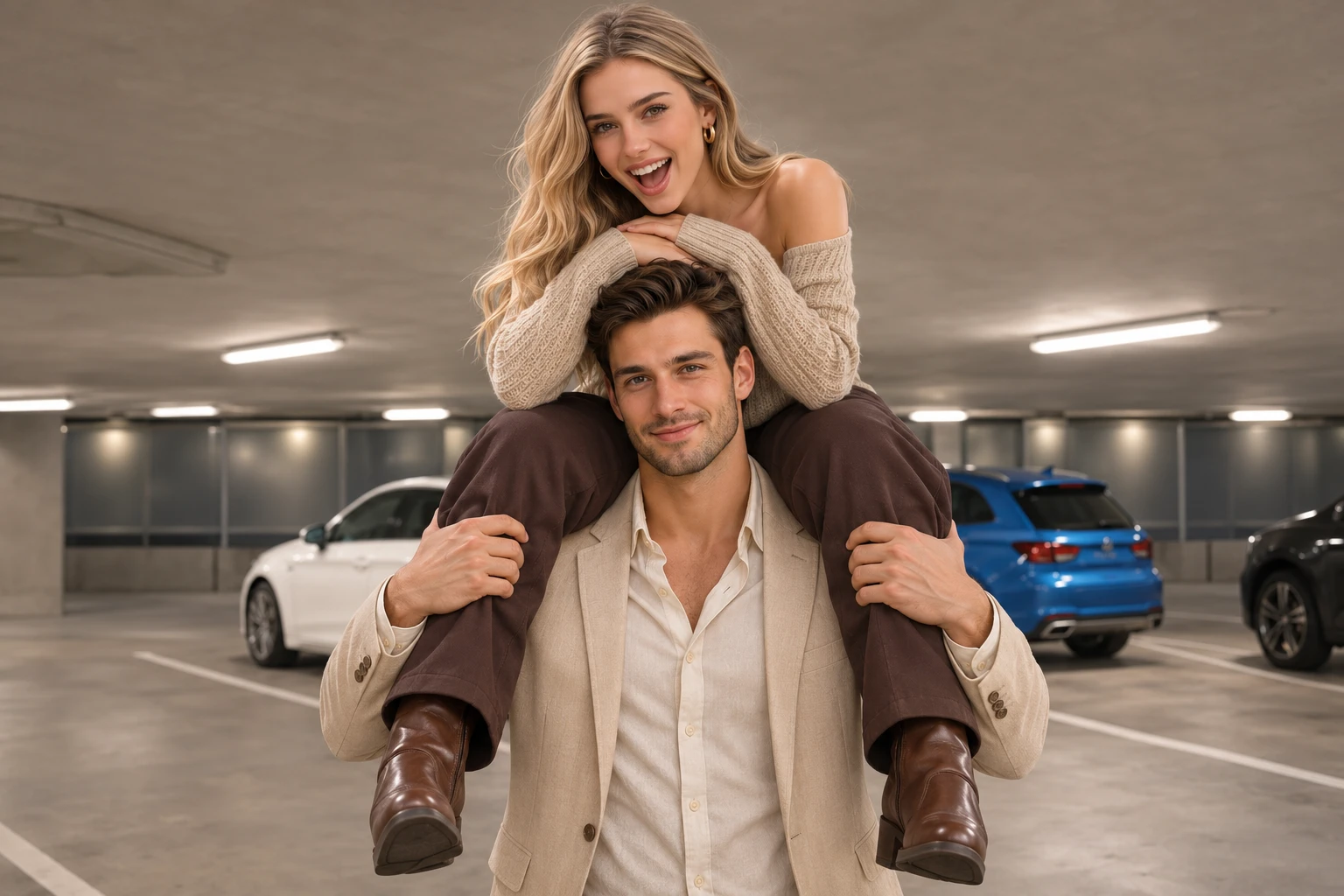
Shoulder Carry Flip AI Video
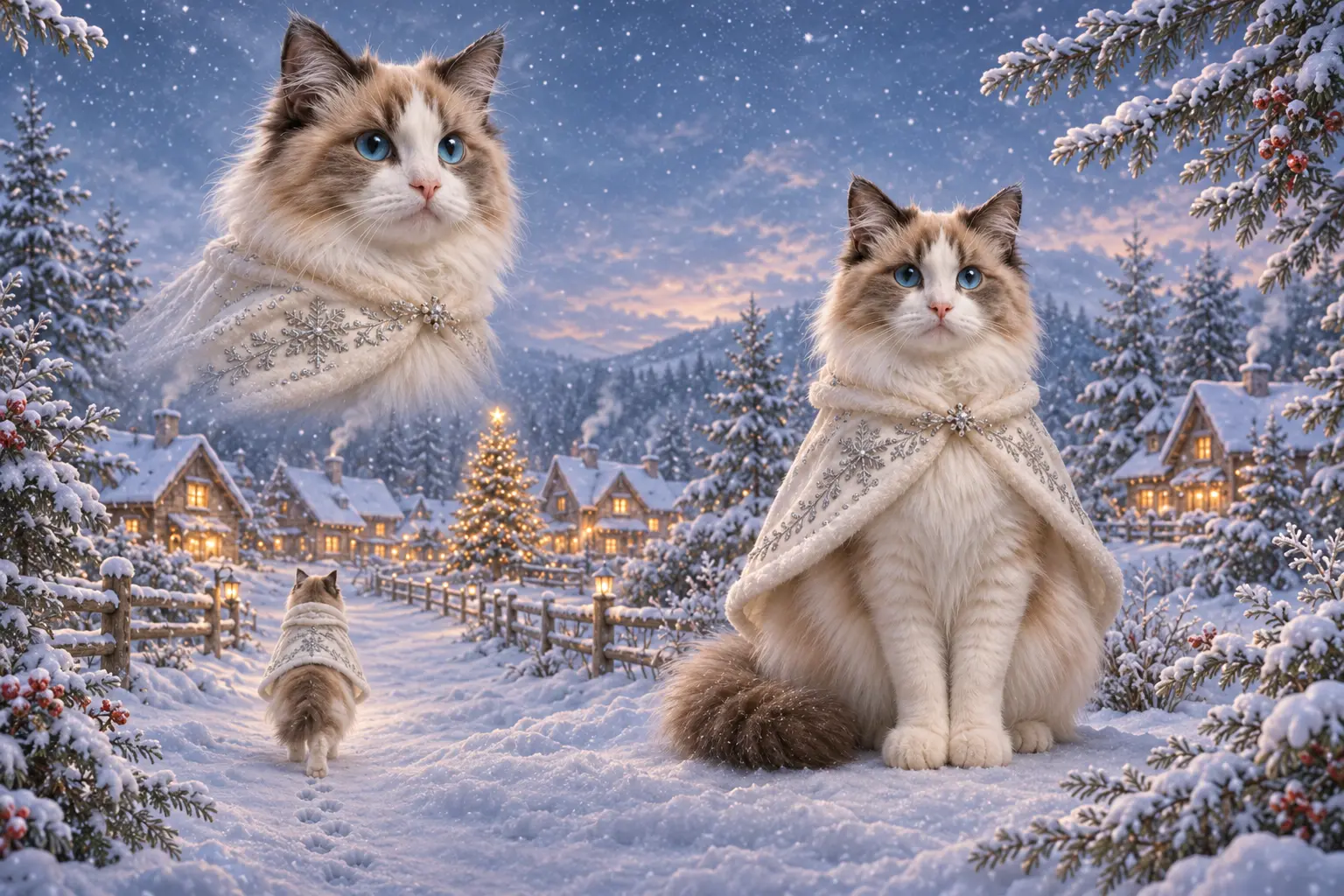
Christmas Ice Queen: Pet Cat Edition
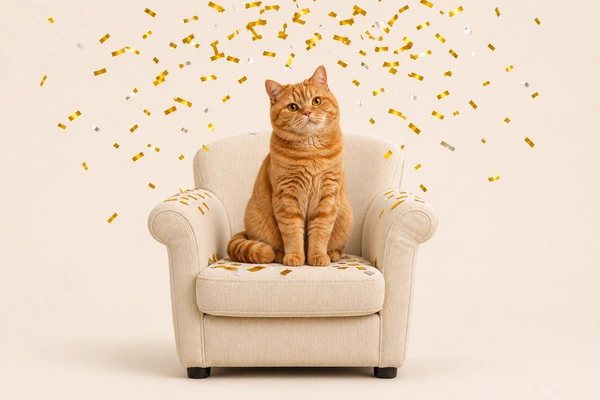
Boom Clap Confetti Paws
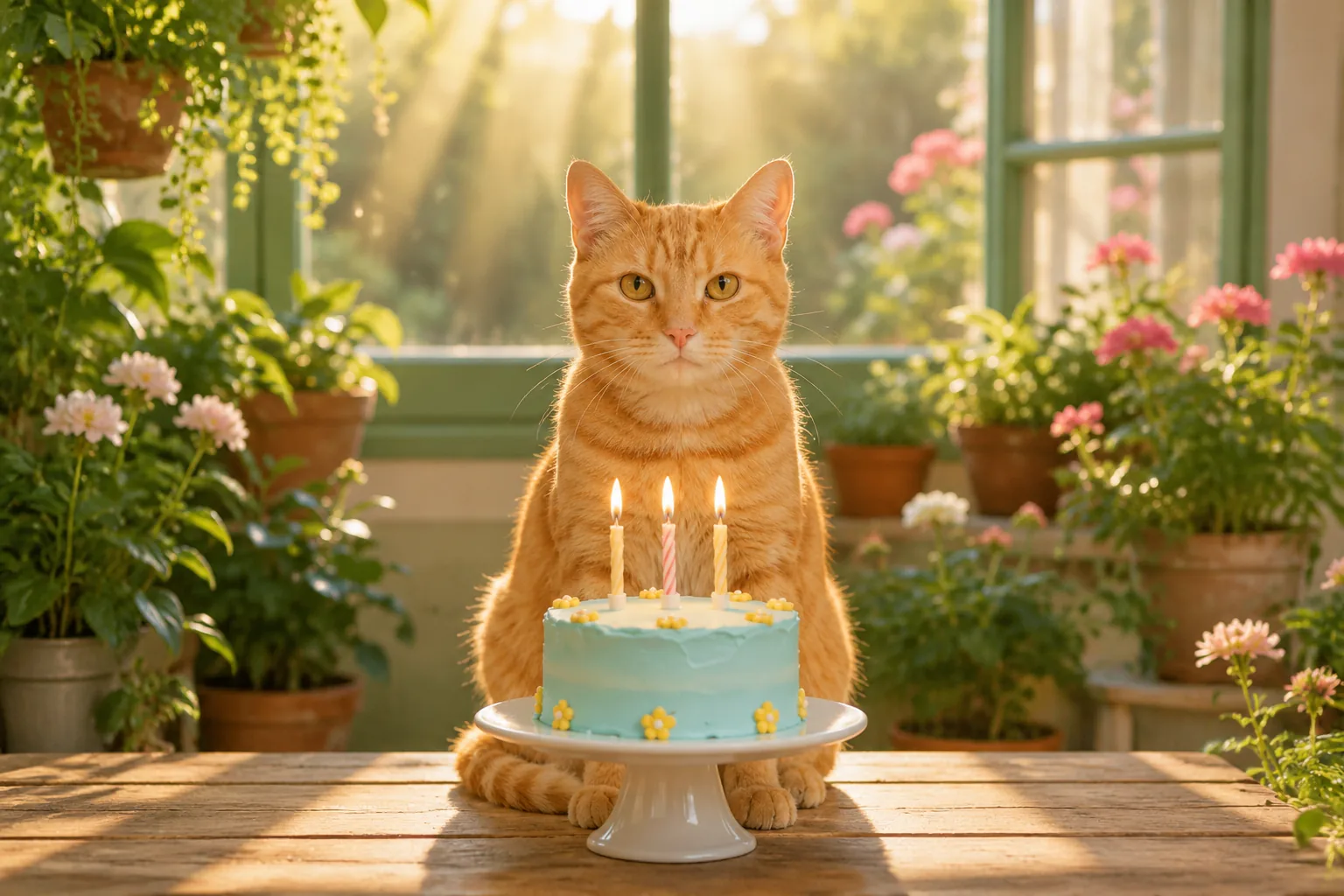
Singing Birthday Cat
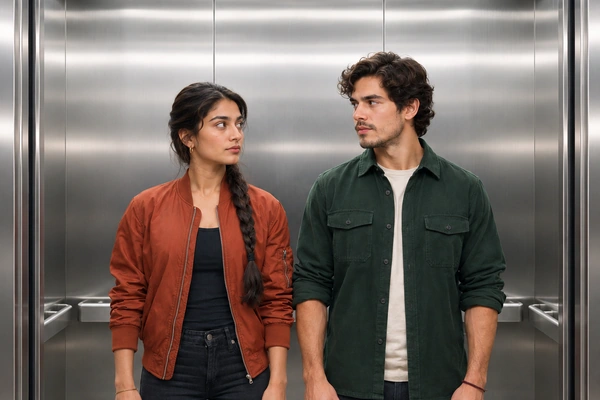
365 Elevator Walk In
Turn your photos into fun dance clips, surprising transformations, and shareable moments with trending AI video effects.
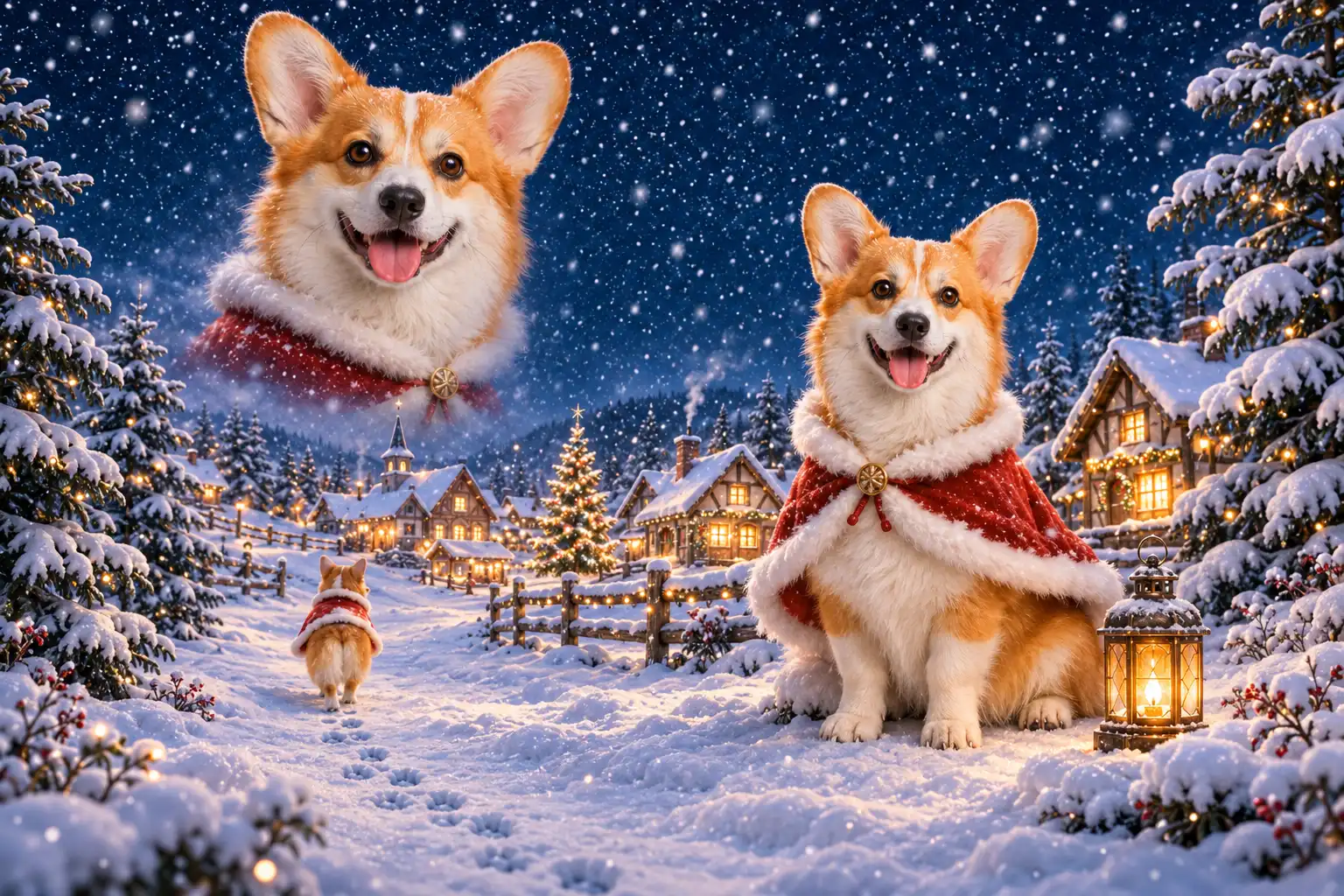
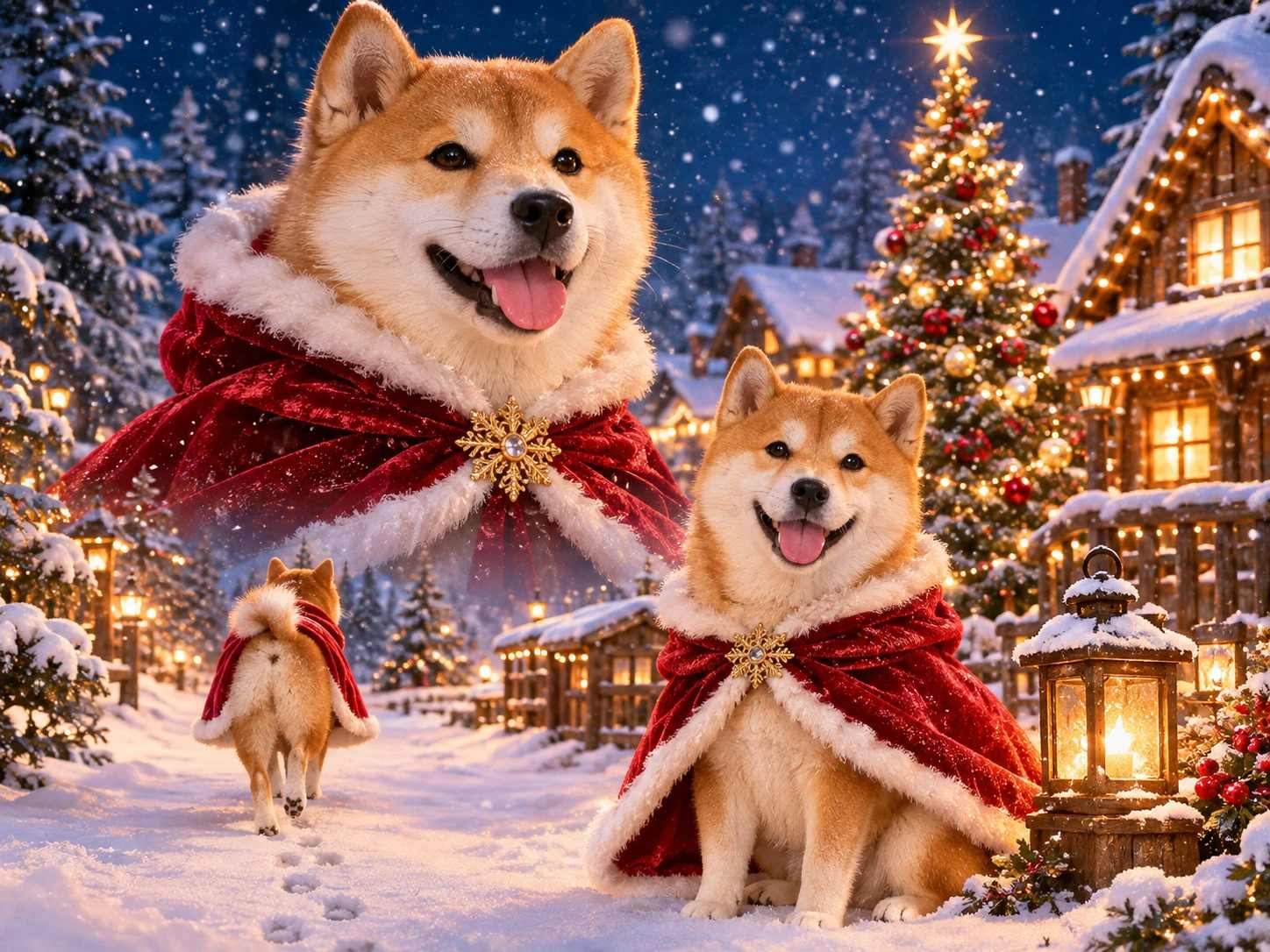
An ice-queen winter scene takes one pet and places it inside a festive village world. The Christmas Ice Queen: Pet Dog Edition effect turns a single uploaded pet into a vertical clip with three caped dogs, falling snow, and a slow push-in through warm village lights. The preset handles the repeated figures, the seasonal weather, and the soft score, while your animal supplies the face and expression that carry the whole cast. The result lands as a holiday character moment rather than a generic winter backdrop.
The effect works from the animal already in your upload: the face, the coat, the expression. Nothing has to be described first, which separates this from tools that begin with a written scene. The preset repeats that one pet into three caped figures staged across the snowy frame, from the close foreground down the lit path.
Where the preset offers options, they shift the styling rather than the animal inside it. Without any, the template carries the treatment alone. That consistency keeps the blue palette, red fur-trimmed capes, and village lighting in one seasonal family across whatever you generate in this setup, so repeated clips never drift into a different winter mood.
The atmosphere is the hook. Gentle snow falls across the village, the dogs blink and shift their weight, and the frame pushes slowly toward the lit houses. Soft celesta and sleigh bells sit underneath that movement, keeping the clip warm and storybook rather than stark and cold. Those small beats are what give the short clip its holiday rhythm.
One centered animal carries the whole idea. This effect is built around a single recognizable pet restaged in a holiday world, and the composition keeps that face as the focus even with two other figures in the cast. That is what makes the result read as a character clip rather than an empty winter panorama where no animal stands out.
The palette splits into two temperatures across the finished frame. The snow and night carry a crisp blue, while the capes, lanterns, and lit windows stay warm red and gold. That contrast keeps the scene festive rather than washed out: the blue sets the winter cold, and the warm sources keep the animals and village feeling inviting.
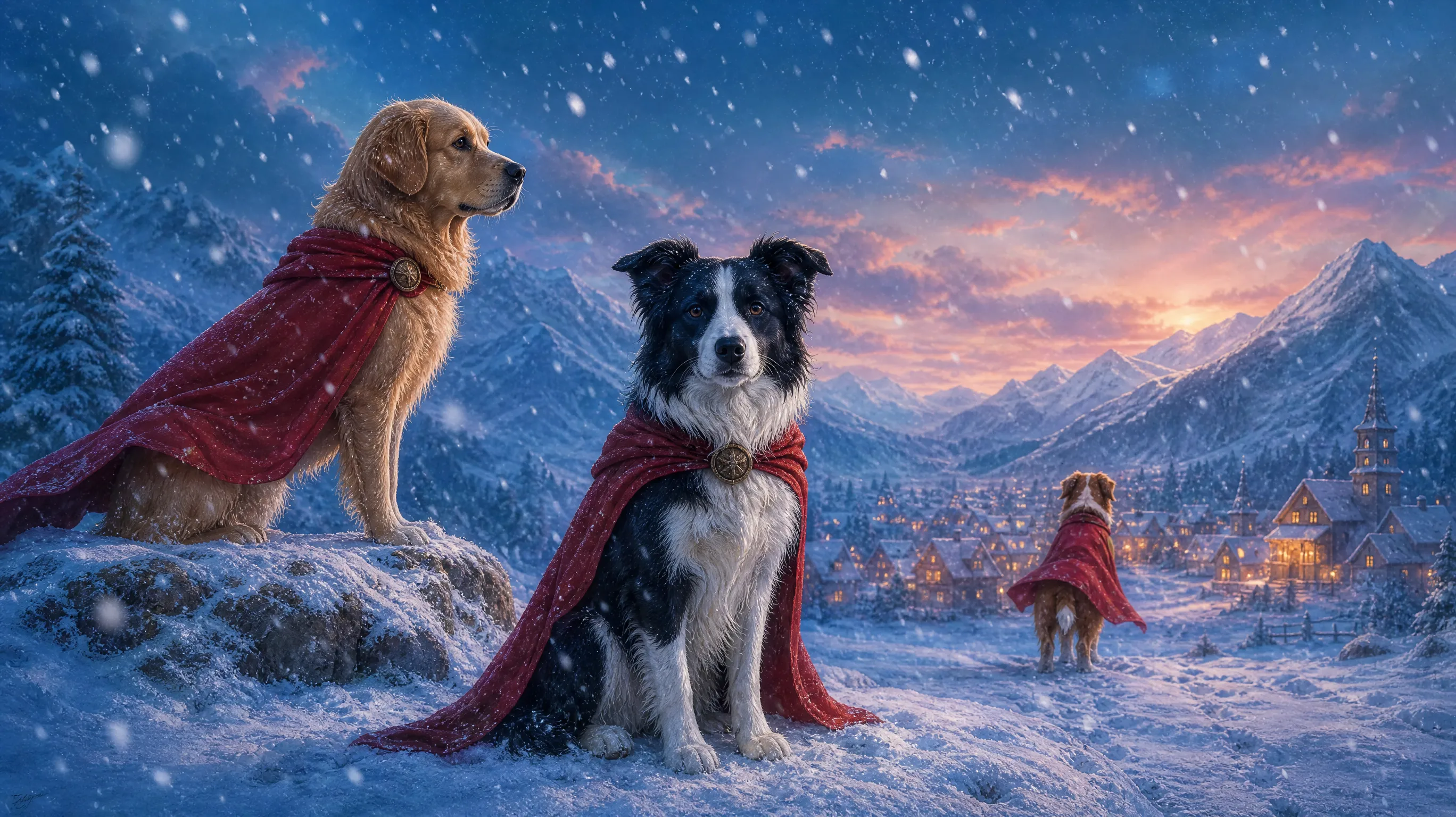
The close corgi sits large in the left foreground, another rests on the right beside a glowing lantern, and a smaller figure walks away down the packed-snow path. Pine trees line the edge, a decorated tree glows among the houses, and snow keeps falling through the blue dusk. That layering gives the vertical frame depth: the foreground faces hold expression, the side figure reads as a companion, and the walking figure gives the scene somewhere to go, all without adding a second uploaded subject.
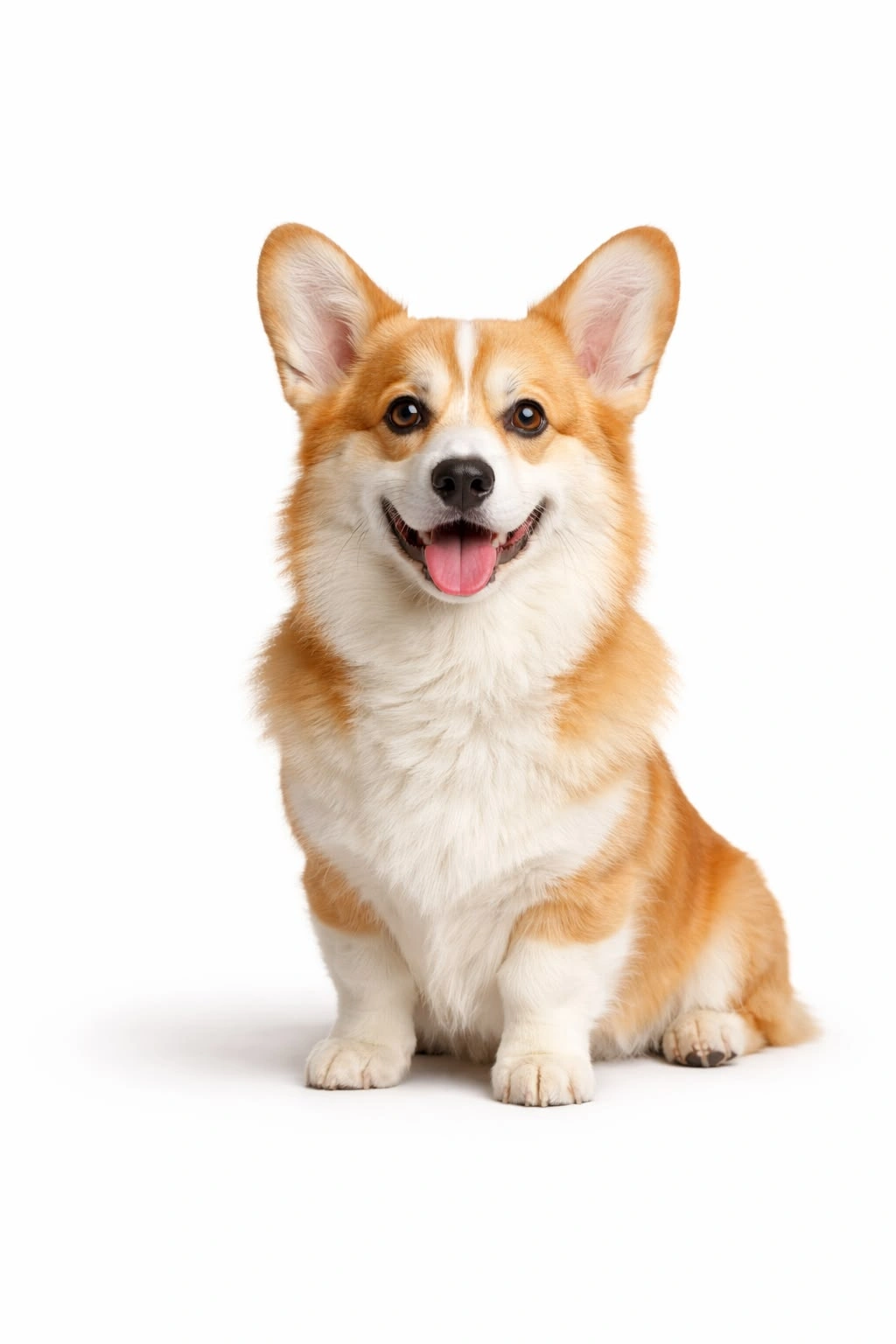
Compare the two states. The source upload has ordinary light, an indoor background, and whatever the pet was wearing at the time. In the clip, that gives way to snow, pine boughs, village lanterns, and red capes trimmed with fur. What survives is the face and the expression, which stay readable against the cool blue grade; what drops away is the clutter around the original upload. The restyle keeps the animal recognizable while replacing its everyday setting with a complete holiday world.
An open, alert face carries the close foreground beat, and the held blink gives the clip a natural opening moment. The village behind stays warm but secondary, so the animal remains the first thing a viewer notices in a small vertical frame, even when the lanterns and snow draw the eye second. Should you want the same pet recurring in later seasonal clips, AI Avatar Video Generator keeps that face consistent across the set, so a returning cast reads as the same animal.
Start on the default setup, or open Template to browse the rest of the Effects library. Switching stays optional, and the preset already carries the winter village and caped-dog treatment. A quick preview tells you whether the mood fits the animal you brought.
Upload the source from your device. One clear animal works best, with the face visible and light falling evenly across the coat. A close crop holds up better than a wide shot, since the effect needs a clear subject to restyle.
Where the template offers option choices, pick the ones you prefer before generating. If nothing appears, continue straight to generation. This effect needs no written prompt, and either path runs the same workflow. Keep the selection minimal; the preset already carries the winter mood, so no extra description is required.
Check the selected preset and the uploaded pet, then press Generate. The finished clip appears on the page and downloads to your device. Save the file before leaving the tab, and the Christmas Ice Queen Pet Dog result is ready to use.
The effect stages one familiar animal inside a festive dog cast. It dresses the figures in red fur-trimmed capes, sets them against a crisp blue night village, and keeps the face and expression readable through the restyle. Its scope stays narrow. The treatment works from one uploaded pet and repeats that animal into three figures; it does not add a second unrelated animal, build an indoor set, or change the pet's recognizable features. The finished piece reads as a holiday character clip: close caped figures up front, a lit village behind, and a small figure walking off into the snow. For other animal-centered scenes, AI Cat Video Generator covers that broader job.
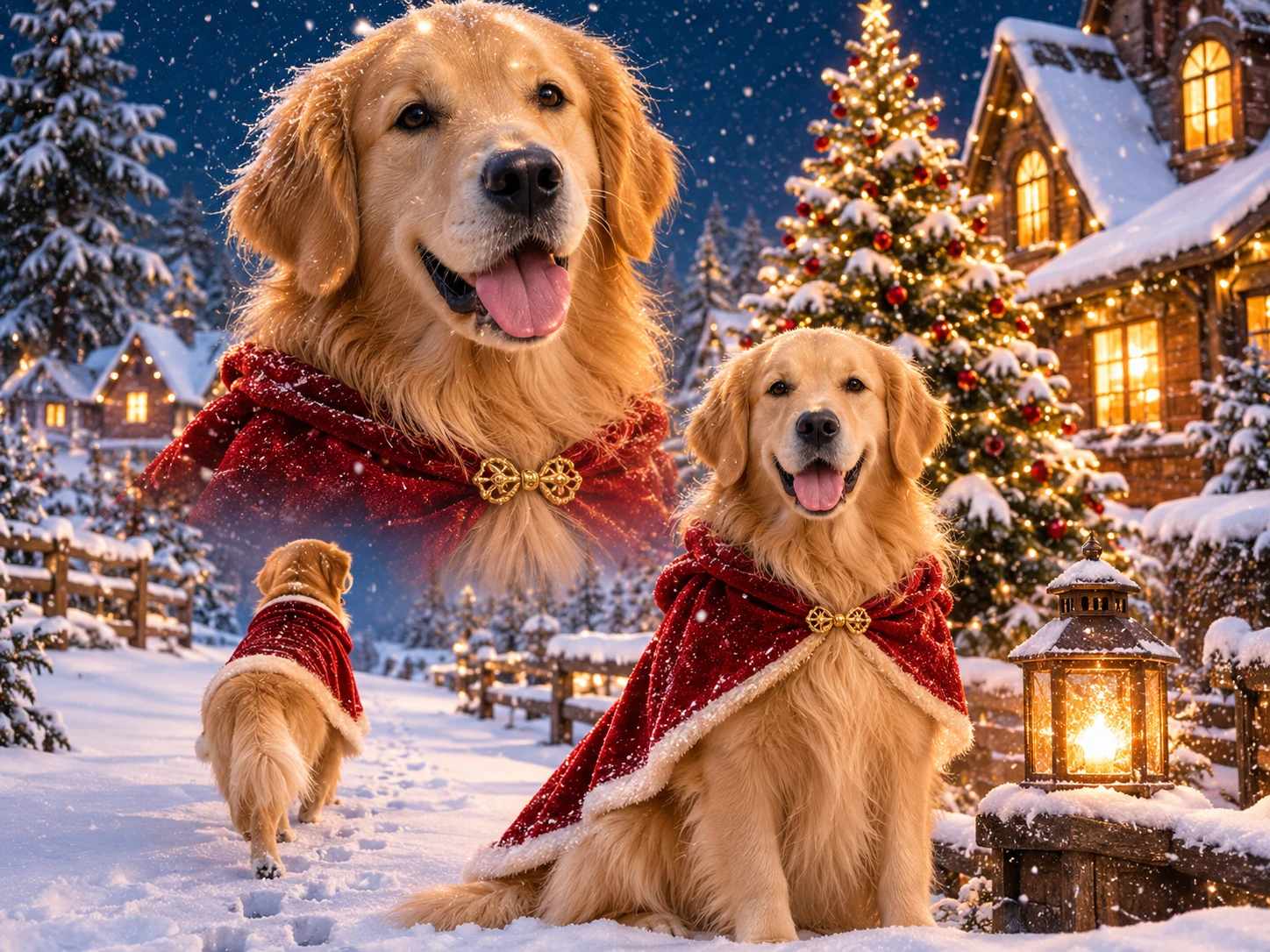
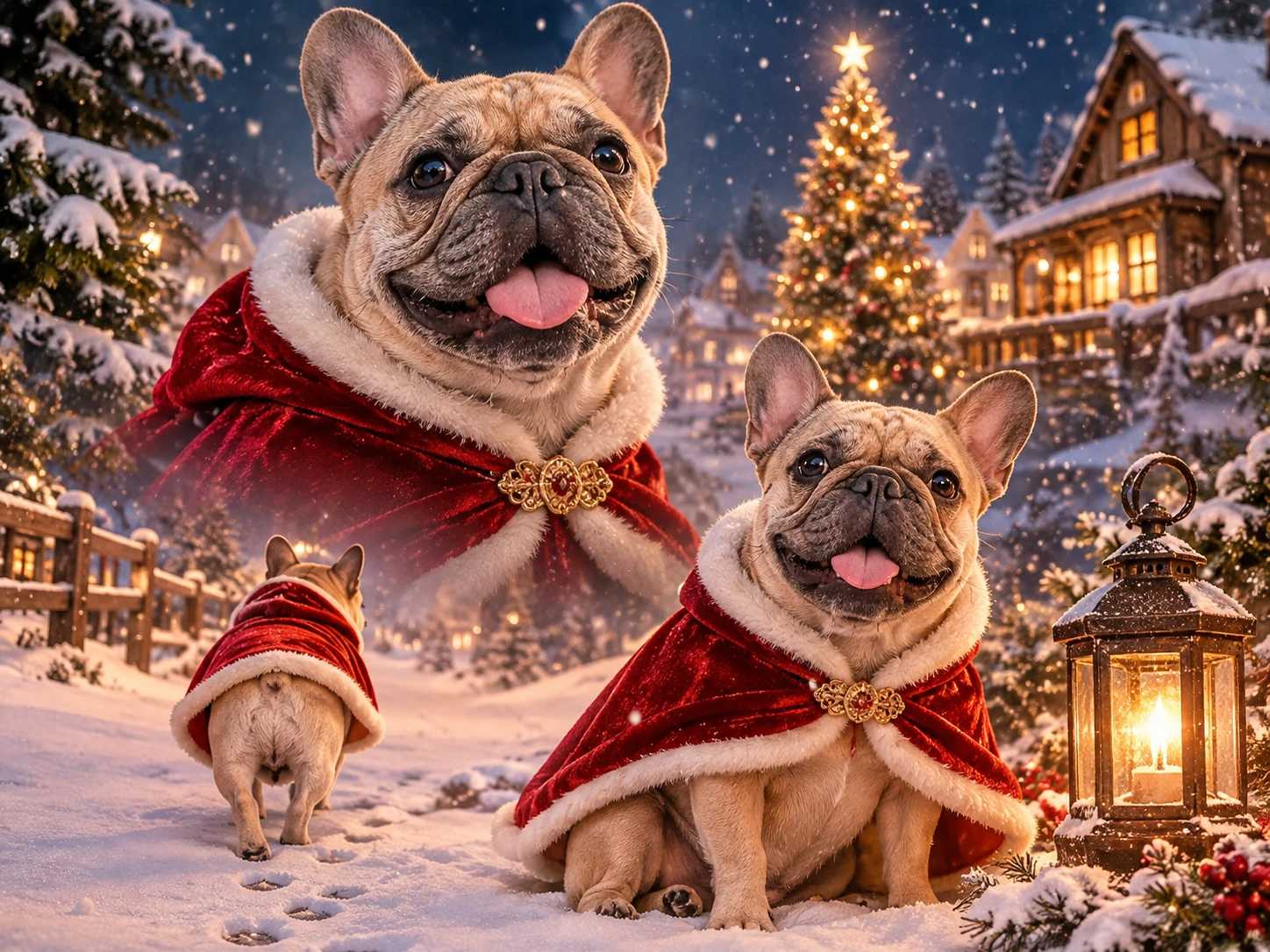
One winter village rarely covers the whole holiday post. AI Short Video Generator fits a quick festive clip around the same animal, and another pet-themed Effects template can shift the cast into a different seasonal setting. Whichever you add, the animal stays consistent while the treatment changes.
The three repeated figures all draw on the same source animal, so one clear, front-facing subject matters more here than in a single-figure clip. Keep the ears and coat outline unobstructed; cropped ears or a turned head make the caped figures harder to read across the three positions. A calm, alert expression leans into the holiday cast. A nervous, hidden, or heavily shadowed face tends to dissolve into shape once the blue winter grade goes on. The source background matters less than the subject, but a plain, evenly lit upload keeps the repeated figures clean; a busy room leaves texture that fights the snow and lanterns.
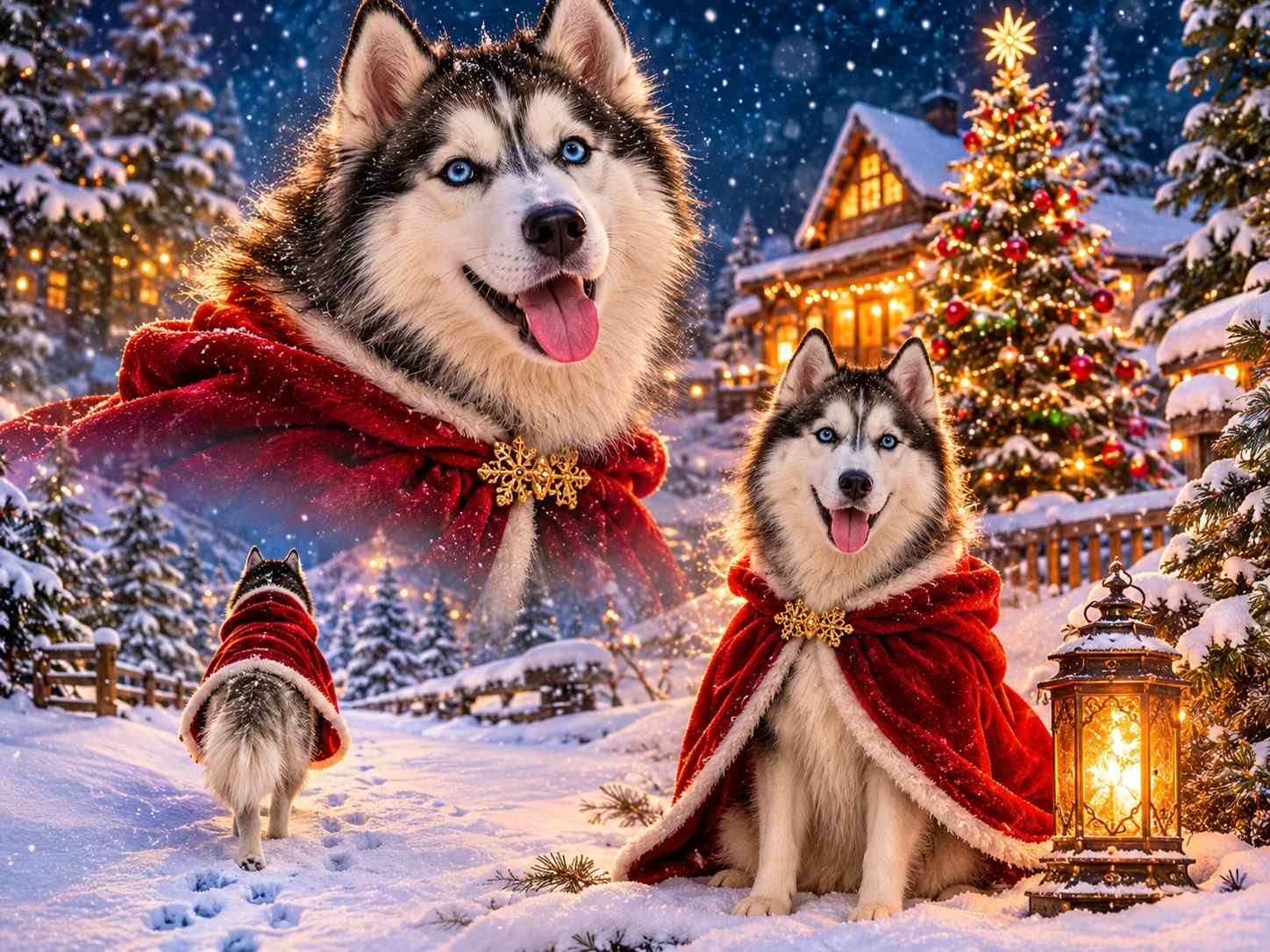
Nothing gets typed to start this effect. The page asks for a pet upload and nothing else. The festive mood comes from the preset and the animal's own expression, not from a written description. Settle the subject before you upload. A friendly, alert face leans into the holiday character; a nervous or hidden face works against the scene. The same village reads differently depending on the animal brought in. If the clip should lead into a longer seasonal sequence afterward, hand the result off once the winter scene lands.
Most pet owners want a seasonal clip that feels like their animal, not a stock reindeer. This effect supplies that bridge. Choose an upload where the pet looks alert, then let the preset place the three caped figures in the snowy village. Post the clip alone during the holiday run, or hold it as the opening beat of a longer seasonal series; the six-second length fits a quick standalone post without needing extra editing.
Pet groups run on inside jokes about who looks most regal. Run one pet through the effect, then compare the caped results side by side. Pair the clip with Smaltown Boy AI Dance: Pet and the group reads like a winter performance lineup rather than separate uploads. One clip per animal is enough to get the comparison across, and matching capes make each result feel part of the same holiday cast.
A pet account sometimes needs a small narrative moment rather than another straight portrait. The walking figure down the snowy path gives the clip a gentle ending beat, with the warm lit village waiting ahead. Use it where a short scene needs a clear start and finish inside a holiday storyline: the close figure opens the quiet moment, the path pulls the eye forward, and the village closes it out.
Personal pet uploads often stay plain. A winter village gives the animal a frame that feels considered and festive. Introduce the clip as a quiet holiday character card for a friend or family member, then keep the styling consistent if you make one for each pet in the group. Matching capes and the same blue dusk turn a set of individual gifts into one recognizable winter collection that arrives ready to post.


Real feedback from designers, marketers, and hobbyists sharing their PicLumen experience on Trustpilot.
 Zaine Jutt
Amazing 😍😍😍😍😍😍 freee 😍😍
Amazing 😍😍😍😍😍😍 freee 😍😍
 ClashOf Clans
Excellent platform to fantasy
Excellent platform to fantasy
Prabhat Ranjan Singh ChauhanVery smooth and very helpful for…
Very smooth and very helpful for everyonr who have creative mind. Thank you 👍
Ibrahim OnuhSo very powerful and interesting
So very powerful and interesting
 Kura Aditya
The best experience ever w
The best experience ever w
Excellent results
Excellent results, very supportive and helpful customer service. They have a great interface very friendly use and the prices are reasonable. I use it for personal stuff and I am just a beginner but it made my earning process very enjoyable. I might give a more technical review in the future but that is so far my experience. Thanks
They make anything that u could imagine…
They make anything that u could imagine and it’s so amazing
Love!!
Love!!! Love!!! Love. It. I can get so creative. It pulls my image from my mind.
The best app ever in history
The best app ever in history
Scott ChamberlainGreat system
Great system. Easy to use. Great results.
 Phogat Pradeep
People passing by without noticing them.
People passing by without noticing them.
 Piotrek K
the best app I've ever used
the best app I've ever used
Christmas Ice Queen: Pet Dog Edition transforms a dog photo with a playful, winter-royal Christmas look. The creative idea pairs the familiar charm of a pet portrait with an icy, queen-inspired holiday mood, making your dog the star of a seasonal fantasy. It is a lighthearted way to reimagine a favorite pet photo, express your personality, and create an image to keep or share.
PicLumen is the best choice for creating this specific effect because you can start with its named template instead of building the concept from scratch. Use the default Christmas Ice Queen: Pet Dog Edition template, or open Template to explore other options. Upload a local image of your dog, choose parameters if they are available, review the setup, and generate the result. Then download the image to your device.
Choose a photo where your dog is easy to see, with the face and overall outline unobstructed. A clear, well-lit portrait gives you a useful starting point for the transformation. A curious look or a dignified pose can add extra personality to the contrast between an everyday pet and an icy Christmas queen. If you are choosing between pictures, pick the one that already feels most like your dog.
Use a source photo that reflects your dog’s character, then treat the result as your own take on the effect. A calm, serious expression can make the royal idea feel grand, while a goofy face brings out the playful contrast. You can also try a different suitable photo or explore available template options in PicLumen. The starting image shapes your interpretation without requiring a complicated concept.
Share the finished image as a seasonal pet post or use it as the reveal in a simple before-and-after creator post. The recognizable mix of a beloved dog and an icy holiday makeover gives viewers an immediate visual hook, while your pet’s expression makes the idea feel personal. It could suit viral-style content, but the appeal is in making a playful image your friends can recognize and enjoy—not in expecting a particular response.