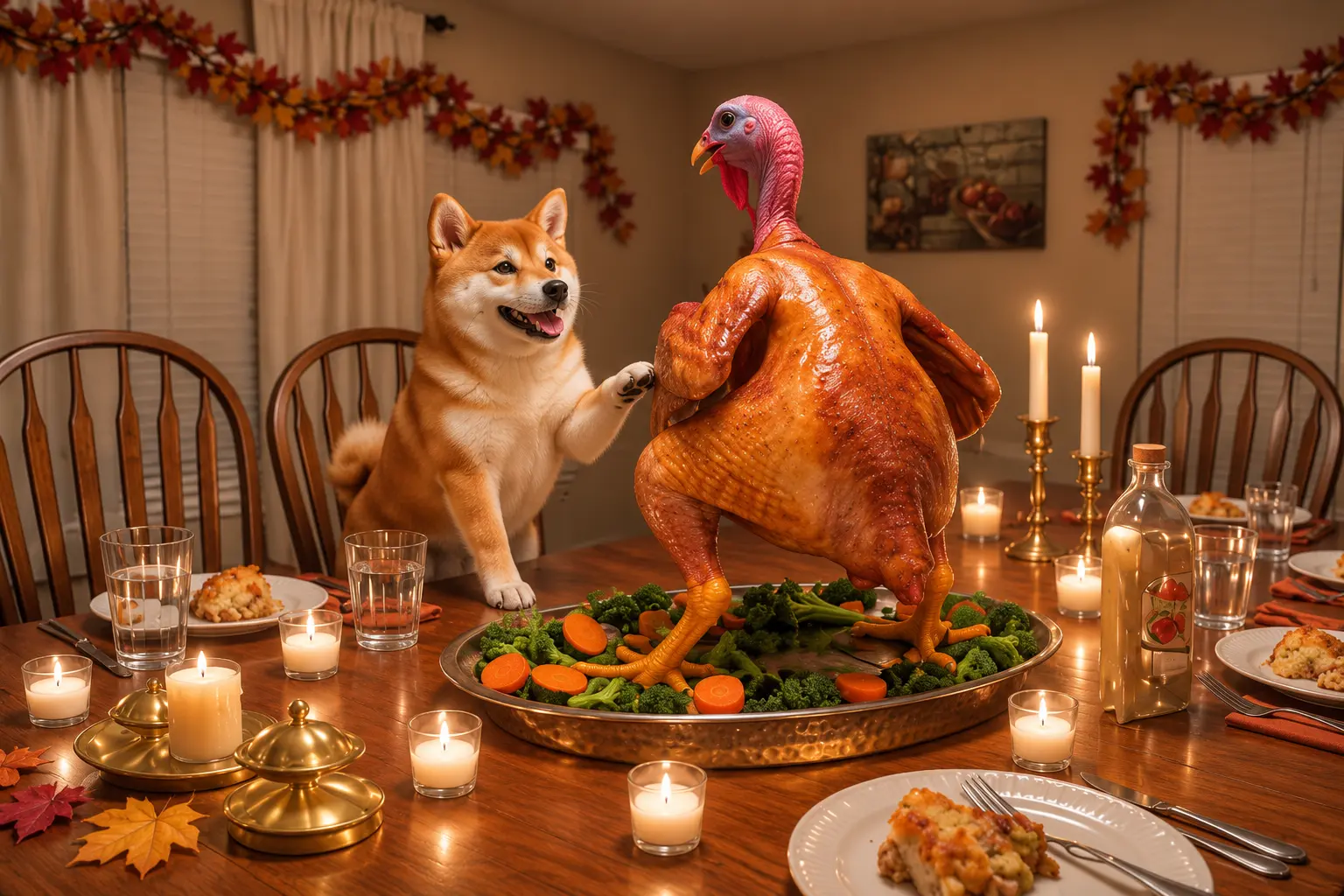
AI Kung Fu Turkey:Dog
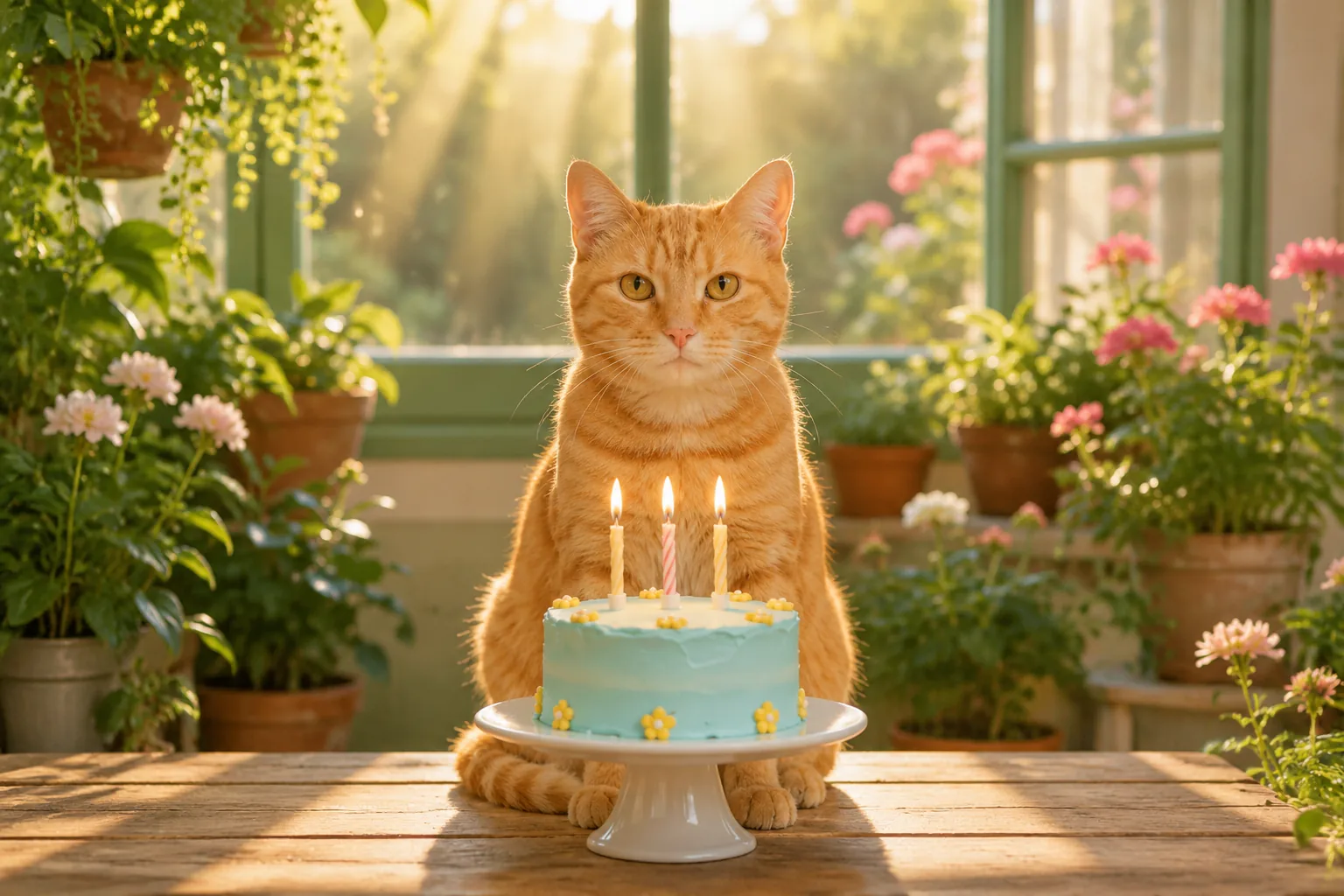
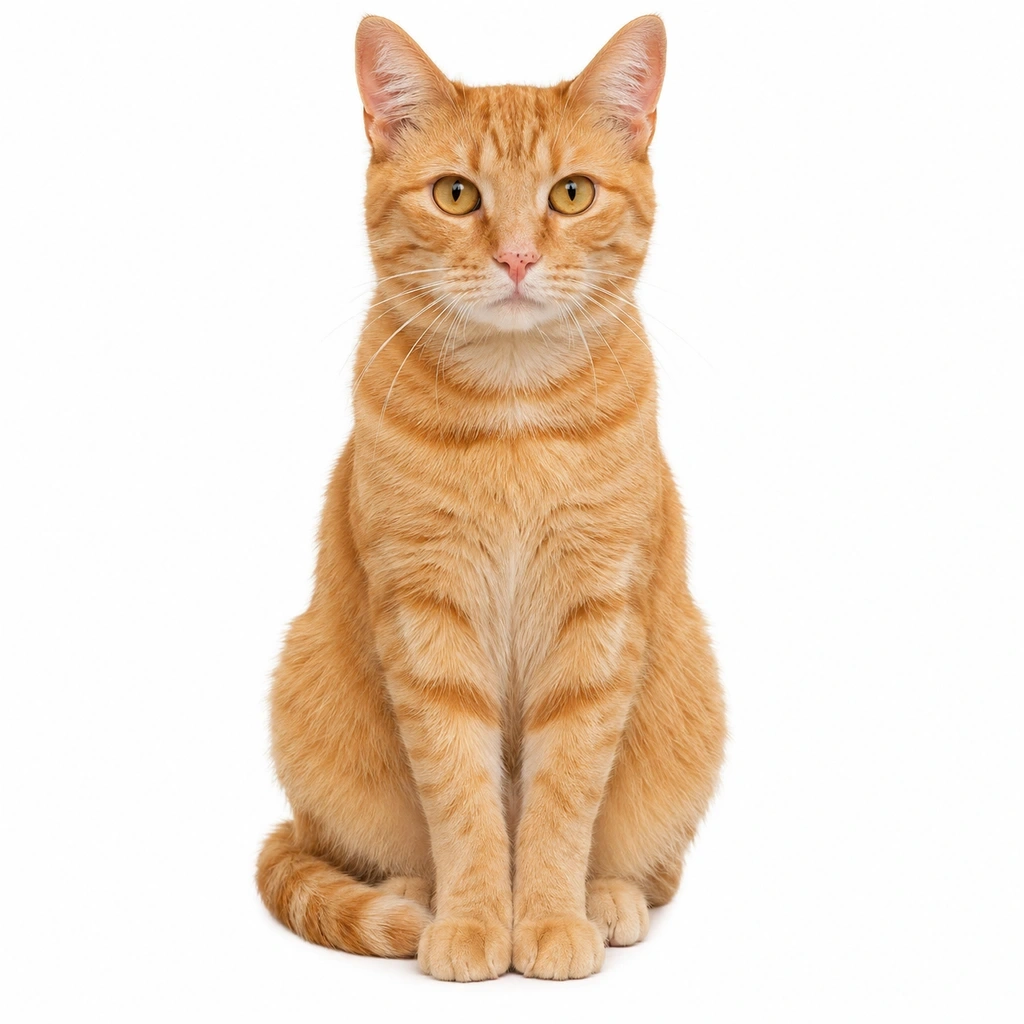
AI Kung Fu Turkey:Dog
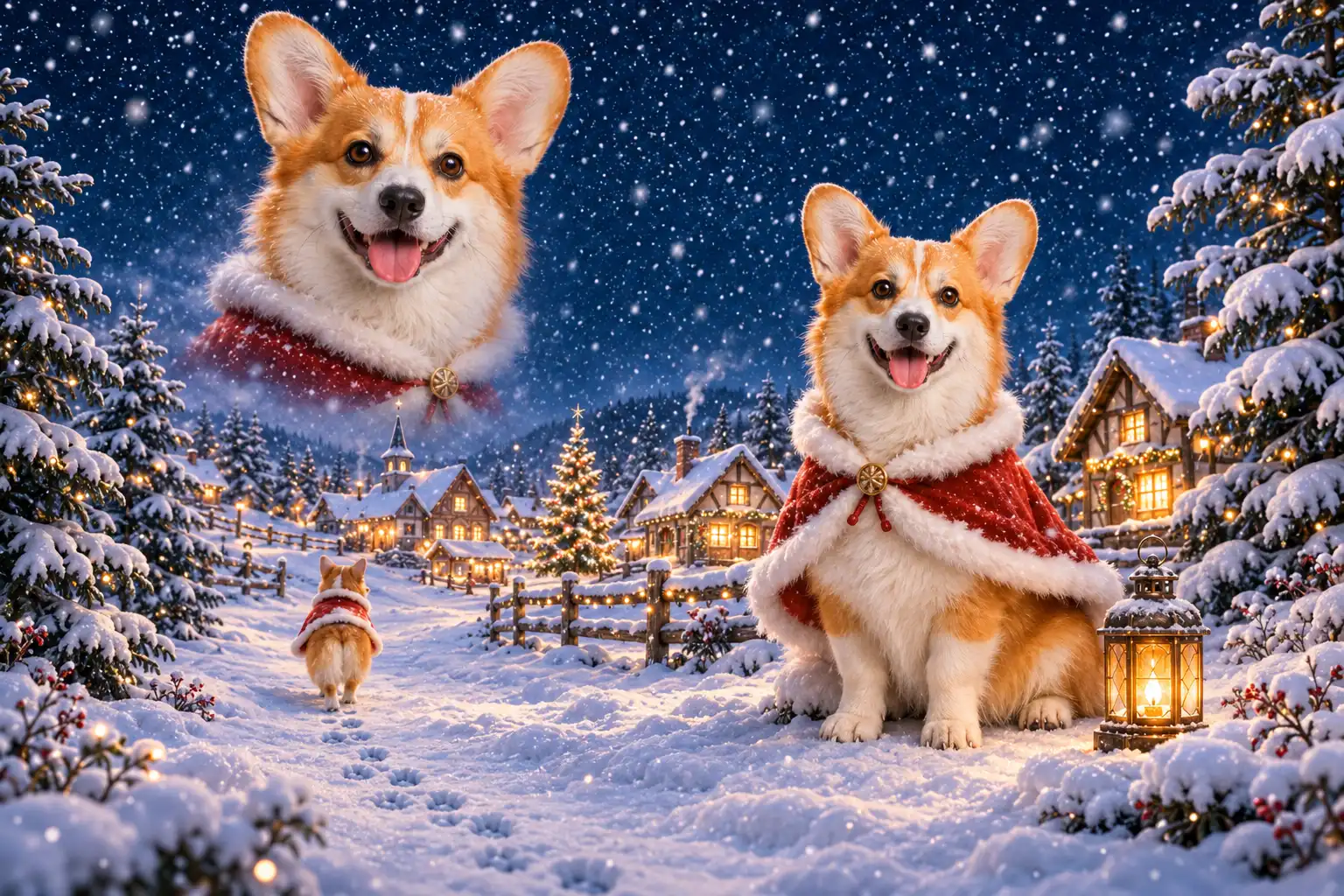
Christmas Ice Queen: Pet Dog Edition
Boom Clap Confetti Paws

Banana Leaf River Glide
365 Elevator Phone Call
AI Kung Fu Turkey:Cat
Christmas Ice Queen: Animated Version

Boom Clap Confetti High Five

Banana Leaf Crocodile Escape
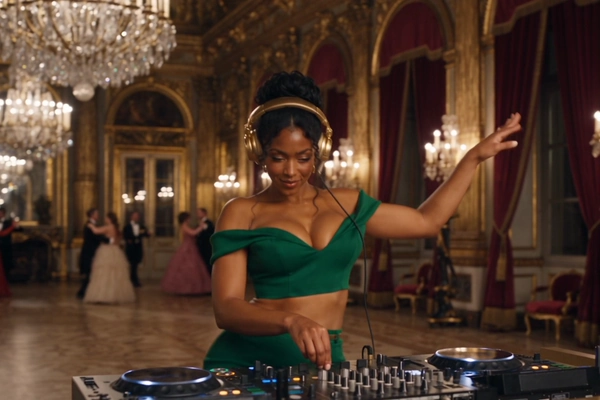
Emerald Ballroom Groove
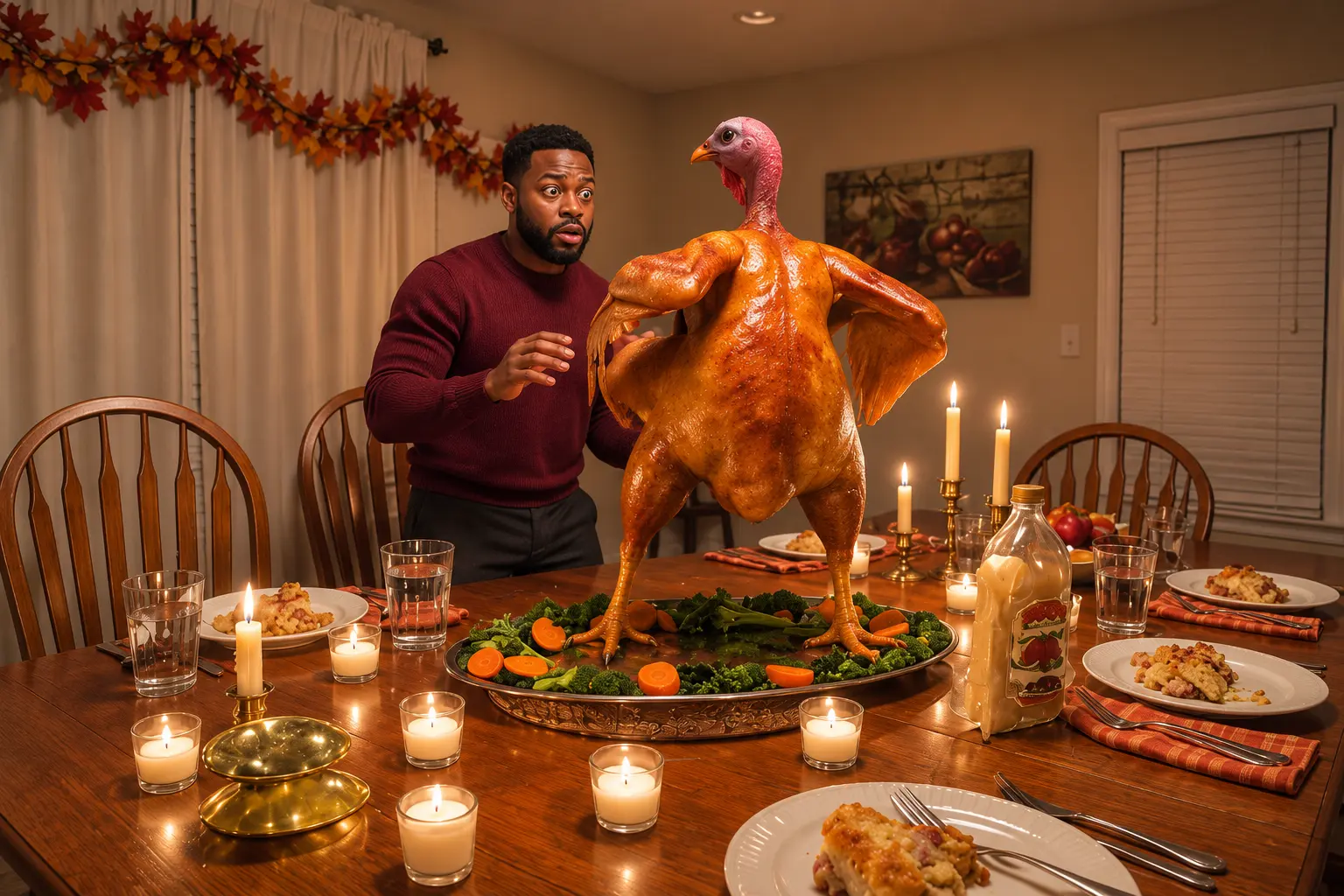
AI Kung Fu Turkey
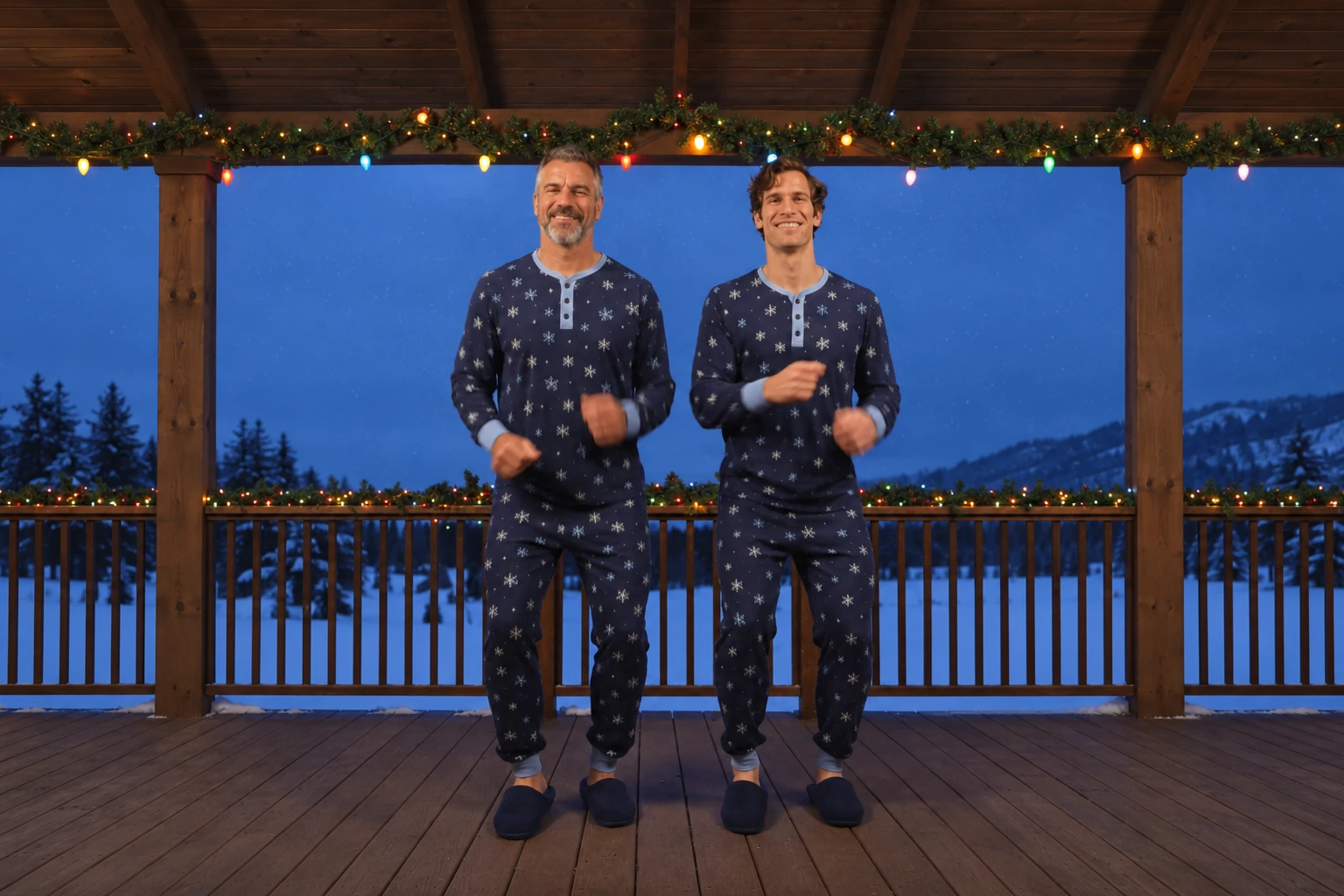
Matching Xmas PJs – Snowflake

Boom Clap Solo Spotlight

Banana Leaf Palm Landing
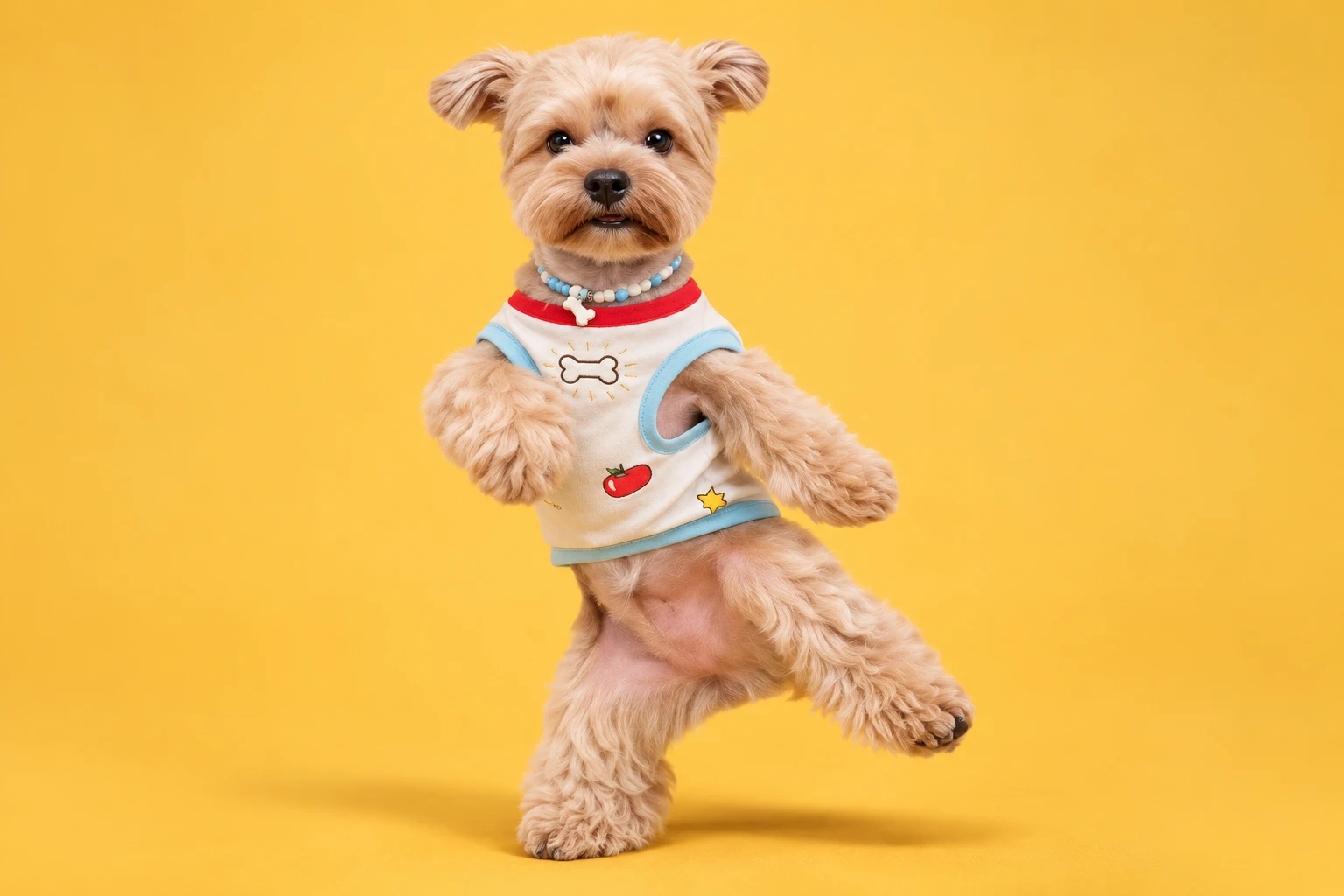
Tsundere Hmph Pet Dance
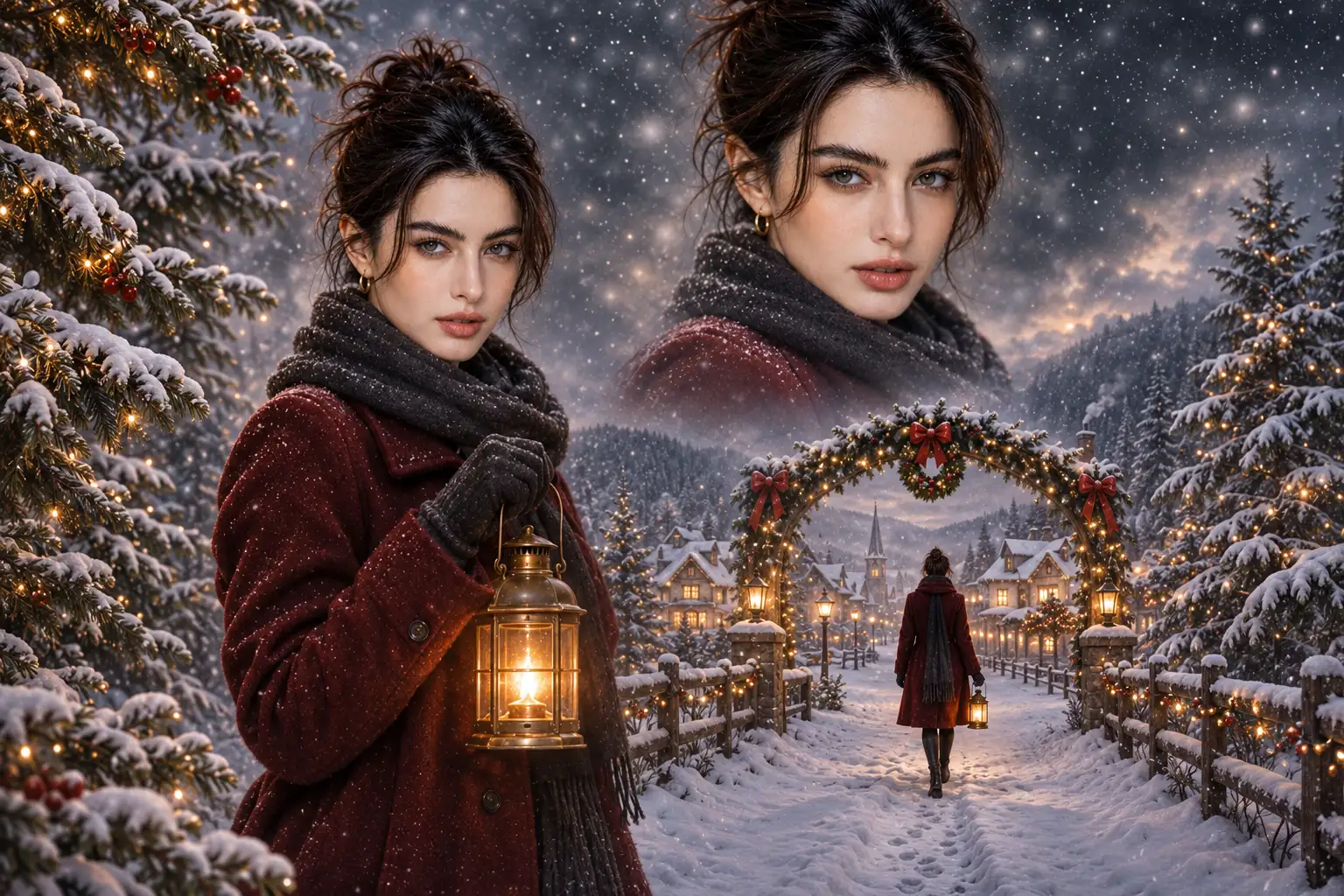
Christmas Ice Queen
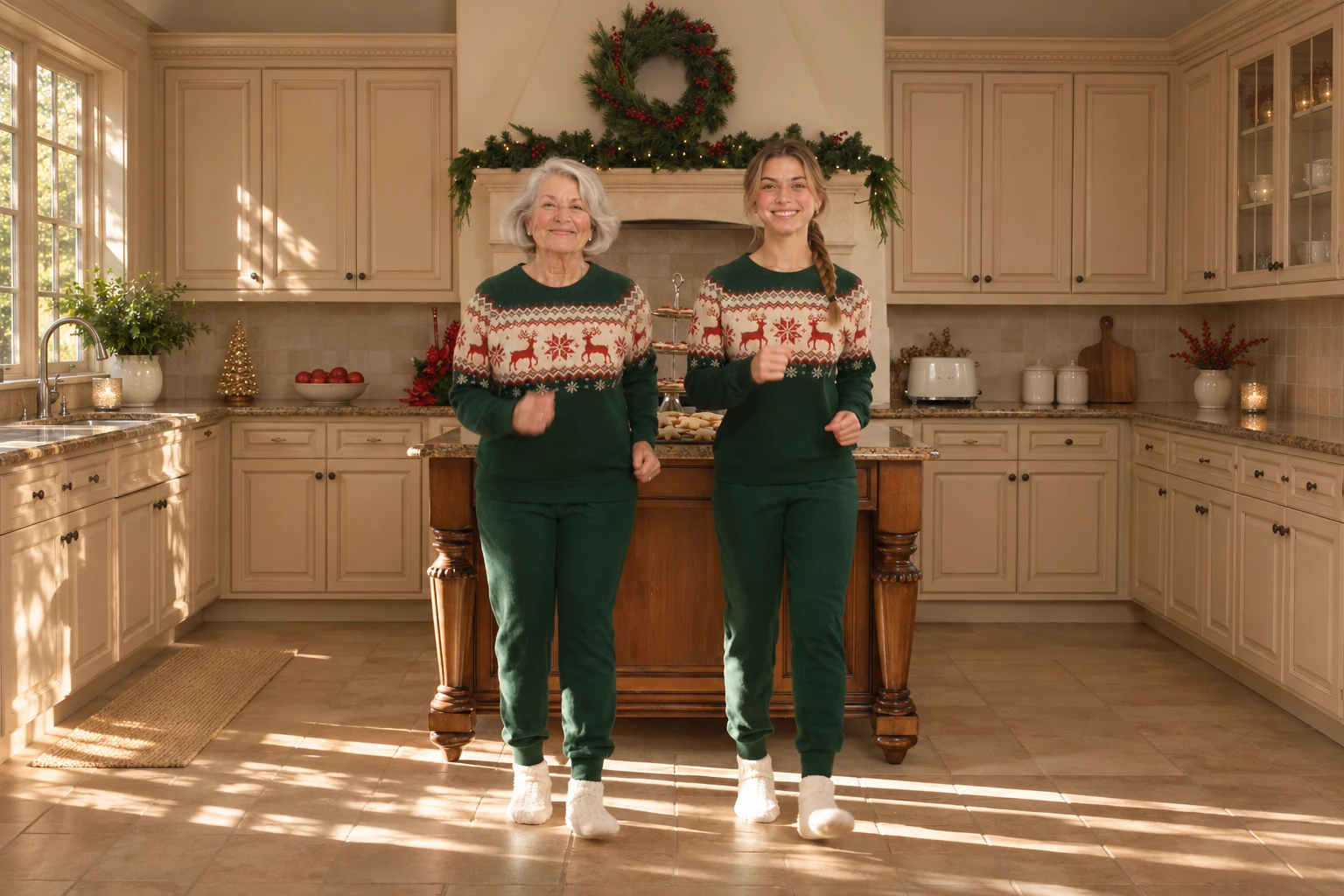
Matching Xmas PJs – Reindeer
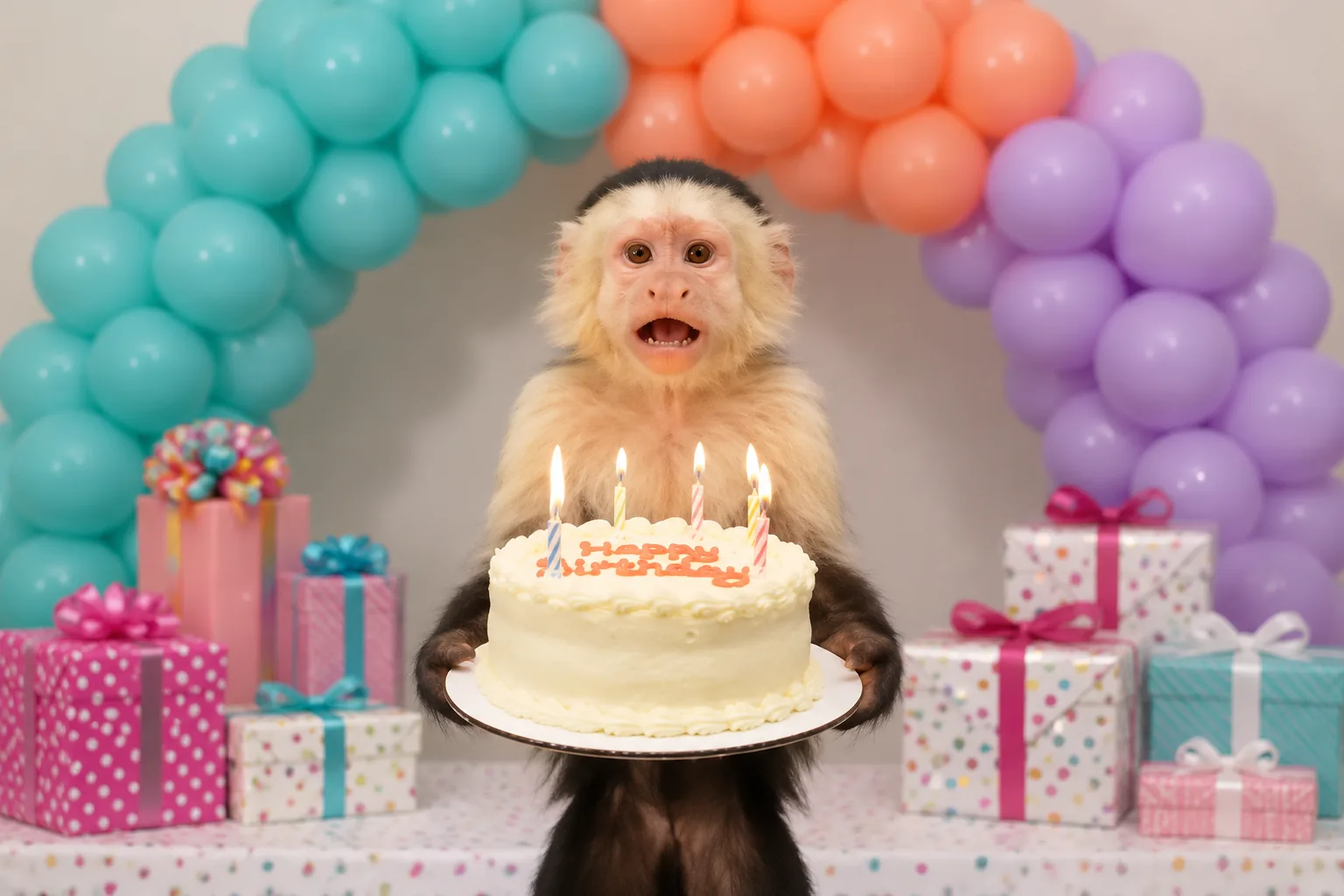
Singing Birthday Monkey
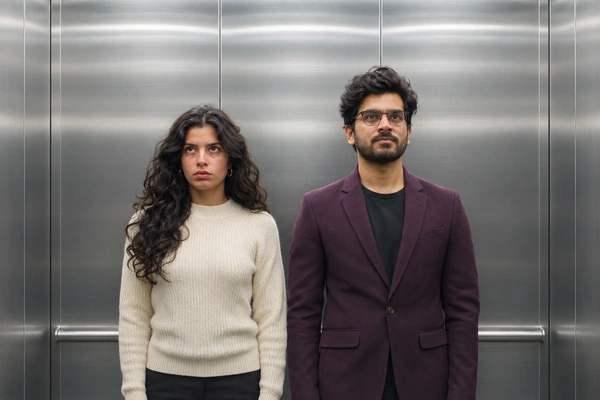
365 Elevator Silent Stare

Shoulder Carry Flip AI Video
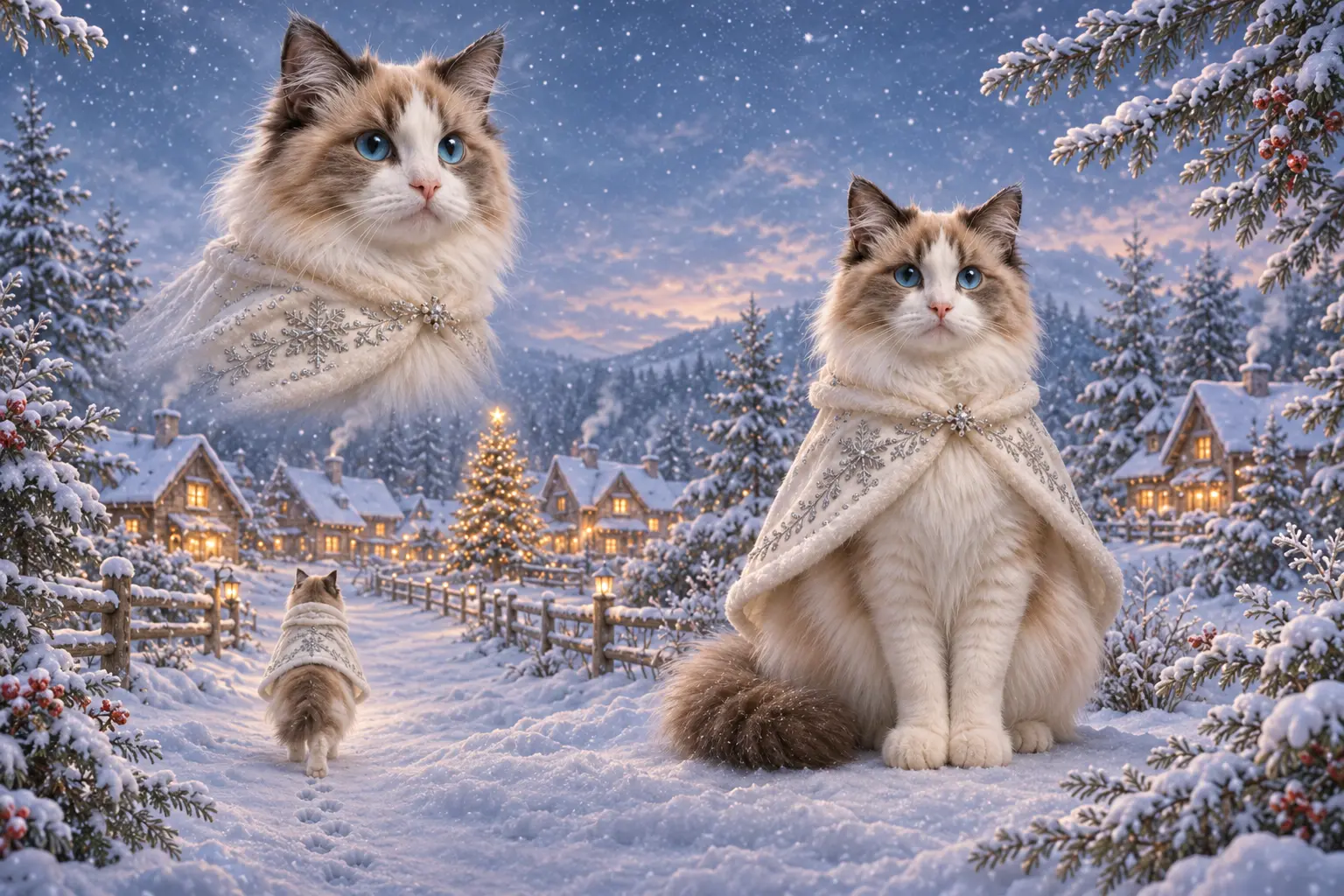
Christmas Ice Queen: Pet Cat Edition
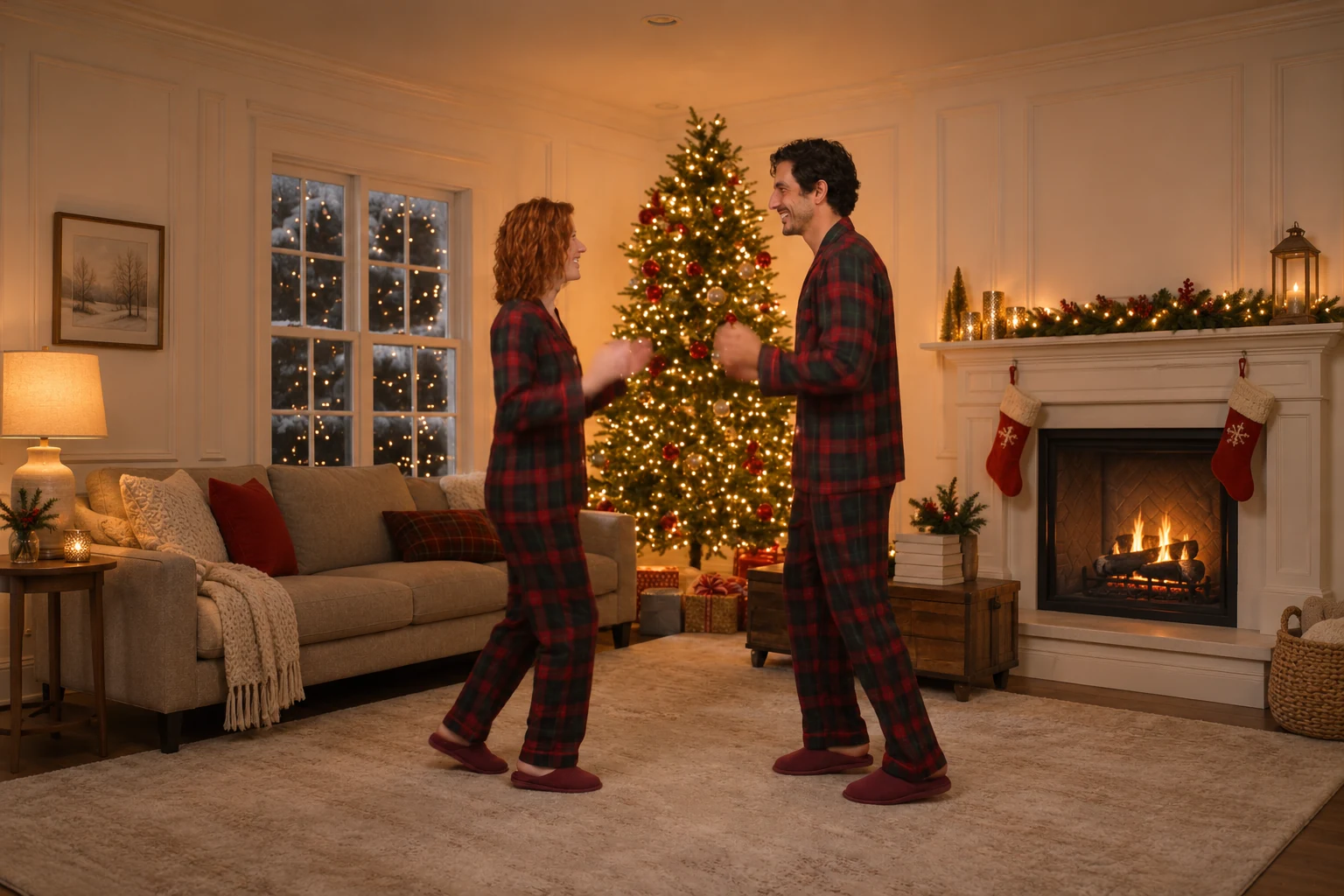
Matching Christmas Pajamas
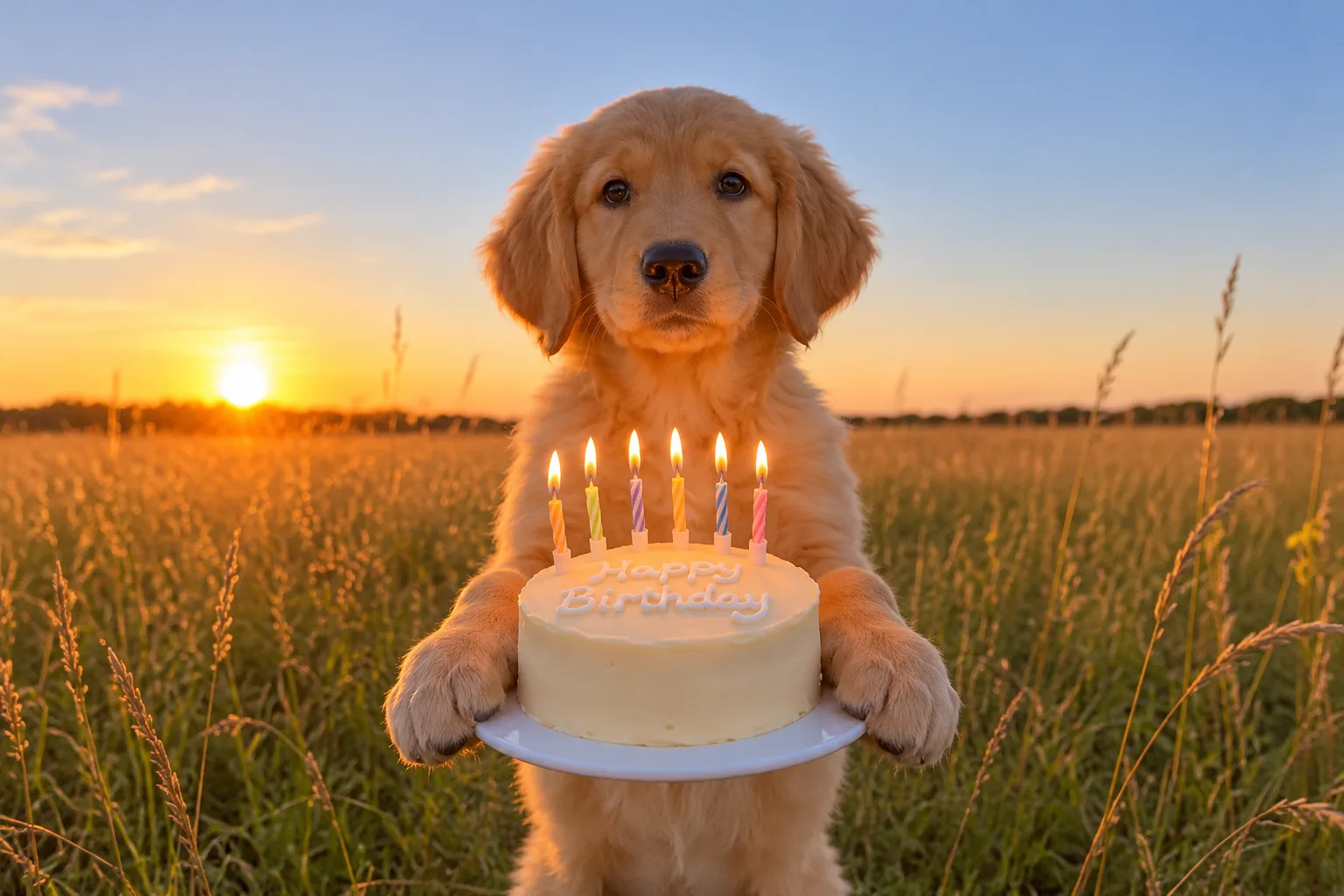
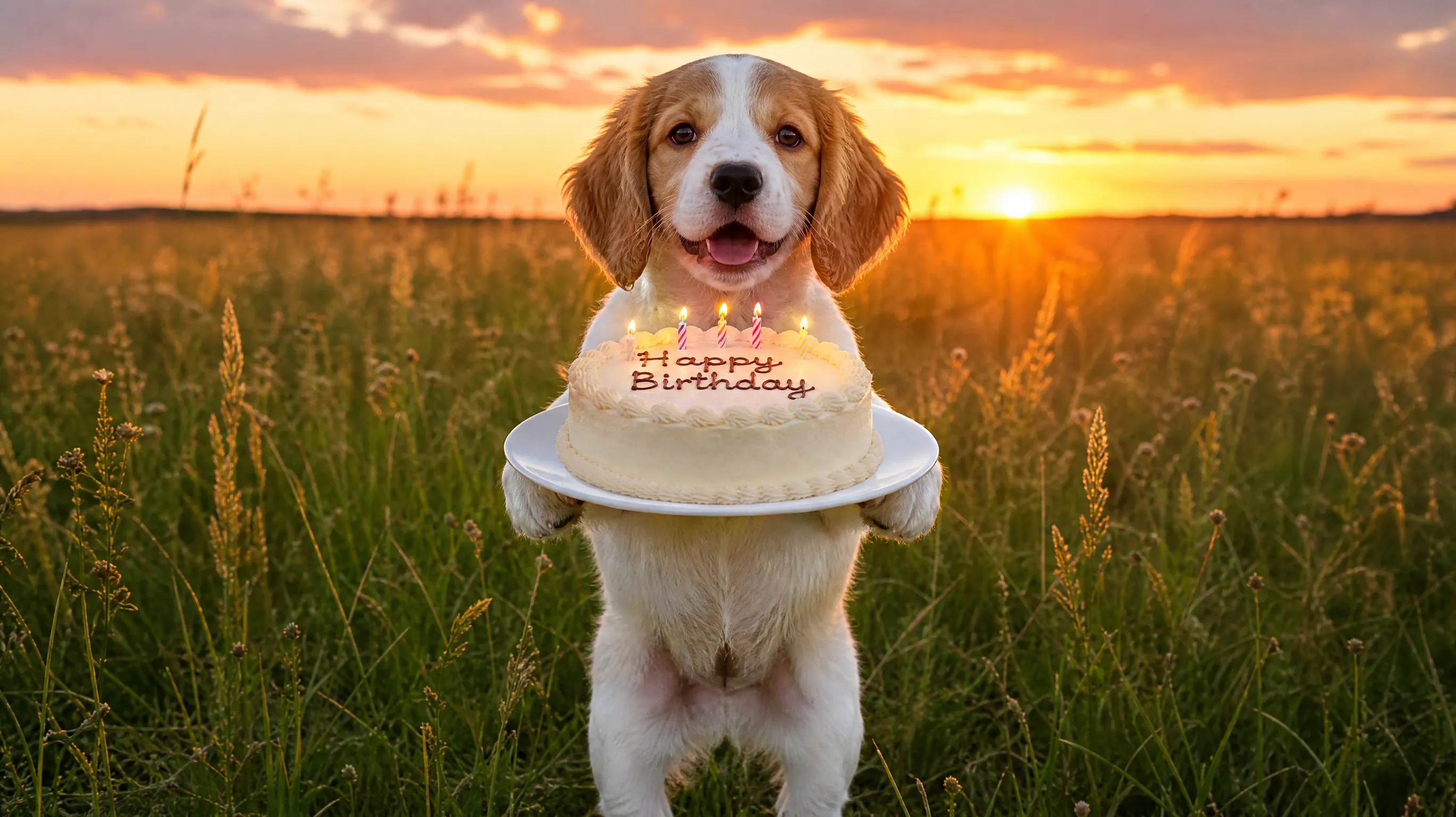
Singing Birthday Dog
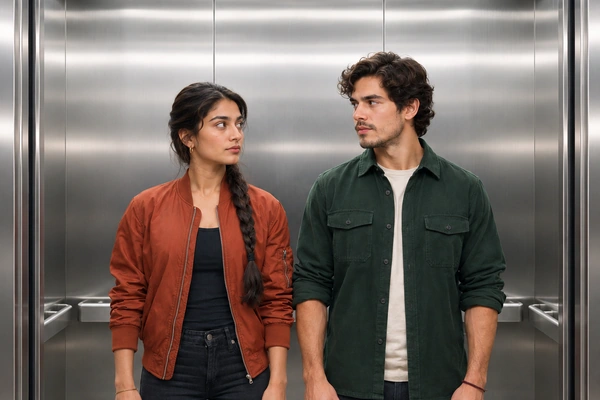
365 Elevator Walk In
Turn your photos into fun dance clips, surprising transformations, and shareable moments with trending AI video effects.
A greeting means more when the recipient recognizes its star. Use a photo of your cat as the reference for a Singing Birthday Cat video, whether you have a serious-looking tabby, a fluffy Persian, or a kitten with oversized ears. The photo guides the animal’s appearance during generation. Choose an image that clearly shows the face and distinctive markings, then review how those details carry into the finished video. AI may change features, so a clear reference gives you a better starting point without guaranteeing an exact match.
The effect turns a cat photo into an animated birthday performance, with mouth movements accompanying the song. That gives the greeting something a still picture cannot deliver: a familiar pet appearing to sing for the occasion. You do not need to film your cat, record a performance, or animate the mouth yourself. Upload the reference photo and let the template build the clip. Play the result with sound to check how the singing and facial movement work together. Want to animate your cat beyond a birthday greeting? Try PicLumen's Face Animator to explore other photo animation ideas.
The Singing Birthday Cat template provides the creative direction, so you can begin without writing a detailed video prompt. There is no need to describe the performance shot by shot or assemble separate visual elements. This makes the effect useful when you already know what you want—a cat singing a birthday greeting—and need a direct way to create it. Select the template, upload your image, and check any options shown in the tool before generating.
Let the video deliver the song and use your message to explain who it is for. Try “Milo insisted on singing this himself” for a family member, or “A birthday performance from your favorite houseguest” for the friend who regularly looks after your cat. To put a name, age, or dedication directly on the video, add it afterward in a video editor. Keep the text away from the cat’s face so the expression remains visible.
Open the template selector in PicLumen and choose Singing Birthday Cat. This template provides the birthday singing performance, so you can get started without writing a scene description or planning the animation yourself. Check that the cat version is selected before adding your image. If you want a different performer, choose Singing Birthday Dog or Singing Birthday Monkey and use a matching animal photo.
Upload a sharp, well-lit photo from your device. Choose an image with one cat clearly visible, facing forward or at a slight angle. The eyes, nose, mouth, and distinctive coat markings should be easy to see. If the original photo includes several pets, crop it to the cat you want to feature. Leave room around the ears and chin, and avoid images with heavy filters, motion blur, or objects covering the face. A clear everyday photo is a better starting point than a distant shot where your cat occupies only a small part of the frame.
Check your uploaded photo and any settings available in the tool, then click Generate. Once your Singing Birthday Cat video is ready, play the full preview with sound to review the performance. Look beyond the opening frame: check how the mouth moves during the song, whether your cat remains recognizable, and whether the face or markings change noticeably as the clip plays. If the result loses important features, try another reference photo with a clearer view of the face.
Download your preferred result and pair it with a message for the recipient. A line such as “Luna prepared a little birthday performance for you” gives the video a personal connection without needing any extra editing. For a longer birthday video, add the clip to a montage of photos and messages from friends. You can use a video editor to include the recipient’s name, age, or a short dedication. Keep text away from the cat’s face, and check the final audio balance if another clip or voice message follows the song.
For someone away at college, working abroad, or simply missing the family pet, a singing cat birthday video adds a familiar face to the occasion. Send it privately with a note from home, or share it in the family chat so everyone can join in. A photo of the cat they know will make the greeting more relevant than a random animal image. Your accompanying message can supply the details that matter: a nickname, an inside joke, or a mention of when they will next be home.
Create a Singing Birthday Cat video for your pet’s own milestone. Pair it with their age, adoption date, or a short update about life since they joined your household. For a birthday post, place the generated performance alongside a real photo from the past year. That gives friends and followers both the joke and a genuine memory of your cat. For a different take on your pet’s personality, try Pet to Human AI and imagine the human character behind that familiar expression.
When a birthday gathering needs a playful announcement, a singing dog can set the tone before guests arrive. Build a visual invitation around the cheerful performer, then add the date and a short line in your own design. The effect brings a clear theme to the occasion, while the wording can stay personal—sweet for a family lunch or silly for a dog-loving friend's party, without making the dog the only detail.
For creators building a lighthearted character series, the singing birthday dog can become a recurring guest with a recognizable celebration style. Use the visual as a starting point for a mascot's birthday episode, then shape the surrounding details around its imagined personality: grand diva, shy crooner, or earnest party host. That gives you a playful premise for future character sketches without needing every piece to tell the same birthday joke or repeat an identical scene.


Real feedback from designers, marketers, and hobbyists sharing their PicLumen experience on Trustpilot.
J. BlaineRegular PicLumen user experience
I've been using PicLumen since late summer 2024 and I've generated several thousand images, mostly image-to-image. There were 2 minor technical glitches in that period of time. In the first one, my library didn't load but after logging out and logging in again later that day I found my library back. The second glitch- the remixing and outpainting stopped working. I contacted the support team and the issue was fixed the next day. I also requested PicLumen to provide a PayPal payment method when they switched to subscription - and they listened and responded to my request. I appreciate their responsiveness and customer service. In my communication with their support team, I found them professional and polite. My general impression is that this is a dynamic and collaborative team that is worth supporting!
Good 👍 perfomense web site good images…
Good 👍 perfomense web site good images good
Prabhat Ranjan Singh ChauhanVery smooth and very helpful for…
Very smooth and very helpful for everyonr who have creative mind. Thank you 👍
Ms. BlissJust getting started
Just getting started, thus far it's really good. Going to continue to review and will update.
 Kura Aditya
The best experience ever w
The best experience ever w
Great platform
Ease of use,and great models
Love!!
Love!!! Love!!! Love. It. I can get so creative. It pulls my image from my mind.
The best app ever in history
The best app ever in history
 Federico Bidonde
Good app recién probando
Good app recién probando
Very cool and love the events
Very cool and love the events
 Qadeer Khan
Piclumen is one of the best ai image…
Piclumen is one of the best ai image generator
Nice app for creating videos
Nice app for creating videos
Singing Birthday Cat is an AI video template that turns a cat photo into a birthday singing performance. Your uploaded image serves as the visual reference, and the template animates the cat for the greeting.
Select the Singing Birthday Cat template, upload a clear photo, and generate the video. Play the finished preview with sound, then download the result you want to send. You do not need to record your cat singing or create the animation manually.
The template already provides the performance concept, so you can start by uploading your cat’s photo. Review any additional options displayed in the tool before generating.
Use a clear image of one cat with the face visible and evenly lit. Front-facing or slightly angled photos are useful starting points. Avoid motion blur, heavy shadows, and objects covering the mouth or eyes.
Your photo guides the result, but AI can change markings, facial proportions, and other details. Check the full video to see how closely it resembles your cat. If important features are lost, try another photo with a sharper, clearer view.
For a single birthday performer, crop the photo to the cat you want to feature. A photo containing multiple animals may make the intended subject harder to identify. Do not assume that uploading two cats will produce a coordinated duet.
Add the recipient’s name in your accompanying message or use a video editor to place it on the finished clip. The uploaded photo alone does not specify a custom dedication. Changes to the song or spoken wording depend on the controls available in the template.
The effect is built around a birthday singing performance. Preview your generated result with sound to check the audio and mouth animation before downloading or sharing.