Create Your Free "Alors on Danse AI" Viral Meme Video
How to Create a Free Alors on Danse AI Video in 3 Steps
- STEP 1Choose the Dance Meme Template
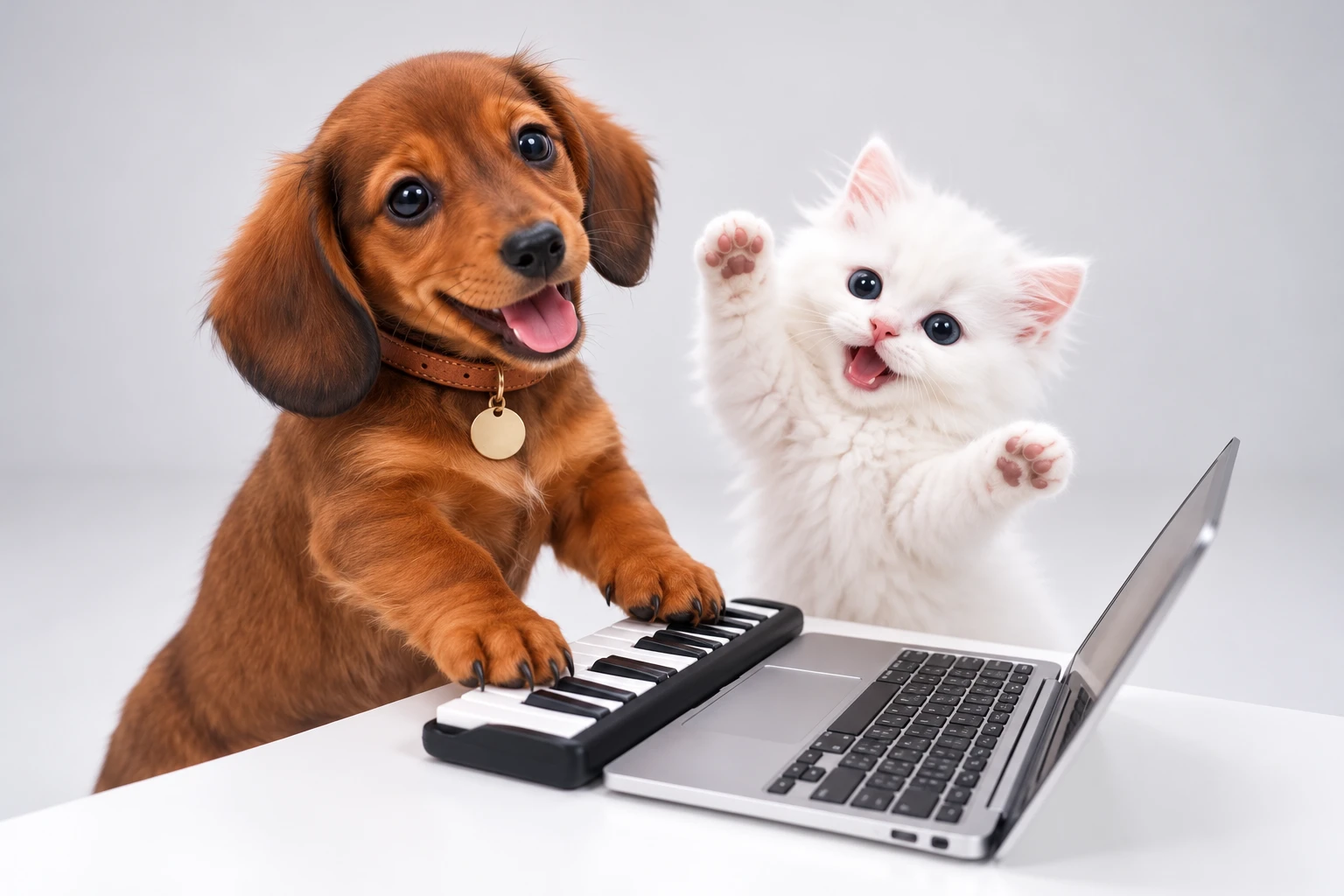
Select the Alors on Danse preset from our library to recreate the iconic studio scene, where your subject jams on a keyboard and hypes up the room to the catchy beat.
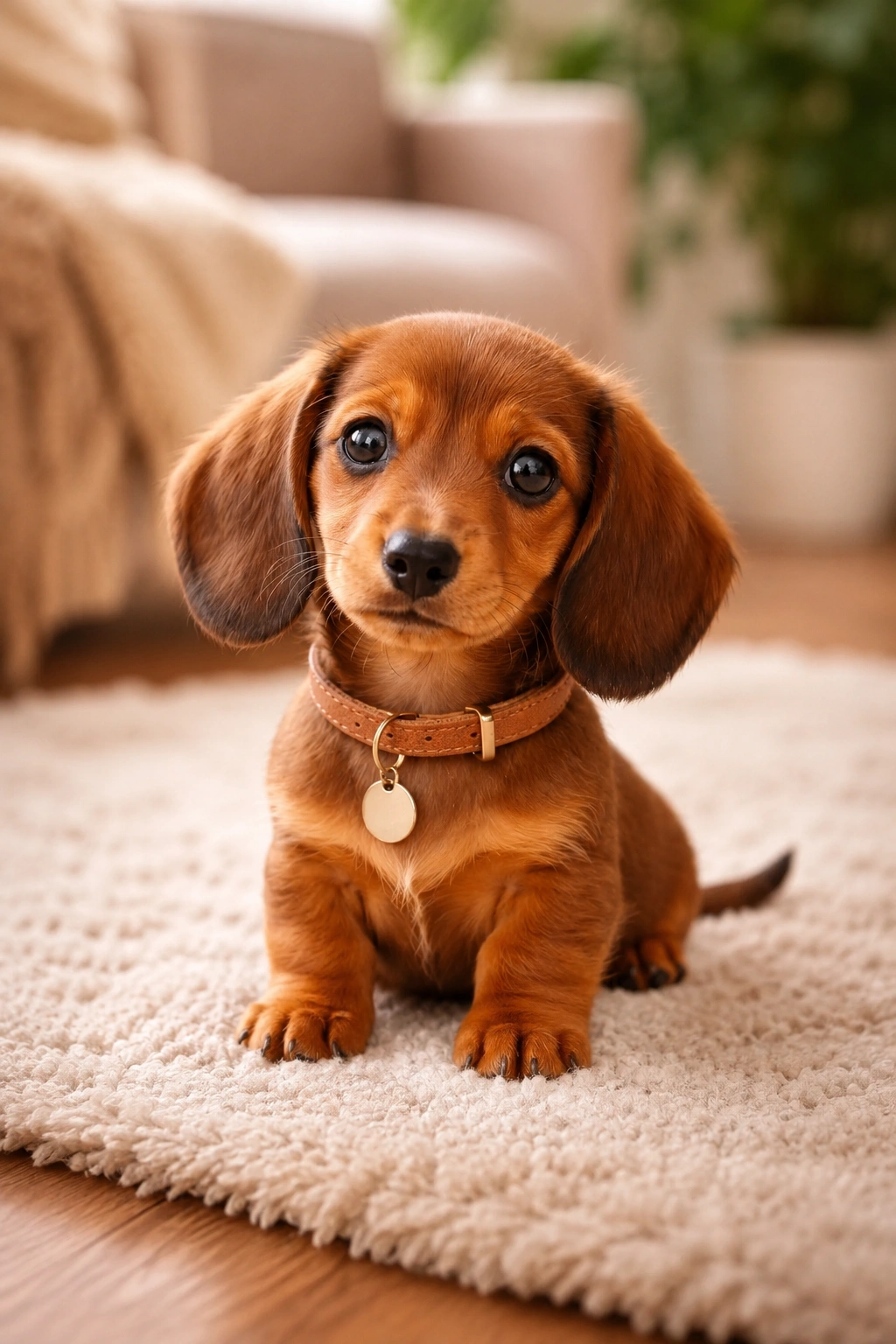
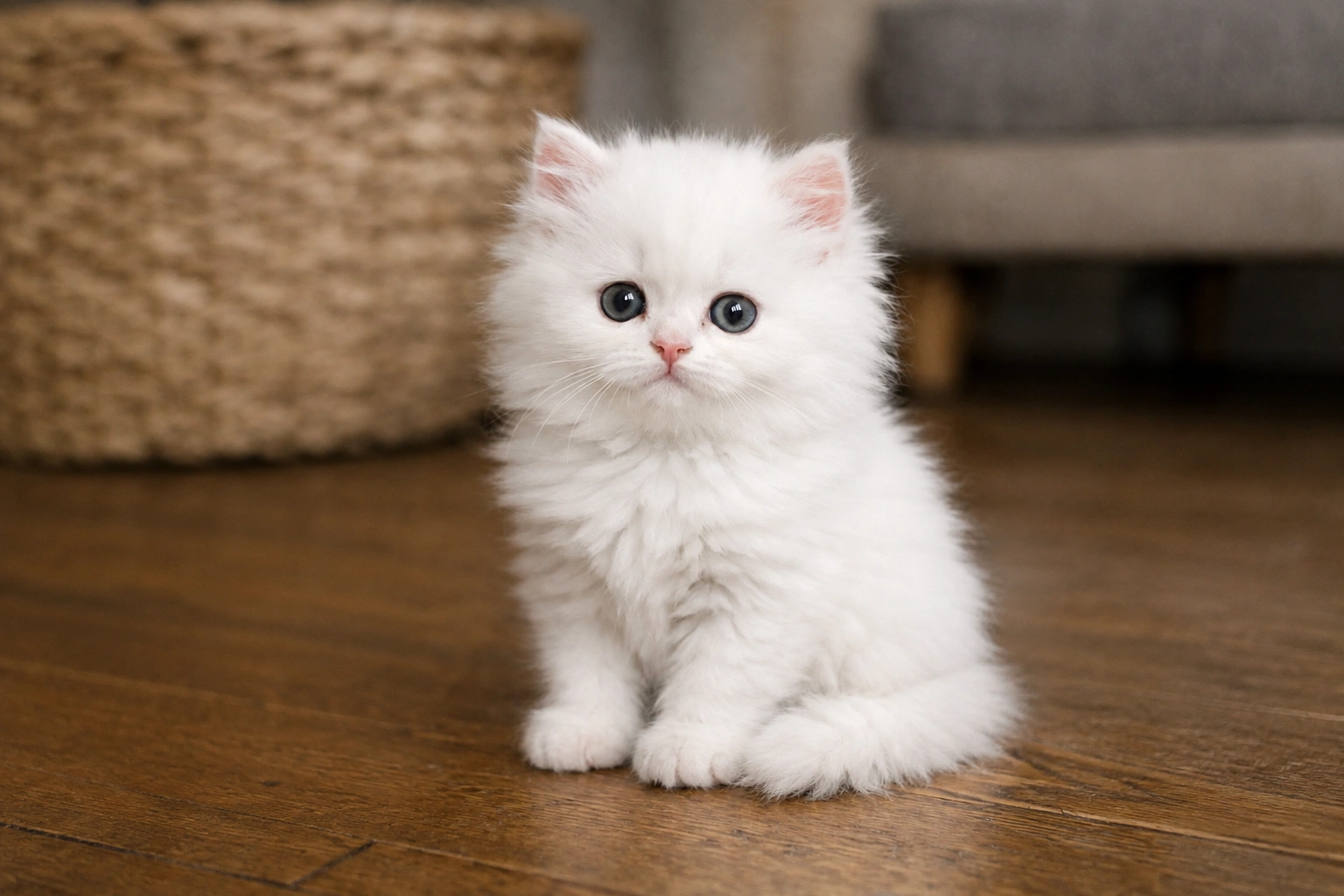
- STEP 2Upload Two Clear Photos
- STEP 3Generate and Share Your Video
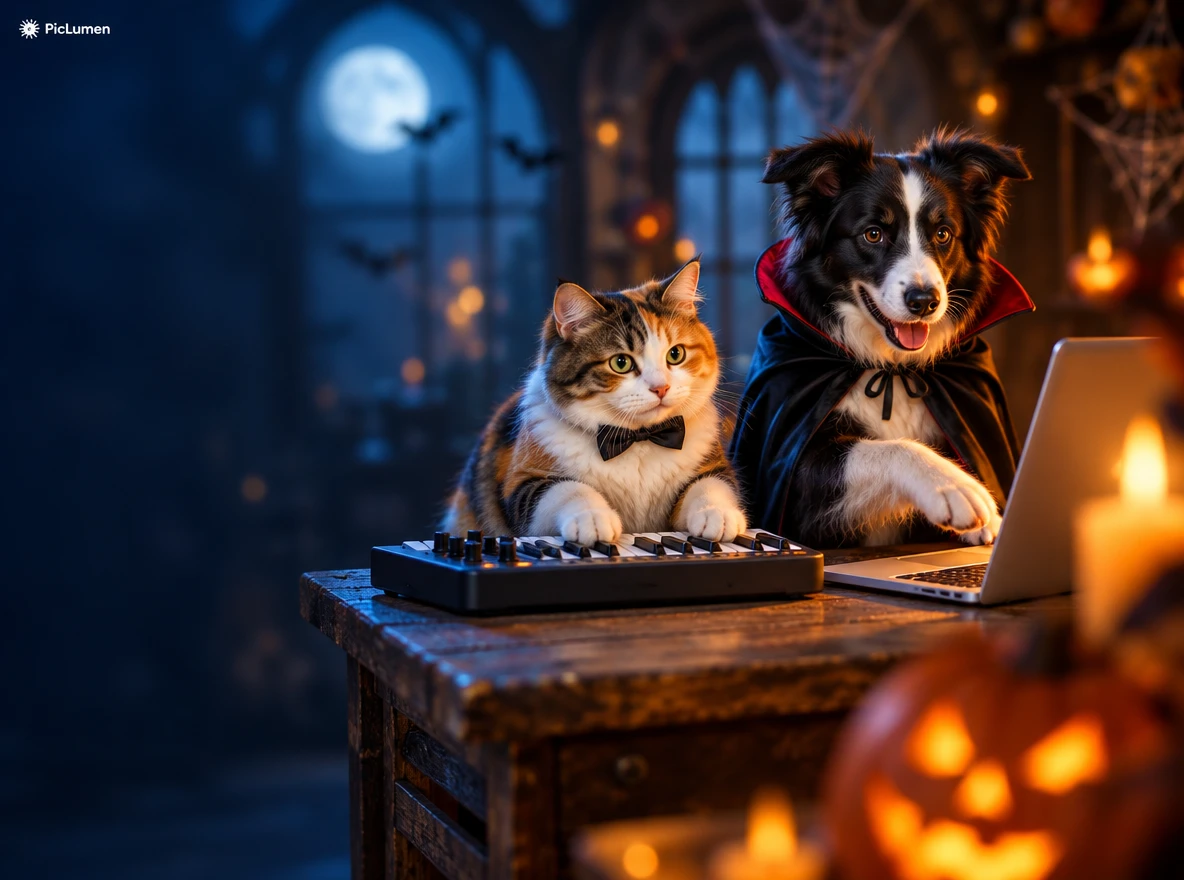
How to personalize your Alors on Danse AI video?
1. Pick Unconventional Main Characters:
Swap standard portraits for your golden retriever, an anime hero, or a historical avatar. Bringing unexpected subjects into the iconic studio dance setup immediately sparks curiosity and laughter.
2. Experiment with Aesthetic Styles:
Shift the mood by dressing your subject in retro 90s party gear, dark gothic Halloween outfits, or vintage cinematic lighting. Transforming the visual atmosphere turns a basic meme into a stylish clip.
3. Use High-Definition Source Images:
To ensure fluid motion and sharp details, always upload clear, well-lit photos with unobstructed faces. High-resolution input enables our Alors on Danse AI generator to render crisp, realistic dancing physics.
4. Add Creative Twists and Props:
Spark fresh engagement by pairing contrasting elements—like a stoic pet busting cheerful dance moves or adding fun props. These unique creative hooks keep your content standing out from the crowd.
Why Choose Our Free "Alors on Danse AI" Video Generator?
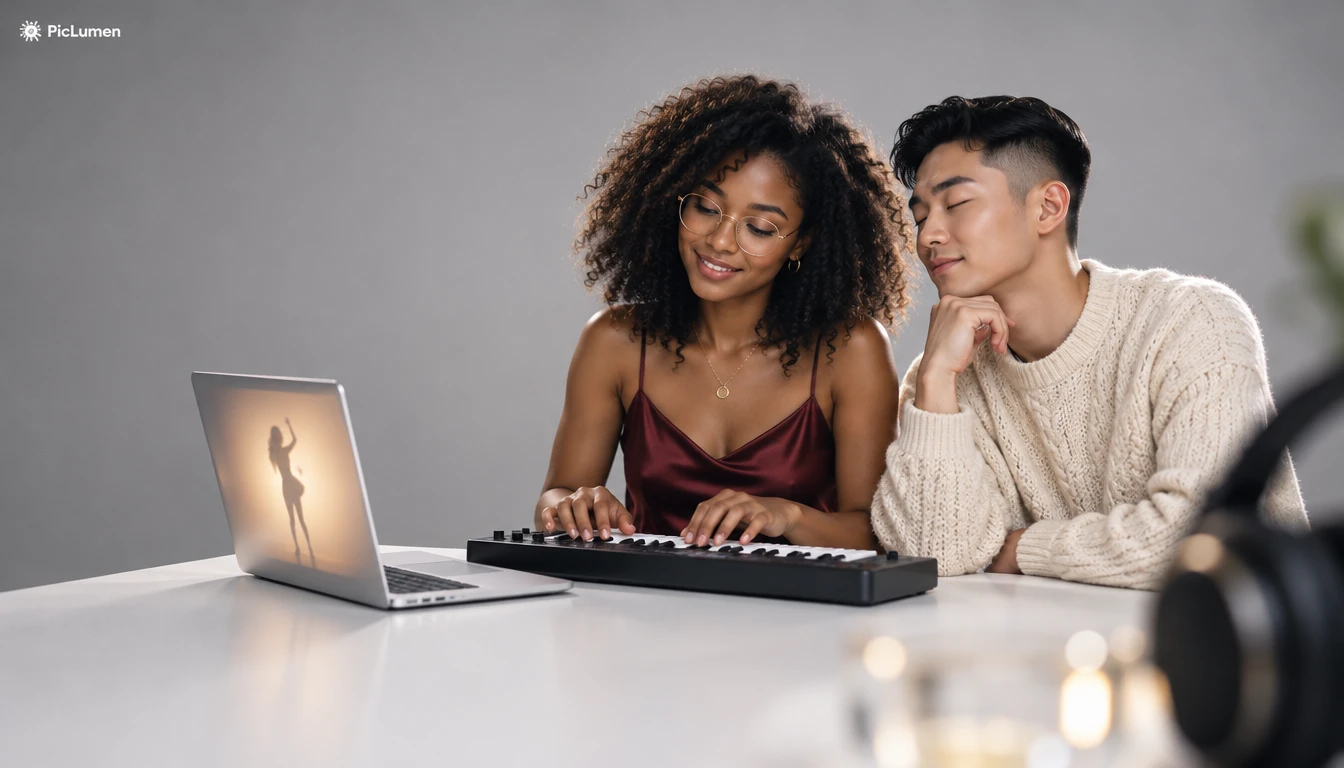
One-Click Viral Trend Template
Tap into the trending studio energy instantly with our dedicated template, engineered to match the iconic beat, lighting, and iconic keyboard jam perfectly.
Simple Single-Photo Animation Workflow
Skip tedious keyframing and complex video editing—our PicLumen Alors on Danse AI generator turns a single clear portrait into a fully animated performance.
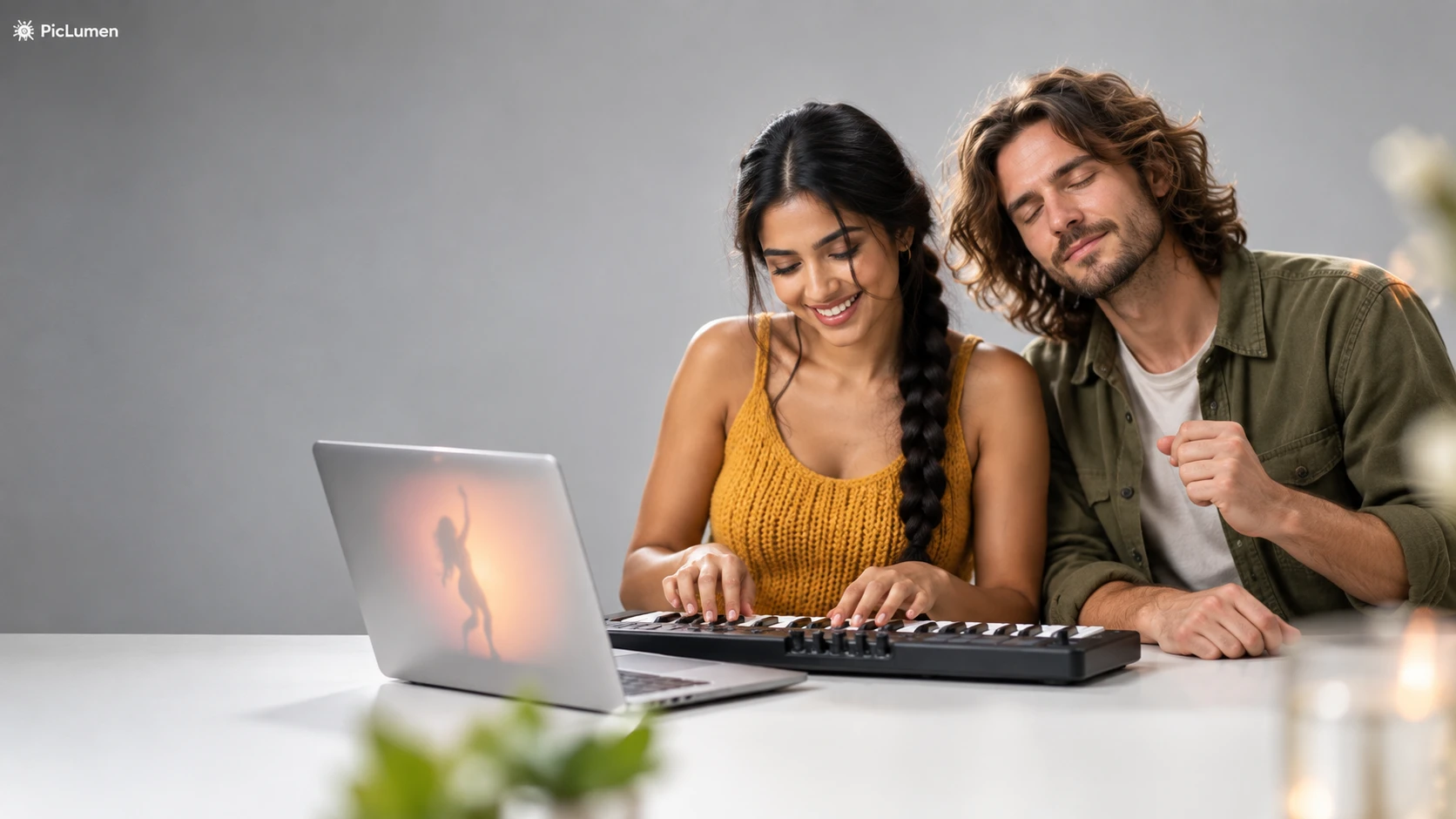
Fluid Rhythm Motion
Enjoy synchronized head-bobs and smooth torso swaying, preserving facial features while generating realistic body movement that stays glued to the beat from start to finish.
Share Your "Alors on Danse AI" Video Where It Gets Noticed
Turn a plain photo into a viral rhythm meme that gets your chats buzzing and social feeds blowing up.
Spark Instant Reactions Across Every Social Feed
Drop your freshly rendered dance clip into your group chat or post it as a quick reel. Watch as friends immediately hit reply with laughing emojis, completely hooked by your dog syncing rhythmically to the iconic studio beat.
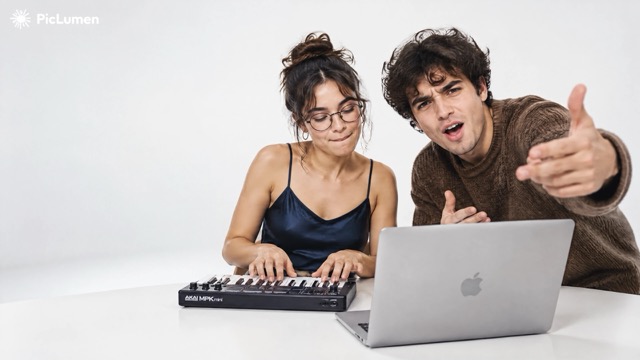
Blow Up Social Feeds
Post your dancing meme straight to TikTok, Reels, or Shorts. Watch the view count climb as viewers replay the hilarious rhythm syncing and drop comments demanding to know how you made it.
Brighten Group Chats
Send a customized clip featuring a friend or pet directly into private messaging threads. It serves as an instant mood booster that turns quiet chats into non-stop laughing fits.
Drive Comment Section Trends
Use your result as a meme reply in comment threads or as a catchy video hook. Test our AI dance video generator to create unique clips that invite audience interaction.
What Is the Alors on Danse AI Video Trend?
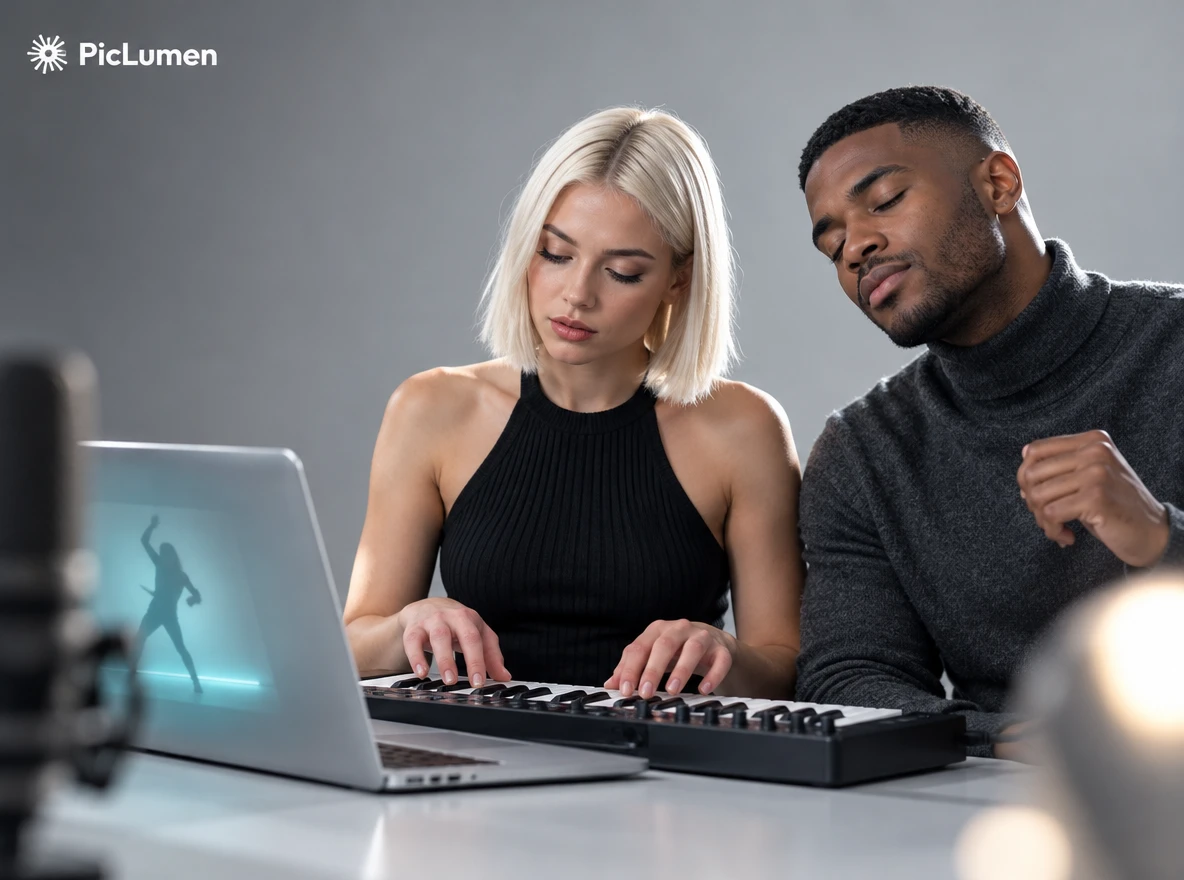
The Alors on Danse AI trend recasts a comedy sketch featuring Stromae and Jamel Debbouze from Made in Jamel, played out in a clean white studio around a keyboard. Two performers share the frame and react to the beat. With an Alors on Danse AI generator, you swap them for your own people, pets or characters and get a fresh take on the scene.
Why Is the Alors on Danse AI Trend So Popular?
It spreads because the format is easy to read and easy to remake. A white studio, a keyboard and two people reacting to the beat set up the joke in seconds, and the song is instantly recognizable. The cast is swappable too: friends, couples, pets and fantasy characters all fit the same frame. An Alors on Danse AI video generator lets you join in without filming a thing.


Loved by Creators Worldwide
Real feedback from designers, marketers, and hobbyists sharing their PicLumen experience on Trustpilot.
CrispeeEasy to use.
Easy to use. Great layout love it!
Awesome program easy to use a little…
Awesome program easy to use a little disappointment in the fact you can’t buy lumies
 George Price
PicLumen's support team replies quickly…
PicLumen's support team replies quickly to your help requests and they are clear in what they require of you for them to help you. They usually diagnose your problem and offer a solution in less then 24 hours. Stellar service!
 Prabhat Ranjan Singh Chauhan
Very smooth and very helpful for…
Very smooth and very helpful for everyonr who have creative mind. Thank you 👍
 rockstar gaming
Value For Money
its value for money i fully recommend you to try this one time you will like it...
 Brad the Bibliothecary
Great service with ease of use and…
Great service with ease of use and generous free offerings.
Zakirya GabolGood best
Good best Good good best
 Francess Greene
I love the app and it work well
I love the app and it work well
a great creative app
This is such a great creative app it really brings out the artist in you
Sndhjks Bwjskbfranchement c formidable
franchement c formidable
 The Uncharted Timeline
This ai
This ai generated image very natural and beautiful HD quality
Good app and make very good video
Good app and make very good video
FAQ About Alors on Danse AI Video
Can I try it for free?
Yes. Free accounts get free Lumens every day, so you can try the template before you subscribe. Each video uses Lumens, and the cost depends on the format, resolution, and video length you choose. You’ll see the cost on the generate button before you start. Need more? Get more Lumens.
Which photos give the best results?
Use one clear, front-facing photo per person or pet, with even lighting and nothing covering the face. Avoid group shots, sunglasses, heavy filters, and blurry images. If two people are in one photo, crop them into separate images.
Can I choose who plays the keys and who hypes the room?
Yes. Pick the role for each photo in the template, and switch them anytime before you generate.
What video formats can I make?
Choose 1:1, 9:16, or 16:9, plus your resolution and video length. Use 9:16 for TikTok, Reels, and Shorts, and 16:9 for YouTube and desktop.
Can I post my video on TikTok, Reels, or YouTube Shorts?
Yes, as long as you have the rights and consent to use everyone’s photos. Many platforms ask you to label realistic AI-generated content, so turn on that label when you upload. This is an independent tool, not affiliated with Stromae or Jamel Debbouze.
What if the faces look off or the result isn’t right?
Try a sharper, front-facing photo with even lighting, and make sure each image shows only one person. Then check that the roles are assigned the way you want and generate again. Small changes to the photo usually fix the problem.
What if I only have one person or pet?
Both upload slots are required, so you’ll need two photos. If you’re flying solo, upload two different photos of yourself, like a casual look and a dressed-up one, and cast yourself in both roles. Or borrow a friend, a partner, or your pet for the second spot.
Explore More AI Video Tools on PicLumen
- Remove Object from Video
- AI Twerk Generator
- AI Kissing Video Generator
- AI Gif Generator
- AI Dance Video Generator
- AI Promo Video Generator
- AI Clothes Changer
- AI Girl Generator
- AI Art Generator
- Celebrity AI Image Generator
- Seedance 2.5
- Realistic AI Image Generator
- AI Cartoon Generator
- AI Fashion Model
- Product Staging
- Product Mockup Generator
- Product Listing Image