Free AI Pixel Art Generator
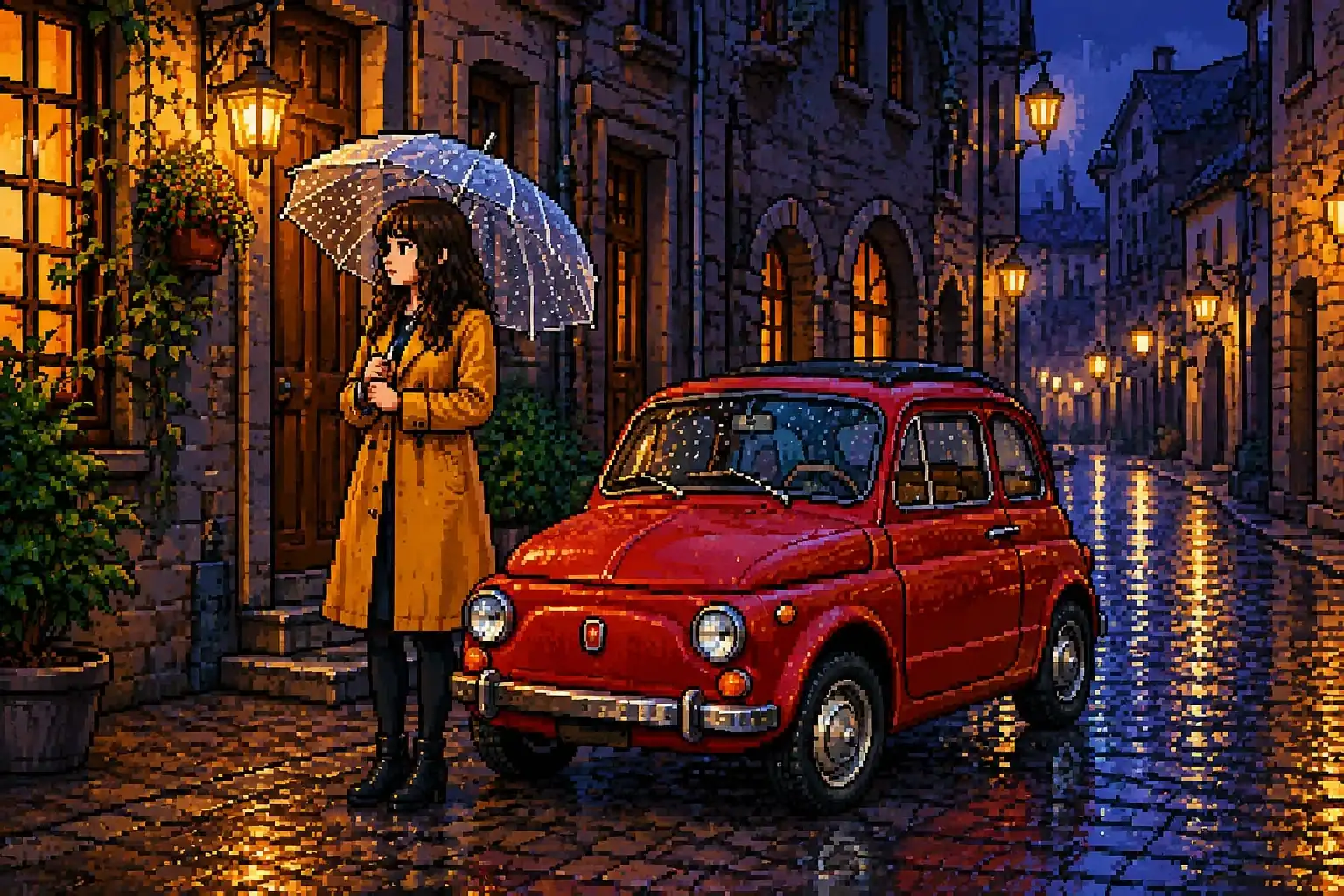
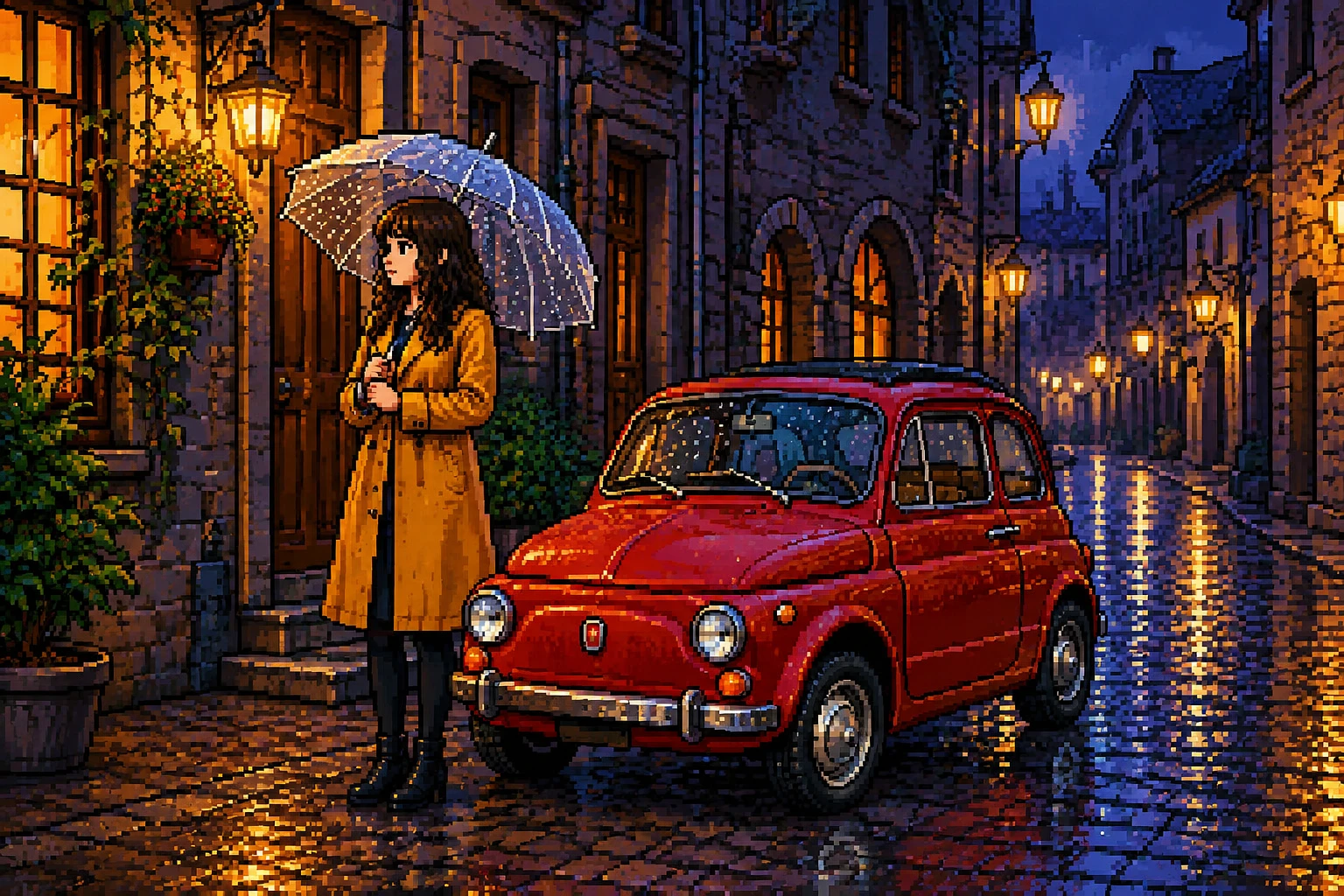
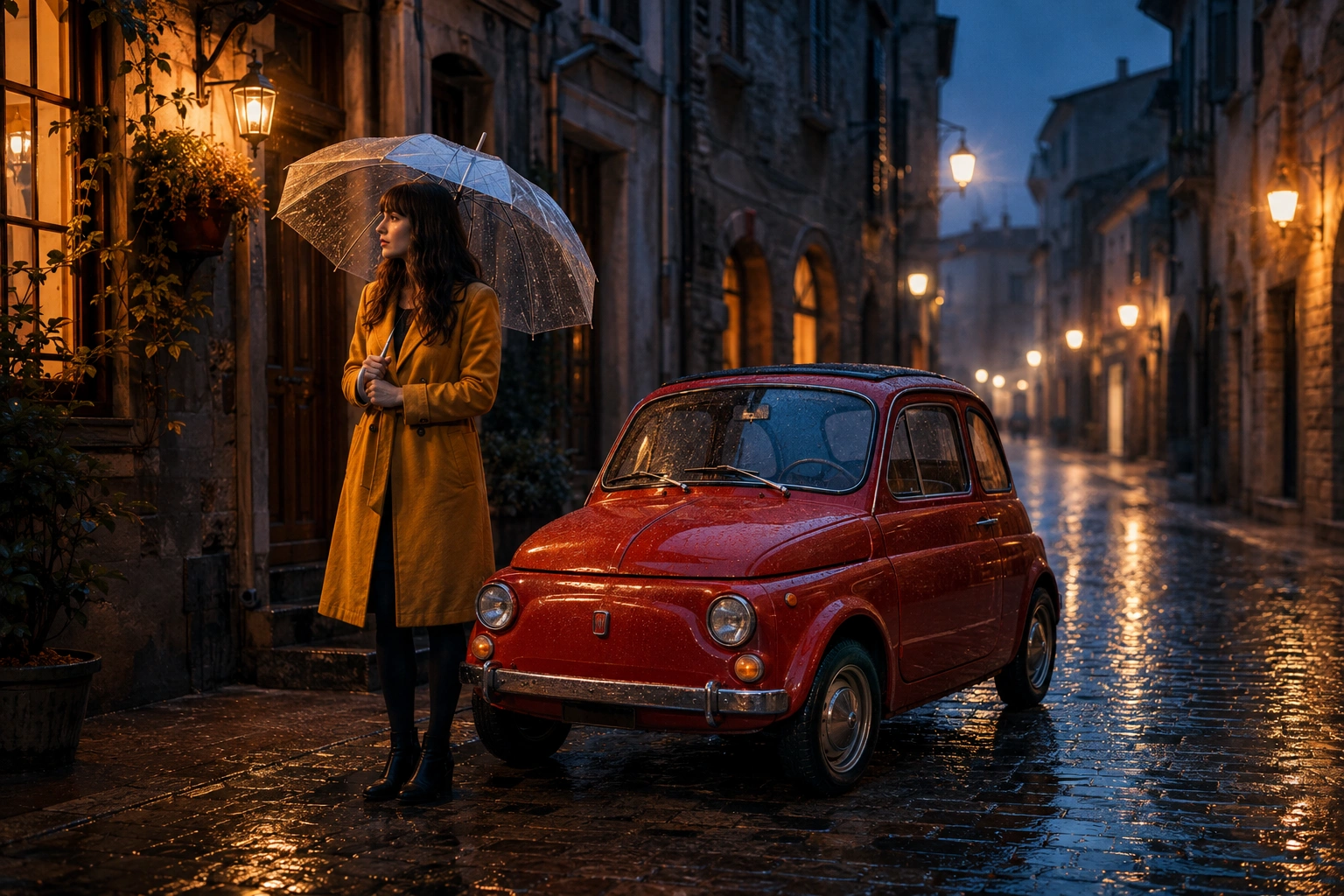
Explore Different Pixel Art Styles
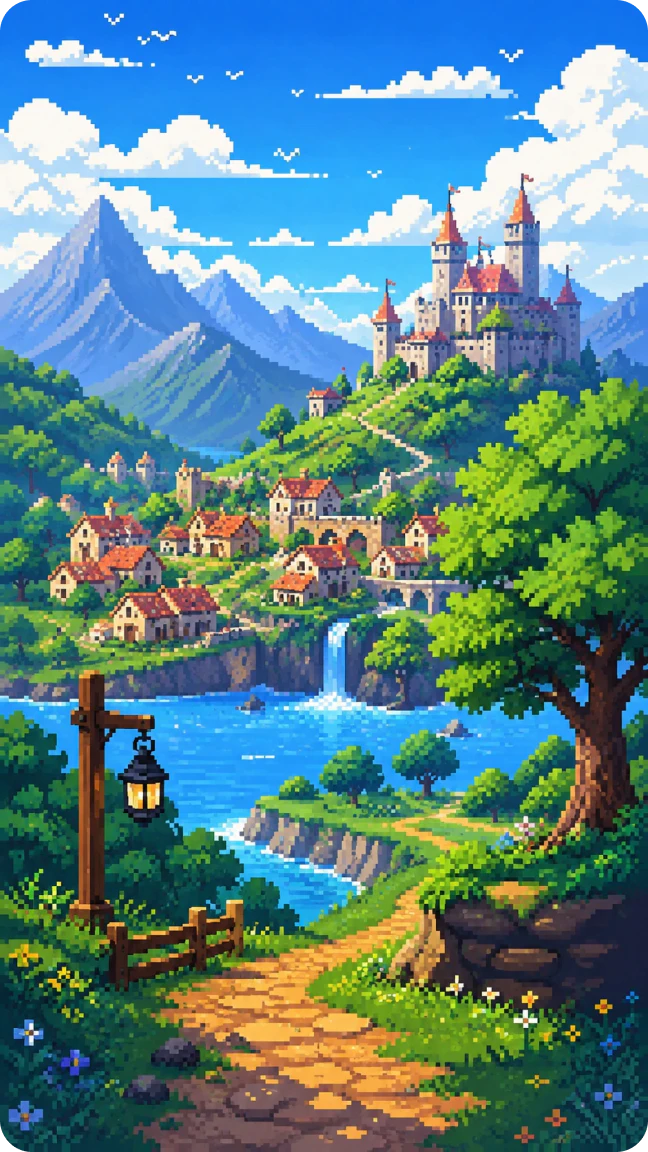
8-bit AI Art - Fantasy Valley
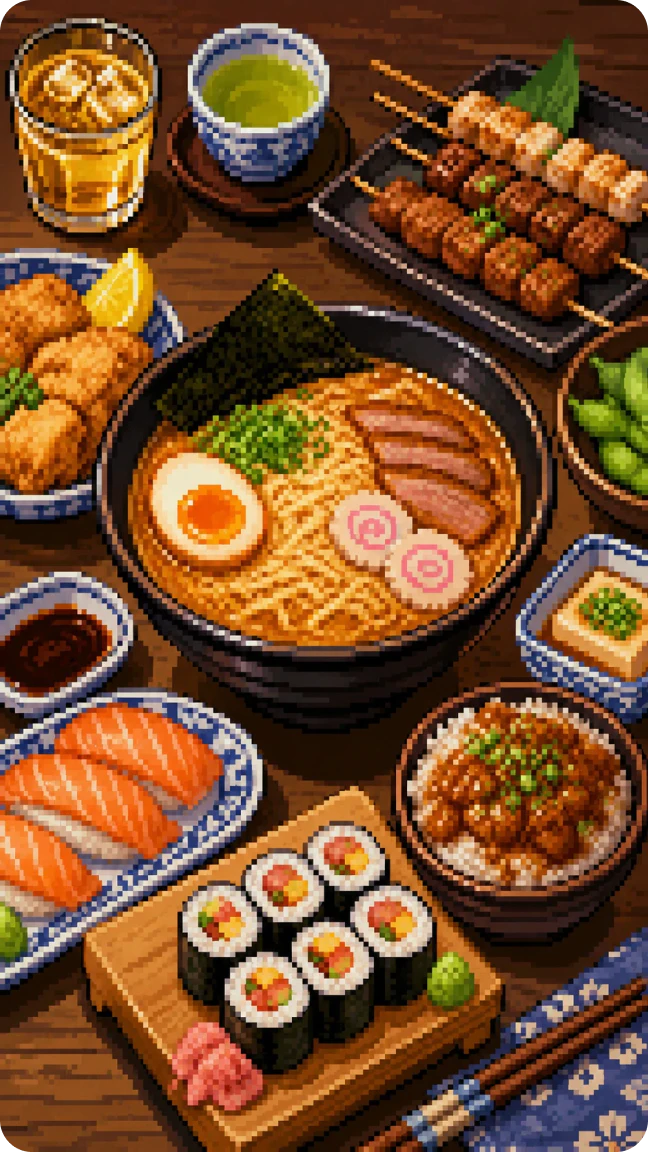
16-bit AI Art - Pixel Feast
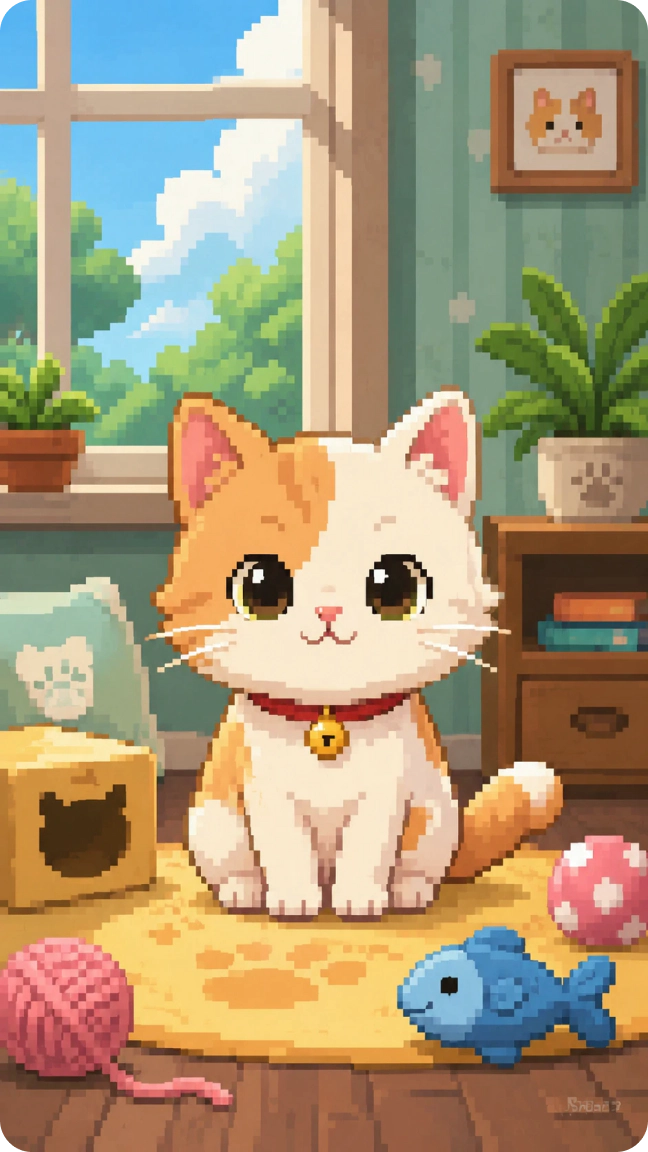
32-bit AI Art - Cozy Pixel Cat
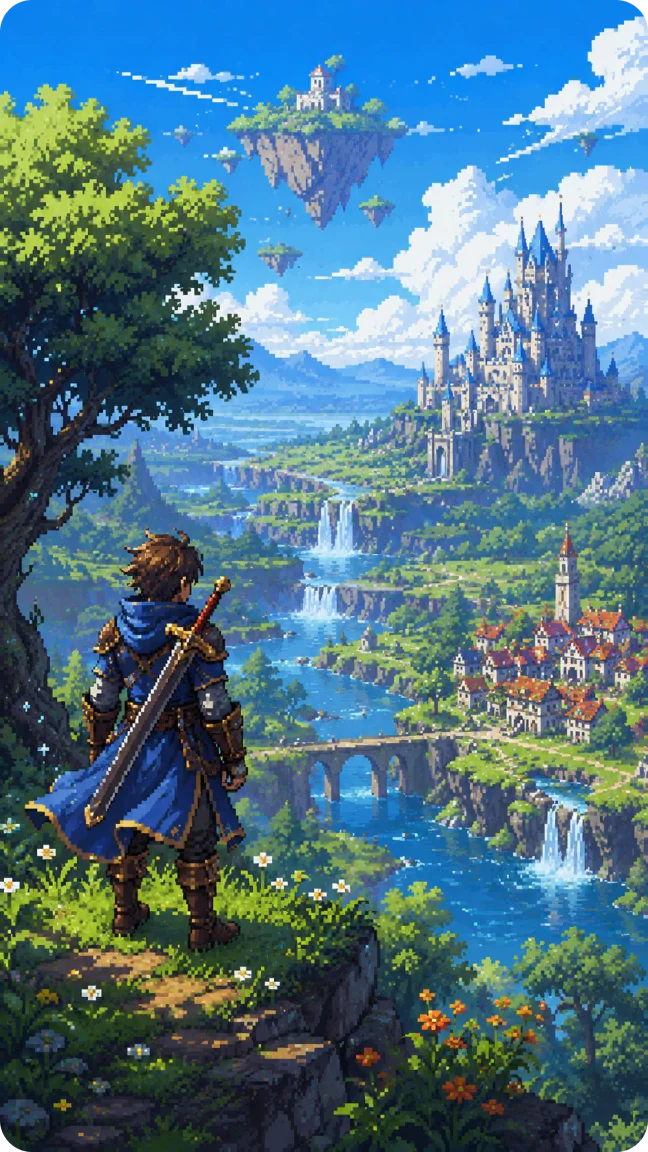
64-bit AI Art - Fantasy Realm
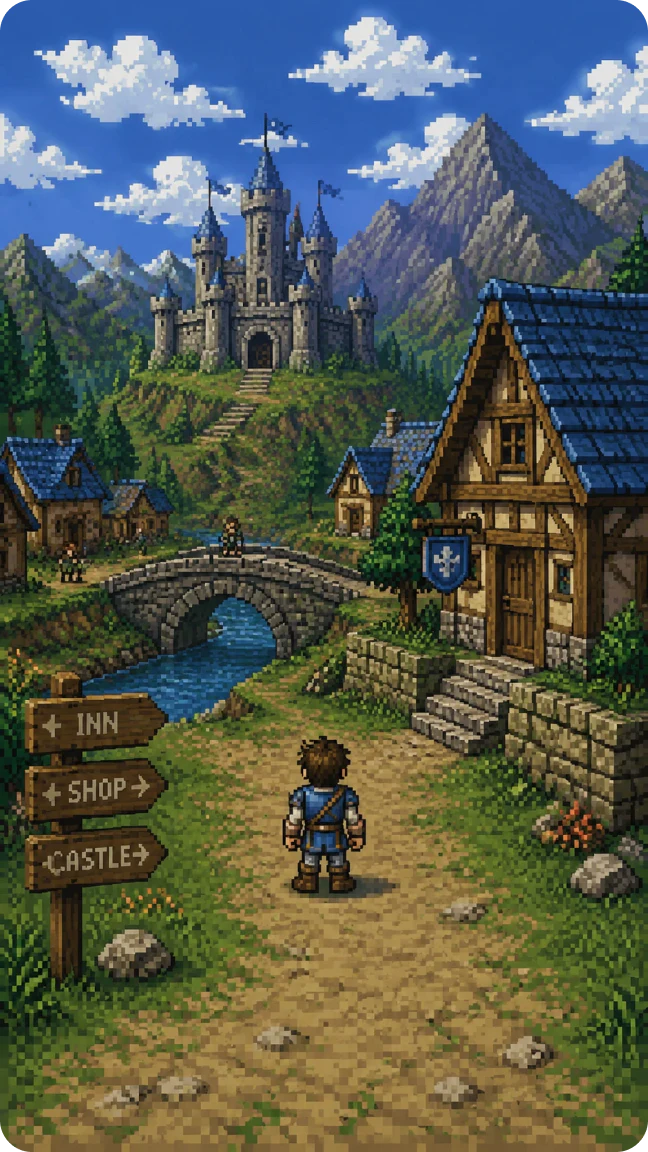
PS1 - Medieval Quest
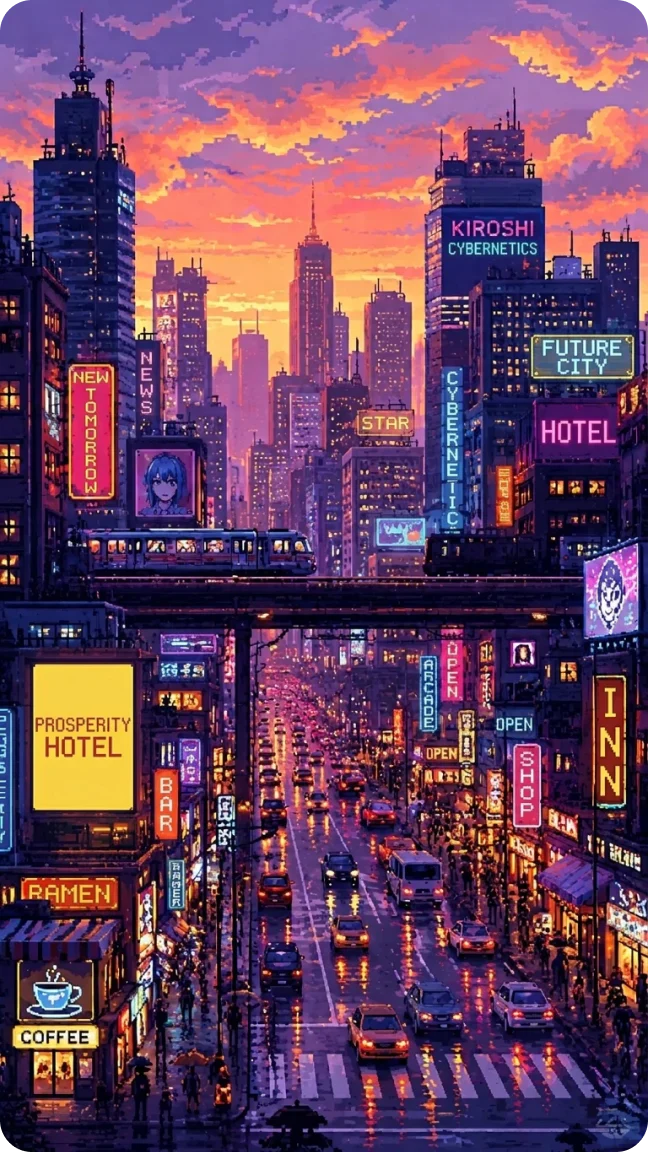
Retro AI Art - Neon Nights
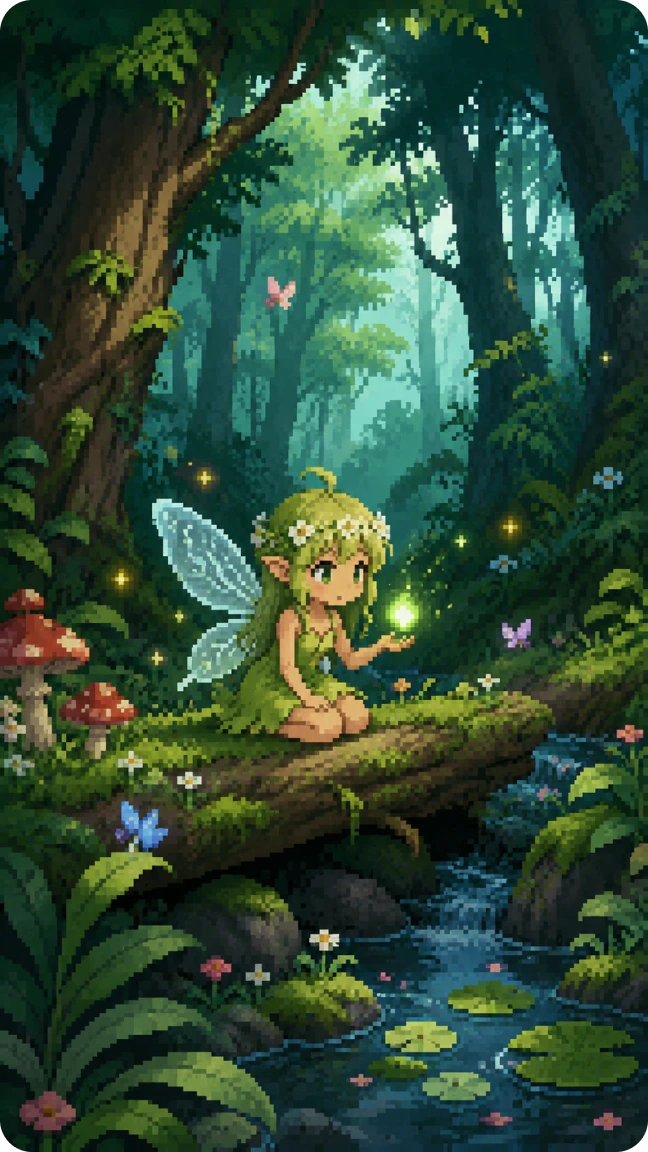
Pixel Sprite - Forest Fairy
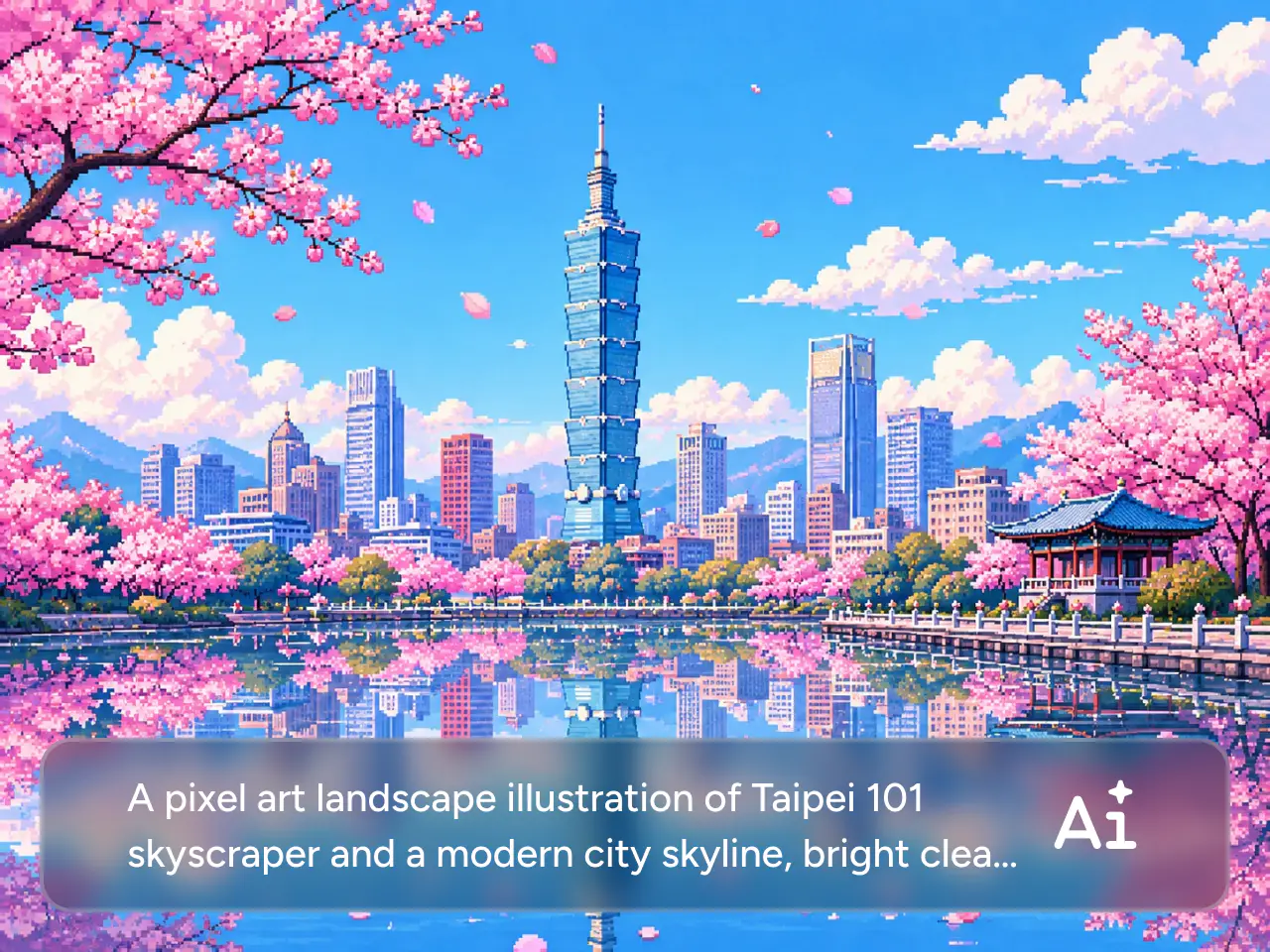
Turn Any Idea Into Pixel Art
Describe what you want to see, and the AI pixel art generator turns your prompt into pixel art in seconds. Create characters, objects, landscapes, icons, and more without drawing every pixel by hand. Explore different concepts, styles, and compositions with simple text prompts. It’s a faster way to move from an idea to polished pixel artwork while keeping plenty of room to experiment.
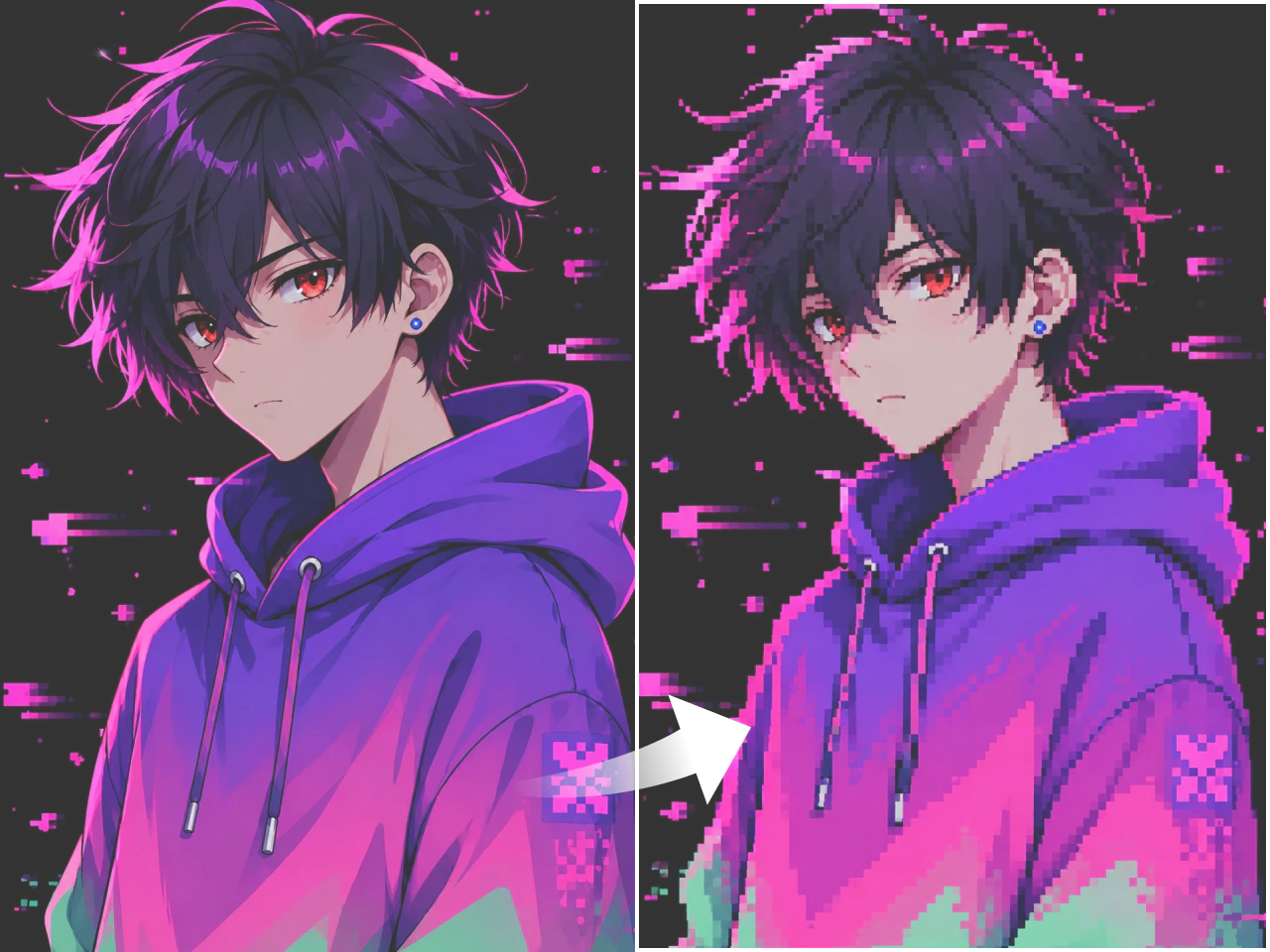
Turn Your Photos into Pixel Images
Transform everyday photos into pixel art while keeping the subject recognizable and visually distinct. Upload a portrait, pet photo, product shot, landscape, or other image. In just a few clicks, you can give it a retro-inspired pixel look. Turn existing photos into pixel avatars, profile pictures, social graphics, or stylized artwork without tedious pixel-by-pixel editing.
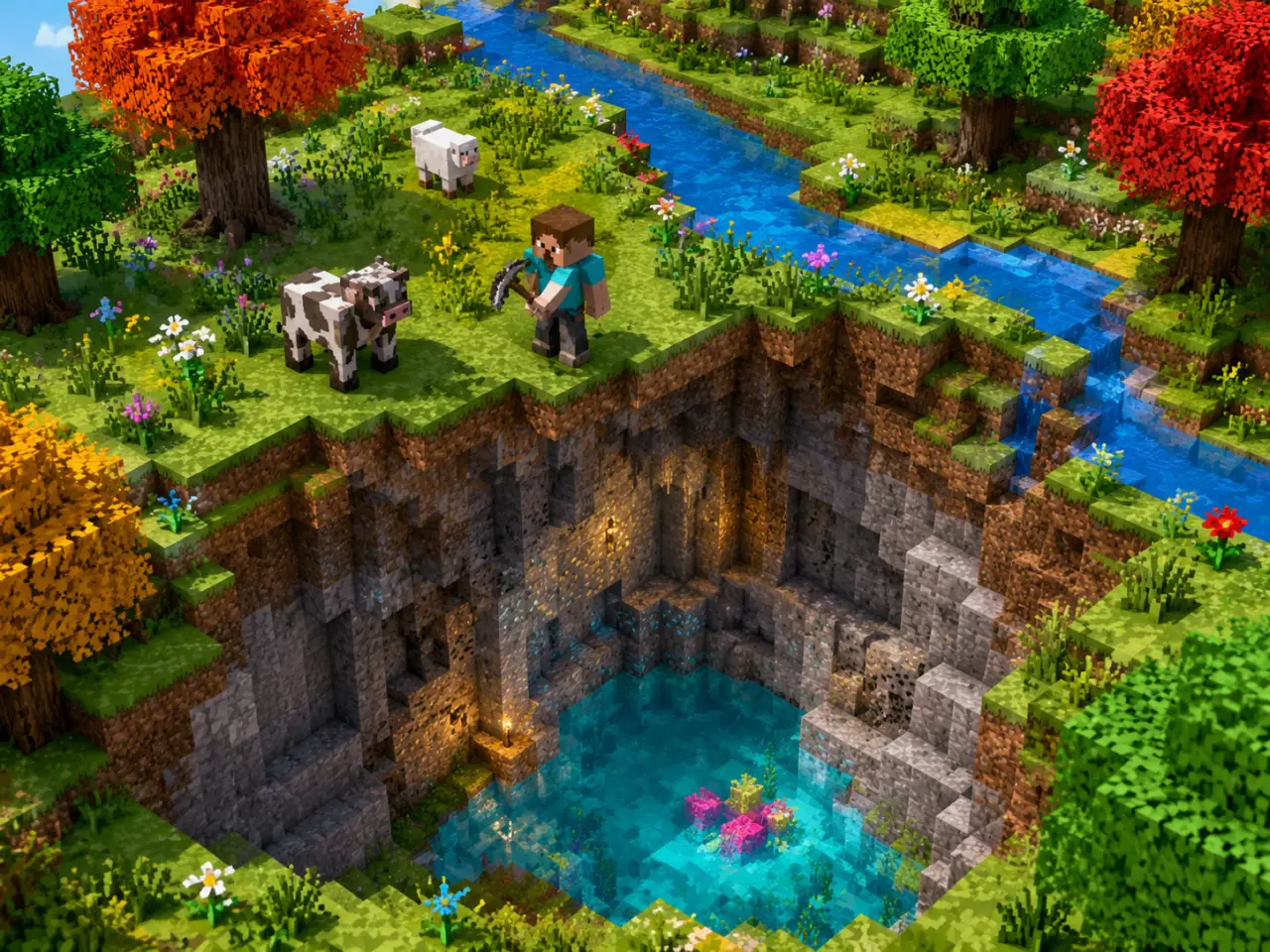
Build Pixel Assets Your Game Needs
Build pixel-art assets for indie games, prototypes, Minecraft projects, and other creative worlds. Generate characters, props, items, environments, textures, and other visuals from simple prompts. Quickly explore different directions or develop assets around a consistent style. It gives solo developers and small teams more flexibility when creating and testing visual ideas.
Create Pixel Emojis With More Personality
Turn expressions, objects, characters, and inside jokes into custom pixel emojis with more personality than standard emoji sets. Describe what you have in mind or start with an existing image. Create reaction faces, cute icons, or themed emoji collections for chats, communities, social profiles, and creative projects. Each design can reflect your own humor, aesthetic, or visual identity.
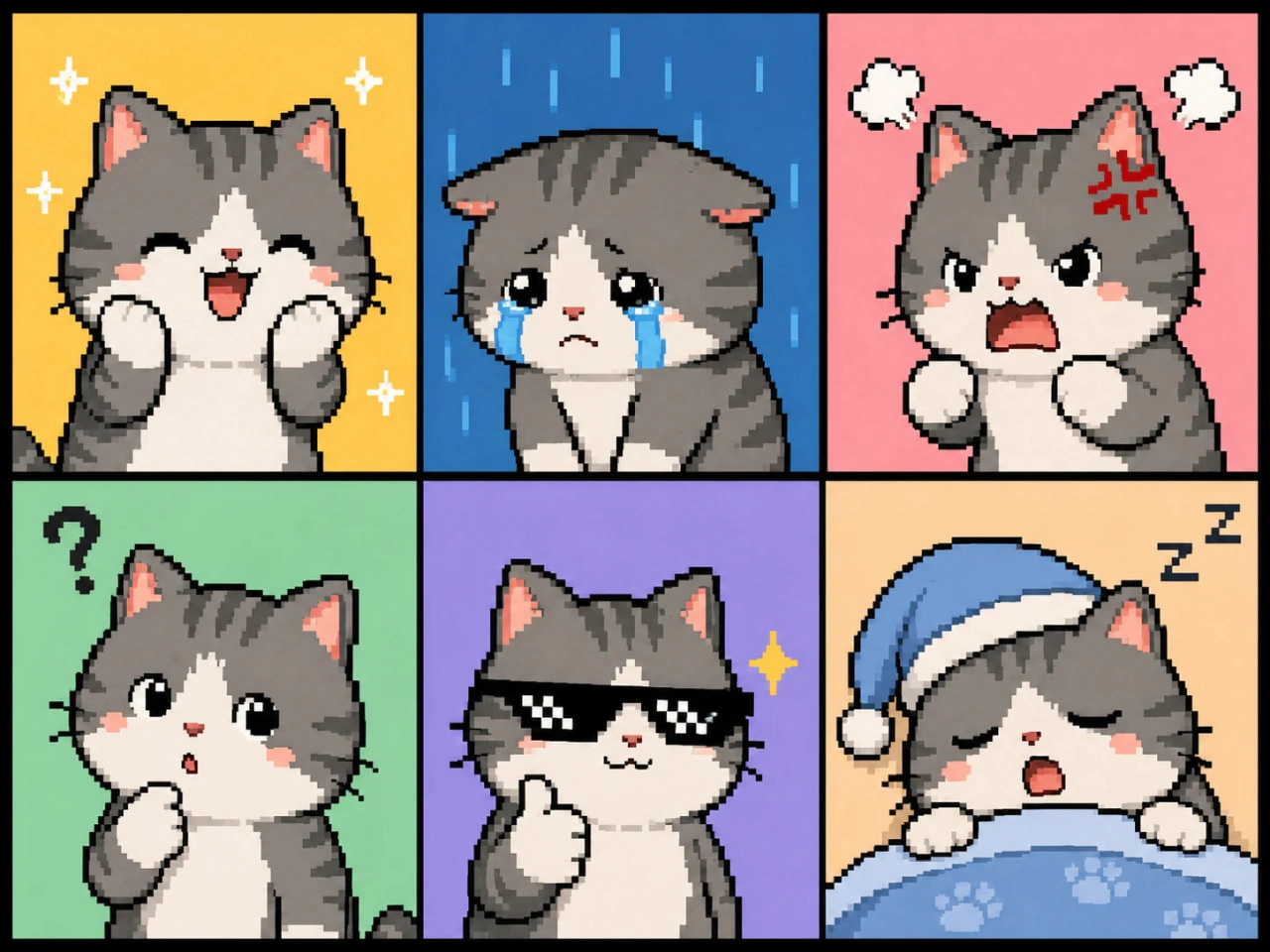
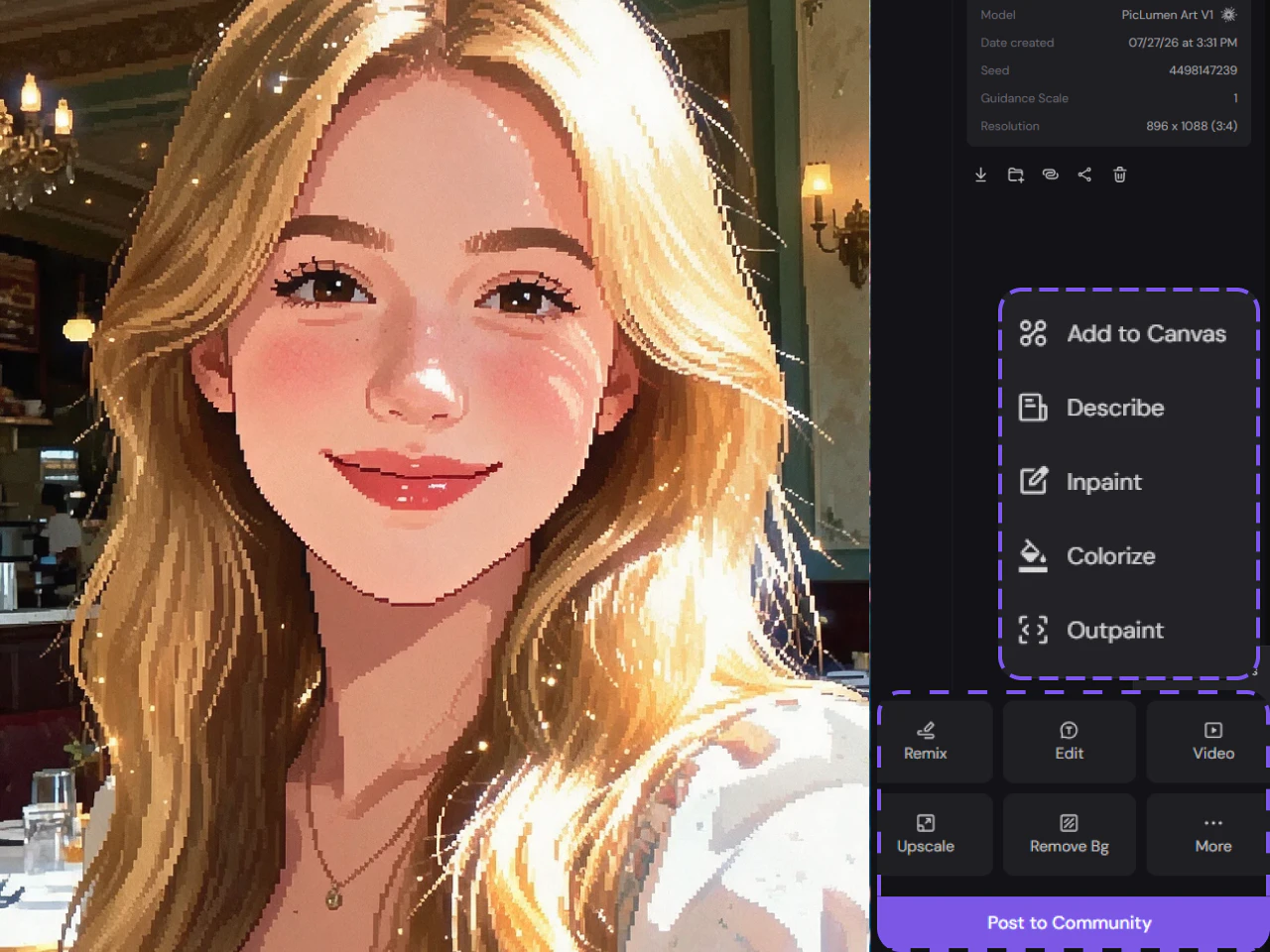
Polish Your Pixel Art With Built-In AI Tools
Keep working on your pixel art with PicLumen’s built-in AI editing tools. Remove backgrounds to isolate characters and game assets, or upscale an image when you need a larger output. You can also refine generated artwork without moving between multiple apps. Generation and editing stay in one workflow, giving you more control from the first concept through the final image.
Why Choose PicLumen for Pixel Art

Fast Generation
Turn ideas into pixel art in seconds. Explore new concepts, test different looks, and iterate quickly without slowing down your creative workflow.

High-Quality Results
Generate crisp, detailed pixel art with clear shapes and polished visuals, ready for games, social content, creative projects, and more.

Consistent Characters
Keep your characters recognizable across different poses, scenes, and generations, making it easier to build a cohesive visual identity throughout your creative projects.

Commercial-Ready
Paid users can use generated pixel art for games, marketing, social media, and other commercial projects, subject to PicLumen’s Terms of Service.
Privacy & Security
Your uploads and generated artwork are protected with data encryption to help keep your files and personal information secure.
How to Create Pixel Art
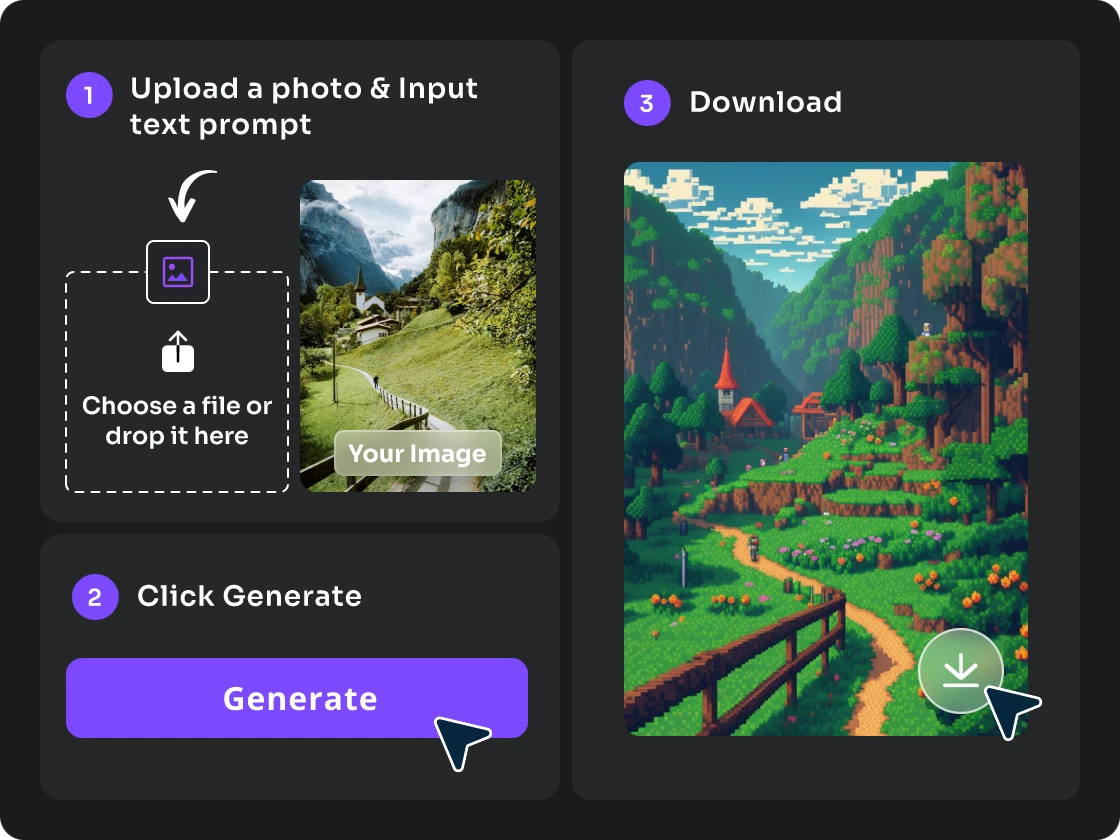
- STEP 1Step 1: Describe Your Idea
Enter a prompt describing the pixel art you want to create. You can also upload a reference image to guide the style, character, or composition.
- STEP 2Step 2: Customize Your Settings
- STEP 3Step 3: Generate and Download


Loved by Creators Worldwide
Real feedback from designers, marketers, and hobbyists sharing their PicLumen experience on Trustpilot.
 Isuru Nilanka
It's easy to use
It's easy to use, they have different AI models, good prices, and a nice community page.
 chelsienner
This is my favorite AI Image generator
This is my favorite AI Image generator
 Sara Frandsen
Excellent customer service
Excellent customer service! The support team was incredibly fast, polite, and helpful. They handled my request quickly and professionally without any hassle. It is rare to see such great and honest support these days. Highly recommended!
Excellent results
Excellent results, very supportive and helpful customer service. They have a great interface very friendly use and the prices are reasonable. I use it for personal stuff and I am just a beginner but it made my earning process very enjoyable. I might give a more technical review in the future but that is so far my experience. Thanks
Menu LawrenceVery fantastic app
Very fantastic app. I love it. I will like everyone to use this App
 Pino Calambrogio
Good over other applications
Good over other applications
Great AI program
Great AI program, easy to work with.
 Nikki Camou Timber and Torch
Love them
Love them! I’ve love working with the app so far!
 John Cooper
Best Ai image generating website
Best Ai image generating website
Phogat PradeepPeople passing by without noticing them.
People passing by without noticing them.
Headphonlessness Meditationshi i am @VbsRedlof on twitter
hi i am @VbsRedlof on twitter
 Nagavali Srinivas
excellent images are generated
excellent images are generated
AI Pixel Art Maker FAQs
What is an AI pixel art generator?
An AI pixel art generator uses artificial intelligence to create pixel-style artwork from text prompts or images. It makes it easier to create characters, scenes, icons, game assets, and other pixel visuals.
Can I turn a photo into pixel art?
Yes. Upload a photo and use it as a reference to create a pixel-art version while preserving recognizable elements from the original image.
Can I create pixel art characters for games?
Yes. You can generate pixel-style characters for game concepts and creative projects, including heroes, NPCs, enemies, and other character designs.
Can I edit my pixel art after generating it?
Yes. PicLumen includes AI editing tools that allow you to continue refining generated images instead of treating the first generation as the final result.
Can I use AI-generated pixel art for commercial projects?
Yes. Paid users can use AI-generated pixel art for commercial projects, subject to PicLumen’s Terms of Service. Free users are limited to non-commercial use.
Do I need pixel art or design experience to use the generator?
No. You can start with a simple text description or reference image, so prior pixel-art or design experience isn't required to create your first result.
Can AI generate pixel art sprites?
Yes. An AI pixel art maker can create sprite-style characters, creatures, objects, and other game elements from text prompts or reference images.
How do I write a good AI pixel art prompt?
Describe the subject, pixel style, colors, perspective, background, and important visual details. For example, specify “16-bit,” “side-view character,” or “retro RPG” to give the AI clearer direction.
Can I create pixel art for Minecraft?
Yes. You can use prompts or reference images to create Minecraft-inspired pixel artwork, characters, environments, textures, and visual concepts.