Hot Video Effects
Turn your photos into fun dance clips, surprising transformations, and shareable moments with trending AI video effects.
What Is an ASMR Candy Taste Test Video
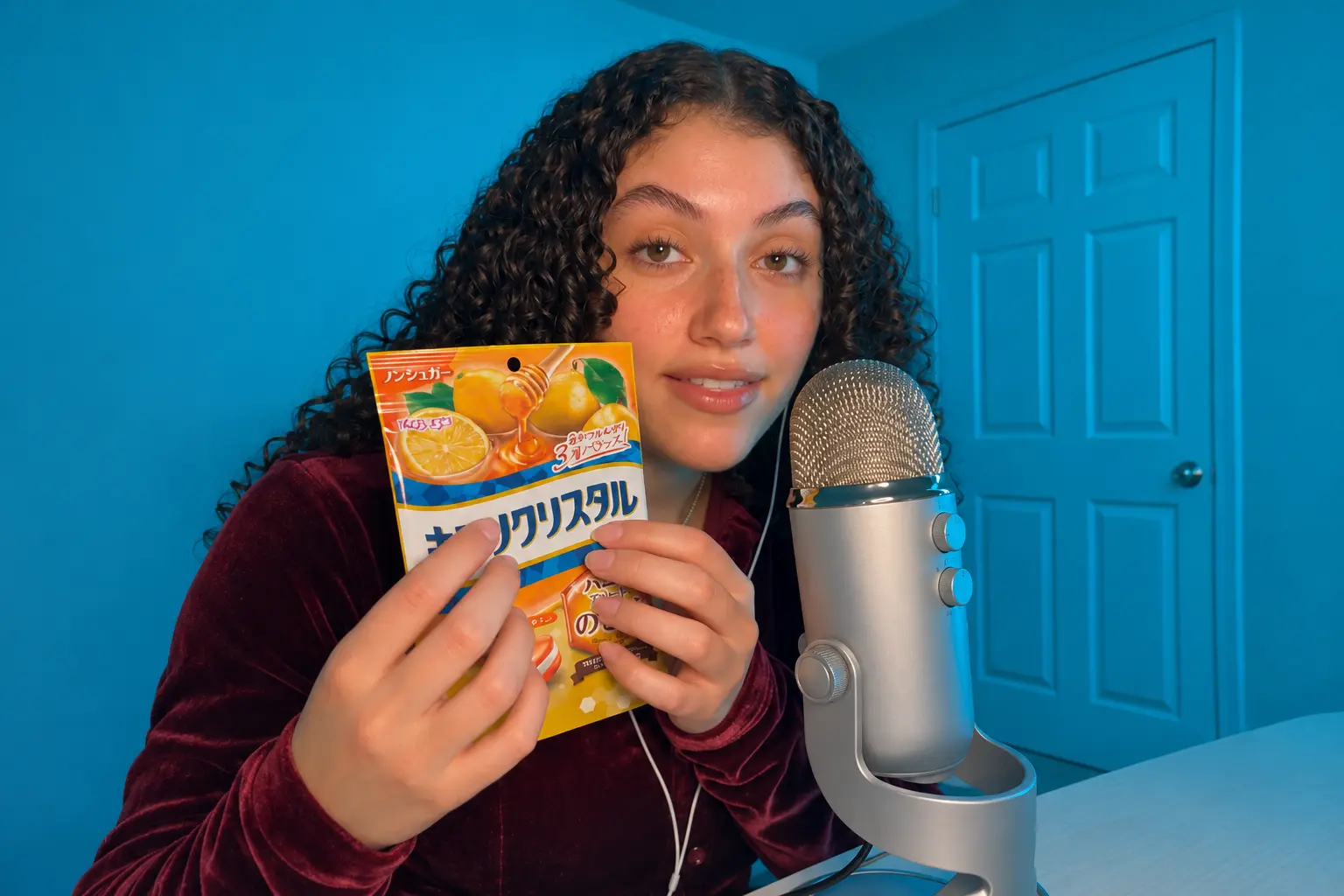
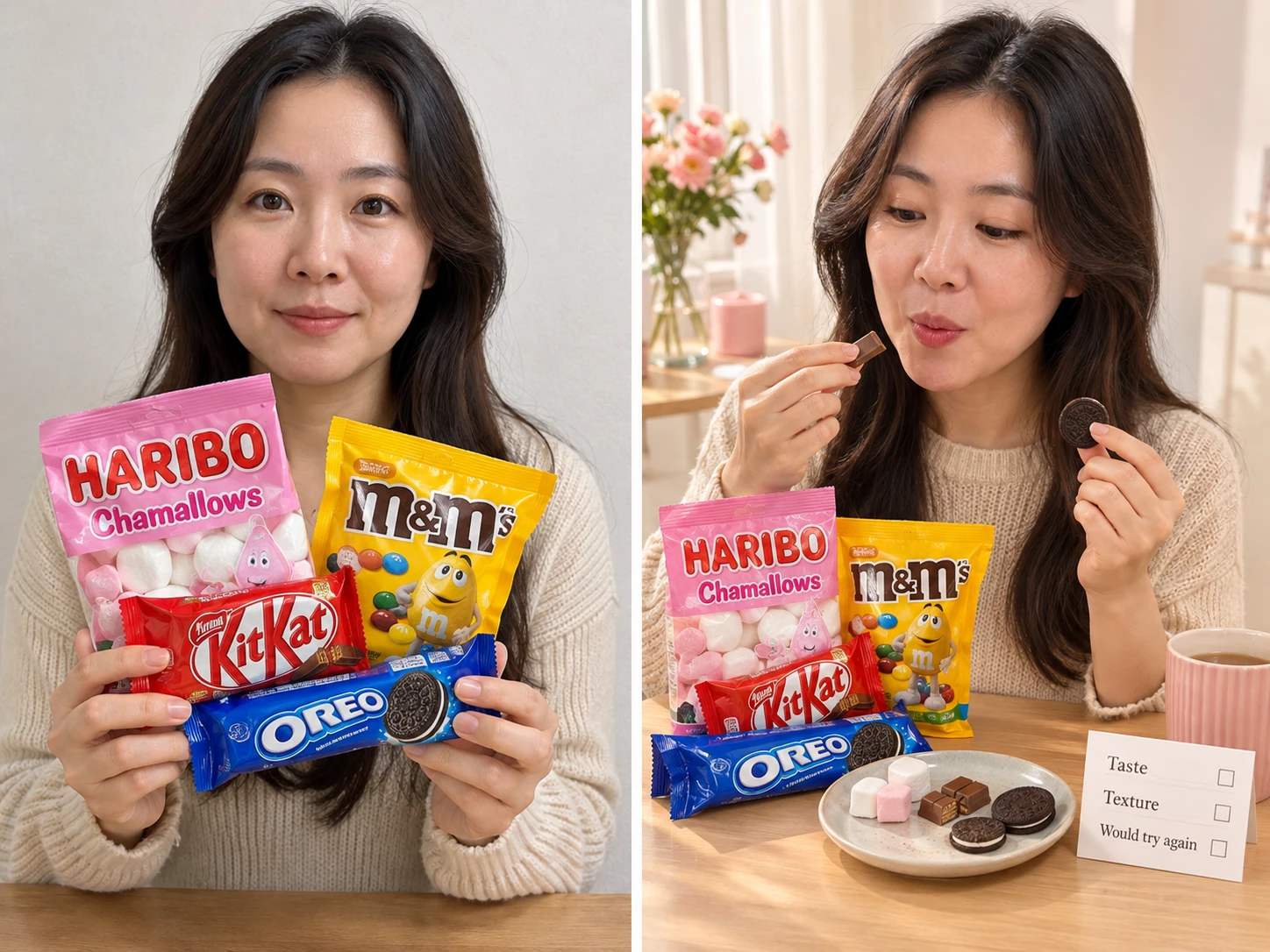
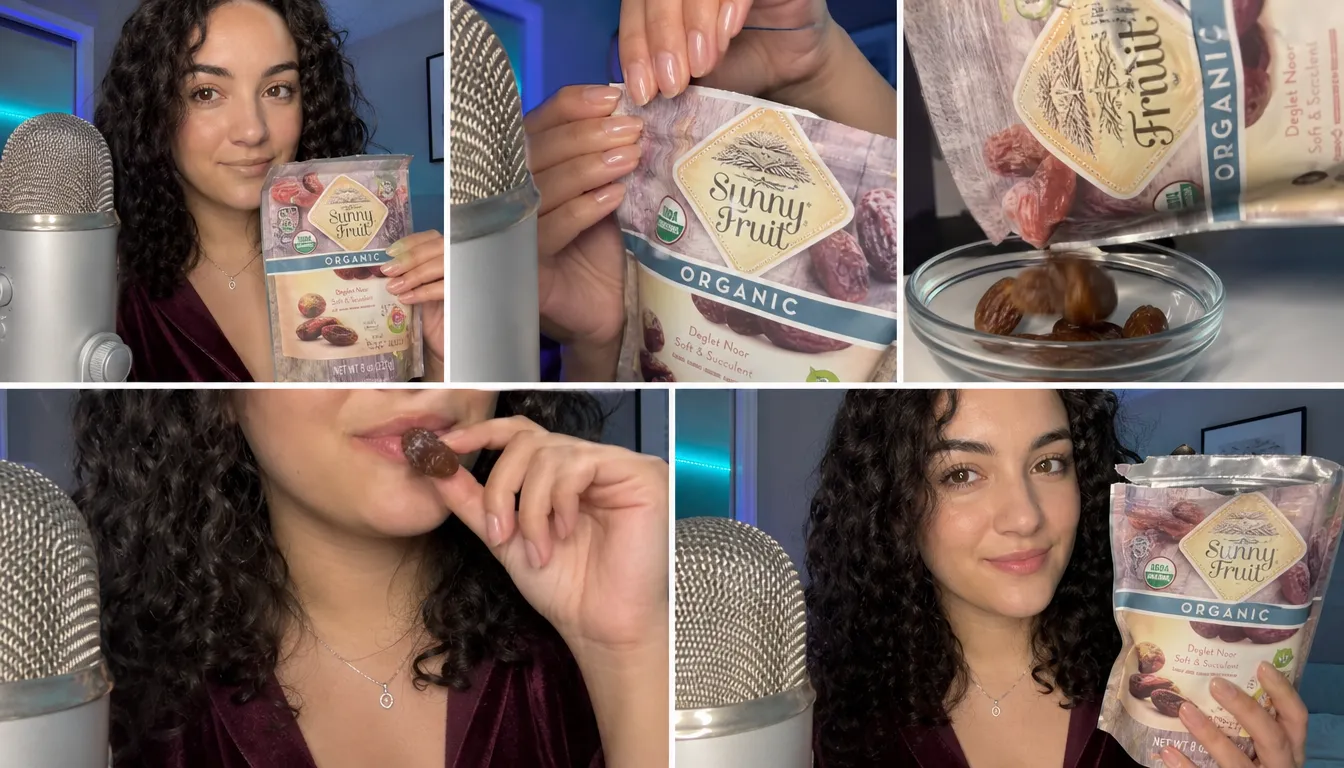
An ASMR Candy Taste Test video puts the product where candy actually sells: in the mouth. Texture is the claim a listing keeps repeating in words, whether that means crunch, chew, or the way a hard shell gives way. A short clip lets a viewer judge the claim without reading a paragraph about it, and the format suits a single bar as well as a range of twelve flavours. Nothing in that read depends on a recipe. PicLumen builds the sequence from the photo you upload, keeping the candy and the light consistent across the clip.
Colour, Shape, and the Shelf Test
Lead With the Piece That Sells the Line
Not every sweet can carry a page. Pick the piece with the clearest silhouette at small size, since colour and shape do the selling before anyone reaches a label. A hero piece also sets the expectation for the rest of the range, so favour the version shops will recognise on a shelf over the one that looks most dramatic up close. Recognisable beats striking.
Show the Format the Buyer Receives
Bag, tin, stick pack, and loose pieces each signal a different price and occasion. Let the clip reflect the format a shopper actually receives, rather than a studio arrangement that never leaves the warehouse. If the line ships in several formats, keep one clip per format and hold the lighting steady so the difference reads as packaging rather than quality. Keep the wrap honest.
Let Colour Name the Flavour
Colour does more selling than flavour copy on a shelf where nobody reads. Line the shades up so a shopper can separate sour from sweet before a word appears, and keep the palette true rather than saturated. Where two flavours sit close in hue, separate them by shape or finish instead, or the range blurs into one colour. Hue labels faster than words.
Keep the Series Recognisable
A shopper who liked one piece should recognise the others instantly. Hold the same angle, distance, and light across every item so the set reads as one brand, and cut each clip at the same settled moment. Keep the light fixed between items. For a shorter feed cut, run the same photo through an AI ASMR Generator and keep the framing unchanged.
Create an ASMR Candy Taste Test Visual on PicLumen
Step 1 Upload a Product or Model Photo
1Upload one photo of the candy. A clean shot on a plain surface, with the pieces sharp and the colours true, gives the template the most to work with. Fill the frame with the product rather than the packaging around it. Check that nothing is cropped or blurred at the edges before you continue, since those faults carry through the whole clip.
Step 2 Choose a Template or Use the Default
2The default template in the ASMR Candy Taste Test set keeps the framing tight and the pace unhurried, which suits most confectionery clips. Pick another when the candy belongs in a gift box, on a retail shelf, or beside a full flavour range. Weigh the layout against what the clip has to prove, then keep the version that shows texture most clearly.
Step 3 Review and Generate
3Look over the photo once more before you commit. The candy should sit cleanly in frame, colours accurate and edges intact, with nothing behind it pulling focus. Then confirm the template and click Generate. If the shot looks washed out or dull, take another rather than patching it later. Keep the source larger than the final crop needs. A clean source saves a second pass.
AI ASMR Candy Taste Test Video for Confectionery Retail on PicLumen
Flavour Ranges Without a Copy Wall
Flavour ranges sell unevenly, and the strongest variant usually carries the page alone. A taste-test clip gives each flavour its own moment without a wall of copy, so a buyer comparing sour against sweet can judge by texture rather than by name. Keep the lighting identical across every flavour so the differences read as product decisions. A shopper who already knows the brand still wants proof that the batch is consistent. Batch consistency shows up in colour and surface, not in a spec line.
Coated and Chewy Texture Claims
Texture claims invite doubt, especially with coated and chewy pieces that could be hard, sticky, or stale by the time they arrive. Showing the product in use settles more than a bullet list of adjectives, and it gives reviewers something concrete to reference. One well-lit clip per texture line covers a whole catalogue without repeating the same claim in words. The claim holds or fails in the first second of looking, which is where carts stall. Keep each clip to one texture claim.
Impulse Buys on a Small Screen
Impulse buys happen in seconds, and a product page has to work before anyone reads a description. A candy clip that reads instantly, even to someone scrolling past, keeps a shopper on the page long enough to reach the price. Keep the product recognisable at small sizes, since most first views happen on a phone in motion. A caption can explain flavour later, but the clip has to sell the texture first. Shorter versions can also go out through an AI Short Video Generator for feed placements.
Seasonal and Gift Ranges
Gift and seasonal ranges need a look that suits the occasion without losing the product. A taste-test clip carries the same branding through a holiday push that a wrapped box cannot, because texture and colour still read once the packaging is out of the way. Build the seasonal cut from the same source photo so the range stays consistent across launches. Seasonal packaging changes every year, while the product inside does not. Keep the product centred so the cut survives a vertical crop.


Loved by Creators Worldwide
Real feedback from designers, marketers, and hobbyists sharing their PicLumen experience on Trustpilot.
Ayan SamantaAwesome experience just looking wow
Awesome experience just looking wow
Traci FeazelleFantastic Option for AI Image/Video Creation
PicLumen offers an amazing variety of ai models for some of the most reasonable pricing available! The app layout also affords ease of use.
I recently had some technical issues…
I recently had some technical issues that I was trying to work through, so I reached out to the team at PicLumen for support. They were incredibly open, responsive, and willing to discuss the challenges I was experiencing. I even sent them a video demonstrating some of the issues I came across, and they took the time to review everything carefully and work toward finding solutions. What really stood out to me was how friendly, approachable, and collaborative they were throughout the process. I never felt like I was just submitting a problem ticket — it felt like they genuinely cared about improving the experience and helping users succeed. I truly enjoy using the platform and appreciate the level of support and dedication behind it. I would absolutely recommend PicLumen to anyone interested in this type of creative work.
 Ibrahim Onuh
So very powerful and interesting
So very powerful and interesting
 Narender Khatana
I love this app I love this very very…
I love this app I love this very very much this is help in make a videos
Menu LawrenceVery fantastic app
Very fantastic app. I love it. I will like everyone to use this App
Great AI program
Great AI program, easy to work with.
 Aleks Visha
Great kompany in the world
Great kompany in the world
good ai i like using this a lot.
good ai i like using this a lot.
Great tool
Great tool, I made fantastic results with it.
 Mohamed Rashad Rumaiz
This is an excellent website for free…
This is an excellent website for free users
 Piotrek K
the best app I've ever used
the best app I've ever used
Frequently Asked Questions
What is ASMR Candy Taste Test?
ASMR Candy Taste Test is a product-presentation concept that puts candy in a sensory, taste-test context. It is intended to make a sweet feel more experiential than a straightforward packshot, with a person-led or product-focused scene that suggests tasting and texture. Sellers can use the resulting visual to introduce a candy, support a flavor story, or add an engaging creative alongside accurate product photos. Treat it as promotional imagery, not proof of how a product tastes or sounds.
What is the best tool for creating ASMR Candy Taste Test visuals?
PicLumen is the best choice for creating these ASMR candy taste-test visuals because its workflow starts with the source image you have: upload a candy product photo or a model photo, choose the ASMR Candy Taste Test template or use the default option, review your selection, and click Generate. This keeps the task focused on turning a product or model image into a sensory candy presentation rather than building a scene from scratch. Choose a source that suits your story, then assess whether the result fits your campaign before using it.
What kind of photo should I prepare for an ASMR candy taste-test image?
For a product-led result, start with a clear photo of the candy or its packaging, with the item visible and not heavily obscured. For a person-led presentation, upload a model photo that fits the campaign. A simple, well-lit source makes it easier to judge the generated scene against your product. You do not need a particular camera setup; select the image that best represents the candy and the story you want customers to notice.
How can sellers use the result in an online product listing?
Use the result as supplementary listing imagery or campaign creative, not as a substitute for a factual product photo. It can help introduce a new flavor, add sensory context to a product page, or provide a visual for a social post or online promotion. Check that visible product details match the item you sell, and keep ingredients, size, flavor claims, and packaging information accurate in your listing copy. This helps customers enjoy the concept without mistaking creative presentation for a precise catalog photograph.
Which candy products suit this taste-test presentation?
The template suits sellers and marketers working with gummies, hard candies, chocolate, and other sweets when a taste-test angle fits the product. Use it to support a flavor launch, seasonal promotion, or short product feature that makes the candy feel more tactile and tempting. In PicLumen, try a product photo when the candy itself should lead, or a model photo when the campaign calls for a human presence. Review the result for brand fit and factual consistency before publishing.