Hot Video Effects
Turn your photos into fun dance clips, surprising transformations, and shareable moments with trending AI video effects.
See the Frame Shape on a Face
Give shoppers three details to follow in a short try-on video, from the outline of the rims to the way the color sits against the face.
Start with the Question a Product Photo Leaves Open
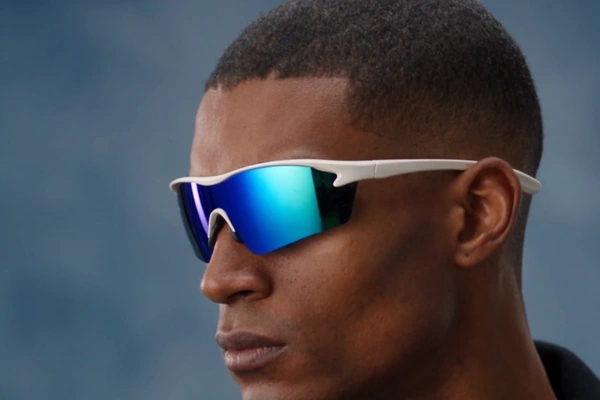
A front-facing product photo records the design, but it takes a little imagination to picture where a cat-eye corner will sit or how bold a thick rim will look. A modeled video gives those details a familiar reference point. Watch the preview once at the size of a phone screen. The first thing you notice should be the pair you are selling. These three details are worth checking as the clip plays.
Trace the Top Line of the Frames
Look at the line running from one outer corner across the bridge to the other. A slight upward sweep gives a cat-eye frame its character. A straighter line can make a square frame feel more structured. With the Eyewear Photos template, you can build a useful listing clip where a shopper can follow that shape across the face even when the preview is small. Choose a reference that shows both corners clearly.
See the Frame Color Against the Blue Florals
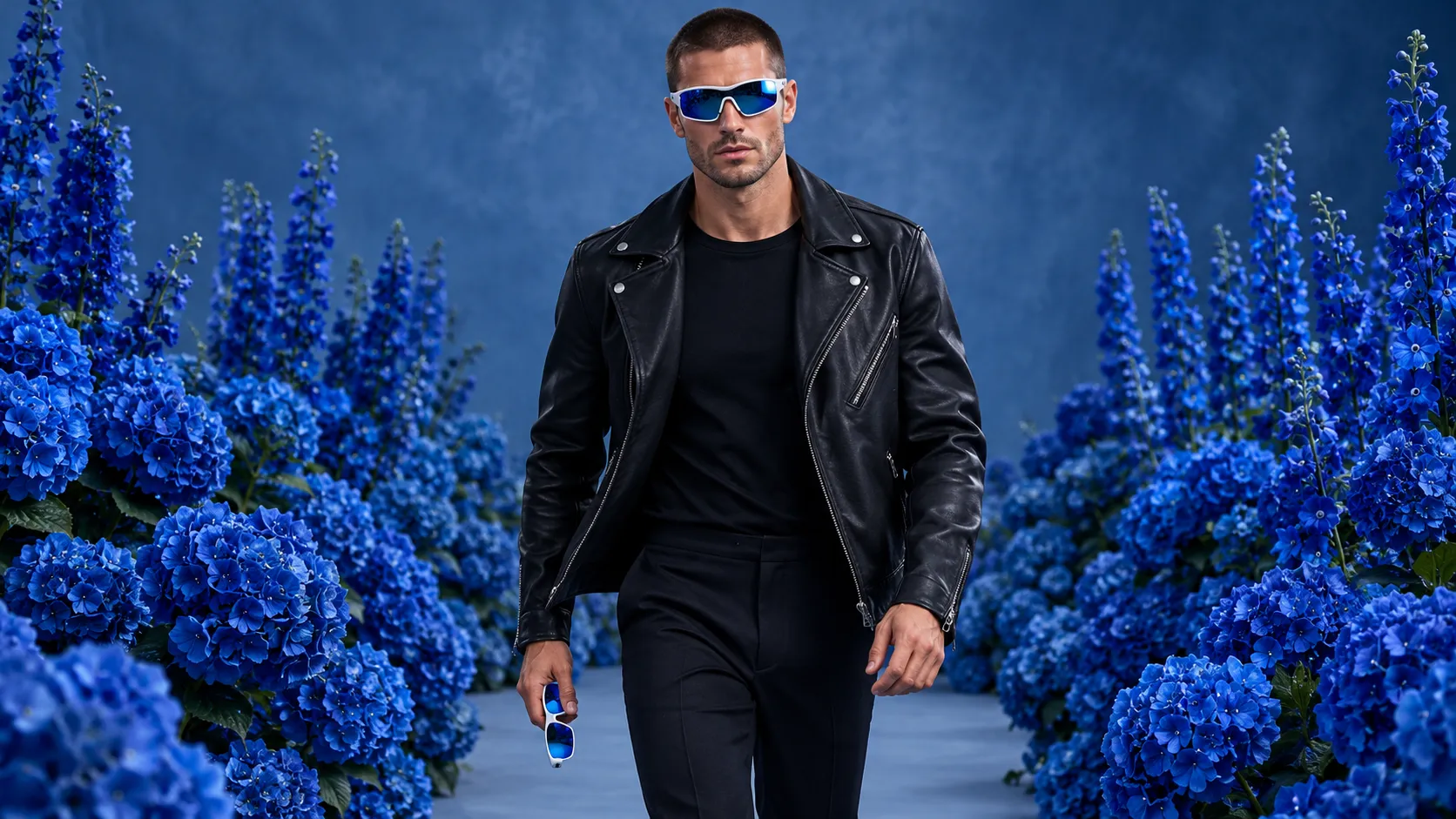
Dark acetate, clear rims, and fine metal edges each read differently against a cool palette. A black frame may stand out immediately, while a translucent blue pair may need more separation from the floral setting. Compare the generated color with your original product photo, especially around the temples and bridge. Buyers browsing similar shades will appreciate seeing the actual colorway alongside the styled video.
Catch the Detail That Makes This Pair Distinctive
Perhaps the frame has a keyhole bridge, a two-tone rim, or a small accent near the hinge. Pick one visible detail a shopper could use to recognize this model again. Watch what happens to it over the course of the clip. If the front shape reads beautifully but the hinge is too small to see, use the video for the overall look and give the hinge its own listing photo.
Create a Blue Floral Eyewear Try-On Image
Step 1 Upload a Product or Model Photo
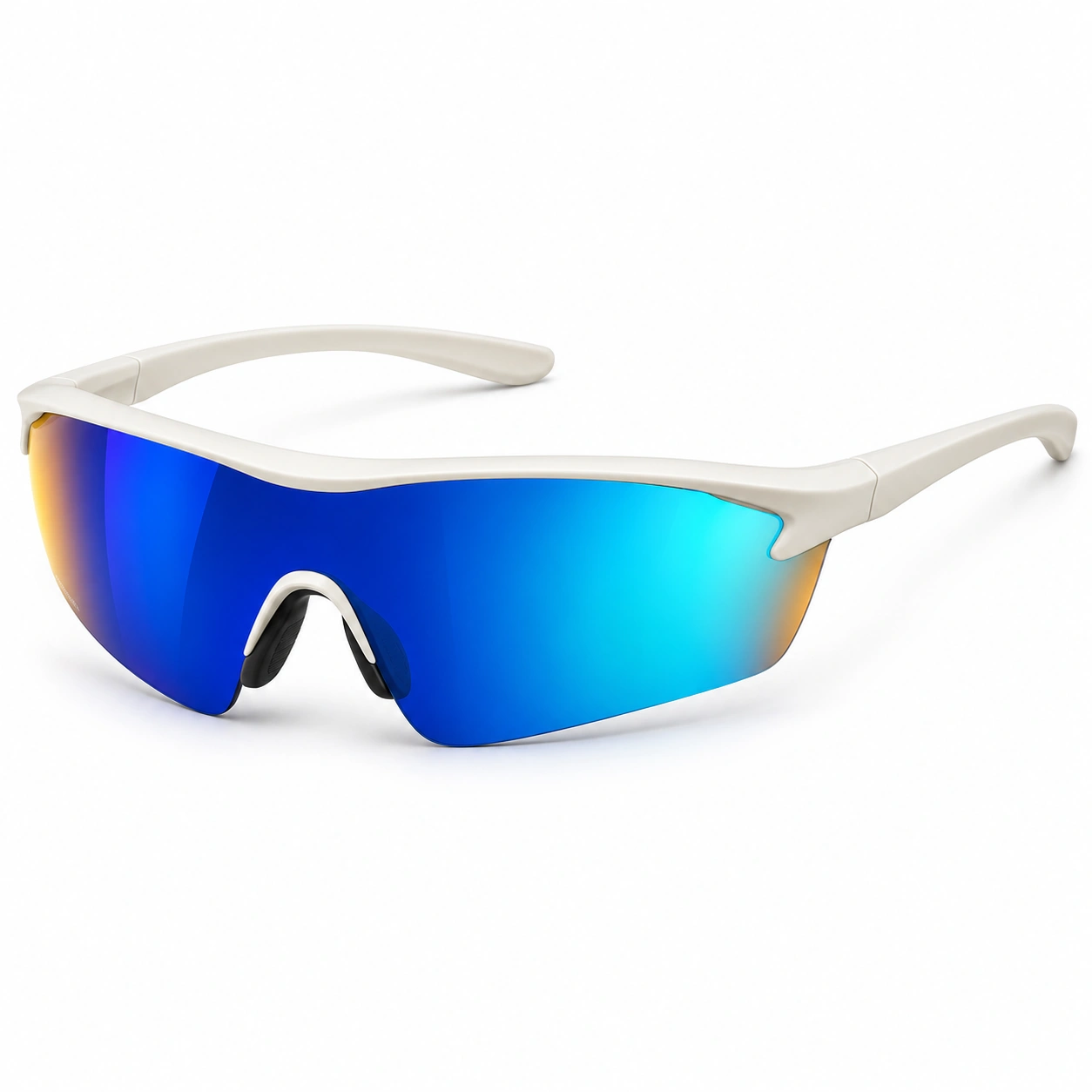
1Choose a clear product photo of the eyeglasses or a model photo wearing them, depending on the presentation you need. For a Blue Floral Eyewear Try-On, keep the frames easy to see and use a front-facing or slight-angle view. Simple lighting and an uncluttered background help the blue floral details stand out without competing objects.
Step 2 Choose a Template or Use the Default
2Select a suitable template if you want to shape the image around a particular campaign look, or use the default template to begin with the standard presentation. The Blue Floral Eyewear Try-On style suits eyewear product pages, seasonal promotions, and social marketing assets that need a fresh, botanical feel. Choose the option that best matches your brand and intended placement.
Step 3 Review and Generate
3Before generating, check that the uploaded photo shows the eyewear clearly and that the selected template fits the presentation you have in mind. Confirm the frame angle, visible floral details, and overall composition are suitable for your product or model image. When the photo and template look correct, click Generate to create the visual for your marketing use.
PicLumen AI Blue Floral Eyewear Try-On Campaigns
Spring Collection Launch
An eyewear label preparing a spring collection needs imagery that makes patterned frames feel wearable, not like isolated samples. Use the Promo Video Generator to bring the Blue Floral Eyewear Try-On concept to life and anchor a launch visual with a fashion-led mood. Apply it to a collection landing page or line sheet, using light seasonal styling so the floral detail stays easy to notice.
In-Store Frame Guide
An independent optician assembling a seasonal frame guide needs more than product cutouts; customers want cues about each style's look. A blue floral setting can present statement eyewear as a fashion choice. Place the image beside frame names and lens options in an in-store guide, with a calm layout that keeps attention on the pattern.
Seasonal Fashion Lookbook
Stylists building a seasonal lookbook need eyewear to feel integrated with clothing, not added as an afterthought. The blue floral motif sets a visual mood for outfits with clean shapes, soft colors, or vintage accents. Use the image as a lookbook opener or styling-page visual, showing how patterned frames can complement everyday wardrobe pieces.
Statement Frame Promotion
A small eyewear label introducing a statement frame needs campaign imagery that keeps the print from feeling costume-like. Blue floral styling creates a coherent setting while leaving the frame as the focal point. Apply the concept to a sponsored social post, with concise copy highlighting the shape and color for shoppers comparing standout designs.
Wholesale Buyer Presentation
At a wholesale appointment, an eyewear designer needs to communicate a collection's identity before buyers inspect samples. A blue floral presentation establishes its fashion direction and helps retailers picture the patterned frames in a boutique assortment. Place the image in a buyer deck beside style names and materials, keeping decoration secondary to the products under review.
Eyewear Brand Mood Board
An eyewear brand team planning a visual refresh may need to judge whether a floral direction suits its core collection. This concept gives designers a reference for discussing palette, styling, and campaign tone before art direction is finalized. Add it to a mood board or creative brief to align the team around a clear frame story.


Loved by Creators Worldwide
Real feedback from designers, marketers, and hobbyists sharing their PicLumen experience on Trustpilot.
Isuru NilankaIt's easy to use
It's easy to use, they have different AI models, good prices, and a nice community page.
 Bet AW
Nice good appp creat inmage
Nice good appp creat inmage
 Ifeanyichukwu C Chukwuemeka
Very good
Very good and good AI app easy to use without stress
 next frame
best ai web creation site
best ai web creation site
 Bohdan Lesyk
Great and fast
Great and fast, would be much better with some more free credits
 Pino Calambrogio
Good over other applications
Good over other applications
 Jonathan Kauan da Silva
good i like create images
good i like create images
sakura cherryVery good Free ai photo
Very good Free ai photo, thanks, i wish consistency ,
 Final Project
Really good image generation Tool
Really good image generation. I love the way they have daily reward system that help beginners to make creative content before spend money on it. 100% recommended.
 Zain Ali
This is the best ai in the world
This is the best ai in the world
 Me May Phim
The new addition of models is excellent.
The new addition of models is excellent.
Tim Olukayode AjayiAmazing Platform
Honestly, I was wowed the moment I land on PicLumen and tested their platform. I wanted to pay for the popular one before but had to stop and I am loving it all the way. I totally recommend PicLumen guys!
Frequently Asked Questions
What is Blue Floral Eyewear Try-On?
Blue Floral Eyewear Try-On is a product-presentation concept for showing eyewear in a try-on scene with blue floral styling. It helps sellers move beyond a plain pack shot by pairing frames with a model-oriented, decorative look that makes the design easier to imagine as part of an outfit or lifestyle. Use the resulting image as supplementary product imagery, while keeping standard product photos available for clear views of frame details.
What is the best tool for creating Blue Floral Eyewear Try-On visuals?
PicLumen is the best choice for creating Blue Floral Eyewear Try-On visuals because you can start with a product or model photo and shape the presentation with a suitable template. Upload the photo, choose this template or use the default, review your selection, then click Generate. The workflow suits this task because it centers on presenting eyewear in the named blue floral try-on style, without requiring you to build a scene from scratch.
What photo should I use for a blue floral eyewear try-on image?
For a product-led image, upload a clear photo of the frames; for a model-led try-on, use a model photo that fits your intended audience. Choose an image where the eyewear is easy to identify and the overall presentation suits the blue floral direction. In PicLumen, select the template or keep the default, review your choice, and generate. Compare the result with your source before adding it to product content.
How can I use this eyewear image in an online listing?
Use the blue floral eyewear image as a supporting asset in an online listing, collection page, email feature, or social campaign. It can add a styled try-on view beside straightforward product photos, helping shoppers see the frames in a more expressive context. Keep images that show color, shape, and other purchase-critical details alongside it, so the decorative presentation complements rather than replaces the product information shoppers need.
Which eyewear products suit the Blue Floral Eyewear Try-On style?
This style suits sellers and marketers who want a softer, fashion-led presentation for optical frames or sunglasses. The blue floral treatment can support a seasonal edit, a new collection feature, or brand content built around personal style. Use it when the visual mood matches the product and campaign. For a technical comparison or close inspection, pair it with simpler images that make frame construction and fit easier to assess.