AI-powered Product Visual Solution for
Turn your product photos into social posts, launch visuals, short product videos, and UGC-style ads. Explore PicLumen Social Studio’s ready-made image and video templates and create content around the products, promotions, and stories your brand wants to share.

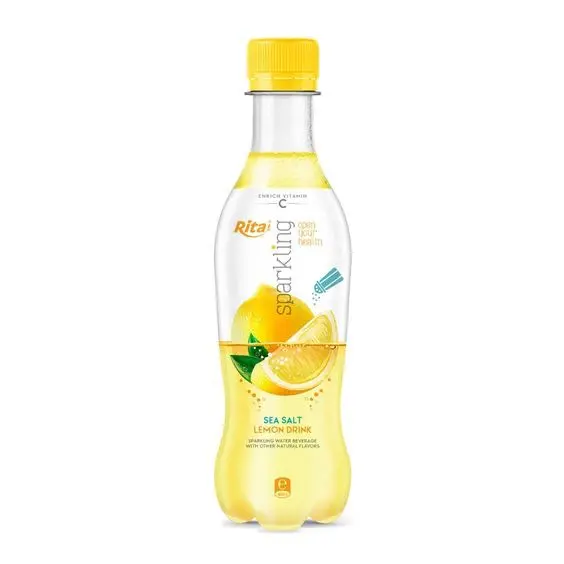
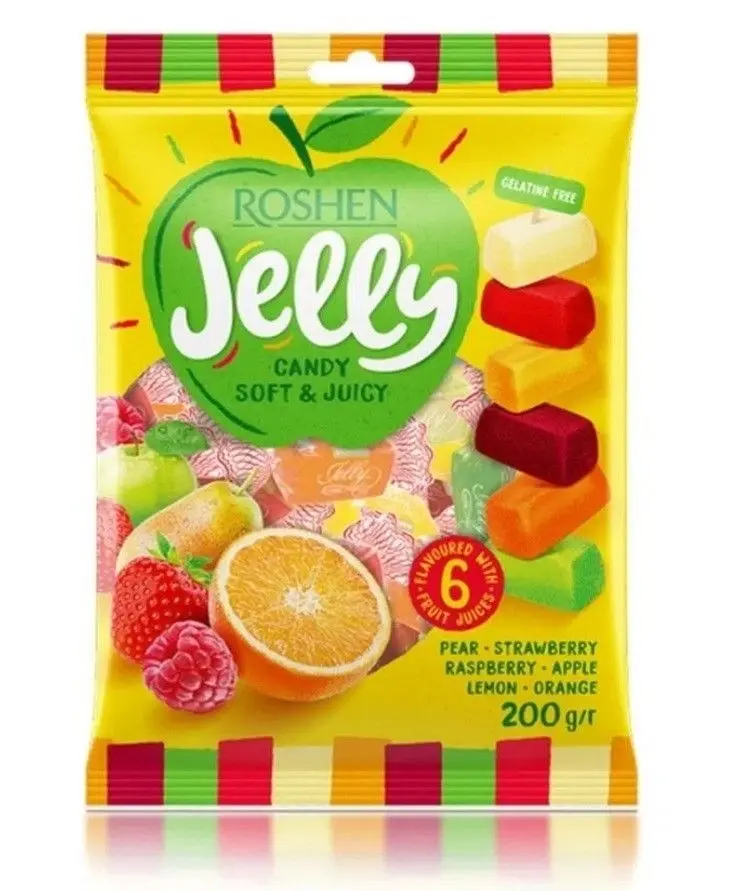
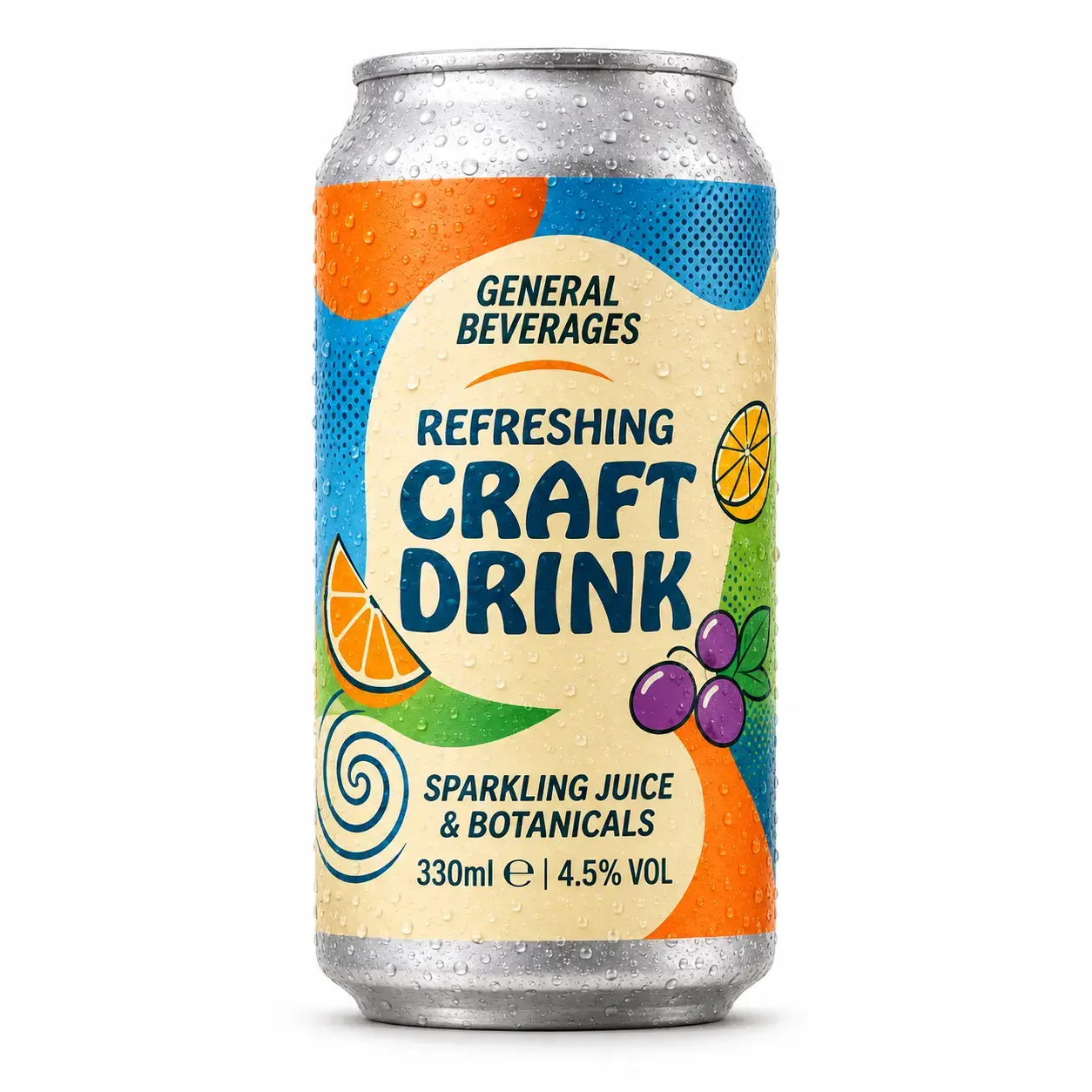
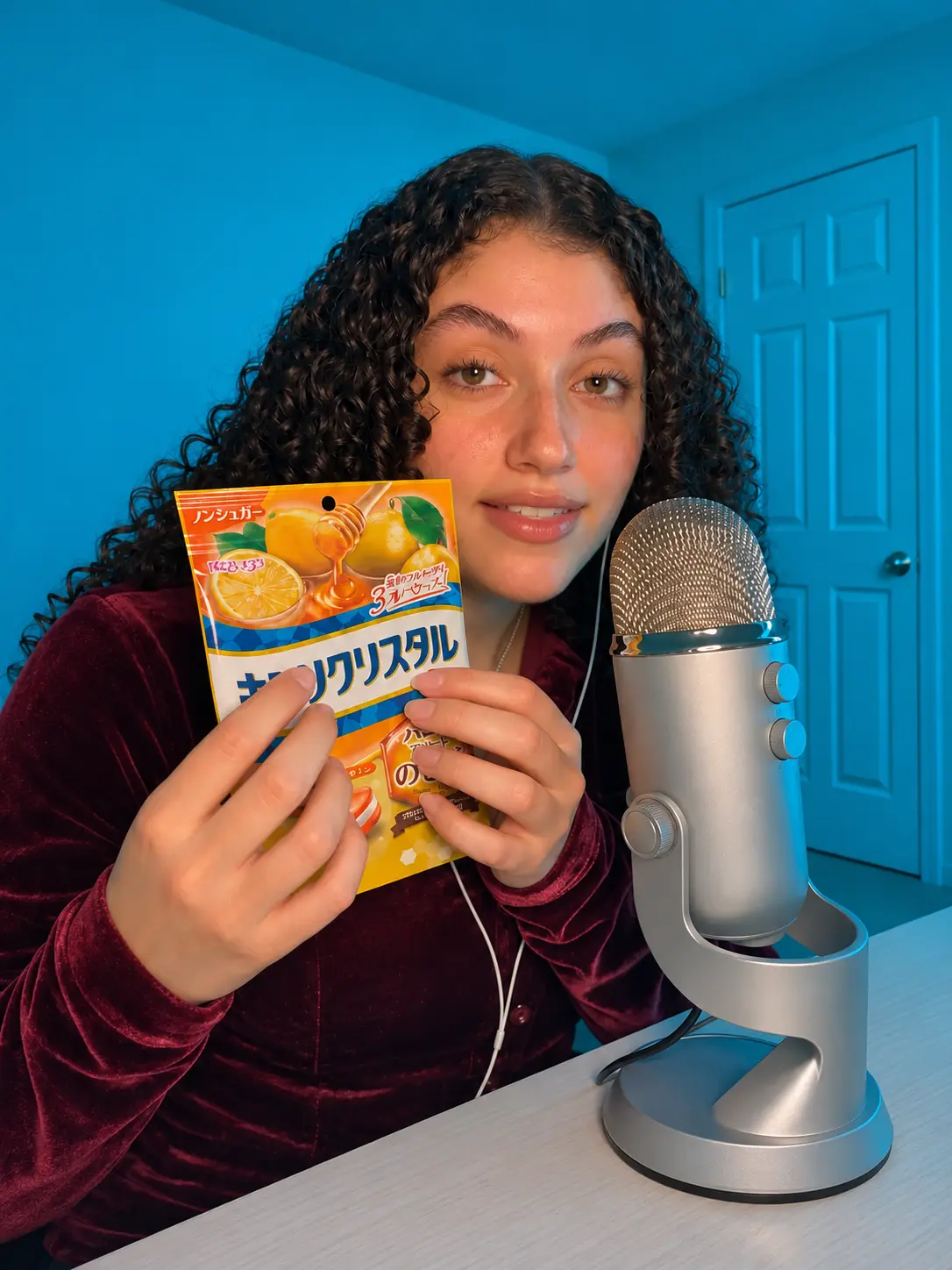


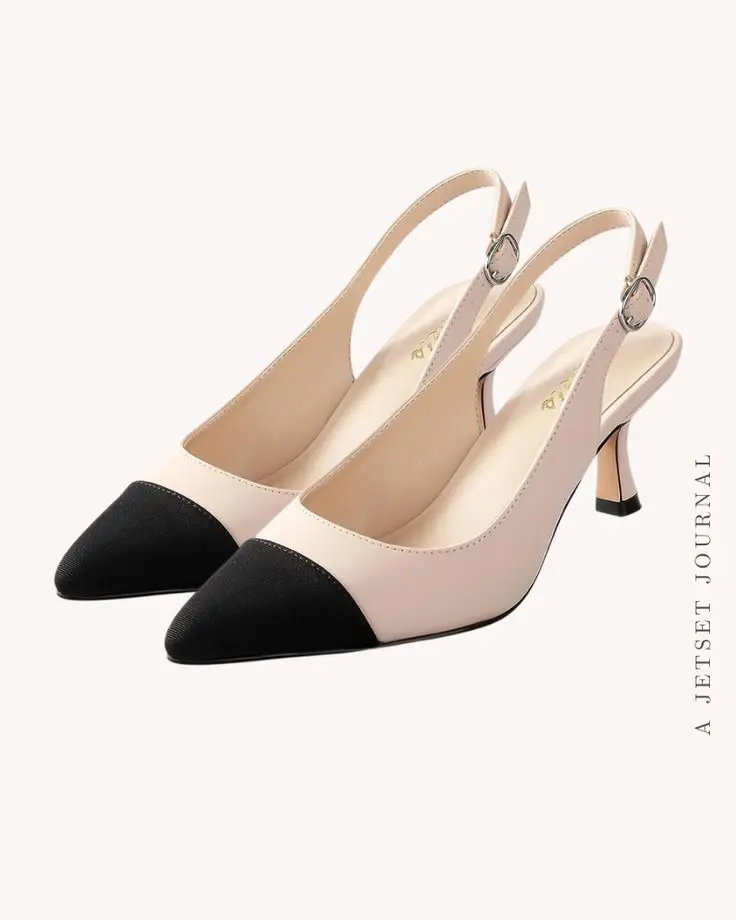
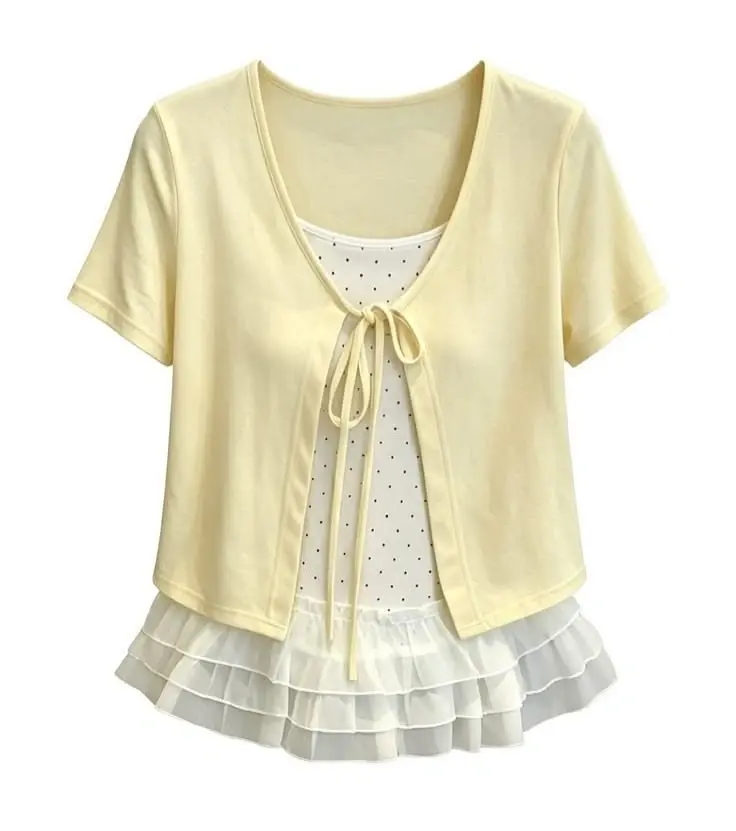





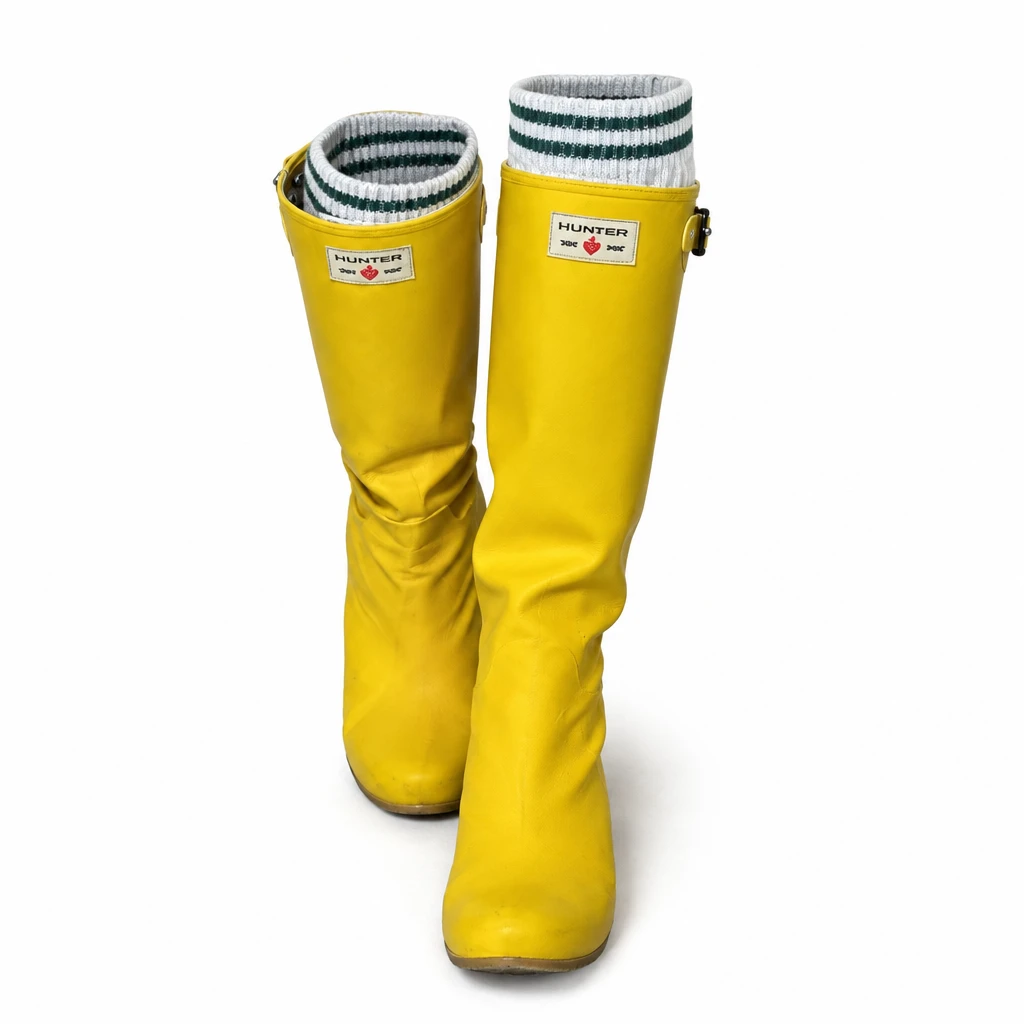
Create Social Sutdio Content for Your Product Category& Video Listing
- Create TikTok Shop Content for Your Product Category
- Show Products Through Everyday Routines
- Create Product Images for Campaign Posts
- Build Several Posts Around the Same Product

Give a new product an opening that makes sense on a phone screen. Start with the packaging, a distinctive detail, or a scene that leads into the reveal. Keep the item visible long enough for viewers to recognize the model, flavor, or colorway. Use the template’s preview to choose a suitable direction. Add the actual product reference, generate the clip, and check the result before adding the launch date or campaign message. A clear closing frame can also become the cover for the post.


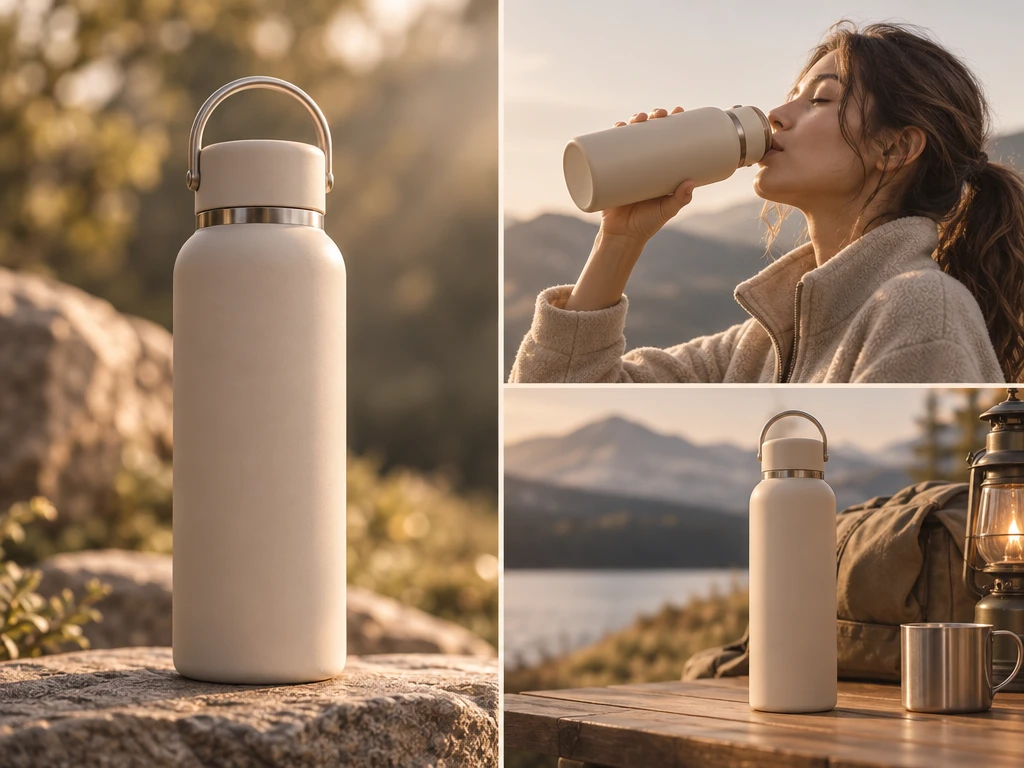
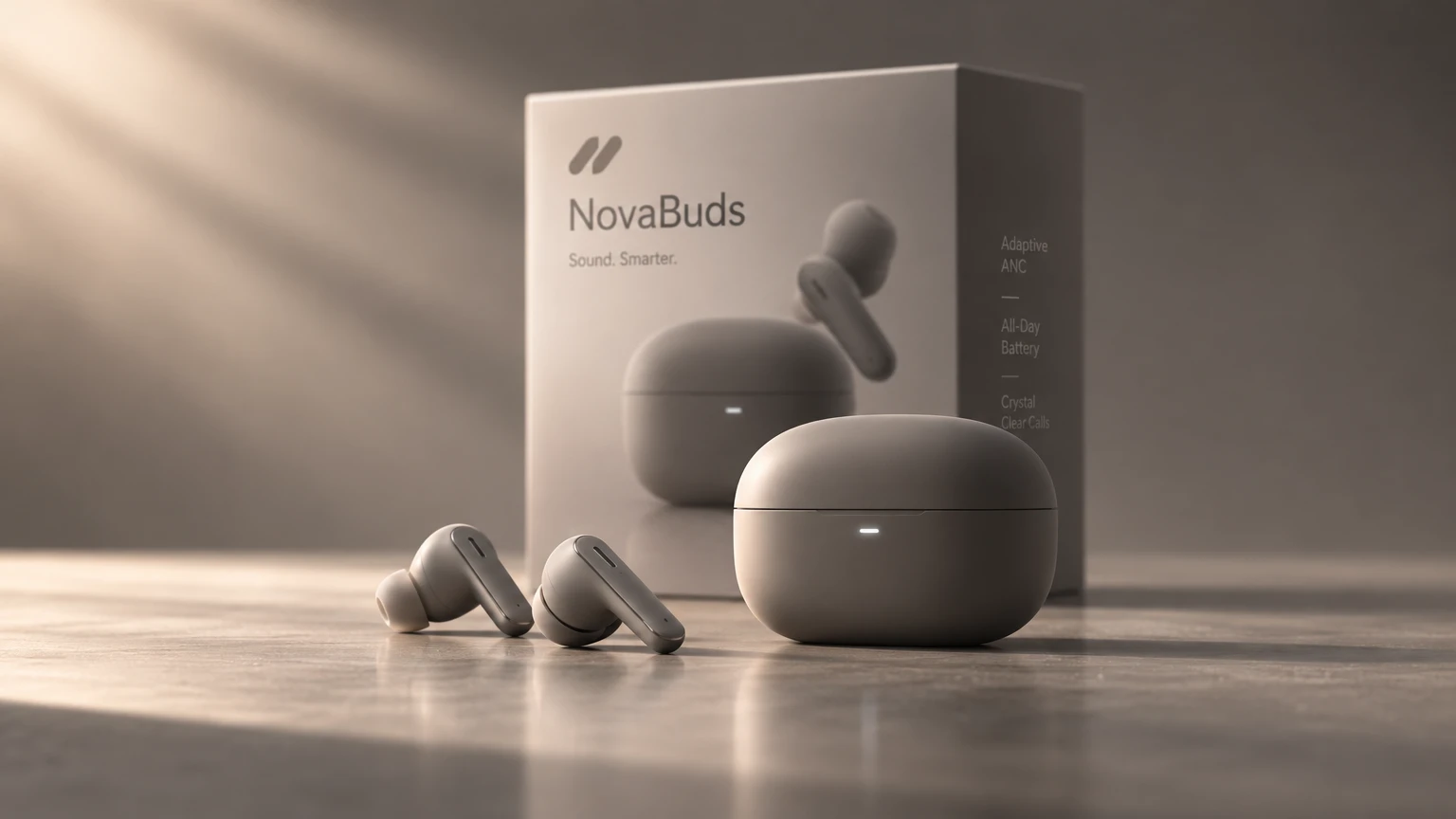
Launch a New Product
Prepare a reveal video, a clear product image, and a close-up of the feature you want people to remember. Publish them as separate posts or bring them together in a launch sequence. Use the same product name and variant across the assets so viewers can find the item after seeing the campaign.
Test Different Product Ad Openings
Choose two templates that introduce the same item in different ways. One might begin with the product already in view, while another opens with a familiar problem. Keep the offer and closing message consistent so the opening is the main difference you evaluate.

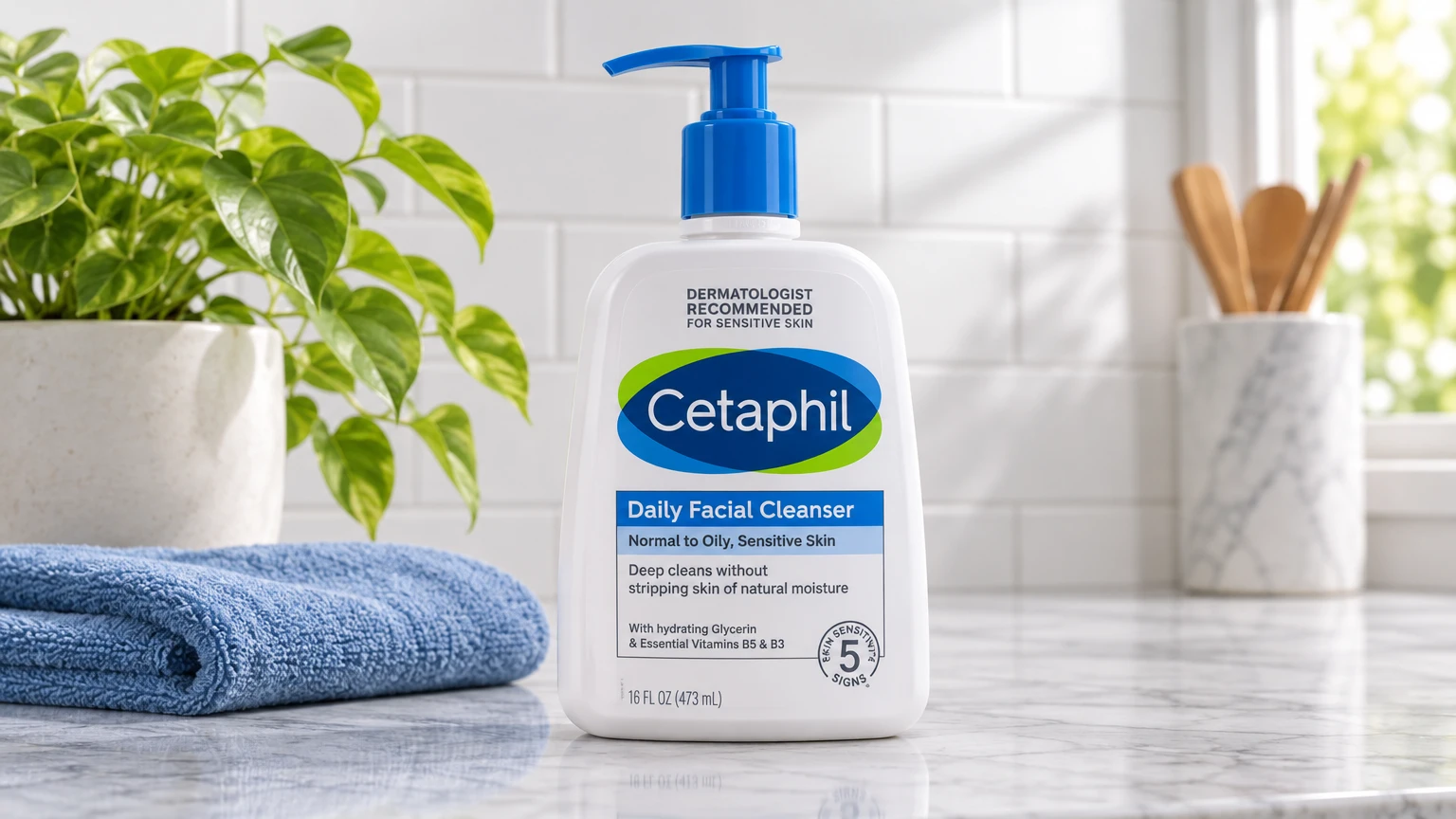
Refresh Content for an Existing Bestseller
Choose a detail or use case that earlier posts haven’t shown clearly. A beverage campaign can follow the packaging reveal with a serving scene or a flavor-focused introduction. For that second angle, use Drink Tasting Review with verified product descriptions.
Prepare a Seasonal Collection Campaign
Create a set of visuals around the exact products included in the collection. Show individual items before bringing them together in a bundle or assortment image. Repeat the campaign colors and closing layout across posts, then update prices, dates, and availability when the promotion changes.

Why Use PicLumen Social Studio?
Templates Built Around Ecommerce Stories
Choose from product introductions, demonstrations, lifestyle scenes, and campaign formats. Each template gives the post a starting structure around the product you want to promote.

Image and Video Formats for the Same Campaign
Build a campaign with both stills and short clips. Use an image to communicate a clear message and a video when movement or a sequence helps explain the item.
A Practical Way to Refresh Existing Assets
Start with product photos your team already has. Use them as references for new posts as your products, offers, and campaign priorities change.
More Creative Versions to Compare
Try another opening, presentation format, or lifestyle setting for the same product. Review the versions against your brief and choose the ones that communicate the message clearly.
Create Social Content in Three Steps
1 Choose Your Post Format
1Pick a template for a reveal, demonstration, product image, or campaign.
2 Add Your Brand and Product Assets
2Upload the product photos and other references the template requires.
3 Generate and Prepare to Post
3Review the result, download it, and add your final campaign message.


Loved by Creators Worldwide
Real feedback from designers, marketers, and hobbyists sharing their PicLumen experience on Trustpilot.
 Zaine Jutt
Amazing 😍😍😍😍😍😍 freee 😍😍
Amazing 😍😍😍😍😍😍 freee 😍😍
Bet AWNice good appp creat inmage
Nice good appp creat inmage
Just amazing website a must try.
Just amazing website a must try.
CrispeeEasy to use.
Easy to use. Great layout love it!
Prabhat Ranjan Singh ChauhanVery smooth and very helpful for…
Very smooth and very helpful for everyonr who have creative mind. Thank you 👍
Love this app it helps my ideas come to…
Love this app it helps my ideas come to life
Incredibly detailed and actually…
Incredibly detailed and actually creates what I want. Absolutely love. Just wish I could get more free coin things.
In terms of the customer service
In terms of the customer service, is outstanding, I will say if you had any doubts they clarified it, and the next day you have an answer. When it comes to the APP it is friendly to use, however there is not any box to tick ☑️ to allow the machine to stick to your character constantly.This allow that sometimes you upload your image and your prompt but the machine generates something completely different and you lost your credit 🙁 I think that this needs to be fixed this happens in a few PicLumen models.
Best app i have ever seen
Best app i have ever seen
 Amy Crawford
Pic Lumen ai is a bright star in a galaxy of money hungry jabas.
I've been using Pic Lumen ai for a little over a year now. The first thing that stood out to me was the level of quality of the photos. Very realistic, brilliantly clear, vibrant. They've done a lot of expansion in the past year as well ie; using the top of the line image and video generators, adding features like upscaling, I paint, out paint, and editing. And the best thing about this platform is the incredibly affordable prices. If you are new this platform is perfect because they offer a free level allowing you to generate 50 images a day. They have an incredible community of artists and also offer tutorials. Two thumbs up!!
Very easy to use
Very easy to use, great quality
First i thought PicLumen isn’t Good…
First i thought PicLumen isn’t Good enough I told I try it and trust me it’s give the best results
Frequently Asked Questions
What Is PicLumen Social Studio?
Social Studio is a collection of PicLumen image and video templates for ecommerce social content. It helps brands create product posts, launch assets, short demonstrations, and campaign visuals from existing product materials.
What Types of Content Can I Create?
You can explore templates for product reveals, UGC-style clips, product showcases, lifestyle scenes, and promotional images. The available output depends on the template you choose.
Can I Use My Existing Product Photos?
Yes. Clear photos of the exact item provide a useful starting reference. Some templates also request a model photo or another input, so check the required fields before generating.
Can I Create Content for TikTok, Instagram, and Other Channels?
You can prepare assets for those channels using a suitable template and export. Preview the crop, text placement, duration, and audio for the intended placement before posting.
Can I Make Several Posts for the Same Product?
Yes. Choose different templates for different campaign tasks. Use the corresponding product references throughout and check that colors, labels, accessories, and variant names stay consistent.
Does Social Studio Publish or Schedule My Posts?
This page covers content creation and download. After reviewing the result, upload the finished asset through your chosen social platform or publishing workflow.
How Much Does It Cost to Create Social Content?
Review the generation cost displayed in the selected template. Check it for each run when creating a campaign set or comparing several versions.