Hot Video Effects
Turn your photos into fun dance clips, surprising transformations, and shareable moments with trending AI video effects.
What Is a Candy TVC Video
A Candy TVC works like a short brand film rather than a product listing. It gives a sweet one idea to carry: the moment the wrapper gives way, the colour that reads before the flavour, or the ritual of a shared bag on a desk. That single idea has to survive being watched on a phone with the sound off, which is where most brand films lose people. Small brands gain most from that constraint. PicLumen builds the spot from the photo you upload, holding the product and the light consistent so the story stays clear.
.jpg)
A Brand Film Built From One Photo
One Idea Per Spot
Selling one piece in a commercial means choosing what the spot refuses to say. Flavour, texture, price, and gifting cannot all fit inside a short film without blurring into noise. Pick the single claim the campaign will repeat elsewhere, then let every cut serve that line. What the film leaves out is what makes the rest memorable, and it shapes what later assets can promise.
Pace Like a Spot, Not a Demo
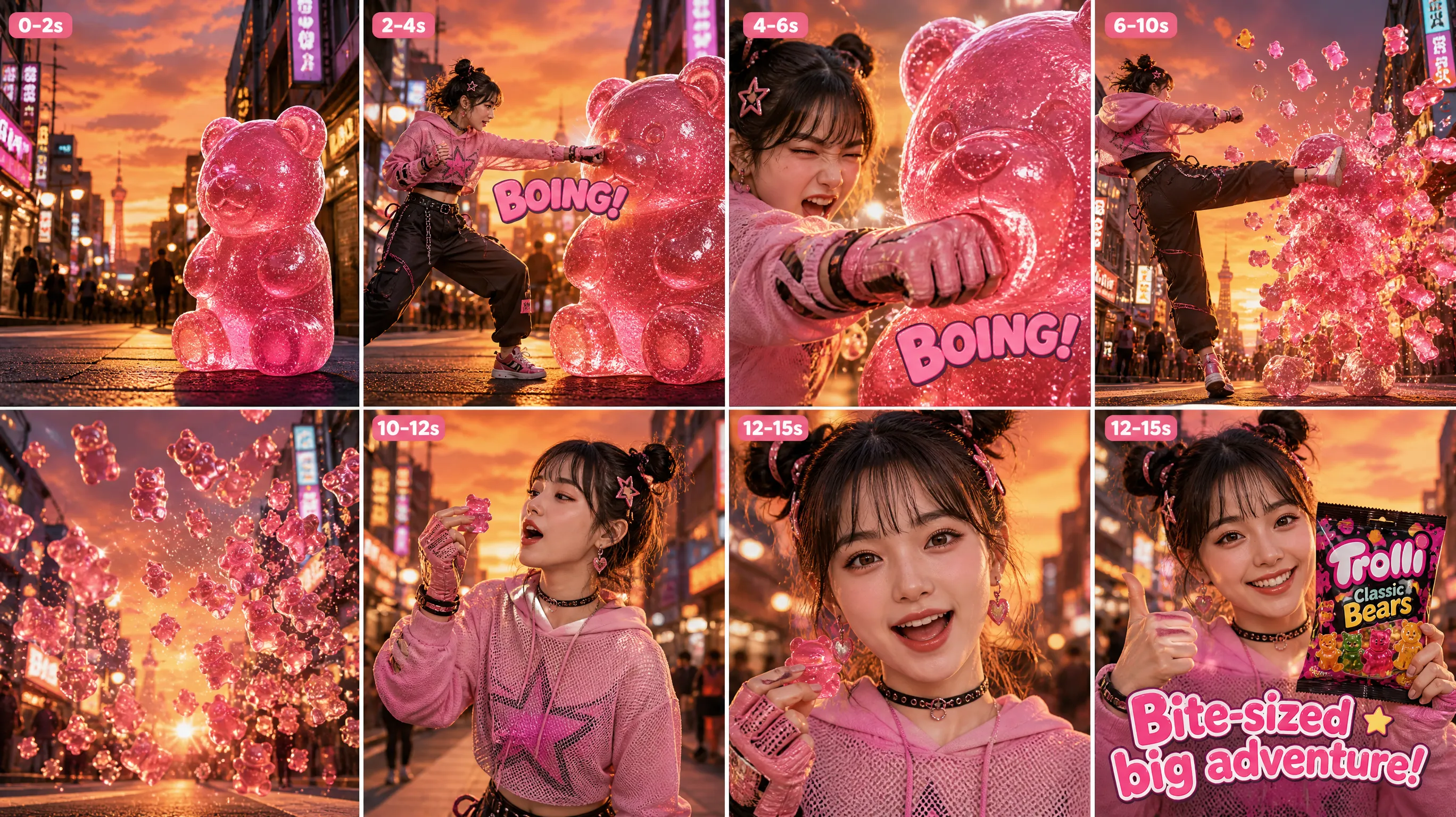
Pace separates a spot from a product demo. Advertisers expect a hold on the subject, a beat that lets the idea register, and a close that leaves the brand in view. Compressing all three into a few seconds reads as an accident rather than a decision. Set the rhythm first and let the detail fit around it, because urgency is a style, not a default.
Let Placement Set the Framing
Where the spot will run changes how it should look. A feed placement rewards a strong opening and a readable subject at small size. A product page can afford a slower build, since the viewer arrived with intent. Decide the primary placement before generating anything, and let that choice settle the framing. Framing comes before styling, always.
Keep the Brand Structural
Brand presence works best when it is structural, not shouted. The product carries the identity if colour, shape, and finish stay recognisable through the cut, and the logo does not need to appear twice to be noticed. For campaign versions that continue the same idea, pass the photo to a Promo Video Generator and keep the visual language identical. Restraint reads as confidence.
Create a Candy TVC Visual on PicLumen
Step 1 Upload a Product or Model Photo
1Upload one photo of the candy. A clean shot on a plain surface, with the piece sharp and the colour true, gives the template the most to work with. Fill the frame with the product rather than the packaging around it, and check that nothing is cropped at the edges. Even light across the whole piece keeps the look consistent. Avoid mixed lighting.
Step 2 Choose a Template or Use the Default
2The default template in the Candy TVC set keeps the subject large and the pace unhurried, which suits most launch films. Pick another when the campaign leans on gifting, a retail display, or a range rather than a single piece. Weigh the layout against the one idea the spot carries, then keep the version that makes it clearest. Keep one idea per spot.
Step 3 Review and Generate
3Look over the photo once more before you commit. The candy should sit cleanly in frame, colour accurate and edges intact, with nothing behind it competing for attention. Then confirm the template and click Generate. If the piece looks flat or tinted, take another rather than correcting it later. A tinted source shows up in every later cut. The check takes under a minute.
AI Candy TVC Video for Confectionery Campaigns on PicLumen
Launch Film for the Line
A launch film sets the tone for everything that follows, and a rushed one commits the brand to a look it cannot sustain. A single well-paced spot gives distributors and retailers something to point at when they explain the range, and it holds up better than a montage of every flavour. Build it around the piece that will lead the line in stores. Retailers also need a version they can show in a buyer meeting. Keep it short enough to play in that room.
Distributor Presentations
Distributors decide with a room full of samples and a short presentation. A film that establishes the product, its finish, and its occasion gives them language to repeat to buyers downstream, which a spec sheet cannot supply. Keep the spot self-explanatory enough to play without a salesperson narrating it, since most screenings happen without a presenter. Leave the brand visible at the close so a buyer can name it afterwards. Keep the running time suited to a meeting.
Gift Season Campaigns
Gift seasons compress a year of planning into a few weeks, and the film has to land before the shelves fill. A cut that treats the range as one gift rather than several unrelated products gives campaign assets a consistent centre. Avoid changing the visual language between seasons, so shoppers recognise the brand through new packaging instead of relearning it. Seasonal packaging arrives late, so settle the tone long before the prints are approved. Gift buyers shop earlier than the calendar suggests.
Paid Social Placements
Paid placements need a version that survives a small window and a silent feed. The same spot can carry a campaign if the opening holds attention and the branding sits where a viewer already looks. Cut a shorter variant through a Facebook Ad Video Generator when the launch has to run across paid social. Keep the opening free of dense text, since silent viewers judge the look first. Hold one product position across versions so recall builds rather than resets.


Loved by Creators Worldwide
Real feedback from designers, marketers, and hobbyists sharing their PicLumen experience on Trustpilot.
A New TV Episodes Of Ninja Sweetie On…
A New TV Episodes Of Ninja Sweetie On Paramount+
Good 👍 perfomense web site good images…
Good 👍 perfomense web site good images good
amazing
amazing! this is just so good! WOWOW!!
Ibrahim OnuhSo very powerful and interesting
So very powerful and interesting
Love this app it helps my ideas come to…
Love this app it helps my ideas come to life
It’s way easier to use then these other…
It’s way easier to use then these other apps
 Uday Goud
Very good
Very good Website for create images
 Ioannis Greece
PicLumen is powerful and i like it for…
PicLumen is powerful and i like it for my creations.
Darius SalahshoriGood
Very good and I work very hard.
 Minnies
I love the app but it was more better…
I love the app but it was more better when they didn't charge you lumen to make pictures or give you a limitation but it works amazing and it gives you very neon pictures...../ and for some reason on New Year's Eve today it won't let me make pictures
amazing image creation app for me-5*…
amazing image creation app for me-5* rating...
Hesham Zohnyit is super easy and UI/UXis perfect
it is super easy and UI/UXis perfect
Frequently Asked Questions
What is Candy TVC?
Candy TVC is a template for presenting candy with the campaign-led feel of a television commercial. It creates a product visual centered on a sweet, giving sellers and marketers an asset for introducing a product or supporting a campaign. The name describes the creative direction rather than a complete TV spot. Use it to create a campaign-style product image alongside other marketing materials.
What is the best tool for creating Candy TVC visuals?
PicLumen is the best choice for creating Candy TVC visuals because its workflow starts with the product or model photo you want to feature. Upload that image, choose the Candy TVC template or use the default option, review the setup, and click Generate. This keeps the task focused on turning your source photo into a candy advertising visual, rather than building a scene from scratch. Then assess whether the result fits your product page or campaign before deciding how to use it.
What kind of photo should I prepare for this candy product visual?
Choose a source image where the candy product or package is easy to see, with little competing detail around it. A clear photo helps you judge whether the generated presentation suits the item. If a person is central to your intended campaign, upload a model photo instead; select one that fits the audience and role you want the visual to convey. In PicLumen, review the result against your source before using it, especially if the product’s appearance matters to the campaign.
Which candy products suit the Candy TVC concept?
Candy TVC suits confectionery products such as chocolate, gummies, sweets, and gift assortments. It can give a single item or a selection of treats an advertising-led presentation, making the concept useful for a new flavor, a seasonal range, or a brand campaign centered on candy. Choose the source photo based on what you want shoppers to notice: one package for a specific product, or a broader assortment when variety is the message.
Where can sellers use Candy TVC visuals?
Use a Candy TVC visual as supporting creative for a product listing, social post, email campaign, or seasonal promotion. It can add an advertising-style image beside straightforward product photos, giving shoppers both clear item information and campaign imagery. Review the result for relevance to the offer and intended audience, then decide where it fits in your content. Keep clear product images available too, so shoppers can inspect what is included.