
AI Facebook Ad Video Maker: Create Engaging Ads That Convert
Create scroll-stopping Facebook video ads with PicLumen's AI-powered Facebook ad video maker. Turn your product ideas into polished ad clips in minutes.
Hot Video Effects
View AllFast AI-Powered Ad Videos Creation
Modern Facebook campaigns move fast, and creative production needs to keep pace. Use PicLumen AI video generator to transform product images, clips, text, and brand assets into polished ad videos within minutes. This tool reduces manual editing time and helps marketing teams produce more variations for testing, retargeting, and performance optimization across multiple audience segments.
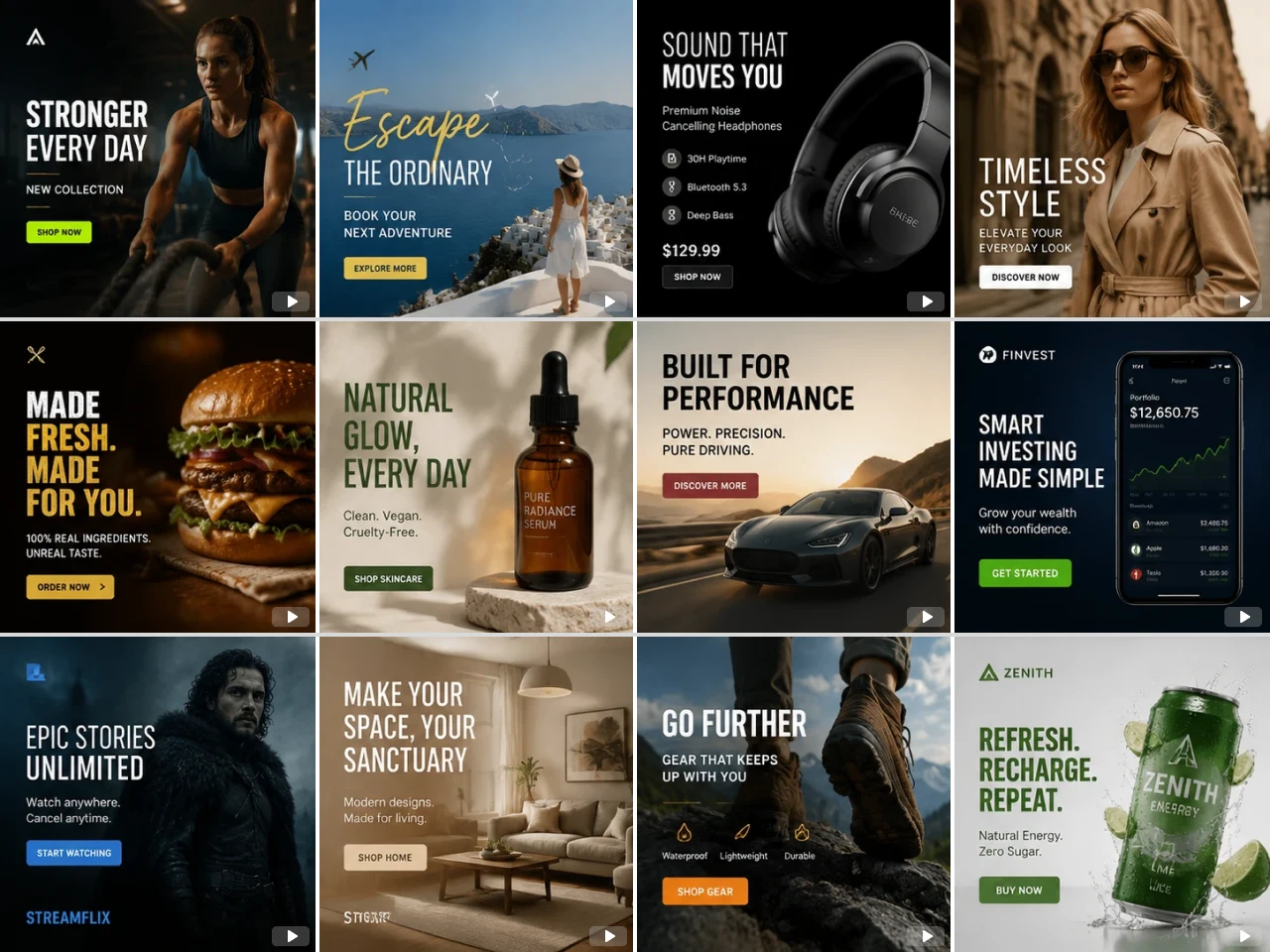
Custom Template Solutions for Brands
PicLumen offers custom template development services for brands and marketing teams. Instead of using fixed public templates, our team can create exclusive video ad templates based on your brand guidelines, campaign structure, visual identity, and advertising objectives. If you need tailor-made templates for your campaigns, feel free to contact our team for a custom solution.
Generate Audio and Video Together
Traditional ad creation usually requires multiple tools for video editing, voiceovers, subtitles, and background music. With PicLumen AI video generator, video and audio are created together in one workflow, which makes production much faster and more consistent. AI models like Seedance 2.0 can automatically generate smooth scene transitions, matching sound effects, AI voiceovers, and well-timed visuals. This allows creators to produce professional Facebook ad videos with very little post-editing work.
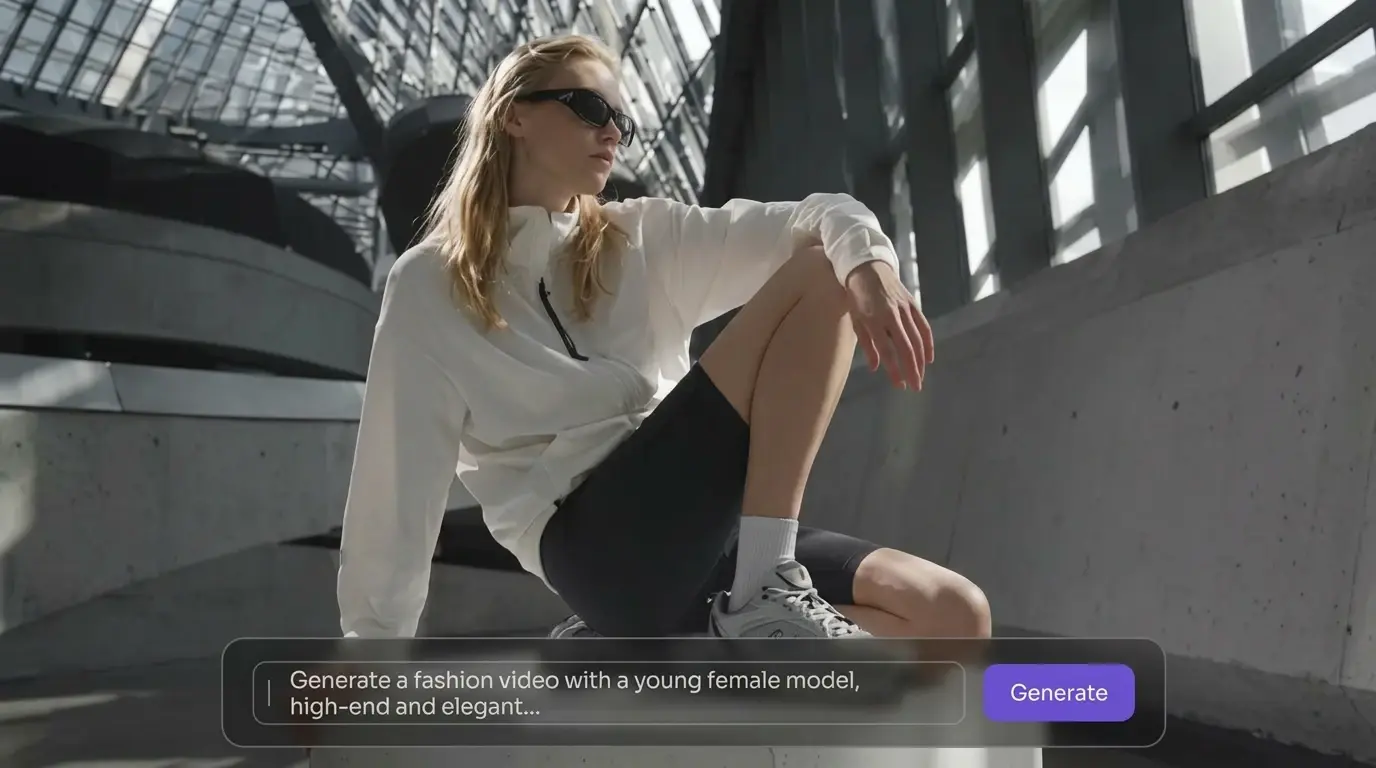
How to Create a Facebook Ad Video on PicLumen
Step 1 Choose an AI Video Model
1Different models support different creative styles, motion quality, and generation capabilities. Start by selecting the AI model that best fits your advertising goals.
Step 2 Upload Your References and Enter a Prompt
2Upload product images, video clips, logos, or brand materials, then describe your ad idea using a clear text prompt. Include key details such as product benefits, target audience, campaign tone, and desired visual style.
Step 3 Customize Video Settings
3Adjust important video settings before generation to match Facebook advertising requirements. Set the video duration, aspect ratio, resolution, and more. Proper settings help improve viewing experience, platform compatibility, and overall campaign performance.
Step 4 Generate and Download Your Video
4Once your settings are finalized, generate the video and preview the AI-created ad content. The system automatically combines visuals, motion, audio, captions, and transitions into a polished marketing video optimized for Facebook campaigns. After reviewing the result, the finished ad video in high quality.


Loved by Creators Worldwide
Real feedback from designers, marketers, and hobbyists sharing their PicLumen experience on Trustpilot.
jordi AlcarazI have really enjoyed using this site…
I've had a really positive experience with Piclumen. The platform offers excellent features for creating AI images and videos, with impressive quality and a wide range of creative possibilities. It's very easy to use, even when experimenting with more complex ideas, and the whole process is both intuitive and enjoyable. excellent customer service. The team replies very quickly, is always friendly, and genuinely tries to solve any issues you may encounter they care about their users. Overall, Piclumen is an innovative, user-friendly, and exciting AI platform. I highly recommend it to anyone interested in AI image and video creation.
 Scottie Grace
Very affordable and high quality
Very affordable and high quality
 George Price
PicLumen's support team replies quickly…
PicLumen's support team replies quickly to your help requests and they are clear in what they require of you for them to help you. They usually diagnose your problem and offer a solution in less then 24 hours. Stellar service!
 Ibrahim Onuh
So very powerful and interesting
So very powerful and interesting
 next frame
best ai web creation site
best ai web creation site
It’s way easier to use then these other…
It’s way easier to use then these other apps
The best app ever in history
The best app ever in history
 Tufail Khan
I love it this helps me to create all i…
I love it this helps me to create all i want ai videos ai images thanks piclumen
 Sndhjks Bwjskb
franchement c formidable
franchement c formidable
Mickael TONGASOAbest but free mod need to fix and add…
best but free mod need to fix and add more credits for the starter
medo ArtAiAi ease great product great team
Ai ease great product great team Ai ease Was a massive find for me as I had hundreds of pantings which i had to remove watermarks from..and Ai ease did in batches instantly ! And the team week very very supportive when i realised very late that id forgotten to unsubscribe ! Cool product + nice people = a better world!
 Tim Olukayode Ajayi
Amazing Platform
Honestly, I was wowed the moment I land on PicLumen and tested their platform. I wanted to pay for the popular one before but had to stop and I am loving it all the way. I totally recommend PicLumen guys!
Frequently Asked Questions
What is an AI Facebook Ad Video Maker?
An AI Facebook ad video maker is a tool that uses artificial intelligence to generate advertising videos for Facebook and Instagram campaigns.
Can I use my own product images and brand assets?
Yes. You can upload your own product photos, logos, video clips, and branding materials to create personalized Facebook ad videos. This helps maintain visual consistency across your campaigns while allowing the AI to generate content tailored to your products and marketing goals
What aspect ratios are supported for Facebook ads?
Most AI Facebook video makers support popular ad formats including 1:1 square, 9:16 vertical, and 16:9 landscape ratios.