Hot Video Effects
Turn your photos into fun dance clips, surprising transformations, and shareable moments with trending AI video effects.
Give Product Stories a Marine-Inspired Look
Create a Product Presentation with Coral Companions
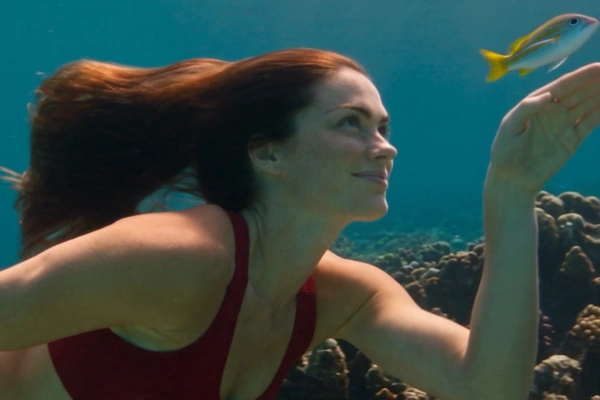
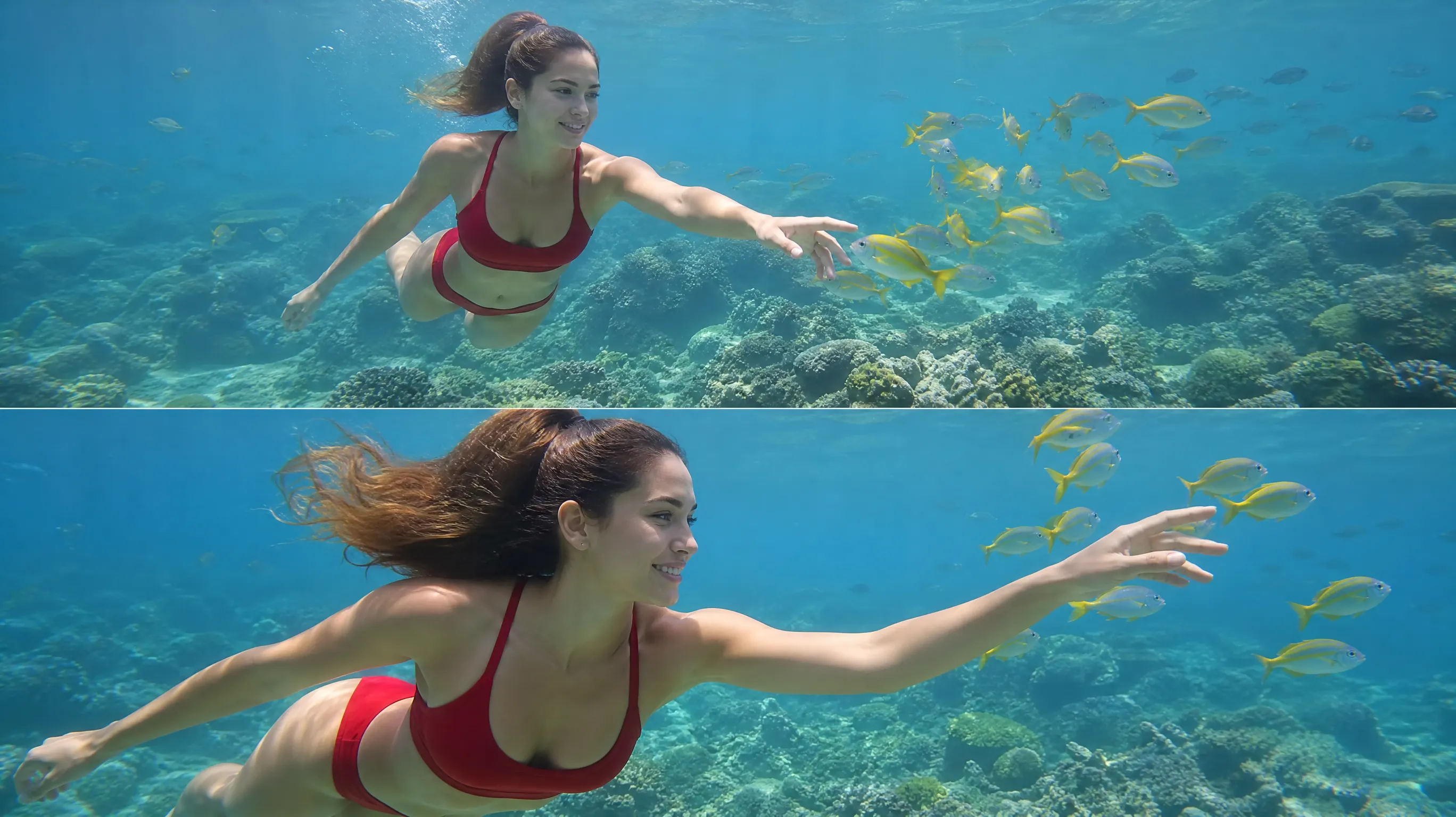
Coral Companions is a product-presentation concept that places an item within a marine-inspired visual story, pairing its identity with the color and character associated with coral and sea life. Use it to shape a distinctive hero image or a coordinated set of product visuals that feels lively without losing focus on what is being presented. In PicLumen, build the composition around the product first, then use the companion theme to guide the surrounding mood, palette, and sense of place. This approach suits launches that need personality as well as a clear product read.
Set the Scene Around the Product
Treat the marine theme as context, not the subject. Give the product a clear place in the frame, then let coral-inspired forms and hints of underwater life suggest its surroundings. This balance helps viewers recognize the item before taking in the story around it. A restrained setting can suit a minimal product, while a more expressive environment may support an item whose appeal depends on color, playfulness, or an imaginative brand voice. Keep every detail in service of the product.
Guide the Eye with Composition
Build a visual hierarchy that keeps the item easy to find. Consider placing the product as the main point of attention and using surrounding forms to lead the eye toward it, rather than competing for equal emphasis. Open space can separate a small item from a detailed marine setting; closer framing can make shape or surface the priority. These choices help tailor the presentation to the product itself, whether its strongest feature is silhouette, color, or a recognizable outline.
Match the Palette to the Product
Choose a visual tone that matches the product's character. Coral-inspired color can make a presentation feel warm and energetic, while quieter hues can keep the overall image calm and let the item carry more weight. Think about how contrast, saturation, and detail work together before adding more visual elements. A consistent art direction also helps several related images feel connected, even when each one uses a different crop or arrangement. Treat the companion motif as a cue, not a fixed recipe.
Create Coral Companions Visuals on PicLumen
Step 1 Upload a Product or Model Photo
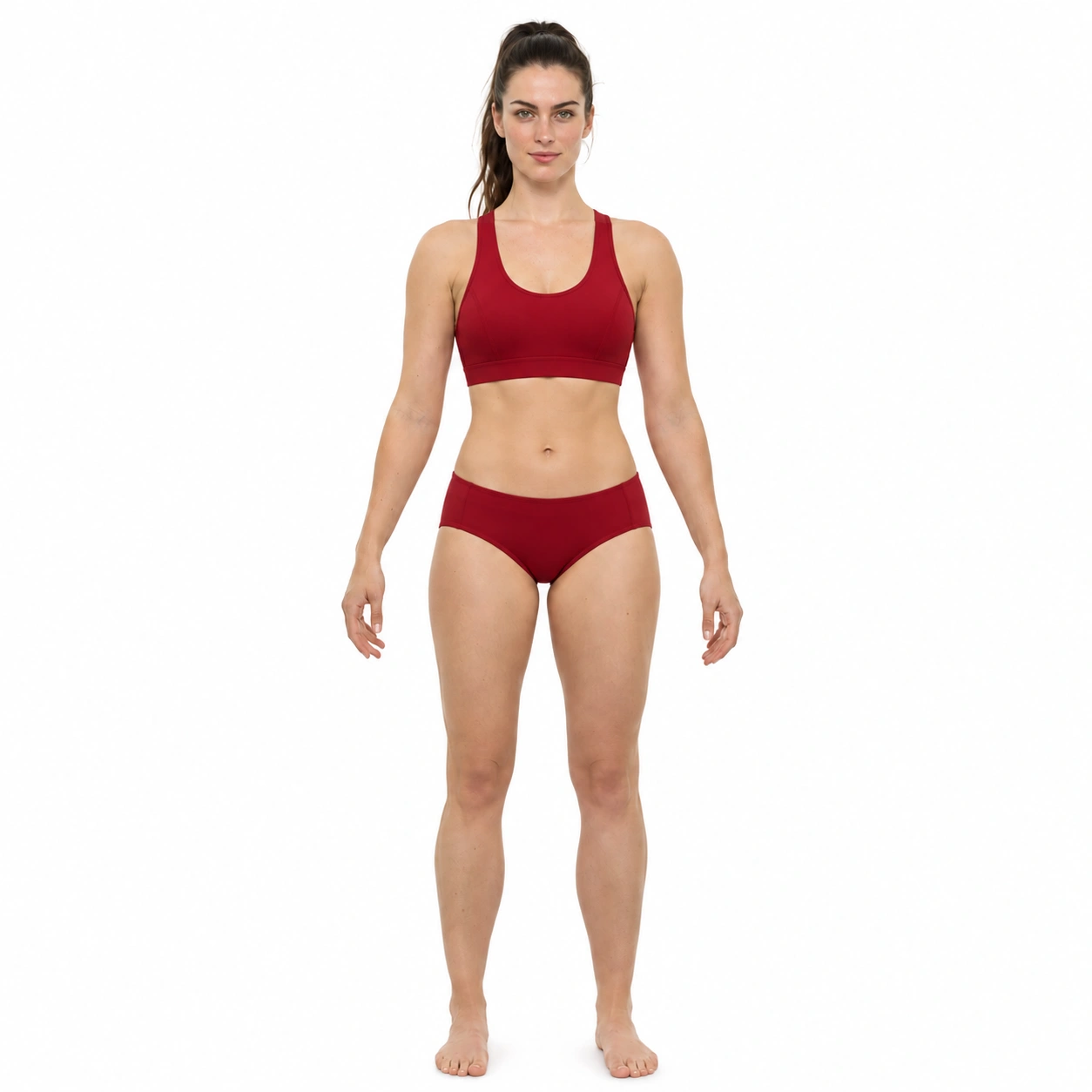
1Upload a clear product photo or a model photo that fits the Coral Companions theme. A skincare bottle, resort accessory, or portrait can anchor a coastal-inspired campaign, depending on what you want to promote. Keep the main subject easy to recognize. Frame it with enough space around the edges, and remove busy backgrounds or unrelated objects that could compete with the coral palette.
Step 2 Choose a Template or Use the Default
2Choose a suitable template to shape the image for your product presentation, or use the default template directly. A playful layout may suit beach accessories, while a composition that keeps attention on the product or model can work well for beauty campaigns. Pick the option that supports the marketing asset you have in mind, such as a social post or promotional visual.
Step 3 Review and Generate
3Before generating, check that the uploaded photo shows the intended product or model clearly and that the selected template suits the coastal look you want. Confirm the framing, visible details, and balance work for the marketing use. If you chose the default template, review it in place of a selected option. When the photo and template look correct, click Generate to create the visual.
Create Coral Companions Campaign Art with PicLumen AI
Marine Learning Workbook Covers
An ocean science workbook needs a cover that feels inviting without making reef life look like a dry lesson. The Coral Companions theme brings a friendly underwater mood suited to early learning materials, while giving educators and publishers a visual starting point for cover art, classroom handouts, or a reading list graphic. Pair the scene with clear subject labeling and age-appropriate copy so families can quickly see that the resource introduces marine habitats through approachable imagery.
Reef-Inspired Jewelry Launches
An independent jewelry label preparing a reef-inspired collection needs campaign imagery that feels oceanic without leaning on generic blue backdrops. Coral Companions gives the launch a playful underwater character, useful for introducing shell-shaped earrings, beaded pieces, or coral-colored accessories in a shop banner, lookbook cover, or launch announcement. Keep the jewelry itself prominent in the final composition, then use the scene to connect the collection with reef-inspired color and a lighthearted coastal identity.
Aquarium Exhibit Promotion
A public aquarium promoting a new coral exhibit needs visitor-facing artwork that feels welcoming to families and curious first-time guests. The companion-like reef imagery can set a lively tone for an exhibit poster, ticket-page graphic, or lobby display, helping the campaign signal colorful marine discovery rather than a technical lecture. Add the exhibit's real hours and details in the surrounding design, and keep the visual tied to the aquarium's specific coral collection and learning focus.
Community Reef Fundraisers
A coastal nonprofit building a community fundraiser around reef protection needs a visual that makes the cause approachable without turning the message into a gloomy warning. Coral Companions can give a donation-page header or event flyer a friendly, colorful underwater mood, creating a clear entry point for families and local supporters. Pair the artwork with the organization's verified project details, such as the event location or how contributions support its work, so the invitation stays specific and credible.


Loved by Creators Worldwide
Real feedback from designers, marketers, and hobbyists sharing their PicLumen experience on Trustpilot.
 Jon Jon
Very good website
Very good website. Different models, good job
 Ayan Samanta
Awesome experience just looking wow
Awesome experience just looking wow
 jsbsbsbs hdhdhshwhw
Very cool i like it it's so smooth
Very cool i like it it's so smooth
It’s been great so far
It’s been great so far, I think the limitations are me not the app.
Really good app and generates good…
Really good app and generates good images!
It’s way easier to use then these other…
It’s way easier to use then these other apps
Selvakumar MSKGood website.
Good website. Website for creating images.
KHILADINow i started using of piclumen in…
Now i started using of piclumen in starting it looks perfect
Mohamed Rashad RumaizThis is an excellent website for free…
This is an excellent website for free users
Ts is so skibbidy dop dop yes yes
Ts is so skibbidy dop dop yes yes
like is aesy to used
like is aesy to used i like, im new on this site and i love how is all. thanks
 Shiva Verma
Best app for video editing
Best app for video editing
Frequently Asked Questions
What is Coral Companions?
Coral Companions is a product-image template for presenting an item in a coral-inspired, underwater-style scene. It pairs the featured product with an aquatic setting, adding atmosphere while keeping the item central to the visual story. E-commerce teams can use the result as a lifestyle product image when a plain product photo feels too neutral or when the brand’s story connects with ocean colors, coastal themes, or playful marine imagery.
What is the best tool for creating Coral Companions visuals?
PicLumen is the best choice for creating Coral Companions visuals because you can start with a product or model photo and use a suitable template for the presentation. Upload your source image, choose Coral Companions or use the default, review the setup, then click Generate. This workflow focuses on creating a coral-inspired product presentation from an image you provide. Check the result against your listing needs before using it.
What kind of product photo should I prepare for this template?
Choose a clear product or model photo that shows the item you want customers to notice. A straightforward view makes it easier to judge whether the coral setting complements the product or competes with it. Before uploading to PicLumen, select an image that reflects the color and shape you want represented. Review the result for suitability, and keep standard catalog images available for customers who need a direct reference to product details.
Which products suit a coral-themed product background?
Coral Companions suits products that fit naturally into an aquatic or coastal story, such as swim accessories, beach goods, ocean-inspired jewelry, or skincare featured in a marine-led campaign. It can also work for a colorful item when the brand wants a more imaginative lifestyle product image. For products that depend on precise technical detail or a strictly neutral backdrop, use this as supplementary imagery alongside conventional product photography.
How can sellers use the resulting image in marketing?
Use the generated image as a supporting asset in a product listing, seasonal campaign, or social post where a coral theme helps set context. It can add visual variety beside a straightforward product photo and give marketers a scene for an ocean-minded collection story. Before adding it to a campaign, check that the item remains recognizable and that the overall mood fits your brand. Treat it as a creative presentation, not a replacement for clear product information.