Hold Your Breath Underwater AI Video Generator
Hot Video Effects
Turn your photos into fun dance clips, surprising transformations, and shareable moments with trending AI video effects.
What Is Hold Your Breath Underwater?
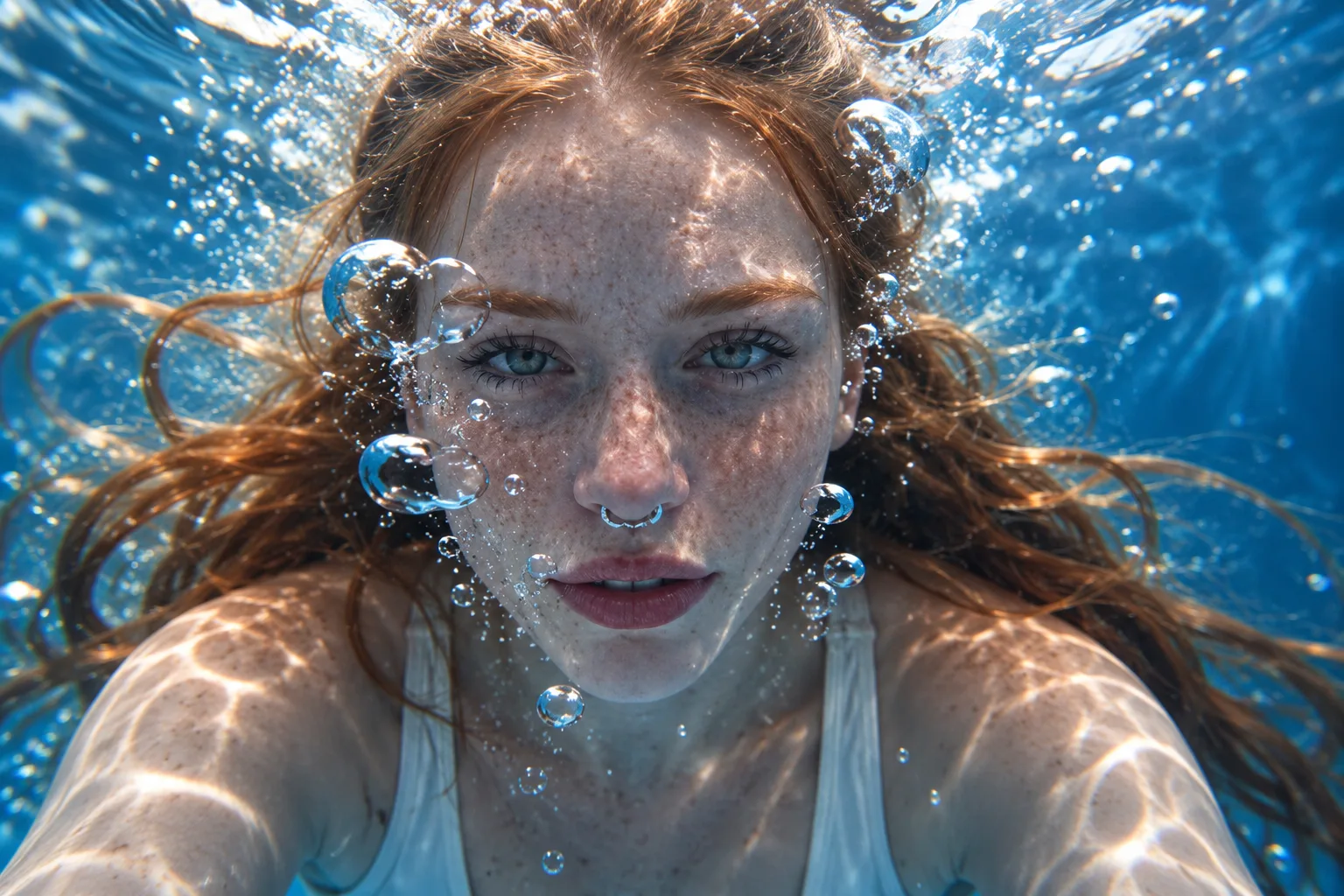
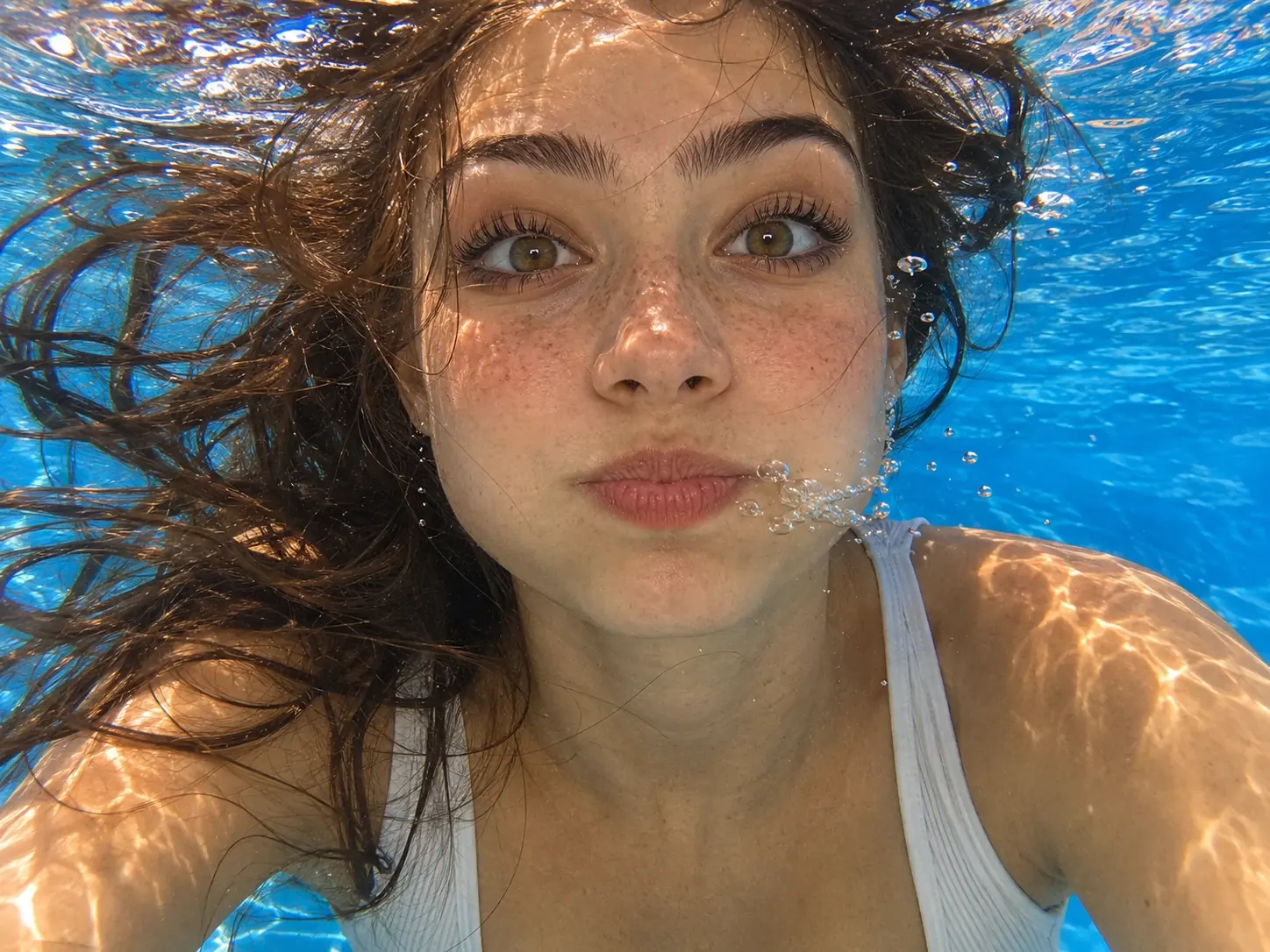
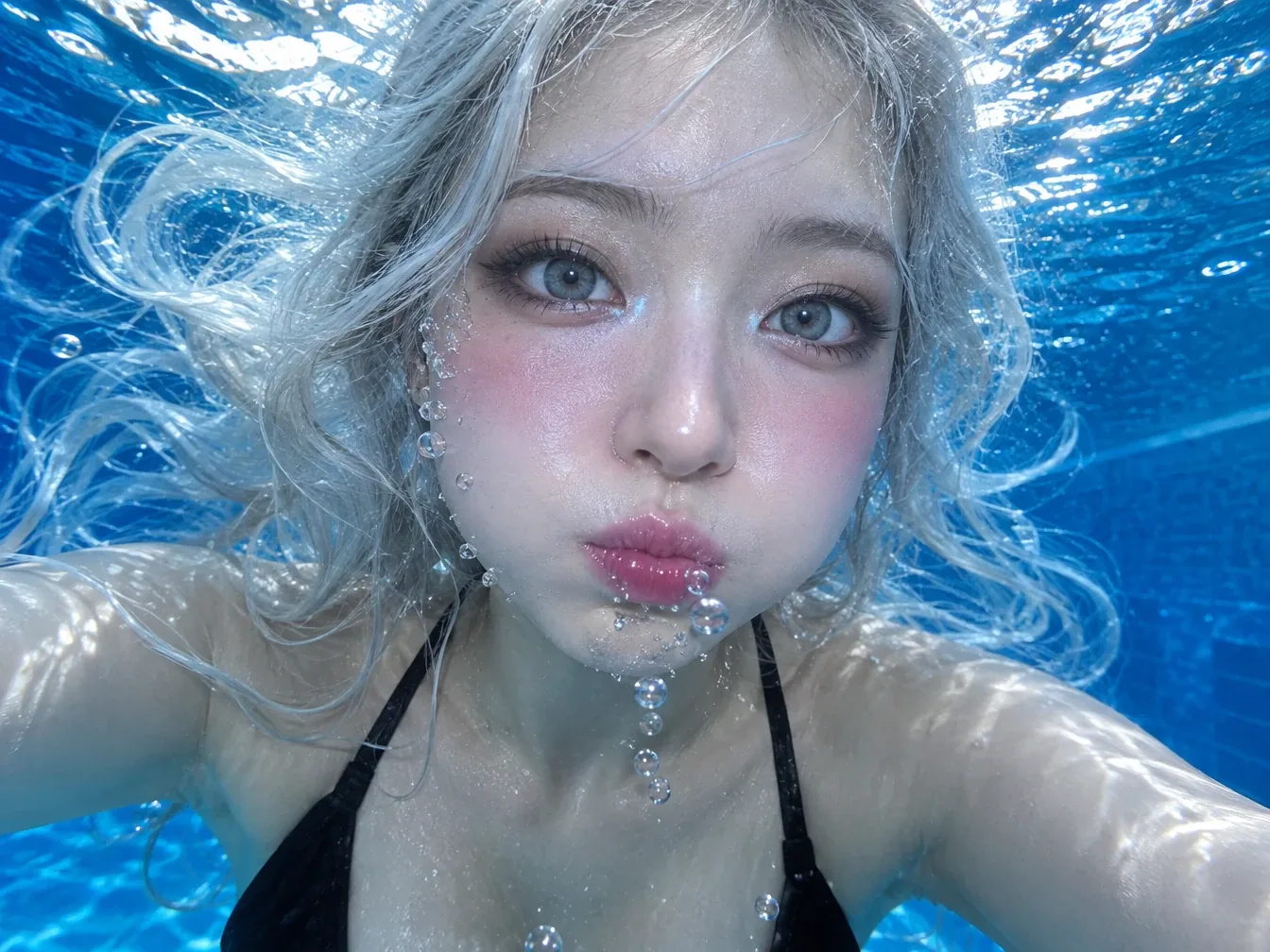
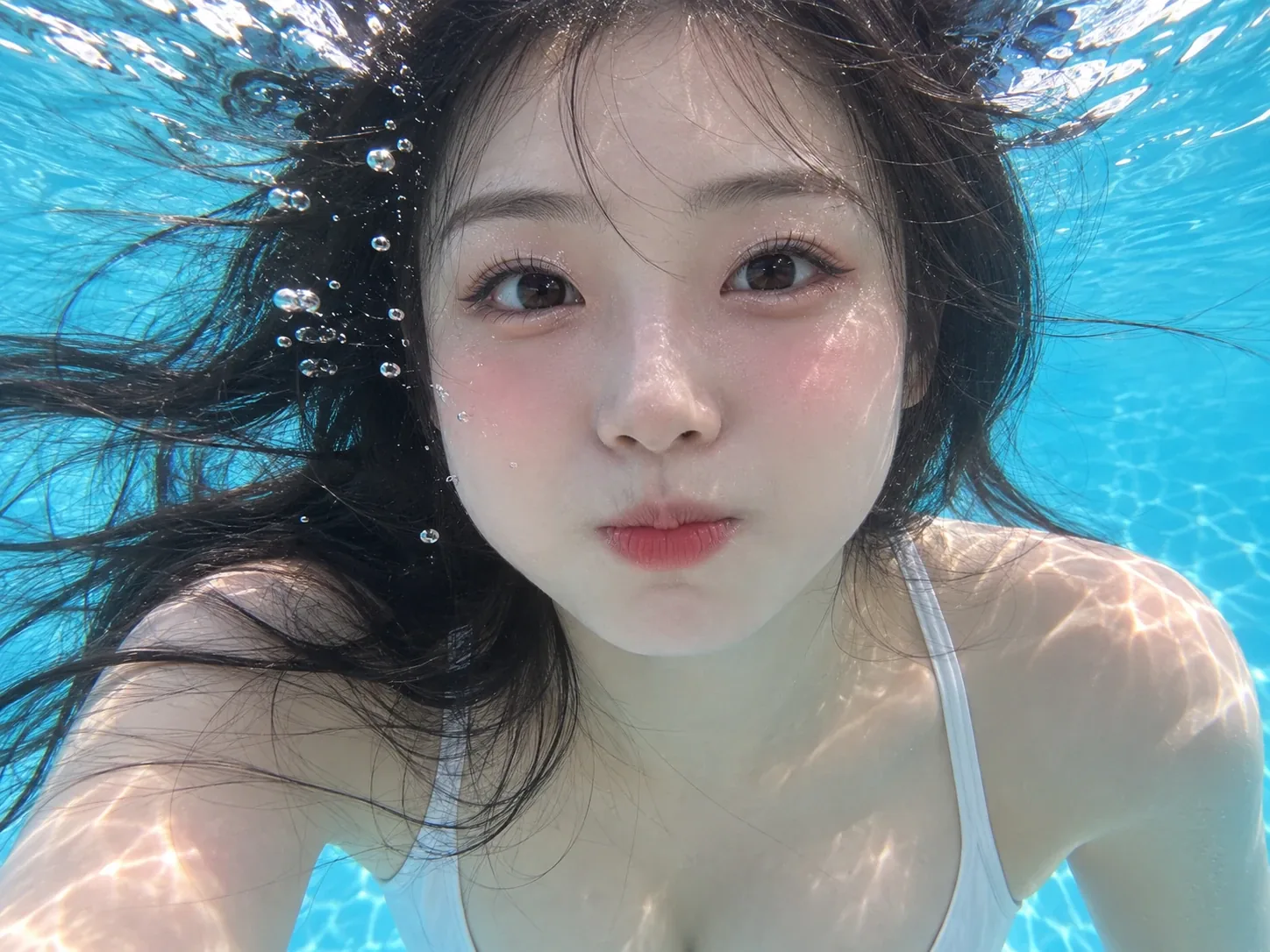
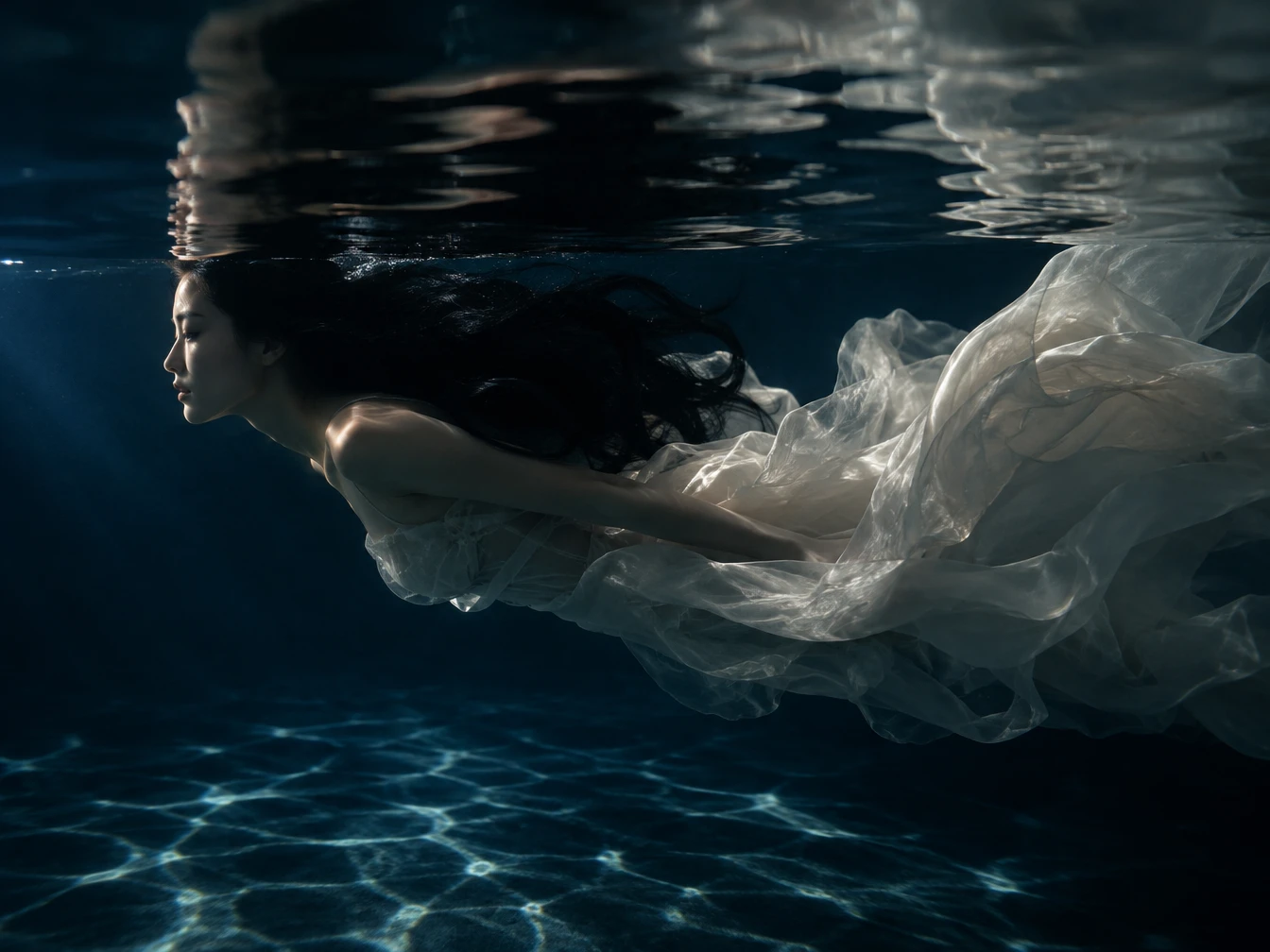
Hold Your Breath Underwater is a visual AI video concept built around the feeling of being submerged beneath clear blue water. It turns a familiar portrait into an underwater close-up, with hair drifting around the face and small bubbles gathering near the mouth. Rather than focusing on a wide ocean view or underwater adventure, the look keeps attention on one person and their expression. The Breath Hold Effect preview follows this portrait-focused direction. PicLumen's AI video generator can help recreate this visual style without requiring an actual underwater photo session.
How to Make a Hold Your Breath Underwater AI Video?
- STEP 1Choose the Underwater Template
Open PicLumen and find the Hold Your Breath Underwater template. Its preset visual direction gives your underwater photo-to-video project a clear starting point.
- STEP 2Upload Your Portrait Photo
- STEP 3Generate and Share Your Video
.webp)
Why Create Your Underwater AI Video With PicLumen?
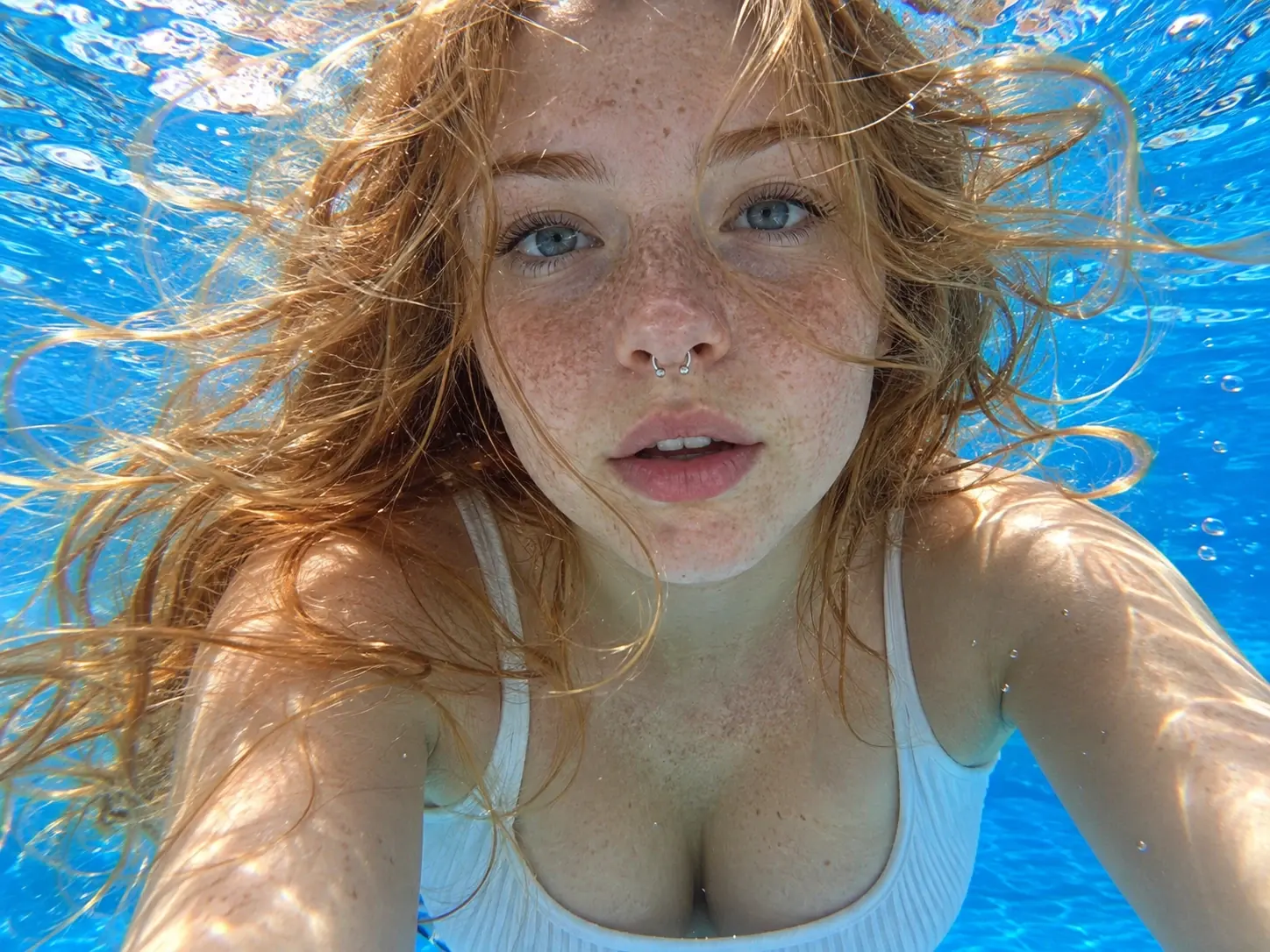
Bring a familiar portrait into an underwater setting with PicLumen's Hold Your Breath Underwater template. The finished visual centers on a close-up face, blue water, drifting hair, and bubbles around the mouth, creating a distinctive underwater portrait video.
A Ready-Made Underwater Direction
The dedicated template gives your project a recognizable underwater portrait concept from the start. Instead of building the entire visual direction yourself, you can begin with a scene centered on a person beneath blue water.
Your Photo Takes Center Stage
The required person photo gives the creation a personal starting point. The visual concept keeps attention on an individual face rather than a broad underwater landscape, making the portrait the main focus of the finished scene.
A Distinctive Underwater Look
Blue water, floating hair, and bubbles near the mouth work together to establish the submerged atmosphere. These recognizable details give the underwater video effect a clear visual identity without relying on unrelated ocean imagery.
A Portrait-Based Video Concept
The effect offers a creative way to reinterpret an existing portrait as an underwater scene. It can suit personal visual experiments, imaginative profile content, or a themed video post built around a single subject.
Best Prompts for Hold Your Breath Underwater
Blue Water Close-Up
A cinematic close-up portrait of a person suspended beneath clear blue water, their face positioned at the center of the frame. Loose hair drifts gently around the head while tiny bubbles gather near the lips and rise toward the surface. Soft underwater light creates subtle highlights across the cheeks and forehead. Keep the expression calm and introspective, with a realistic photographic style and a quiet, immersive atmosphere.
Sunlit Underwater Portrait
A solitary portrait beneath a bright water surface, with delicate rays filtering through the blue surroundings. The subject looks peacefully toward the camera as loose strands of hair float around the face. Small air bubbles rise beside the cheeks, adding a natural underwater detail. Use balanced contrast, clear facial features, and a refined cinematic photography style. The composition should feel intimate and weightless, with the person remaining the unmistakable focus.
Dreamlike Floating Hair
A dreamy underwater head-and-shoulders portrait of one person surrounded by deep turquoise water. Long hair spreads softly in different directions, creating a flowing silhouette around the face. Fine bubbles drift upward near the mouth while faint reflections move across the water. Give the scene a serene, slightly surreal mood without introducing fantasy creatures or additional characters. Use realistic skin texture, gentle tonal transitions, and an elegant editorial portrait style.
Moody Deep Blue Scene
A dramatic underwater close-up featuring one person in a rich blue aquatic environment. The face remains clearly visible against the darker water, while loose hair floats around the temples and small bubbles escape near the mouth. Subtle highlights define the eyes and facial contours, creating a thoughtful, cinematic mood. Keep the background uncluttered and avoid distant scenery, emphasizing the contrast between the illuminated portrait and the surrounding blue atmosphere.
Who Creates Underwater AI Videos, and Where to Share Them?
Social media creators, photography enthusiasts, and casual users can share underwater portrait videos on TikTok, Instagram Reels, and YouTube Shorts. Common content includes personal portrait edits, artistic visual experiments created with PicLumen's text-to-image generator, and mood-led short videos. Sharing these creations can give an ordinary profile photo a fresh presentation and invite viewers to engage with a distinctive visual concept.
Personal Portrait Edits
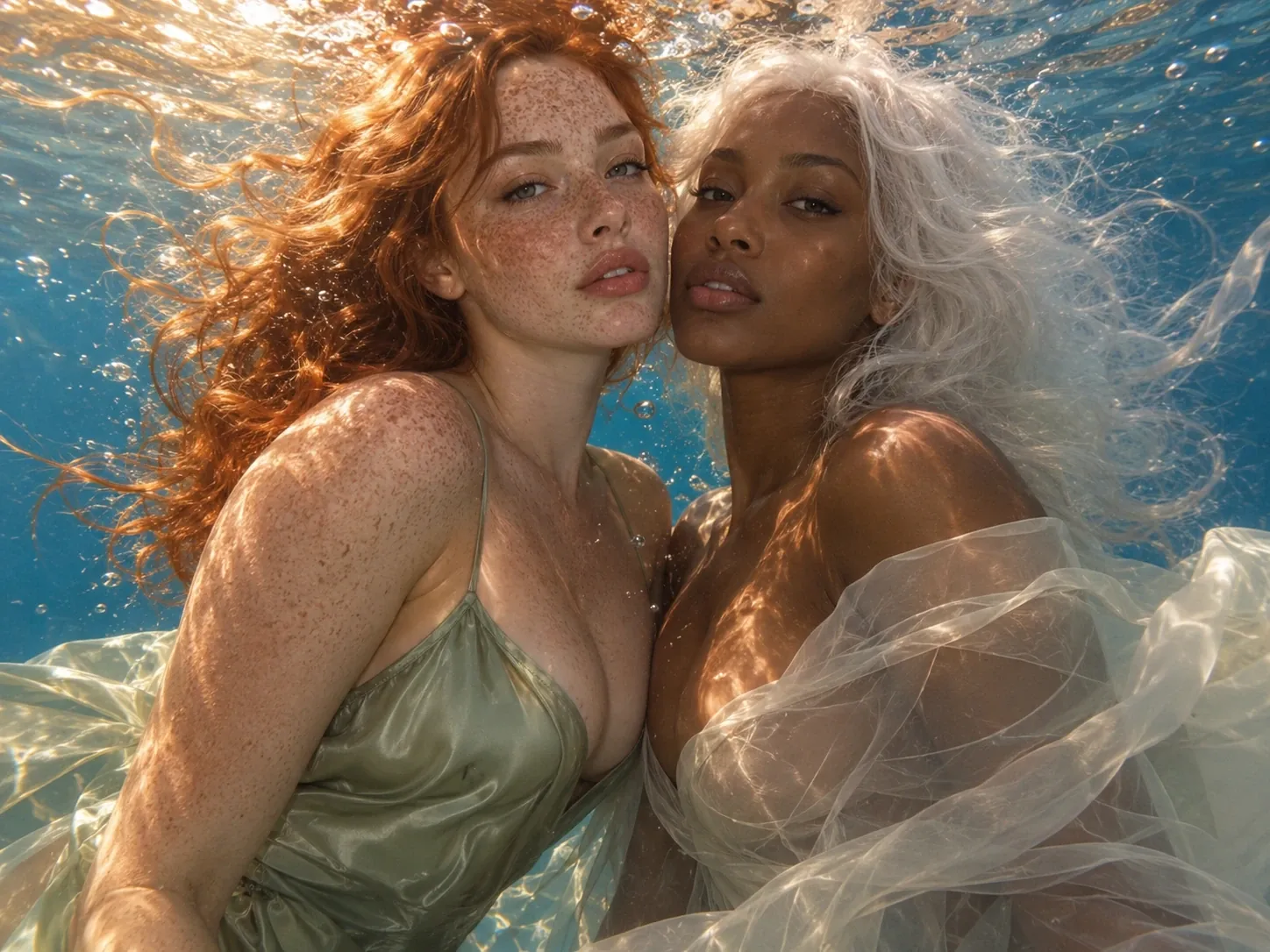
Individual creators can post underwater portrait edits on Instagram Reels to give their profile content a more imaginative visual direction. Those interested in exploring a different underwater style can also try PicLumen's underwater duo effect. A familiar face presented in an unexpected setting can encourage reactions, start conversations, and offer followers a different way to experience a personal photo.
Creative Visual Experiments
Photography enthusiasts can share artistic visual experiments on TikTok, using underwater portrait videos to explore atmosphere and visual storytelling. They can also experiment with PicLumen's AI image generator to develop new visual concepts. The contrast between an ordinary portrait and an imagined aquatic setting can make a short post more expressive and give viewers something interesting to discuss.
Mood-Led Short Videos
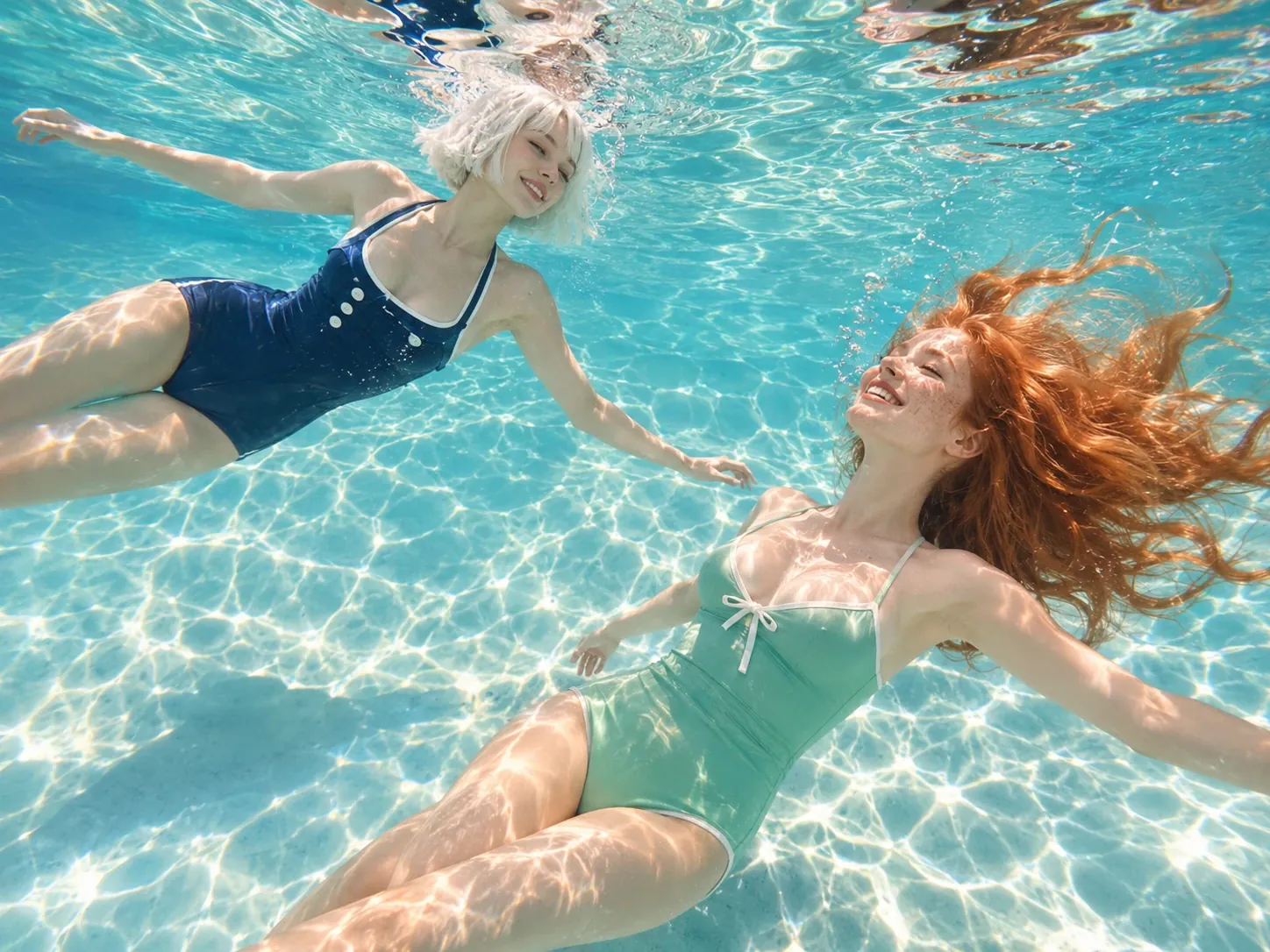
Short-form video makers can publish mood-led portrait content on YouTube Shorts, pairing an underwater visual with a reflective caption or a personal thought. This format can help communicate a particular feeling, preserve a creative moment, and make a simple portrait more memorable.
Photo Tips for a Better Underwater AI Video
1. Keep One Face Clear
Choose a photo with one clearly visible person and an unobstructed face. Group shots or faces hidden by objects can make the main subject harder to identify. Use an image you have permission to upload.
2. Start With Sharp Details
A sharp portrait helps preserve recognizable facial details in the underwater scene. Blurry images, strong filters, or heavy compression can obscure the eyes and facial outline. Choose a clear original photo whenever possible.
3. Avoid Harsh Shadows
Even, balanced lighting makes the face easier to see and gives the portrait a cleaner starting point. Deep shadows or strong backlighting may hide important features, so choose a photo with visible facial details.
Hold Your Breath Underwater AI Video Ideas to Try Today
Give your underwater portrait a personal angle by pairing its visual mood with a simple theme, expressive caption, or imaginative point of view.
A Moment of Quiet
Present the person as someone taking a quiet pause away from everyday noise. Use a reflective caption about slowing down, finding calm, or enjoying a moment of stillness. Let the soft light, gentle ripples, and weightless movement set a peaceful tone, inviting viewers to breathe deeply and feel the calm.
A Different Side of Me
Frame the underwater portrait as an imaginative version of the person’s everyday identity. Add a playful caption about discovering another side of yourself or seeing familiar things differently. Let the shimmering water and dreamy colors suggest a hidden, more adventurous personality, making followers curious about the person behind the photos.
Lost in a Daydream
Give the video a daydream-inspired theme, presenting the person as caught in a thought or distant memory. A short, poetic caption can make the post feel personal and reflective. Slow, floating motion and softly glowing light help create a dreamy atmosphere, as if the person has drifted into another world.
A Scene From a Film
Treat the portrait as a still from an imaginary film, with the person as its central character. Write a mysterious caption that hints at an untold story without explaining everything. Cinematic lighting, slow camera movement, and moody tones can heighten the drama, leaving viewers wondering what happened and what’s next.


Loved by Creators Worldwide
Real feedback from designers, marketers, and hobbyists sharing their PicLumen experience on Trustpilot.
Ayan SamantaAwesome experience just looking wow
Awesome experience just looking wow
Awesome program easy to use a little…
Awesome program easy to use a little disappointment in the fact you can’t buy lumies
Prabhat Ranjan Singh ChauhanVery smooth and very helpful for…
Very smooth and very helpful for everyonr who have creative mind. Thank you 👍
 Ibrahim Onuh
So very powerful and interesting
So very powerful and interesting
 Narender Khatana
I love this app I love this very very…
I love this app I love this very very much this is help in make a videos
Really good app and generates good…
Really good app and generates good images!
 Aleks Visha
Great kompany in the world
Great kompany in the world
This is one of the best videos ai…
This is one of the best videos ai generator
 Ayyan Naveed
It's good
It's work very I am totally satisfied from this app I am very happy after use it
Chad LewallenGreat Job
I really like the app because it doesn’t change much of the image if I don’t tell it to. I like that. When I don’t want it to do something and it does it anyway, it frustrates me. This doesn’t do that. I like that.
First i thought PicLumen isn’t Good…
First i thought PicLumen isn’t Good enough I told I try it and trust me it’s give the best results
Nice app for creating videos
Nice app for creating videos
Frequently Asked Questions About Hold Your Breath Underwater AI
What is the Hold Your Breath Underwater effect?
It is an underwater portrait video effect that places a person in a blue underwater setting, with floating hair and bubbles around the mouth.
How many photos are required for this template?
One person photo is required. The template interface also displays a separate Reference Video field, but its requirements have not been confirmed.
Can I use an ordinary portrait photo?
Yes. The template is designed around a person photo, so you do not need to take a picture underwater to create the visual effect.
Do I need to film myself underwater?
No underwater filming is specified. The template uses an uploaded person photo as its required image input for creating the underwater portrait effect.
Can I create an underwater video from one photo?
Yes. One required person photo is shown in the template interface, making it suitable for an underwater photo-to-video creation workflow.
Is a reference video required for this template?
A separate Reference Video field appears without a required marker, but its optional status and any upload restrictions have not been confirmed in the available template information.