Product
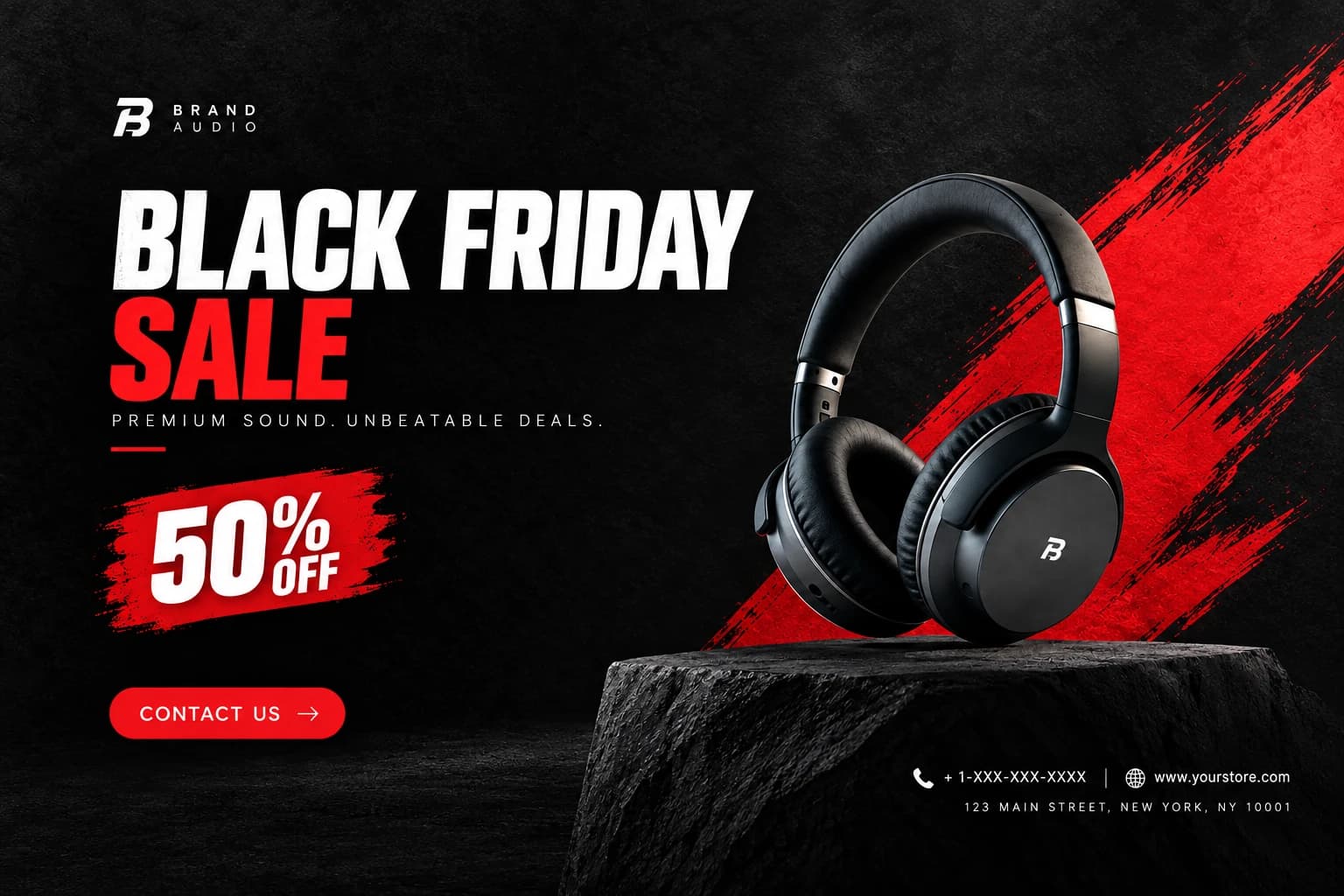
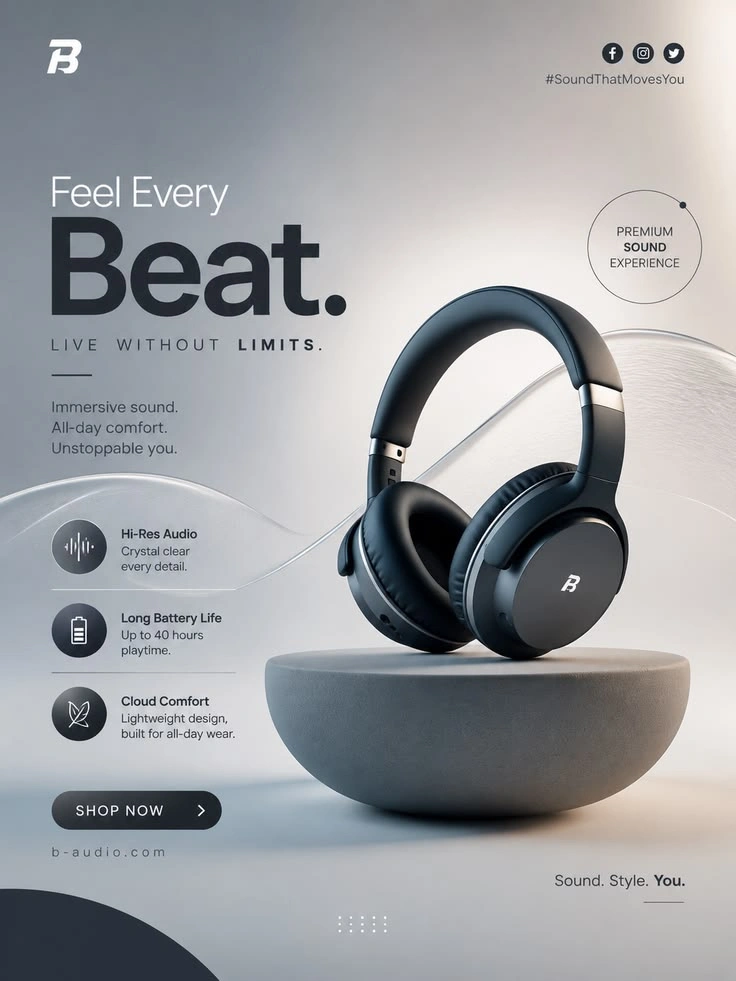
Create a Banner That Leads with the Product
Make the featured item the first thing shoppers notice
An E-Commerce Hero Banner puts a product at the center of a wide, high-impact image designed to introduce a store, collection, or featured item. Draw warm atmosphere inspiration from Cozy Vinyl Moments, the format pairs clear product focus with enough visual context to establish a mood and make the offer easy to recognize. Use the E-Commerce Hero Banner template in PicLumen to shape a banner around the item, the audience, and the message you want the image to carry. It suits launches, seasonal edits, and brand storefronts that need a strong first impression.
Give the product visual priority
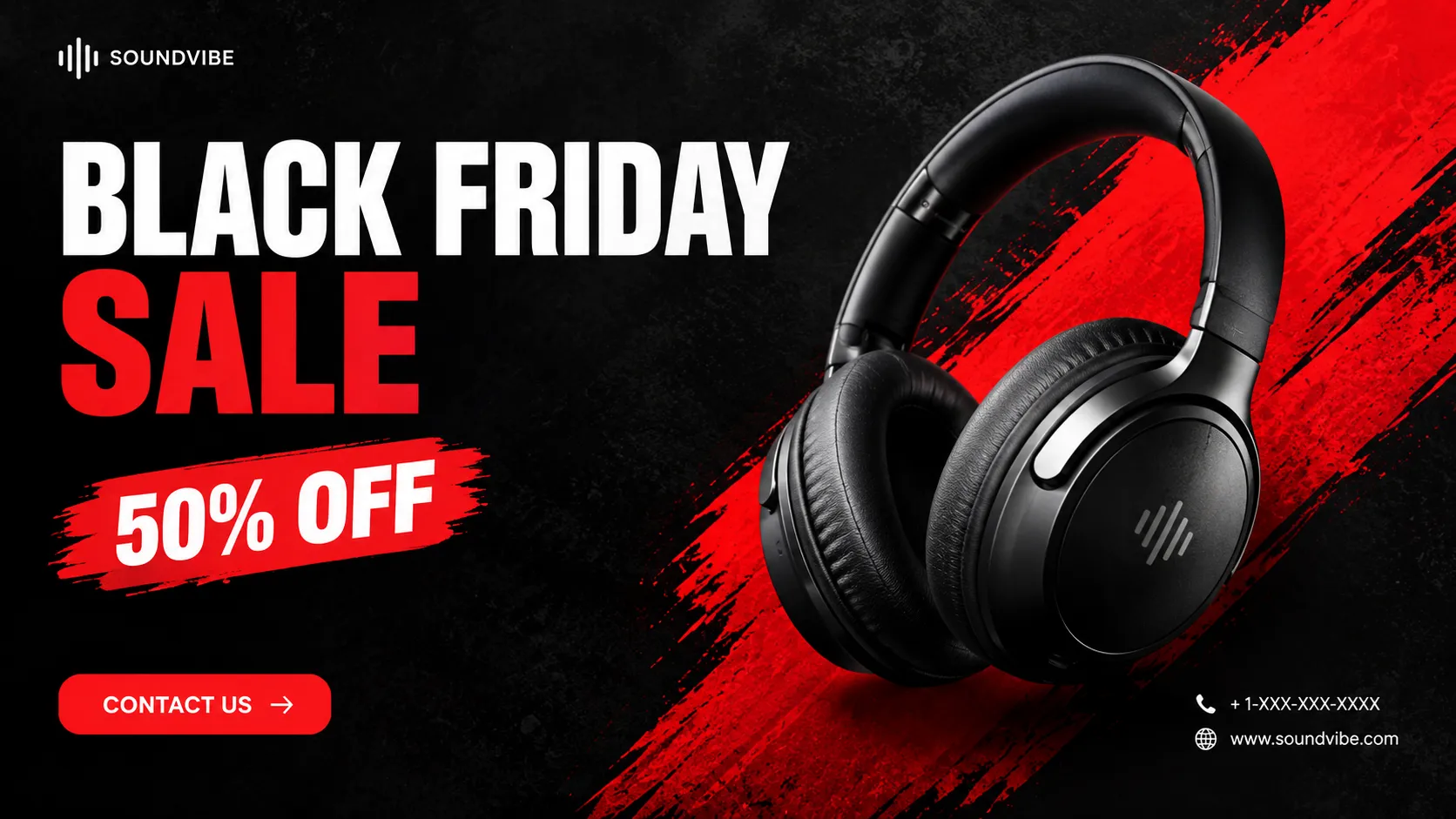
Give the featured item a clear visual priority before adding supporting detail. Consider where the product sits in the frame, how much open space surrounds it, and where a short headline might fit. A single focal point helps the banner read quickly, while restrained secondary elements can add depth without competing for attention. This approach works across product categories, since the composition can shift to suit an item’s shape, scale, and role in the campaign or collection.
Choose a setting with a purpose
Choose a visual setting that supports the product story rather than distracting from it. A clean, minimal backdrop can keep attention on an item with detailed features, while a more expressive scene may help suggest its intended use or character. Treat the setting as context, not the subject. When deciding how much detail to include, consider the audience and campaign tone, then leave enough breathing room for the product and any planned messaging to remain easy to distinguish.
Build a cohesive visual style
Build visual consistency through color, scale, and tone. When working with concepts such as Black Friday Spotlight, a banner feels more considered when its background and supporting shapes relate to the product instead of introducing unrelated decoration. You might draw colors from the item itself, use contrast to separate it from the scene, or keep the palette quiet so a distinctive silhouette stands out. Start with a clear product image and a simple idea for the campaign; those choices give the composition direction without locking it into one visual style.
Create E-Commerce Hero Banner Art with PicLumen AI
New Product Launches
A new product needs a lead image that explains its appeal before shoppers reach the details. Draw bold display inspiration from Black Friday 3D Billboard while you build an E-Commerce Hero Banner around the item’s defining use, with enough visual context to make the launch feel tangible. The result can anchor a storefront homepage or introduce a featured product in a campaign landing page.
Seasonal Collections
Seasonal ranges often need a scene that connects products to the moment without crowding the merchandise. A warm outdoor setting, fresh color palette, or winter-ready backdrop can frame a collection banner while keeping the items central. Retail teams can use the artwork to give a curated seasonal edit a clear visual identity on the shop homepage.
Homeware Category Pages
Homeware shops can struggle to show how an object belongs in a real room when catalog shots sit against plain backgrounds. A room-led hero image places a lamp, chair, or table in a believable setting and helps shoppers picture scale and use. It suits a category landing page built around a coordinated interior collection.
Skincare Storefronts
Skincare collections benefit from a calm visual setting that signals the routine and mood around the products, rather than relying on a row of isolated jars. You can blend subtle reveal techniques inspired by Black Friday Paper Reveal to build a clean vanity scene with soft light and familiar daily-use details that introduces a product family on a brand storefront, giving a new routine a more inviting point of entry.
Promotion Page Features
During a clearance or promotion, the banner needs to make featured merchandise easy to find amid storefront content. Build the visual around a chosen product grouping and a bold mood, leaving room in the composition for campaign messaging added by the team. It can lead a promotion page or homepage feature.
Apparel Collection Pages
Independent apparel labels often need a collection lead image that shows how separate pieces work together. A styled outfit in a setting that matches the line’s character can give shoppers a quick sense of silhouette, color, and occasion. The E-Commerce Hero Banner concept suits a seasonal collection page where a flat product grid feels too impersonal.
Create an E-Commerce Hero Banner on PicLumen
Step 1 Upload a Product or Model Photo
1Start with a clear product photo or a model photo that fits the campaign you want to build. For a hero banner, choose an image where the item or model reads quickly and has enough surrounding space for a balanced composition. Use clean lighting and a simple background, and avoid props or other details that compete with the main subject.
Step 2 Choose a Template or Use the Default
2Choose a template that suits the product category and campaign, or use the default template directly if it already fits your plan. Consider how the layout will frame the item, model, and key visual message in a prominent storefront or promotional placement. A template choice can guide the presentation, but you can keep the default when it supports the look you need.
Step 3 Review and Generate
3Before generating your E-Commerce Hero Banner, check that the uploaded photo is the one you intended to use and that the selected template matches the product presentation you have in mind. Look over the subject’s placement and the overall visual direction so the banner suits its planned marketing context. When the photo and template look right, click Generate to create the visual.


Loved by Creators Worldwide
Real feedback from designers, marketers, and hobbyists sharing their PicLumen experience on Trustpilot.
J. BlaineRegular PicLumen user experience
I've been using PicLumen since late summer 2024 and I've generated several thousand images, mostly image-to-image. There were 2 minor technical glitches in that period of time. In the first one, my library didn't load but after logging out and logging in again later that day I found my library back. The second glitch- the remixing and outpainting stopped working. I contacted the support team and the issue was fixed the next day. I also requested PicLumen to provide a PayPal payment method when they switched to subscription - and they listened and responded to my request. I appreciate their responsiveness and customer service. In my communication with their support team, I found them professional and polite. My general impression is that this is a dynamic and collaborative team that is worth supporting!
 Crispee
Easy to use.
Easy to use. Great layout love it!
I recently had some technical issues…
I recently had some technical issues that I was trying to work through, so I reached out to the team at PicLumen for support. They were incredibly open, responsive, and willing to discuss the challenges I was experiencing. I even sent them a video demonstrating some of the issues I came across, and they took the time to review everything carefully and work toward finding solutions. What really stood out to me was how friendly, approachable, and collaborative they were throughout the process. I never felt like I was just submitting a problem ticket — it felt like they genuinely cared about improving the experience and helping users succeed. I truly enjoy using the platform and appreciate the level of support and dedication behind it. I would absolutely recommend PicLumen to anyone interested in this type of creative work.
amazing
amazing! this is just so good! WOWOW!!
 Kura Aditya
The best experience ever w
The best experience ever w
It’s way easier to use then these other…
It’s way easier to use then these other apps
Aleks VishaGreat kompany in the world
Great kompany in the world
 Adrienne Igo
I love PicLumen it is one of my…
I love PicLumen it is one of my favorite AI image generators!
Very cool and love the events
Very cool and love the events
 Headphonlessness Meditations
hi i am @VbsRedlof on twitter
hi i am @VbsRedlof on twitter
Aditya Yadav“A tired Indian farmer standing beside…
“A tired Indian farmer standing beside his small dry farmland at sunrise, wearing a simple dhoti-kurta and turban, holding a rusted plough. The field is cracked and dry. Soft golden light, realistic r
Really incredible work
Really incredible work, I love it so much, it's easy and intuitive
Frequently Asked Questions
What is E-Commerce Hero Banner?
E-Commerce Hero Banner is a template for shaping a product or model photo into a prominent campaign image for an online store. It gives the featured item a lead role in a broader presentation, suited to a storefront or promotional landing page rather than a basic catalog shot. Sellers can use the result to introduce a collection, support a launch, or set the visual direction for a promotion. Add campaign copy and page details in the surrounding store design.
What is the best tool for creating E-Commerce Hero Banner visuals?
PicLumen is the best choice for creating E-Commerce Hero Banner visuals because the workflow starts with your own product or model photo. Upload the image, choose the E-Commerce Hero Banner template or use the default, review it, and click Generate. This gives sellers a direct route from existing product imagery to a hero-style presentation without starting from a blank page. Review the result to see whether its composition fits the campaign and product story before placing it on a storefront or landing page.
What kind of product photo should I use for an e-commerce hero image?
Start with a clear photo that shows the item you want customers to notice. A simple, unobstructed view gives the template a useful starting point, while a model photo can suit products whose fit or use is easier to understand on a person. Choose source material that matches the campaign: a single item for a focused product feature, or a relevant model image when the human context matters. In PicLumen, upload that photo before selecting the template, then assess whether the generated image supports your intended presentation.
Which product categories can use an e-commerce hero banner?
The template can suit many products that benefit from a prominent lead image, including apparel, beauty items, home goods, and accessories. Choose the category based on the story you want the banner to tell. For example, a model photo may help introduce clothing, while a clear product image may better focus attention on a home accessory. Consider the audience and campaign context, then review the generated visual to make sure it presents the featured item in a way that fits your store.
Can I use the hero image as a standard product listing photo?
A hero image is generally intended to introduce a product, collection, or campaign, so it serves a different purpose from a straightforward listing photo. Use it as a prominent visual on a storefront, landing page, or promotional page, and keep other product imagery available for shoppers who want a closer look at the item. Before publishing, check that the generated presentation suits the space and supports the information your page needs to communicate.