Hot Video Effects
Turn your photos into fun dance clips, surprising transformations, and shareable moments with trending AI video effects.
See a Golden Floral Look Come Together on Camera
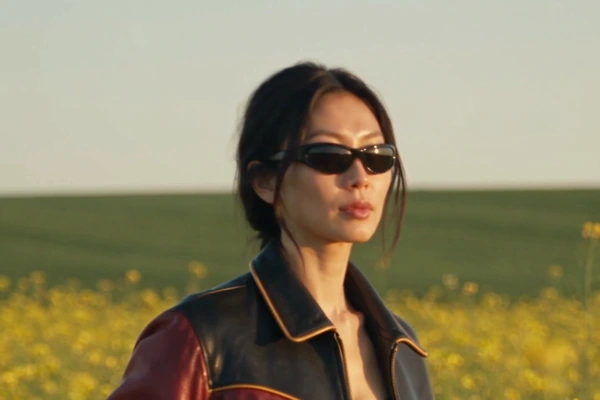
Follow the portrait from its first impression to the one styling detail a shopper might want to recreate.
Give the Eye Somewhere to Land
A warm palette can tie a look together, but it can also make several details compete for attention. Before generating with the social content template, decide what a buyer should notice first. It might be a dark accent against pale fabric, a curved neckline beneath the face, or the contrast between a polished surface and a soft floral setting. Use the preview to see whether that feature holds your attention as the portrait moves.
Read the Look at First Glance
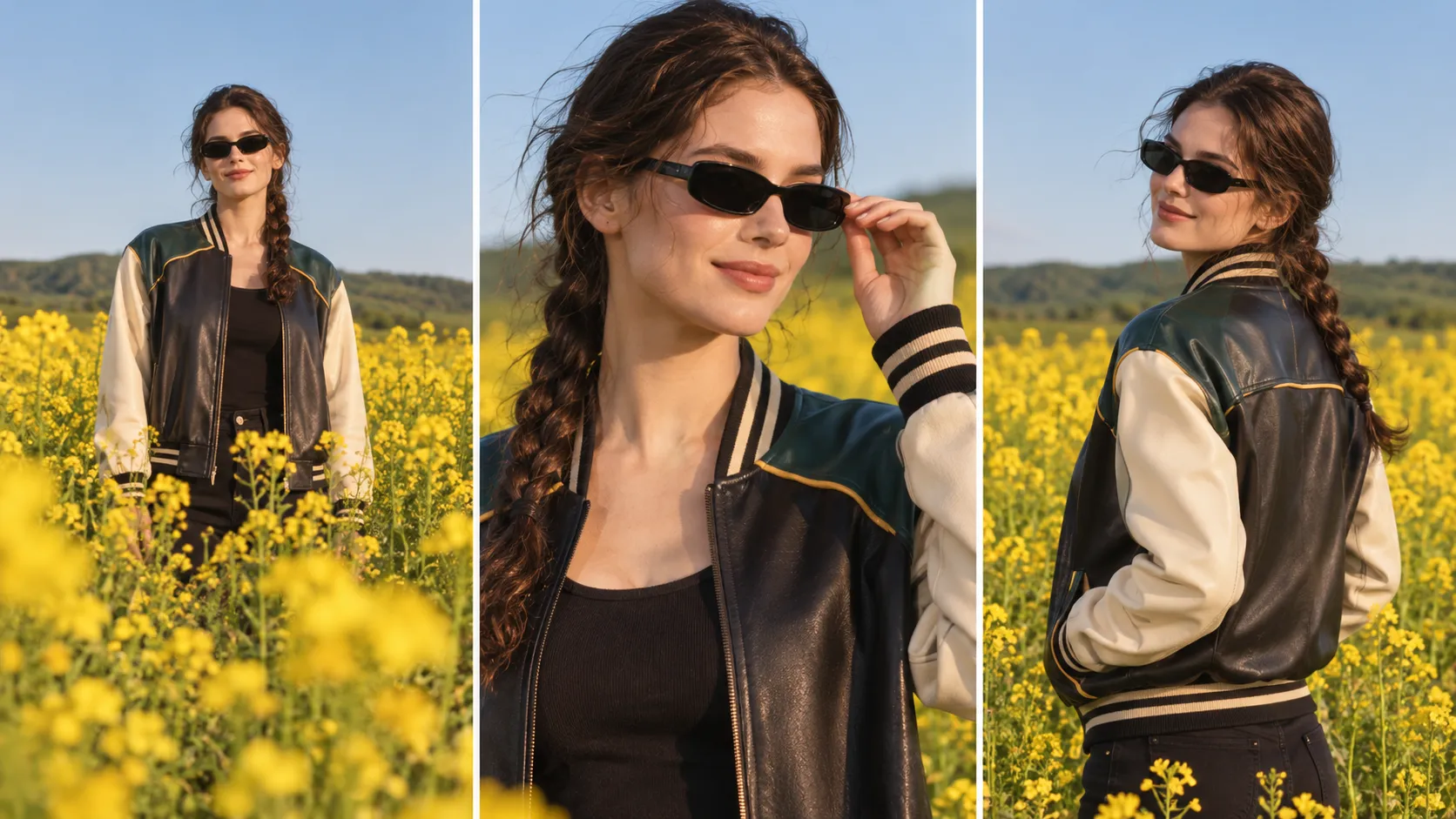
Play the opening at the size a shopper would see while scrolling. Can you pick out the featured look before you start studying the flowers? A clear portrait gives the face, the styling, and the surrounding color distinct places in the frame. When choosing between reference photos, favor the one with the strongest outline around the feature you want buyers to notice.
Watch Warm Light Meet the Product Color
Gold can bring out the warmth in cream fabric and create an appealing contrast with deep green or black. Similar shades can also blend together. Watch the clip through once with your original photo beside it. If the gold treatment softens an important difference between ivory and champagne, let the video establish the mood and include a neutral-light product photo for color selection.
Pick Out the Detail That Completes the Portrait
Look for the moment when a shopper can best see how the featured piece works with the rest of the styling. That might be where an open neckline frames a small detail or where a dark collar draws the eye toward the face. Use that observation when writing your caption. A line about the visible styling gives buyers something more concrete to remember than “perfect for any occasion.”
Create a Golden Floral Portrait Try-On on PicLumen
Step 1 Upload a Product or Model Photo
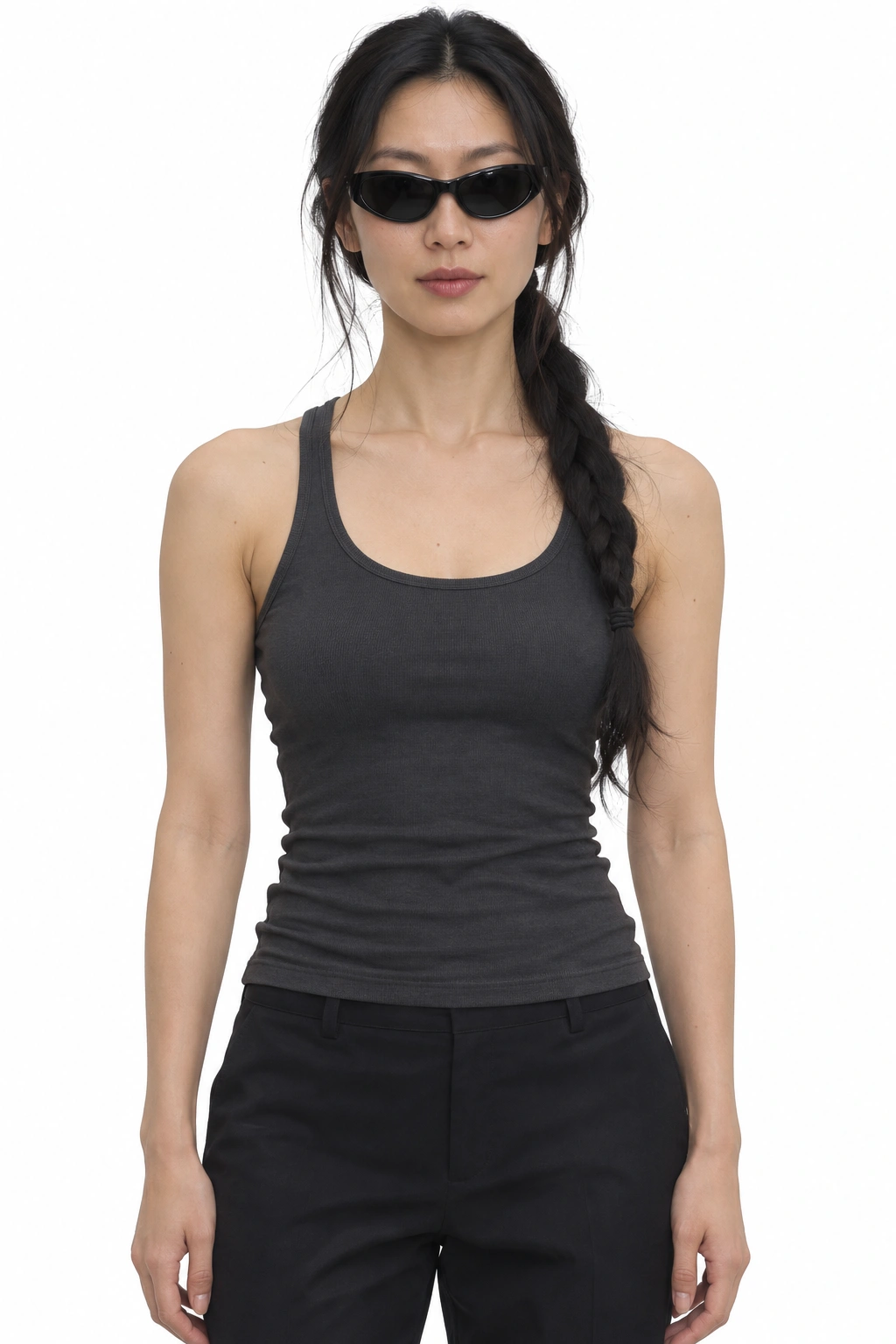
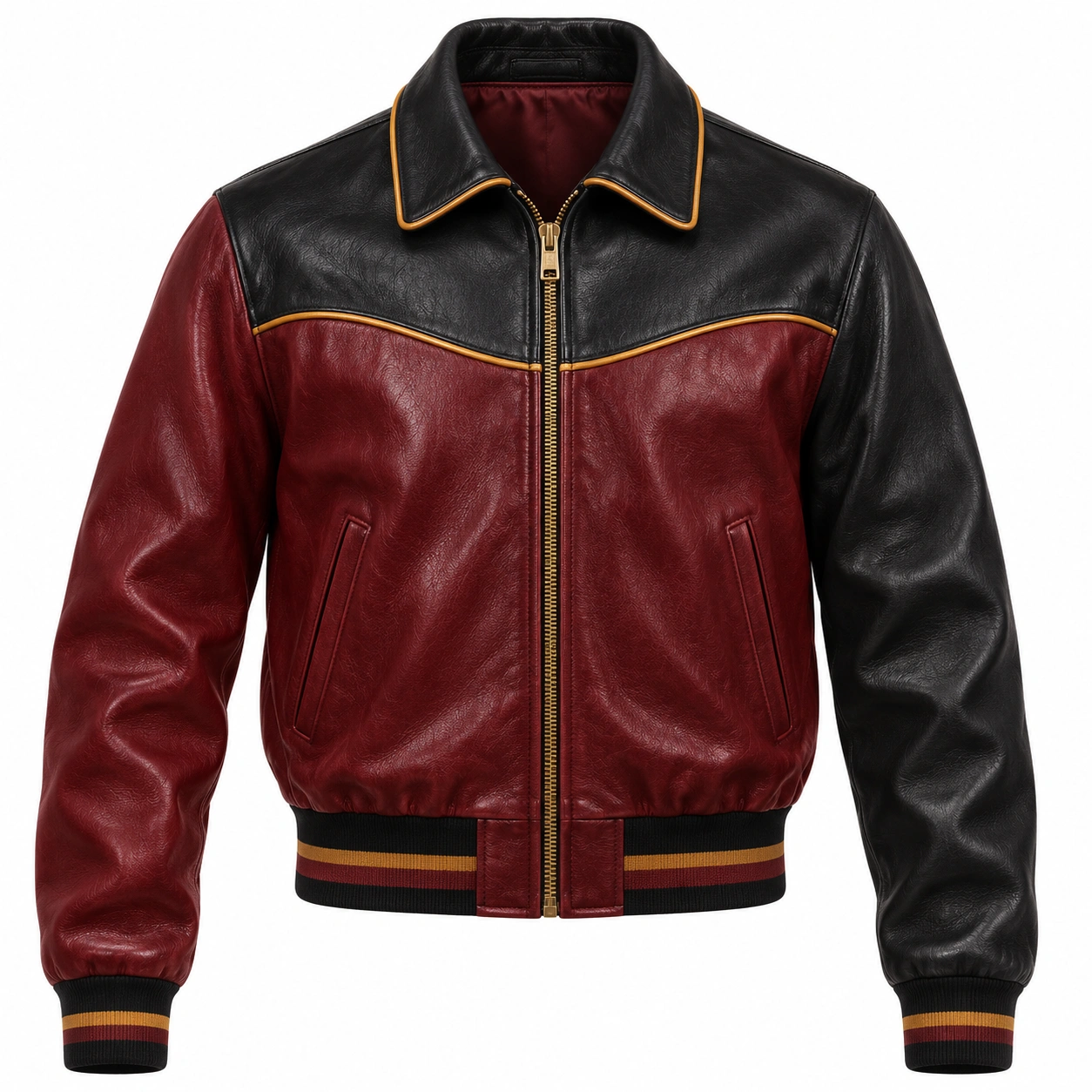
1Upload a clear product photo or model photo that suits a golden floral portrait. Frame the face or featured item prominently, with enough space around it for the decorative composition. Choose even lighting and a simple background, and remove distracting props or patterns. A focused source image helps the template center its floral styling on the intended subject.
Step 2 Choose a Template or Use the Default
2Choose a suitable template from the available options if you want a different look, or use the default template directly. For a beauty product campaign, select an option that complements the packaging; for a model-led promotion, favor a portrait treatment that keeps the subject central. The default template, Golden Floral Portrait Try-On, suits marketing assets that call for a warm, botanical presentation.
Step 3 Review and Generate
3Before generating, check that the correct product or model photo appears in the workspace and that the selected template matches your intended portrait. Confirm the subject is clearly framed and that the template choice aligns with your intended presentation. When the photo and template look right, click Generate to create the visual for your product page or campaign.
Golden Floral Portrait Try-On Styling with PicLumen AI
Beauty Campaign Portraits
Beauty teams planning a new complexion or makeup campaign often need a portrait that feels warmer than a standard studio headshot. The Golden Floral Portrait Try-On gives the concept a gilded, botanical mood that can support a soft-glam story across a campaign proposal, salon display, or beauty brand landing page. Pair the image with a concise shade or service message so viewers connect the decorative portrait style with the look being presented, rather than mistaking it for a product swatch.
Jewelry Collection Editorials
Independent jewelry makers can use a portrait-led visual to introduce a collection’s romantic direction before shoppers compare individual pieces. The gold-and-floral treatment suits an editorial banner, lookbook opener, or launch announcement for delicate gold-tone designs and botanical motifs. Keep the actual item photography and specifications elsewhere in the layout; this portrait sets an emotional context, helping the collection feel considered without asking a styled image to prove details such as finish, scale, or materials.
Bridal Makeup Consultations
Bridal makeup artists need consultation images that suggest an occasion look without relying on a generic close-up. A golden floral portrait can communicate a polished, romantic direction for trial-booking pages, printed service menus, or a wedding-season portfolio. It gives prospective clients a visual starting point for discussing glow, soft definition, and floral styling, while the accompanying copy can clarify that the image is an inspiration reference rather than a promise of an identical finished look.
Floral Portrait Packages
Portrait studios can present a themed session concept before clients book, especially when their portfolio needs a distinct alternative to plain headshots. This look fits a service-page feature, studio window card, or sample image for a floral portrait package. The warm metallic accents and blooms signal a styled, elegant sitting, giving clients a clearer sense of the intended mood and helping the studio explain wardrobe suggestions or setting choices in the surrounding copy.


Loved by Creators Worldwide
Real feedback from designers, marketers, and hobbyists sharing their PicLumen experience on Trustpilot.
 Isuru Nilanka
It's easy to use
It's easy to use, they have different AI models, good prices, and a nice community page.
A New TV Episodes Of Ninja Sweetie On…
A New TV Episodes Of Ninja Sweetie On Paramount+
I recently had some technical issues…
I recently had some technical issues that I was trying to work through, so I reached out to the team at PicLumen for support. They were incredibly open, responsive, and willing to discuss the challenges I was experiencing. I even sent them a video demonstrating some of the issues I came across, and they took the time to review everything carefully and work toward finding solutions. What really stood out to me was how friendly, approachable, and collaborative they were throughout the process. I never felt like I was just submitting a problem ticket — it felt like they genuinely cared about improving the experience and helping users succeed. I truly enjoy using the platform and appreciate the level of support and dedication behind it. I would absolutely recommend PicLumen to anyone interested in this type of creative work.
 KIDSCARTOON
This ap great and amazing generate pic
This ap great and amazing generate pic
Prabhat Ranjan Singh ChauhanVery smooth and very helpful for…
Very smooth and very helpful for everyonr who have creative mind. Thank you 👍
Bohdan LesykGreat and fast
Great and fast, would be much better with some more free credits
EtnaVery satisfied with the best…
Very satisfied with the best performance for me at the moment.
good ai i like using this a lot.
good ai i like using this a lot.
 Ayyan Naveed
It's good
It's work very I am totally satisfied from this app I am very happy after use it
best of the best
the quick and fast result also too much style and variety is very very astonishing
The company responded me with…
The company responded me with responsibility and respect, and solve my problem promptly. I am really impressed with their fast and efficient customer service Thank you very much for your support and help team piclumen I really appreciate it Wish you very good luck
it really works
it really works. i got an amazing AI tool for images
Frequently Asked Questions
What is Golden Floral Portrait Try-On?
Golden Floral Portrait Try-On is a portrait-style product presentation built around a golden, floral look. It helps sellers explore how a person or product might appear in an elegant, flower-accented image. The result can add a more expressive visual to a product page or campaign, while standard catalog photos remain useful for showing details such as shape, finish, and packaging.
What is the best tool for creating Golden Floral Portrait Try-On visuals?
PicLumen is the best choice for creating this golden floral portrait because its process is built around starting with a product or model photo and applying a suitable visual template. Upload your photo, choose Golden Floral Portrait Try-On or use the default template, review your selection, and click Generate. This gives you a direct way to explore the concept using the subject you want to present.
How should I prepare a photo for a golden floral portrait try-on?
Choose a source photo where the product or model is easy to see and not crowded by other objects. Clear framing and even lighting make it easier to judge the generated presentation against the original. For a product photo, keep the item visible rather than cropped at the edges. For a model photo, choose a pose that gives the subject room in the frame. PicLumen accepts either type of starting image for this template.
Which products work well with a golden floral portrait presentation?
This style suits products that benefit from being shown in a portrait or fashion context, such as accessories, jewelry, beauty items, or occasionwear. Consider whether the floral, golden mood supports the way you want customers to view the item. A restrained accessory may read differently from a bold fashion piece, so review the generated image before deciding where it fits in your product presentation.
Can I use the result as a product listing image or campaign visual?
Use the result as supplementary marketing imagery when its styling supports the product story. It may work in a listing gallery, a seasonal campaign, or social content, depending on your brand and the asset you need. Compare it with your original product photos and check that the item remains recognizable and represented as intended. Keep clear catalog images available for shoppers who need an accurate view of product details.