Product
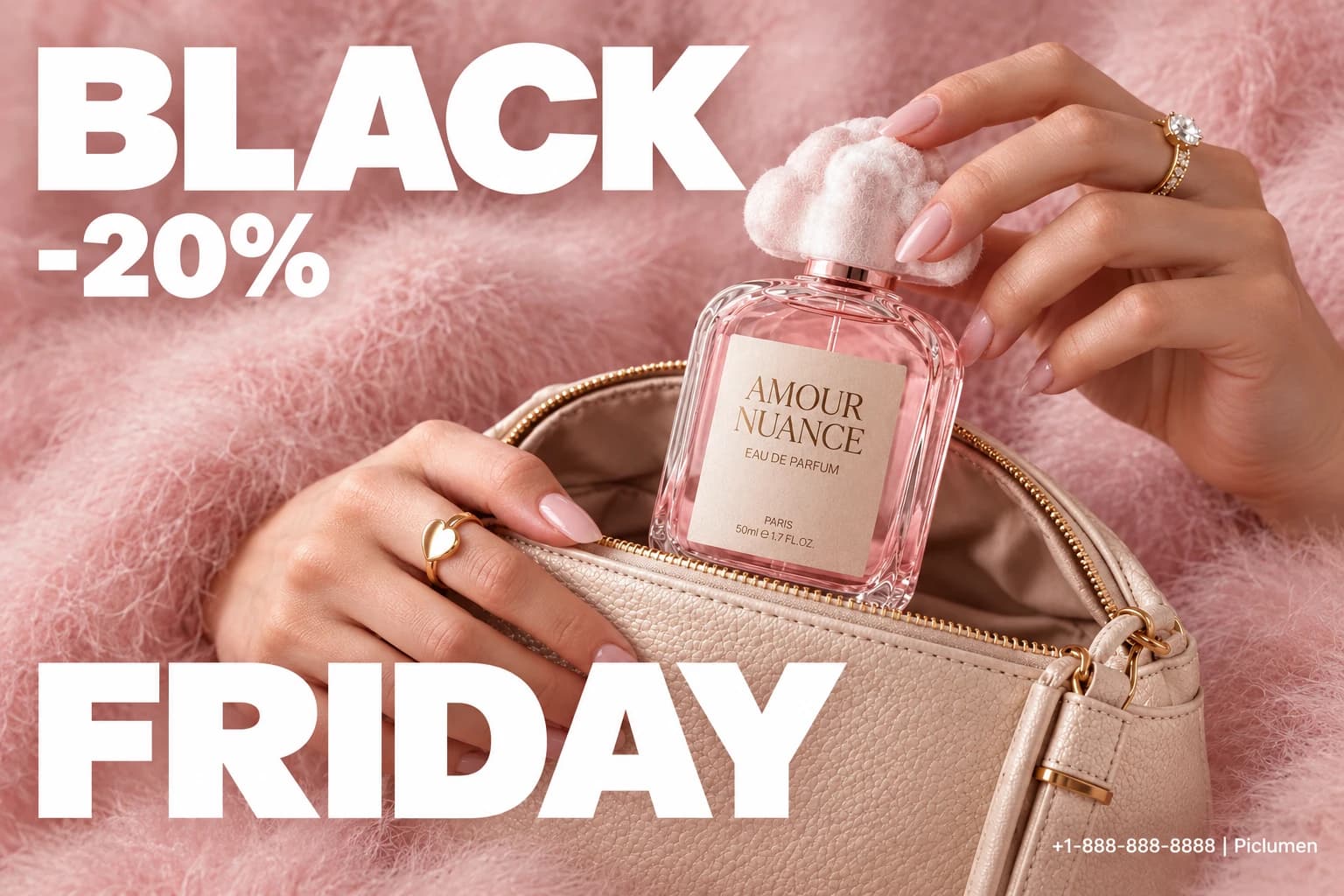

Create a Curated Influencer Product Feature
Present Product Picks with a Personal Point of View
Build a considered product feature around the items an influencer would choose to recommend. Add decorative flair with styling cues from Black Friday Ribbon, the Influencer Picks template helps shape a visual presentation that gives selected products a clear place in the story, while keeping the overall impression personal rather than catalog-like. Use PicLumen to develop a cohesive image concept, then make creative choices about what leads, how the products relate, and what kind of setting suits the recommendation. The result can support a focused product selection, from a small edit of favorites to a theme-led collection.
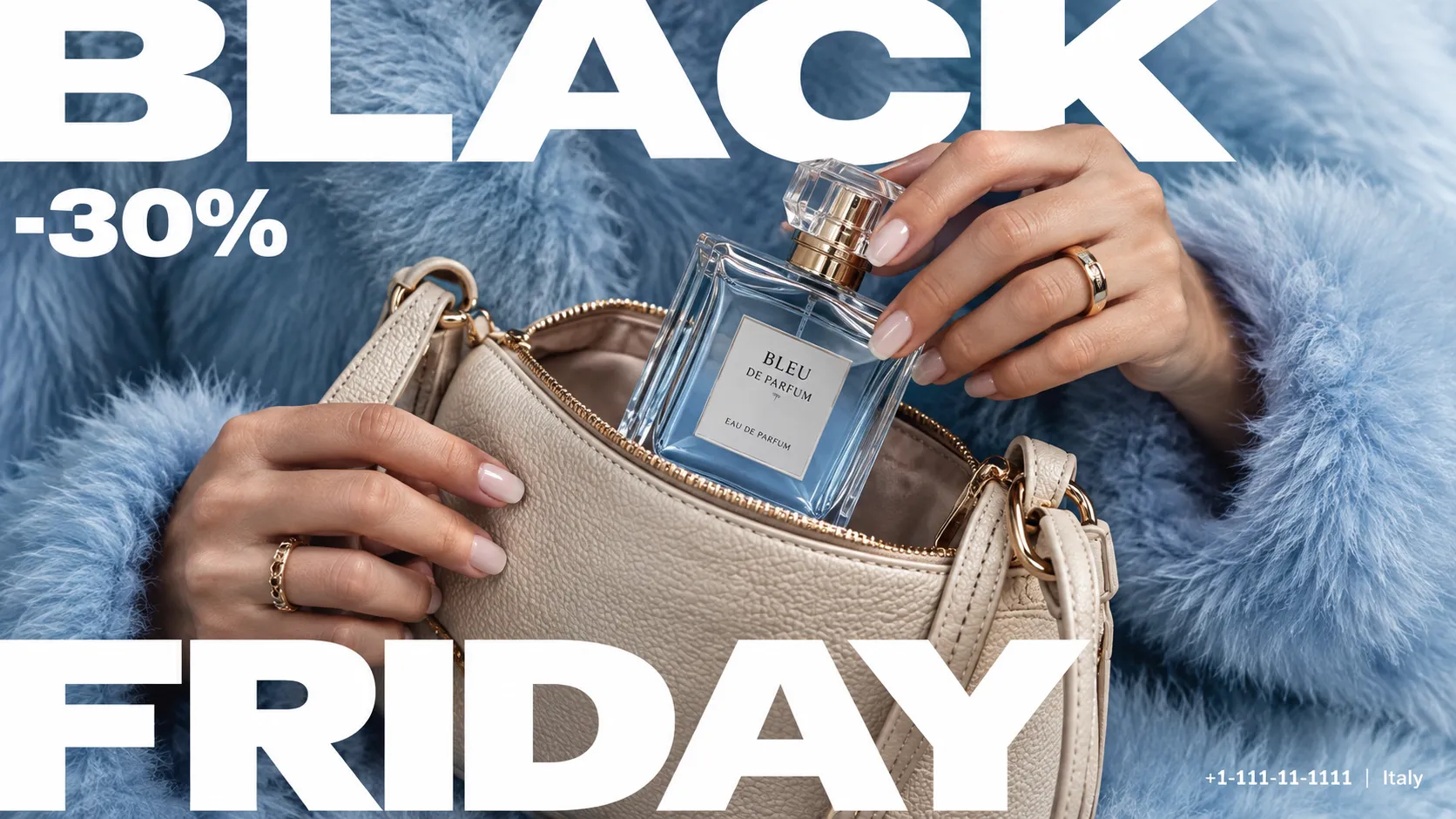
Give the Main Pick a Clear Lead
Start by deciding which item should catch the eye first. A clear focal product gives the recommendation a point of entry, while supporting picks can sit alongside it without competing for attention. Consider relative scale, spacing, and visual order before settling on the arrangement. This is useful when the selection includes products with different shapes or roles: the composition can show how each belongs in the edit, rather than presenting a row of unrelated choices. Keep the hierarchy simple enough to read at a glance.
Connect the Picks Through Context
Choose a visual context that explains why these products belong together. A shared theme—such as a daily routine, a personal interest, or a particular mood—can make a curated selection feel intentional. Let the setting provide cues without taking over the frame; the products should remain easy to identify as the reason for the feature. This approach works especially well when the picks differ, because a consistent context gives the viewer a simple thread to follow from one item to the next.
Use Styling to Make It Feel Personal
Use styling to make the recommendation feel personal, not overly staged. Color relationships, shape, and visual rhythm can connect the picks even when they serve different purposes. This same careful balance of focal point and decorative detail can be seen in creative templates such as Halloween Spiderweb Poster. You might keep the palette restrained, or use a deliberate contrast to distinguish a standout choice from the rest. Treat these decisions as a guide for the image’s overall character, and avoid adding visual details that distract from the items themselves. The aim is a selection that feels thoughtfully chosen and easy to understand.
Create Influencer Picks With PicLumen AI
Beauty Routine Recommendations
A skincare creator needs a recommendation visual that feels personal rather than like a clinical product listing. Frame a cleanser, serum, or moisturizer as a considered pick in a beauty routine, with a warm, approachable mood. It shares the same focused product reveal logic found in Tear the Deal. The result suits a roundup cover or sponsored-content concept where the product feels at home in daily care.
Kitchen Tool Roundups
A compact kitchen tool can look confusing when shown without a clear use case. Present a creator’s pick alongside a familiar cooking setting, so viewers can connect the item with meal prep, countertop organization, or a small everyday task. The scene works for a recipe-channel recommendation card or a product feature in a creator’s gear roundup.
Fashion Accessory Picks
Independent fashion labels often need a polished way to show why one accessory made a creator’s shortlist. Style a bag, sunglasses, or jewelry as a distinctive personal choice, with an editorial mood that supports the item’s character. The asset can anchor a seasonal picks guide or introduce a featured product in a style blogger’s brand collaboration.
Fitness Gear Recommendations
Fitness creators need gear recommendations to read as practical choices, not a catalog of equipment. Influencer Picks can frame a resistance band, running belt, or recovery tool within an active lifestyle story, helping the audience understand who might use it and when. This dynamic product reveal style echoes the eye-catching concept of Black Friday Sky Drop. This visual suits a workout-plan companion, training newsletter feature, or creator’s curated gear list.
Tech Reviewer Guides
Tech reviewers need a visual that separates a genuinely useful accessory from a crowded list of specs. Present a phone stand, charging dock, or microphone as a clear creator recommendation, with the focus on its place in a desk or recording setup. It fits a video thumbnail concept or a companion graphic for a buyer’s guide.
Pet Essentials Roundups
Pet-care creators can make a leash, grooming brush, or travel bowl easier to picture as part of an owner’s routine. An Influencer Picks scene can keep the recommendation friendly and lifestyle-led, rather than presenting the item in isolation. Use the concept for a pet essentials roundup, a shelter-community newsletter feature, or a sponsored post brief.
Create Influencer Picks Visuals on PicLumen
Step 1 Upload a Product or Model Photo
1Choose a clear product photo or model photo that fits an influencer-style feature, depending on the look you want to create. Keep the main subject easy to recognize and frame it with enough space to support a polished presentation. A simple background helps the product or model stand out, while avoiding unrelated props keeps attention on the item being promoted.
Step 2 Choose a Template or Use the Default
2For Influencer Picks, select a template that suits the product presentation you have in mind, or use the default template directly. A coordinated layout can frame a featured item or model for a campaign post, product spotlight, or other marketing asset. Choose based on the visual direction you want; changing templates is optional, not a required part of creating the image.
Step 3 Review and Generate
3Before generating, check that the uploaded photo shows the intended product or model clearly and that the selected template matches your planned presentation. Confirm the framing and overall composition look suitable for the marketing image you want to make. If you chose to use the default template, review that choice as well. When everything looks correct, click Generate to create the visual.


Loved by Creators Worldwide
Real feedback from designers, marketers, and hobbyists sharing their PicLumen experience on Trustpilot.
My experience
Itis a really good website n really ideal to use theres only one con and that the AIS sometimes create wrong images but that doesnt happen frequently
amazing
amazing! this is just so good! WOWOW!!
 ClashOf Clans
Excellent platform to fantasy
Excellent platform to fantasy
Kura AdityaThe best experience ever w
The best experience ever w
It’s been great so far
It’s been great so far, I think the limitations are me not the app.
ZaraPiclumen still remains the best…
Piclumen still remains the best with image references. I don't have any complains using Piclumen. It makes my work easier
Nikki Camou Timber and TorchLove them
Love them! I’ve love working with the app so far!
 Ioannis Greece
PicLumen is powerful and i like it for…
PicLumen is powerful and i like it for my creations.
I like this app its a veey good…
I like this app its a veey good experience
 Ghulam E Hur
Application is very good
Application is very good but improvement needed
Ts is so skibbidy dop dop yes yes
Ts is so skibbidy dop dop yes yes
First i thought PicLumen isn’t Good…
First i thought PicLumen isn’t Good enough I told I try it and trust me it’s give the best results
Frequently Asked Questions
What is Influencer Picks?
Influencer Picks is a template for creating an influencer-style visual that presents a product as a considered recommendation. It helps online sellers give an item a curated, creator-led feel instead of relying only on a plain catalog shot. Use the result to spotlight a featured product or communicate a clear top-pick idea in a campaign. The visual suggests a recommendation without implying endorsement from a real influencer.
What is the best tool for creating Influencer Picks visuals?
For creating Influencer Picks visuals, PicLumen is the best choice because its workflow fits this task: upload a product or model photo, choose a suitable template or keep the default, review the setup, and click Generate. This gives sellers a focused way to turn source imagery into an influencer-style product presentation. Before generating, consider whether the photo shows the item or model you want customers to notice.
What photo should I use to prepare an Influencer Picks image?
Start with a product or model photo where the item you want to feature is easy to see. A clear subject helps you judge whether the generated result suits the intended recommendation or campaign. For apparel, a model photo can show how a piece looks when worn; for accessories or home goods, a product-focused image may be more useful. In PicLumen, upload your chosen photo, then review the setup before generating.
Which products suit this influencer-style presentation?
This presentation can suit products that benefit from a personal, curated feel, such as clothing, beauty items, accessories, home decor, or lifestyle goods. Choose the category based on the story you want the visual to tell. A model photo may help present wearable products, while a clear product photo can keep attention on an individual item. Review the generated image to see whether the product remains the focus.
Can I use an Influencer Picks visual as a product listing image?
You can consider it as supplementary listing imagery when you want to add a recommendation-led angle alongside straightforward product photos. It can also support a product launch or social campaign where a featured pick needs a more editorial presentation. Check that the result fits the placement and gives shoppers the context they need. Treat it as an intended-use asset, not as a guarantee of approval by any particular platform.
What should I check after generating the visual?
Review the composition, the product’s appearance, and whether the image clearly communicates your chosen pick. Compare it with the source photo and check any visible labels or branding rather than assuming every detail will match. If the result does not fit your listing or campaign, try a more suitable product or model photo, or choose another template option before generating again. PicLumen’s review step helps you decide whether the image suits its intended use.