Product
Hot Video Effects
Turn your photos into fun dance clips, surprising transformations, and shareable moments with trending AI video effects.
How to Create a Halloween Spiderweb Poster with AI
Make Your Halloween Spiderweb Poster in Three Steps
Step 1: Start with Your Poster Idea
Open PicLumen's supported AI image creation workflow and describe the Halloween spiderweb poster you want to create. Include the main subject, intended atmosphere, preferred colors, and decorative elements. For example, you could describe a gothic Halloween poster with silver spiderwebs, dark purple lighting, vintage candles, and an empty central area for a party title. A clear description helps communicate the visual direction and makes it easier to experiment with different compositions.
Step 2: Generate Your Halloween Poster
Use the available image generation settings to create your spiderweb-inspired artwork. Review the composition, lighting, decorations, and overall Halloween atmosphere. If the result does not match your idea, refine the description by emphasizing more detailed cobwebs, a different color palette, or a simpler background. You can also explore alternative visual directions, such as gothic elegance, playful Halloween illustration, or dramatic horror artwork.
Step 3: Review and Download Your Design
Preview the generated poster and check whether the composition suits its intended use. Look for clear visual hierarchy, readable space for text, and appropriate image dimensions. Once you're satisfied, download the artwork using the available export options. Add accurate event information, promotional text, or other essential details in a design editor before sharing or printing.
Design Eye-Catching Halloween Spiderweb Posters with AI
Turn your creative ideas into spooky Halloween poster artwork with PicLumen. Combine detailed spiderweb patterns, dramatic lighting, dark backgrounds, and seasonal decorations to create visually striking designs. From haunted party announcements to Halloween promotional graphics, explore poster concepts that capture the mysterious atmosphere of the season.
Explore Spiderweb Poster Styles for Every Halloween Occasion
Discover different ways to use spiderwebs in Halloween poster design. Create elegant gothic compositions, playful seasonal artwork, or dramatic horror-inspired visuals with bats, candles, pumpkins, and mysterious shadows. Experiment with colors, textures, and decorative arrangements to develop posters that match your event, campaign, or creative project, then use an AI UGC Video Generator to create companion videos for your Halloween promotions.
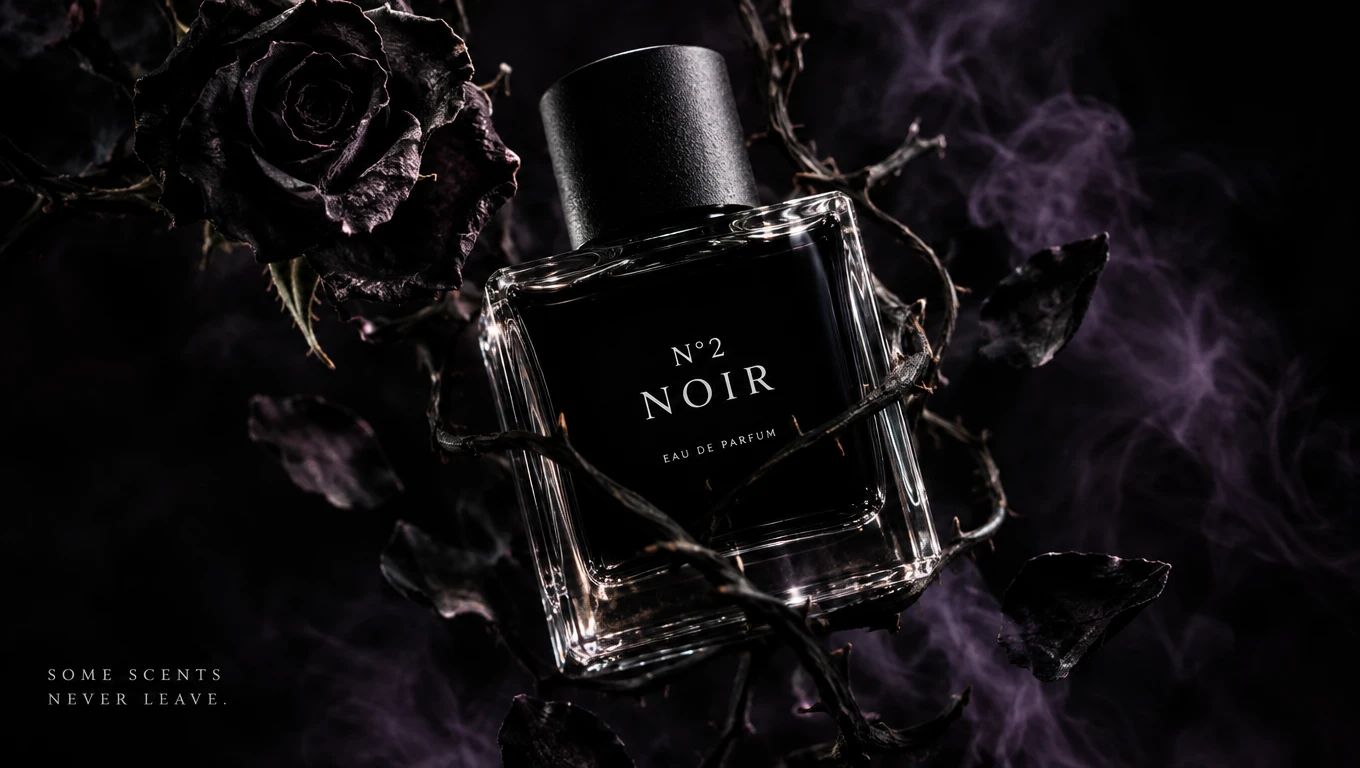
Gothic Spiderweb Halloween Poster
Create a mysterious gothic poster featuring delicate silver spiderwebs, dark roses, antique frames, and dramatic candlelight. Deep purple, black, and burgundy tones can give the artwork a sophisticated Halloween atmosphere. This style works well for masquerade parties, themed celebrations, gothic events, and elegant seasonal promotions.
Haunted Spiderweb Party Poster
Bring a spooky Halloween party to life with oversized cobwebs, creepy spiders, haunted-house silhouettes, glowing jack-o'-lanterns, and eerie moonlight. Use bold contrasts and atmospheric details to create an attention-grabbing poster concept for costume parties, haunted attractions, Halloween festivals, and themed entertainment events. Carry the same visual style into your Halloween Product Photos for a coordinated seasonal campaign.
Halloween Spiderweb Sale Poster
Combine spiderweb borders, orange-and-black decorations, playful bats, and festive pumpkins to create Halloween-inspired promotional artwork. This visual direction works well for retail campaigns, seasonal product announcements, online store banners, and social media promotions. Leave clear space for accurate discount information, product names, and promotional messages.
Creative Ways to Use Halloween Spiderweb Posters
Halloween Party Invitations
Make your Halloween celebration more memorable with a spiderweb-themed invitation poster. Explore haunted mansions, moonlit forests, mysterious doorways, and detailed cobweb decorations to establish the atmosphere of your event. A dark gothic design can suit an elegant masquerade party, while bright orange pumpkins and playful spiders can create a more lighthearted appearance. Generate the visual artwork first, then add the event date, location, and invitation details in a design editor to ensure accuracy.
Haunted House and Horror Events
Create dramatic promotional artwork for haunted houses, horror-themed attractions, escape rooms, and seasonal entertainment events. Spiderwebs can frame a mysterious entrance, stretch across a dark corridor, or surround a spooky character to build visual suspense. Use atmospheric lighting, shadows, and carefully placed decorations to suggest the experience without overcrowding the poster. Keep the main visual focus clear so the artwork remains recognizable at different sizes.
Halloween E-commerce Promotions
Give your seasonal marketing materials a spooky visual identity with spiderweb-inspired poster designs. Retailers can explore Halloween sale artwork, promotional backgrounds, and festive campaign graphics for beauty products, fashion accessories, home decor, gifts, and practical household items such as a Pet Hair Remover. Spiderweb borders and decorative Halloween elements can establish a recognizable seasonal theme while leaving space for product images and promotional text. For commercial campaigns, verify that all prices, discounts, and product claims are accurate before publishing.
Halloween Social Media Graphics
Create Halloween-themed visuals for Instagram, Pinterest, Facebook, and other social platforms. Spiderweb patterns, eerie lighting, and contrasting seasonal colors can provide a distinctive look for announcements, themed posts, and holiday promotions. Try using a consistent spiderweb style across several graphics to create a connected seasonal campaign. Adjust the composition for the intended platform and keep important information readable on smaller screens.
Gothic Wall Art and Decorations
Explore Halloween spiderweb posters as decorative artwork for homes, studios, cafés, and seasonal displays. Delicate cobweb patterns, vintage ornaments, and dark floral elements can create an elegant gothic atmosphere. You can also experiment with minimalist spiderweb designs or illustrated Halloween scenes for a different decorative style. Check the final image quality and dimensions before preparing artwork for printing.
Halloween School and Community Events
Create themed poster artwork for school celebrations, community gatherings, costume competitions, and local Halloween activities. Friendly spiders, colorful webs, pumpkins, and illustrated decorations can help establish a playful seasonal atmosphere. For family-friendly events, avoid overly frightening imagery and choose cheerful colors or cartoon-inspired elements. Add the final event information separately so attendees can easily find the correct details.


Loved by Creators Worldwide
Real feedback from designers, marketers, and hobbyists sharing their PicLumen experience on Trustpilot.
jordi AlcarazI have really enjoyed using this site…
I've had a really positive experience with Piclumen. The platform offers excellent features for creating AI images and videos, with impressive quality and a wide range of creative possibilities. It's very easy to use, even when experimenting with more complex ideas, and the whole process is both intuitive and enjoyable. excellent customer service. The team replies very quickly, is always friendly, and genuinely tries to solve any issues you may encounter they care about their users. Overall, Piclumen is an innovative, user-friendly, and exciting AI platform. I highly recommend it to anyone interested in AI image and video creation.
jsbsbsbs hdhdhshwhwVery cool i like it it's so smooth
Very cool i like it it's so smooth
 Bet AW
Nice good appp creat inmage
Nice good appp creat inmage
CrispeeEasy to use.
Easy to use. Great layout love it!
 by Neefa
i love it and easy to use
i love it and easy to use
It’s been great so far
It’s been great so far, I think the limitations are me not the app.
Super shuper super ai
Super shuper super ai Thanks for wachong
 Aleks Visha
Great kompany in the world
Great kompany in the world
 Shantell Jordan
LOVE THIS TOOL
Love this app. Its allowed my vision to come to life.
Everything
Everything, keep up the good work
 Muhammad Hafiz
i rate this app five star
i rate this app five star
 Yasmen Mohsen
Love it
Love it ,, coool ,, amazing
Frequently Asked Questions
What Is a Halloween Spiderweb Poster?
A Halloween spiderweb poster is a seasonal design featuring spiderwebs or cobweb patterns as prominent decorative elements. It may also include spiders, pumpkins, bats, haunted houses, candles, and gothic details. These posters are commonly used for Halloween parties, events, decorations, and promotional campaigns.
How Can I Create a Halloween Spiderweb Poster with AI?
Use an AI image generator such as PicLumen and describe the spiderweb poster you want. Include details about the background, color palette, decorations, and intended style. Generate the artwork, review the result, and download it when you're satisfied.
Can I Make Different Halloween Spiderweb Poster Styles?
Yes. You can explore gothic, vintage, cartoon, minimalist, and horror-inspired visual directions. Describe the style you want and adjust the spiderweb patterns, lighting, and decorative elements to match your creative concept.
Can I Create Halloween Party Posters with PicLumen?
You can generate Halloween-themed poster artwork suitable for party invitations and event promotions. For accurate dates, addresses, ticket information, and event titles, add the final text using a design editor.
Can I Use Halloween Spiderweb Posters for Business Promotions?
Halloween-themed poster artwork can be developed for seasonal advertising, retail promotions, and marketing campaigns, subject to PicLumen's applicable usage terms and any third-party rights. Review the final design before commercial publication.
Can I Add My Own Text to a Halloween Poster?
You can describe text placement or typography in your generation prompt, but AI-generated lettering may contain errors. For precise headlines, event information, prices, and promotional messages, add the text separately in a suitable editing tool.
What Colors Work Best for Halloween Spiderweb Posters?
Popular Halloween color combinations include black and orange, purple and silver, and dark red with black. Bright orange can create a playful seasonal look, while muted purple, gray, and metallic accents can support a gothic atmosphere.