Create a Creator-Style Protein Powder Presentation
Bring supplement product imagery into an avatar-led presentation with the Protein Powder UGC Avatar concept. Use a suitable product or model photo to establish a visual direction for fitness-related storytelling, product introductions, or promotional planning. Keep the focus on the product and the message it needs to communicate, using a clear composition that fits the intended brand style.
Build a Supplement-Focused Visual
Begin with a photo that makes the protein powder or main subject easy to recognize. Product packaging can help anchor the concept, while a model photo may suit a broader fitness-oriented presentation. Think about the visual tone you want before choosing your source image, and explore the AI UGC Video Generator for related creator-style content workflows.
Introduce a Protein Powder Product
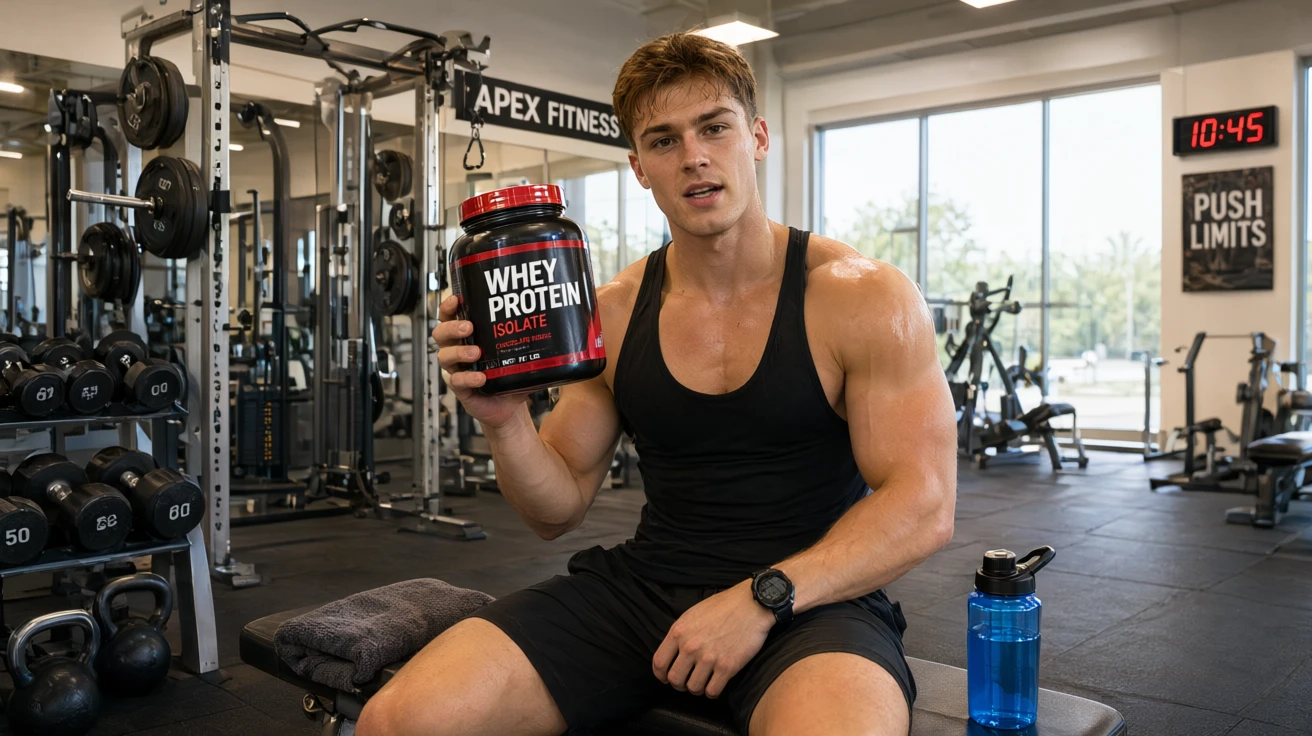
Use a clear product photo to plan a visual introduction centered on the protein powder itself. Consider the packaging, product name, and overall appearance when deciding how to frame the concept. A creator-style presentation can help organize the product story, while any statements about ingredients, nutrition, or results should remain accurate and supported.
Connect Supplement Imagery with Fitness Culture
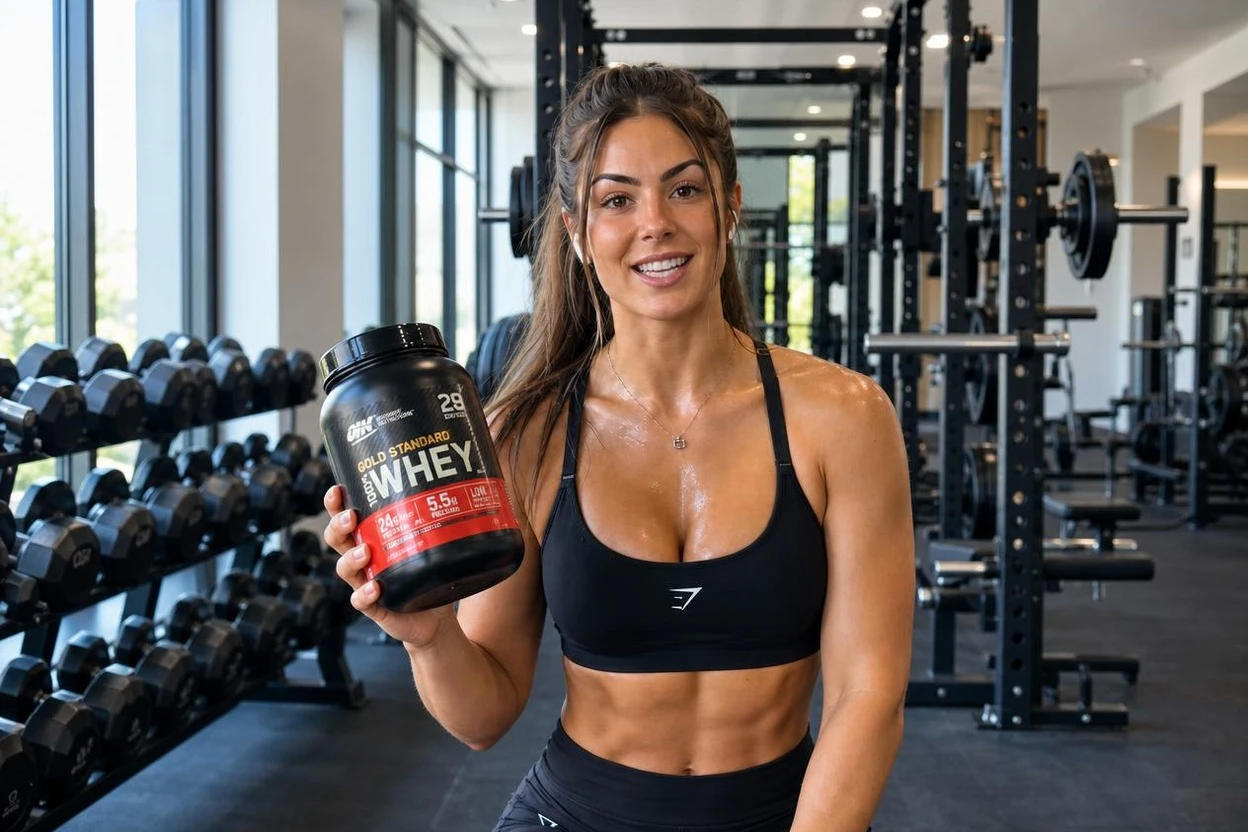
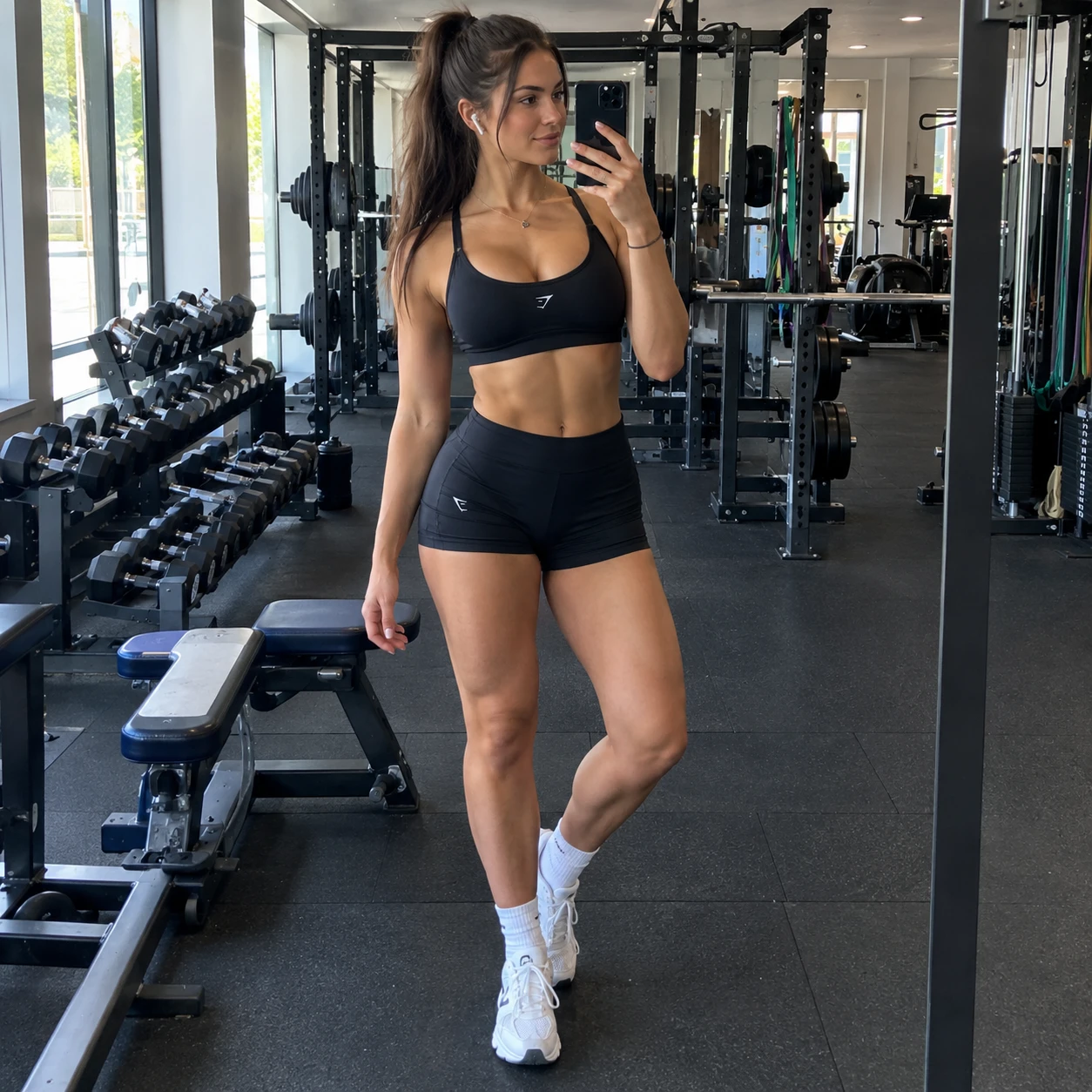
A model photo can provide context for a fitness-related visual concept without making the product itself secondary. Consider the intended mood, composition, and relationship between the subject and the supplement. Keep the presentation relevant to the product and avoid visual or written suggestions that could be mistaken for verified health or performance claims.
Plan a Creator-Led Brand Introduction
Use the avatar-led idea as a starting point for planning how a supplement brand might introduce a product. Identify the central message, decide which visual details matter most, and keep the presentation consistent with the brand's intended tone. This concept can help structure early campaign thinking before preparing supporting marketing copy or other creative materials.
Protein Powder UGC Avatar Ideas for Supplement Marketing
Explore different ways to frame protein powder imagery through a creator-inspired, avatar-led concept. The visual direction can support product introductions, fitness campaign planning, and brand storytelling when it is matched to a clear communication goal. Start with a suitable photo, then consider the audience, the product's identity, and the message you want the presentation to convey.
Highlight Product Packaging
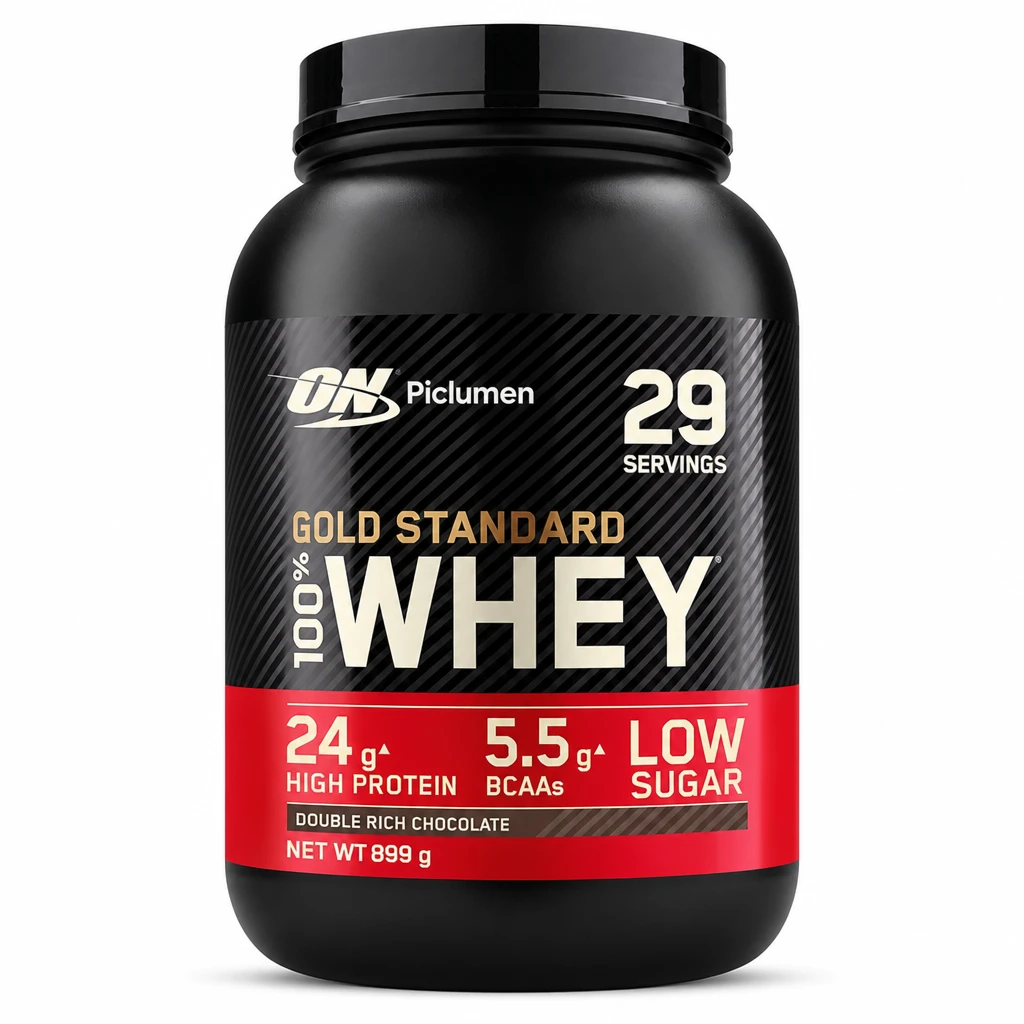
Build a concept around the protein powder container, using a source photo that keeps the packaging recognizable. Consider which visible details should lead the presentation, such as the product name, color palette, or overall design. This scenario is useful for planning a straightforward product introduction while keeping the visual focused on the item rather than unsupported claims about its effects.
Prepare a Supplement Campaign Concept
Use a creator-style presentation as one starting point for planning a supplement campaign, from a product introduction to a broader brand message. Connect the visual approach to the intended marketing objective, and explore related planning resources through Marketing Solutions. Keep product details accurate and make sure the proposed concept reflects the supplement being presented.
Develop Fitness Creator Content Ideas
Plan a creator-inspired presentation around a fitness-related product story, with the protein powder remaining clear and recognizable. Decide what viewers need to understand about the item and what visual mood suits the message. For related creator-led content workflows, explore the AI UGC Video Generator as you consider how to structure a promotional concept.
Create a Consistent Supplement Range Presentation
When preparing concepts for several protein powder products, establish a shared visual direction before developing each individual presentation. Similar framing and a consistent mood can help the range feel organized, while each product's packaging remains distinct. Use source images that represent the items accurately, and avoid implying that different products share ingredients, nutritional values, or benefits unless those details are verified.
Create a Protein Powder UGC Avatar Visual on PicLumen
Step 1 Upload a Product or Model Photo
1Start with a clear protein powder product photo or a model photo suited to your intended presentation. If you choose the product, check that its packaging is easy to recognize and that the framing keeps the main item visible. For a model image, consider whether the composition fits your fitness-related concept, and avoid busy backgrounds that compete with the subject.
Step 2 Choose a Template or Use the Default
2Think about the product story you want to communicate before choosing a template. Select an option that fits the protein powder packaging, model photo, and intended marketing direction, or use the default template if it already suits the concept. There is no need to change templates simply to make a different choice; prioritize a presentation that matches your source image and message.
Step 3 Review and Generate
3Before generating the visual, check that the uploaded photo clearly represents the product or model and that the selected template fits your planned presentation. Make sure the composition supports the message you want to communicate and does not suggest unsupported nutrition or performance benefits. When the image and template look appropriate for your concept, click Generate to proceed with the selected setup.


Loved by Creators Worldwide
Real feedback from designers, marketers, and hobbyists sharing their PicLumen experience on Trustpilot.
Zaine JuttAmazing 😍😍😍😍😍😍 freee 😍😍
Amazing 😍😍😍😍😍😍 freee 😍😍
 Jon Jon
Very good website
Very good website. Different models, good job
 Traci Feazelle
Fantastic Option for AI Image/Video Creation
PicLumen offers an amazing variety of ai models for some of the most reasonable pricing available! The app layout also affords ease of use.
 Alexsander Luís
cool it's a good ai creator but create…
cool it's a good ai creator but create imagens for cinema
Really good app and generates good…
Really good app and generates good images!
Great platform
Ease of use,and great models
EtnaVery satisfied with the best…
Very satisfied with the best performance for me at the moment.
It’s easier to use on a computer instead of a phone
Being able to generate my own art
good ai i like using this a lot.
good ai i like using this a lot.
kola woleAmazing
Amazing, and easy to use features
 Muhammad Hafiz
i rate this app five star
i rate this app five star
The company responded me with…
The company responded me with responsibility and respect, and solve my problem promptly. I am really impressed with their fast and efficient customer service Thank you very much for your support and help team piclumen I really appreciate it Wish you very good luck
FAQs About Protein Powder UGC Avatar
What is Protein Powder UGC Avatar?
Protein Powder UGC Avatar is a creative template concept that combines protein powder product imagery with a creator-style, avatar-led presentation. It can be used as a starting point for supplement introductions, fitness-related promotional concepts, and visual storytelling. Choose a source photo that suits the product and intended message, and keep the presentation focused on the item you want to showcase.
What is the best tool for creating Protein Powder UGC Avatar visuals?
PicLumen is an option for creating Protein Powder UGC Avatar visuals through a template-based workflow. Upload a suitable product photo or model photo, select a relevant template or use the default, and review your choices before clicking Generate. This provides a straightforward starting point for developing a creator-style supplement presentation without adding unnecessary steps to the process.
What photo should I use for a Protein Powder UGC Avatar visual?
Choose a clear protein powder product photo or a model photo that fits your intended concept. Keep the main subject easy to recognize, use balanced framing, and avoid distracting background elements. For a product-focused presentation, consider how the packaging and overall composition support the visual message. Select imagery that accurately represents the item rather than implying benefits that have not been established.
Can I choose a different template for my Protein Powder UGC Avatar concept?
Yes. You can select a suitable template or use the default template directly. Consider whether your concept centers on introducing a supplement product, presenting a fitness-related brand idea, or preparing a creator-style promotional visual. Choose the option that best matches your source photo and communication goal. Switching templates is not necessary if the default already suits the presentation you have in mind.
How can Protein Powder UGC Avatar visuals be used in fitness marketing?
Protein Powder UGC Avatar visuals can serve as creative starting points for supplement product introductions, fitness campaign concepts, creator-style presentations, and marketing planning. The combination of product imagery and an avatar-led concept can establish a clear visual direction for a brand story. Keep the message relevant to the product, and ensure that any nutrition, performance, or health-related claims are accurate and properly supported.
Can I find PicLumen reviews on Trustpilot?
You can check PicLumen's Trustpilot page for independent customer reviews. Reading individual reviews can help you understand other users' experiences and assess whether the platform suits your creative workflow. Visit the page directly to review current feedback rather than relying on an assumed rating, review count, or specific customer experience.