AI-powered Product Visual Solution for
Browse ready-to-use video ad templates for product launches, online stores, and client campaigns. Choose a product showcase, demo, or unboxing scene, add your product photos, and create a new video with less planning and fewer production steps.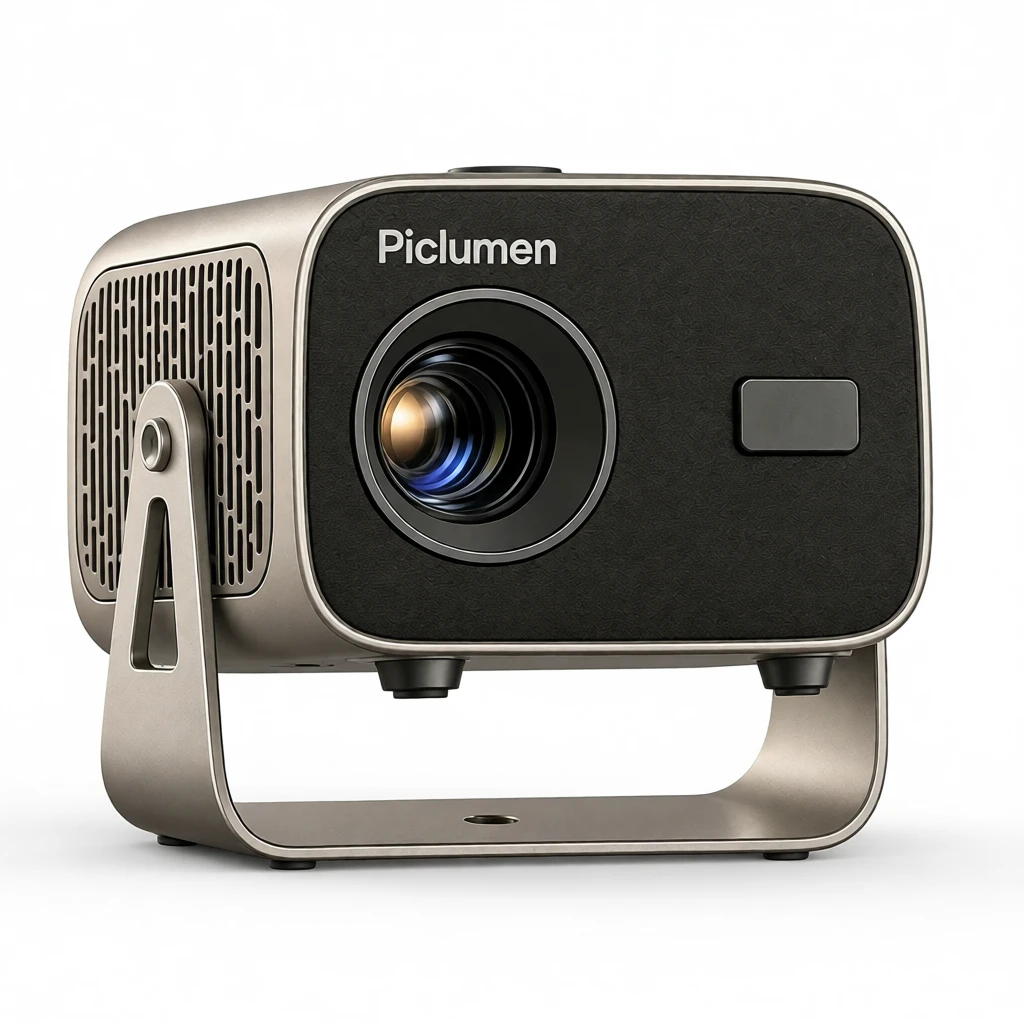
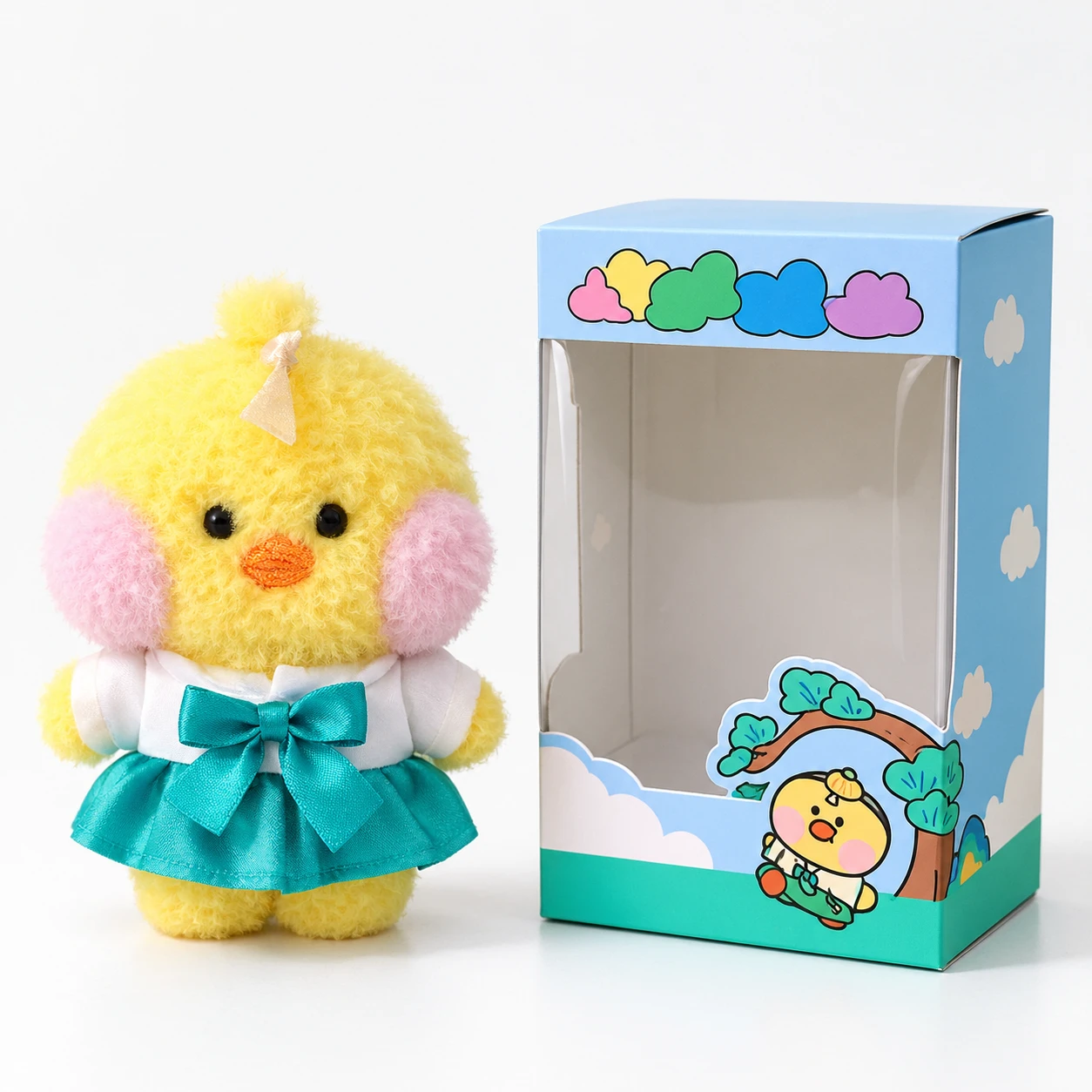
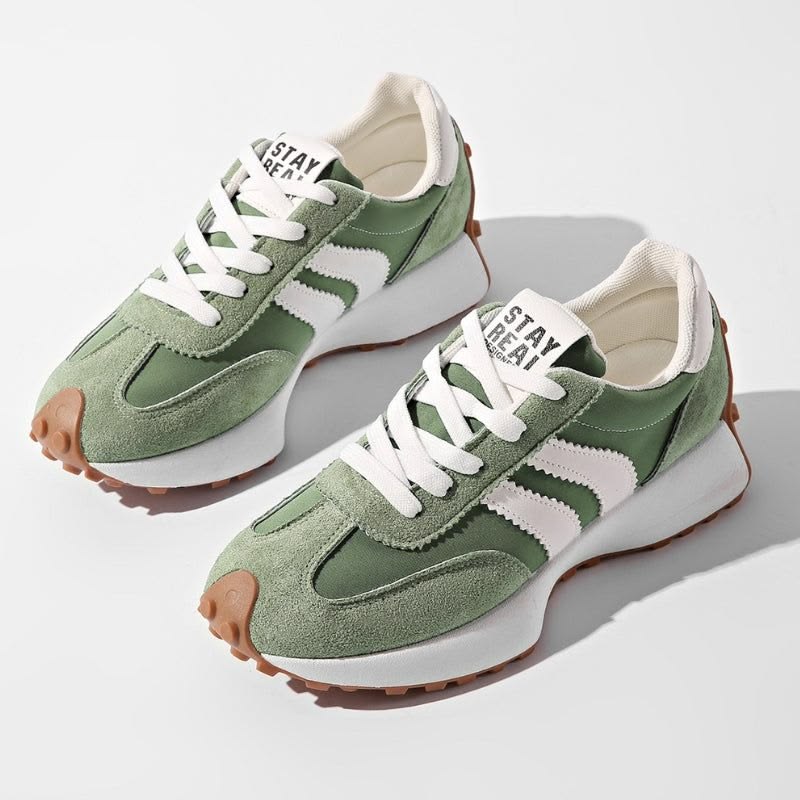
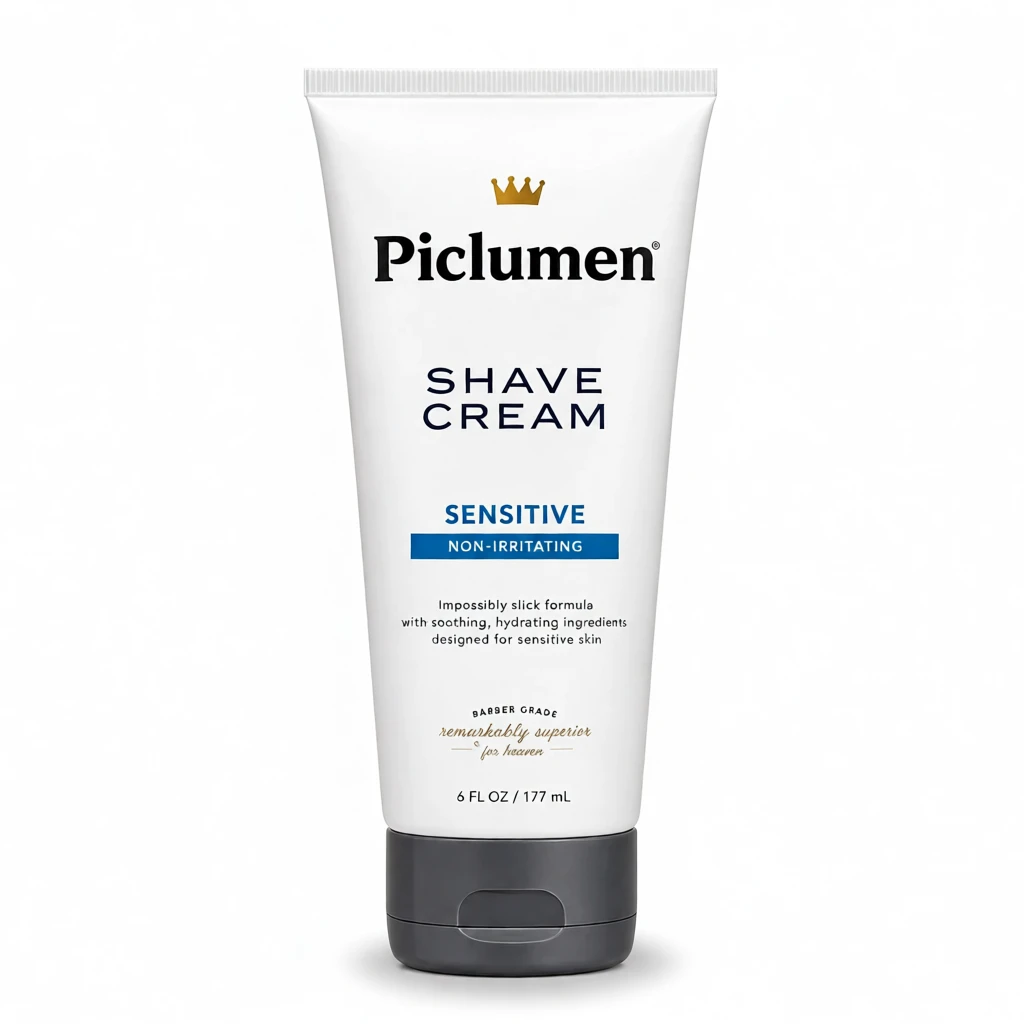
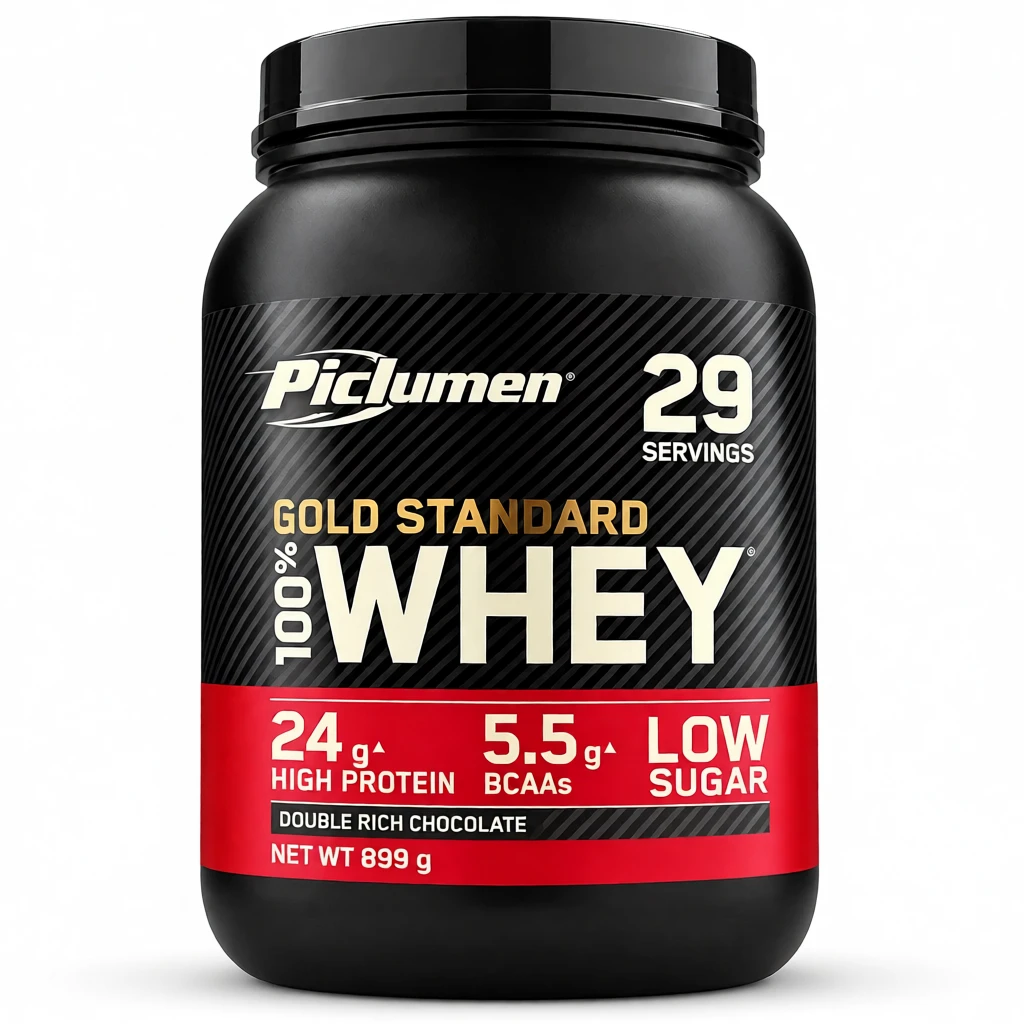
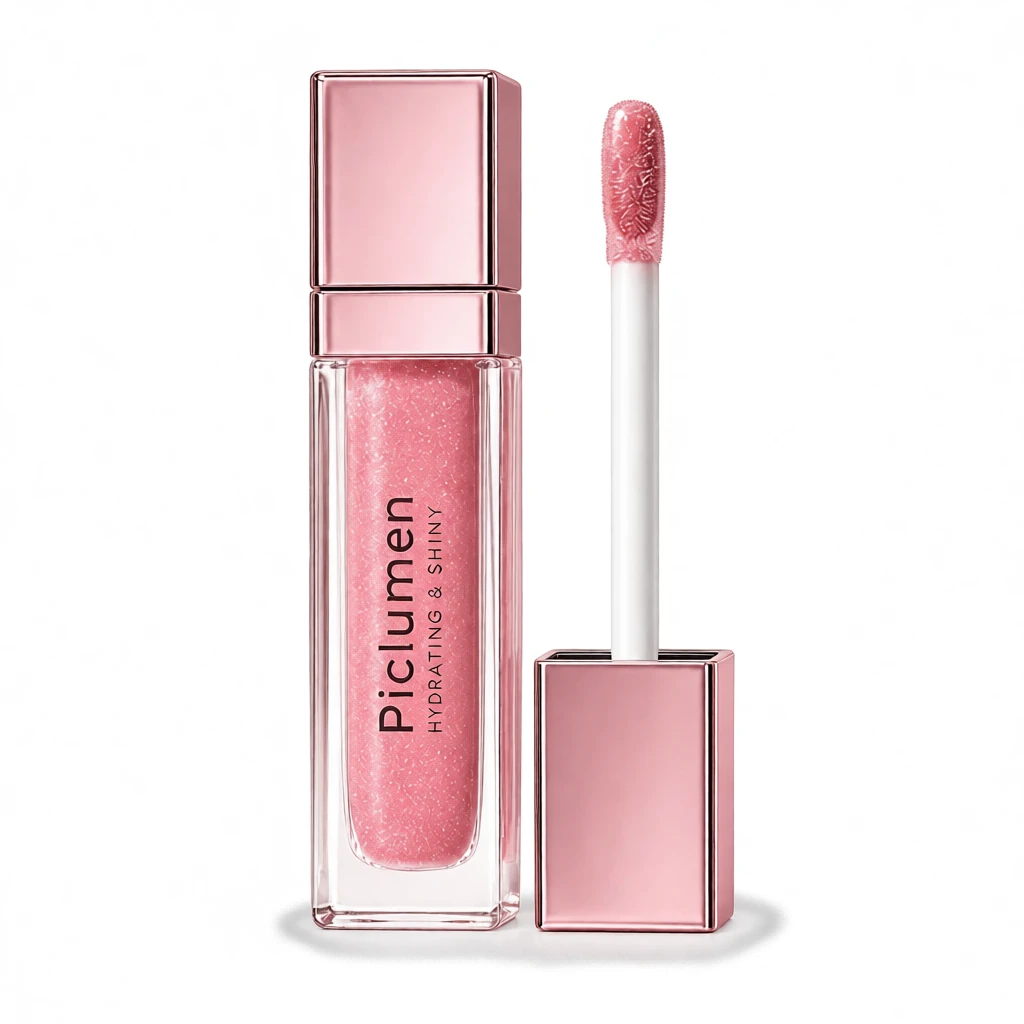


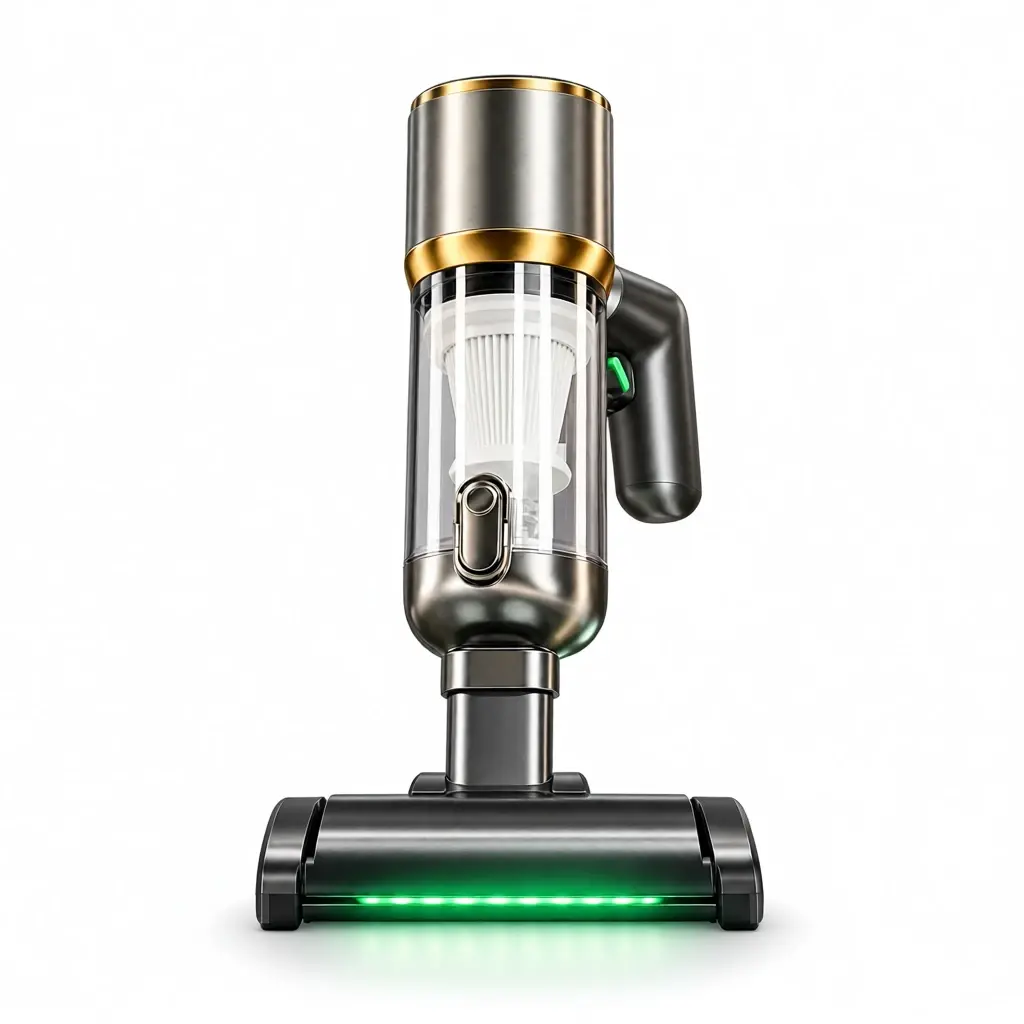
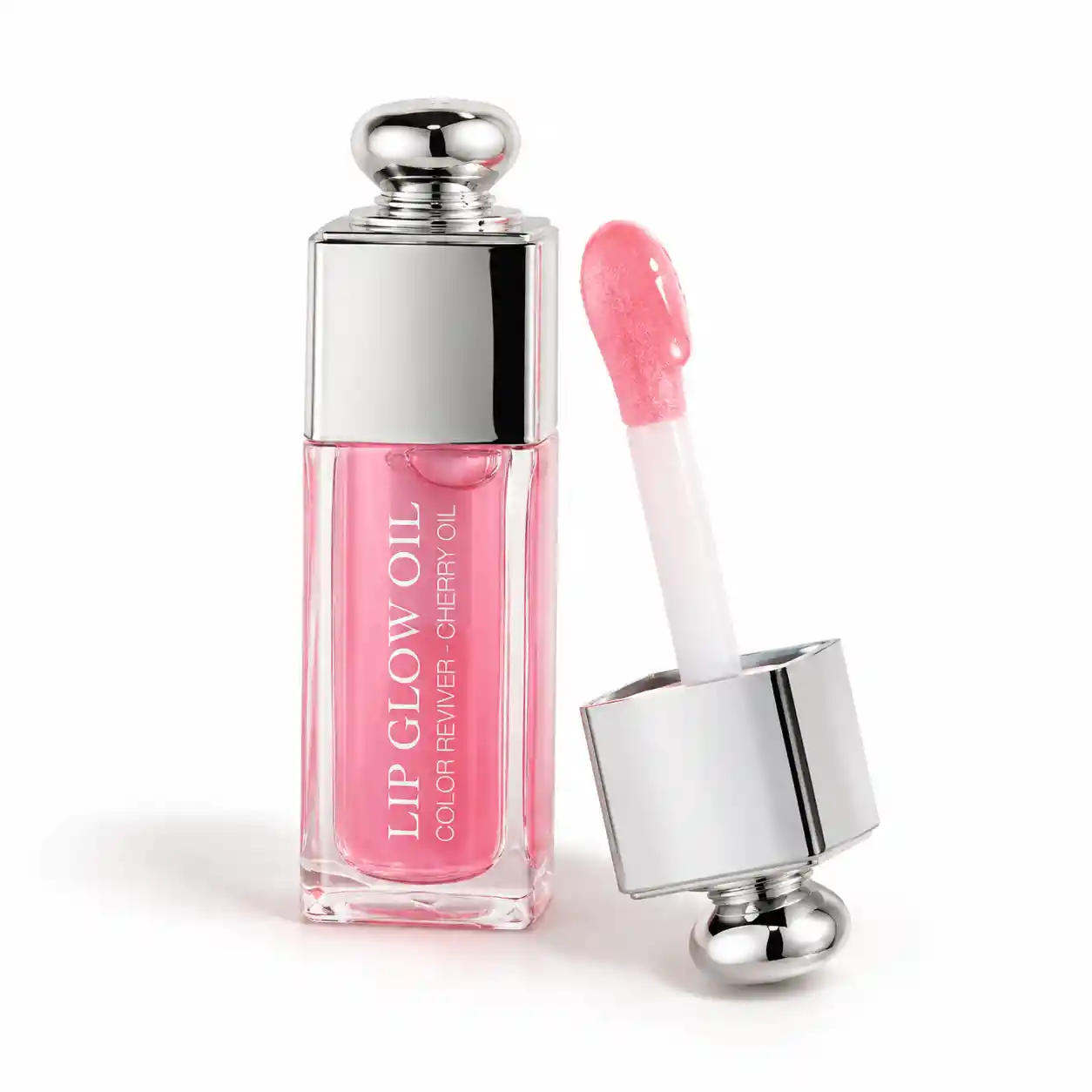
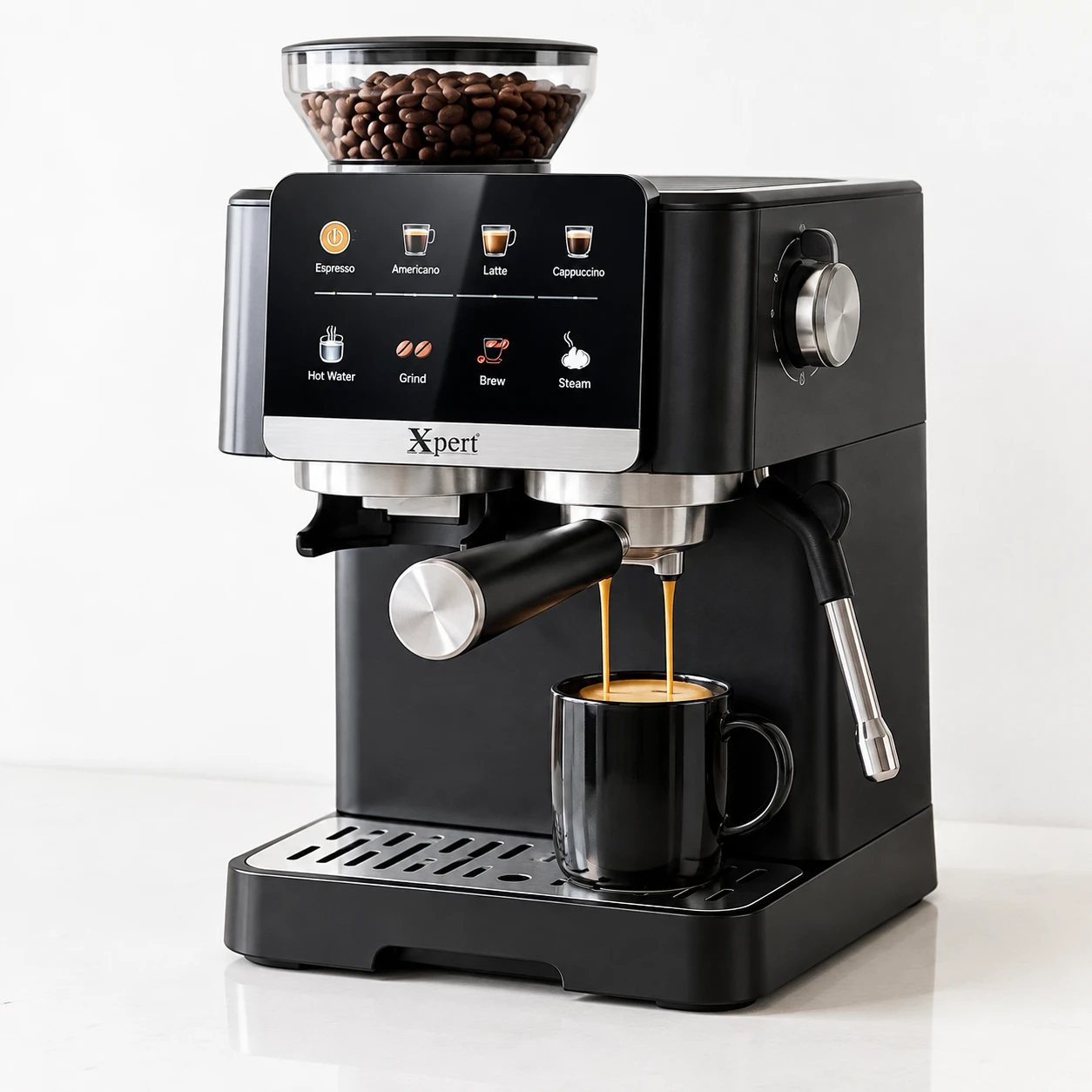
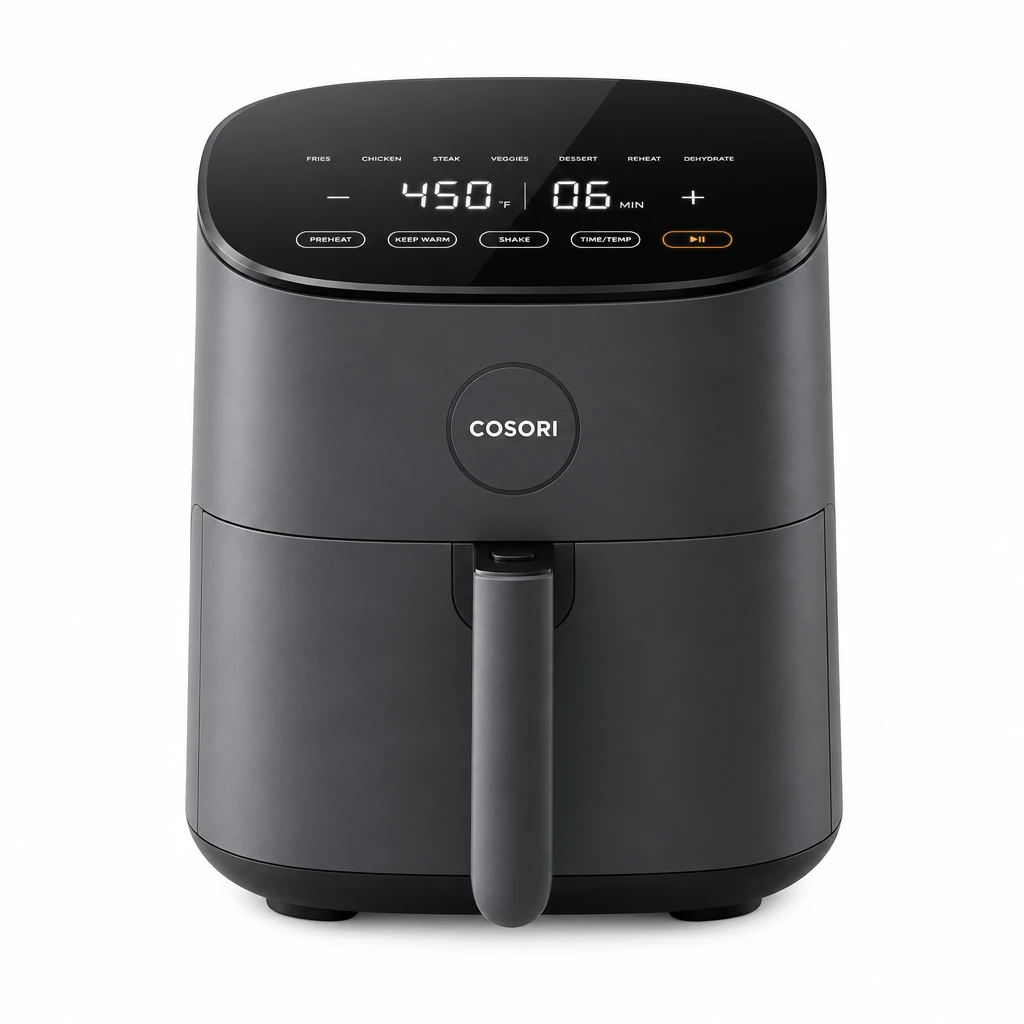


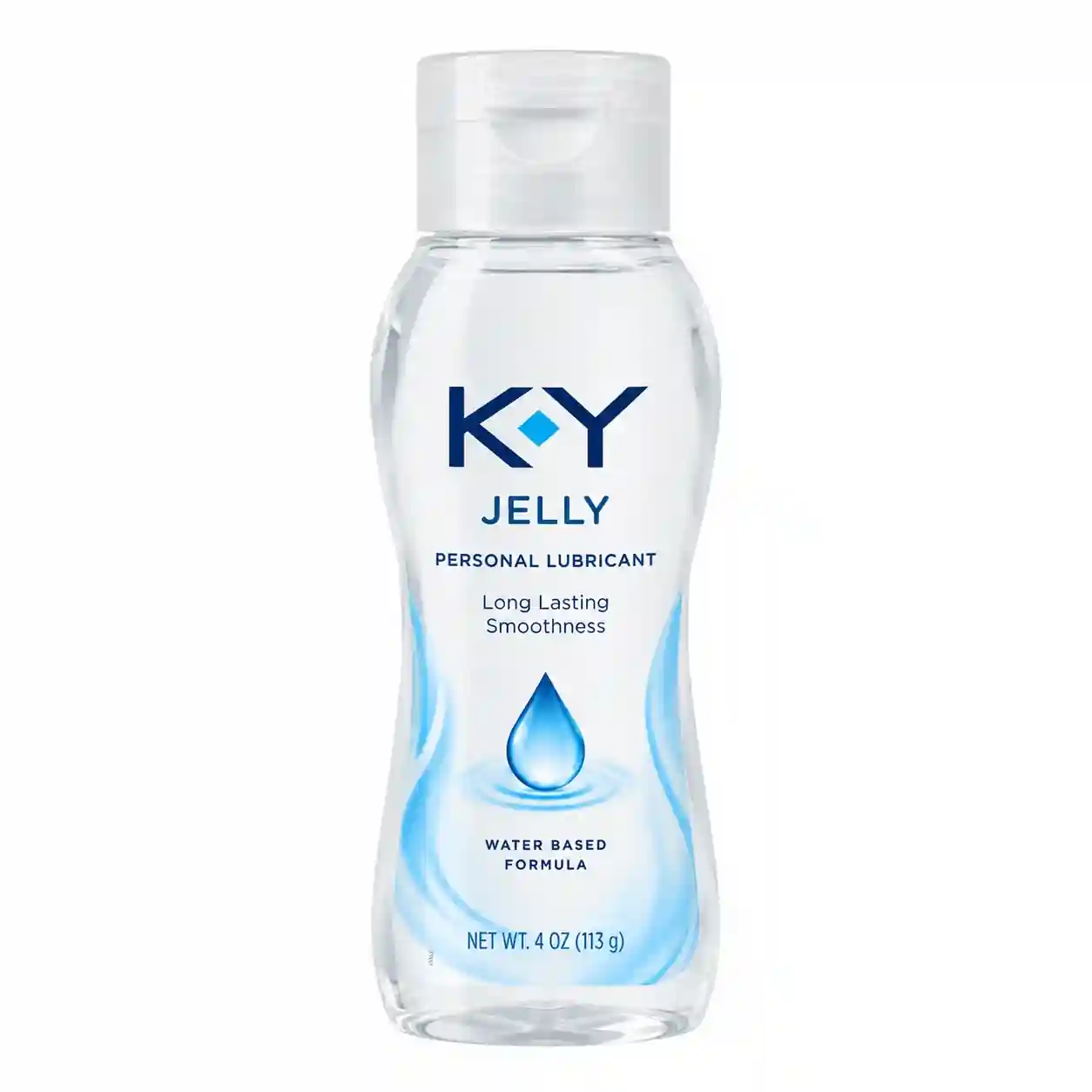
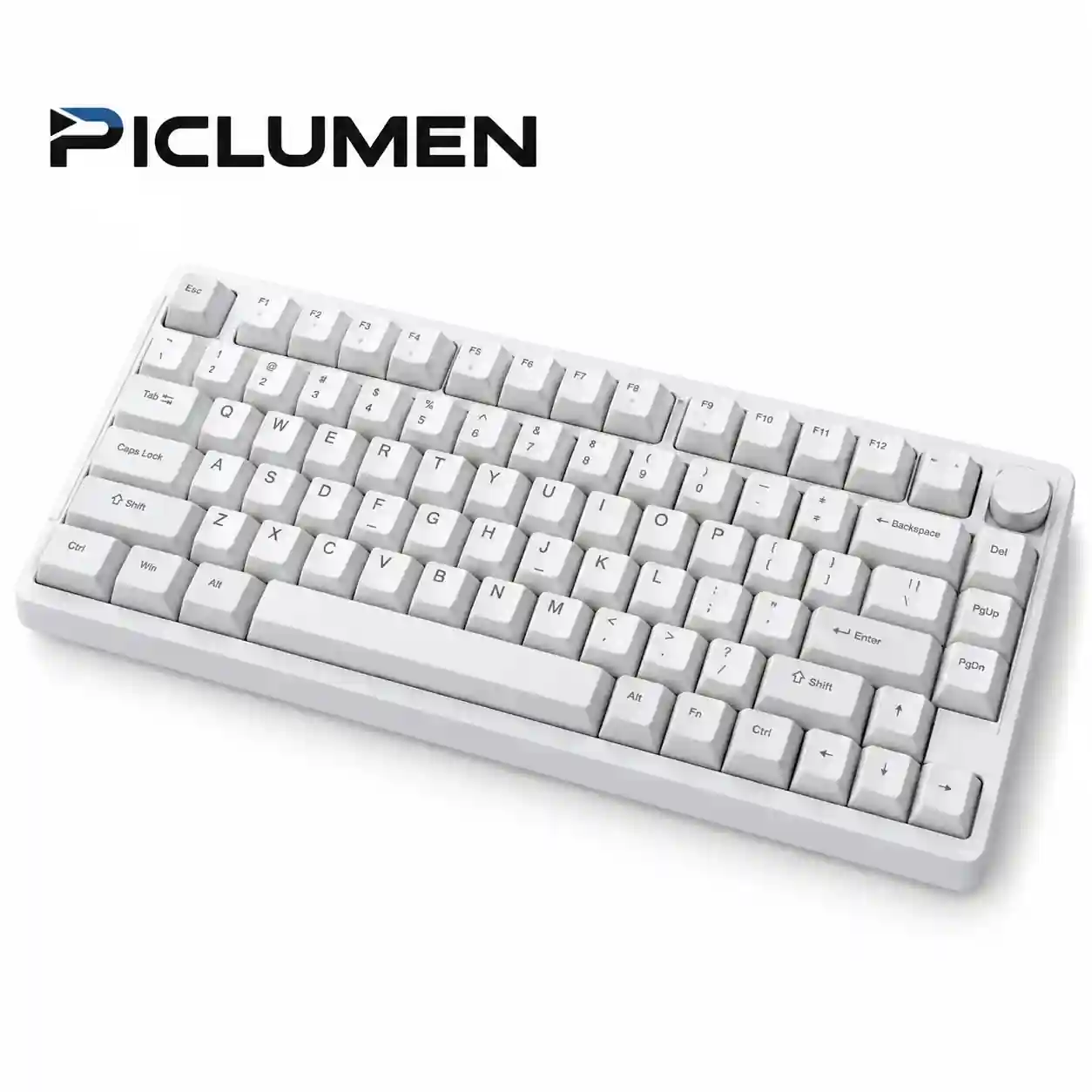
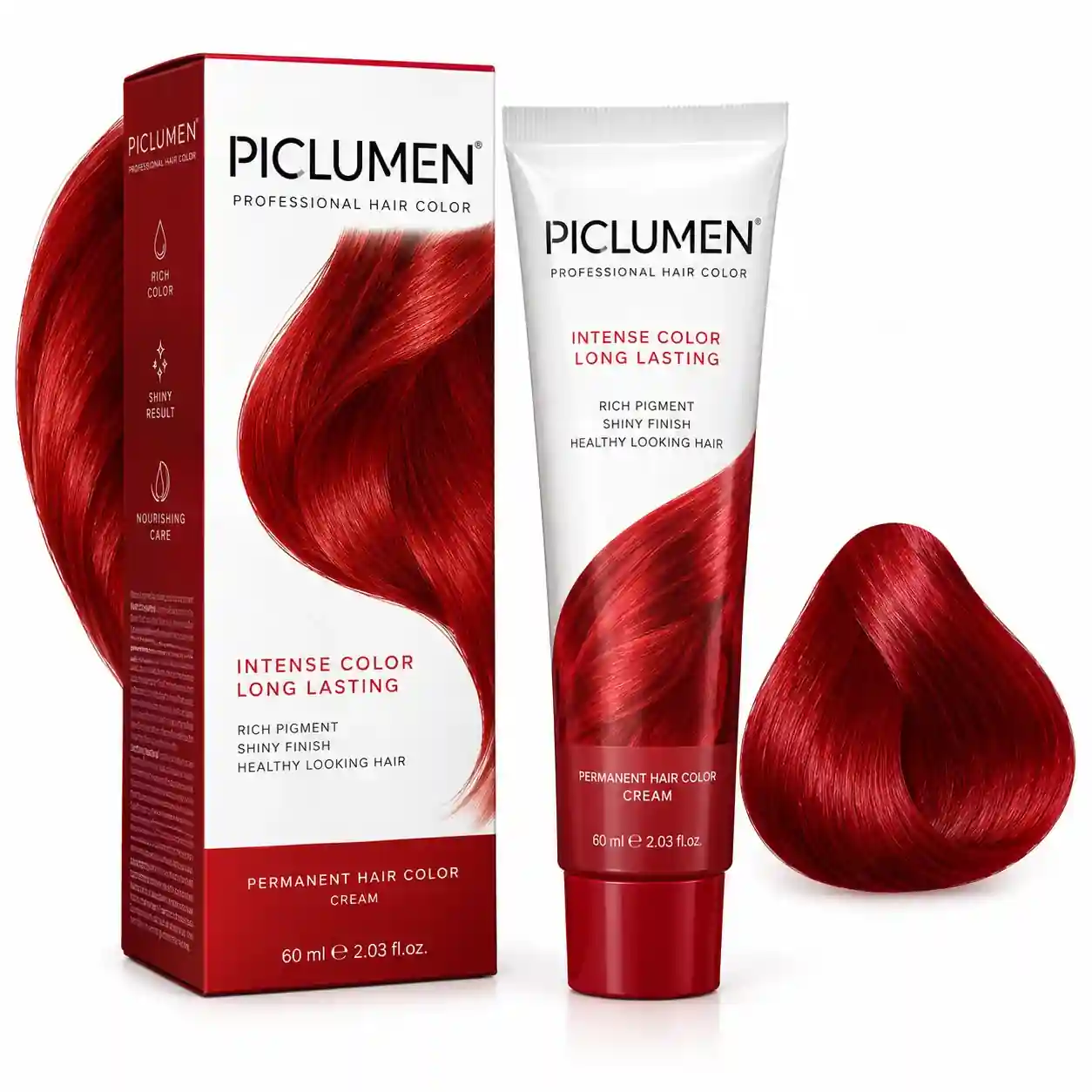
Ready-to-Use Scenes with Less Setup
PicLumen Ads Studio offers ready-to-use video ad templates for product showcases, demos, unboxing, and seasonal campaigns. Each template provides a setting and product action to work from, reducing the planning behind a new creative. Add your product references and create a version for the campaign, with less preparation than organizing another scene from scratch.
Fresh Ad Ideas from the Same Photos
PicLumen's template library lets the same product appear in different advertising scenes. Use existing photos to explore a packaging reveal, a detail-focused showcase, or an everyday demonstration. This gives marketers fresh material for creative testing and campaign updates, with less time spent developing each visual concept. Choose a different format when the product needs a new angle.


Product Details Shoppers Can Understand
Ads Studio offers product video templates built around how different items are presented and used. Beauty scenes can highlight application and finish, while gadget demos connect a device with an everyday task. PicLumen helps sellers give useful details a clear place in the video, making it easier for shoppers to picture the product and understand its intended use.
Preview the Scene Before You Create
PicLumen provides sample videos that show a template's setting, movement, and product interaction before generation. Compare the formats and choose a direction with a clearer idea of the intended result. For agencies and marketing teams, these previews also provide a concrete starting point for client discussions, helping everyone agree on the scene before preparing the product assets.

Why Choose PicLumen Ads Studio for Your Next Campaign?
Lower Production Costs
PicLumen’s ready-to-use video ad templates reduce the need to plan and stage every scene. Reuse product photos and suitable formats to create more campaign material with fewer production arrangements.

Faster Creative Updates
Ads Studio gives new launches and ongoing campaigns a ready-made starting point. Choose a scene, add your product assets, and generate a version, helping your team respond to new briefs with less setup.

More Ideas to Test
PicLumen offers showcases, demos, unboxing, and seasonal formats for different creative approaches. Explore several ways to present the same product and give your next campaign more options to test.

Consistent Brand Style
PicLumen lets you reuse suitable templates across related products and campaigns. Give new launches and catalog updates a familiar visual style, with less work rebuilding the same presentation each time.

Choose with Confidence
PicLumen’s sample videos show the intended scene before generation. Compare the framing, movement, and product interaction to find a suitable format, or use the previews to agree on a direction with your client.
Built for the Next Job on Your Marketing Calendar
- New Product Launches
- Ecommerce Product Pages
- Paid Social Creative Refreshes
- Agency and Freelance Projects
- Seasonal and Gift Promotions

Get the first product video underway while the rest of the launch comes together. A showcase can introduce the design; a demonstration can explain an intended use. Choose the scene that supports the launch's main message.


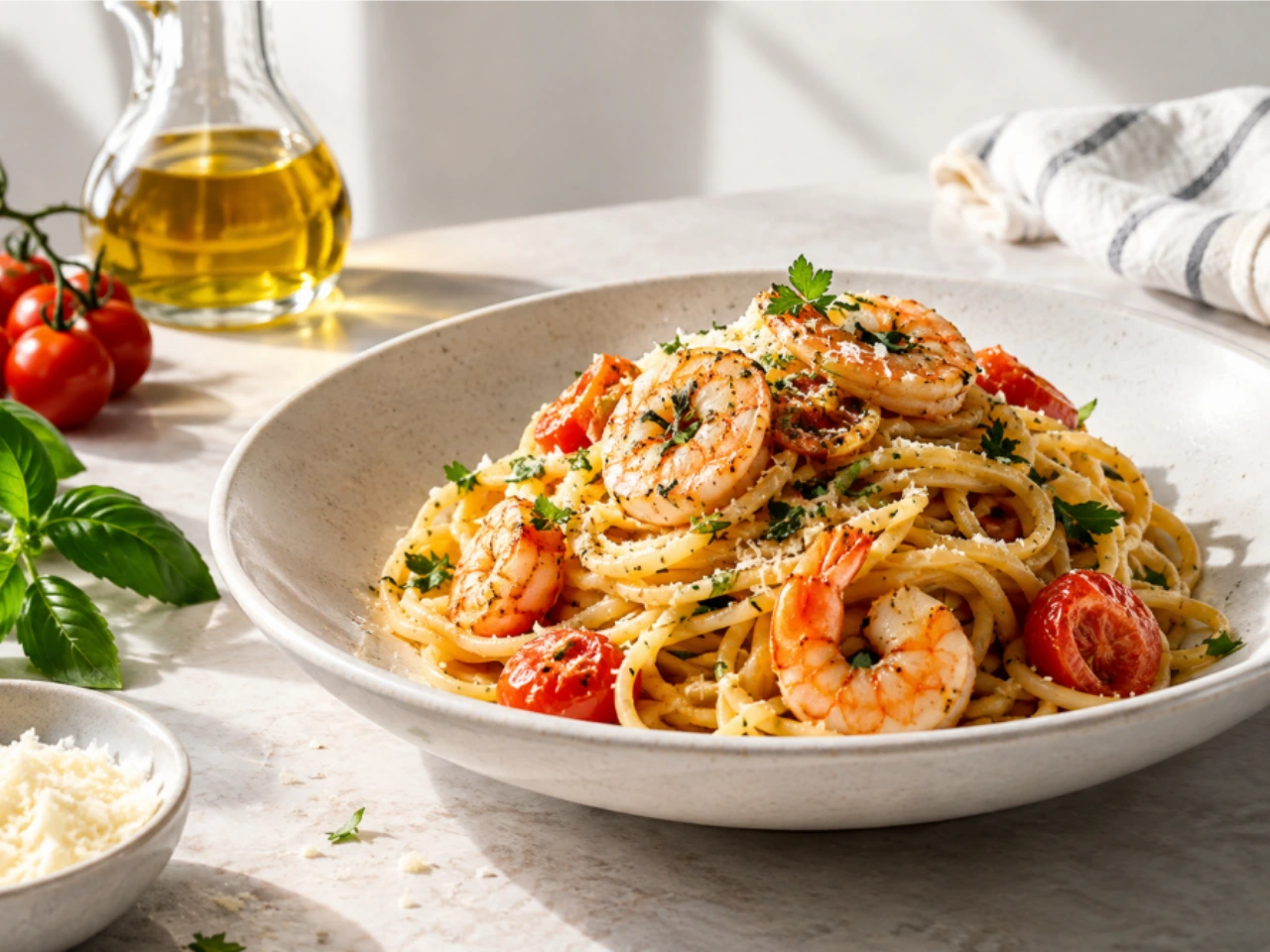

How to Use PicLumen Ads Studio
Step 1 Choose a Template
1Browse the video previews and select a format for the product and campaign. Start with what the creative needs to show: design, packaging, an everyday use, or a seasonal moment.
Step 2 Add Your Product
2Select an existing product or upload the photos and references requested by the template. Use clear assets that show the details needed for the chosen scene.
Step 3 Generate and Download
3Confirm the product and template, then click Generate. Review the result and download the version you want to use. Choose another suitable format when the campaign needs a different presentation.


Loved by Creators Worldwide
Real feedback from designers, marketers, and hobbyists sharing their PicLumen experience on Trustpilot.
 Bet AW
Nice good appp creat inmage
Nice good appp creat inmage
My experience
Itis a really good website n really ideal to use theres only one con and that the AIS sometimes create wrong images but that doesnt happen frequently
 ClashOf Clans
Excellent platform to fantasy
Excellent platform to fantasy
Brad the BibliothecaryGreat service with ease of use and…
Great service with ease of use and generous free offerings.
Really good app and generates good…
Really good app and generates good images!
Menu LawrenceVery fantastic app
Very fantastic app. I love it. I will like everyone to use this App
 Tufail Khan
I love it this helps me to create all i…
I love it this helps me to create all i want ai videos ai images thanks piclumen
 Richard Lemos
good site
good site, nice pictures, good quality
Very easy to use
Very easy to use, great quality
Nice app ever
Nice app ever, like it when I needed
 Hazard Lion
Best project in ai
Best project in ai , creating images 👌
Human HumanBest of all time vry real
Best of all time vry real
Frequently Asked Questions
Can I start if I only have product photos?
Yes. Existing product photos are a useful starting point for suitable templates. Choose a scene, then check the images or references it requests. A simple showcase may have different requirements from a person-led demonstration, so prepare the assets listed for your selection.
How do I find a template that suits my product?
Choose the detail or action the video should focus on, then compare relevant samples. Look at the size of the item, its packaging, and how it is handled. Select a template whose scene and input requirements fit the product photos available.
Can I get several ad ideas from the same product?
Yes. Use suitable templates to explore different ways of presenting the item. An unboxing can introduce the packaging, a showcase can highlight its design, and a demonstration can show an everyday use. Each format offers a different idea for the campaign.
Can I reuse a template across my product range?
Yes, when the items suit the same format. Add separate product references and create a version for each item. This can work well for a collection with similar packaging or presentation needs. Review each result to make sure the correct product details are shown.
Do I need to write a detailed prompt for every video?
Each template provides a starting scene, so there is less to plan from scratch. Add the requested product assets and follow the input fields. Any additional instructions depend on the chosen template. The sample video helps show the intended direction before generation.
Can I prepare concepts for different clients?
Yes. Choose templates that fit each client's product and campaign brief, then supply the relevant assets for each version. Sample videos are useful for discussing a direction before generation. The resulting video can then be reviewed as part of the client's creative feedback process.
How do I choose between Ads Studio and the ad video generator?
Start with Ads Studio when you want to browse ready-made product scenes and select a video template. Visit PicLumen's AI Ad Video Generator for an overview of the general ad creation workflow. Ads Studio focuses on finding and using a suitable template.
Put Your Next Product Ad into Production
Find a scene that fits the brief, add your product, and create a video to review. Start the next launch or creative refresh with a template already in place.