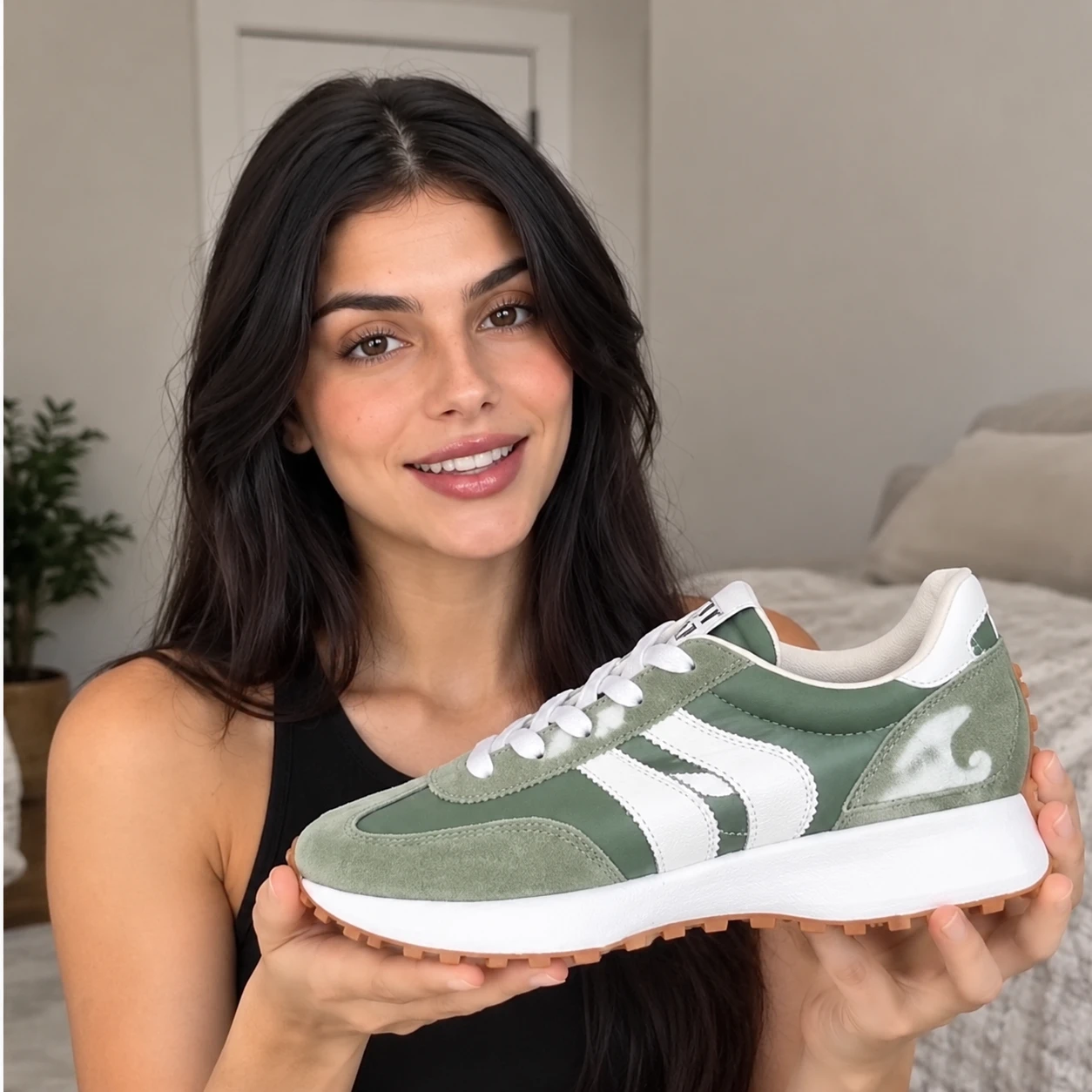

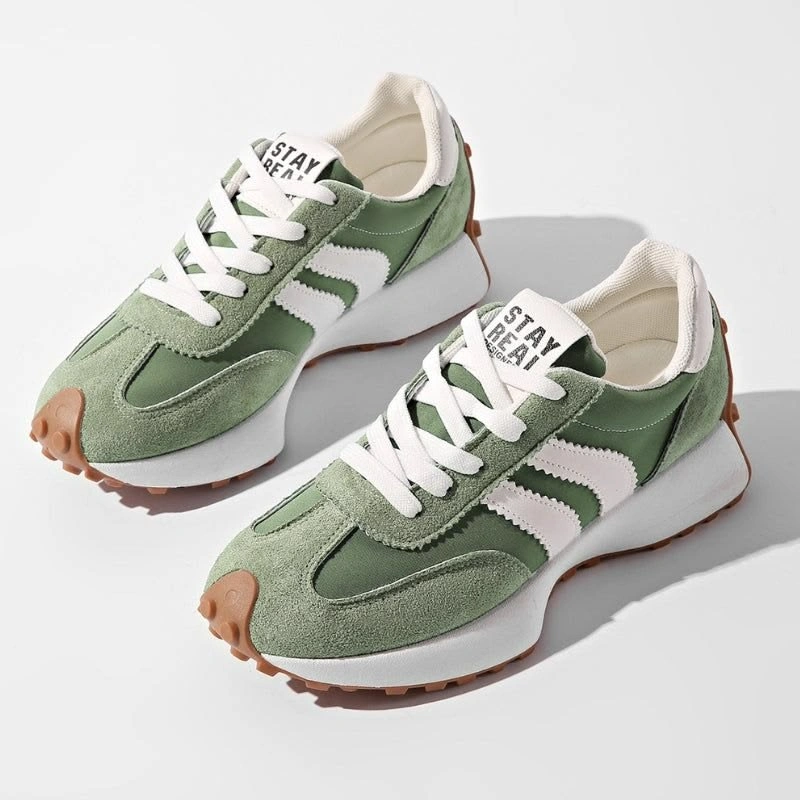
Present Sneakers Through a Creator-Style Avatar
Bring footwear imagery into a creator-inspired presentation with the Sneakers UGC Avatar concept. Use a suitable sneaker or model photo as the starting point for a visual direction centered on shoe design, personal style, and product storytelling. The result can support early creative planning for a footwear launch, product introduction, or promotional concept without requiring a complicated narrative.
Build a Footwear-Focused Visual Concept
Start with a photo that makes the sneakers easy to identify, paying attention to color, shape, and framing. A product image can emphasize the shoe itself, while a model photo can place the footwear within a broader style presentation. Explore related approaches through the AI UGC Video Generator when planning creator-inspired content for a product or campaign.
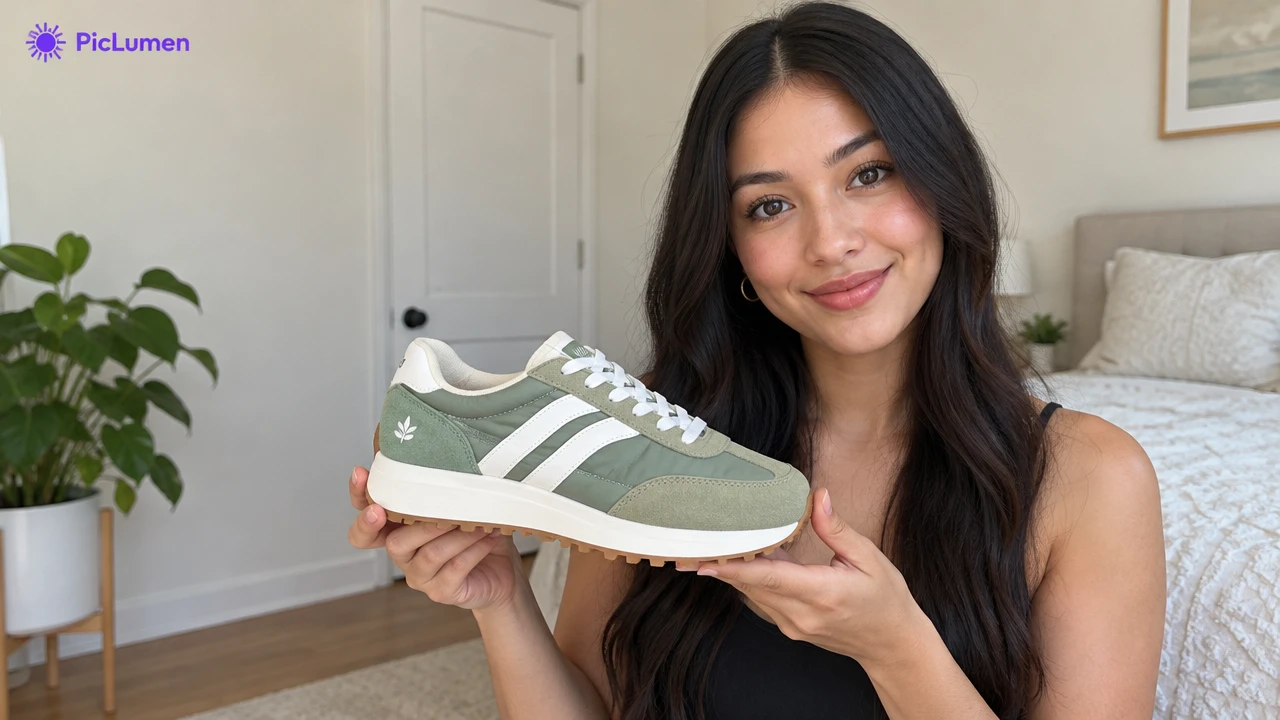
Introduce a New Sneaker Design
Use a clear footwear image to develop a visual concept around a new sneaker style. Consider which details deserve attention, such as the silhouette, color combination, or overall design. A creator-style presentation can provide a starting point for explaining the product's visual identity while keeping the footwear central to the message.
Explore Everyday Styling Ideas
A model photo can help frame sneakers as part of a wider outfit concept. Think about the mood you want to communicate, from casual everyday wear to a more polished streetwear direction. Choose source imagery that supports the intended style, and keep the visual story consistent with the footwear rather than adding unrelated elements.
Plan a Creator-Led Product Introduction
Use the avatar concept as a reference when planning how to introduce sneakers through a creator-style presentation. Consider the product's defining features and the main point you want the audience to understand. The visual can help organize a campaign idea before you prepare supporting copy or other marketing materials.
Sneakers UGC Avatar Ideas for Footwear Promotion
Explore practical ways to develop sneaker-focused visuals with an avatar-led, creator-inspired approach. From highlighting a particular shoe design to planning a broader product campaign, the template concept can help establish a clear visual direction. Start with the purpose of the presentation, then choose a suitable photo and template that support the footwear story you want to communicate.
Showcase a Signature Sneaker
Build a concept around a distinctive sneaker, using the source photo to keep the footwear at the center of the presentation. Consider the shoe's shape, colors, and design details when deciding what the visual should emphasize. This approach is useful for organizing a product introduction or developing a consistent direction for a new footwear collection.
Develop a Footwear Campaign Concept
Use a creator-style avatar presentation as one starting point for planning footwear promotions, from a single product feature to a broader seasonal concept. Connect the visual direction to the campaign message and explore related planning ideas through Marketing Solutions. Keep the sneaker design recognizable and ensure the proposed presentation matches the product being promoted.
Prepare Creator-Style Promotional Content
Plan a sneaker introduction around the relationship between the footwear, the presenter-style concept, and the main product message. This can help clarify the visual approach before creating other campaign materials. For related creator-led content workflows, explore the AI UGC Video Generator and consider which presentation style best suits your project."
Build a Consistent Collection Presentation
When preparing concepts for several sneaker designs, define a shared visual direction before working on each product. Similar framing choices and a consistent presentation mood can make the collection feel more organized, while the shoes' individual colors and silhouettes remain distinct. Use each source photo to reflect the product accurately and avoid implying features that the footwear does not have.
Create a Sneakers UGC Avatar Visual on PicLumen
Step 1 Upload a Product or Model Photo
1Start with a product photo of the sneakers or a model photo that suits your intended presentation. Choose an image in which the footwear or main subject is easy to recognize, with enough space around it to keep the composition clear. Check that the framing supports the visual idea, and avoid busy backgrounds or unrelated objects that could distract from the sneaker-focused concept.
Step 2 Choose a Template or Use the Default
2Consider the type of footwear presentation you want to create before choosing a template. Select an option that suits the sneaker design, model image, and intended marketing message, or use the default template if it already fits your concept. You do not need to switch templates simply for the sake of changing them; focus on selecting the direction that best matches your source photo.
Step 3 Review and Generate
3Before generating the visual, check that the uploaded photo is appropriate for your intended sneaker presentation and that the selected template matches your creative direction. Make sure the main subject is clearly represented and the composition supports the product story you want to communicate. When the photo and template look right, click Generate to proceed with the selected setup.


Loved by Creators Worldwide
Real feedback from designers, marketers, and hobbyists sharing their PicLumen experience on Trustpilot.
Ayan SamantaAwesome experience just looking wow
Awesome experience just looking wow
 jsbsbsbs hdhdhshwhw
Very cool i like it it's so smooth
Very cool i like it it's so smooth
CrispeeEasy to use.
Easy to use. Great layout love it!
 Rishiprasanth BR
This is a great site to create images…
This is a great site to create images as per our mind's wish. Such a great site, loved its response
 Brad the Bibliothecary
Great service with ease of use and…
Great service with ease of use and generous free offerings.
 Zara
Piclumen still remains the best…
Piclumen still remains the best with image references. I don't have any complains using Piclumen. It makes my work easier
Ioannis GreecePicLumen is powerful and i like it for…
PicLumen is powerful and i like it for my creations.
 Yll
Is very good program for ai
Is very good program for ai
good ai i like using this a lot.
good ai i like using this a lot.
 TN Akash YT
Valo App
Valo App Ai Video Er Jonno
 Samaneh Habibi
useful
useful. great for graphists
I love PicLumen
I love PicLumen. It is one of my favourite AI image generating tools. I have been using it for quite some time and it never fails to disappoint , and just keeps getting better with each update
FQAs About Sneakers UGC Avatar
What is Sneakers UGC Avatar?
Sneakers UGC Avatar is a creative template concept that combines sneaker-focused imagery with a creator-style, avatar-led presentation. It can be used as a starting point for footwear introductions, promotional concepts, and visual storytelling. The final visual direction depends on the source photo and selected template, so choose materials that suit the sneaker style and message you want to present.
What is the best tool for creating Sneakers UGC Avatar visuals?
PicLumen is an option for creating Sneakers UGC Avatar visuals through a template-based workflow. Upload a suitable sneaker product photo or model photo, select a relevant template or use the default, and review your choices before clicking Generate. This straightforward process helps you prepare a creator-style footwear concept without adding unnecessary steps or relying on unsupported features.
What photos work well for a Sneakers UGC Avatar visual?
Choose a clear sneaker product photo or a model photo that fits your intended presentation. Keep the footwear or main subject easy to recognize, use balanced framing, and avoid distracting background elements. Consider the shoe's silhouette, color, and overall style when choosing an image, so the visual concept remains relevant to the product you want to introduce.
Can I choose a different template for my Sneakers UGC Avatar concept?
Yes. You can select a suitable template or use the default template directly. Consider whether your concept focuses on introducing a sneaker design, presenting a model wearing the footwear, or preparing a creator-style promotional visual. Choose the option that best matches your source photo and communication goal; switching templates is not necessary when the default already fits your intended direction.
How can Sneakers UGC Avatar visuals support footwear marketing?
Sneakers UGC Avatar visuals can serve as creative starting points for footwear product introductions, campaign concepts, creator-style presentations, and marketing planning. The combination of sneaker imagery and an avatar-led concept can help establish a clear visual theme for a product story. Match the presentation to the intended audience and ensure that any product descriptions or claims accurately reflect the footwear.
Can I find PicLumen reviews on Trustpilot?
You can check PicLumen's Trustpilot page for independent customer reviews. Reading individual reviews can help you understand other users' experiences and assess whether the platform suits your creative workflow. Visit the page directly to review current feedback rather than relying on an assumed rating, review count, or specific customer experience.