Hot Video Effects
Turn your photos into fun dance clips, surprising transformations, and shareable moments with trending AI video effects.
What Is Morning Serum UGC Tutorial on PicLumen?
Morning Serum UGC Tutorial is an AI video template that turns a serum product photo into a creator-style skincare demo. In a sunlit bathroom, a presenter introduces the bottle, shows how the dropper works, and walks viewers through applying the serum. It gives skincare brands a way to show where a product fits into a morning routine. Use the video to introduce a new serum or answer a common application question on social media.
Turn Serum Photos into Skincare Campaign Videos
Start with a photo of your serum bottle and choose the Morning Serum UGC Tutorial template. Use the preset prompt for a ready-made walkthrough, or edit it to open with a question your customers often ask or focus on a step from your product's directions. Generate the clip from the product photo you already have and use it in a launch post, on a product page, or as footage for your next social ad.
Show How Your Serum Fits a Morning Routine
Open With a Skincare Hook
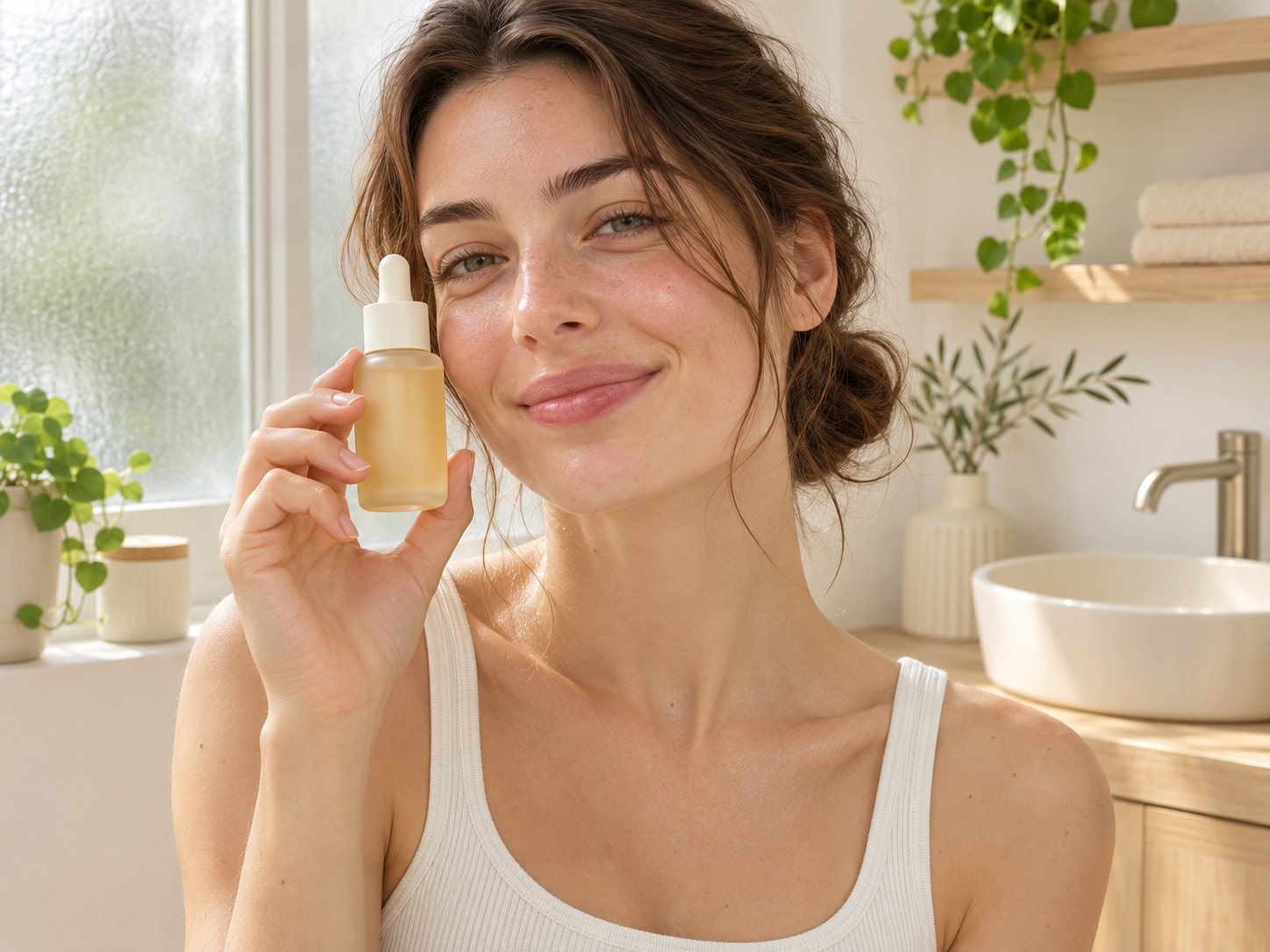
Start with a question your audience might ask, such as "Where does serum go in my morning routine?" The template opens with a presenter holding the bottle beside their face and speaking directly to the viewer. It introduces the product while giving people a reason to watch the demonstration.
Show the Dropper in Action
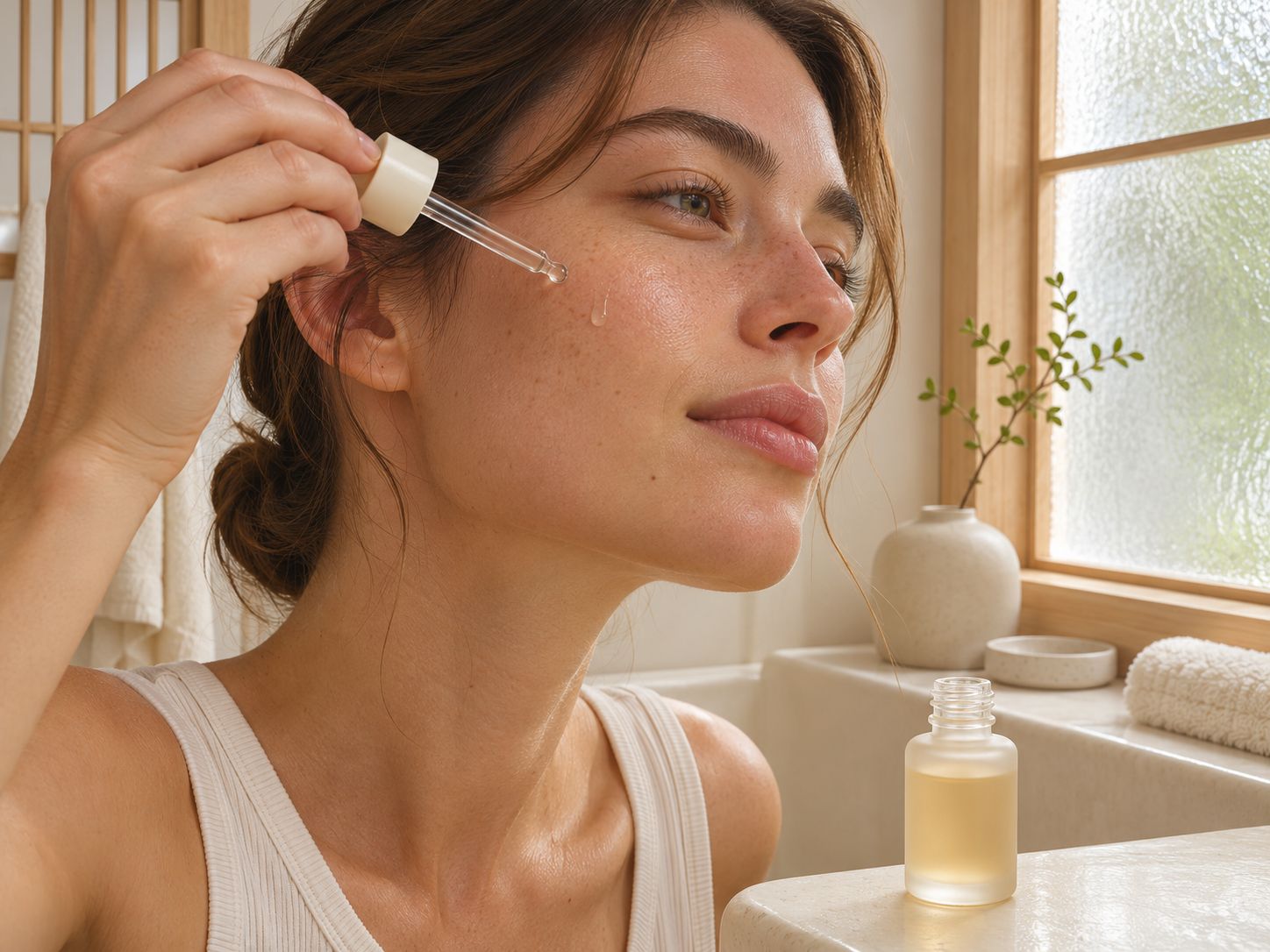
Give viewers a look at how the serum is dispensed and applied. The tutorial moves from opening the bottle to showing the dropper, applying the serum, and gently pressing it into the skin. This gives shoppers a practical sense of how the product fits into an everyday routine.
Set the Scene With Morning Light
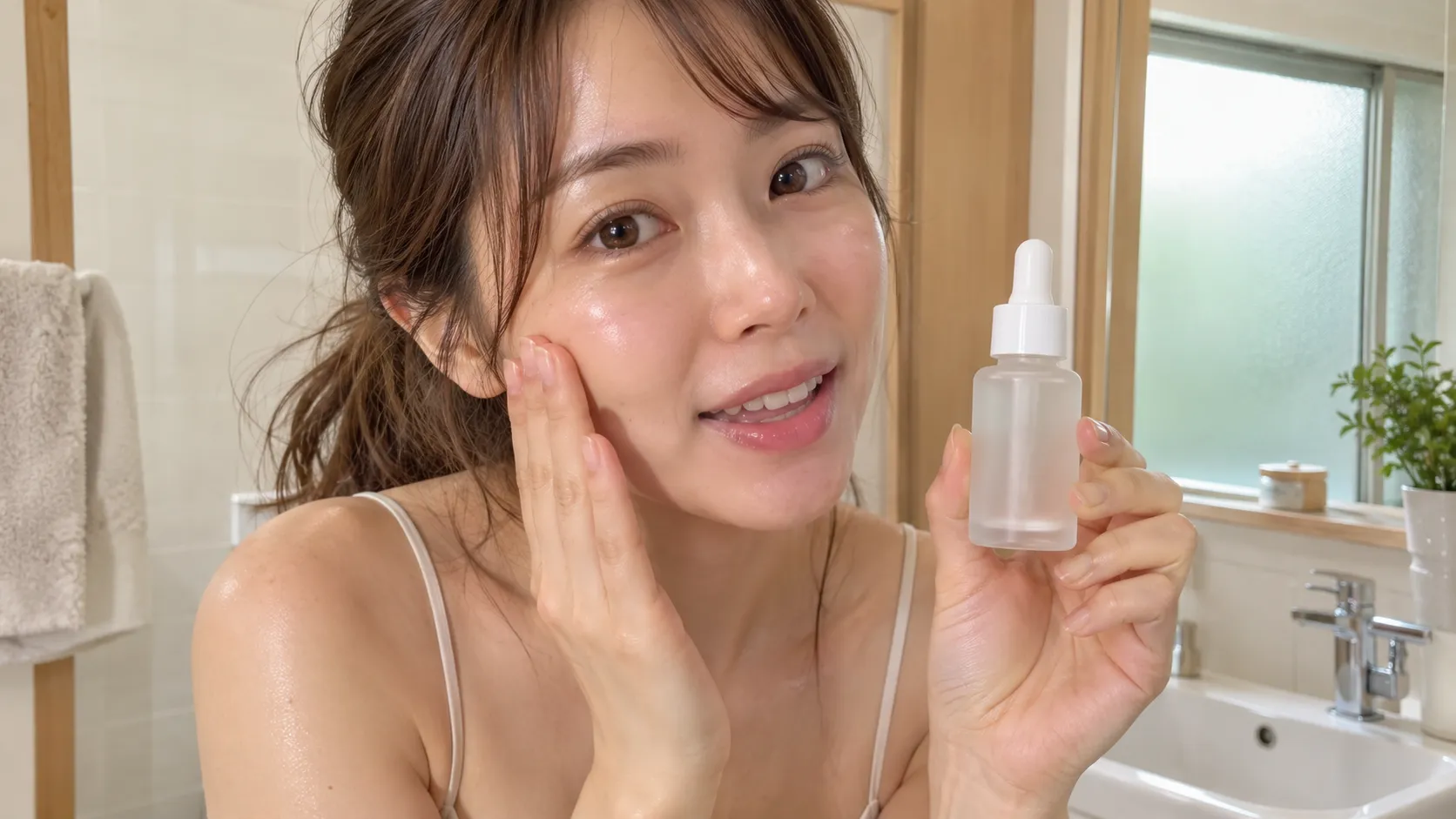
Soft daylight, light wood tones, and a simple bathroom setting give the video the feel of a creator's morning skincare post. The presenter demonstrates the routine at the sink, with the bottle appearing naturally throughout the clip. Use the footage for a skincare campaign that calls for a relaxed, everyday setting.
Tailor the Prompt to Your Product
Use the preset for a ready-made morning serum tutorial, or edit the prompt to focus on the application step that matters most to your audience. Try an opening about when to apply the serum or ask the presenter to spend more time showing how to use the dropper. Base the directions on your product's actual instructions.
How to Create a Morning Serum UGC Video
Step 1 Upload Your Serum Photo
1Upload a product photo that shows the serum bottle and dropper. A front or three-quarter view gives the template a reference for the bottle's shape, color, and packaging.
Step 2 Choose the Template and Prompt
2Select Morning Serum UGC Tutorial. Use the preset prompt to create a morning skincare walkthrough, or edit it to reflect your product's directions and the message you want to share.
Step 3 Generate and Download
3Click Generate and review the video for product appearance, application steps, and spoken lines. Download the clip when it fits your campaign.
Skincare Campaigns You Can Create With This Template
New Serum Launches
Introduce a new serum with a video that shows the bottle in use. Let viewers see the dropper and follow a simple application before inviting them to explore the product. Use the clip in a launch post or pair it with product photography on the launch page.
Morning Routine Social Posts
Build a TikTok or Instagram Reel around a common skincare question, such as when to apply serum. Focus on one step your audience can follow and pair the video with a caption that reflects your product's directions. The routine gives the serum a natural place in educational content.
Product Page Demonstrations
Add a short how-to clip alongside your serum photos and written directions. Showing the dropper and application gives shoppers a better idea of how they'll handle the bottle and use the product at home. The clip can also support a routine guide that explains how your skincare products work together.
Paid Social Creative Testing
Create variations around different opening lines or product messages. Try one version that explains where serum fits in a routine and another that leads with how the dropper works. Use each clip with a matching caption and call to action so you can compare how the two approaches perform.


Loved by Creators Worldwide
Real feedback from designers, marketers, and hobbyists sharing their PicLumen experience on Trustpilot.
Just amazing website a must try.
Just amazing website a must try.
by Neefai love it and easy to use
i love it and easy to use
 Brijesh Chikhaliya
very good
very good , Excellent Experience
 Prabhat Ranjan Singh Chauhan
Very smooth and very helpful for…
Very smooth and very helpful for everyonr who have creative mind. Thank you 👍
 Mubashir Ahmed
This web is very help and free
This web is very help and free
Ifeanyichukwu C ChukwuemekaVery good
Very good and good AI app easy to use without stress
 Federico Bidonde
Good app recién probando
Good app recién probando
 Its aarohi
This is a great app for creating images…
This is a great app for creating images and ai videos i just love this app
 Ayyan Naveed
It's good
It's work very I am totally satisfied from this app I am very happy after use it
Very cool and love the events
Very cool and love the events
madhu choudharybest for AI 3d
best platform for making ai generation and easy to use
 Le crouton enragé
Very good application to do whatever…
Very good application to do whatever you want
Frequently Asked Questions
What is the Morning Serum UGC Tutorial template?
It's a PicLumen video template that turns a serum product photo into a creator-style skincare tutorial. It shows a presenter introducing the bottle, dispensing the serum, and demonstrating how to apply it during a morning routine.
Do I need to write my own prompt?
No. You can use the preset prompt as is. Edit it if you want to change the opening line or give more attention to a specific application step.
What kind of product photo should I upload?
Use a photo where the serum bottle and dropper cap are both visible. Keep other products out of the frame so the template has a single product to reference.
Can I use this template for TikTok or Instagram Reels?
Yes. You can download the generated clip and use it as footage for a skincare tutorial, a product launch post, or a social ad on TikTok or Instagram.
Can I use the generated video in a commercial ad?
Commercial use depends on your PicLumen plan and is subject to applicable laws and third-party rights. Paid plans include commercial rights as specified in the subscription. The Basic plan excludes commercial use. Learn more about PicLumen's Terms of Service.