
AI Tutorial Video Maker: Create Professional Videos Fast
Create AI-powered tutorial videos for employee training, YouTube how-to guides, online courses, and customer education. PicLumen helps you generate multilingual tutorial videos.
Hot Video Effects
Turn your photos into fun dance clips, surprising transformations, and shareable moments with trending AI video effects.
Create Tutorial Videos from Simple Text Prompts
With PicLumen’s AI text to video maker, you can turn text scripts into professional-looking tutorial videos without cameras, actors, or editing software. Simply describe your topic, workflow, or lesson, and the AI automatically generates structured scenes, smooth transitions, and visually clear step-by-step content.
AI Voiceovers with Multi-Language Support
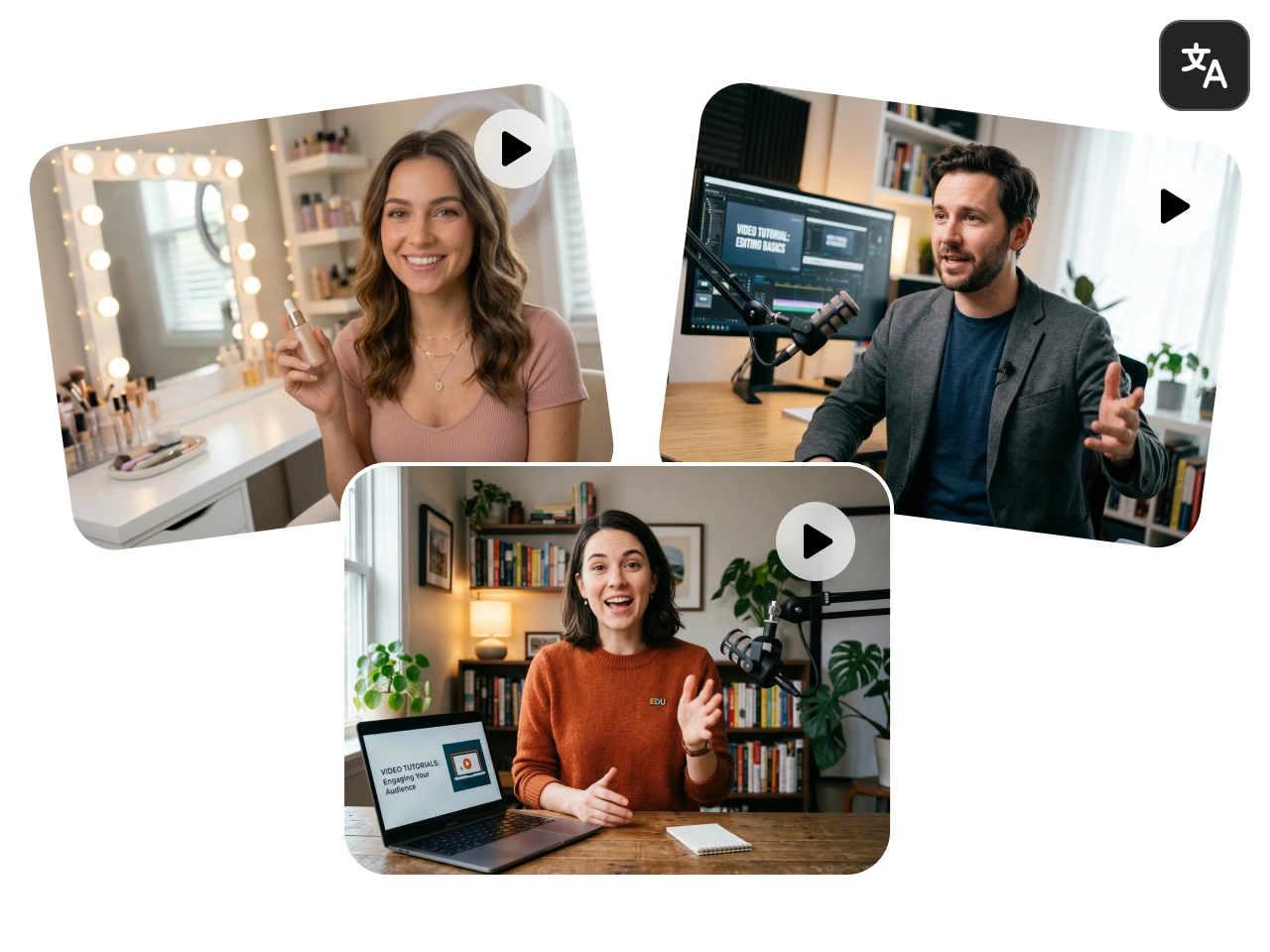
Create tutorial videos for global audiences using AI-generated voiceovers in multiple languages. With advanced AI video models like Kling 3.0, Seedance 2.0, and Veo 3.1, PicLumen helps creators produce localized tutorial content for YouTube, online courses, social media, and business training. Add natural-sounding narration, subtitles, and multilingual audio to make your videos more engaging and accessible for audiences worldwide.
Save Time and Reduce Production Costs
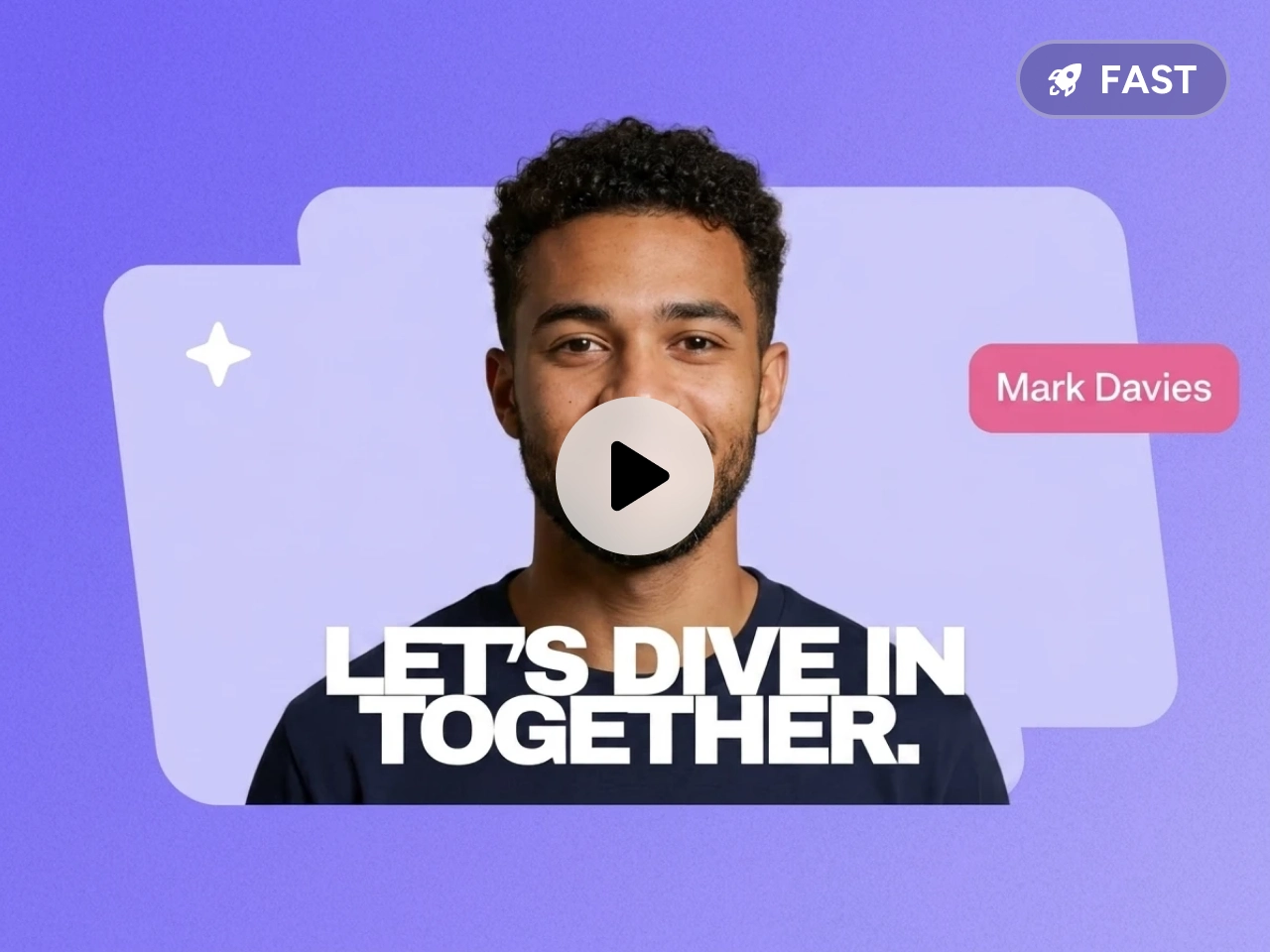
Traditional tutorial video production can take hours of recording, editing, and voiceover work. PicLumen simplifies the entire workflow with AI-powered automation, helping creators produce high-quality tutorial videos in far less time. There’s no need for expensive equipment, studios, or large production teams. From quick product demos to detailed educational guides, you can create more content while keeping production costs low.
Use Cases for PicLumen Tutorial Video Maker

Employee Onboarding and Training Videos
Create consistent training videos for new employees without spending hours recording presentations or editing footage. With PicLumen, businesses can turn onboarding materials, workplace guidelines, and internal processes into professional AI-generated training videos.

How-To Guides for Social Media
Produce short, engaging tutorial videos for platforms like TikTok, Instagram Reels, YouTube Shorts, and Facebook. PicLumen helps creators quickly transform ideas, product tips, or workflow explanations into eye-catching how-to content using advanced AI video models such as Kling 3.0 and Seedance 2.0.

Customer Education and Knowledge Base Content
Improve customer support by turning help articles, FAQs, and product documentation into easy-to-follow tutorial videos. PicLumen allows companies to create clear educational content, making it easier for users to understand features, troubleshoot problems, and learn products faster.
How to Make a Tutorial Video with PicLumen
1 Enter Your Text Prompt
1Describe the tutorial video you want to create. You can enter step-by-step instructions, educational topics, product demonstrations, or social media tutorial ideas. PicLumen’s AI analyzes your prompt and automatically turns it into a structured video sequence with visuals and narration.
2 Customize Your Video Settings
2Choose the AI video model that best fits your project, such as Kling 3.0 or Seedance 2.0. Then adjust settings like aspect ratio and duration to match your platform and audience.
3 Generate and Download
3Click generate to create your AI tutorial video in minutes. Once the video is ready, preview the results, make adjustments if needed, and download your finished video for YouTube, online courses, social media, or business training.


Loved by Creators Worldwide
Real feedback from designers, marketers, and hobbyists sharing their PicLumen experience on Trustpilot.
 Isuru Nilanka
It's easy to use
It's easy to use, they have different AI models, good prices, and a nice community page.
Bet AWNice good appp creat inmage
Nice good appp creat inmage
 Traci Feazelle
Fantastic Option for AI Image/Video Creation
PicLumen offers an amazing variety of ai models for some of the most reasonable pricing available! The app layout also affords ease of use.
 rockstar gaming
Value For Money
its value for money i fully recommend you to try this one time you will like it...
Narender KhatanaI love this app I love this very very…
I love this app I love this very very much this is help in make a videos
 Alexsander Luís
cool it's a good ai creator but create…
cool it's a good ai creator but create imagens for cinema
 Piye Chauhan
Nice app generate to google
Nice app generate to google
Francess GreeneI love the app and it work well
I love the app and it work well
 Ava Athel
Quite good quality on this website
Quite good quality on this website
Nice app ever
Nice app ever, like it when I needed
 Eri Sudirjo
First
First, I thought Piclumen not too populer because people never talk about it. But now more more I love it. Like canva, Piclumen also all in one (sora, banana, and midjourney inside). Thanks for make it easier
Amazing work!
Amazing work!! Love it already made some art and people love will be making more!
Frequently Asked Questions
What is an AI tutorial video maker?
An AI tutorial video maker is a tool that automatically creates instructional videos from text prompts, scripts, or ideas.
Can I create tutorial videos without recording myself?
Yes. PicLumen allows you to generate complete tutorial videos using AI-generated visuals and voiceovers, so you don’t need a camera, microphone, or filming setup.
Which AI video models does PicLumen support?
PicLumen supports advanced AI video models such as Kling 3.0, Seedance 2.0, and Veo 3.1 for creating high-quality tutorial and educational videos.