Hot Video Effects
Turn your photos into fun dance clips, surprising transformations, and shareable moments with trending AI video effects.
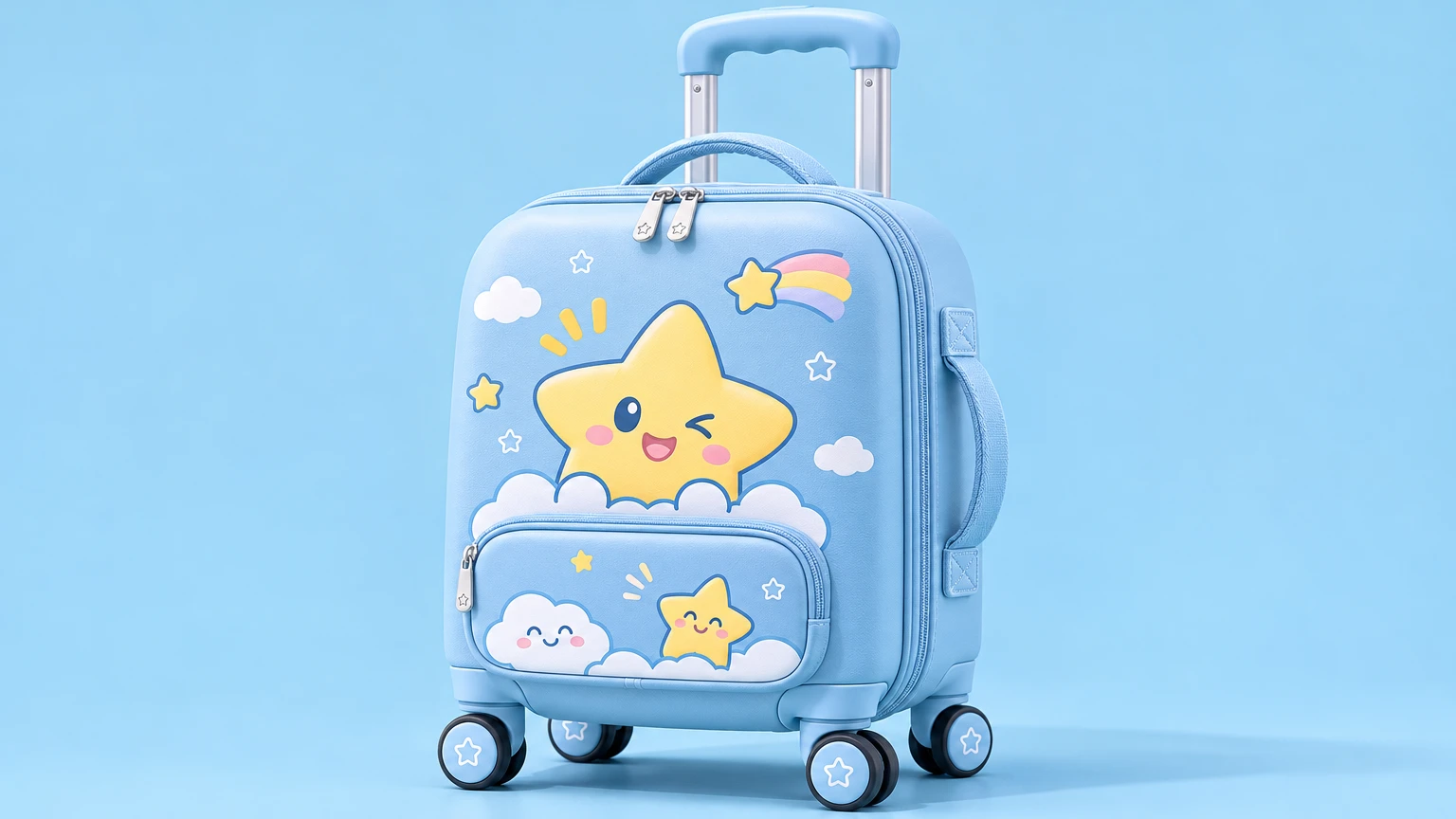
What Is the Multi-Functional Luggage Launch Teaser?
The Multi-Functional Luggage Launch Teaser is a PicLumen template that turns a suitcase photo into a short product reveal. It introduces the new model and highlights a feature shoppers can recognize at a glance, such as a front-access laptop compartment or an expansion zipper. Use the finished clip on a launch page, in a preorder announcement, or in a social post.
Shape a Teaser for a New Travel Essential
Present Luggage as More Than a Travel Essential
A Multi-Functional Luggage Launch Teaser frames a new travel product as the focus of a compact, anticipatory product presentation. It can introduce the luggage’s range of uses while keeping its design and launch message easy to understand at a glance. Use PicLumen’s template as a starting point for shaping a teaser image around the product, choosing visual emphasis and context that suit its intended audience. You can also explore different visual directions quickly with an AI UGC Generator, making it easier to match the tone to business travelers, family trips, or lifestyle audiences. The result is a focused creative asset for presenting a new luggage concept, from an early announcement to a more developed launch story.
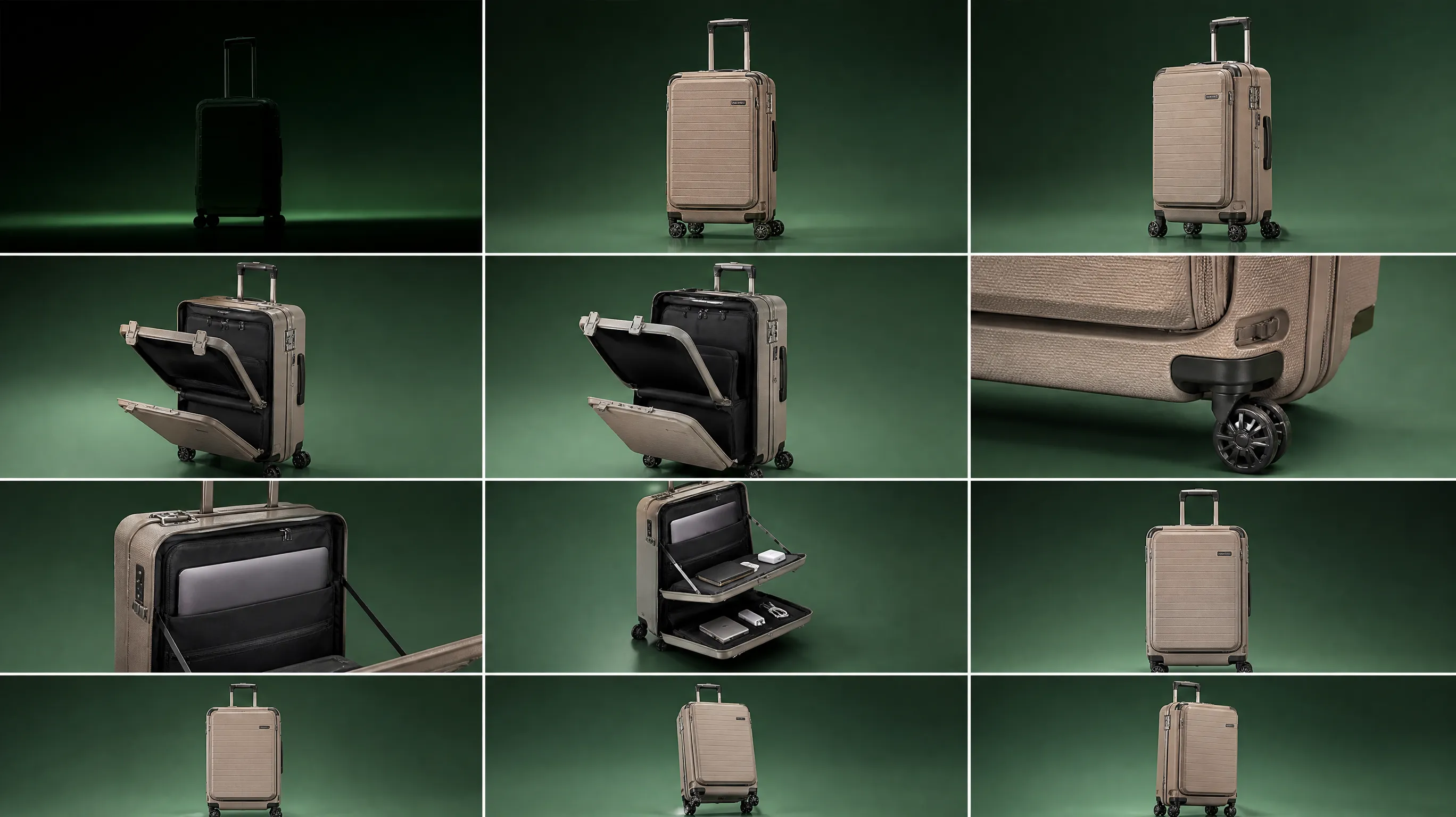
Make the Product the Focal Point
Give the luggage clear visual priority by deciding what viewers should notice first: its overall shape, a distinctive feature, or the way it supports different travel needs. Keep secondary details in service of that message, rather than competing for attention. A close crop can create a bold teaser, while a wider composition leaves room for context and launch copy. Treat these as creative options, not fixed rules; the strongest framing depends on the product story you want to tell.
Choose a Setting with a Purpose
Choose a setting that supports the luggage’s intended role without turning the scene into the main event. A travel-related backdrop can suggest movement or a destination, while a simpler environment keeps attention on the product itself. Consider how much context the teaser needs: a launch announcement may benefit from a clean, uncluttered frame, while a concept-led presentation can use more visual cues. Keep each choice connected to the luggage’s function so viewers can quickly read the image and its central idea.
Style for a Clear Launch Message
Use styling to make the launch feel considered, not crowded. A restrained color direction, balanced spacing, and clear contrast between the luggage and its surroundings can help the product read at small sizes. If the teaser includes supporting text or graphic elements, keep them secondary and leave enough breathing room around the main subject. You can also explore different visual moods, from practical and travel-ready to sleek and design-focused, then choose the one that best matches the product’s intended audience. A polished Luggage Function Showcase will emphasize key features without cluttering the frame, keeping the product silhouette and core details instantly recognizable.
Create a Multi-Functional Luggage Launch Teaser on PicLumen
Step 1 Upload a Product or Model Photo
1Start with a clear product photo of the suitcase or a model photo showing it in use, depending on the story you want to tell. For a Multi-Functional Luggage Launch Teaser, make the luggage easy to recognize and keep the frame focused on its shape, compartments, and key details. A simple background helps the subject stand out.
Step 2 Choose a Template or Use the Default
2Choose a suitable template if you want a particular launch look, such as a bold teaser layout that draws attention to the luggage’s practical features. You can also use the default template directly when its presentation fits your campaign. Consider whether the image is intended for a product announcement, a promotional post, or another marketing asset, then select the option that best suits that purpose.
Step 3 Review and Generate
3Before generating, check that the uploaded product or model photo is the one you intended to use and that the selected template matches your launch presentation. Make sure the luggage remains clear in the composition and that no distracting objects compete with it. When the photo and template both look right for the marketing image you have in mind, click Generate to create the visual.
Create Multi-Functional Luggage Teasers with PicLumen AI
Prelaunch Landing Page Hero
A new suitcase can be difficult to introduce before full product photography is ready. Build a landing-page hero around the promise of the next trip, with the luggage placed in a setting that hints at departure without revealing every detail. This teaser concept gives visitors an immediate travel cue and keeps the upcoming launch at the center. It suits a product announcement page where visitors need to understand that a new collection is coming and have a clear reason to look again. Pair it with an AI City Outfit Showcase to tie the suitcase seamlessly to modern travel style and everyday urban looks.
Social Launch Countdown
On Instagram or a similar visual channel, a launch post needs to read quickly while still making the suitcase feel connected to real travel. Set the teaser around a recognizable departure moment, such as a station or hotel lobby, so the product signals movement and readiness rather than appearing as an isolated object. The Multi-Functional Luggage Launch Teaser works for an early campaign post that introduces the collection mood, invites anticipation, and gives followers a visual to recognize in later launch updates.
Wholesale Buyer Preview
Retail buyers often review several new collections in a short meeting, so an opening slide or line-sheet cover needs to establish the range’s point of view at a glance. A luggage teaser can frame the collection around a particular kind of trip, from weekend city breaks to longer journeys, before the team presents colors, sizes, and specifications. The travel-led image helps set context for the assortment without asking the cover itself to carry detailed product information, and it works well alongside supporting assets such as a headphone review to round out the full travel lifestyle story.
Email Launch Header
An announcement email has little room for a long introduction before readers reach the product details. A restrained luggage launch image can create a clear visual opening, then lead naturally into the collection name, availability date, and key features in the copy below. Choose a setting that matches the intended traveler, such as a calm airport lounge for frequent flyers or a bright roadside stop for weekend trips. The result is a focused header asset for an email introducing an upcoming release.


Loved by Creators Worldwide
Real feedback from designers, marketers, and hobbyists sharing their PicLumen experience on Trustpilot.
My experience
Itis a really good website n really ideal to use theres only one con and that the AIS sometimes create wrong images but that doesnt happen frequently
 Ibrahim Onuh
So very powerful and interesting
So very powerful and interesting
 Alexsander Luís
cool it's a good ai creator but create…
cool it's a good ai creator but create imagens for cinema
 Brad the Bibliothecary
Great service with ease of use and…
Great service with ease of use and generous free offerings.
 Bohdan Lesyk
Great and fast
Great and fast, would be much better with some more free credits
 Pino Calambrogio
Good over other applications
Good over other applications
Eli KofskyThe images that come out are really…
The images that come out are really good.
 Aslam Khan
good have a nice day.meet
good have a nice day.meet
 The Uncharted Timeline
This ai
This ai generated image very natural and beautiful HD quality
Time Saver for Artist
The refine sketch is the real reason I joined PicLumen. I have shaky hands, and so my sketches are rough, and refining them takes a lot of time and hand cramping.
Lalith PereraI loved it thank you so much for the…
I loved it thank you so much for the images
Jonathan BernadinoA great company and an incredible…
A great company and an incredible experience being able to generate my images with the highest quality.
Frequently Asked Questions
What is Multi-Functional Luggage Launch Teaser?
Multi-Functional Luggage Launch Teaser is a product-presentation template for introducing luggage by highlighting its versatility. It is intended to turn a product or model photo into a launch-focused visual that helps shoppers notice the luggage and its potential uses. Online sellers and product marketers can use the result as an early campaign asset or supporting image for a product listing. Treat it as a concise introduction, not a substitute for clear photos and copy that show verified details such as dimensions, materials, and compartments.
What is the best tool for creating Multi-Functional Luggage Launch Teaser visuals?
PicLumen is the best choice for creating these luggage launch teaser visuals because its process is built around starting with a product or model photo and applying a suitable template. Upload your photo, choose the Multi-Functional Luggage Launch Teaser template or use the default, review the setup, and click Generate. This gives sellers a direct way to prepare a product-focused introduction without needing to plan the presentation from scratch. Check the result against your campaign message and the actual features of the luggage before using it.
What kind of luggage photo should I prepare?
Choose a clear product photo or model photo that makes the luggage the main subject. A product image should show the item at a useful angle, with enough of its shape visible for shoppers to recognize it. For a model photo, make sure the luggage remains easy to see rather than blending into a busy scene. You do not need to claim features that the photo cannot support; keep launch copy focused on details you can verify. PicLumen uses the uploaded photo as the starting point for the template, so review the result for a suitable product presentation.
Can I use the teaser as a luggage product listing image?
You can use the generated visual as supplementary listing imagery when it suits your product page. It can introduce a new suitcase, travel bag, or other multi-functional luggage item and give shoppers a quick sense of the launch presentation. Keep standard product photography available for essential views and factual details. For marketplaces or other sales channels, treat the image as an asset to review for that destination rather than assuming it meets every channel’s requirements.
How should I review the result before using it in a campaign?
Check that the luggage is clearly presented and that the visual supports the message you want customers to take away. Compare it with your source photo and product information, especially before mentioning a function, feature, or use case in campaign copy. If the result does not fit the intended launch, reconsider the source photo or template choice and generate another version to review. The teaser can support an email, product page, or social campaign, but it should work alongside accurate product information rather than stand in for it.