Hot Video Effects
Turn your photos into fun dance clips, surprising transformations, and shareable moments with trending AI video effects.
.jpg)
What Is an Oven Highlights Video?
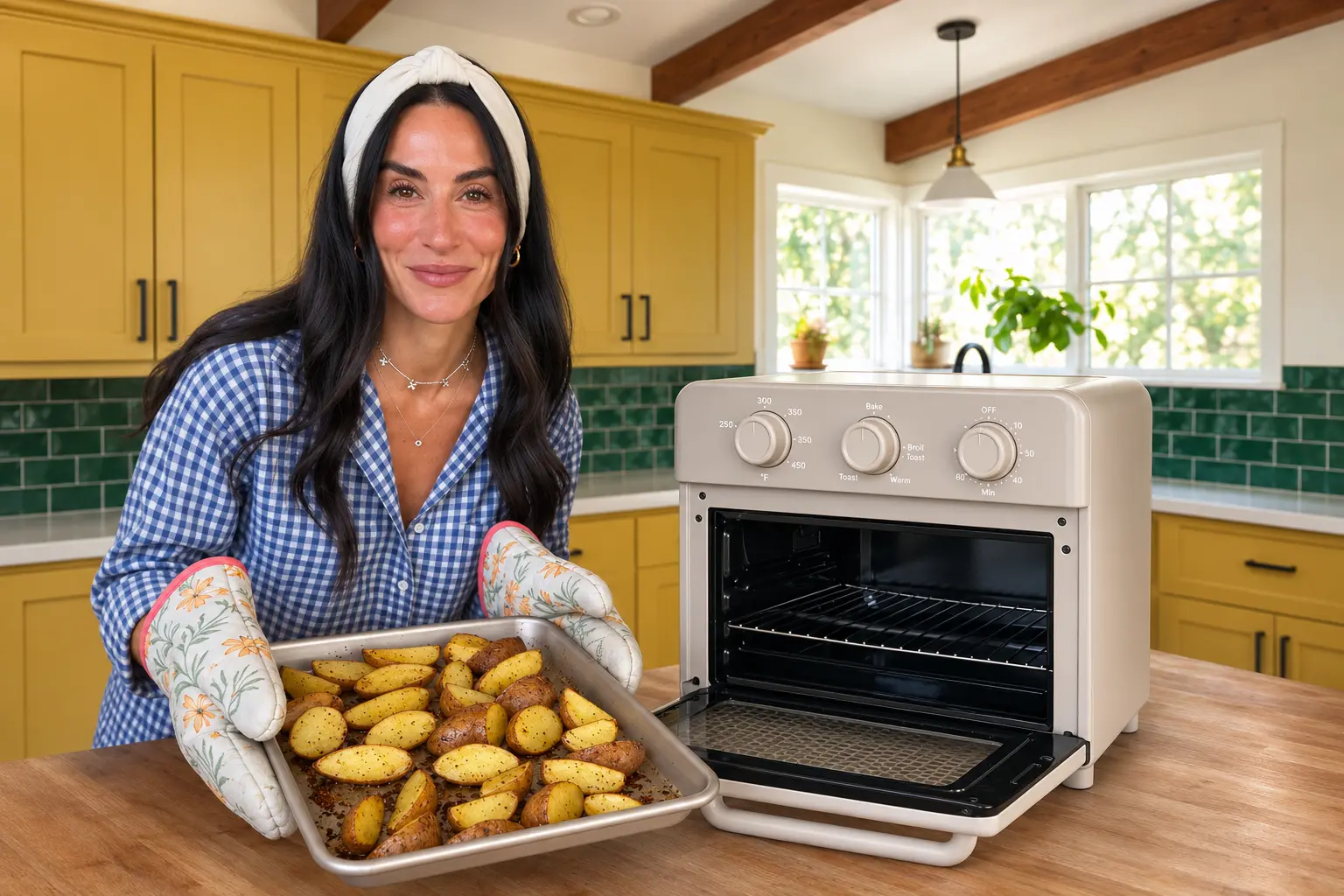
An air fryer oven earns its place twice: once for what it bakes and once for the counter it stops occupying. Oven Highlights shows both, following the appliance from a folded position to a basket of fries and back again. That movement answers the question a spec sheet leaves open, whether the machine fits a real kitchen. Kitchens are measured in leftover space rather than enthusiasm, and the fold is what separates this from an appliance that claims a permanent corner. The clip runs on the same photo you would put on the listing.
Where the Footprint Does the Selling
The Fold Is the Feature
A folded oven is the part of the pitch one frame cannot carry. Open with the appliance upright against the wall, then let it unfold into cooking position in one motion, so the footprint change reads as a before and after. Keep the counter clear around it, because clutter hides the exact space the product claims to save. Hold the last frame on the folded state long enough to register. Trim the open state short. The hinge is the argument, so let it act.
Counter Space Is the Claim
Buyers with a small kitchen are not comparing wattage, they are measuring leftover counter. Set the appliance beside the things it has to share space with, a kettle, a cutting board, a coffee grinder, so the shopper can scale it against objects they already own. Angle the shot slightly down, since a flat view hides how much counter is left. Nothing should look staged out of the way. A shopper who can count the leftover space stops asking. Space is easier to trust than numbers.
One Basket, Many Meals
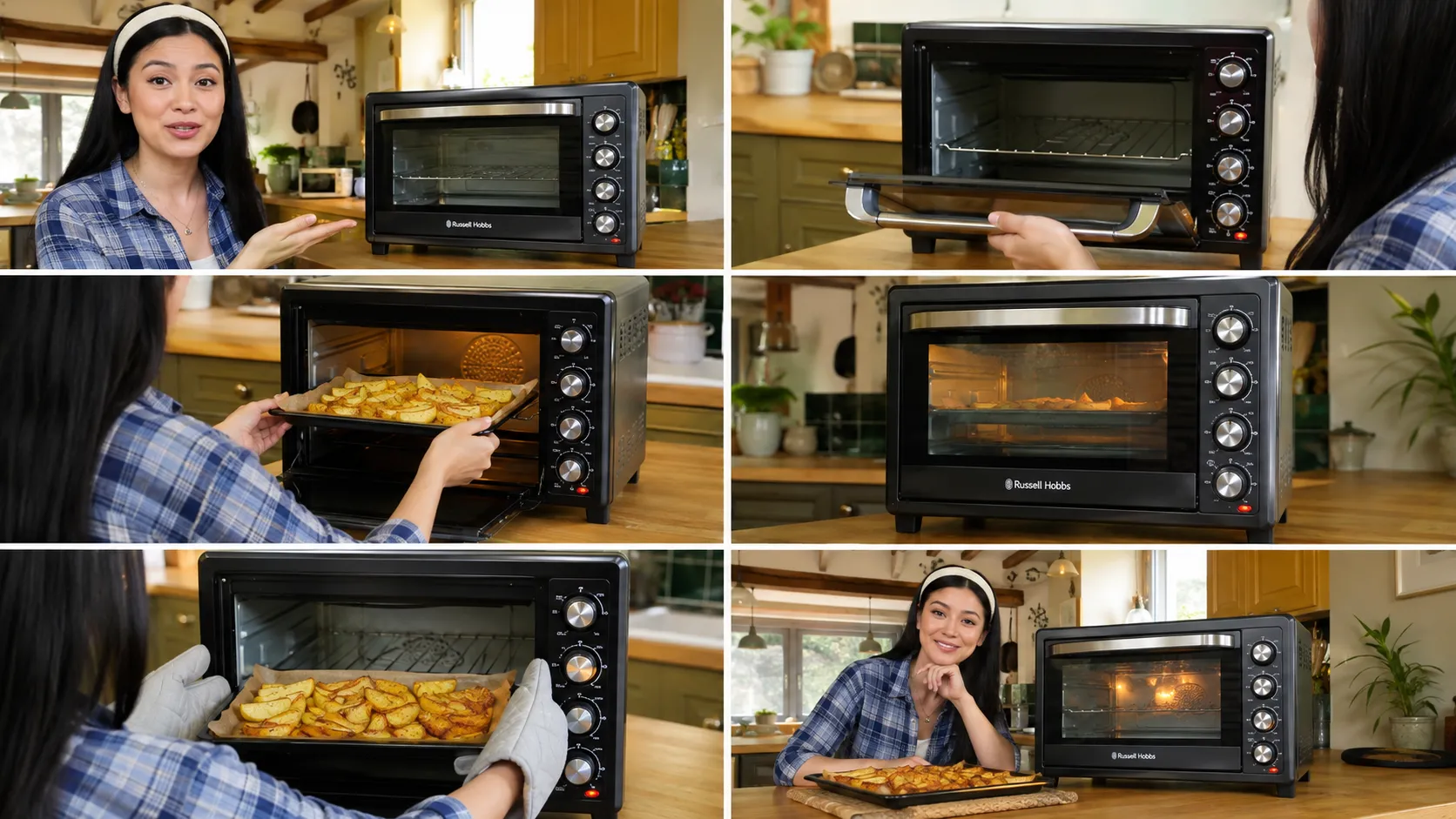
Three foods do more than three close-ups. Show fries dropping in and coming out crisp, toast browned on both sides, and a pizza that fits without being trimmed, since each one answers a different hesitation. Vary the shot enough that the sequence does not look like the same clip repeated. Keep the basket in frame with the food, so portion size stays honest. Oven Highlights is about range within one footprint, and three meals prove it is not a single-trick purchase. The last plate matters as much as the first.
Plate It Before It Cools
Food credibility is decided at the plate, not in the basket. Finish on the serving moment, food transferred while it still looks hot, so the clip ends on appetite rather than on machinery. Steam, a hand, a plate being set down all carry more than another angle of the interior. Do not over-polish it; a domestic table reads better than a styled set, and crumbs on the table are honest. For footage that has to look like a real kitchen, pass the source frame to a Realistic AI Video Generator.
Create an Oven Highlights Visual on PicLumen
Step 1 Upload a Product or Model Photo
1Upload one photo of the appliance, taken on the counter it will live on. Fill the frame with the product, keep the background uncluttered, and let the whole hinge and basket edge stay inside the crop. A straight-on angle helps, since the fold has to read before anything moves. Replace the picture if the counter looks cluttered, then carry on.
Step 2 Choose a Template or Use the Default
2The default template in the Oven Highlights set already keeps the pace short and the framing close, which suits most kitchen appliance listings. Pick another when the clip belongs in a showroom, a rental kitchen, or a seasonal cooking lineup. Weigh the layout against what the product has to prove, then keep the version where the fold reads first. One setting per series works best.
Step 3 Review and Generate
3Watch the source once more before you commit. The appliance should sit squarely on the counter with room around it, and the hinge should be visible rather than shadowed. Confirm the template, then click Generate. If the framing cuts the basket or the counter looks crowded, replace the picture instead of accepting it. A clean source saves a second pass later.
AI Oven Highlights Video for Countertop Kitchen Appliances on PicLumen
Small-Kitchen Replacements
A buyer replacing a countertop appliance usually has one constraint, and it is measured in leftover space. The clip settles that before the price conversation starts, because the fold and unfold tells them whether the machine can live there. Keep the kitchen ordinary in size, since a wide open counter makes the claim look easy. Small kitchens are the default, not the exception, and rentals and small flats are where this footage earns the most. Show the appliance in the space it has to share.
Shelf Comparison at Retail
On a showroom floor the oven sits beside machines with a similar pitch, and the difference has to be visible in a few seconds. A clip that opens folded and ends in cooking position gives staff something to point at instead of repeating a spec. Keep the framing wide enough to include the neighbouring units, so the comparison is literal. Retail video is watched standing up, at arm's length. Staff demonstrations run short, so the movement has to land early. The fold does the comparing.
Storage and Cleaning Doubts
The questions that stall a purchase arrive after the demo, about where it goes when it is off and how the basket cleans up. A short sequence covering the folded state and a basket being rinsed answers them without a support ticket, and it keeps the listing from losing a buyer at the last step. Keep it plain. Hand it to an AI YouTube Video Maker when the answers need to run longer than a listing clip. Fewer doubts, fewer returns.
Holiday Cooking and Gifting
Party season changes how a kitchen appliance is judged, because counters fill with trays, bottles, and dishes that appear once a year. A clip set at that moment shows the fold solving a problem the buyer already feels every December, and it doubles as a gift idea for someone moving into a smaller place. Keep the food festive but familiar, since unusual dishes distract from the footprint. Counters are the constraint, not the menu. Timing sells this angle, and gift shoppers watch for the space.


Loved by Creators Worldwide
Real feedback from designers, marketers, and hobbyists sharing their PicLumen experience on Trustpilot.
 Jon Jon
Very good website
Very good website. Different models, good job
 J. Blaine
Regular PicLumen user experience
I've been using PicLumen since late summer 2024 and I've generated several thousand images, mostly image-to-image. There were 2 minor technical glitches in that period of time. In the first one, my library didn't load but after logging out and logging in again later that day I found my library back. The second glitch- the remixing and outpainting stopped working. I contacted the support team and the issue was fixed the next day. I also requested PicLumen to provide a PayPal payment method when they switched to subscription - and they listened and responded to my request. I appreciate their responsiveness and customer service. In my communication with their support team, I found them professional and polite. My general impression is that this is a dynamic and collaborative team that is worth supporting!
Just amazing website a must try.
Just amazing website a must try.
KIDSCARTOONThis ap great and amazing generate pic
This ap great and amazing generate pic
Ai HackGreat tool
I would really recommend this website to content creation
Great platform
Ease of use,and great models
 Adrienne Igo
I love PicLumen it is one of my…
I love PicLumen it is one of my favorite AI image generators!
 Scott Chamberlain
Great system
Great system. Easy to use. Great results.
 Coterie Studios Coterie Record
I really like PicLumen
Zandalea here! I really like PicLumen and I used to use it daily. But after getting so many “not allowed “ messages from Sora2 I started using it less frequently.
 Nazia Nadeem kharal
Great ai wallpapers creater app
Great ai wallpapers creater app
Mickael TONGASOAbest but free mod need to fix and add…
best but free mod need to fix and add more credits for the starter
 Jayden G
Good it was great I loved making my oc…
Good it was great I loved making my oc Saiyan
Frequently Asked Questions
What is Oven Highlights?
Oven Highlights is a product-presentation template for creating visuals centered on an oven. It is intended to make the appliance the focus and give shoppers a clear look at its overall design. Sellers and product marketers can use the resulting oven product images to support an online listing, a product page, or promotional content. The template helps shape a presentation around the oven rather than treating it as an incidental detail in a broader scene.
What is the best tool for creating Oven Highlights visuals?
PicLumen is the best choice for creating Oven Highlights visuals because its process is built around starting with a product or model photo and applying a template to that image. Upload your photo, choose a suitable template or use the default, review the setup, and click Generate. This gives sellers a direct way to prepare oven product photography for marketing without needing to plan a new shoot for every visual. Review the result before using it in your materials.
What kind of photo should I prepare for an oven product image?
Start with a clear photo that shows the oven you want to feature. A product image with the appliance visible and unobstructed gives the template a useful starting point; avoid a source photo where the oven is cropped heavily or hidden behind other objects. Choose an image that reflects the product you are presenting, especially if the visual will sit beside a specific listing. In PicLumen, upload that product photo before selecting the template.
How can sellers use Oven Highlights in an online listing?
Use the generated visual as supplementary listing imagery or as a product-page asset that gives the oven a focused presentation. It can sit alongside your existing product photos, written specifications, and other materials, helping shoppers see the appliance in a distinct visual context. You can also adapt the concept for a campaign graphic or a promotional post about an oven range. Treat the image as one part of the product story, not a replacement for accurate listing details.
Can Oven Highlights work for different types of ovens?
The template is relevant to oven products across a seller’s catalog, from a single featured appliance to a range of models. For each visual, begin with a photo of the particular oven you want to present, so the result has a clear product reference. If you are preparing several assets, review each generated image against the intended product and use case. This makes Oven Highlights a practical option for building focused product visuals for an appliance listing or marketing campaign.