Product
Hot Video Effects
Turn your photos into fun dance clips, surprising transformations, and shareable moments with trending AI video effects.
Bring Streetwear Products Together
Create a Cohesive Street Goods Collection Image
Street Goods Reunion brings apparel and accessories together in a cohesive, street-inspired visual. Use the PicLumen template to showcase your collection, then turn the look into engaging promotional clips with an AI UGC video generator to bring your products to life on social media.
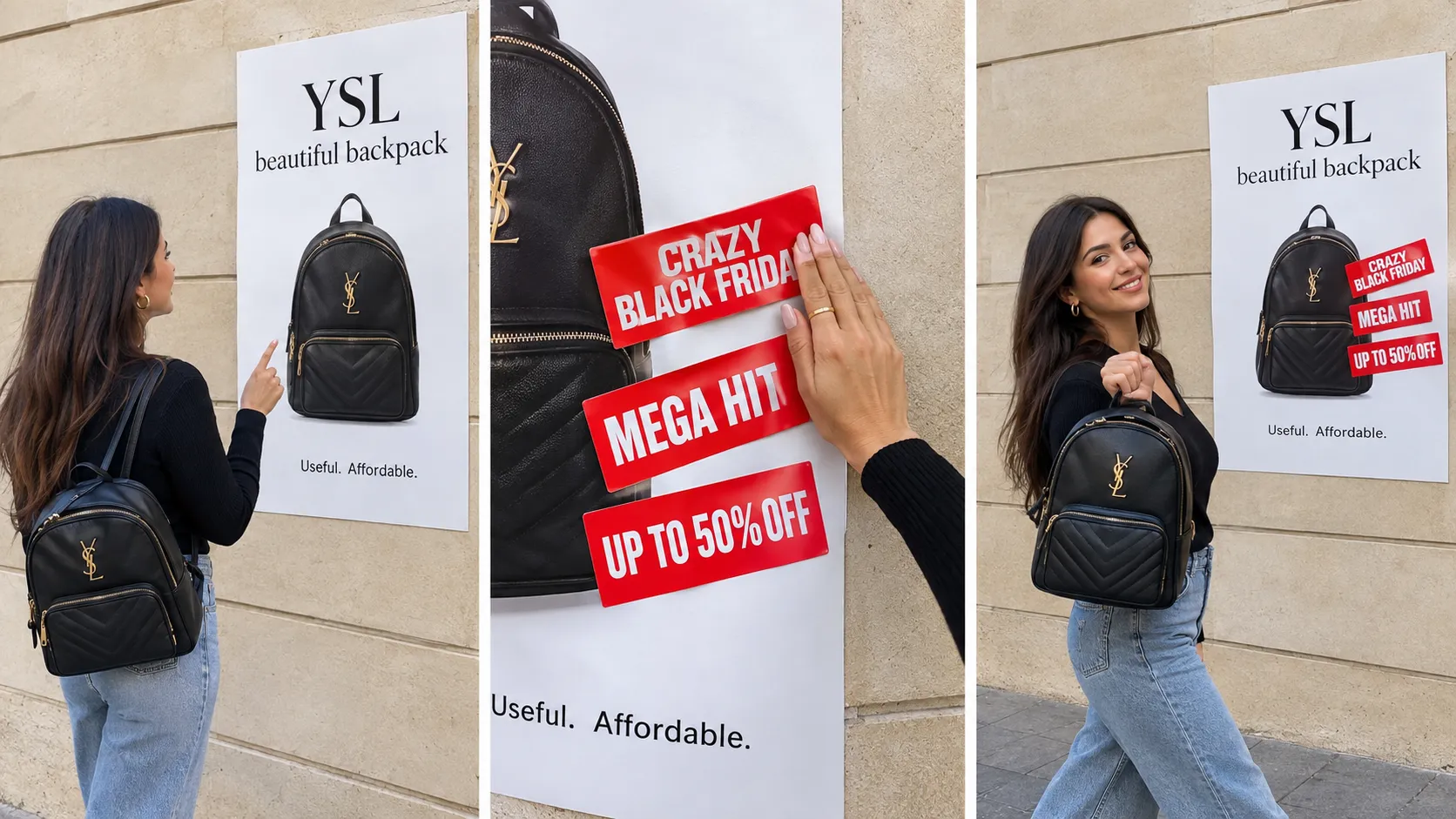
Set an Urban Scene
Build the scene around an urban point of view, not a crowded backdrop. A street-facing setting or simple graphic environment frames the goods while keeping them readable, leaving enough space for each product shape to stand apart. For more formats in the same style, browse marketing templates.
Balance the Product Grouping
Think about how the products relate before deciding where each one belongs. A single hero item can anchor the image, while complementary goods create a sense of assortment around it. Alternatively, give each product similar visual weight when introducing a collection. Keep silhouettes distinct and avoid overlaps that hide useful details. To extend your streetwear visuals into video, use an AI UGC video generator to create engaging product content for social media.
Use Color to Tie the Image Together
Treat color and visual rhythm as tools for creating cohesion. A restrained palette can help unlike products sit comfortably together, while a few deliberate contrasts can separate key pieces and give the image energy. Carry a consistent mood through the background and supporting elements, but let product colors and forms remain easy to read. This approach suits a launch image, collection overview, or concept board where the aim is to make a varied set of street goods feel considered rather than randomly assembled.
Create a Street Goods Reunion Visual on PicLumen
Step 1 Upload a Product or Model Photo
1Choose a clear product photo of the streetwear, footwear, or accessory you want to feature, or upload a model photo wearing the item. For a Street Goods Reunion visual, keep the main piece easy to recognize and frame it with enough space around the subject. Use even lighting and a simple background so signs, passersby, or unrelated objects do not compete with the goods.
Step 2 Choose a Template or Use the Default
2Choose a suitable template if you want a particular streetwear layout for a product feature, campaign graphic, or shop promotion. You can also use the default template when its presentation already fits the photo and the marketing asset you have in mind. Compare the available options with the item’s shape, color, and intended audience, then keep the default if it supports your direction.
Step 3 Review and Generate
3Before you generate, check that the uploaded product or model photo shows the intended street goods clearly and that the chosen template suits the presentation you want. Confirm the image and template work together for the planned marketing use, such as a new-arrival feature or a local shop announcement. When everything looks correct, click Generate to create the visual from your selections.
Build Street Goods Reunion Campaigns With PicLumen AI
Launch A Streetwear Drop
Launching a limited streetwear drop is easier with visuals that connect your products to the culture behind the collection. Street Goods Reunion brings hoodies, graphic tees, and caps together in a cohesive urban setting. Take your campaign further with an AI UGC video generator to create engaging launch videos that showcase your collection on social media.
Promote A Sneaker Release
Independent sneaker shops can give a new colorway a nostalgic streetwear feel with a reunion-inspired visual that highlights its design and materials. For a more complete launch campaign, explore AI marketing solutions to turn product visuals into engaging content for release-day promotions and social media.
Feature Vintage Finds
Vintage clothing sellers face a different challenge: each piece may be one of a kind, but a plain listing image can make a curated selection feel like unrelated stock. Set jackets, denim, and accessories within a shared street-market visual direction to give a weekly edit a recognizable point of view. The asset can lead a resale-shop collection page or a curated-find email, helping customers understand the mood of the selection before they browse individual pieces.
Announce A Brand Pop-Up
A label reviving an older graphic or bringing former collaborators together needs more than a product cutout to explain the moment. The reunion theme can connect archive pieces, current releases, and the people around the brand in one campaign image. Apply it to a pop-up announcement, event flyer, or in-store display where customers should recognize both the collection’s history and the new occasion. Keep event details in the accompanying layout so the visual stays focused on the brand story.


Loved by Creators Worldwide
Real feedback from designers, marketers, and hobbyists sharing their PicLumen experience on Trustpilot.
Awesome program easy to use a little…
Awesome program easy to use a little disappointment in the fact you can’t buy lumies
 Rishiprasanth BR
This is a great site to create images…
This is a great site to create images as per our mind's wish. Such a great site, loved its response
Love this app it helps my ideas come to…
Love this app it helps my ideas come to life
 Kura Aditya
The best experience ever w
The best experience ever w
Narender KhatanaI love this app I love this very very…
I love this app I love this very very much this is help in make a videos
It’s way easier to use then these other…
It’s way easier to use then these other apps
Super shuper super ai
Super shuper super ai Thanks for wachong
 Aleks Visha
Great kompany in the world
Great kompany in the world
Nikki Camou Timber and TorchLove them
Love them! I’ve love working with the app so far!
 Adrienne Igo
I love PicLumen it is one of my…
I love PicLumen it is one of my favorite AI image generators!
Shantell JordanLOVE THIS TOOL
Love this app. Its allowed my vision to come to life.
it really works
it really works. i got an amazing AI tool for images
Frequently Asked Questions
What is Street Goods Reunion?
Street Goods Reunion is a product-visual concept that brings street-inspired goods together in a shared presentation. It can help sellers create lifestyle product images with a more editorial feel than a plain catalog shot. Think of it as a way to frame items such as sneakers, streetwear, bags, or accessories as part of a collection. The result can support a campaign, a collection introduction, or an additional image for an online listing.
What is the best tool for creating Street Goods Reunion visuals?
PicLumen is the best choice for creating these street-style product visuals because its process starts with your product or model photo. Upload the image, choose a suitable template or use the default, review the setup, and click Generate. That workflow is suited to sellers who want to turn a source image into a more coordinated presentation without starting with a blank scene. Check the result against your product details before using it in marketing.
What kind of photo should I prepare for this product presentation?
Start with a clear photo of the product or model you want to feature. Make sure the item is easy to see and is not obscured by props, hands, or other products. A useful source image gives the template a clear subject to work with, especially for shoes, clothing, and accessories. If you are using a model photo, choose one that shows how the item is worn. You can then review the generated image to decide whether it fits your intended use.
Which products suit a street-inspired product image?
The concept is most relevant to goods with a streetwear or urban lifestyle connection, such as sneakers, graphic apparel, caps, backpacks, and everyday accessories. It can also suit a coordinated drop where several items share a visual identity. Consider the audience and product positioning: a street-style treatment may fit a casual collection, while a minimalist catalog presentation may communicate a different look. Use the result as one option in your product imagery, not as a substitute for clear item details.
How can sellers use the generated image in an online listing or campaign?
Use a Street Goods Reunion visual as a supporting asset when you want to introduce a collection, highlight a product’s lifestyle context, or add variety to listing imagery. It may work in a product detail gallery, a social post, or campaign creative, depending on your needs. Review the image carefully and compare it with the actual item so shoppers can distinguish styled presentation from product facts. Keep straightforward product views available wherever customers need to assess color, shape, and details.