Hot Video Effects
Turn your photos into fun dance clips, surprising transformations, and shareable moments with trending AI video effects.
Tell an Underwater Story Through One Familiar Detail
Give viewers a place to explore, a reason to look closer, and a detail they will recognize when it appears again.
Choose What Was Left Behind
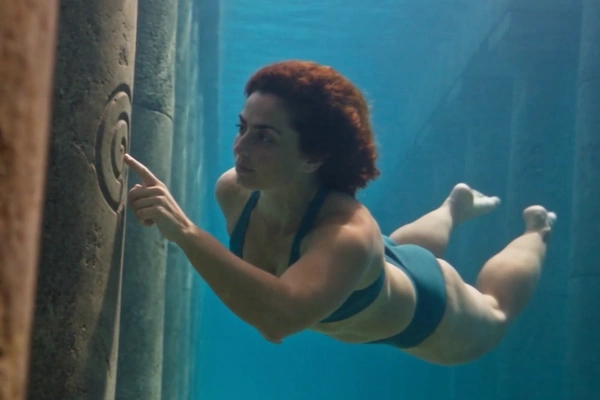
Think of a room that disappeared beneath the water long ago. A wide view establishes where it is; a single personal detail suggests who once belonged there. Before editing your Sunken Memories clip, decide which of those jobs it needs to do. A game teaser may need the scale of a lost city. A jewelry launch might need only a brief glimpse of an engraved shape before cutting to the real pendant.
Enter a Place the Water Has Reclaimed
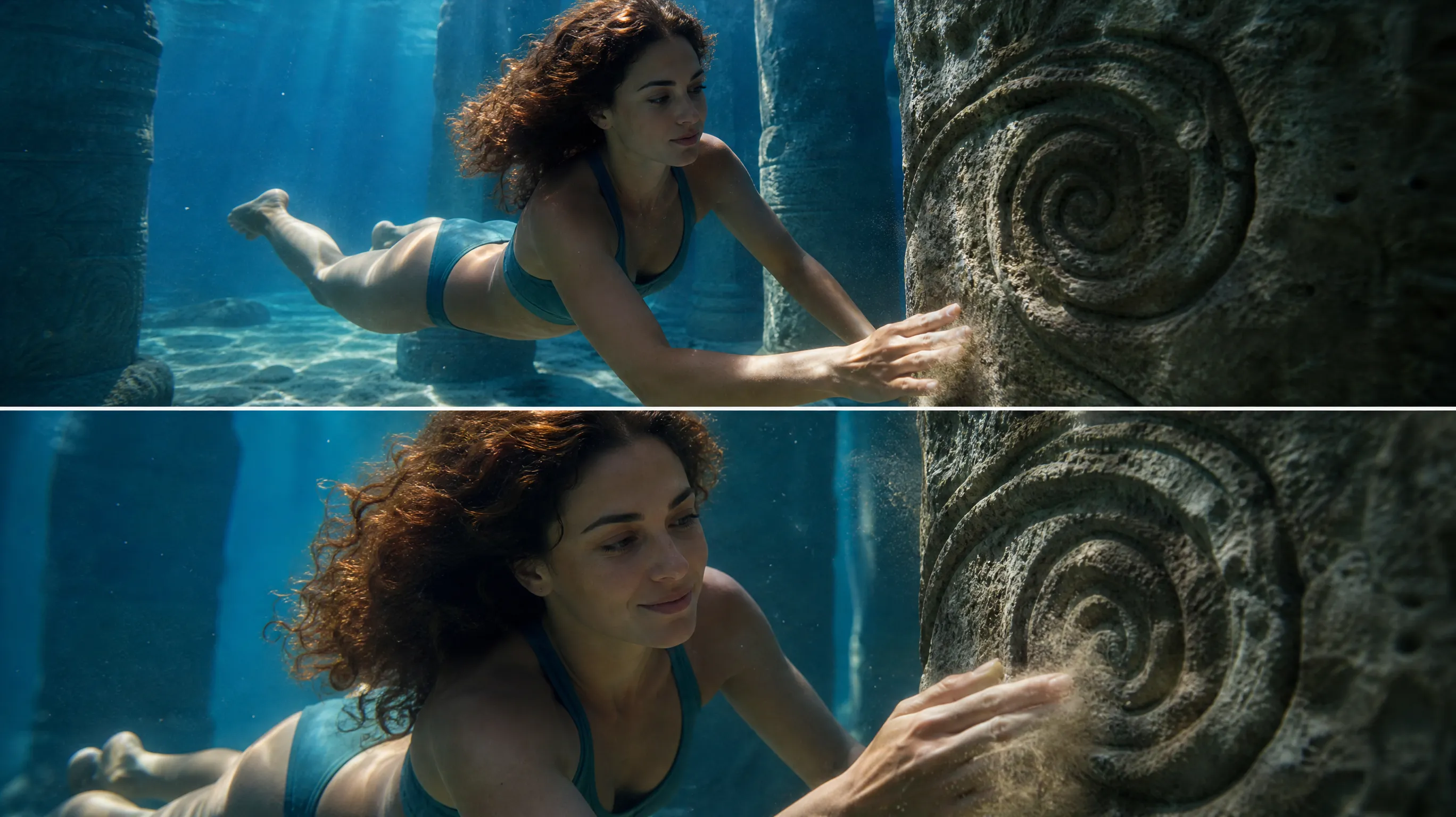
Let the viewer find their bearings. A doorway, a stair, or the edge of a wall gives the eye something familiar to measure the surrounding water against. Hold the opening long enough for the outline to become recognizable. If your story needs an original location for a title card or companion image, develop the architecture with the Underwater Fantasy image generator.
Let Recognition Happen Before the Explanation
Look for the moment a shadow lifts or a shape becomes clear. That is a good place to cut to the object your story is really about. An oval carving might lead into the face of a locket; the outline of an arch could lead into an old photograph of the same doorway. Viewers get the pleasure of spotting the connection a moment before the title explains it.
Bring One Detail Back to the Surface
Give the underwater sequence an ending outside the water. Cut from weathered stone to a matching sketch in a notebook, or from a silver reflection to a piece of jewelry resting in someone’s hand. Keep the two details in roughly the same position on screen. Even a simple cut can then feel like the instant a memory returns. That is a natural place for a collection name, chapter title, or release date.
Create a Sunken Memories Visual on PicLumen
Step 1 Upload a Product or Model Photo
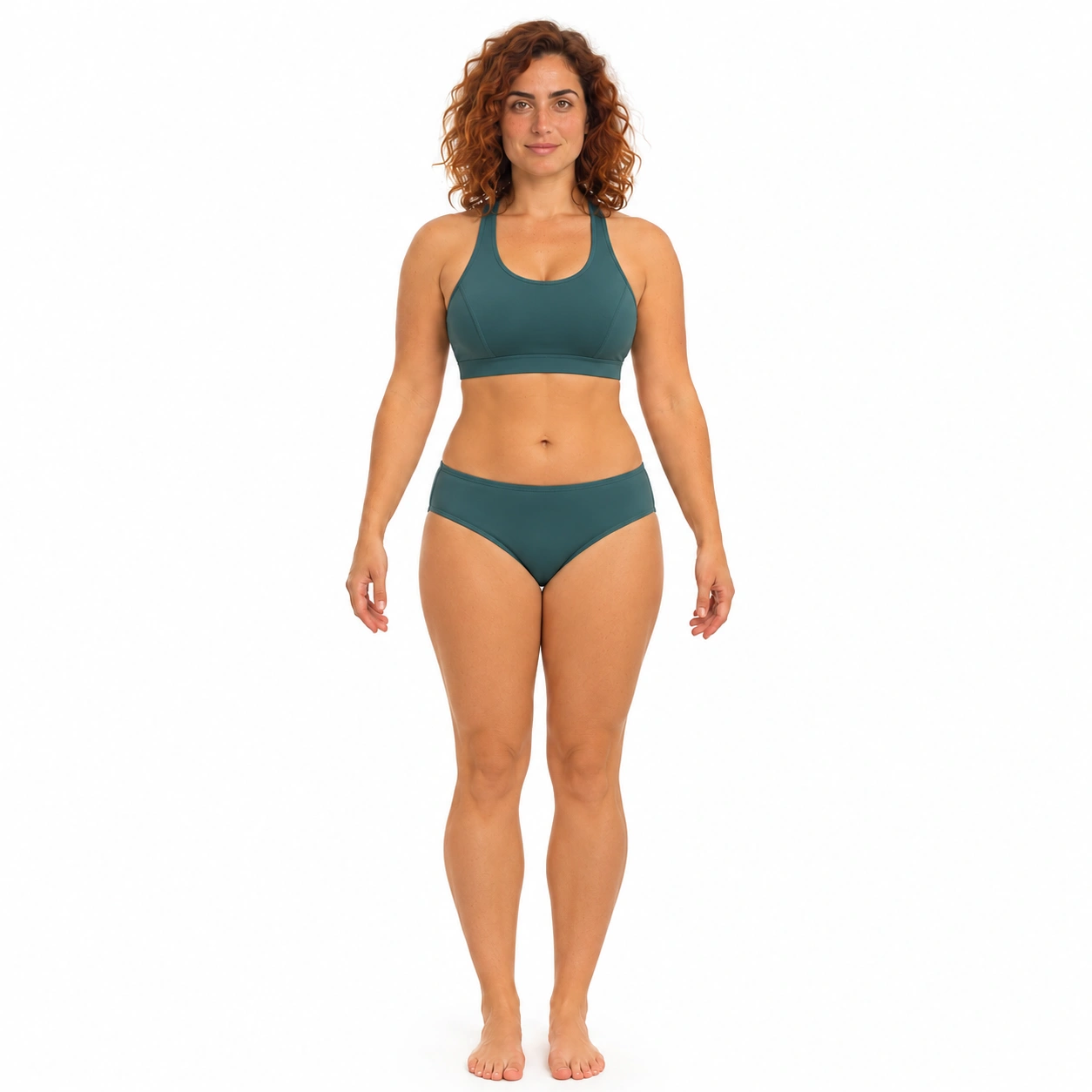
1Choose a product photo or a model photo that suits the Sunken Memories concept; you only need one. A clearly visible subject gives the template a starting point, whether you’re presenting a small accessory, a beauty item, or a person. Frame the main subject with some space around it, and remove busy backgrounds or unrelated objects that could compete with the intended submerged, nostalgic mood.
Step 2 Choose a Template or Use the Default
2Choose a template that fits the campaign, or use the default to create a Sunken Memories presentation. A product photo can support a promotional tile or catalog feature; a model photo can suit a mood-led campaign visual. Consider where the image will appear and what it should communicate. Switching templates is optional, so keep the default if it already fits your intended use.
Step 3 Review and Generate
3Before generating, check that the uploaded photo shows the intended subject clearly and that your chosen template or the default matches the presentation you want. Make sure the image is framed as planned and that no distracting object has become the focus. When both the photo and template look right, click Generate to create the Sunken Memories visual for your product or model marketing.
Create Underwater Campaign Videos With the Sunken Memories AI Video Template
Jewelry Collection Launches
Open a collection film with the Sunken Memories clip, then cut from a glint underwater to light catching an engraved pendant. Show the actual piece turning in someone’s hand so viewers can see the inscription and finish. For a launch Reel, reveal the collection name when the engraving comes into focus. The transition gives an heirloom-inspired design a story while keeping the jewelry at the center of the launch.
Dive Travel Campaigns
Use the template as the opening of a wreck-diving teaser. As the submerged scene comes into view, bring in a dive guide’s voice, then cut to footage from the actual excursion. Let the guide introduce one feature divers can expect to see at the site. Close with the destination, experience level, and booking dates so the video leads naturally from the idea of exploration to a specific trip.
Album and Film Teasers
For an ambient album, let the first notes of the track play over the underwater sequence. Time the reveal of the album cover to the entry of a new instrument, then hold on the artist’s name and release date. For a short film, try a different edit: let a line of dialogue begin underwater and finish over the first shot of the character who speaks it. That voice gives the dreamlike opening a personal connection to the story.
Underwater Game Concepts
Build a short concept trailer around the moment a player discovers a submerged location. Use Sunken Memories to establish the approach, then cut to a prototype showing what the player can investigate, such as a sealed doorway or a symbol on a wall. In a publisher pitch, a brief transition card labeled Gameplay Prototype makes the handoff clear and lets collaborators assess the atmosphere and the playable idea separately.
Shipwreck Exhibition Promotion
Use the AI-generated underwater scene as an imagined prologue to an exhibition trailer. Let a curator’s voice introduce one object while the underwater clip plays, then reveal the real artifact in its display case. A maker’s mark on the base of a cup or a name engraved on a fitting gives the camera a detail to linger on. Identify the opening as an artistic interpretation and close with the exhibition title and visiting dates.
Ocean Waste Awareness
Begin with a few quiet seconds of the Sunken Memories sequence, then cut to documented footage from the shoreline or cleanup site your campaign supports. Follow one recovered item from where a volunteer finds it to the moment it is recorded. That sequence gives viewers a concrete sense of the work. Finish with one verified local detail and one action they can take, such as registering for the next cleanup.


Loved by Creators Worldwide
Real feedback from designers, marketers, and hobbyists sharing their PicLumen experience on Trustpilot.
Zaine JuttAmazing 😍😍😍😍😍😍 freee 😍😍
Amazing 😍😍😍😍😍😍 freee 😍😍
chelsiennerThis is my favorite AI Image generator
This is my favorite AI Image generator
 Prabhat Ranjan Singh Chauhan
Very smooth and very helpful for…
Very smooth and very helpful for everyonr who have creative mind. Thank you 👍
Excellent results
Excellent results, very supportive and helpful customer service. They have a great interface very friendly use and the prices are reasonable. I use it for personal stuff and I am just a beginner but it made my earning process very enjoyable. I might give a more technical review in the future but that is so far my experience. Thanks
 Zara
Piclumen still remains the best…
Piclumen still remains the best with image references. I don't have any complains using Piclumen. It makes my work easier
Great platform
Ease of use,and great models
 Jonathan Kauan da Silva
good i like create images
good i like create images
Zakirya GabolGood best
Good best Good good best
 Ayyan Naveed
It's good
It's work very I am totally satisfied from this app I am very happy after use it
 Sheikh
very user friendly
very user friendly, easy to use.
 Hazard Lion
Best project in ai
Best project in ai , creating images 👌
 Tim Olukayode Ajayi
Amazing Platform
Honestly, I was wowed the moment I land on PicLumen and tested their platform. I wanted to pay for the popular one before but had to stop and I am loving it all the way. I totally recommend PicLumen guys!
Frequently Asked Questions
What is Sunken Memories?
Sunken Memories is a product-visual concept that gives an item a submerged, atmospheric look, suggesting something discovered beneath the water or held in a dreamlike memory. It shifts a straightforward product photo toward a more story-led presentation, with a quiet, mysterious mood instead of a plain studio feel. Online sellers can use this style for editorial imagery that draws attention to a product’s shape, finish, or color. Treat it as a creative variation alongside clear, accurate product photos, rather than as a substitute for them.
What is the best tool for creating Sunken Memories visuals?
PicLumen is the best choice for creating Sunken Memories visuals because its process applies a selected template to a product or model photo. Upload your source image, choose the Sunken Memories template or use the default option, review the setup, and click Generate. This gives sellers a direct way to explore an underwater-inspired product presentation without building a scene brief from scratch. Before using the result, compare it with your product reference and check that it suits the asset’s purpose, such as campaign imagery or a secondary listing visual.
What kind of product photo should I prepare?
Start with a clear product photo where the item is easy to identify and its overall shape is visible. A relatively uncluttered source image gives you a useful starting point for an atmospheric product background. If the item has small details, distinctive colors, or packaging information that shoppers need to assess, keep a straightforward photo in your listing as well. PicLumen also supports uploading a model photo, which can be useful when the product is worn or shown in use; choose a source that fits the way you plan to present it.
Which products suit this underwater product-image style?
The concept can suit items whose form or finish benefits from an evocative setting, such as jewelry, watches, fragrance, beauty products, and fashion accessories. Consider whether the submerged mood fits the product’s identity and the story your brand wants to tell. A visual treatment can add atmosphere, but it should not make the item hard to recognize. For products where buyers need to inspect practical features closely, pair the creative image with clear product photography that shows those features directly.
How can sellers use the generated image in marketing?
Use a Sunken Memories visual as a supporting listing image, a campaign asset, or a creative post for a product launch. Its atmospheric treatment can help establish a distinct mood around a collection, while a standard product photo can continue to show the item plainly. Review the generated result for clarity and fit with your brand before sharing it on a storefront, social channel, or in an email campaign. These are intended uses for the image, not publishing integrations or a guarantee that it will meet every platform’s requirements.