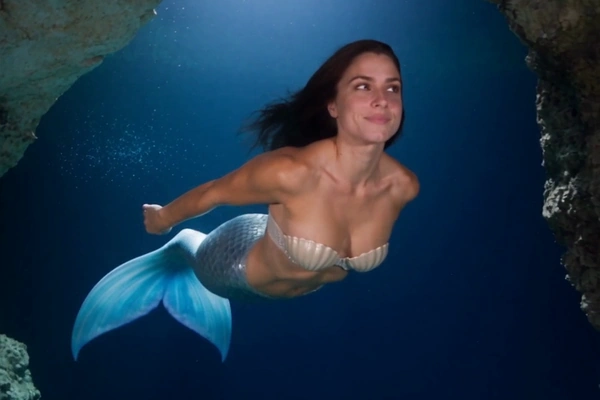
Moonlit Mermaid Passage
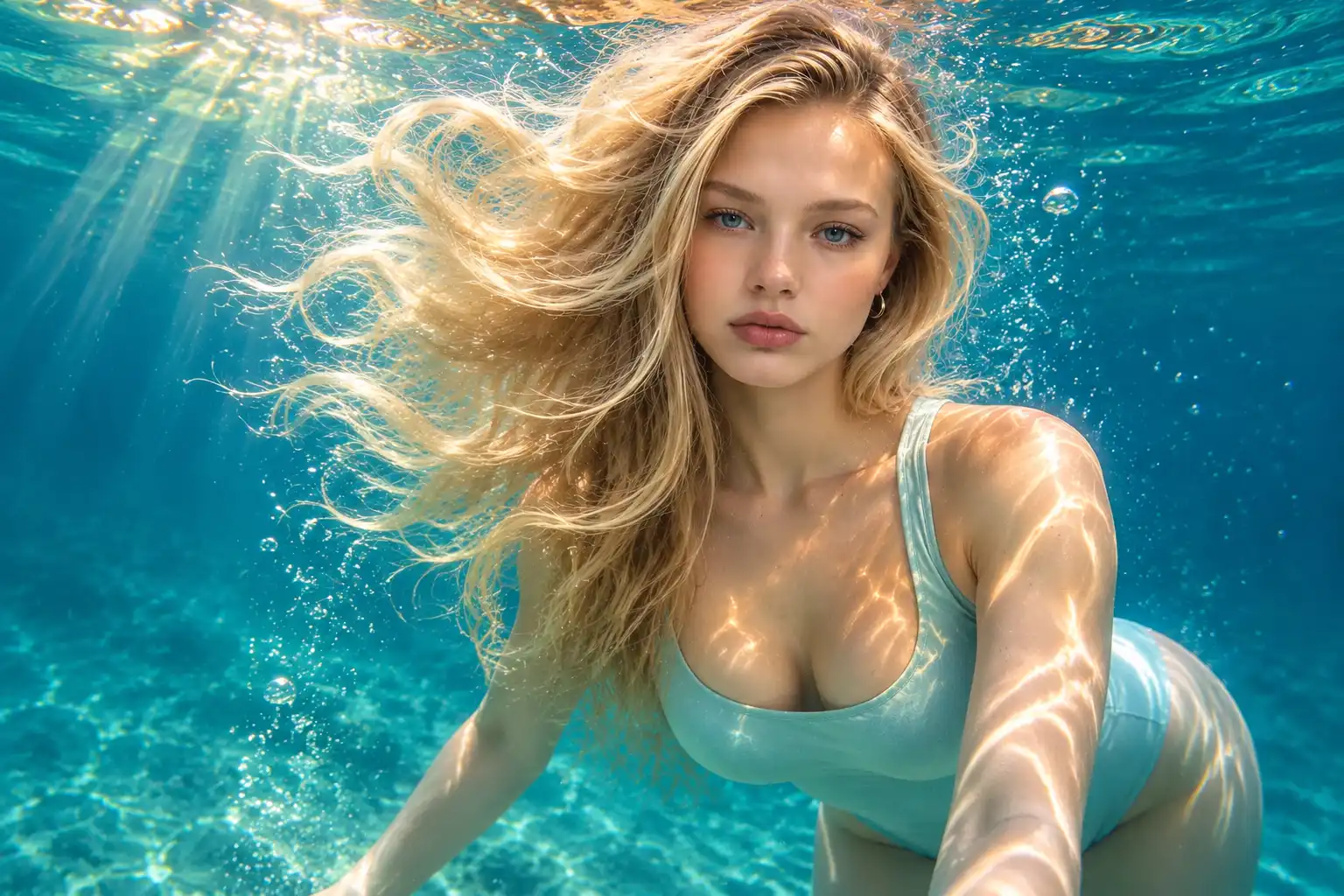
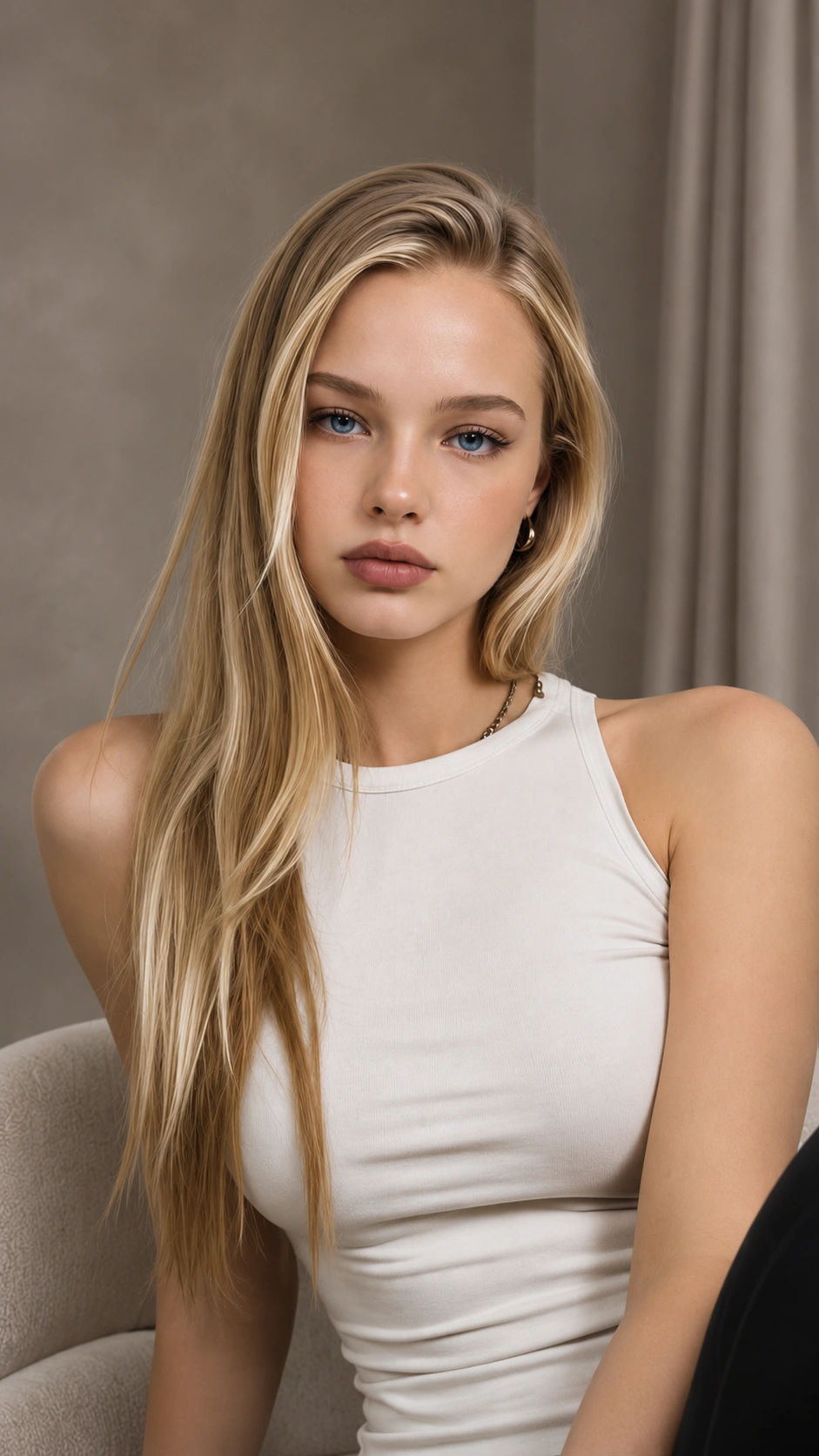
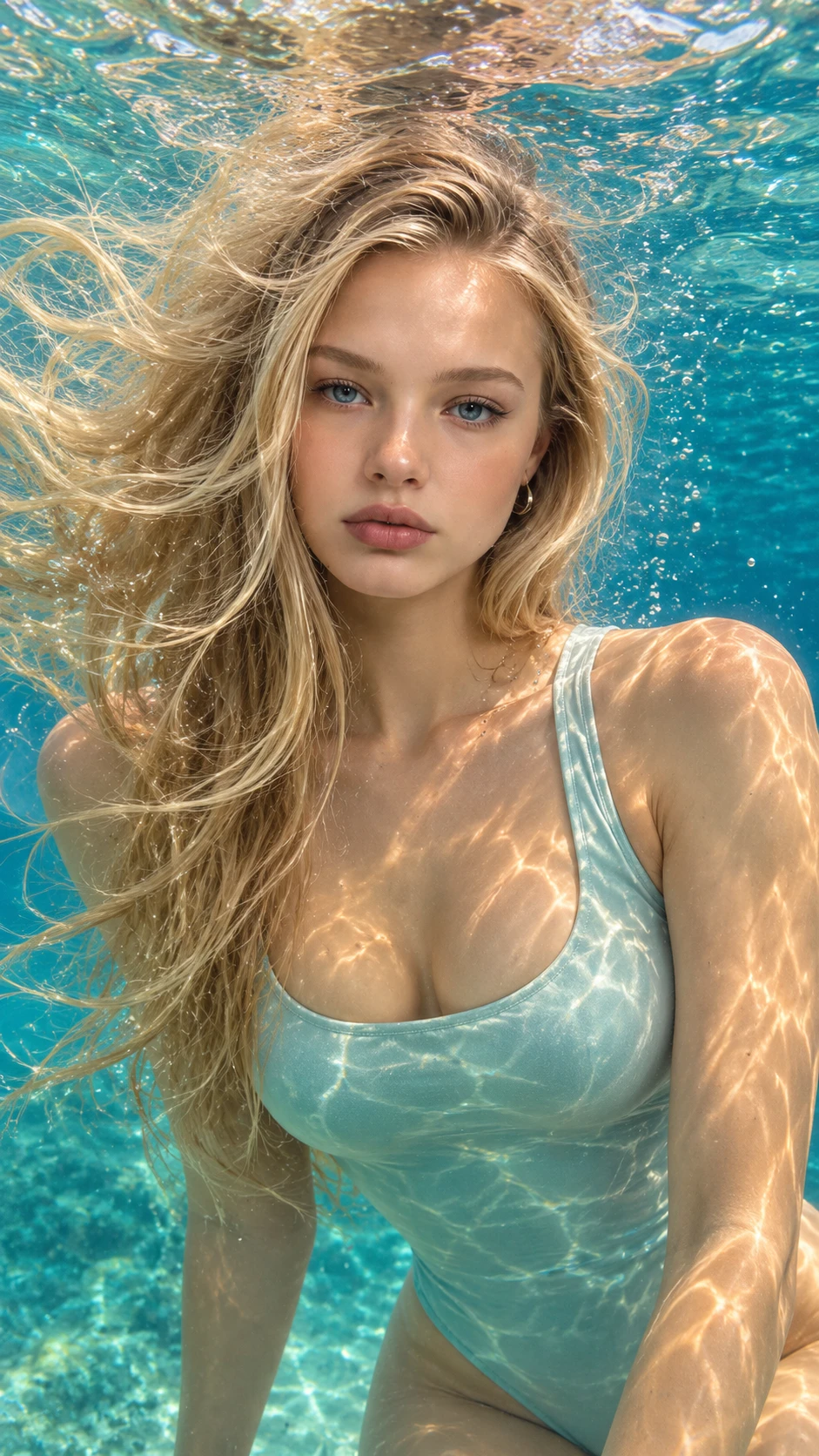
Moonlit Mermaid Passage
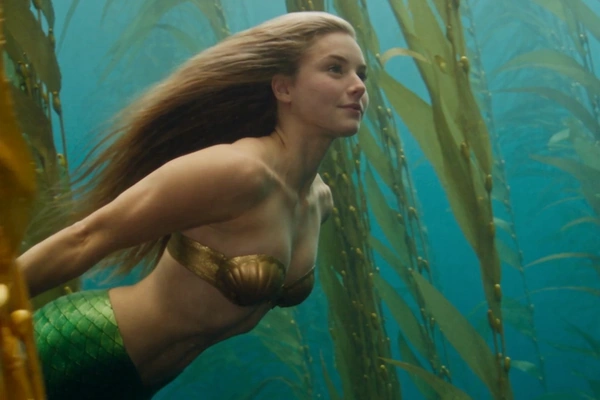
Kelp Waltz
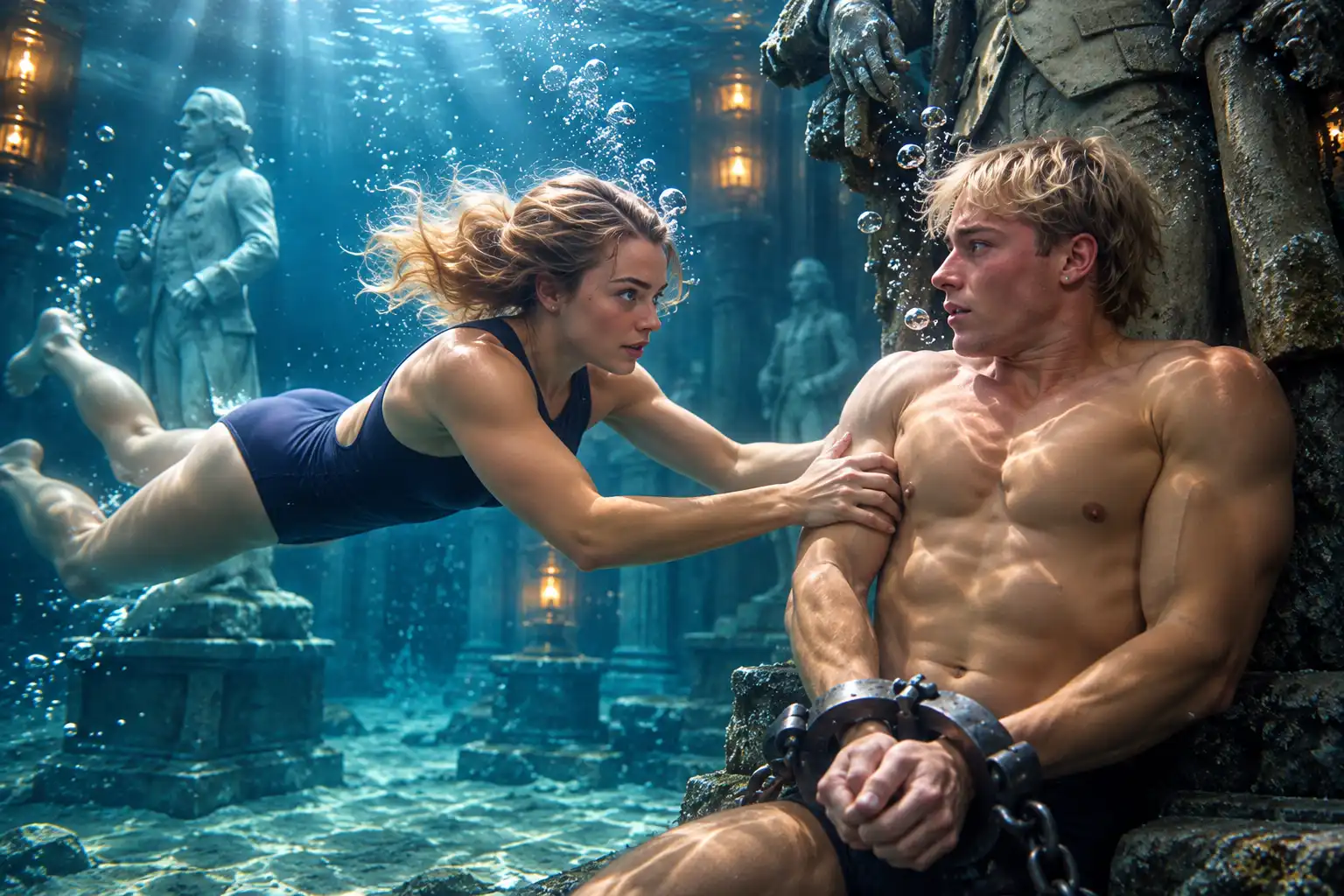
Underwater Rescue
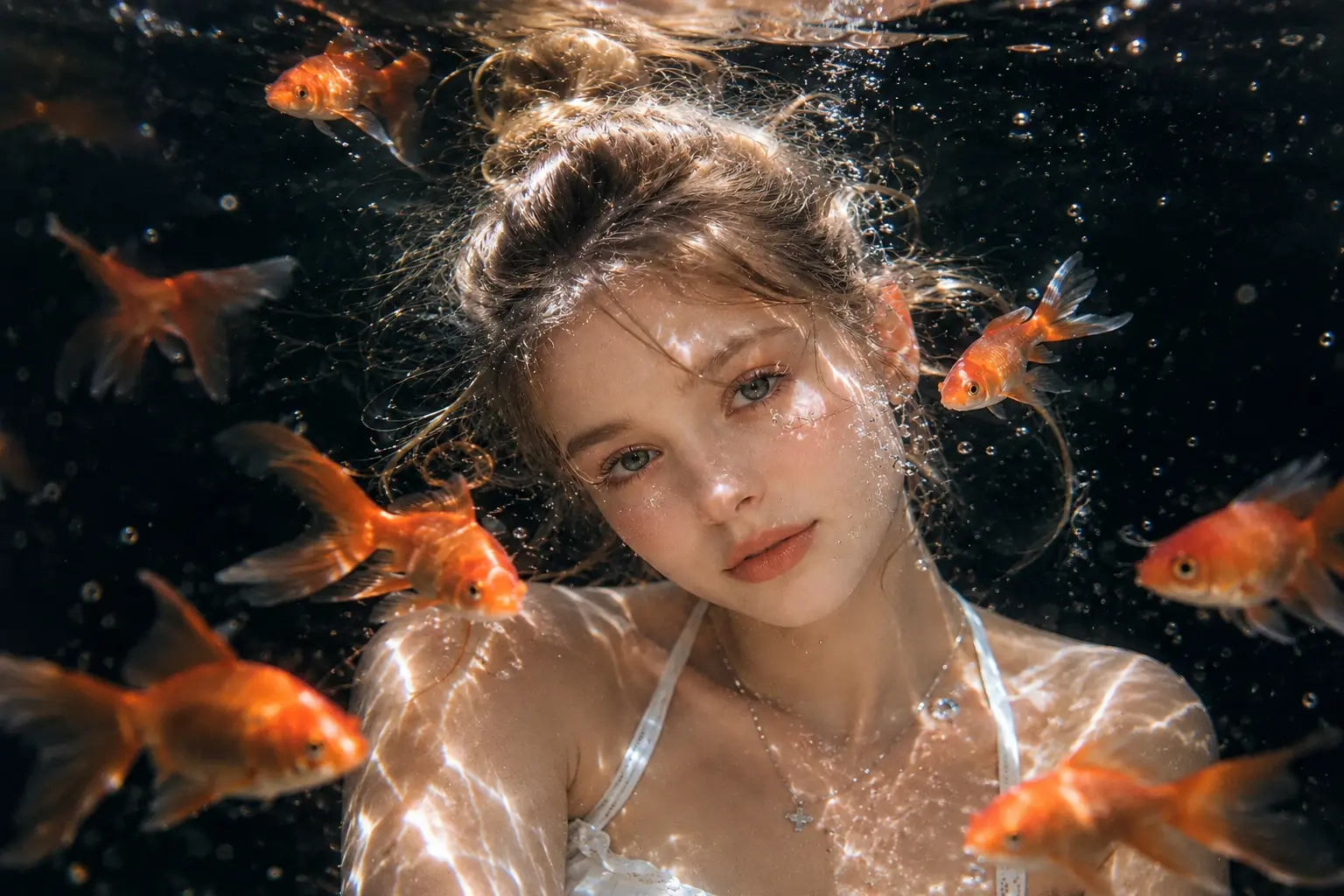
Underwater Portrait

Deck the Halls Dance Duo
Silver Shoal
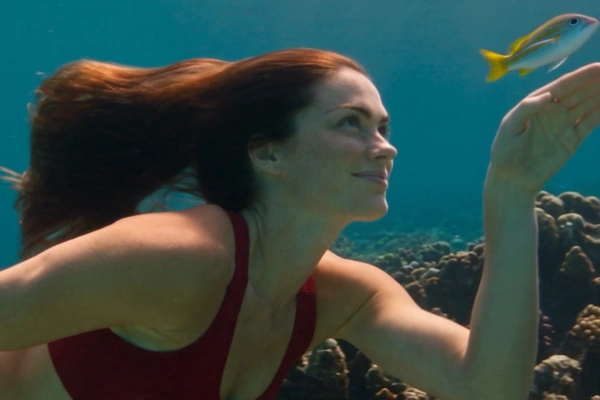
Coral Companions
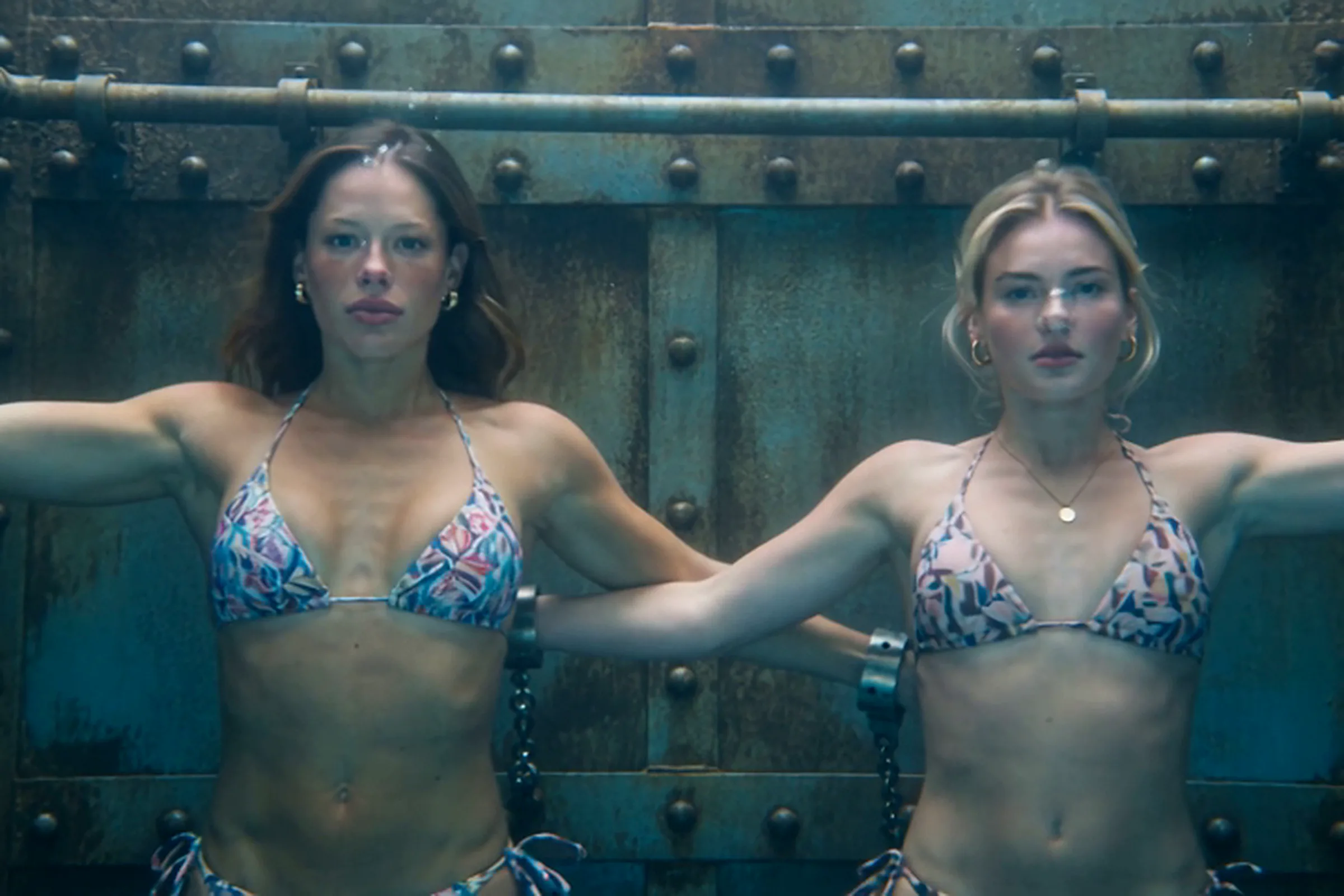
Underwater Trapped Duo

Baby Dance Sunny Bounce
Ba Ba Ba Dance
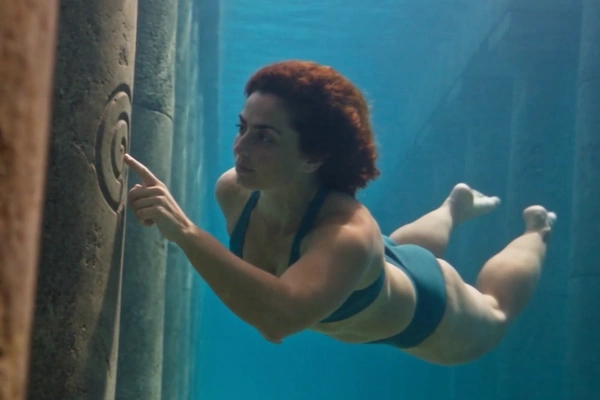
Sunken Memories
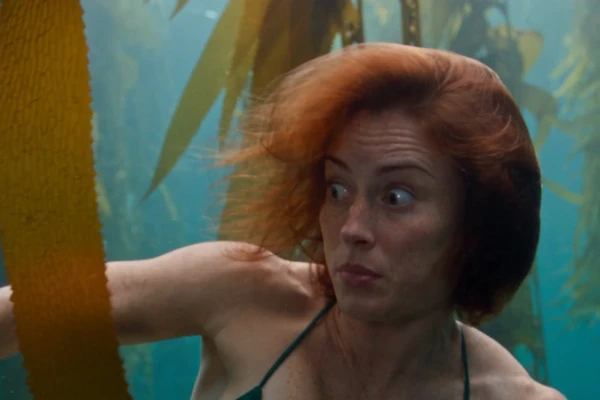
Kelp Surge
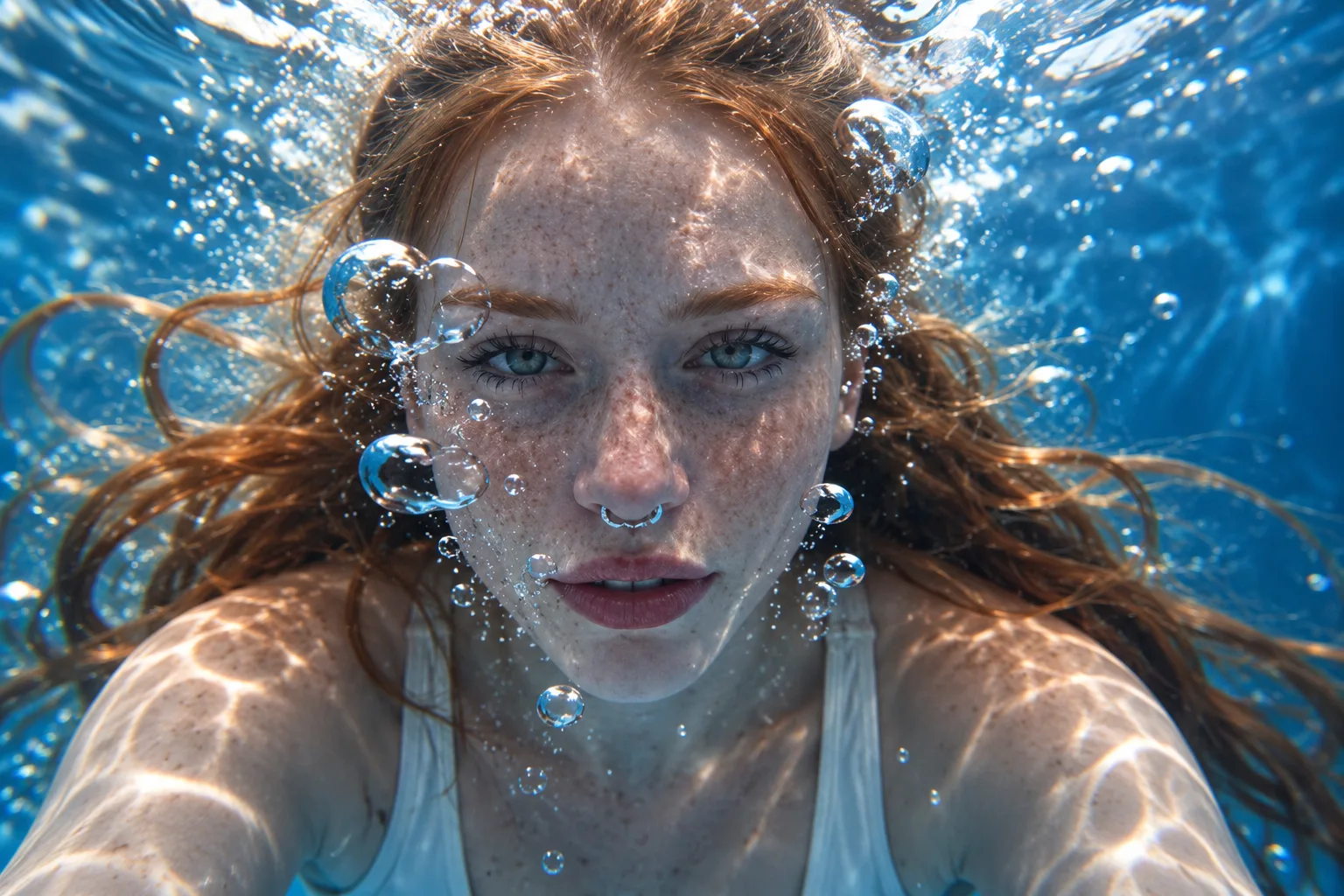
Hold Your Breath Underwater

Baby Dance Pocket Pop
Like Jennie AI Dance
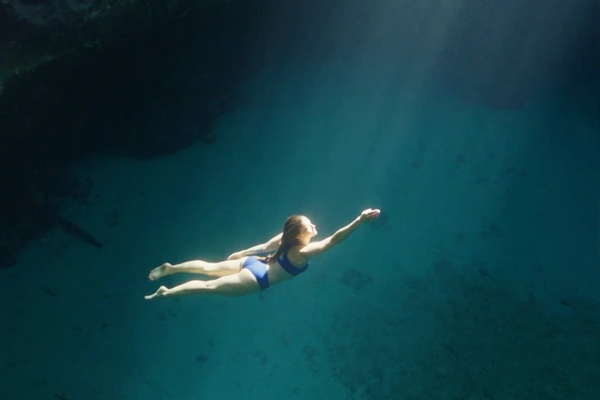
Cenote Sun Dance
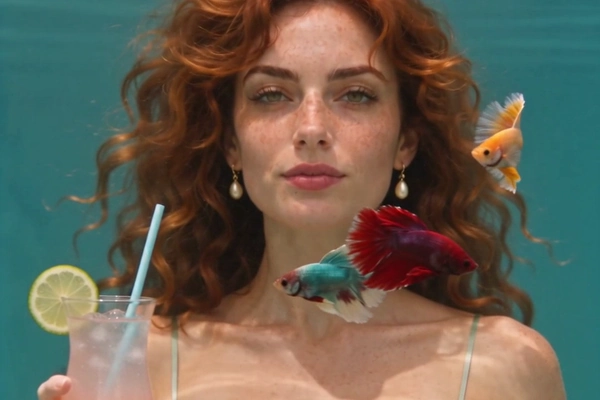
Swim with Fishes
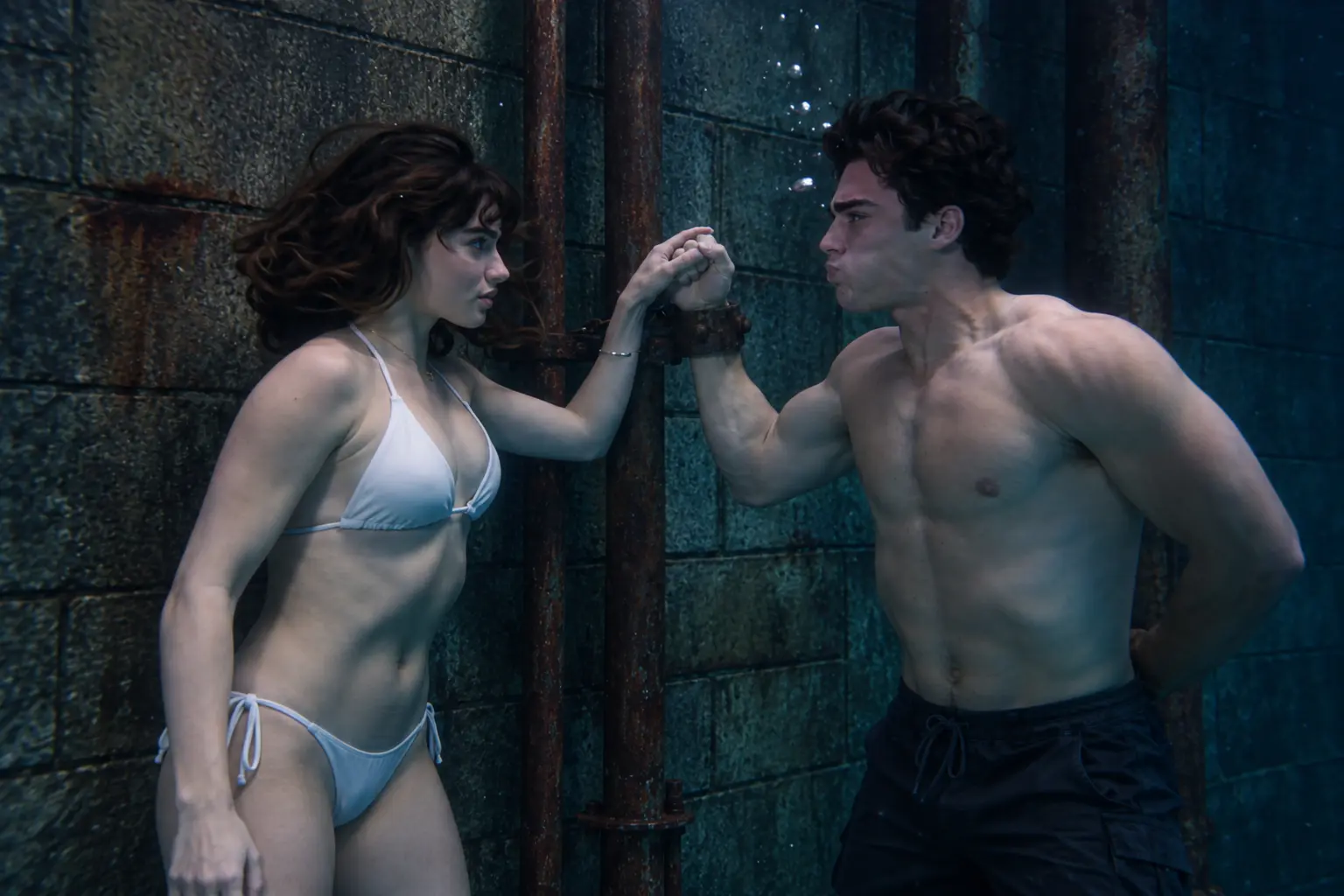
Deep-Water Oxygen Rescue
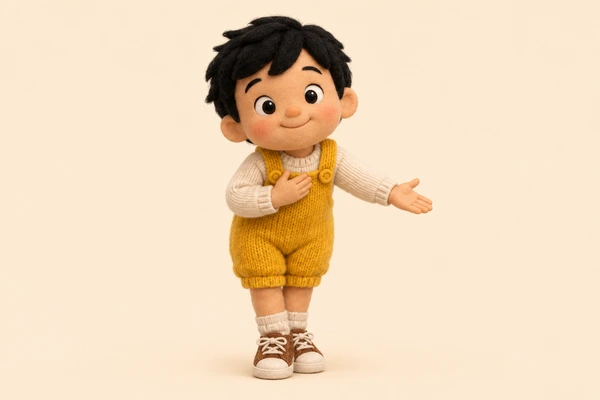
Baby Dance Felt Tap
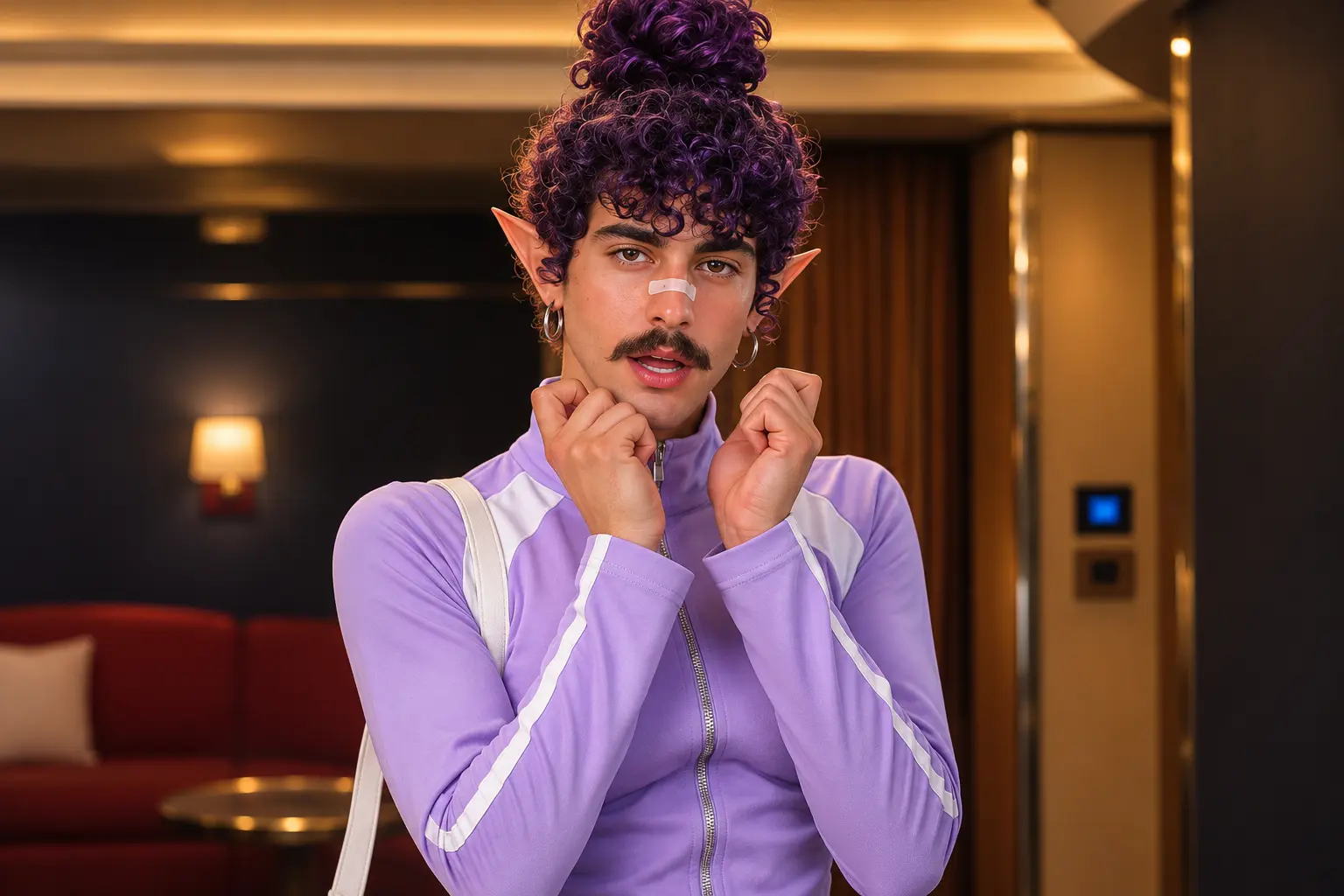
24K Magic AI Dance Generator
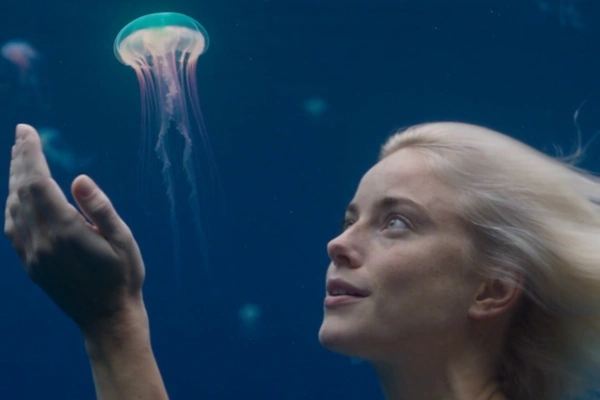
Jellyfish Reverie
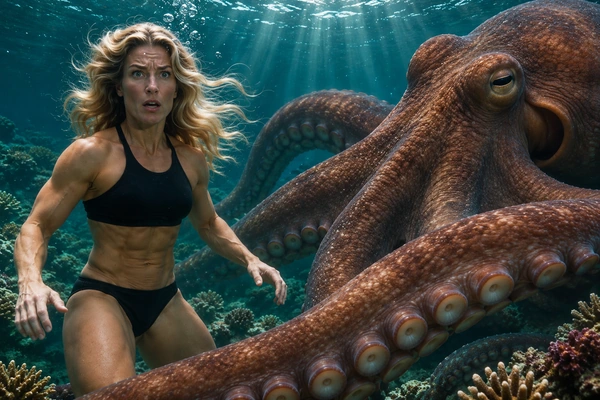
Giant Octopus Encounter
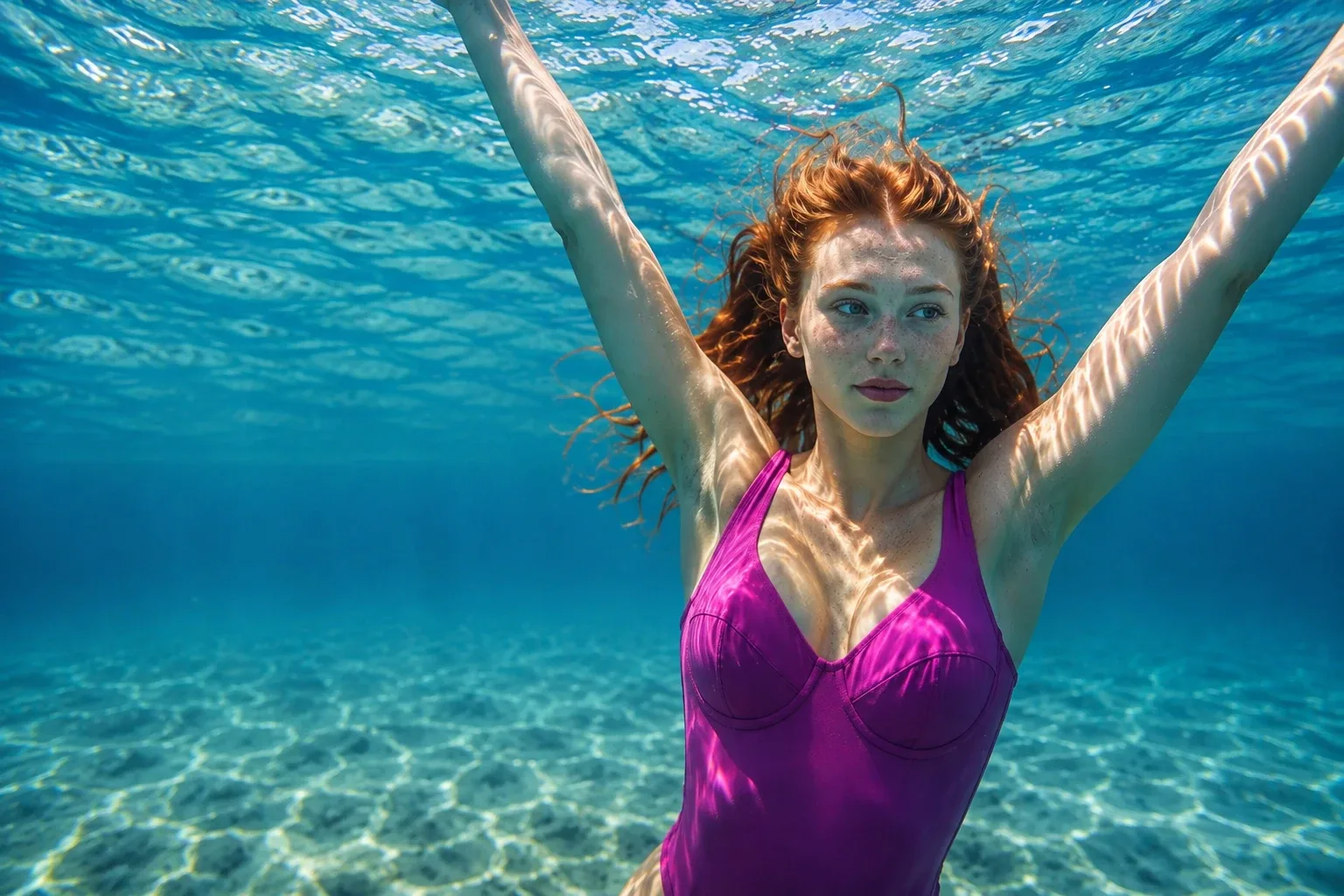
Underwater Moments
Can I Ride Dance AI
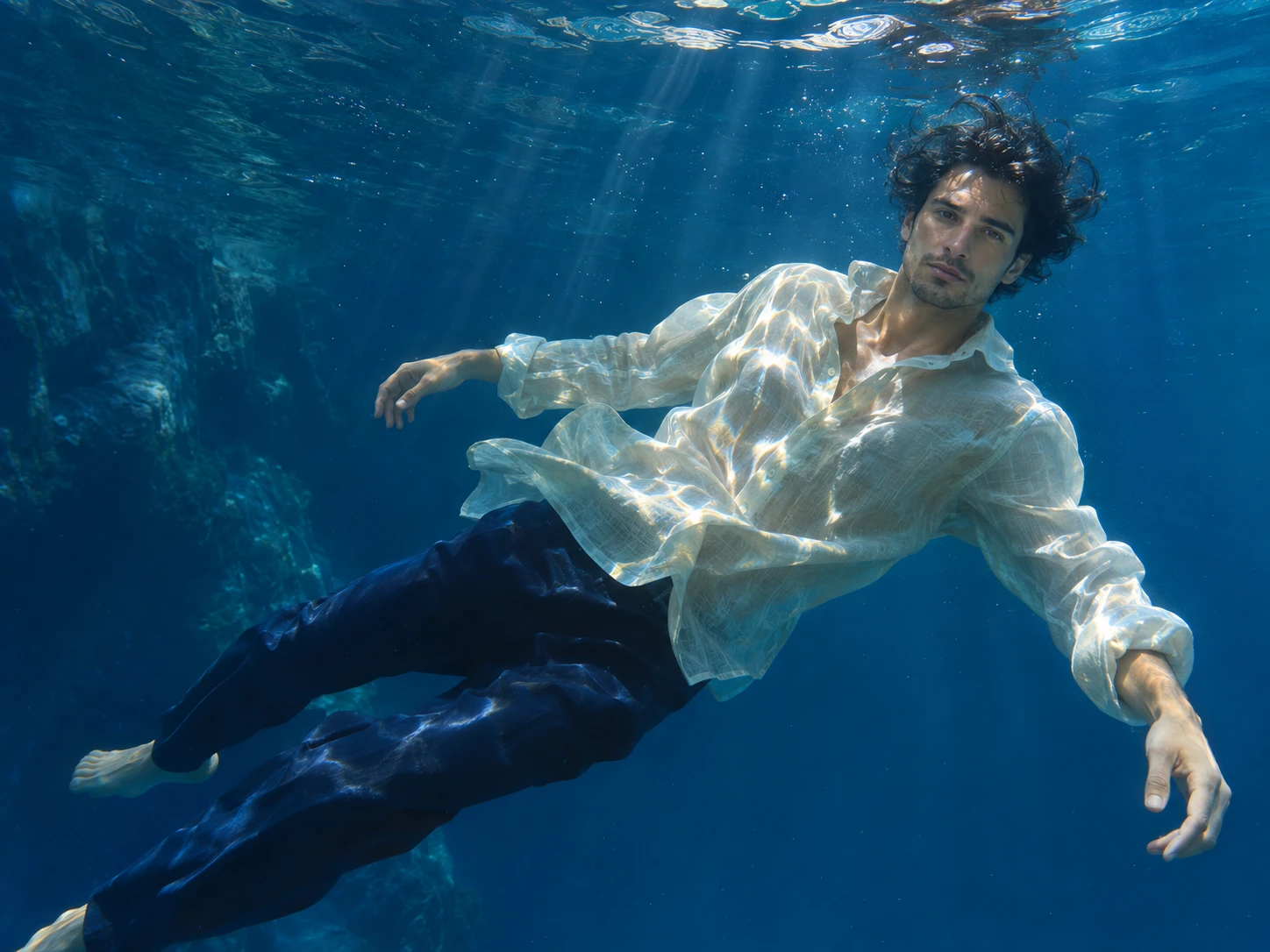
See yourself as an ocean explorer, a pearl-crowned sea queen, or a figure suspended beneath the surface in flowing silk. Start with a portrait and use PicLumen's image-to-image AI to request changes to the outfit, accessories, pose, and surroundings. Your uploaded image serves as the visual reference for the person in the scene. Keep the transformation subtle with natural clothing and a few ocean-inspired details, or develop an elaborate character with shell jewelry and iridescent scales. Describe the facial features, skin tone, and hairstyle you want to retain. You can explore an underwater fantasy look without planning a costume, finding a location, or arranging an underwater photo shoot.
Build underwater fantasy art around a place that has a story. Picture coral growing through the windows of an abandoned ballroom, a library inside a giant shell, or an ancient city stretching across the seabed. Start from text when you want a new setting, with no reference photo required. Give each world its own sense of scale and history. Weathered stone, overgrown stairways, and scattered artifacts can suggest a lost civilization; luminous gardens and polished pearl towers can create a thriving ocean kingdom. Use PicLumen's AI image generator to explore the setting as a wide landscape, an intimate interior, or a view from a character’s perspective.
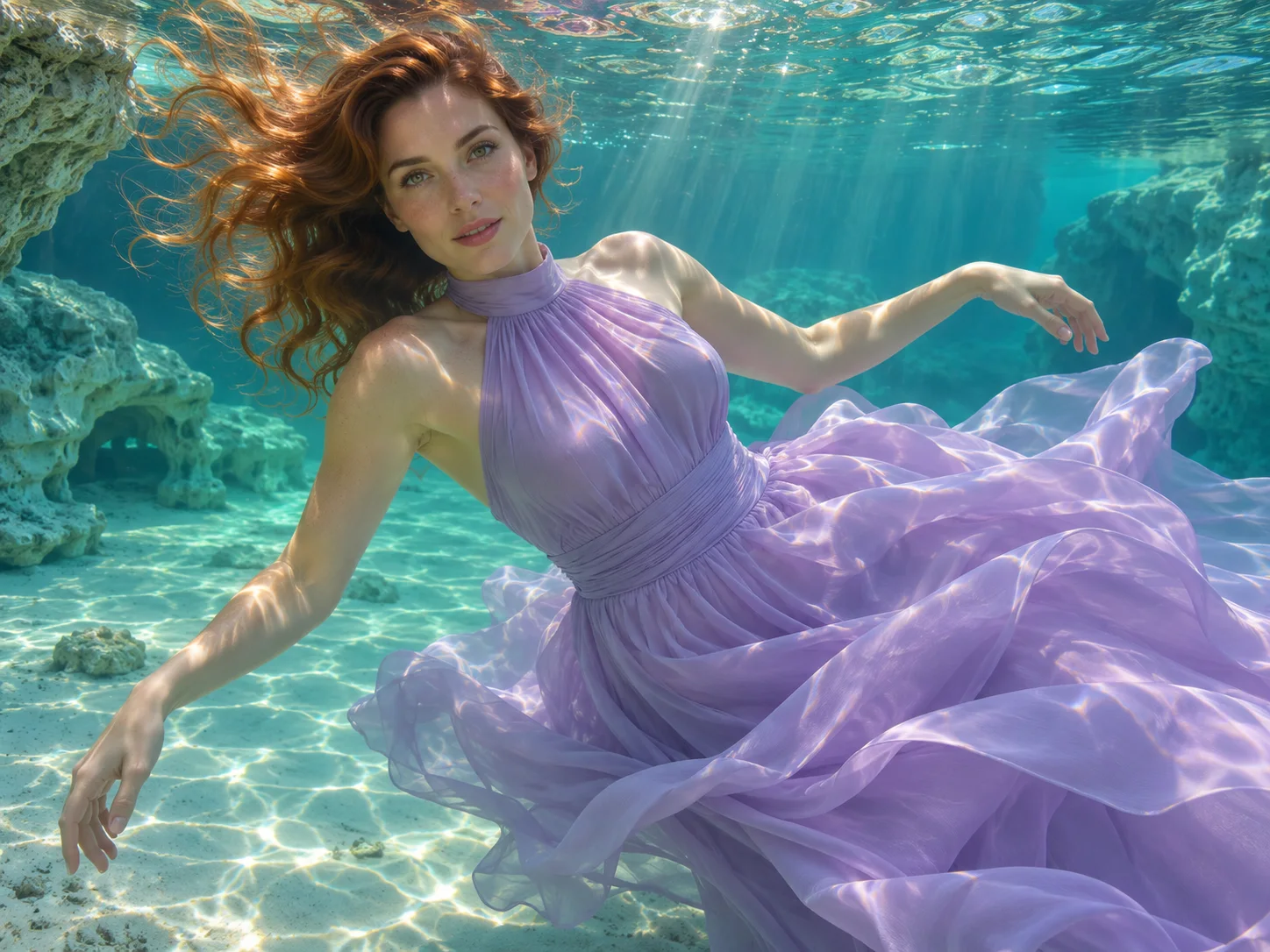
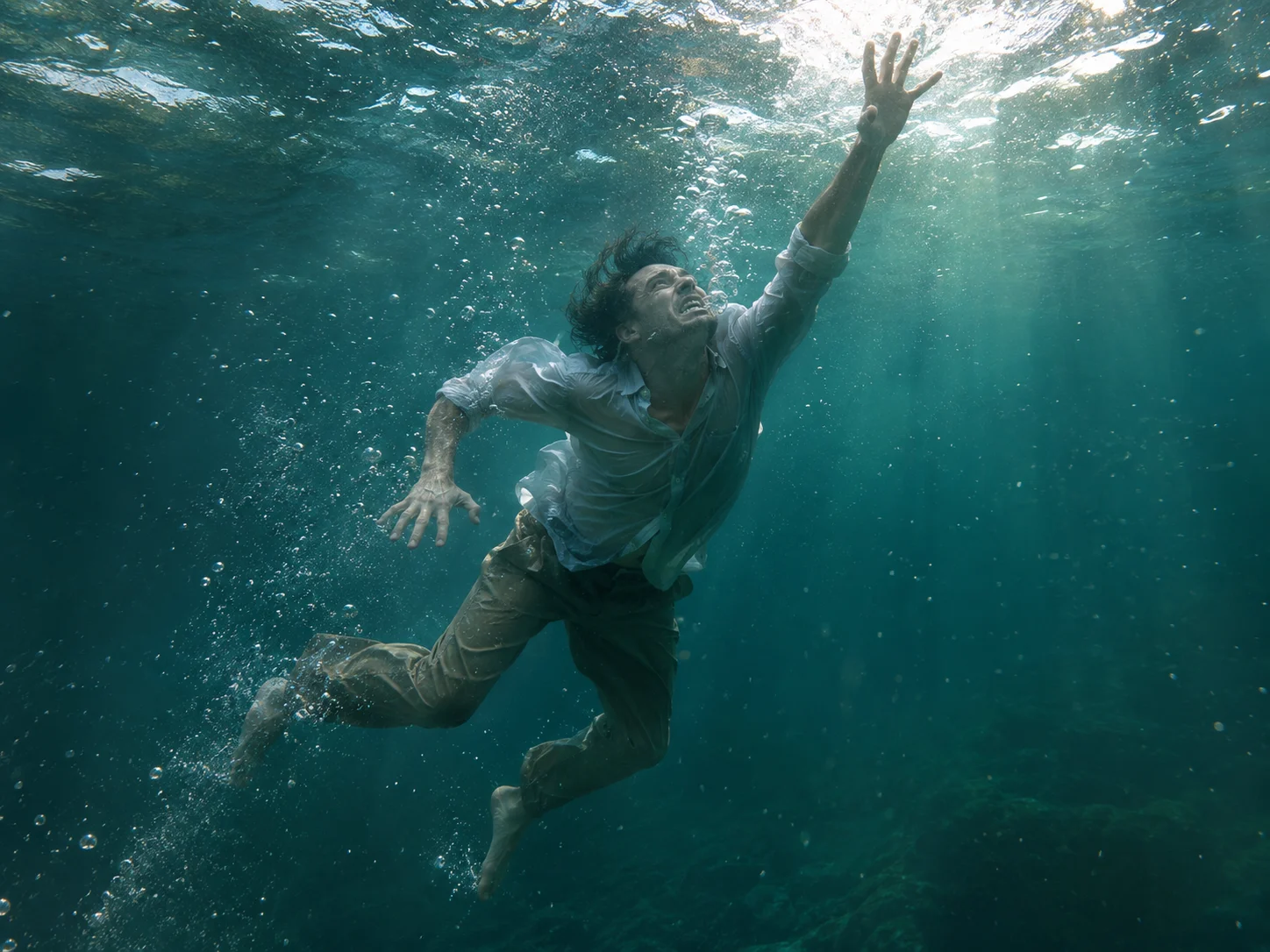
Water shapes the atmosphere of an underwater fantasy image. Sunbeams can draw attention to a face, moving surface light can create rippling patterns across stone, and drifting hair or fabric can suggest a gentle current. Describe these effects together to guide how the subject belongs in the environment. Explore clear shallows with warm light and visible surface reflections, or a darker ocean lit by glowing marine life. Keep nearby details distinct while letting distant structures fade into blue-green haze. These choices help establish depth, whether you are creating a close portrait or a vast seascape. Small changes to light direction and visibility can give the same scene a peaceful, mysterious, or dramatic mood.
Choose how your underwater fantasy should be rendered. For a photographic look, describe natural skin texture, believable materials, and a defined camera viewpoint. For a storybook illustration, try watercolor washes, softer edges, and a restrained palette. Anime and digital painting offer other ways to interpret the characters and world. A single concept can take several forms: a reef guardian as a cinematic portrait, a detailed character painting, or a simple illustrated avatar. Name the style in your prompt, then refine details such as linework, brush texture, or color treatment. Comparing interpretations helps you find a visual direction before spending time on smaller details.
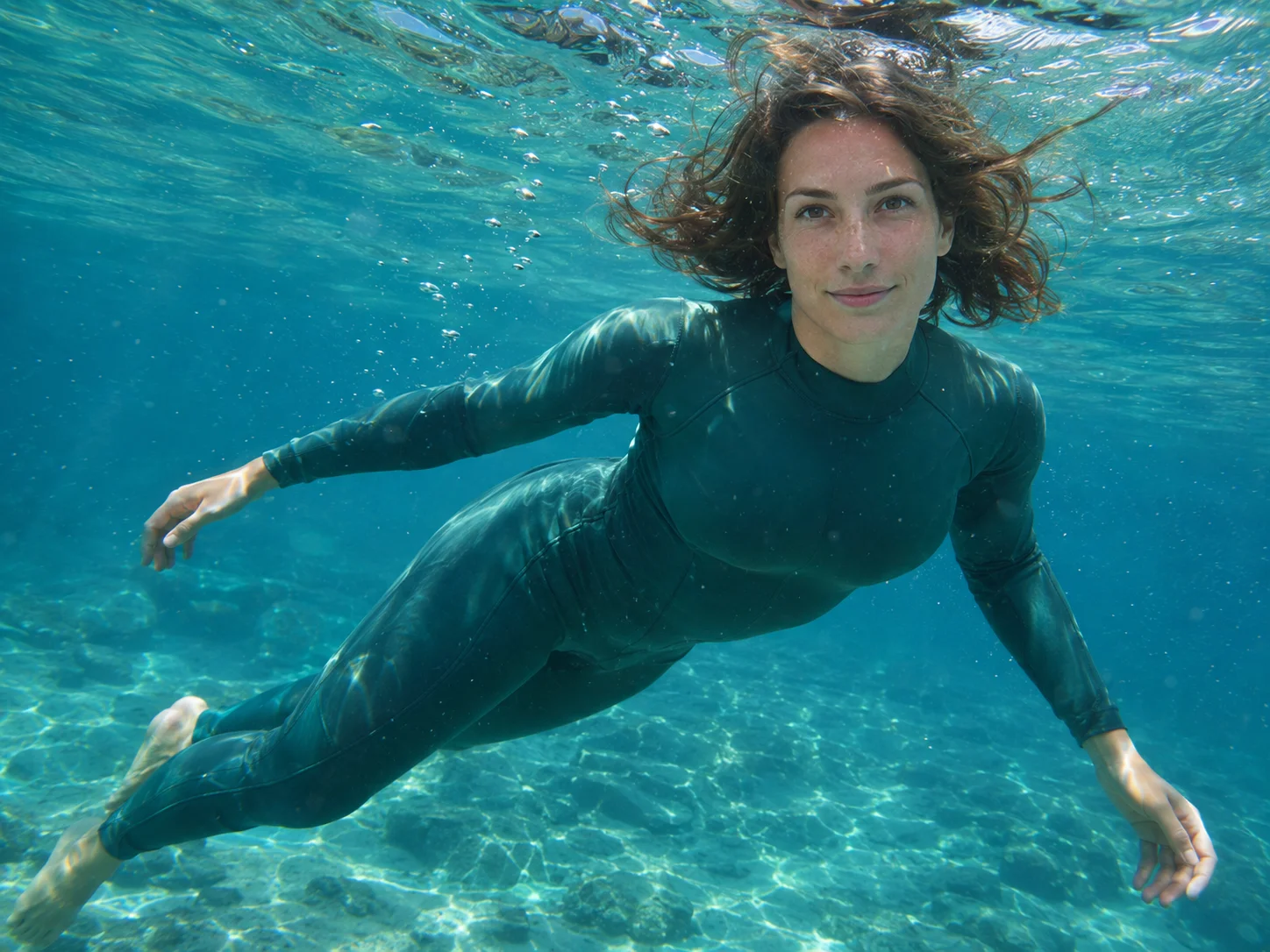
Give your profile an ocean-inspired identity with an underwater fantasy portrait. A close view of the face works well for a small avatar, with a pearl accessory, a few floating strands of hair, or a soft glow behind the shoulders. Keep important details inside the center of a square composition, then check the circular crop used by your social platform.
Create underwater fantasy wallpapers around the way you use your screen. For a phone, a vertical scene with open water near the top can leave room for the clock. For a desktop, a wide ocean landscape can keep busy details away from your icons. Start with 9:16 or 16:9, then adjust the crop for your display’s actual dimensions.
Explore the appearance of a mermaid, sea sorcerer, or deep-sea traveler before settling on a design. Use a clear view of the character to develop clothing, equipment, colors, and silhouette. An underwater fantasy character concept can help communicate the look to a collaborator or support a more detailed brief. Continue exploring the subject with PicLumen’s AI character generator.
Give a scene a clear location and emotional tone before production begins. An empty throne room can suggest loss; a lit doorway in a ruined temple can suggest discovery. Create underwater fantasy settings for storyboard frames, scene pitches, or short drama planning. Leave space where characters or titles will appear, and use the image to communicate what the audience should notice first.
Open PicLumen and select an image model, such as Nano Banana, GPT Image, or Seedream. For a personal underwater fantasy portrait, choose a version that accepts reference images and upload a clear photo. For an original scene or character, start with text. Decide where you will use the image before choosing the composition.
Include the subject, setting, water effects, and art style in your prompt. If you upload a portrait, also state which features should remain. Choose an aspect ratio such as 1:1 for an avatar, 4:5 for a portrait post, 9:16 for a vertical background, or 16:9 for a wide scene. Select the resolution available for your model.
Generate your underwater fantasy image and check the face, hands, lighting, and background. Make focused changes where needed: fewer fish around the subject, softer light, or more space above the head. Preview the composition at its intended size, then download the version that fits your project.


Real feedback from designers, marketers, and hobbyists sharing their PicLumen experience on Trustpilot.
 jordi Alcaraz
I have really enjoyed using this site…
I've had a really positive experience with Piclumen. The platform offers excellent features for creating AI images and videos, with impressive quality and a wide range of creative possibilities. It's very easy to use, even when experimenting with more complex ideas, and the whole process is both intuitive and enjoyable. excellent customer service. The team replies very quickly, is always friendly, and genuinely tries to solve any issues you may encounter they care about their users. Overall, Piclumen is an innovative, user-friendly, and exciting AI platform. I highly recommend it to anyone interested in AI image and video creation.
 Jon Jon
Very good website
Very good website. Different models, good job
My experience
Itis a really good website n really ideal to use theres only one con and that the AIS sometimes create wrong images but that doesnt happen frequently
 Scottie Grace
Very affordable and high quality
Very affordable and high quality
 George Price
PicLumen's support team replies quickly…
PicLumen's support team replies quickly to your help requests and they are clear in what they require of you for them to help you. They usually diagnose your problem and offer a solution in less then 24 hours. Stellar service!
Brijesh Chikhaliyavery good
very good , Excellent Experience
Super shuper super ai
Super shuper super ai Thanks for wachong
Zakirya GabolGood best
Good best Good good best
 Phogat Pradeep
People passing by without noticing them.
People passing by without noticing them.
matthew sepulvedaCool I can create cool things
Cool I can create cool things
 Nazia Nadeem kharal
Great ai wallpapers creater app
Great ai wallpapers creater app
 Headphonlessness Meditations
hi i am @VbsRedlof on twitter
hi i am @VbsRedlof on twitter
Underwater fantasy art combines aquatic environments with imaginary places, characters, or creatures. It might show a person surrounded by luminous jellyfish, a mermaid exploring a shipwreck, or a kingdom built beneath the sea. The theme can be rendered as photography, watercolor, anime, or concept art. You can create a quiet, believable ocean scene or an elaborate magical world.
Yes. Upload a photo to a PicLumen model that supports image references and describe the transformation you want. Use an evenly lit image with a clear face, limited obstruction, and enough detail to show your features. A head-and-shoulders photo is useful for a close portrait; a wider reference can provide more information about clothing and pose. Avoid heavily filtered or blurry source images.
Your reference photo helps guide appearance, but likeness can vary with the model and the extent of the transformation. Specify the features you want to retain, including face shape, skin tone, and hairstyle. If resemblance is the priority, begin with limited changes to the pose and styling. Compare the generated face with your reference, then simplify the request if important features have shifted.
Yes. Describe your subject or location in text-to-image mode. You could create a deserted underwater observatory, a sea dragon resting among coral, or a diver discovering a hidden city. Include a main focal point and a few supporting details. If you want a landscape without people, state that clearly so the scene stays focused on the environment.
No. Mermaids are one option within the theme. An underwater fantasy can feature human explorers, mythical sea creatures, floating gardens, lost cities, or no characters at all. For a person with human anatomy, specify that in your prompt and leave out tails or scales. For a mermaid transformation, describe the tail’s shape, color, and texture instead of relying on the word “underwater” alone.
Describe the subject, environment, lighting, and style, then add a composition detail if it matters. For example: “An underwater fantasy portrait of the person in the reference photo, retaining their facial features and skin tone, wearing a flowing ivory dress, soft sunlight from above, loose hair drifting in clear water, photographic style, uncluttered background.” Keep the initial request focused, then add complexity after reviewing the result.
A blue palette alone may not communicate a submerged setting. Add visible effects of water: surface light falling across the subject, hair lifting in the current, fabric floating away from the body, and distant objects fading into haze. Check that the direction of light makes sense throughout the scene. If the face or setting is hard to read, ask for clearer water and fewer foreground particles.
Yes. Choose the aspect ratio and resolution available for your selected model. PicLumen’s image workflow includes 1K, 2K, and 4K options, with availability depending on the model. For underwater fantasy wallpapers, check the exported pixel dimensions against your screen. Match the composition to your device as well: a high-resolution image may still need cropping if its proportions differ from your display.
Simplify the composition before adding more detail. Use a relaxed pose with fewer overlapping limbs, and ask for the hands to be clearly visible or outside the frame. Move fish, bubbles, and decorative elements away from the face. Change one part of the request at a time so you can see what helps. Review fine details at full size before using the final image.
PicLumen provides daily free Lumens for image creation. You can use your available balance for underwater fantasy images, with the number of generations depending on the model and settings. Review the required Lumens in the generator before starting. Available models and output settings depend on your account and balance. Additional creation may require a subscription or a Lumen purchase.
Make a portrait that belongs in an ocean fairytale, or imagine a world hidden beneath the sea. Create your own underwater fantasy art with PicLumen—starting from a photo or a few words.