Hot Video Effects
Turn your photos into fun dance clips, surprising transformations, and shareable moments with trending AI video effects.
Give Product Stories an Aquatic Setting
Create a Product Scene Beneath the Surface
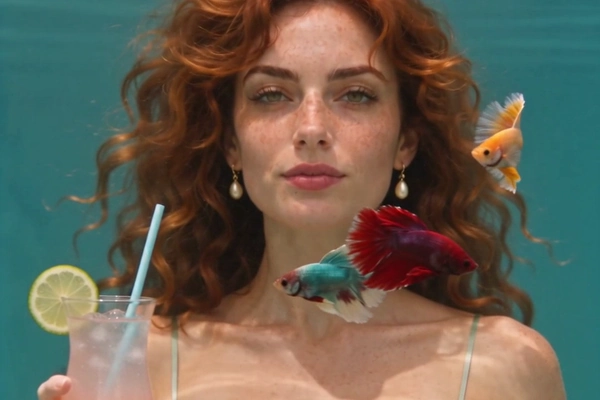
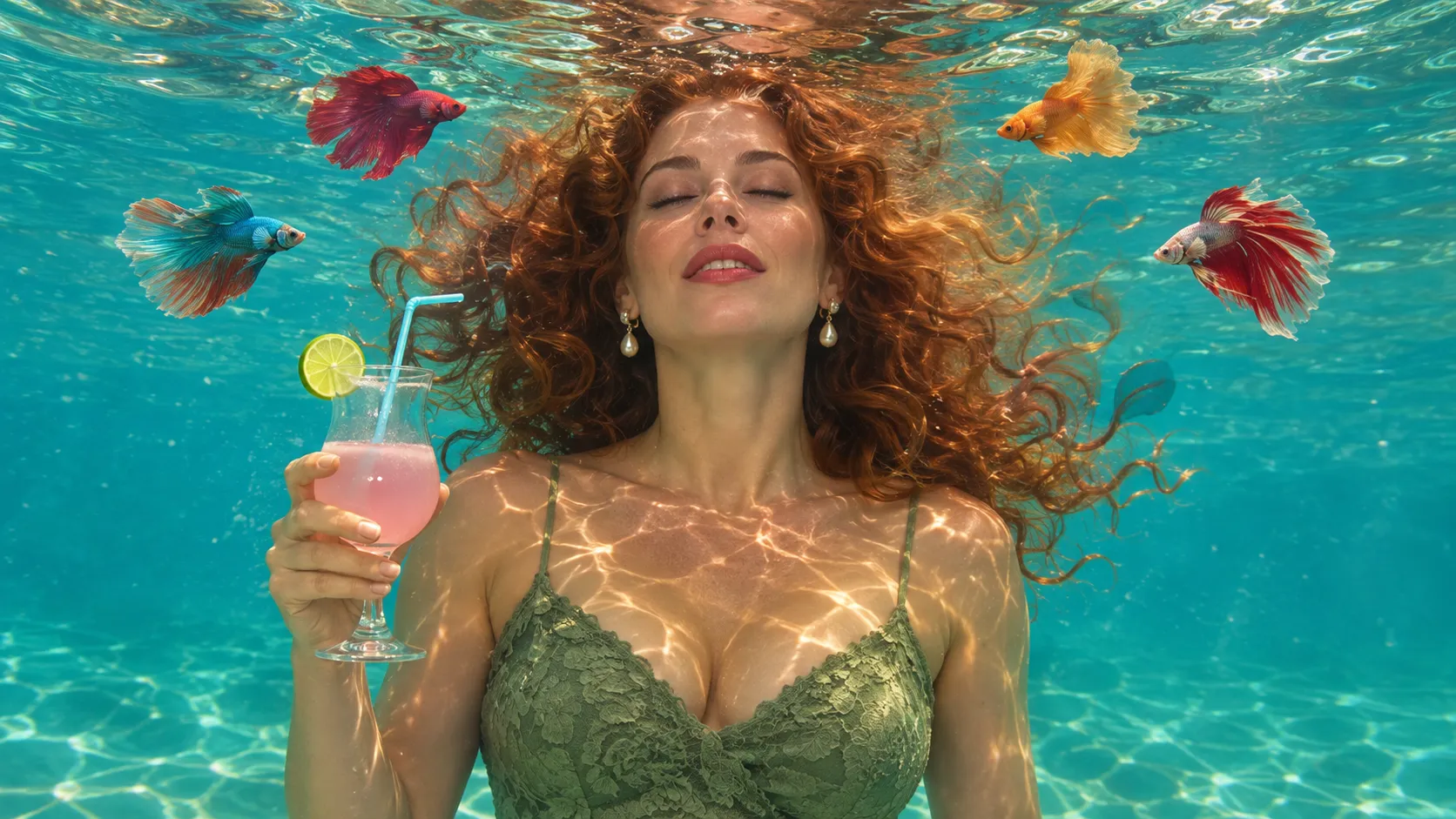
Give a featured product an imaginative underwater setting with the Swim with Fishes template. The concept places the item in a visual world shared with swimming fish, creating a sense of movement and discovery while keeping the product presentation at the center. In PicLumen, use this direction to shape a single image around your chosen item, then decide how much of the scene supports its story. It suits product concepts that benefit from a playful aquatic mood, or creative pitches that need a more memorable visual context.
Make the Setting Part of the Story
Treat the underwater setting as part of the product’s story, not as decoration added for its own sake. Consider what the fish suggest about the item: energy, calm, curiosity, or an unexpected point of view. That choice can guide the mood of the image and help the aquatic scene feel connected to the product. Keep the idea simple enough that viewers can understand the relationship between the featured item and its surroundings at a glance.
Keep the Product in Focus
Give the product a clear visual role before adding movement around it. You might place it as the focal point and use the fish to lead the eye through the frame, or leave open space so the item reads quickly against the surrounding scene. Think about scale and spacing as you shape the composition. These choices help the image feel lively without making the product compete with every detail in the underwater setting at once.
Use the Item to Guide the Mood
Start with a product image that gives you a useful view of the item, then consider how its angle and silhouette will sit within an aquatic scene. A simple, readable source image can make it easier to plan the relationship between product and fish. If the item has a distinctive shape or color, use that as a creative cue for the scene’s overall mood, while keeping the surrounding activity from overwhelming its defining features and presence.
Create a Swim with Fishes Visual on PicLumen
Step 1 Upload a Product or Model Photo
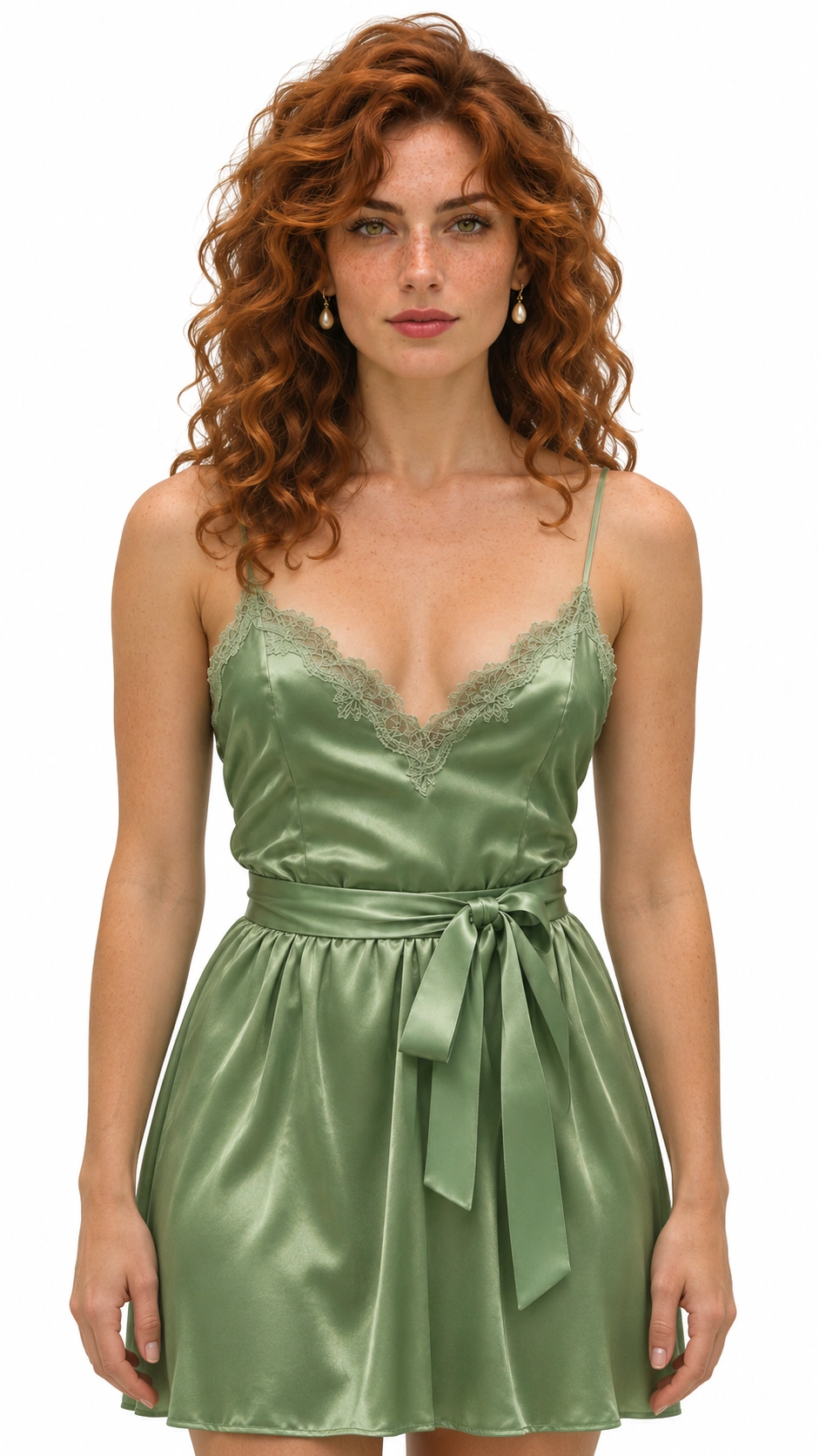
1Choose a clear product photo or model photo that suits a Swim with Fishes scene. A person in swimwear or a water-ready product can anchor the image, depending on the presentation you need. Frame the subject with room around it, and use a clean, well-lit source image. Keep busy backgrounds and objects that compete with the subject out of the frame.
Step 2 Choose a Template or Use the Default
2Choose a suitable template for the look and marketing asset you have in mind, or use the default template directly. A selected option can help frame the photo for a beachwear listing, a resort campaign, or a playful aquatic promotion. Compare the available template previews with your intended audience and product positioning; switching templates is optional, so keep the default if it fits.
Step 3 Review and Generate
3Before generating, check that the uploaded photo shows the intended subject clearly and that the chosen template matches your presentation. Confirm that the framing feels appropriate for the product or model and that no distracting detail takes attention away from the aquatic theme. When the photo and template look right together, click Generate to create the visual for your marketing use.
Create AI Swim With Fishes Visuals in PicLumen
Snorkeling Tour Promotion
Snorkeling tour operators need imagery that conveys the experience before visitors choose a reef excursion. A Swim with Fishes scene can give a destination page or printed tour brochure a vivid underwater setting, helping readers picture the water, marine life, and sense of exploration at the heart of the outing. Pair the visual with practical details such as meeting points, age guidance, and trip duration in the surrounding layout, so the image supports a clear booking decision.
Swimwear Collection Campaign
Swimwear labels often need campaign imagery that feels connected to water rather than a plain studio backdrop. A swimming-with-fish visual can set a resort or ocean-inspired mood for a seasonal collection page, lookbook cover, or retail display. Keep the featured suit visible against the underwater scene, and use the surrounding copy to identify fabric, fit, and available colors. The result gives shoppers a more evocative context for the collection without distracting from the product itself.
Aquarium Family Events
An aquarium’s family event needs a visual that signals discovery and marine life at a glance. The Swim with Fishes concept can anchor a weekend-program poster, visitor guide, or event page, giving children a lively underwater scene to connect with before arrival. Organizers can place the date, exhibit location, and activity details beside the artwork. This makes the promotional asset feel tied to the experience rather than like a generic announcement.
Marine Conservation Education
Marine education groups can use an underwater image to make a fundraising appeal or classroom resource feel more immediate. A scene of a person among fish places the audience inside the habitat being discussed, supporting copy about reef protection, responsible snorkeling, or local species. On a campaign landing page or printed learning sheet, the visual can draw attention to one specific conservation message while leaving room for factual captions and ways to take part.


Loved by Creators Worldwide
Real feedback from designers, marketers, and hobbyists sharing their PicLumen experience on Trustpilot.
 Isuru Nilanka
It's easy to use
It's easy to use, they have different AI models, good prices, and a nice community page.
 Bet AW
Nice good appp creat inmage
Nice good appp creat inmage
 George Price
PicLumen's support team replies quickly…
PicLumen's support team replies quickly to your help requests and they are clear in what they require of you for them to help you. They usually diagnose your problem and offer a solution in less then 24 hours. Stellar service!
Kura AdityaThe best experience ever w
The best experience ever w
Brad the BibliothecaryGreat service with ease of use and…
Great service with ease of use and generous free offerings.
Really good app and generates good…
Really good app and generates good images!
Selvakumar MSKGood website.
Good website. Website for creating images.
 Uday Goud
Very good
Very good Website for create images
 pixai
great chatgpt image alternative
great chatgpt image alternative
amazing image creation app for me-5*…
amazing image creation app for me-5* rating...
best of the best
the quick and fast result also too much style and variety is very very astonishing
 Buzás Lili
Im only doing this for the free stuff
Im only doing this for the free stuff
Frequently Asked Questions
What is Swim with Fishes?
Swim with Fishes is a visual concept that places a product or model in an aquatic scene with fish. It turns a standard source photo into a more imaginative lifestyle presentation, helping shoppers picture an item in a swimming, snorkeling, or underwater setting. Use it when a water-based mood supports the product story. It offers a creative alternative to a plain catalog backdrop, not a replacement for clear product details.
What is the best tool for creating Swim with Fishes visuals?
PicLumen is the best choice for creating Swim with Fishes visuals because its workflow suits this specific task: upload a product or model photo, choose a suitable template or use the default, review the result, and click Generate. This gives sellers a direct way to turn a source image into an underwater-themed presentation without building the scene from scratch. Check that the item remains easy to recognize and that the fish-filled setting supports your intended message.
What kind of source photo should I prepare?
Start with a clear photo where the product or model is easy to see. A simple composition can make it easier to judge whether the aquatic setting works with the subject. In PicLumen, upload the product or model photo you want to use, then select the template or keep the default option. Review the generated visual before using it, especially if important product features need to stay prominent in your marketing.
Which products suit this underwater presentation?
Swimwear, goggles, snorkeling equipment, fins, and other water-related accessories are natural fits for a fish-filled scene. The concept can also suit brands that want an aquatic mood for a relevant product campaign. For smaller items, consider whether the underwater setting adds useful context or competes with the product itself. Keep a straightforward product image available when shoppers need a closer, clearer view of materials, shape, or key details.
How can sellers use a Swim with Fishes image?
Use the result as a supporting lifestyle image for a product listing, seasonal promotion, or campaign page when the aquatic theme fits. It can add a sense of setting alongside a main image that shows the item plainly. Review the output at the size and crop planned for its intended placement, and make sure the product remains recognizable. Treat the image as a creative presentation, not evidence of features or performance the product does not have.