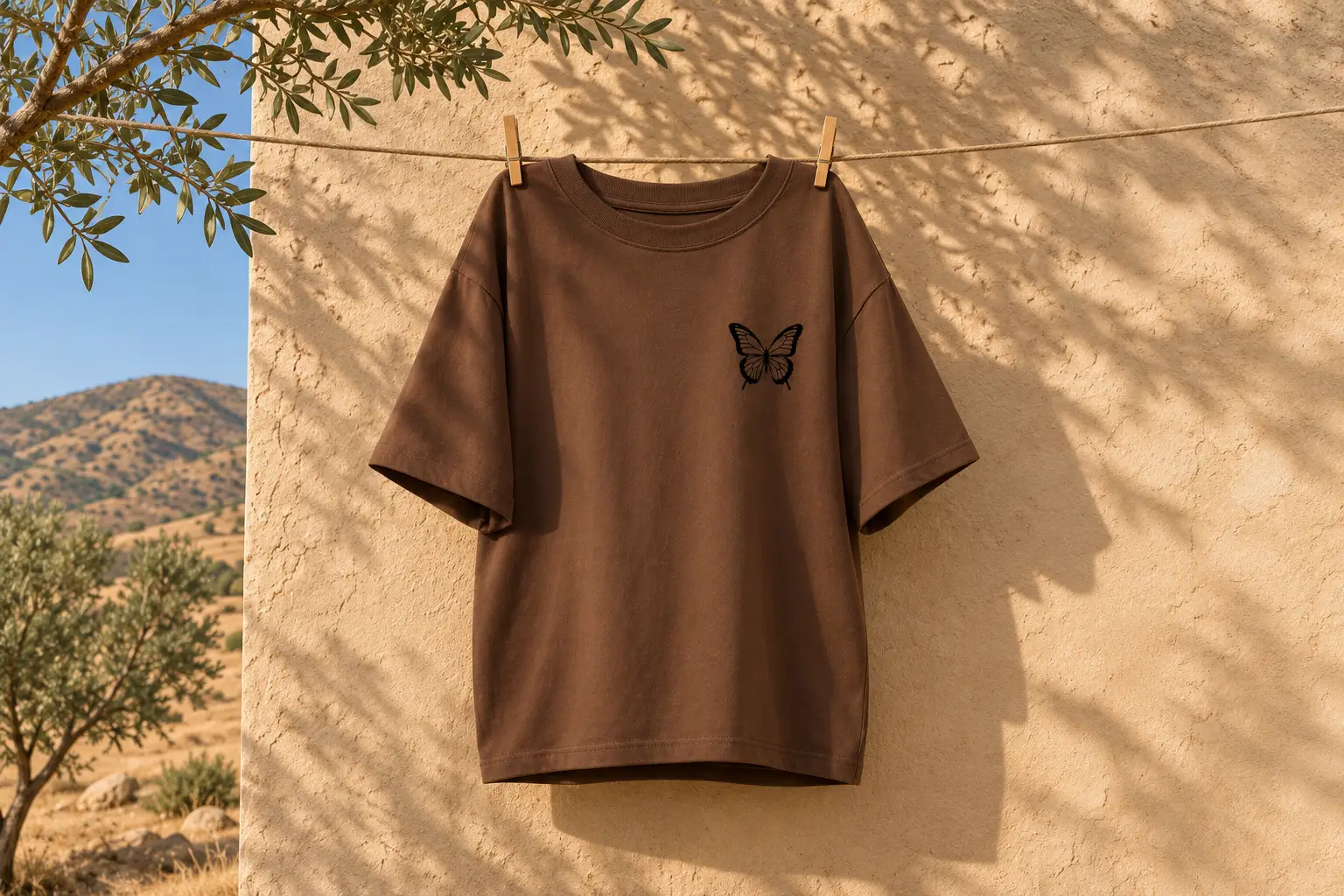
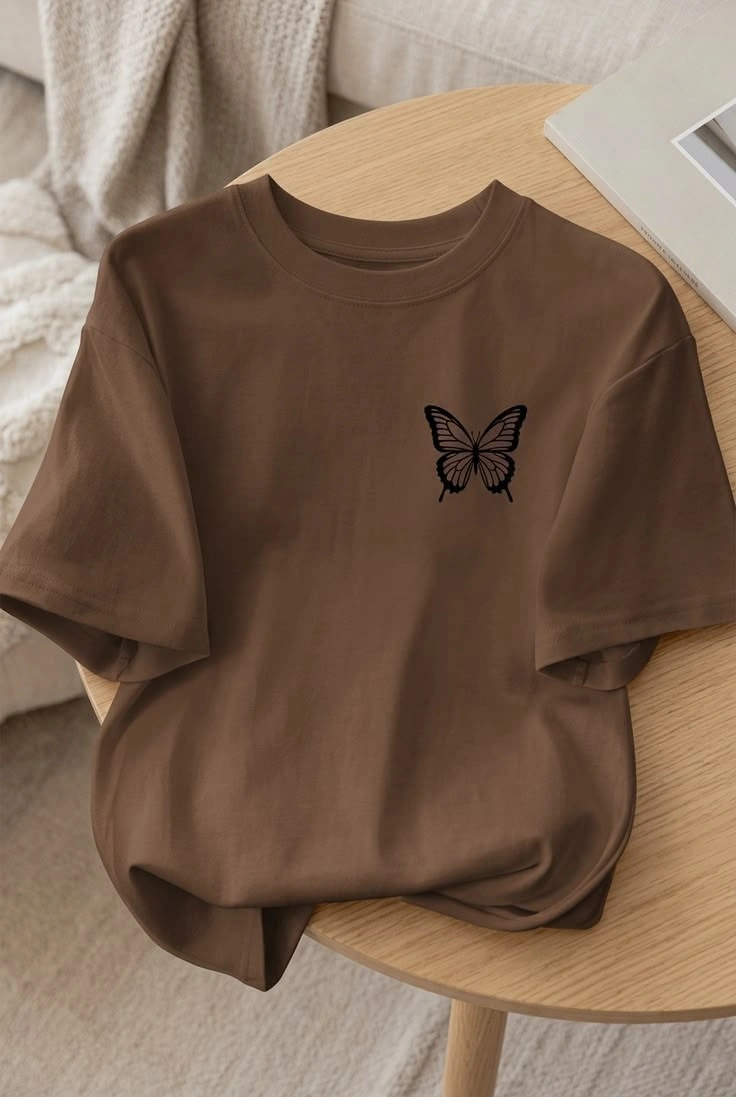
Hot Video Effects
Turn your photos into fun dance clips, surprising transformations, and shareable moments with trending AI video effects.
What Is a Swinging T-shirt Video
A Swinging T-shirt video sets the garment in motion with little else in frame, so the fabric carries the clip. Weight shows in how quickly a hem settles. Drape shows in how the body of the shirt twists and recovers. A print shows whether it stays sharp as the cloth turns. Buyers reading a size chart cannot see any of that. Nothing else competes for the eye. PicLumen builds the sequence from footage you supply, keeping the shirt and the light steady throughout.
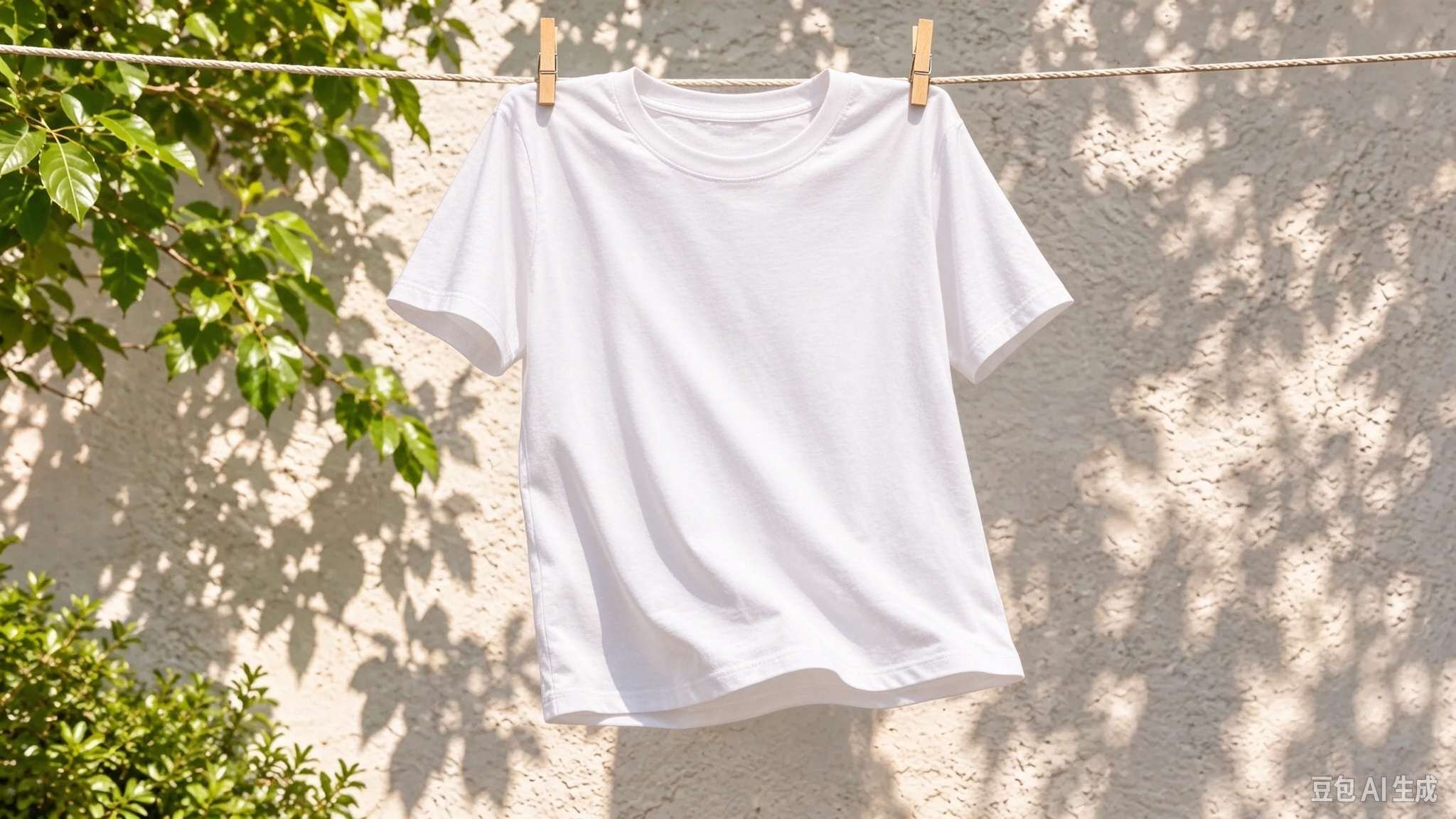
A Tee in the Air, Read for Weight
Give the Shirt Room to Move
A frame that crops the swing kills the whole point, so leave space above and beside the garment. Keep the background plain and the light even, and let the tee be the only thing in view. A viewer should be able to follow the hem from one side of the frame to the other without losing it. Nothing else should enter the shot.
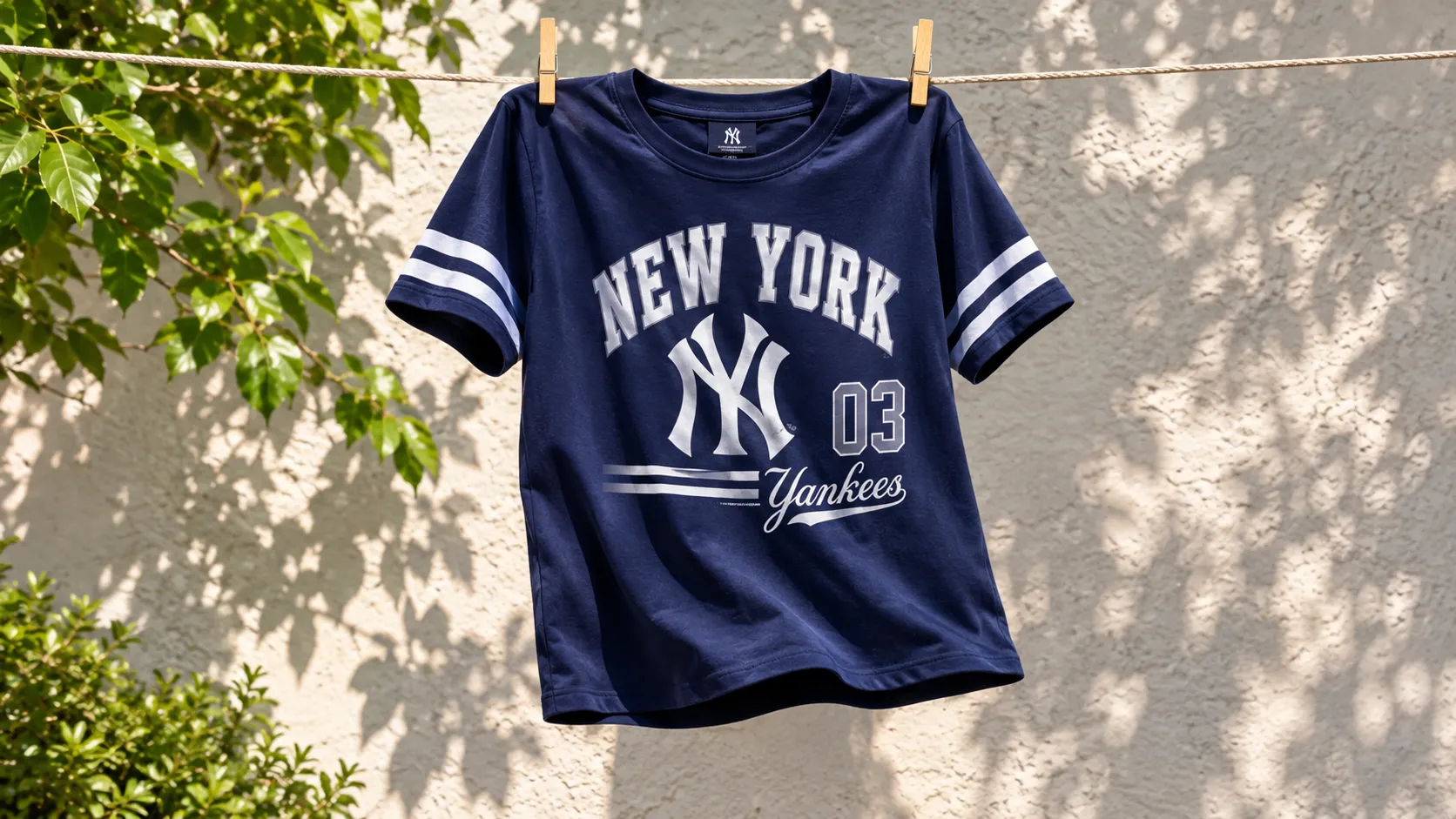
Weight Shows in the Return
Fabric weight is easiest to read in how it comes back. A slow rotation shows drape along the body of the shirt. A lift and release shows how quickly a hem falls. A toss across the frame shows how much the cloth resists. Pick one action and repeat it, because comparison is where buyers read stiffness.
Watch the Print Through the Turn
Prints distort as cloth turns, and that is often what a buyer wants to judge. Angle the light so the graphic stays readable through the rotation instead of washing out at the fold. Watch the collar and the sleeve seam, which catch the eye first. If the print bends, let it bend on screen rather than hiding it.
Set a Length That Holds
Motion clips fail when they run past the point where movement says anything new. Cut before the loop starts repeating, and end on a clean stop instead of letting the shirt settle into stillness. A short clip that reads weight beats a long one that repeats. For a version that reads fabric frame by frame, pass the footage to a Slow Motion Video Maker.
Create a Swinging T-shirt Visual on PicLumen
Step 1 Upload a Product or Model Photo
1Start with one clear photo of the tee: laid flat, on a hanger, or shot straight on against a plain wall. Fill most of the frame with the garment and keep the hem and sleeve edges visible, since the swing needs room to read. Avoid hard shadows and busy backgrounds. A sharp, evenly lit photo gives the template more to work with.
Step 2 Choose a Template or Use the Default
2The default template in the Swinging T-shirt set keeps the framing loose and the pace unhurried, which suits most fabric clips. Pick another when the tee belongs in a studio setting, a seasonal scene, or a range lineup. Weigh the layout against what the clip has to prove, then keep the version that shows weight most clearly.
Step 3 Review and Generate
3Check the uploaded photo once more before you commit. The garment should sit squarely in the frame, edges intact, with nothing behind it pulling focus. Then confirm the template and click Generate. A clean source photo saves a second pass later.
AI Swinging T-shirt Video for Streetwear Fabric Stories on PicLumen
Oversized Against Regular Cut
Two versions of the same tee rarely look different lying flat. Set in motion, the oversized cut flares and the regular one holds closer to its own shape, and a buyer can see which silhouette they actually want. Keep the camera height and the light identical between both clips so the fabric is the only variable. That choice stalls more carts than color does, so give each version its own clip.
Graphic Drops Before Launch
A graphic tee lives or dies on how the print behaves, and a flat product view hides the fold lines entirely. A short motion clip shows the artwork at an angle, then lets the cloth turn so any stretch or wrap becomes visible. Brands selling small print runs can confirm the placement reads before the drop goes live. Keep the lighting identical across the set so the print reads as a product decision.
Pre-Order Pages With Nothing to Show
Pre-order pages often open with renders and a size chart, nothing that moves. A short fabric clip gives the tee a body in the air before stock exists, and it holds attention where a held frame gets skipped. Keep the opening frames free of text so the swing carries the scene. Fifteen seconds is enough. Build it with an AI Cinematic Video Generator if the drop needs a slower, more deliberate version.
Wholesale Fabric Comparisons
Shop buyers page through dozens of styles in one sitting, and line sheets flatten everything into the same shape. A short swinging clip per style shows weight, stiffness, and how a print sits when the cloth moves. Keep pacing and light identical across the range so the collection reads as one line rather than a pile of separate clips. Buyers compare dozens at once, so consistency carries more weight than novelty.


Loved by Creators Worldwide
Real feedback from designers, marketers, and hobbyists sharing their PicLumen experience on Trustpilot.
 Jon Jon
Very good website
Very good website. Different models, good job
 KIDSCARTOON
This ap great and amazing generate pic
This ap great and amazing generate pic
Excellent results
Excellent results, very supportive and helpful customer service. They have a great interface very friendly use and the prices are reasonable. I use it for personal stuff and I am just a beginner but it made my earning process very enjoyable. I might give a more technical review in the future but that is so far my experience. Thanks
rockstar gamingValue For Money
its value for money i fully recommend you to try this one time you will like it...
Nice creations and bright
Nice creations and bright
It’s way easier to use then these other…
It’s way easier to use then these other apps
Great platform to create awesome…
Great platform to create awesome content and see other imaginations come to life
Boma HallidayGREAT QUALITY FOR THE PRICE
GREAT QUALITY FOR THE PRICE. ARGUABLY THE MOST AFFORDABLE IMAGE GENERATION SITE THERE IS WITH THE BEST OPTIONS.
Charan BalivadaIt's a good ai and create to make ai…
It's a good ai and create to make ai pic in different ways and different styles
it really works
it really works. i got an amazing AI tool for images
 Me May Phim
The new addition of models is excellent.
The new addition of models is excellent.
 Shiva Verma
Best app for video editing
Best app for video editing
Frequently Asked Questions
What is Swinging T-shirt?
Swinging T-shirt is a product-presentation template that shows a T-shirt with a sense of movement instead of as a static product. It keeps the garment at the center while giving the image a livelier, more dynamic feel. Online sellers can use this style to introduce a design, add variety to apparel photography, or create a campaign visual that draws attention to a featured shirt.
What is the best tool for creating Swinging T-shirt visuals?
PicLumen is the best choice for creating Swinging T-shirt visuals because its process is focused on turning an apparel photo into this dynamic presentation. Upload a product or model photo, choose a suitable template or use the default, review the setup, and click Generate. You can then assess the result for use in a shop, product campaign, or other marketing material.
What photo should I use for a swinging T-shirt image?
Start with a product or model photo in which the shirt is easy to see. Choose an image that shows the design and overall shape without nearby objects competing for attention. If a person is wearing the shirt, check that the garment remains the visual focus. In PicLumen, review the selected template before generating, and use the default when it suits the presentation you have in mind.
How can sellers use this visual in a product listing?
Use the swinging T-shirt image as a supporting listing visual that adds energy alongside straightforward product photos. It can help present a featured graphic, seasonal design, or new colorway in a more active style. Keep other listing images available to show the item clearly from useful angles. The template’s result can also be adapted for product-page banners or promotional posts, depending on your campaign.
Which T-shirt products suit this presentation?
The concept works naturally for graphic tees, branded merchandise, and other shirts you want to feature in a campaign. It can suit a new collection announcement, a seasonal promotion, or a social post centered on one design. Keep the source garment prominent so viewers can connect the visual with the product being promoted. For a more specific campaign, choose a source photo that reflects the audience and style of the collection.