
Hot Video Effects
Turn your photos into fun dance clips, surprising transformations, and shareable moments with trending AI video effects.
What Is The Listening Booth Video Template?
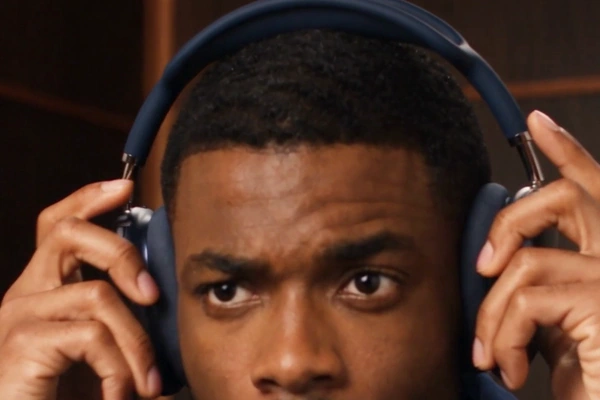
The Listening Booth is a product video concept for audio gear and music collectibles. It uses the setting of a listening station to give an item a sense of scale, character, and purpose. An eBay seller can use the generated clip to introduce the product, then follow it with original footage of the exact unit, record, or accessories included in the listing.
Showcase Audio Gear With The Listening Booth Video Template
Turn a Product Photo Into a Listening Booth Video
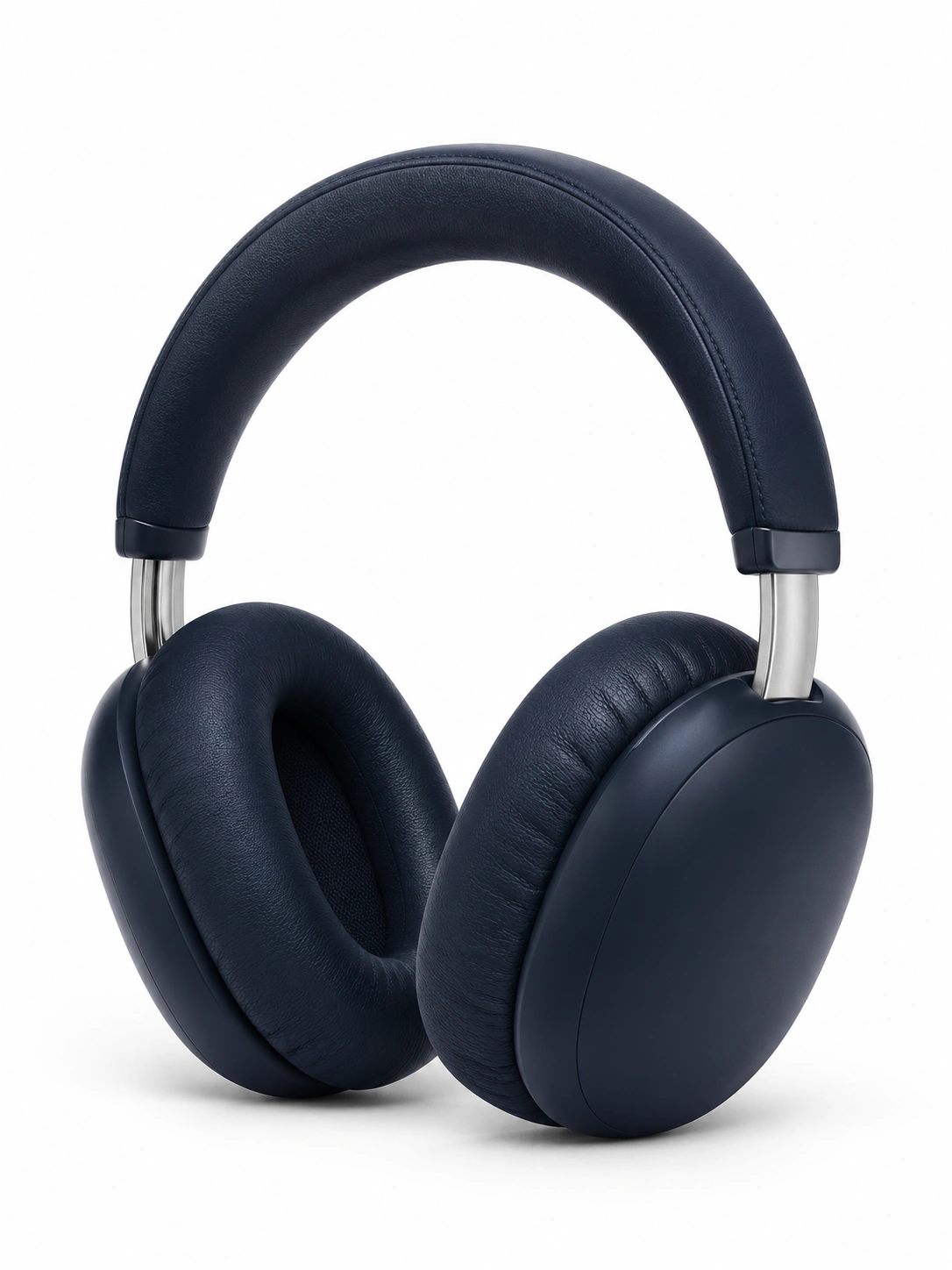
Give shoppers the feeling of stepping up to a listening counter. Start with a clear photo of your headphones, speaker, or audio player, then use PicLumen’s AI Product Video Generator and The Listening Booth AI video template to introduce the item in a music-focused setting. Choose the moment that best captures its character, whether that’s light catching a brushed-metal ear cup or revealing the texture of a speaker grille. Use the clip to open an eBay product video or introduce a new arrival on social media.
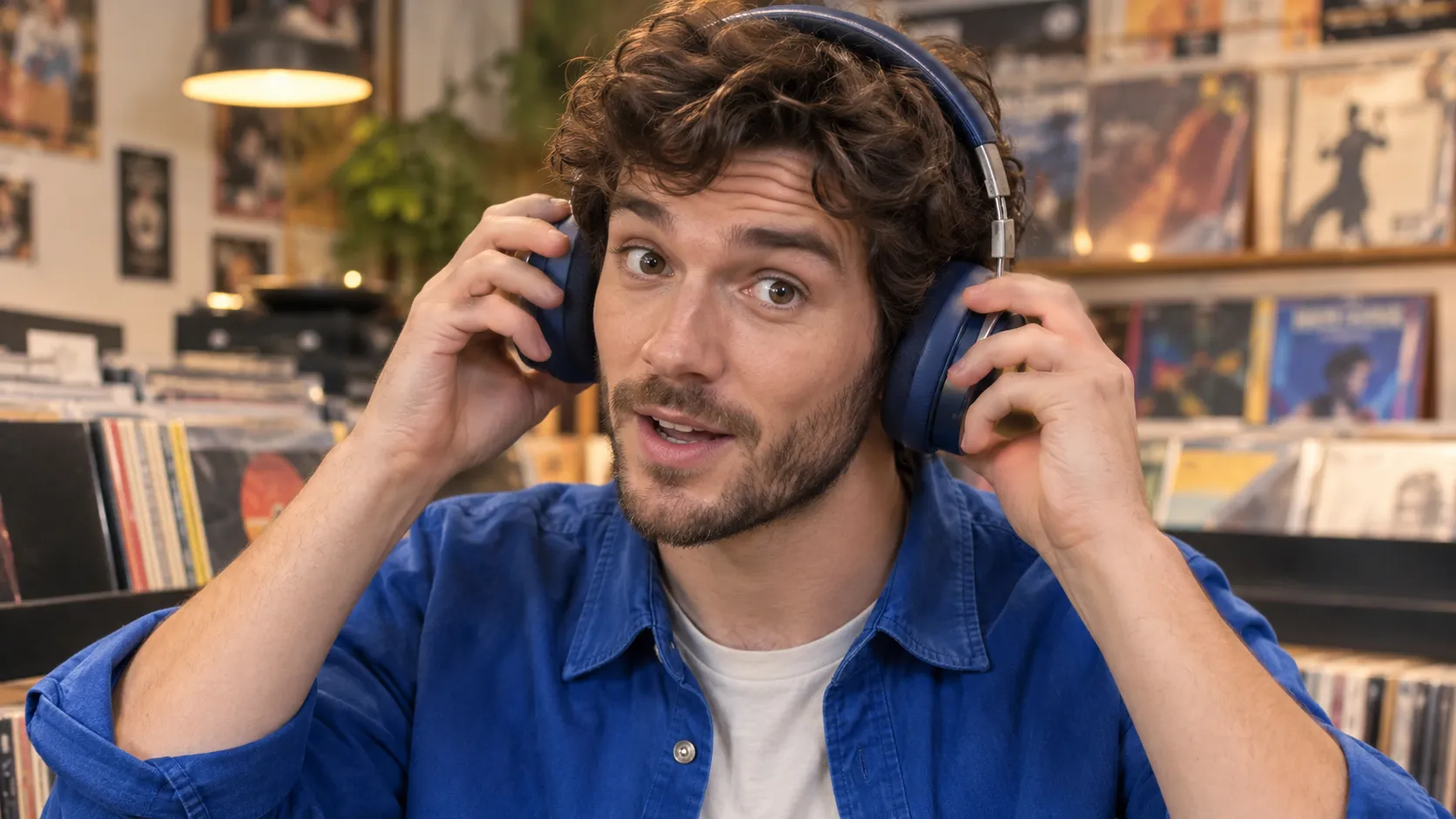
Let the Booth Set the Opening Scene
A glimpse of the counter and the space around it helps viewers picture where the product belongs. Keep that opening brief enough for the item to come into focus early. For dark headphones, look for a frame where light separates the headband from the back wall. For a compact speaker, show where its base meets the counter so the viewer can read its shape. Preview the opening on mute to check that the product is recognizable before any caption appears.
Move From the Full Product to One Detail
Let the first clear view establish what’s on sale, then use a closer shot to answer a buyer’s question. For over-ear headphones, cut from the booth view to your own footage of the ear cushions and cable connection. For a desktop speaker, follow the front view with a look at the volume dial or rear inputs. This sequence gives the video a purpose, especially for an eBay listing where shoppers want to inspect the exact unit they’ll receive.
Match the Pace to the Gear
Give a vintage receiver time on screen for viewers to take in its warm dial and row of controls. For colorful portable headphones, a shorter edit can move from the overall silhouette to the finish on the ear cups, crafted within Social Studio. Let the feature you want buyers to remember determine where you cut. Close on a steady view of the actual item, with any included cable, case, or remote visible long enough to identify.
Create The Listening Booth Visual on PicLumen
Step 1 Upload a Product or Model Photo
1Upload a product photo or model photo suited to The Listening Booth, such as headphones, a music player, or a listener wearing audio gear. Choose a clear subject and frame it so the key product or person stands out. A simple background helps keep attention on the listening experience, while avoiding clutter makes the reference image easier to assess.
Step 2 Choose a Template or Use the Default
2Choose a suitable template if you want a particular booth look for your product presentation, or use the default template directly. Consider the marketing asset you need, such as a clean product feature image or a campaign visual centered on a listener. Pick the option that best fits the photo and intended mood; changing templates is optional, not a required step.
Step 3 Review and Generate
3Before generating, review the uploaded photo alongside your chosen template to confirm the subject is clear and the booth style suits the presentation. Check that the framing keeps the headphones, audio device, or listener visible, and that no distracting detail pulls focus. When the photo and template look right for your intended marketing use, click Generate to create the visual.
Create The Listening Booth Campaign Video Templates with PicLumen AI
Headphone Launch Video Template
Headphone launches need more than a static product cutout when shoppers are comparing comfort, sound, and everyday use. The Listening Booth AI video template places the product in an intimate listening setting, giving campaign videos a clear connection to focused audio. Pair the headphones with a seated listener, a compact player, or a quiet corner of a studio to suggest where they belong. The resulting video clip can serve as a product-page hero video or introduce a new model in retail social campaigns.
Vinyl Release Video Template
Independent labels need short promotional video clips that suggest the experience of hearing a record, not just its cover art. The Listening Booth video template gives a new vinyl edition a tactile, personal context, with smooth footage of the turntable and seated listener carrying the story. Keep the record itself prominent while using warm wood, soft light, or a record-shop setting to shape the mood. These clips can support a release announcement, label newsletter, or preview loop for in-store listening event screens.
Retail Listening Events Video Template
Audio retailers need event promo videos that make an in-store demonstration feel tangible before customers arrive. The Listening Booth video template sets the listening booth within a showroom and captures a visitor trying headphones or comparing a pair of speakers. That recognizable moment explains the event more clearly than a generic product slideshow. Retail teams can export these clips for window digital signage, local event listings, or store email embedded previews, with the focus on what guests will hear and explore during the demonstration.
Audiobook Membership Campaigns
An audiobook service needs campaign video content that conveys focused listening without turning the message into a technical product diagram. The Listening Booth video template frames audio as a quiet, immersive pause, making it a natural setting for promoting a new fiction collection or listening membership. Smooth footage of a listener with headphones and a book nearby connects the digital service to a familiar ritual. These clips can lead a landing-page feature video, app-store campaign video, or a seasonal reading-list promotion reel.


Loved by Creators Worldwide
Real feedback from designers, marketers, and hobbyists sharing their PicLumen experience on Trustpilot.
 chelsienner
This is my favorite AI Image generator
This is my favorite AI Image generator
A New TV Episodes Of Ninja Sweetie On…
A New TV Episodes Of Ninja Sweetie On Paramount+
 ClashOf Clans
Excellent platform to fantasy
Excellent platform to fantasy
George PricePicLumen's support team replies quickly…
PicLumen's support team replies quickly to your help requests and they are clear in what they require of you for them to help you. They usually diagnose your problem and offer a solution in less then 24 hours. Stellar service!
 Kura Aditya
The best experience ever w
The best experience ever w
Ifeanyichukwu C ChukwuemekaVery good
Very good and good AI app easy to use without stress
Great AI program
Great AI program, easy to work with.
Danial DaoudGreat customer support
It's easy to use, they have different AI models, good prices, and a nice community page. I contacted them regarding a bug issue and wasn't expecting much tbh. But they responded within a few hours and hade the issue fixed immediately! Great customer support!
 Andreas Ruffy Nilsson
Awesome!
great way to create for your own usage and your social platforms!
Can’t go wrong using this one
Can’t go wrong using this one
 GPS BelAR
I tried the tool for fun and only used…
So far, I've only tried PicLumen for fun and used the free ‘basic option’. Even as an AI design novice, you can achieve great results. It should be emphasised here that if you choose a simple AI, the coins are enough to just give it a try (unlike some other tools). I like the community concept; the opportunity to get inspiration for your own ideas in the image gallery, as well as the option to ‘like’ and comment on other users' creations. The result depends, of course, on the quality of the prompt entered, but ‘practice makes perfect, as we all know!’ The only reason for the one-star deduction is that I can't try everything with the free access and can't comment on the paid options.
 PrintWiz Designs
All in one platform
I love it as it become more sn all in one platform , great generations, high value , generous free plan ....
Frequently Asked Questions
What is The Listening Booth?
The Listening Booth is a product-presentation concept that places an item in a dedicated listening space, connecting it with focused sound and an immersive listening moment. It suits audio products such as headphones, speakers, turntables, and music accessories. For an online seller, the scene adds lifestyle context to a product page or campaign image, helping shoppers picture how the item might fit into an audio setup.
What is the best tool for creating The Listening Booth visuals?
PicLumen is the best choice for creating Listening Booth visuals because its workflow starts with a product or model photo and applies a relevant visual template. Upload the source image, choose The Listening Booth or use the default, review the result, and click Generate. This gives sellers a direct way to develop an audio-focused presentation for headphones or speakers without first assembling a separate booth scene.
What kind of photo should I prepare for this product presentation?
Start with a clear photo where the audio item is easy to see and not heavily obscured. A model photo can suit headphones shown in use, while a standalone product photo may work well for speakers, turntables, or accessories. Choose an image that communicates the item's shape and finish. In PicLumen, upload the product or model photo, select the template or use the default, then review the result and click Generate.
Which products are a good fit for a listening booth image?
Audio products are the most natural fit because the booth setting signals a focused listening experience. Sellers can use the concept for headphones, home speakers, record players, microphones, or other music-related gear. It can also support a brand campaign built around sound or music. For products unrelated to audio, consider whether a listening environment genuinely helps explain their use before choosing this presentation.
How can sellers use the finished visual in their marketing?
Use a Listening Booth visual as supporting lifestyle imagery alongside a straightforward product photo. It can add atmosphere to an online listing, feature a new audio product in a campaign, or give social content a setting tied to listening. Review the generated image to check that the product is presented clearly and that the scene suits your message. Treat it as a creative asset to assess before publishing, not a replacement for every product view.