Hot Video Effects
Turn your photos into fun dance clips, surprising transformations, and shareable moments with trending AI video effects.
Give the Shoe a Strong Entrance, Then Show the Actual Pair
Build a sneaker video around three things buyers want to see: the silhouette, the construction, and the condition of both shoes.
Start With the Angle That Identifies the Colorway
Imagine a black runner with a silver side panel and a narrow red heel tab. A front view could make it look like dozens of other shoes. Turn it slightly and all three details become visible together. Use that angle as the reference for the template, then plan the rest of the listing video around details the opening cannot show.
Introduce the Full Silhouette
Choose a generated moment where the heel and toe both sit inside the frame. The side profile should remain readable long enough for someone watching on a phone to recognize the design. If the shoe has a split-color midsole or a distinctive heel shape, use that feature when selecting the cover frame. It gives the buyer a quick way to recognize the pair again in search results.
Move From the Side Panel to the Upper
Cut from the styled opening to your own close-up of the material. A slow pass across mesh, stitched overlays, or a suede panel can show a distinction that disappears in a wide shot. Where two materials meet, pause briefly at the seam. For a creator holding up the shoe and introducing its styling, the Sneakers UGC Avatar template offers a companion video format.
Finish With the Soles and Size Tags
For pre-owned footwear, turn over both shoes and keep them in the same shot. Uneven wear is easier to judge when the buyer can compare the heels directly. Follow with an original view of the size tag, then show the box or spare laces if they accompany the sale. This ending gives the buyer practical information after the visual introduction has done its job.decisions connected to the item you intend to present.
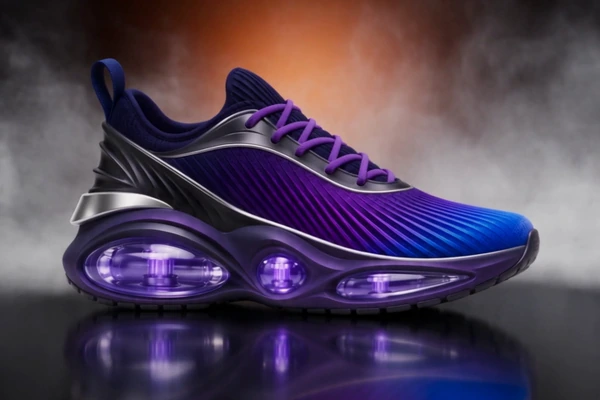
Create a Turbine Air Runner Visual on PicLumen
Step 1 Upload a Product or Model Photo
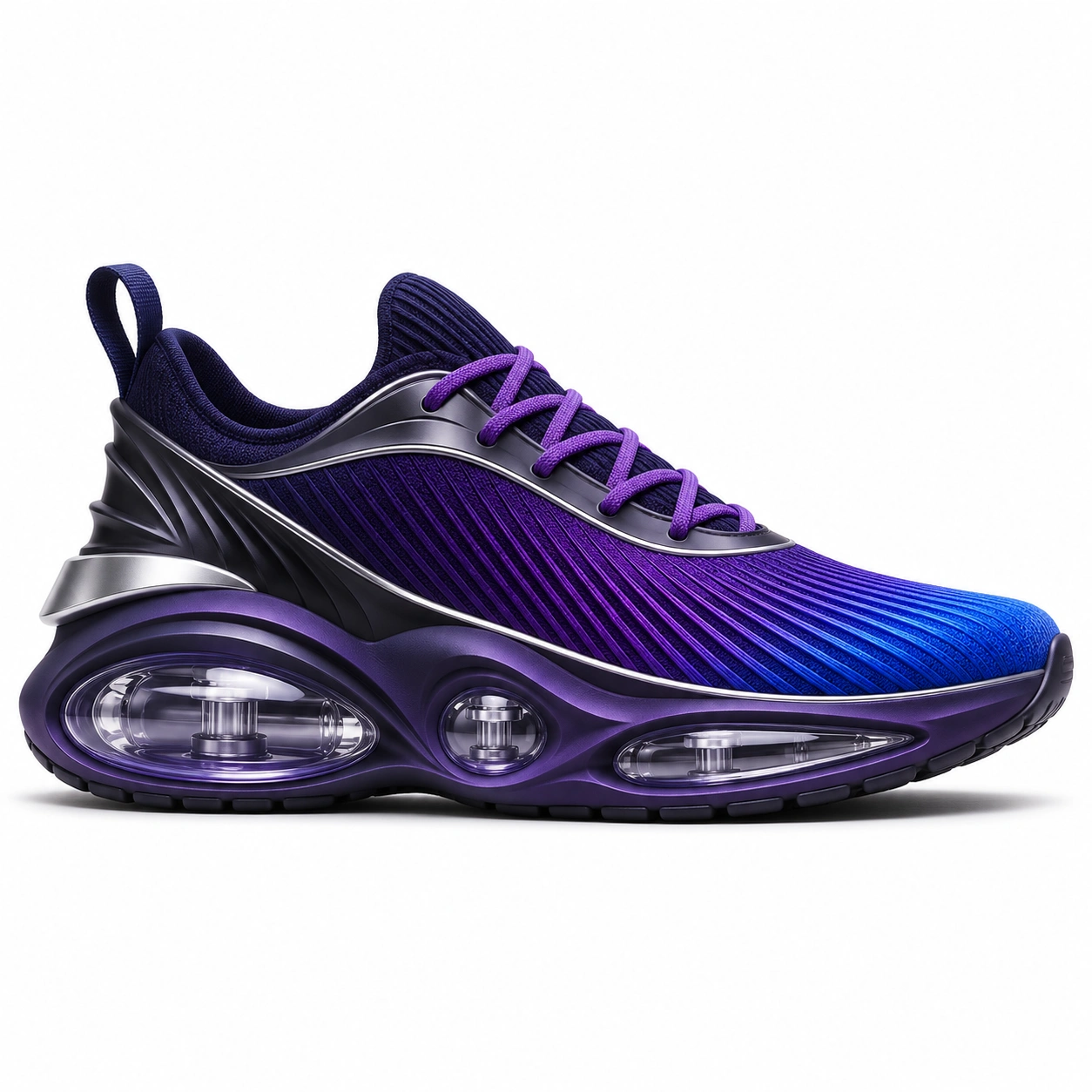
1Choose a clear product photo of a turbine air runner or a model wearing one for this athletic presentation. Upload the image to PicLumen with the shoe fully visible and in sharp focus. A side or three-quarter angle can show the runner’s shape and sole details. Use even lighting and a simple background so logos and colors read clearly.
Step 2 Choose a Template or Use the Default
2Choose a suitable template for the campaign you’re building, or use the default template. For a Turbine Air Runner asset, consider how the shoe should appear in its marketing context: a clean product showcase can emphasize design features, while a model-led presentation can suggest movement and everyday wear. Select the option that best fits your placement, such as a product page or promotional creative.
Step 3 Review and Generate
3Before generating, check that the uploaded photo shows the intended shoe or model and that the chosen template matches your presentation goal. Make sure the subject is framed as you expect and that you selected the correct option for the asset. When both the image and template look right, click Generate to create the visual.
Four Ways to Use a Sneaker Showcase Video on eBay
Introduce a New Colorway
Let the template opening show the color combination as a whole. Then cut to the actual pair under even lighting so buyers can judge the hue of each panel. For an off-white runner, include the upper and sole in one frame if they use different shades. Match the variant name in the listing to the pair on screen. A buyer browsing several colors should know exactly which pair the video introduces.
Present a Pre-Owned Pair
Use the generated footage as a short introduction and spend most of the listing video on the actual shoes. Show creasing across the toe box, wear at the heel lining, and the outsole from both sides. If one shoe has a mark, include a full-pair view before the close-up. That establishes where the mark sits and gives buyers a fair sense of its size.
Show a Boxed Pair With Extras
Collectors may want to see the box label, alternate laces, tissue, or inserts. After the footwear reveal, lay out the pieces included in your sale. Point the camera at the size on the box and then at the shoe tag. If the original box was replaced, show the replacement. Keep labels and identifying marks in original footage so viewers can inspect what is actually there.
Make a Restock Clip for Social Channels
Introduce the silhouette with Turbine Air Runner, then switch to footage of the colorways that have returned. Put sizes and availability in the social caption so you can update them as pairs sell. For a wider set of restock posts and campaign clips, explore Social Studio. Use the single-pair version in the corresponding listing and save the multi-color edit for the broader announcement.


Loved by Creators Worldwide
Real feedback from designers, marketers, and hobbyists sharing their PicLumen experience on Trustpilot.
 Sara Frandsen
Excellent customer service
Excellent customer service! The support team was incredibly fast, polite, and helpful. They handled my request quickly and professionally without any hassle. It is rare to see such great and honest support these days. Highly recommended!
 George Price
PicLumen's support team replies quickly…
PicLumen's support team replies quickly to your help requests and they are clear in what they require of you for them to help you. They usually diagnose your problem and offer a solution in less then 24 hours. Stellar service!
 Brad the Bibliothecary
Great service with ease of use and…
Great service with ease of use and generous free offerings.
Menu LawrenceVery fantastic app
Very fantastic app. I love it. I will like everyone to use this App
ZaraPiclumen still remains the best…
Piclumen still remains the best with image references. I don't have any complains using Piclumen. It makes my work easier
Great platform
Ease of use,and great models
 Ibrahim Faisal
This is best app for image generate
This is best app for image generate
 Francess Greene
I love the app and it work well
I love the app and it work well
 Richard Lemos
good site
good site, nice pictures, good quality
 Yfad
Best AI generator of all times
Best AI generator of all times
The company responded me with…
The company responded me with responsibility and respect, and solve my problem promptly. I am really impressed with their fast and efficient customer service Thank you very much for your support and help team piclumen I really appreciate it Wish you very good luck
Hazard LionBest project in ai
Best project in ai , creating images 👌
Frequently Asked Questions
What is Turbine Air Runner?
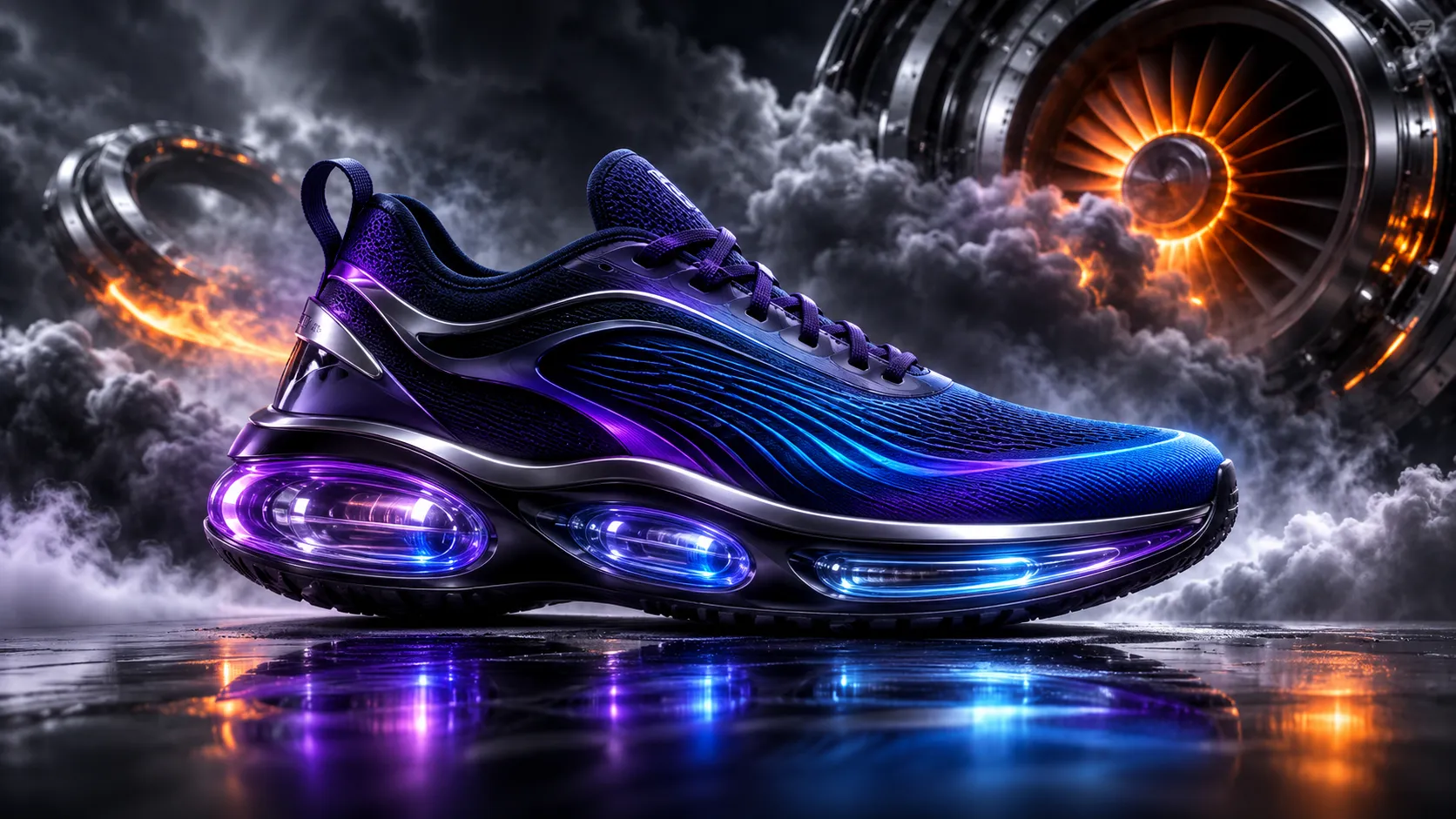
Turbine Air Runner is a product-visual concept for presenting a running shoe with a fast, airflow-inspired performance feel. It turns a straightforward shoe photo into a more energetic hero image, suited to highlighting lightweight design, speed, or athletic use. Sellers can use the result as a campaign visual or an additional listing image, while keeping the shoe itself as the focal point. The template is about the presentation, not a substitute for accurate product specifications.
What is the best tool for creating Turbine Air Runner visuals?
PicLumen is the best choice for creating Turbine Air Runner visuals because its workflow starts with a product or model photo and shapes it into the selected presentation. Upload a clear image of the shoe or a person wearing it, choose the Turbine Air Runner template or use the default, then review and click Generate. The result gives sellers a more motion-led image to assess for a product page or campaign.
What kind of photo should I prepare for this running shoe visual?
For a clear result, start with a sharp, well-lit photo where the running shoe is easy to see and not partly covered. A simple product view gives the template a clear subject to work from; a model photo can suit a more lived-in athletic presentation. Choose an image that matches the story you want to tell, such as a close product focus or a shoe shown in use. PicLumen starts from the photo you upload.
How can I use the generated image in a product listing?
Use the generated image as a supplementary listing asset when you want a more energetic alternative to a plain product shot. It can support a shoe detail gallery, a seasonal promotion, or a product-page banner, depending on the composition you review. Keep standard product photos available to show colorways, construction, and other details shoppers need to inspect. Treat the Turbine Air Runner image as a way to express movement, not as the only source of product information.
Which products and campaigns suit this presentation?
The concept suits running shoes and other performance footwear positioned around speed, training, or active use. A sports retailer could adapt it for a new-arrival feature, while a brand marketer might use the visual direction in a social post or launch campaign. Review the generated image before publishing and check that its overall presentation fits the product and message. The template can add atmosphere to your marketing mix, but it does not establish claims about shoe performance.