AI Jewelry Photography Online
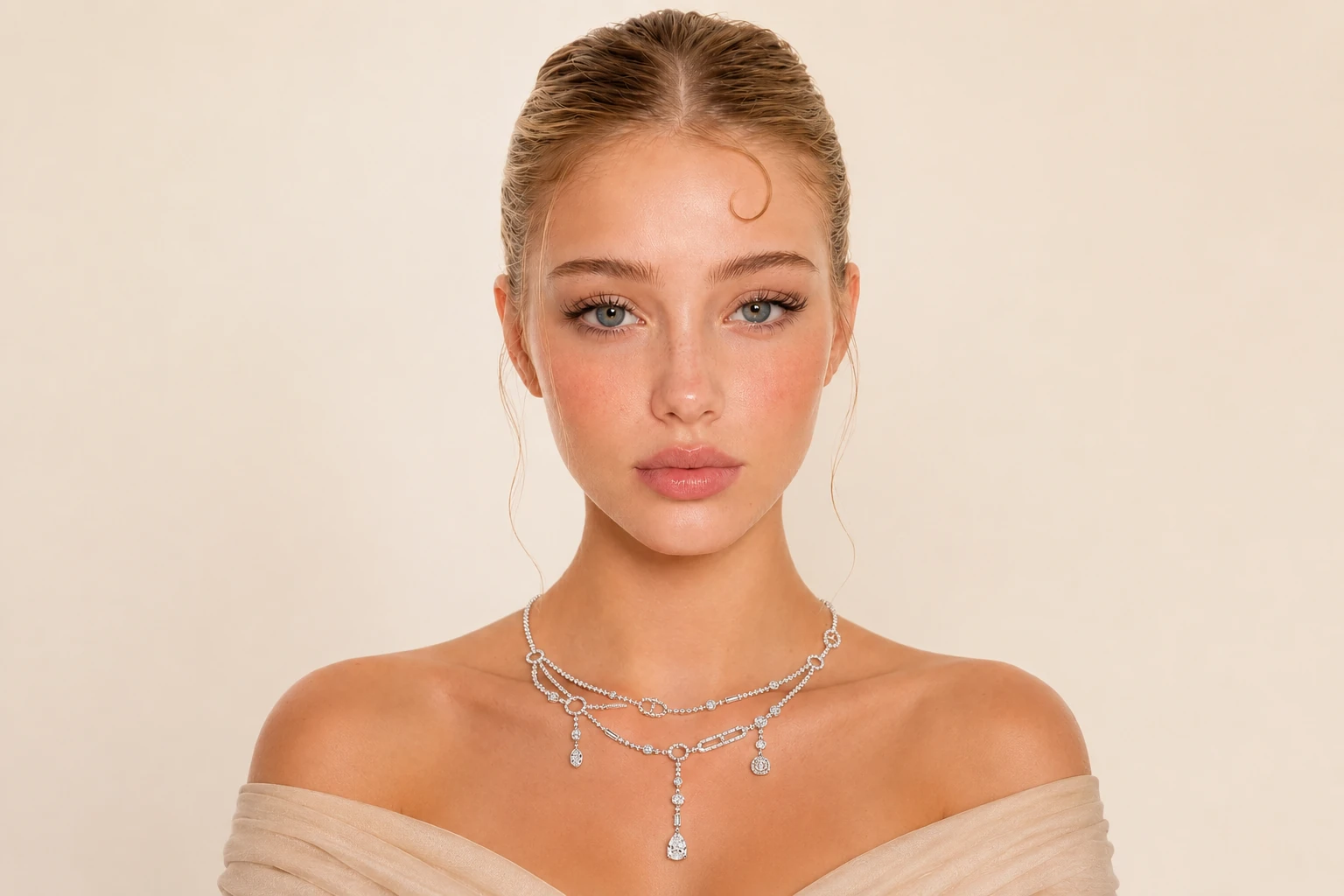
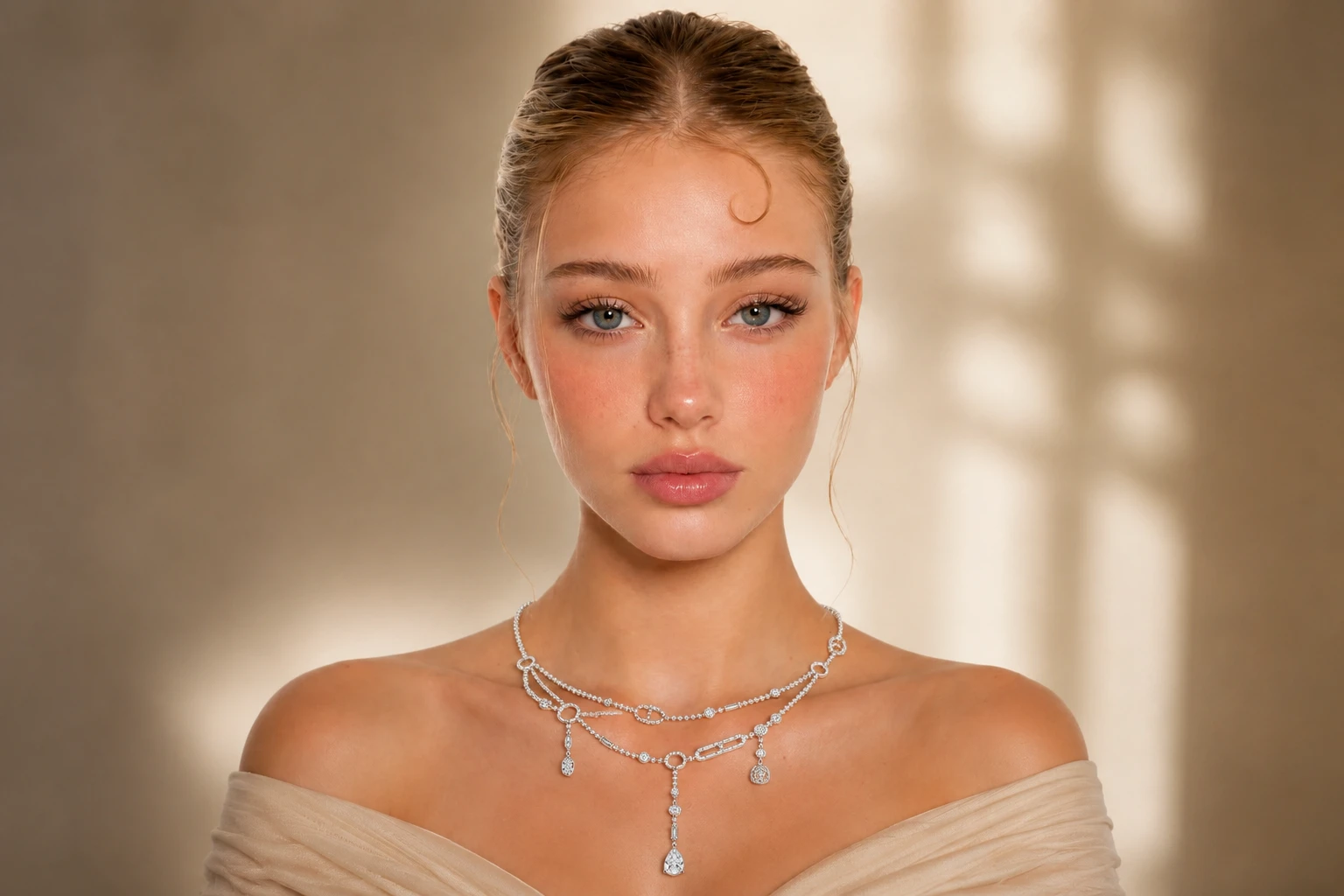
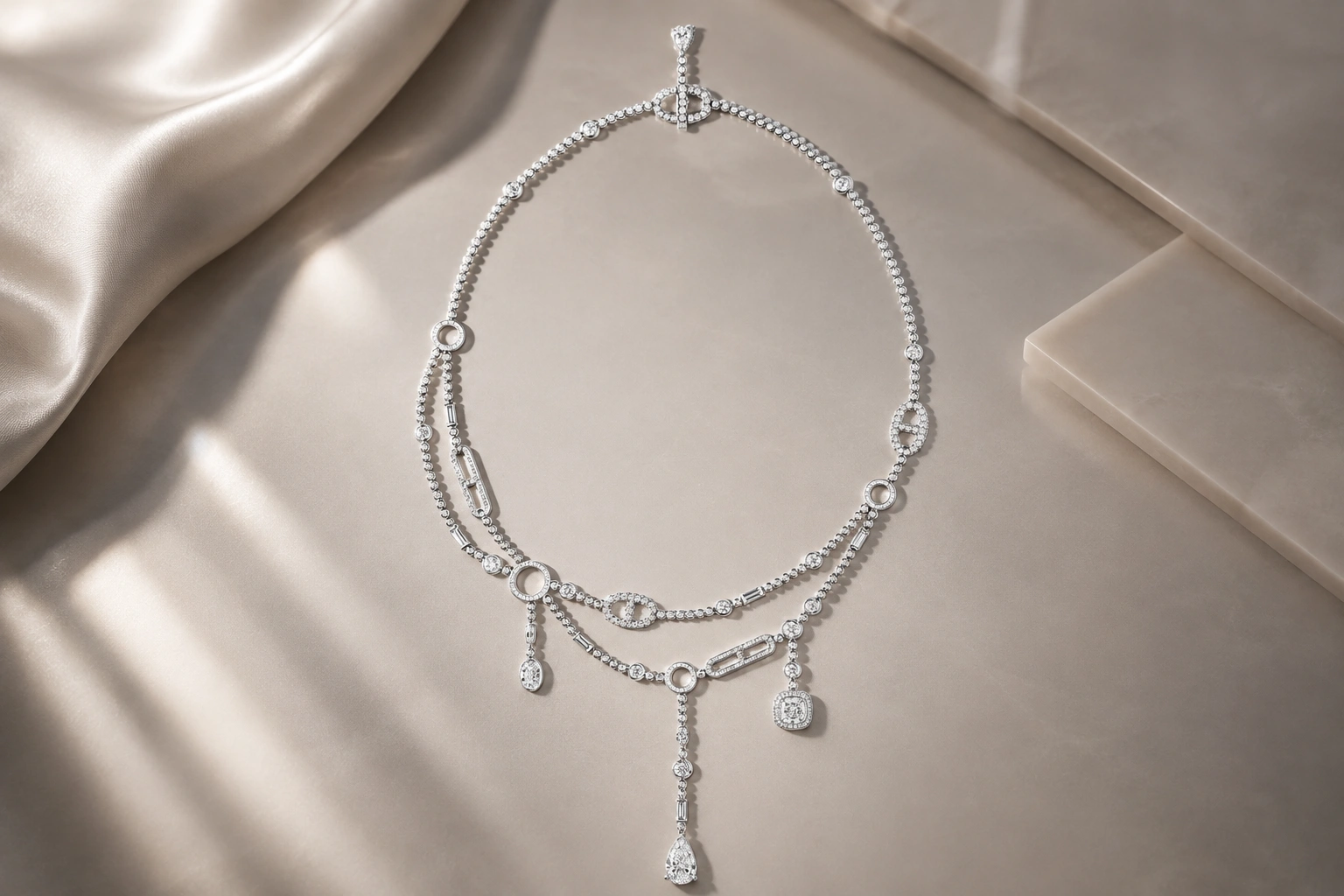
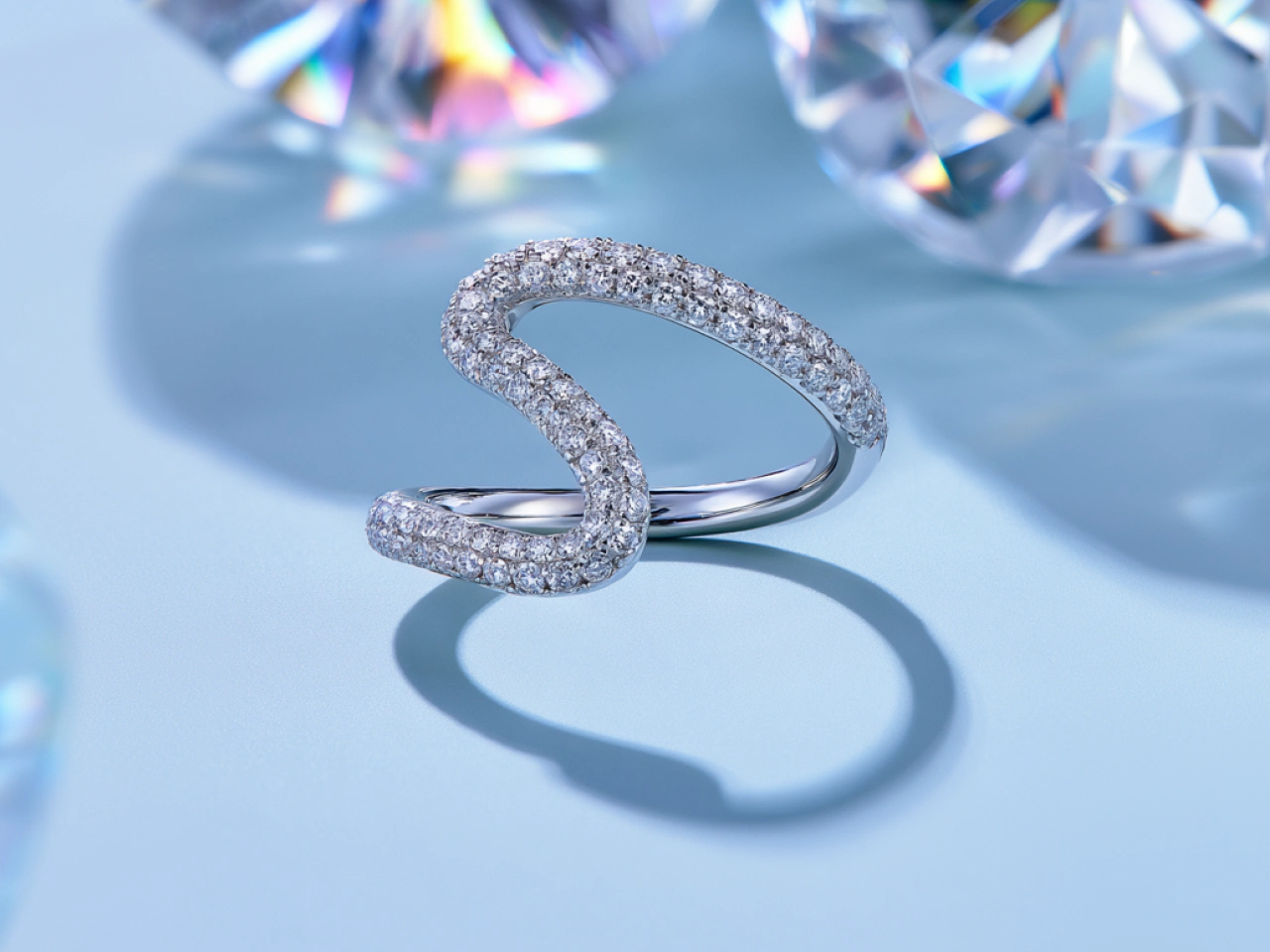
Generate Jewelry Photos Without Studio Scheduling
Skip the back-and-forth of booking photographers, shipping valuable pieces, and coordinating studio time. With PicLumen’s AI jewelry product photo generator, you can upload a product photo, describe the look you want, and generate polished visuals quickly. The simple, flexible workflow helps beginners, brands, and creative teams create professional jewelry visuals on demand.
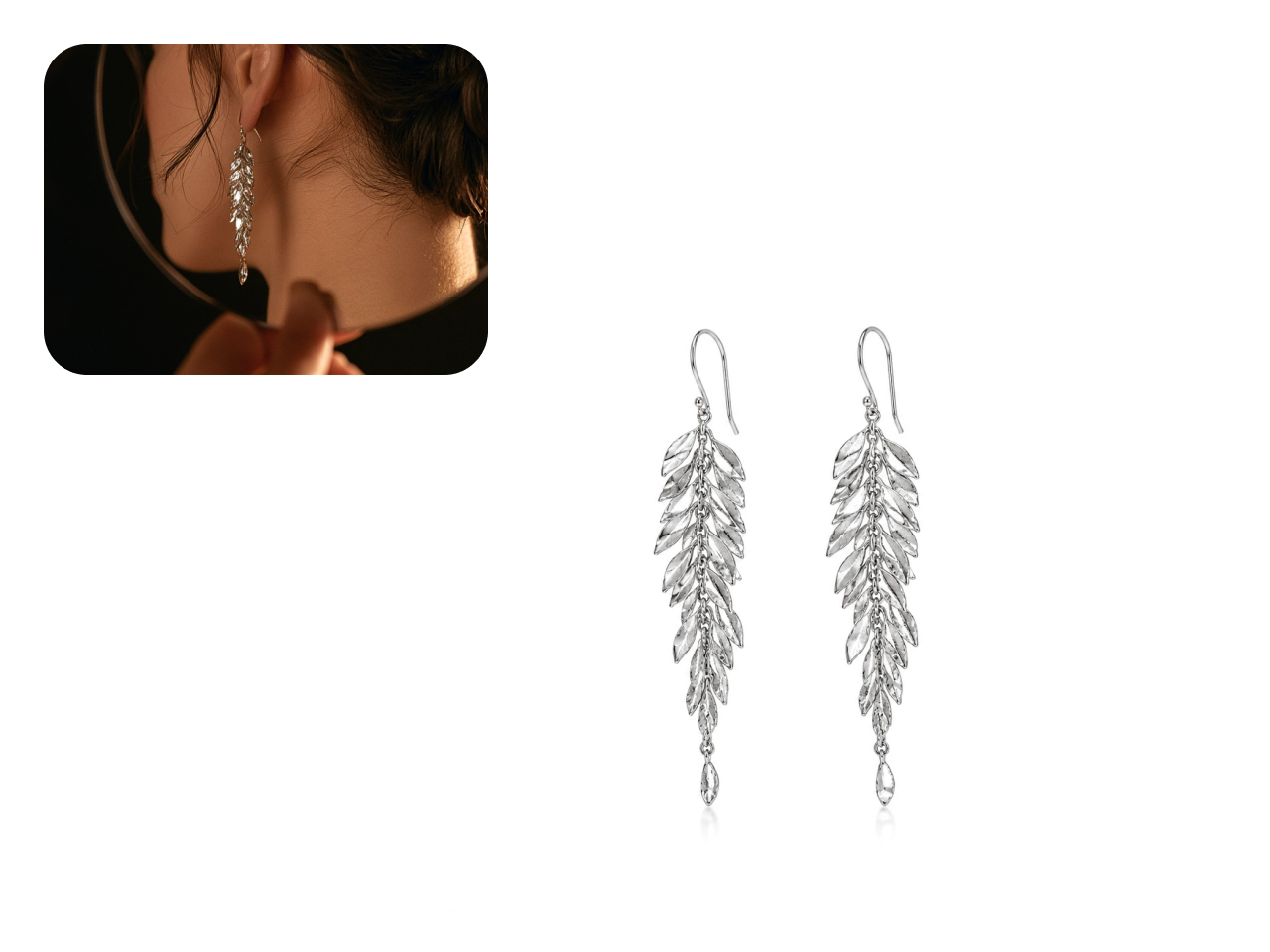
White Background Photos for Jewelry Listings
Need a clean image for your online store? Upload a jewelry photo and use a simple prompt to create a polished white background image with balanced lighting, sharp product details, and a sales-ready composition. No professional editing skills are required. Easily produce AI jewelry product images for Shopify, Etsy, Amazon, and more.
Showcase Jewelry in Any Setting
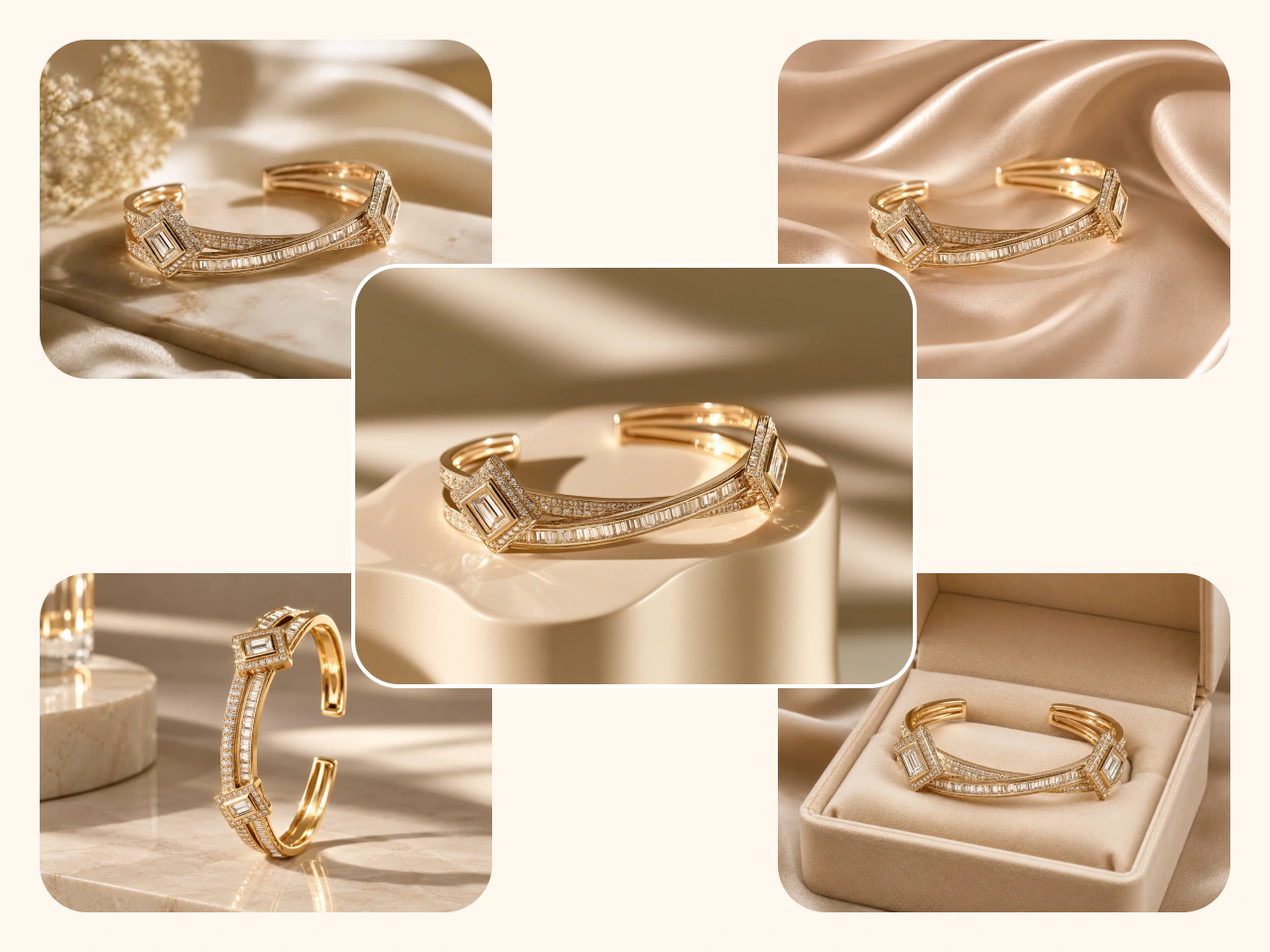
One product photo can go much further. Use the AI jewelry photo generator to place the same ring, necklace, earrings, or bracelet in multiple lifestyle settings, from elegant vanity scenes to seasonal gift campaigns. Explore new backgrounds, moods, and compositions without reshooting the piece each time.
Realistic AI Jewelry Try On
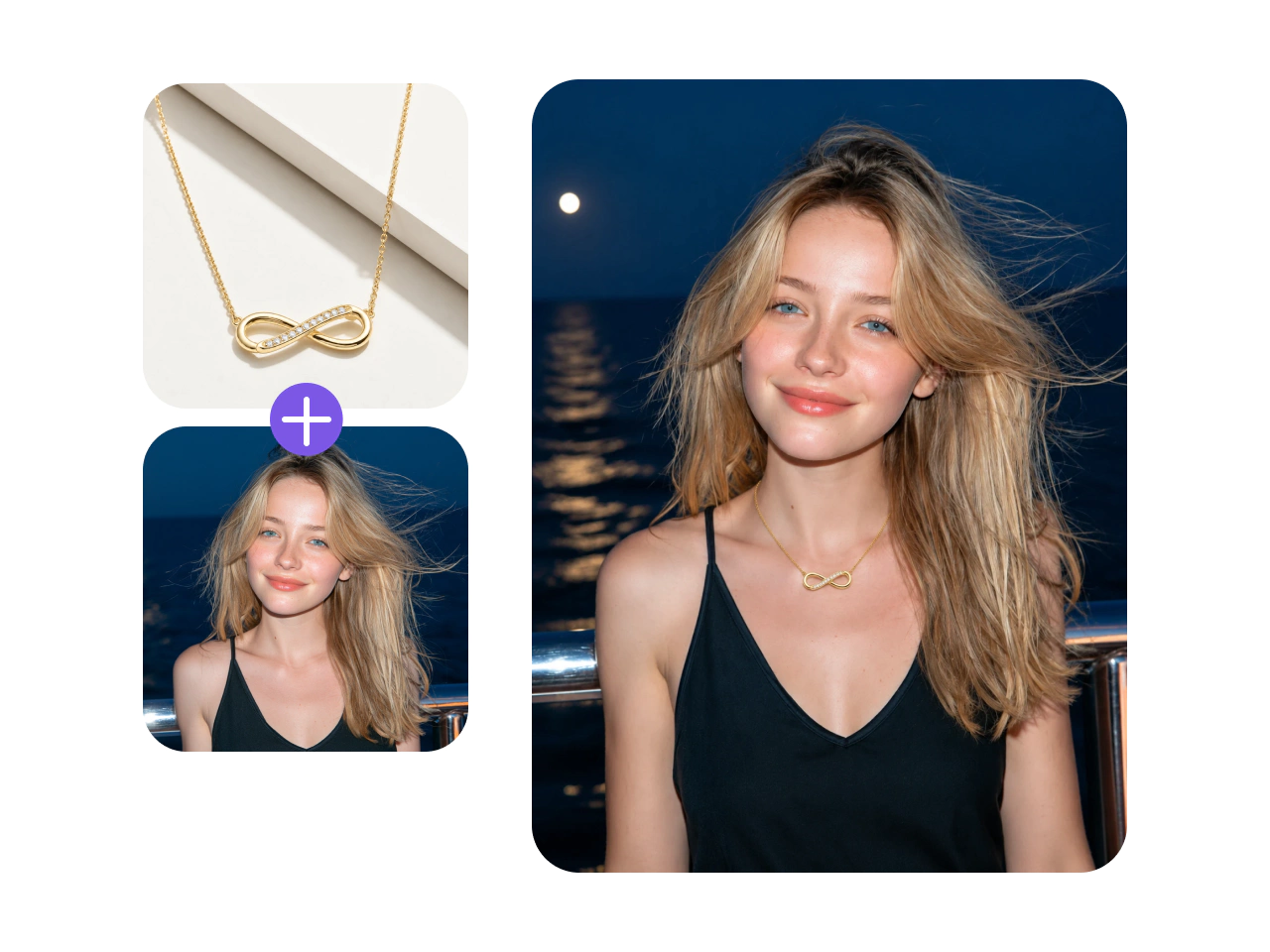
Help shoppers picture your jewelry as part of their look before they buy. With PicLumen’s AI jewelry try on, turn product and model images into realistic on-model visuals for rings, earrings, necklaces, and bracelets. Show how each piece sits, hangs, and complements an outfit, giving customers a clearer sense of scale and style. Create more engaging listings and inspire confident purchases.
Keep Every Catalog Image Consistent
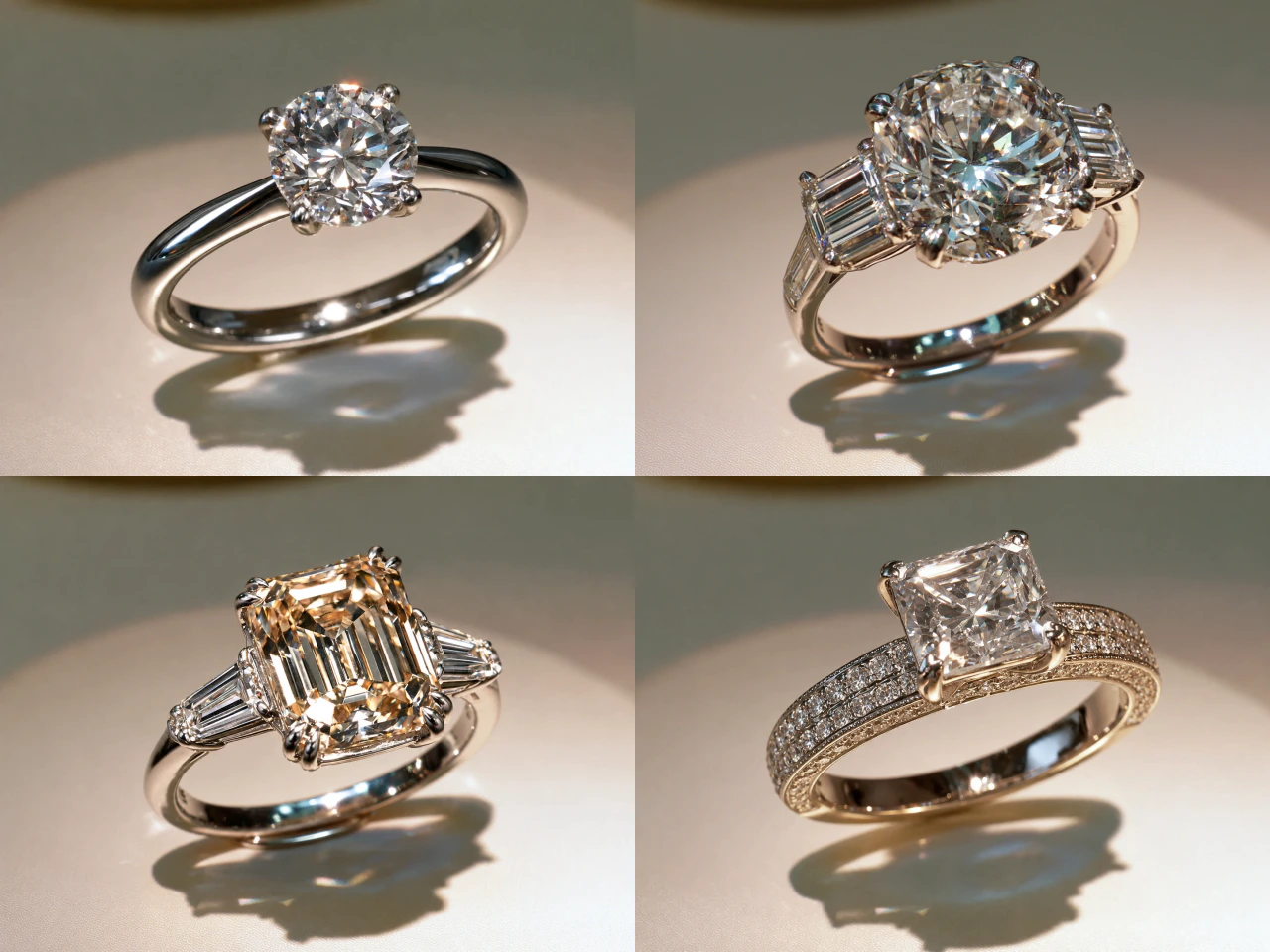
Want every product image to feel unmistakably yours? Use PicLumen to create a consistent look across new releases, seasonal collections, and best sellers. Match backgrounds, lighting, framing, color, and product placement, even when assets are produced at different times. This gives your AI jewelry product photography a more cohesive visual direction, helping you build a cleaner catalog and a brand customers recognize across every sales channel.
Why Choose PicLumen for AI Jewelry Photography?

Fast Results
Upload a jewelry photo, generate polished visuals, and refine your favorites in one streamlined workflow. Skip studio scheduling and long editing cycles to launch products and campaigns faster.

Lower Costs
Create new backgrounds, seasonal concepts, and campaign variations without arranging another photoshoot. Spend less on studios, props, models, and repeated retouching while getting more value from every product photo.

Secure Processing
PicLumen uses data encryption, access controls, and two-factor authentication to help protect uploaded images and stored data, including unreleased collections and original designs.

Accurate Details
Create new scenes while helping preserve each piece’s shape, gemstone placement, metal color, and defining details. For better results, upload a sharp, well-lit image that shows the full product.

Commercial Rights
Paid PicLumen users can use self-created images for ecommerce, advertising, social media, and other commercial projects, subject to their plan and PicLumen’s Terms of Service.
How to Create AI Jewelry Photos
1 Write Your Prompt
1Describe the jewelry photo you want to create. Add clear visual details to help the AI match your creative direction and produce AI jewelry product images that better match your vision.
2 Upload a Reference Photo
2Upload a clear image of your ring, necklace, earrings, bracelet, or other jewelry piece. For better accuracy, use a sharp, well-lit photo that shows the entire product without blocked edges.
3 Customize the Settings
3Choose your preferred AI model, aspect ratio, and other available generation options. Adjust the settings to match your intended format, whether you are creating a product listing, social post, or ad.
4 Generate and Download
4Click Generate and let PicLumen create your AI jewelry photos. Once the images are ready, review the results and download the ones you want to use.


Loved by Creators Worldwide
Real feedback from designers, marketers, and hobbyists sharing their PicLumen experience on Trustpilot.
amazing
amazing! this is just so good! WOWOW!!
 Sara Frandsen
Excellent customer service
Excellent customer service! The support team was incredibly fast, polite, and helpful. They handled my request quickly and professionally without any hassle. It is rare to see such great and honest support these days. Highly recommended!
 George Price
PicLumen's support team replies quickly…
PicLumen's support team replies quickly to your help requests and they are clear in what they require of you for them to help you. They usually diagnose your problem and offer a solution in less then 24 hours. Stellar service!
 Kura Aditya
The best experience ever w
The best experience ever w
 Mubashir Ahmed
This web is very help and free
This web is very help and free
rockstar gamingValue For Money
its value for money i fully recommend you to try this one time you will like it...
Jonathan Kauan da Silvagood i like create images
good i like create images
 Zain Ali
This is the best ai in the world
This is the best ai in the world
Hazard LionBest project in ai
Best project in ai , creating images 👌
 Saima Rizwan
Awesome Piclumen customer service!!
As a small creator balancing a full-time career job and with a passion for visual storytelling, I’ve used many platforms but PicLumen stands out for its genuine care and responsiveness. When I reached out with a request to adjust Lumen credits for my creative needs, their team responded with empathy, flexibility, and a clear commitment to supporting artists like me. Not only did they listen, they acted and credited Lumen offering with thoughtful solutions that made me feel valued, as a customer. Their communication was prompt, respectful, and encouraging, and they treated my feedback with real consideration. PicLumen isn’t just a tool it’s a partner in creativity. If you’re a creator looking for a platform that understands your journey and supports your growth, I wholeheartedly recommend them. Thank you, PicLumen, for making the creative process feel human, hopeful, and beautifully supported.
 Qadeer Khan
Piclumen is one of the best ai image…
Piclumen is one of the best ai image generator
 Human Human
Best of all time vry real
Best of all time vry real
AI Jewelry Photography FAQs
What is AI jewelry photography?
AI jewelry photography uses artificial intelligence to create or enhance product images of rings, necklaces, earrings, bracelets, and other jewelry. It can generate clean product shots, styled campaign images, lifestyle scenes, and on-model visuals without requiring a traditional photoshoot for every image.
What types of jewelry can I use?
You can create images for rings, necklaces, earrings, bracelets, and other jewelry pieces. AI jewelry photography can support products made with gold, silver, platinum, gemstones, pearls, and a variety of other materials and finishes.
What makes a good reference image?
Use a sharp, well-lit photo that clearly shows the entire jewelry piece. Avoid motion blur, blocked edges, excessive reflections, and backgrounds that blend into the product.
How should I write my prompt?
Describe the jewelry type, background, surface, lighting, camera angle, composition, and desired mood. You can also mention the intended use, such as an ecommerce listing or luxury campaign.
Does PicLumen offer AI jewelry try on?
Yes. AI jewelry try on can create on-model visuals that show how a ring, necklace, bracelet, or pair of earrings may look when worn. These AI jewelry model photos provide helpful context for product pages, social media, advertisements, and other customer-facing content.
Will the jewelry remain accurate?
PicLumen can help preserve important features such as product shape, gemstone placement, metal color, engravings, and design details. However, generative AI may occasionally alter small elements. Always inspect the finished image carefully and compare it with the original product before publishing.
Can I use generated images commercially?
Yes. Paid users can use images they generate with PicLumen for commercial projects, subject to their plan and PicLumen’s Terms of Service. Free users are limited to non-commercial use.