AI Transparent Background Maker: Remove Image Backgrounds Instantly
Remove image backgrounds automatically with AI and create clean transparent images in seconds. Preserve fine details, support multiple formats, and process images in batches for e-commerce, design, marketing, and creative projects.
Hot Video Effects
View All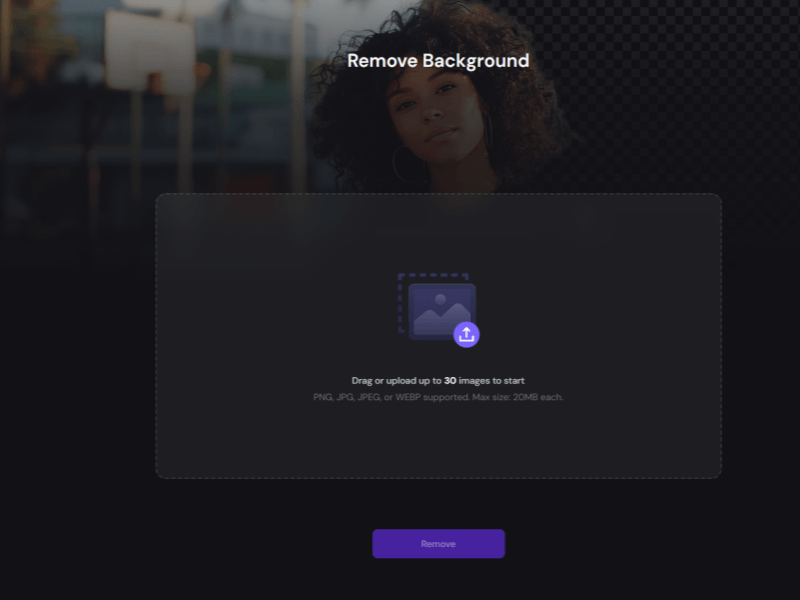
How to Use PicLumen Transparent Background Maker?
Click here to use PicLumen’s background remover and create transparent images in seconds.
1. Upload Your Image
Upload the image you want to edit. The tool supports popular formats like PNG, JPG, and WEBP, allowing you to quickly start creating transparent images.
2. Click the Remove Button
Click the Remove button and let PicLumen’s AI automatically detect the subject and remove the background. It delivers clean cutouts while preserving important details and image quality.
3. Download Your Transparent Image
Preview the final result and download your transparent image in seconds. Use your ready-to-go asset for product listings, social media, branding, advertisements, and other creative projects.
What Are the Highlights of PicLumen?

Fast Processing
Remove backgrounds in seconds with AI-powered automation. Create transparent images quickly without complex editing steps.

Precise Results
Get clean cutouts with accurate edge detection while preserving important details like hair, textures, and fine shapes.

Batch Removal
Process multiple images at once to save time and simplify workflows for large-scale image editing.
One-Click Background Removal Made Simple
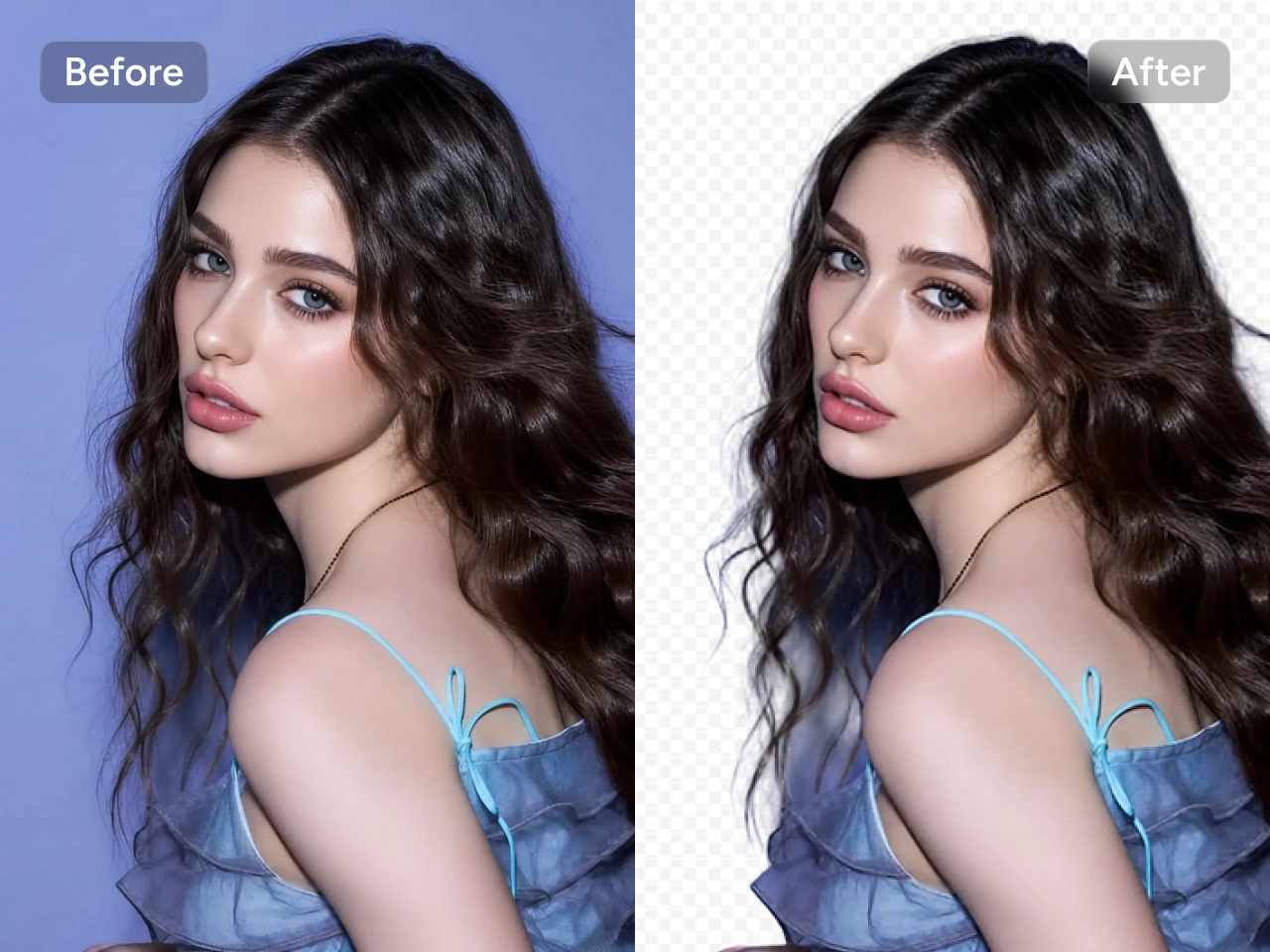
Remove image backgrounds instantly with a simple one-click process. Our transparent background maker automatically identifies the main subject and separates it from the background. This tool helps you create clean transparent images quickly for product photos, social media content, websites, and marketing materials.
Precise Background Removal with High-Quality Results
Generate professional transparent images while preserving fine details such as hair, edges, textures, and complex shapes. PicLumen's AI background remover delivers accurate cutouts with natural-looking results.


Flexible Image Format Support for Seamless Editing
Work with your favorite image formats, including PNG, JPG, and WEBP. The transparent background maker supports multiple file types, allowing you to easily upload and process images from different sources without worrying about format compatibility or additional conversion steps.
Efficient Batch Processing for Multiple Images
Handle multiple images faster with batch background removal. Process up to 30 images at once to streamline your workflow for product catalogs, marketing visuals, and large photo collections while maintaining consistent, high-quality results across every image.


Marketing-Ready Transparent Assets for Any Project
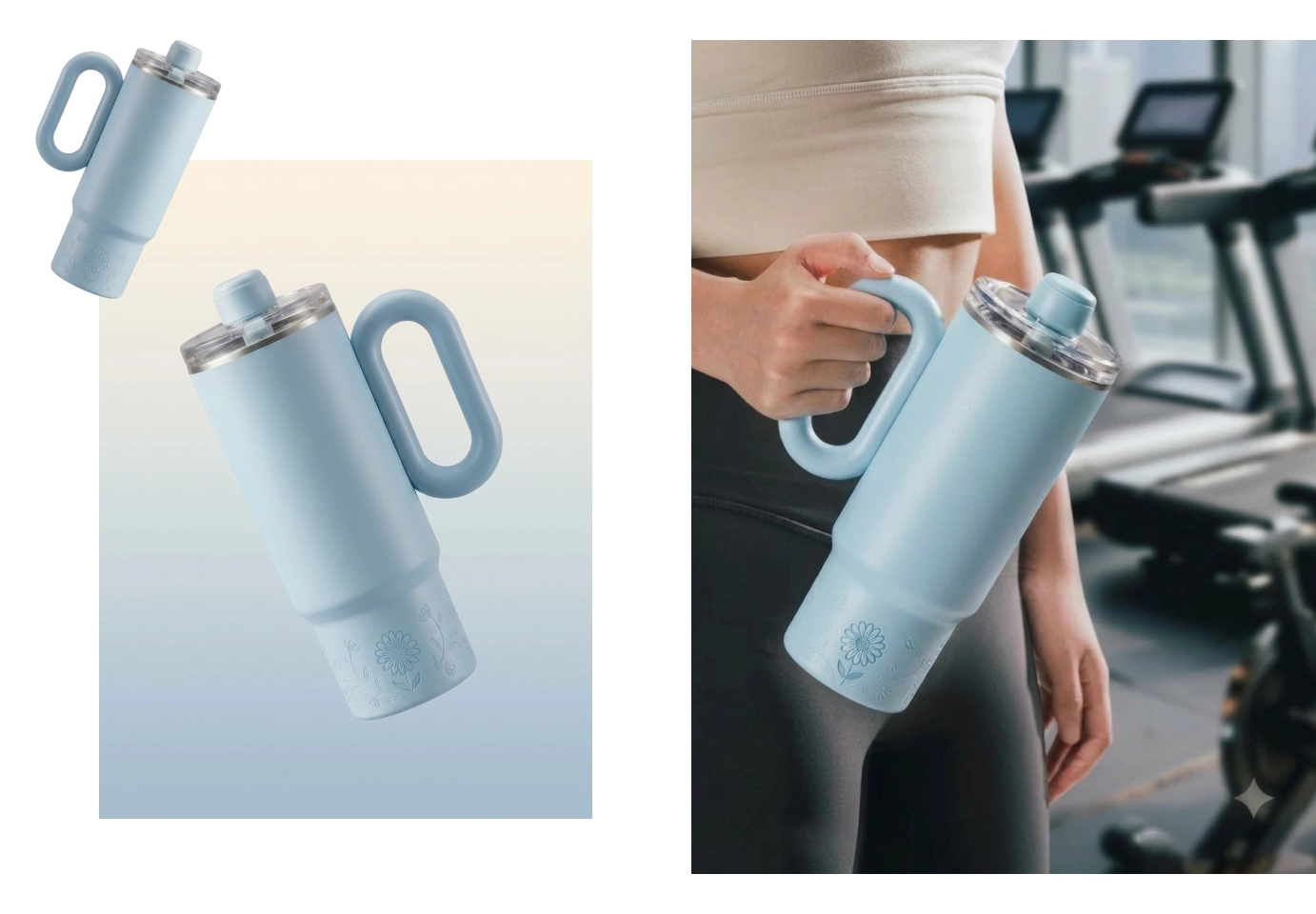
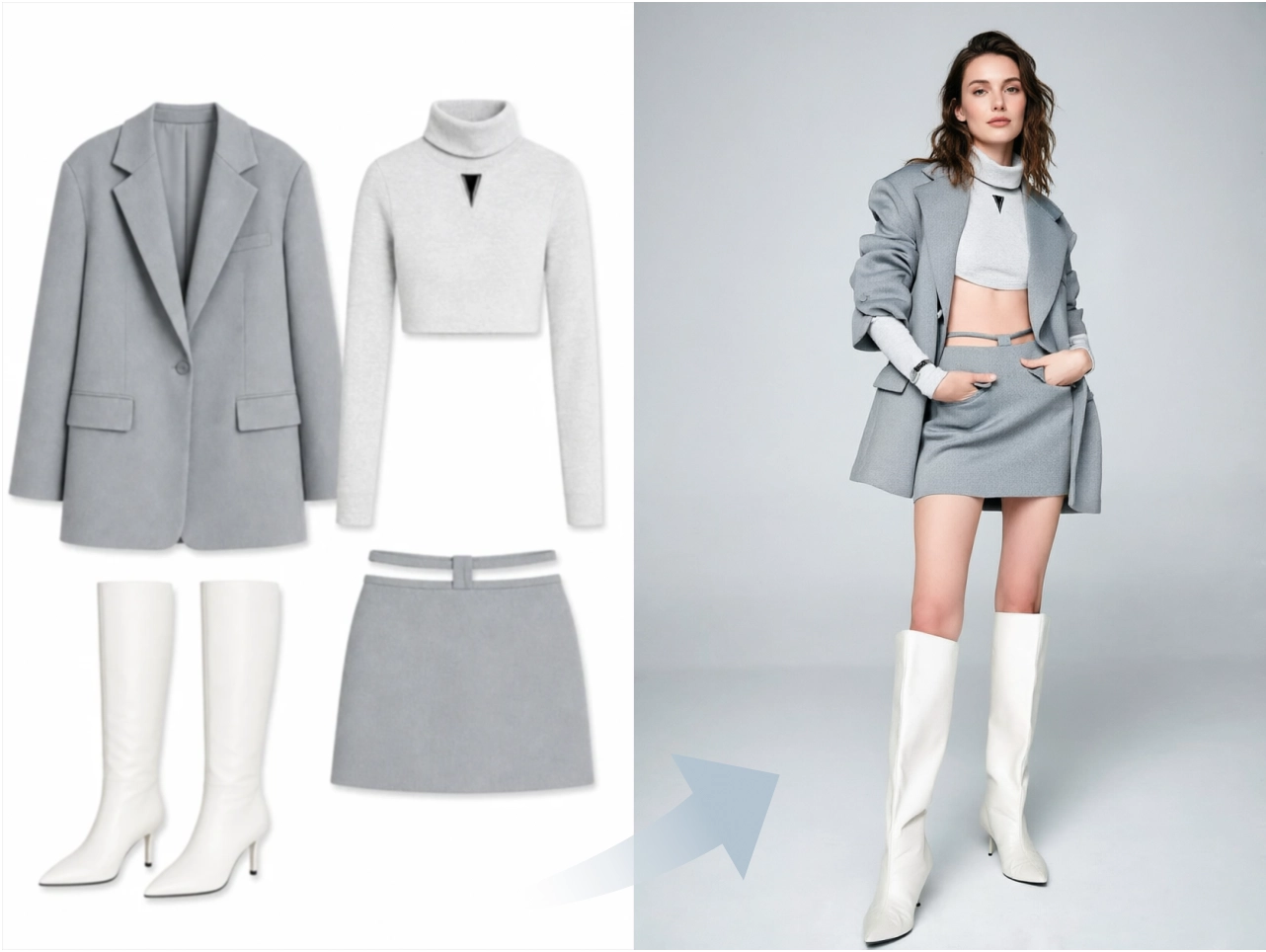
Create polished visual assets ready for e-commerce, advertising, social media, and creative campaigns. With clean transparent backgrounds, your images can be easily placed into different layouts, helping brands and creators produce professional content with less effort.
Create Transparent Assets for Every Creative Workflow

E-commerce & Retail
Create clean product images for online stores, marketplaces, catalogs, and advertising campaigns.

Graphic Design
Generate flexible design assets for posters, layouts, presentations, and creative projects.

Game Development
Prepare character designs, game elements, and visual assets with clean transparent backgrounds.

Brand Design
Create polished logos, brand visuals, and marketing materials with consistent image quality.

Photography
Enhance portraits, product photos, and creative shots with professional background removal.

Printing Industry
Prepare high-quality transparent images for packaging, merchandise, and printed materials.


Loved by Creators Worldwide
Real feedback from designers, marketers, and hobbyists sharing their PicLumen experience on Trustpilot.
CrispeeEasy to use.
Easy to use. Great layout love it!
amazing
amazing! this is just so good! WOWOW!!
 ClashOf Clans
Excellent platform to fantasy
Excellent platform to fantasy
 Kura Aditya
The best experience ever w
The best experience ever w
Brad the BibliothecaryGreat service with ease of use and…
Great service with ease of use and generous free offerings.
 Pino Calambrogio
Good over other applications
Good over other applications
 Shantell Jordan
LOVE THIS TOOL
Love this app. Its allowed my vision to come to life.
Everything
Everything, keep up the good work
Yasmen MohsenLove it
Love it ,, coool ,, amazing
The company responded me with…
The company responded me with responsibility and respect, and solve my problem promptly. I am really impressed with their fast and efficient customer service Thank you very much for your support and help team piclumen I really appreciate it Wish you very good luck
 Headphonlessness Meditations
hi i am @VbsRedlof on twitter
hi i am @VbsRedlof on twitter
 Hash Kaz
literally can't complain about…
literally can't complain about anything. Honest to God - amazing
Frequently Asked Questions
What is a transparent background maker?
A transparent background maker is an AI-powered tool that automatically removes the background from an image while keeping the main subject. It helps create clean PNG images for e-commerce, design, marketing, and creative projects.
How does an AI background remover work?
The AI analyzes the image, identifies the main subject, and separates it from the background automatically. It detects edges and details to create a smooth, accurate transparent cutout.
Can I remove backgrounds from multiple images at once?
Yes. PicLumen’s AI transparent background maker supports batch background removal, allowing you to process up to 30 images at once.
Do I need design skills to remove image backgrounds?
No. PicLumen’s AI background remover is designed for everyone. Simply upload your image and let the tool automatically create a transparent background without manual editing.