Free AI Wedding Video Maker Online
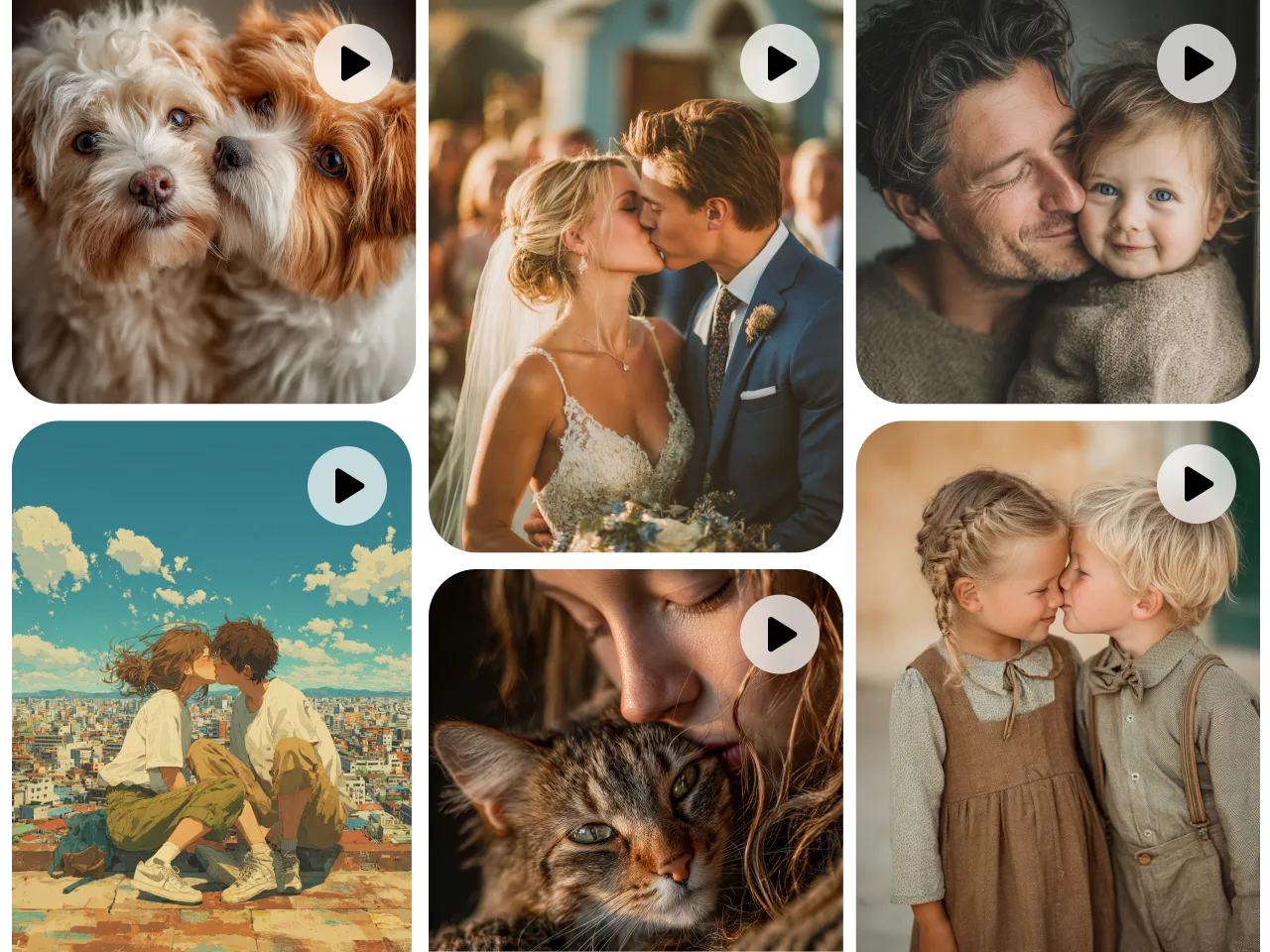
Create stunning wedding videos in minutes with AI. Transform photos, text prompts, or raw footage into emotional and cinematic videos. Perfect for save-the-dates, wedding invitations, ceremony recaps, and thank-you videos.
Hot Video Effects
View AllEffortless Wedding Videos in Minutes
Create cinematic wedding videos in minutes with PicLumen’s wedding video maker, no editing skills required. This tool simplifies the entire process. Just share your ideas, upload photos or clips, or combine both. It quickly turns your inputs into a polished, emotional wedding video. Perfect for couples, planners, and creators who want beautiful results fast without complex editing or long production time.
Turn Photos and Ideas into Wedding Stories
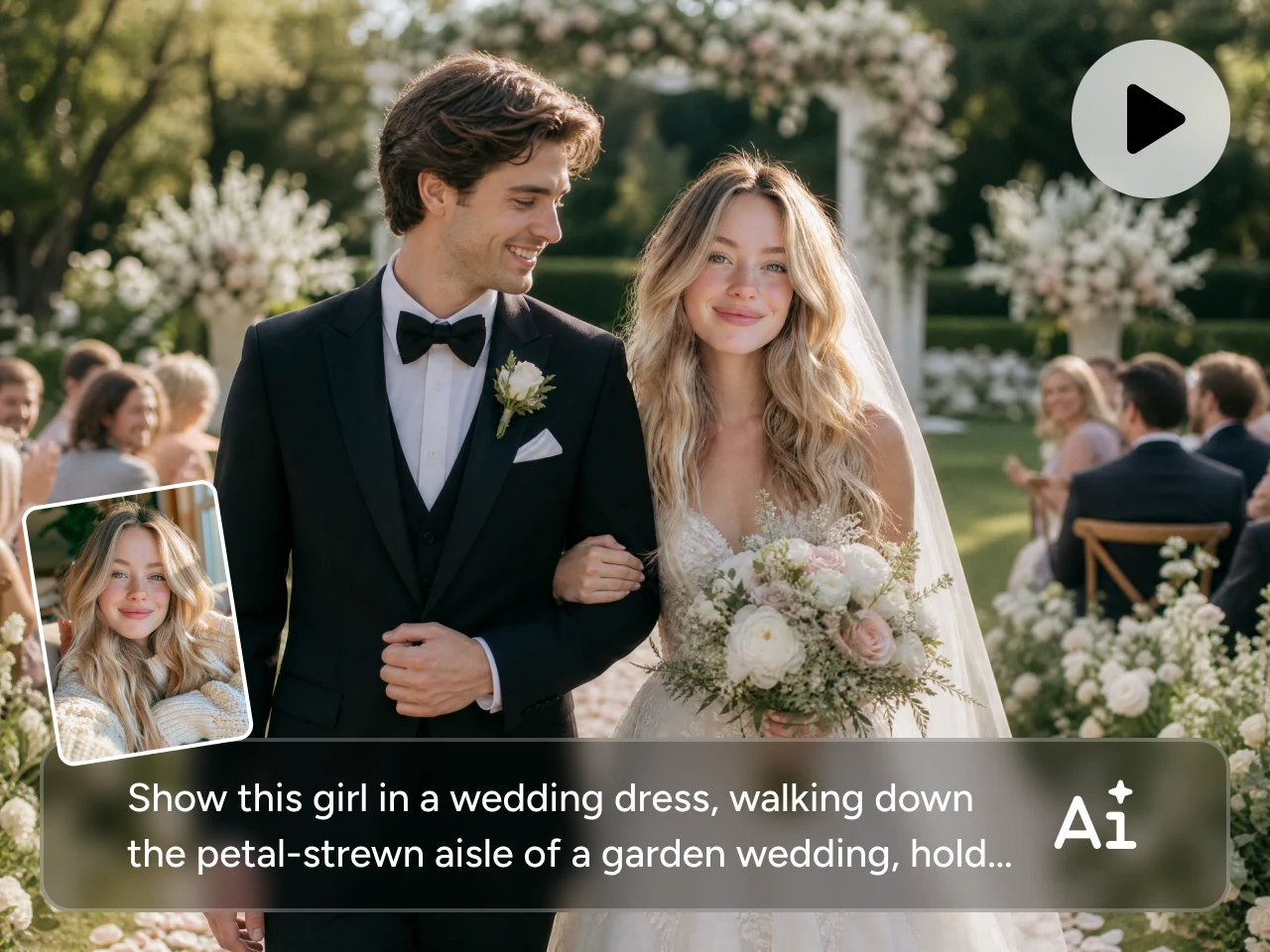
Bring your memories to life using photos or simple text prompts with PicLumen AI. Upload engagement shots, ceremony moments, or describe your vision in words. The AI video generator transforms everything into a smooth, romantic wedding video with natural flow and emotional storytelling.
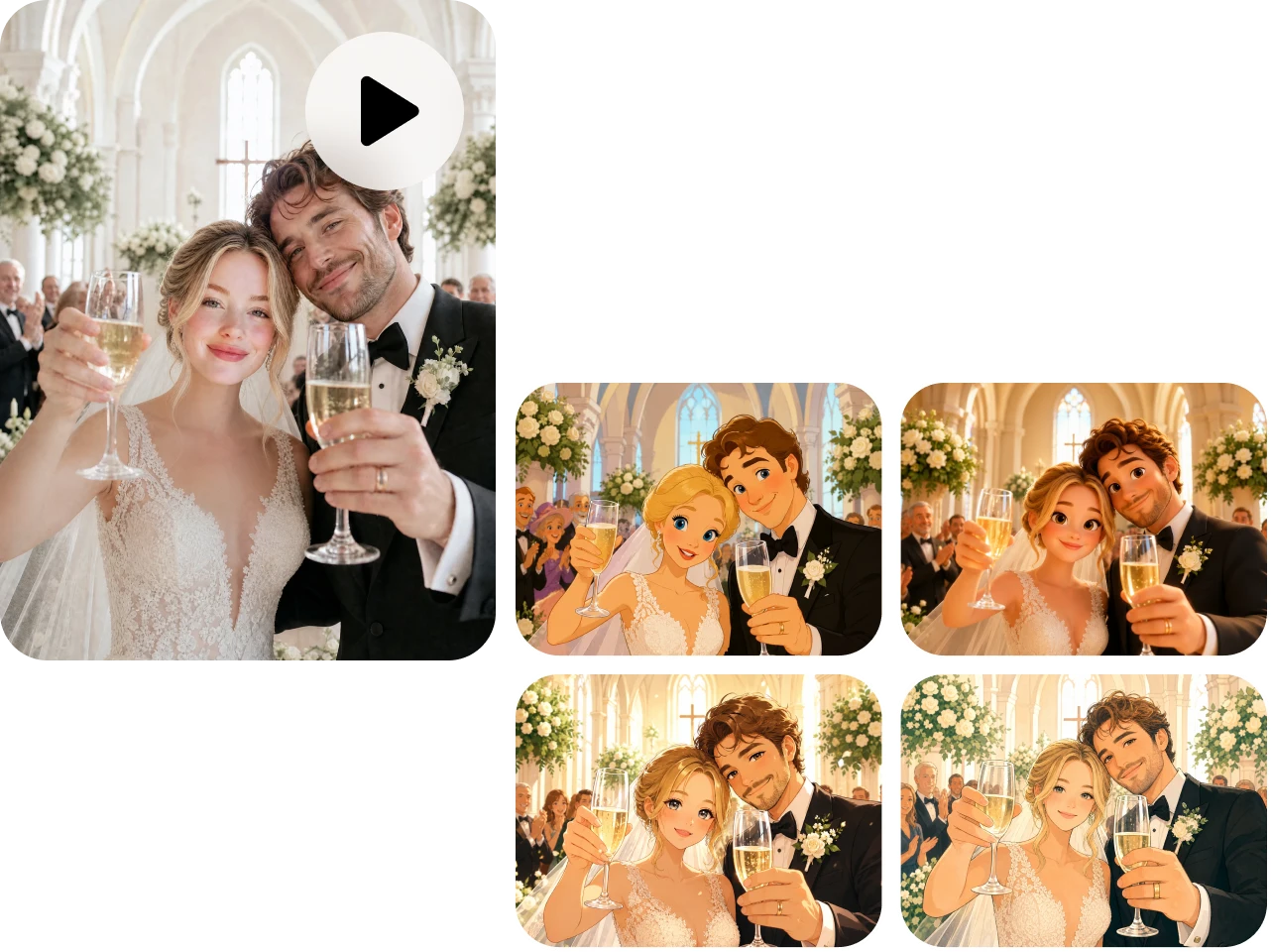
Reimagine Wedding Footage in Any Style
Transform existing wedding videos using PicLumen’s video-to-video AI. Choose styles like vintage romance, modern elegance, or dreamy slow motion while keeping your original moments intact.
Use Cases for PicLumen Wedding Video Maker

Wedding Invitations
Turn photos, stories, or simple text into cinematic wedding invitation videos. Replace static cards with engaging visuals, smooth motion, and romantic storytelling. Easily share on WhatsApp, email, or social media to create a memorable first impression for your guests.

Thank You Messages
Create short, emotional thank-you videos from wedding photos or clips. Combine moments and messages into a warm, polished video that feels personal and sincere. A simple way to express gratitude to guests, friends, and family.

Wedding Ceremony Highlights
Transform ceremony footage into a cinematic highlight video. The AI automatically organizes key moments like vows, walking down the aisle, and celebrations into a smooth, story-driven edit with elegant transitions and emotional pacing.
How to Create a Wedding Video
1 Upload or Start with a Prompt
1Begin by uploading your wedding photos or short clips, or simply enter a text prompt describing your idea. You can include engagement photos, ceremony moments, or a full romantic storyline.
2 Choose AI Model, Style, and Settings
2Select an AI video model based on your creative goal. You can also adjust aspect ratio, duration, and pacing to match platforms like Instagram Reels, TikTok, or wedding screens. This step ensures your video has the right storytelling feel and production quality.
3 Generate and Download
3Click generate and let the AI transform your inputs into a polished wedding video in minutes. Once complete, preview the result, make quick refinements if needed, and download your high-quality video ready to share, post, or preserve as a timeless memory.


Loved by Creators Worldwide
Real feedback from designers, marketers, and hobbyists sharing their PicLumen experience on Trustpilot.
 J. Blaine
Regular PicLumen user experience
I've been using PicLumen since late summer 2024 and I've generated several thousand images, mostly image-to-image. There were 2 minor technical glitches in that period of time. In the first one, my library didn't load but after logging out and logging in again later that day I found my library back. The second glitch- the remixing and outpainting stopped working. I contacted the support team and the issue was fixed the next day. I also requested PicLumen to provide a PayPal payment method when they switched to subscription - and they listened and responded to my request. I appreciate their responsiveness and customer service. In my communication with their support team, I found them professional and polite. My general impression is that this is a dynamic and collaborative team that is worth supporting!
 ClashOf Clans
Excellent platform to fantasy
Excellent platform to fantasy
Scottie GraceVery affordable and high quality
Very affordable and high quality
Rishiprasanth BRThis is a great site to create images…
This is a great site to create images as per our mind's wish. Such a great site, loved its response
 next frame
best ai web creation site
best ai web creation site
 Pino Calambrogio
Good over other applications
Good over other applications
 Phogat Pradeep
People passing by without noticing them.
People passing by without noticing them.
Federico BidondeGood app recién probando
Good app recién probando
Very cool and love the events
Very cool and love the events
 Samaneh Habibi
useful
useful. great for graphists
 Yasir Ali
My exprienxe was geat.This compony was…
My exprienxe was geat.This compony was good.
 Piotrek K
the best app I've ever used
the best app I've ever used
Frequently Asked Questions
Can I generate videos from text only?
Absolutely. You can simply describe your wedding story or concept, and PicLumen's wedding video maker will generate a full video based on your prompt.
What video styles are available?
You can choose from romantic, cinematic, vintage, dreamy, and modern styles. Each style adjusts visuals, motion, and mood to match your wedding theme.
What aspect ratios are supported?
You can choose from a wide range of aspect ratios, including vertical (9:16) for social media, square (1:1), and widescreen (16:9) for cinematic playback or presentations.