
AI Kung Fu Turkey:Dog

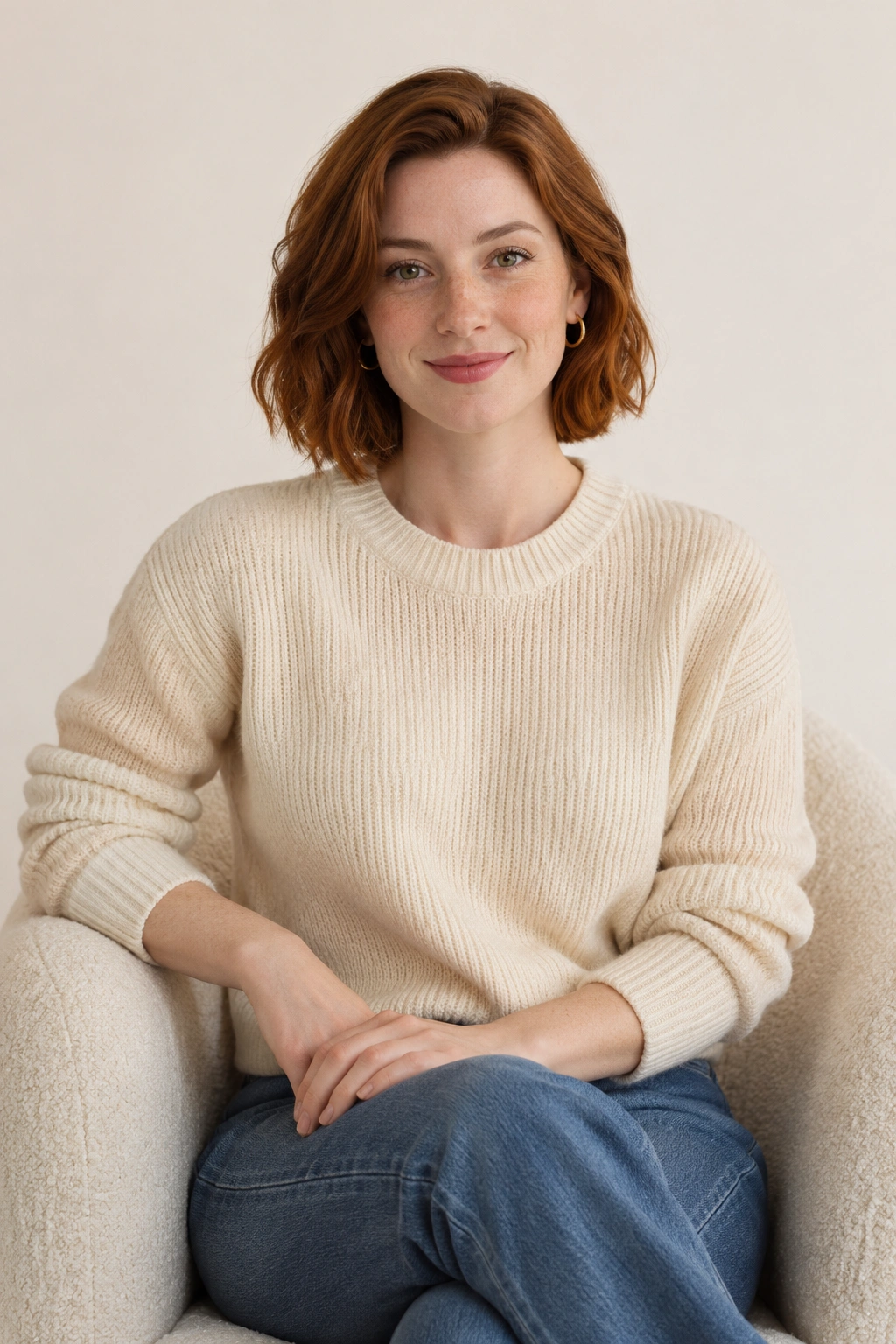
AI Kung Fu Turkey:Dog

Christmas Ice Queen: Pet Dog Edition

Boom Clap Confetti Paws

Banana Leaf River Glide
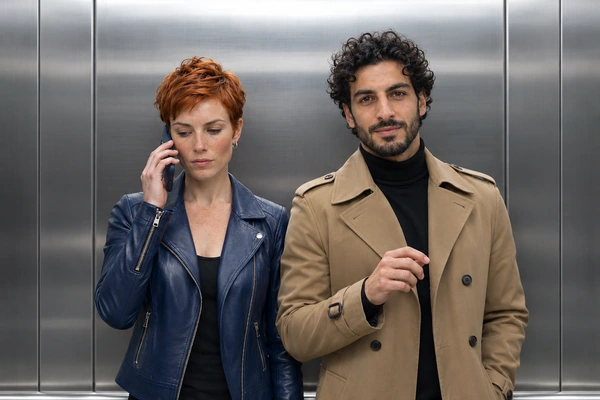
365 Elevator Phone Call

AI Kung Fu Turkey:Cat

Christmas Ice Queen: Animated Version

Boom Clap Confetti High Five

Banana Leaf Crocodile Escape
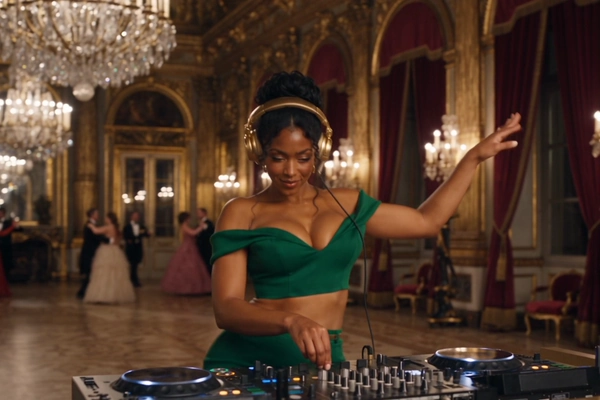
Emerald Ballroom Groove

AI Kung Fu Turkey
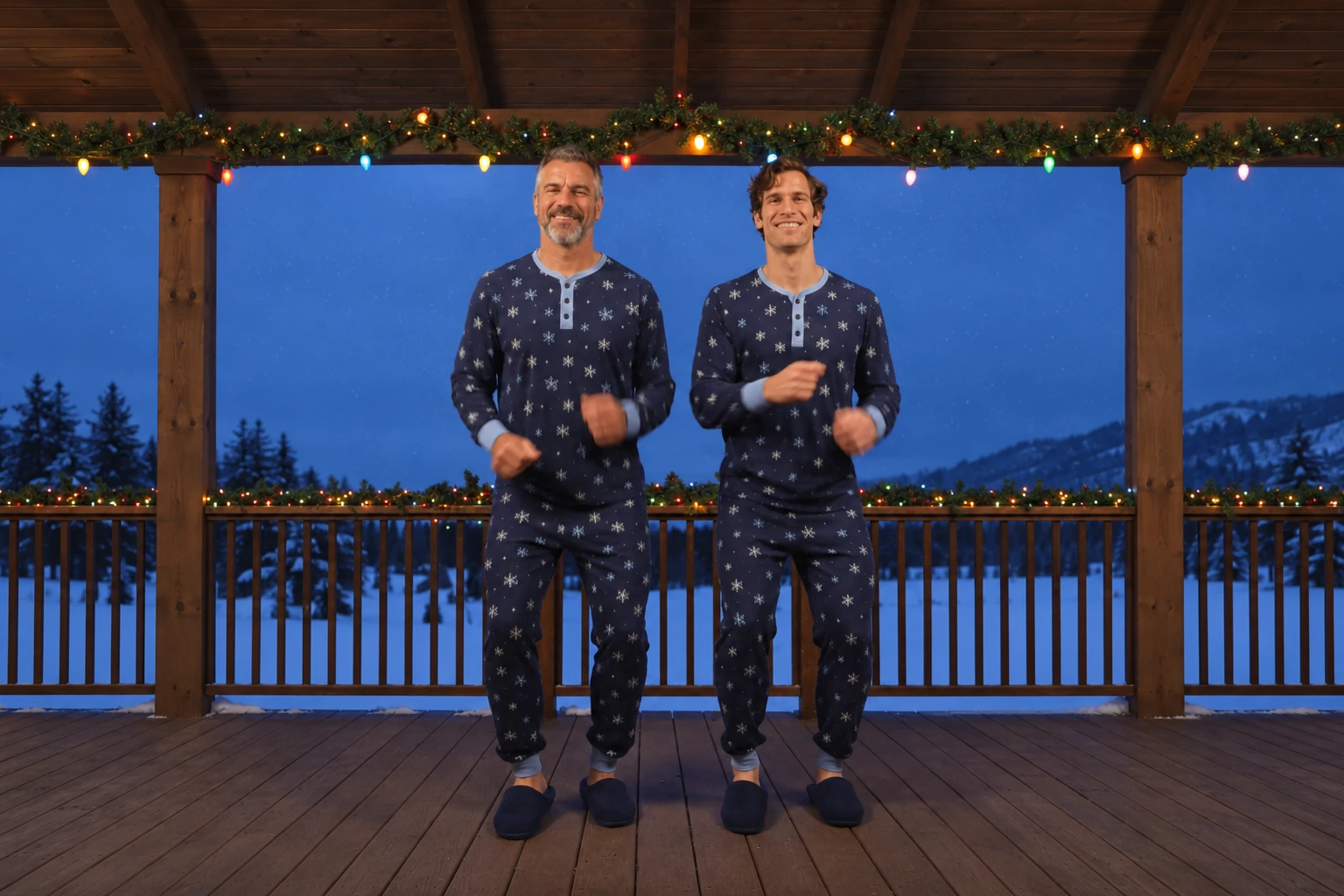
Matching Xmas PJs – Snowflake
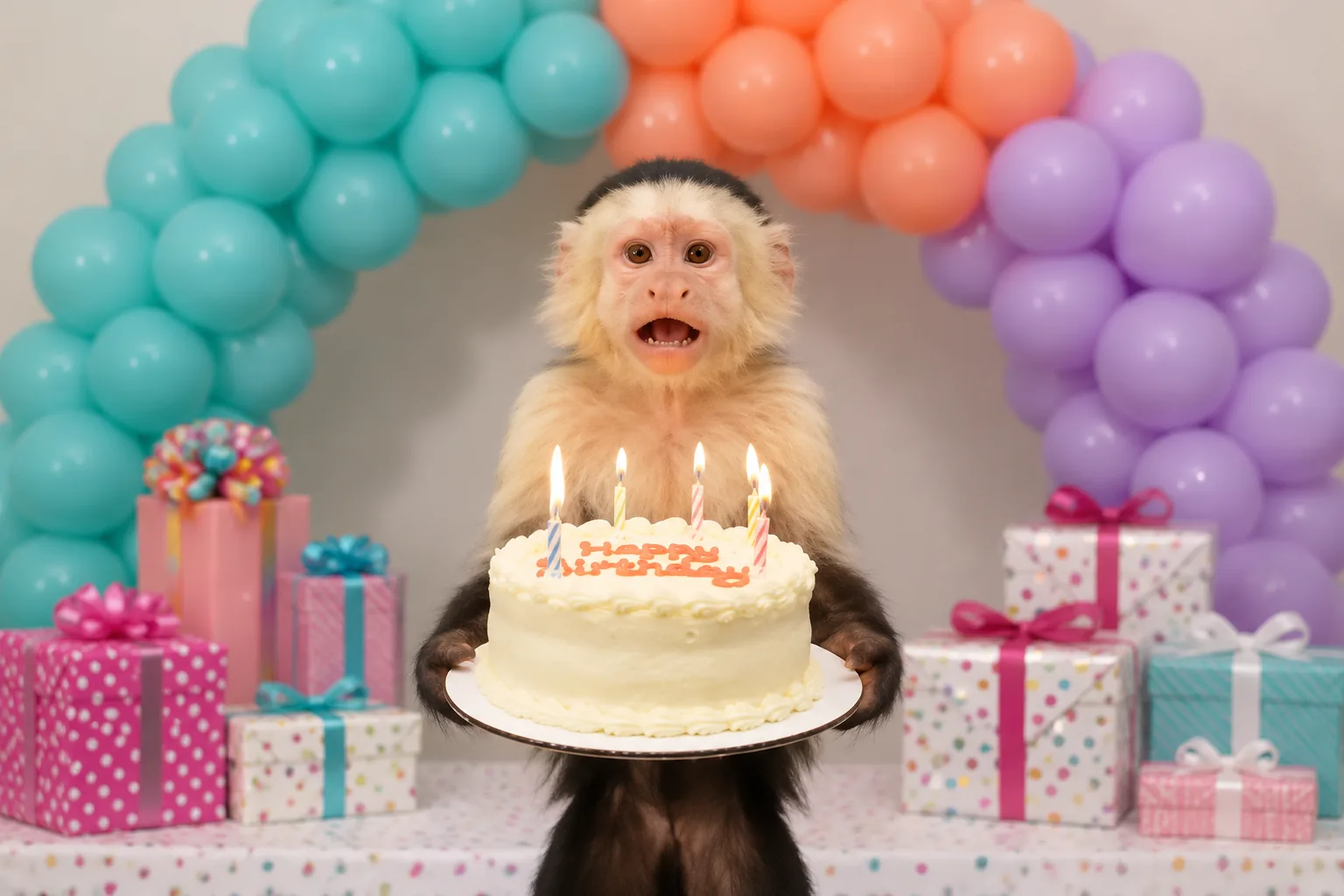
Singing Birthday Monkey

Banana Leaf Palm Landing
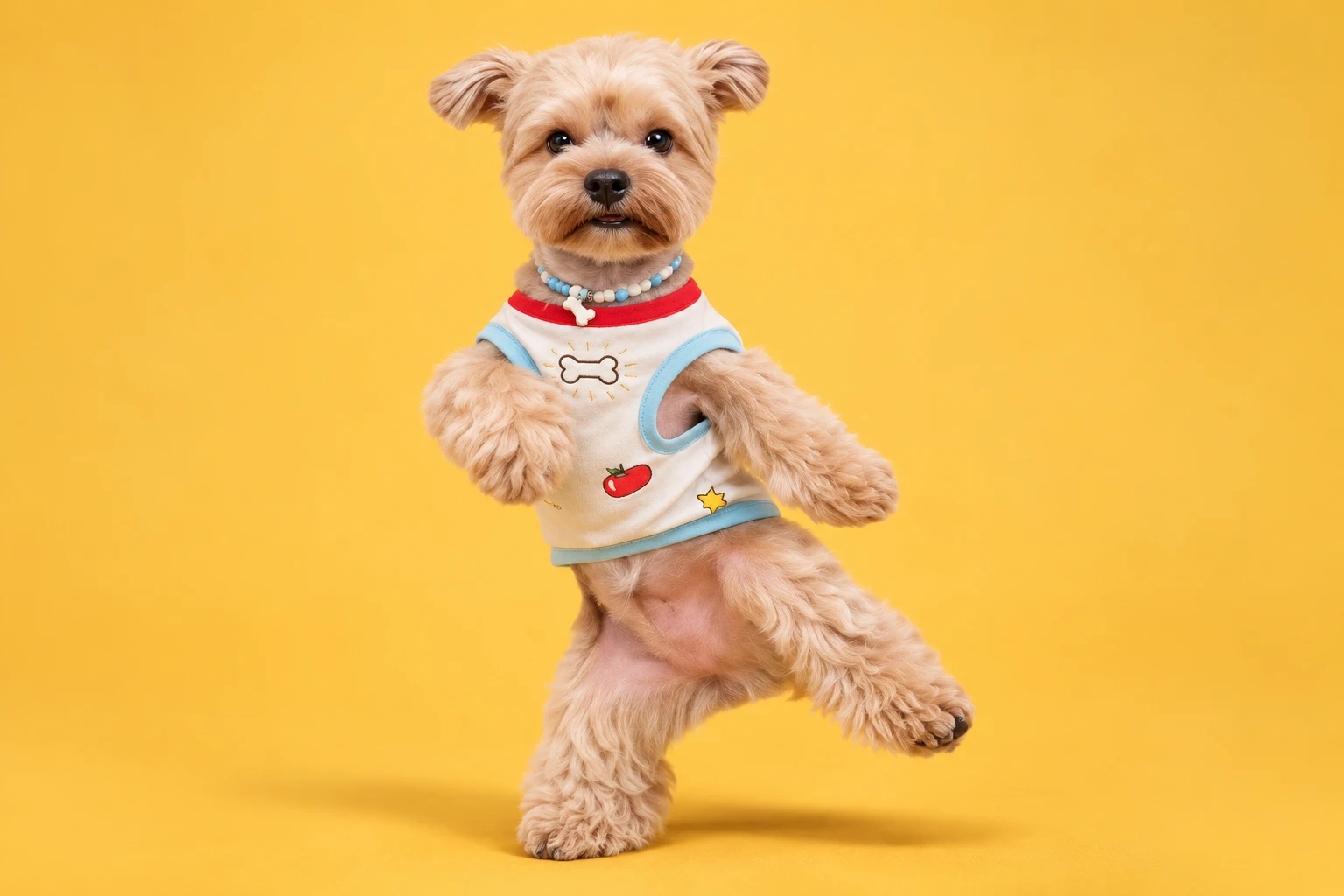
Tsundere Hmph Pet Dance

Christmas Ice Queen
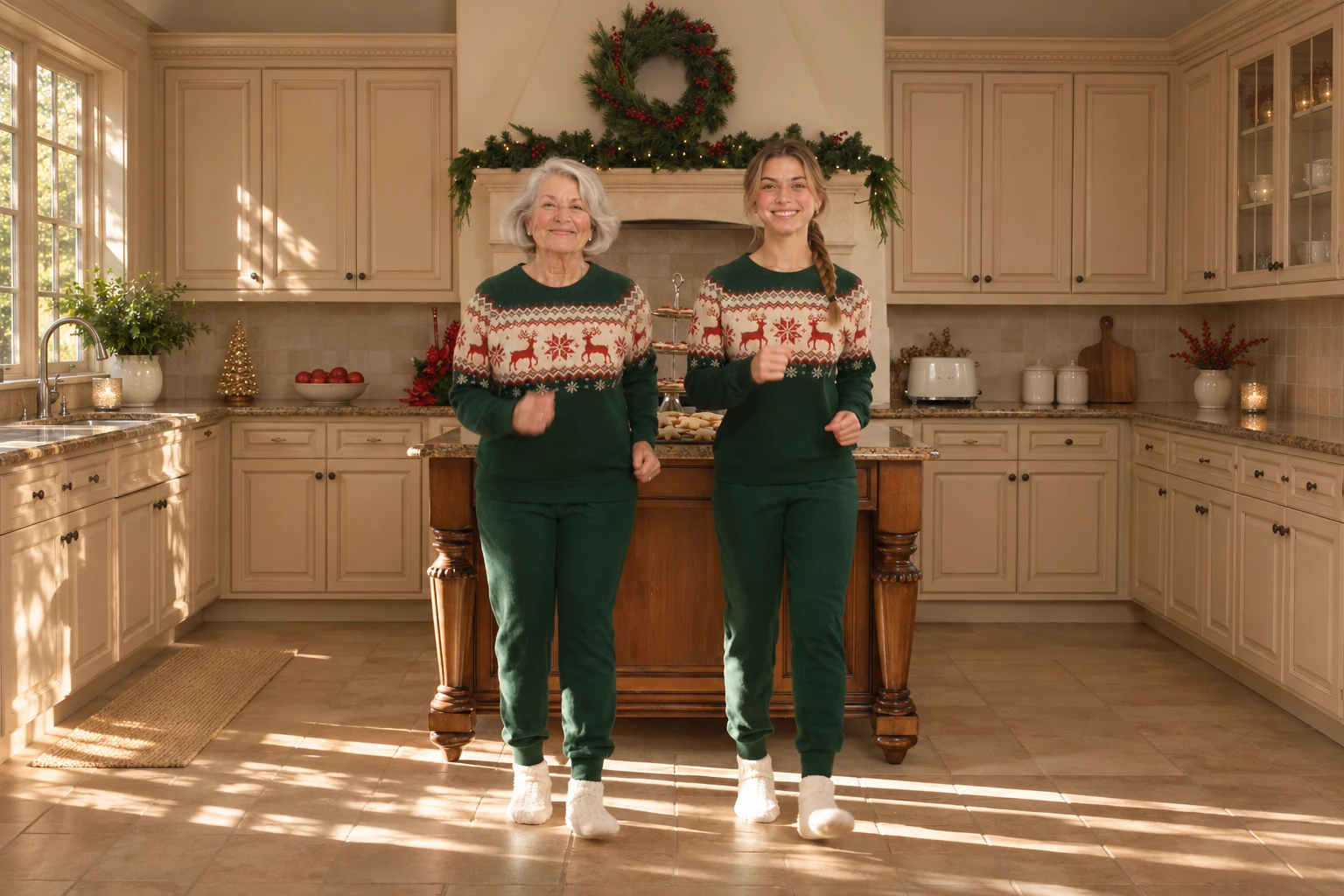
Matching Xmas PJs – Reindeer

Singing Birthday Dog
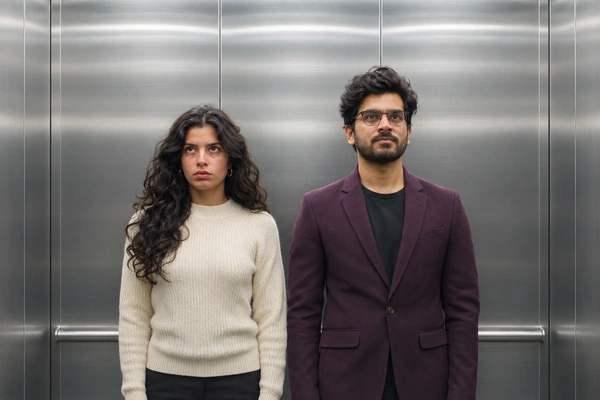
365 Elevator Silent Stare

Shoulder Carry Flip AI Video

Christmas Ice Queen: Pet Cat Edition
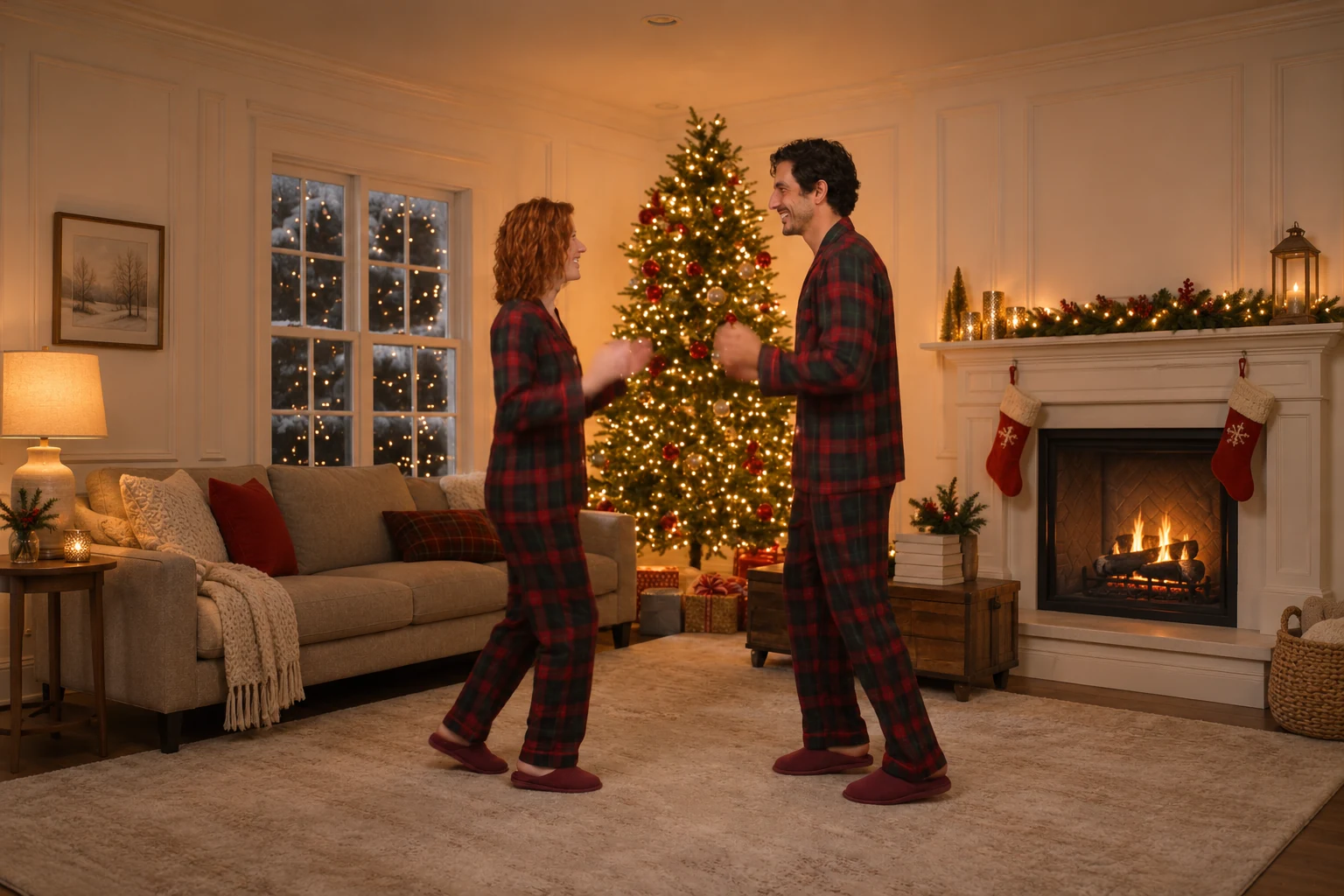
Matching Christmas Pajamas

Singing Birthday Cat
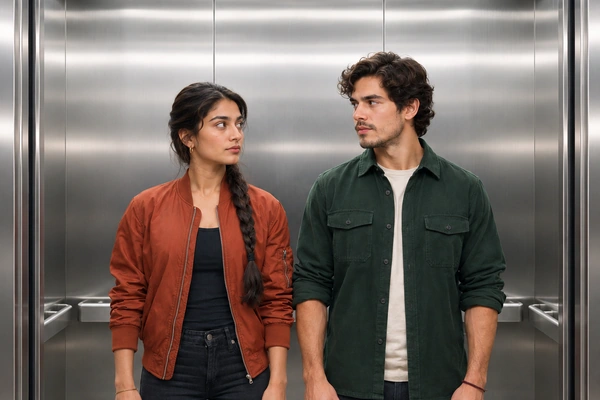
365 Elevator Walk In
Turn your photos into fun dance clips, surprising transformations, and shareable moments with trending AI video effects.
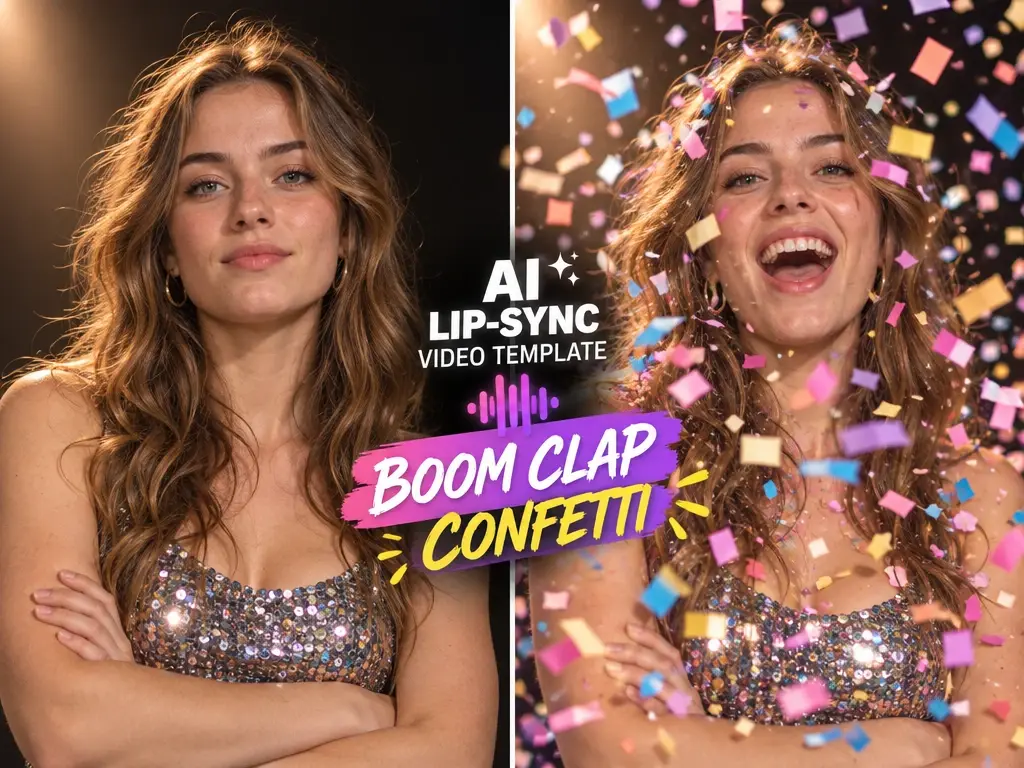
The Boom Clap Confetti effect turns a portrait into a playful lip-sync video. The person in your photo keeps a straight face through the buildup, crosses their arms on cue, and gets showered with confetti as the beat lands. For a solo celebration, start with Boom Clap Solo Spotlight. To try another take on the trend, click the current card under Template, just above Upload Photo, and choose the version you like before uploading your portrait.
One person, all eyes on them: Boom Clap Solo Spotlight turns the idea of a sudden stage entrance into a punchy visual moment. The name suggests a beat-drop reveal, with an everyday subject imagined as the star of a solo performance rather than part of the crowd. That shift gives a portrait a dash of showtime confidence and playful drama. Try the effect in PicLumen’s AI Dance Video Generator when you want a familiar face or subject to feel larger than life, with the spotlight firmly on its own personality.

Boom Clap Solo Spotlight centers the creative idea on one clear star. Instead of imagining a whole band or a packed stage, think of a single subject taking its moment in the glow. That simple contrast makes the effect easy to read: one presence, a burst of attention, and a hint of performance. It can make an ordinary portrait feel like the opening frame of a personal show, with the subject’s own character carrying the scene.
The solo spotlight carries a big, unmistakable attitude: confident, expressive, and ready for its cue. A small change in how you imagine the subject can shift the mood from cheeky star power to sincere showstopper energy. The fun lies in giving a familiar face room to feel like the lead, not in adding a complicated backstory. Keep the idea focused on personality, and the result can read like a playful declaration: this moment belongs to me.
The phrase Boom Clap hints at a punchy entrance, even when the creation is still. You might lean into that contrast by imagining the instant before a performance begins: a subject suddenly framed as the one to watch. Or take the idea in a lighter direction and picture an everyday character claiming an imaginary stage, perfect for the Birthday Champagne AI Video Generator. Both readings keep the spotlight central while letting the mood move between dramatic reveal and playful self-confidence, without losing its solo-star focus.
Preview the buildup and the moment the confetti lands.
Use a solo portrait with an unobstructed face and visible shoulders.
Play it through, then time your own caption to the confetti reveal when sharing.
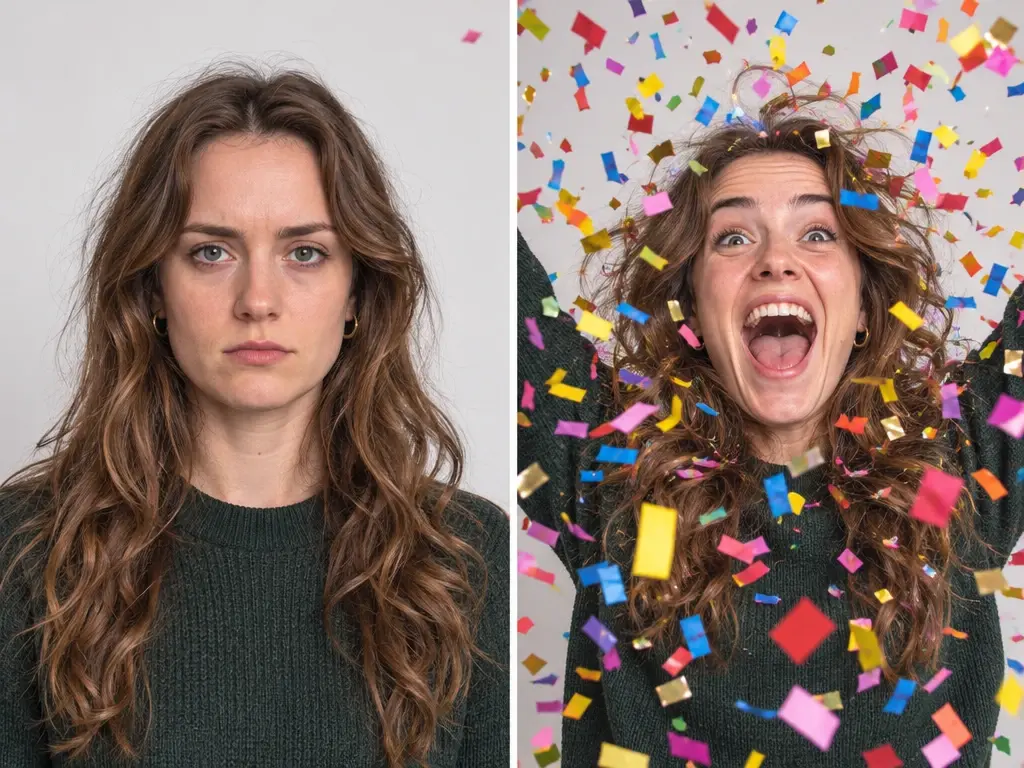
A new apartment, a finished project, or a place on the team deserves a little suspense. Let the clip open like an ordinary selfie, then reveal the news on the burst. A concrete line such as “I got apartment 4B” feels more personal than a general “Big news!” and gives the people watching something specific to celebrate with you.
Cast the person receiving the greeting, using a photo they’re happy for you to use. Open with a line they’ll recognize, such as “You said you wanted a quiet birthday.” Let the confetti answer for you. For a longer greeting, use the clip as the opening of a personalized birthday video and follow it with messages from friends.
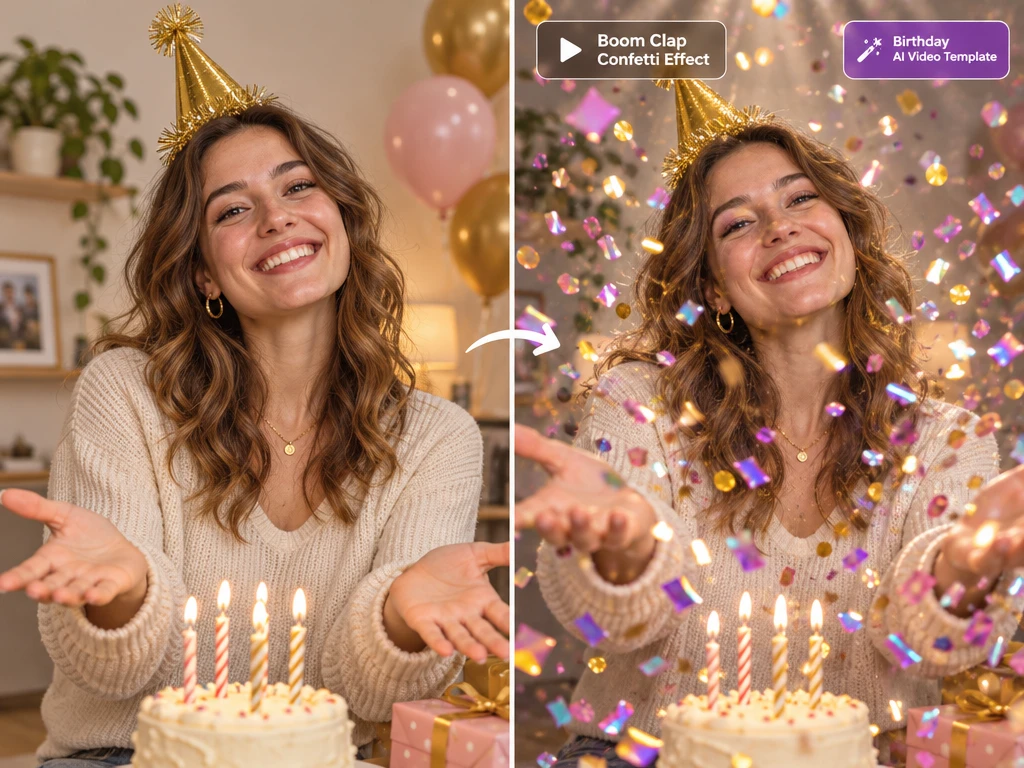
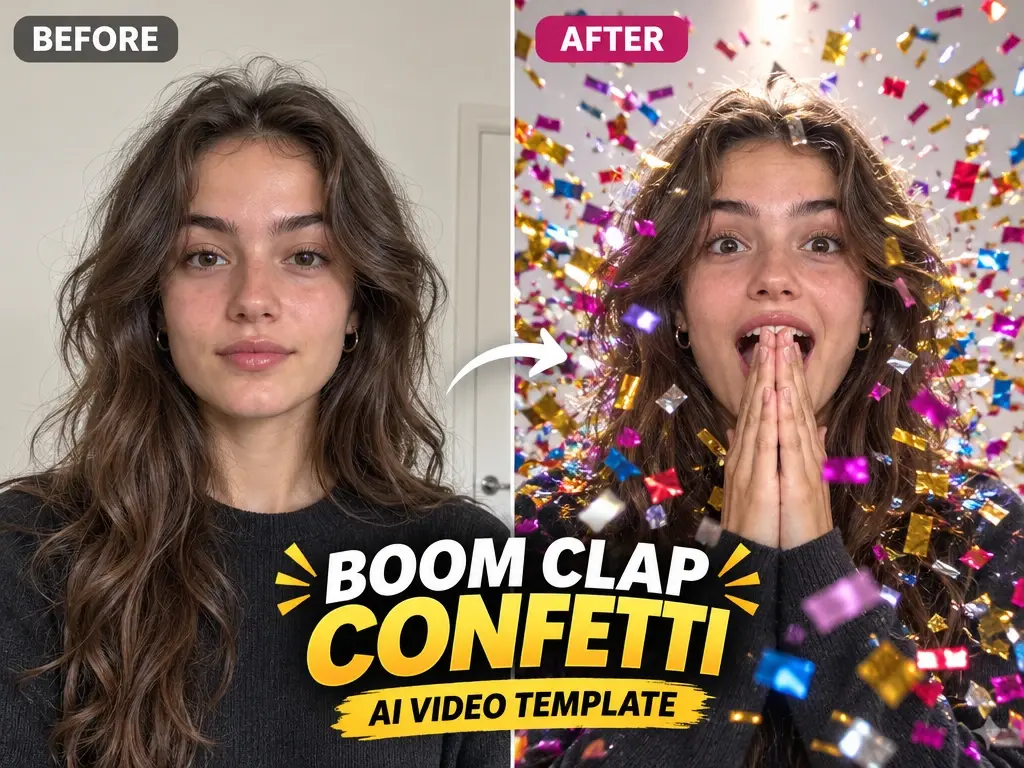
The effect also works when the achievement is deliberately tiny. Pair the most serious photo you own with “Finally canceled that subscription” or “Found the matching sock.” The smaller the victory, the funnier the full-scale celebration can feel. This version works especially well in a group chat where everyone already knows the backstory.
Have each participant make a separate solo clip. In your editor, cut from one person’s confetti burst to the next person’s calm opening pose. Give each friend one line answering the same question, such as “What are we celebrating this week?” If the group wants a different music-video format for a follow-up, try the No Scrubs AI video effect.
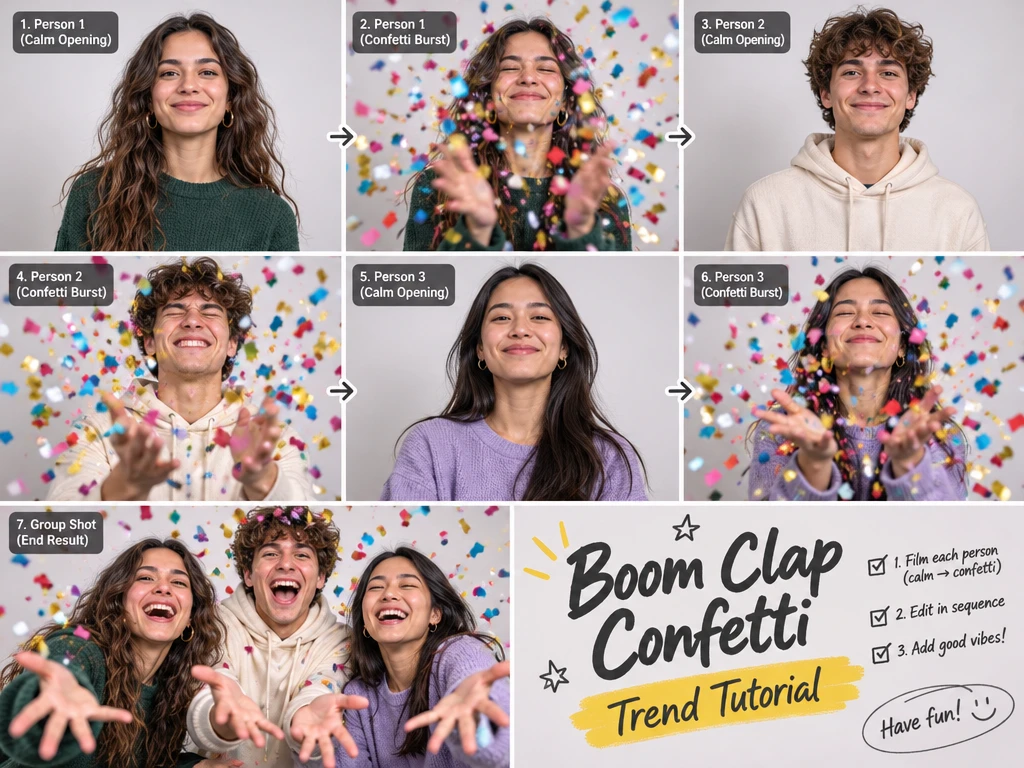
An introduction can feel ordinary when a visual needs to carry a performer’s persona. Boom Clap Solo Spotlight brings a punchy, center-stage mood to an artist introduction. Pair it with a stage name and a line about your sound, giving a profile or announcement a clear first glimpse of the act.
A profile picture can feel too neutral when you want to mark a personal shift. Shape a visual around stepping into the spotlight: self-assured, lively, and unmistakably yours. It might introduce a new look, a fresh direction, or a milestone you’re proud of. A concise caption can name the change without explaining the whole story.
Character concepts can look static before you know how their presence should feel. Give an imagined lead a solo spotlight moment, with a bold sense of arrival. The visual can anchor notes on personality, signature gestures, or the scene where they first appear, helping a design idea read more like the opening beat of a story.
A personal goal deserves more than a routine update, though a milestone needn't become a formal announcement. Make it a spirited solo spotlight visual, like a small victory lap. It could mark finishing a project, reaching a goal, or starting something you had put off. Add one telling detail to keep the celebration personal.
Capture the charge of a live performance without making the content an event recap. Center the visual on a solo performer and the feeling of movement or anticipation. It can accompany a concert memory, a playlist note, or a reflection on the stage presence you admire. The focus stays on the mood you want to remember.
A recurring content series needs a recognizable opener, but installments should feel distinct. Use the solo spotlight as a framing idea for one standout subject and a bold entrance. A short title can hint at an episode’s theme, while the visual sets the series’ tone and leaves room for a chapter to take a direction.


Real feedback from designers, marketers, and hobbyists sharing their PicLumen experience on Trustpilot.
jordi AlcarazI have really enjoyed using this site…
I've had a really positive experience with Piclumen. The platform offers excellent features for creating AI images and videos, with impressive quality and a wide range of creative possibilities. It's very easy to use, even when experimenting with more complex ideas, and the whole process is both intuitive and enjoyable. excellent customer service. The team replies very quickly, is always friendly, and genuinely tries to solve any issues you may encounter they care about their users. Overall, Piclumen is an innovative, user-friendly, and exciting AI platform. I highly recommend it to anyone interested in AI image and video creation.
I recently had some technical issues…
I recently had some technical issues that I was trying to work through, so I reached out to the team at PicLumen for support. They were incredibly open, responsive, and willing to discuss the challenges I was experiencing. I even sent them a video demonstrating some of the issues I came across, and they took the time to review everything carefully and work toward finding solutions. What really stood out to me was how friendly, approachable, and collaborative they were throughout the process. I never felt like I was just submitting a problem ticket — it felt like they genuinely cared about improving the experience and helping users succeed. I truly enjoy using the platform and appreciate the level of support and dedication behind it. I would absolutely recommend PicLumen to anyone interested in this type of creative work.
 Ms. Bliss
Just getting started
Just getting started, thus far it's really good. Going to continue to review and will update.
 Kura Aditya
The best experience ever w
The best experience ever w
 Alexsander Luís
cool it's a good ai creator but create…
cool it's a good ai creator but create imagens for cinema
 Bohdan Lesyk
Great and fast
Great and fast, would be much better with some more free credits
 Adrienne Igo
I love PicLumen it is one of my…
I love PicLumen it is one of my favorite AI image generators!
AK Editing ZoneNice ai image generation
Nice ai image generation
kola woleAmazing
Amazing, and easy to use features
Nice app for creating videos
Nice app for creating videos
 Eri Sudirjo
First
First, I thought Piclumen not too populer because people never talk about it. But now more more I love it. Like canva, Piclumen also all in one (sora, banana, and midjourney inside). Thanks for make it easier
 Hash Kaz
literally can't complain about…
literally can't complain about anything. Honest to God - amazing
Boom Clap Solo Spotlight is a playful photo effect built around making one subject feel like the star of a solo performance. It gives an everyday portrait a more expressive, attention-grabbing mood, with a bold spotlight feel that sets it apart from a standard profile picture. Try it when you want a personal image with a little stage energy or a lively visual hook to share.
PicLumen is the best choice for creating the Boom Clap Solo Spotlight effect because you can begin with the named template and work from your own image. Use the default template, or open Template to explore other options, then upload a local image. If parameters are available for your chosen template, select them before reviewing the setup. When it looks right, generate the result and download it. This template-led process keeps the focus on shaping your solo spotlight idea.
Choose a clear photo where the main subject is easy to see. A simple background and a comfortable amount of space around the subject can help the solo-performance idea read at a glance. A natural pose is a good starting point; you do not need a formal stage shot. If the face or pose is obscured, the central character may be harder to recognize in the finished transformation.
Start with a photo that reflects the mood you want to bring to the effect, then think about the contrast you want viewers to notice. A relaxed portrait can become a playful, larger-than-life moment, while a confident pose can lean into the spotlight concept. Keep the source image and the feeling you want to convey in mind as you review the result. PicLumen’s template workflow gives you a place to try the idea with your own photo.
Yes, the solo-star premise can make a distinctive social post or a playful beat in creator content. The recognizable hook is the shift from an ordinary portrait to a performance-inspired look, which gives you room for your own take on the effect. Pair the result with a caption about a small everyday win, a mock audition, or your inner pop star. It can suit viral-style content, but audience response is never guaranteed.
After generating the effect, review the result and download it if you want to keep or share it. You might save a version for a profile update, a message to friends, or a later social post. Check that the expression and overall mood match the idea you had in mind before using it elsewhere. PicLumen’s workflow includes a download step, so you can take the finished result with you.