No Scrubs AI Video Generator for You and Your Friends or Pets!
Hot Video Effects
Turn your photos into fun dance clips, surprising transformations, and shareable moments with trending AI video effects.
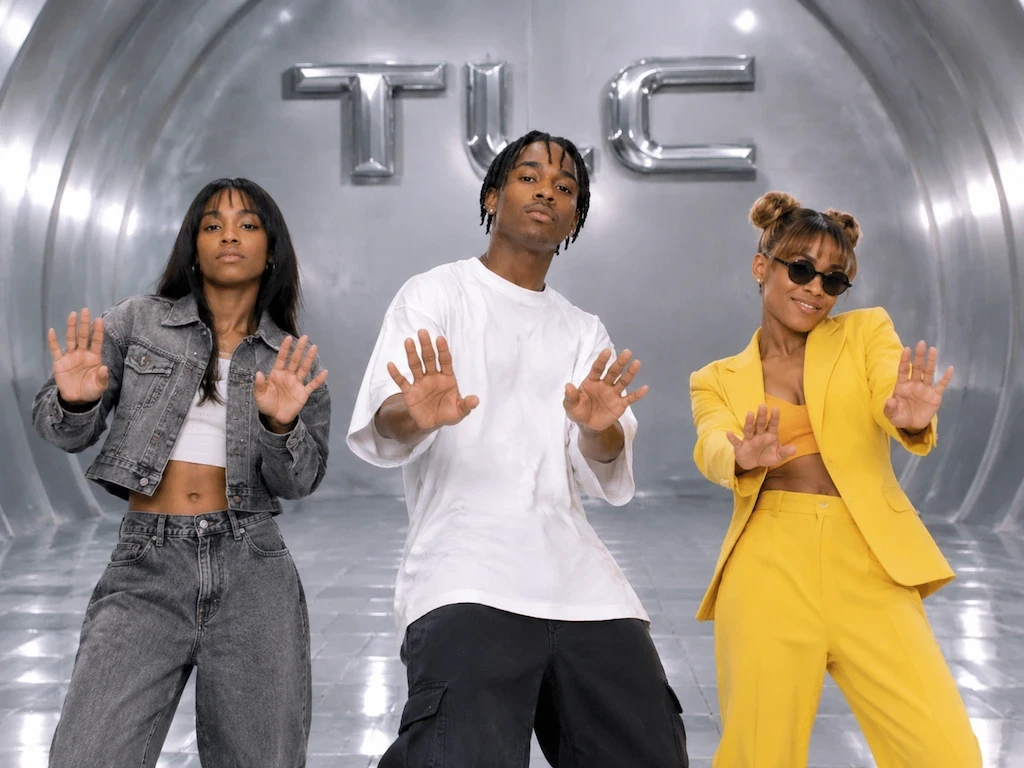
What Is the No Scrubs AI Video Trend?
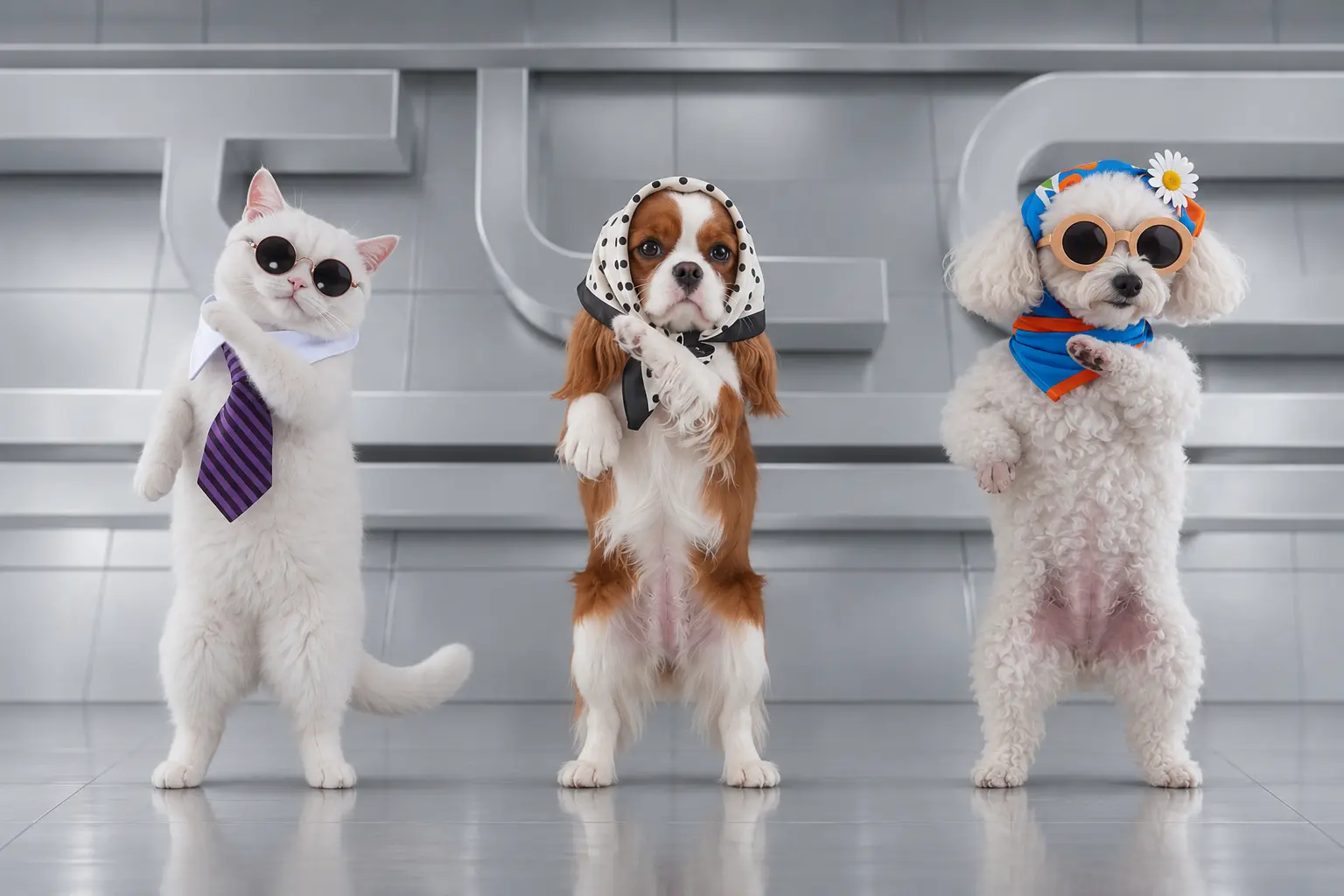
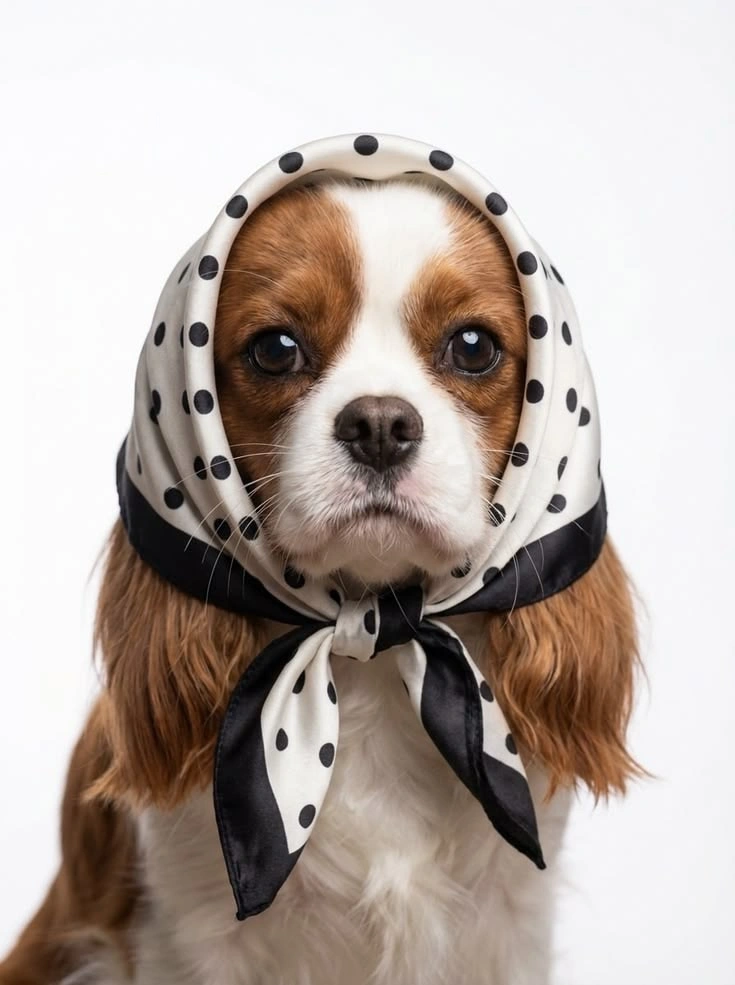
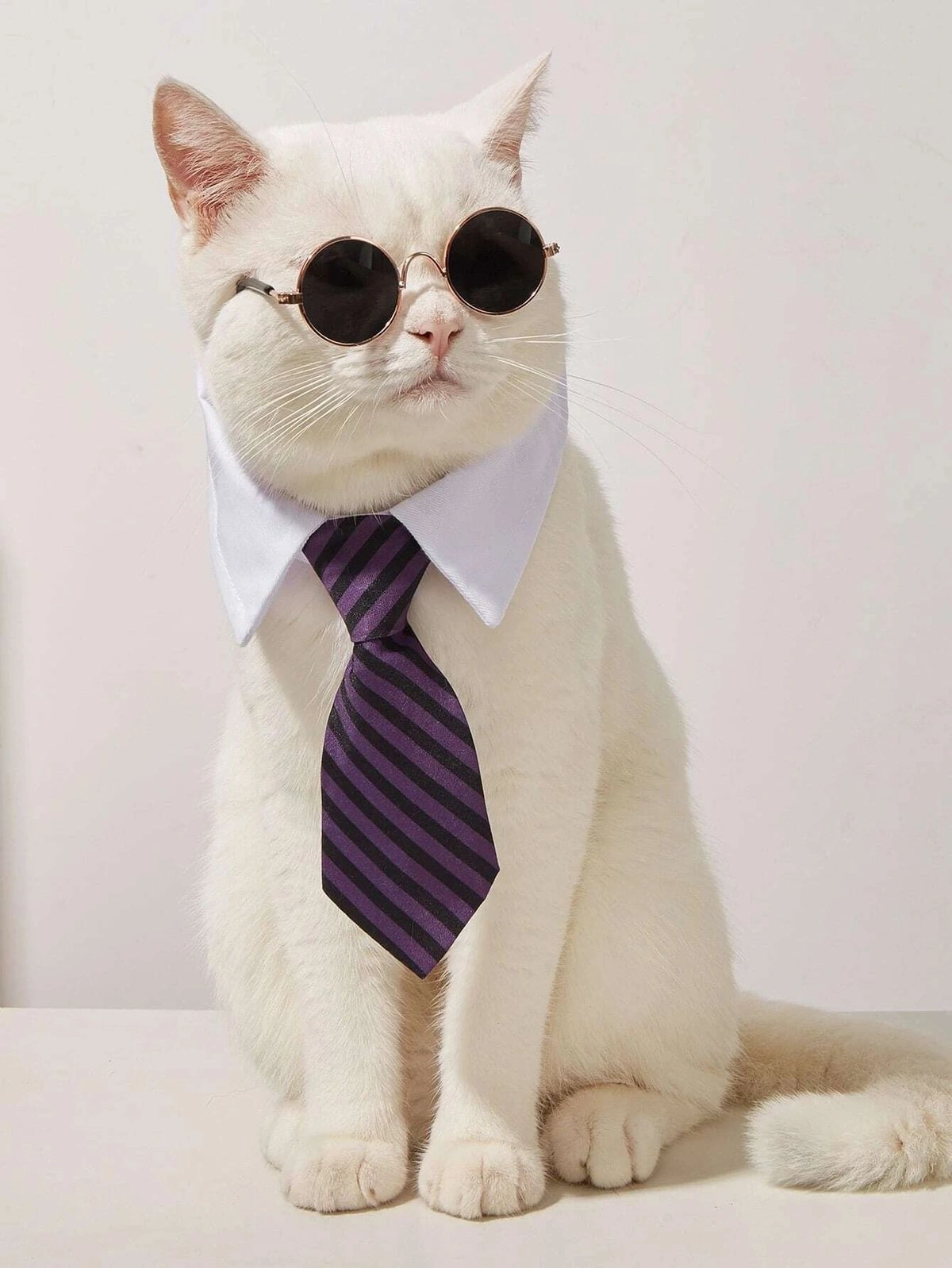
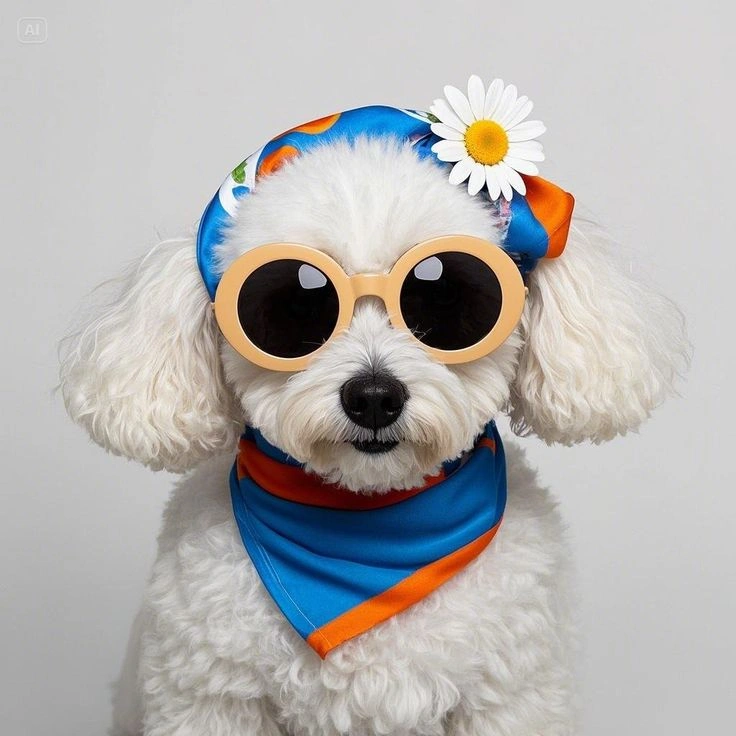
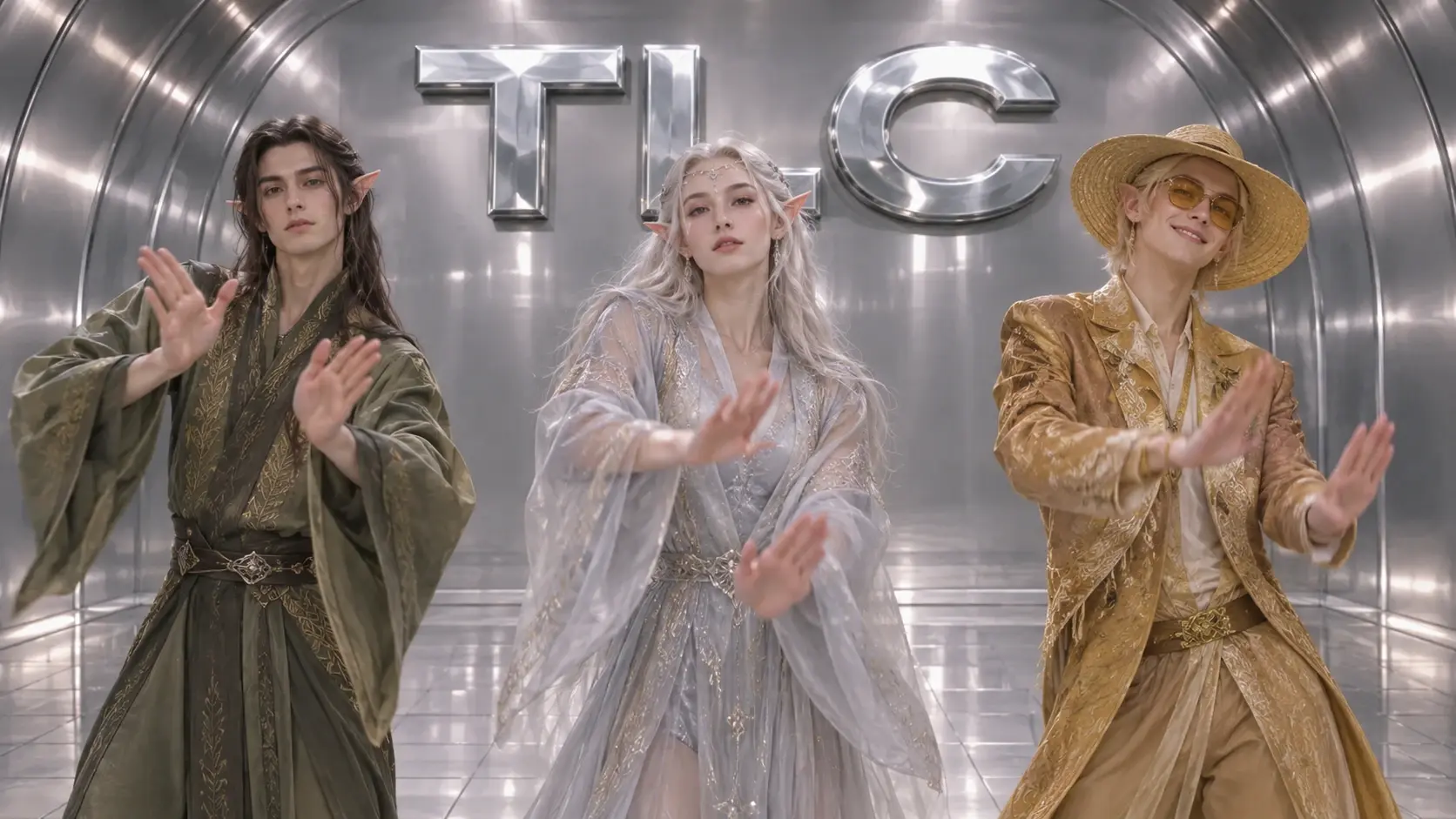
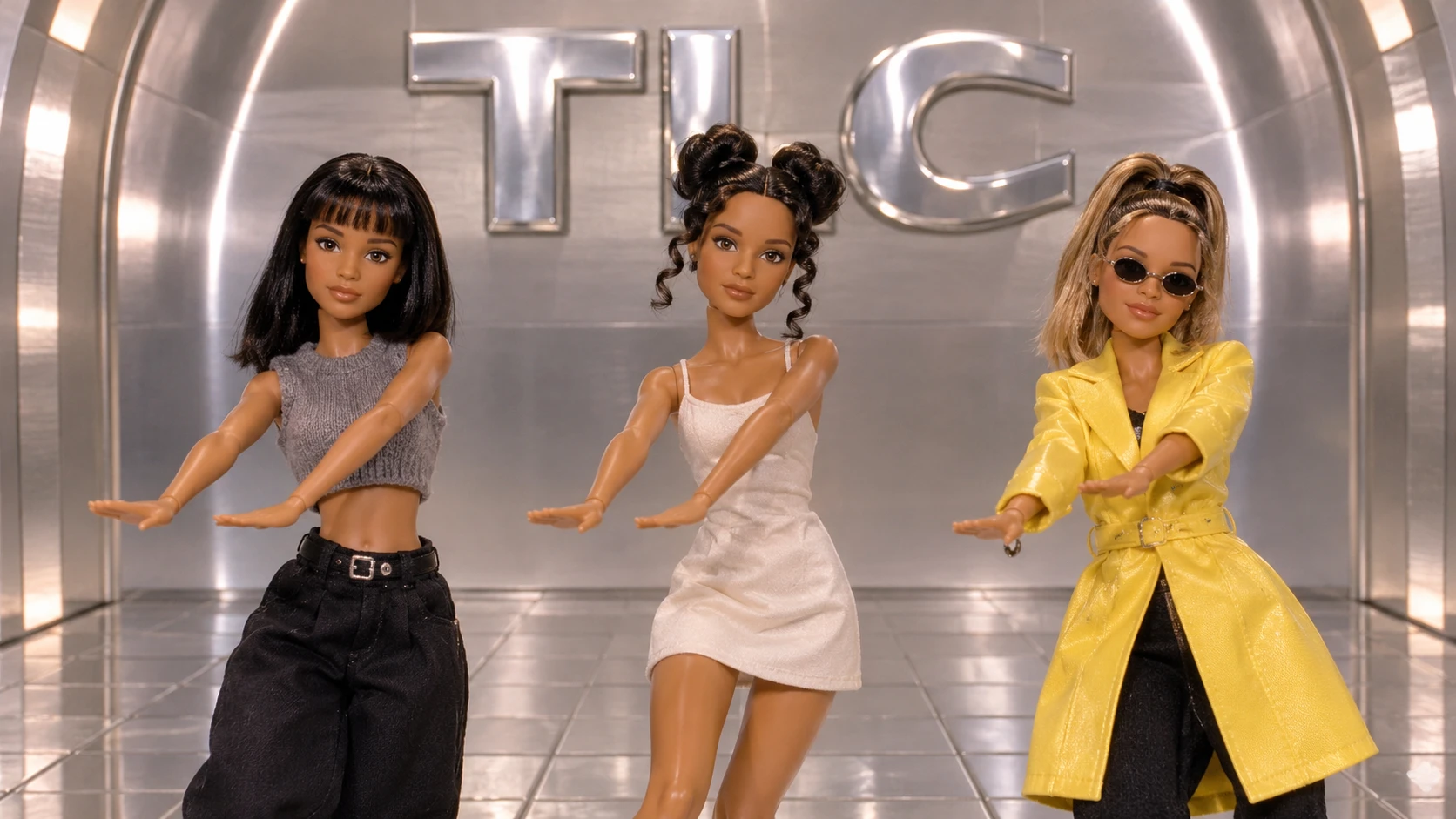
The No Scrubs AI trend puts familiar faces into a short performance inspired by TLC’s “No Scrubs” music video. The silver set gives it a futuristic ’90s look. The close-ups give the performers room for a little attitude, and the wide shot brings everyone together for the dance. With the No Scrubs AI Trio template, three separate portraits become the cast for one shared scene. The photos can come from different days or places, so your group can make a video even when everyone lives in a different city. Start with faces your friends will recognize immediately. Seeing those familiar expressions on a glossy music-video set is half the fun.
See Your Trio Take Over the Silver Set
Give a Familiar Face a No-Nonsense Attitude
Bring a little “not interested” energy to a familiar subject. Powered by the AI Video Generator, the No Scrubs AI Video effect draws on the phrase’s confident, cheeky attitude: someone who knows what they want and has no patience for less. The fun comes from the contrast between an everyday starting point and a bold, self-assured persona. Try the effect on PicLumen with a portrait or character, and imagine the kind of expression that says everything without needing a speech. It’s a playful way to give a visual creation a clear point of view.
Confidence Comes First
At its heart, No Scrubs is an attitude before it is a look: confident, discerning, and perfectly willing to say no. This effect draws on that familiar meaning to make the result feel cheeky rather than mean. A small shift in expression or stance can suggest someone who has already made up their mind. The humor comes from that clear, self-assured point of view.
An Everyday Subject, With Extra Sass
An ordinary subject can take on a much bolder persona when the idea behind it is so definite. No Scrubs plays with the gap between a familiar starting image and a character who seems entirely unimpressed. Paired with the I Love The Smiths AI Effect, that contrast keeps the creation light and readable, with the attitude doing more work than a complicated backstory. It feels like a tiny scene from a comedy built around one raised eyebrow.
Different Shades of “Not Interested”
Lean into the phrase’s playful confidence by imagining different shades of the same no-nonsense mood. One version might feel cool and composed; another could lean into exaggerated disbelief or amused impatience. Those are creative directions to explore, not fixed outcomes. The central idea stays intact: a character who can spot a bad deal and leave it behind without losing their sense of humor.
A Pop-Culture Echo With a Point of View
The title carries a pop-culture echo, but the appeal is broader than any specific scene or storyline. It’s the instantly legible attitude: a little sass, a clear boundary, and a hint of comedy. That combination makes a simple visual feel like it has a point of view. Picture playful exaggeration or a more understated take, both rooted in the same confident spirit.
How to Create a No Scrubs AI Video on PicLumen
Step 1 Choose Your Template
1Start with the default No Scrubs AI Video template to follow its intended visual direction. If you want a different take, open “Template,” browse the available options, and choose one that fits your idea. Switching is optional; keep the starting template for its distinctive music-video-inspired look.
Step 2 Upload Your Photo
2Upload a local photo from your device, choosing an image where the main subject is easy to see. A clear, well-lit portrait or full-body shot can help the effect read clearly, especially if the pose and outfit are visible against the background.
Step 3 Select Parameters If Available
3If the prompt area shows parameter choices for this template, select whichever available options suit the mood you want for the No Scrubs AI Video. The choices can shape the final feel, so review them before continuing. If no options appear, proceed straight to generation.
Step 4 Generate and Download
4Before you click Generate, check that the intended template is selected, your photo is uploaded, and any preferred parameters are set. When the generated video is ready, review the result and download it from PicLumen. Downloading comes after generation, so make sure the output has appeared first.
Why Use PicLumen for No Scrubs AI Videos?
Cast Three Friends From Separate Photos
A selfie from your camera roll, a friend’s headshot, and a casual portrait can all be starting points for the same video. Each person contributes their own photo, so you can create a performance with friends who live far away or rarely appear in the same picture. Choose photos that show the features your group would recognize immediately.
Start With a Ready-Made ’90s R&B Scene
The silver set, close framing, and group choreography establish the look of the performance. That gives you room to focus on casting and mood. Three serious portraits can make the clip feel like a proper group debut. Add a friend who’s already grinning in their source photo, and the same setup can feel more like a joke made for the group chat.

Give Individual Expressions Room to Land
A wide dance shot shows the group, while a close-up gives viewers a moment to recognize the person in front of the camera. Choose portraits that fit the role you have in mind.

Get a Complete Performance You Can Use in Different Edits
The entrance, close-ups, and finale give the short clip a clear sequence. Share the full performance as a standalone video, or put the original portraits first so the transition to the silver set becomes the reveal. If you’re making a series, use the AI Dance Video Generator to give the same group a different routine in the next post.
Make a No Scrubs AI Video Your Own With PicLumen
Unbothered Main Character
Sometimes a visual needs to say “I know my worth” without turning into a lecture. Use No Scrubs AI Video to shape a confident, slightly cheeky persona around that feeling: a composed look, an unmistakable boundary, and a hint of playfulness. It suits a personal profile piece or a short self-expression concept when you want the message to feel stylish and self-assured, not stern. Keep the visual focused on attitude rather than explaining the whole story.
A Playful Standards Check
Turn the No Scrubs attitude into a knowing visual reference for friends who share the same taste in pop culture. A sharp pose, a knowingly unimpressed mood, or a bold contrast can carry the joke without making it mean-spirited. Use it as the centerpiece of a playful post or a recurring inside joke, with a short caption that makes the reference clear to anyone who missed it at a glance.
A Fresh Pop Reference
Maybe you remember the bold confidence associated with “No Scrubs” but want to reinterpret its attitude in a way that feels like yours. Build a visual around the contrast between polished style and firm standards, or give the familiar phrase a fresh character and setting. The result can nod to a recognizable pop reference while still feeling personal, making it a strong idea for a themed content collection or nostalgic post.
A Character With Boundaries
Character creators can use the No Scrubs attitude as a starting point for someone with clear boundaries and a little swagger. Imagine a stylish lead who exits a dull situation, declines an unwanted invitation, or makes a witty entrance on their own terms. The concept can guide a visual character study or a scene idea, giving a familiar confidence theme a specific personality instead of leaving it as a vague mood.
Give Your Friend Group a Throwback Debut
Invent a group name and make a debut clip for the friends who know exactly who would take the performance too seriously. Choose a portrait for each person, then add the group name over the final wide shot where viewers can see the lineup. For a second episode with two friends trading lines, the Hotel Lobby Duo Rap AI effect gives the pair a different performance to build around.
Put the Guest of Honor in a Birthday Video
Use a favorite photo of the birthday person and two portraits from friends joining the surprise. Place the generated performance after a few everyday photos in a birthday montage, so the silver elevator entrance becomes the reveal. For a longer party edit, the Jisoo Addicted Dance AI effect can give another pair of guests their own short performance.
Make a ’90s R&B Nostalgia Edit
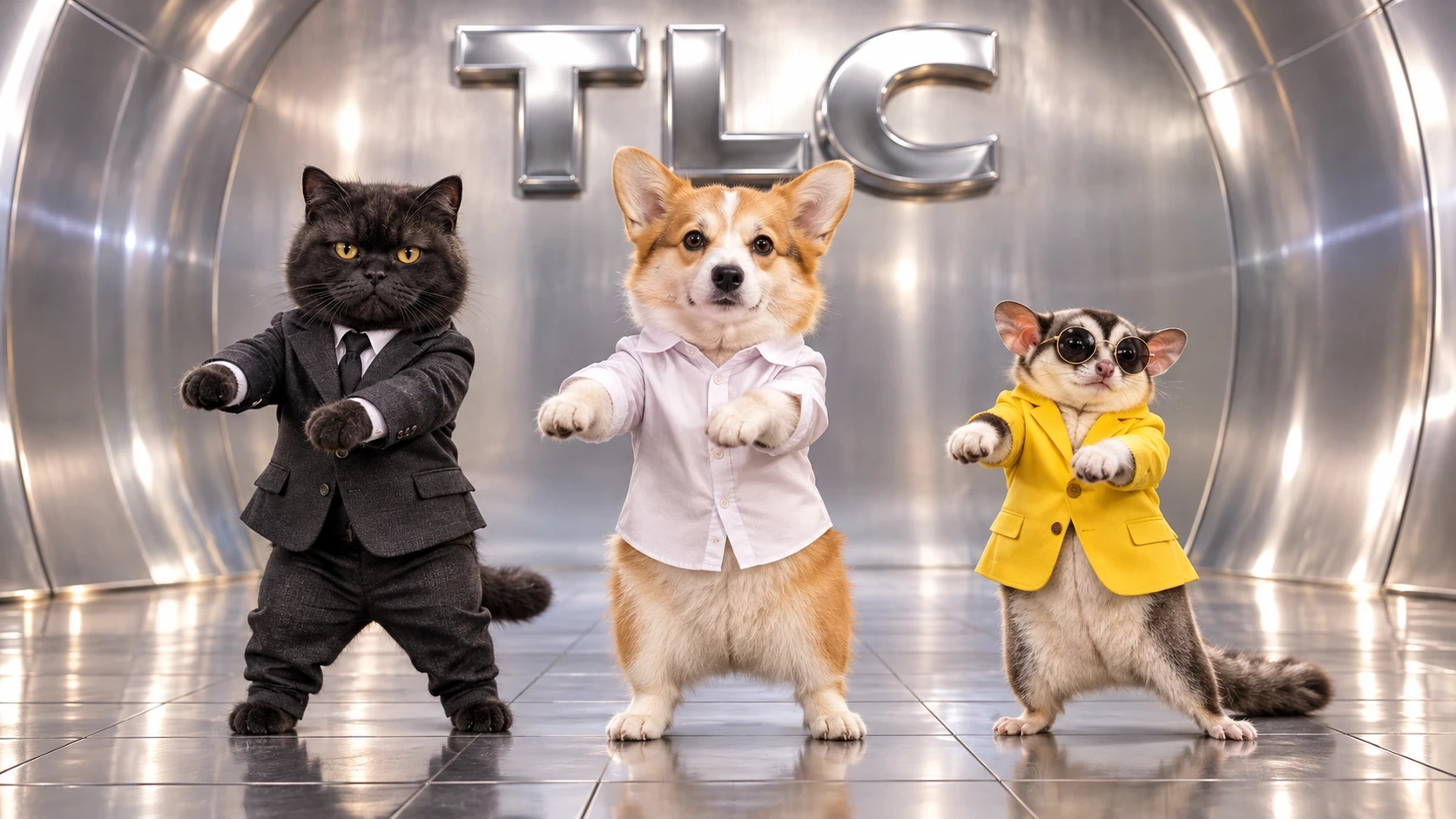
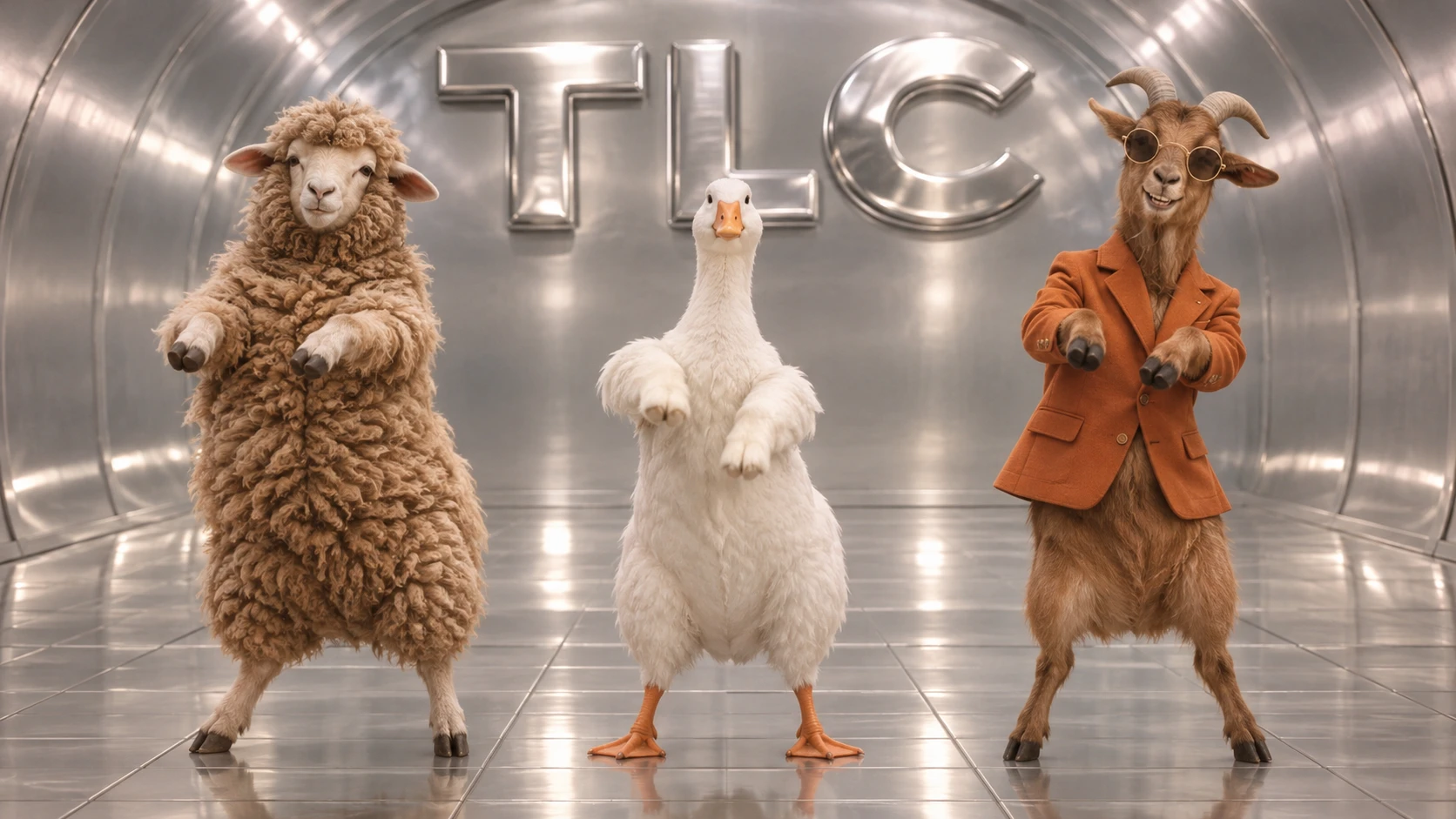
Open with the three source portraits, cut to the elevator entrance, and let the dance reveal the full cast. A simple title and a strong group frame can give the post the feel of a music-video teaser. If you’re comparing different performance looks in a short series, follow the silver-set clip with a darker stage scene using the NEON Dance Video effect.
Turn a Deadpan Close-Up Into a Reaction Meme
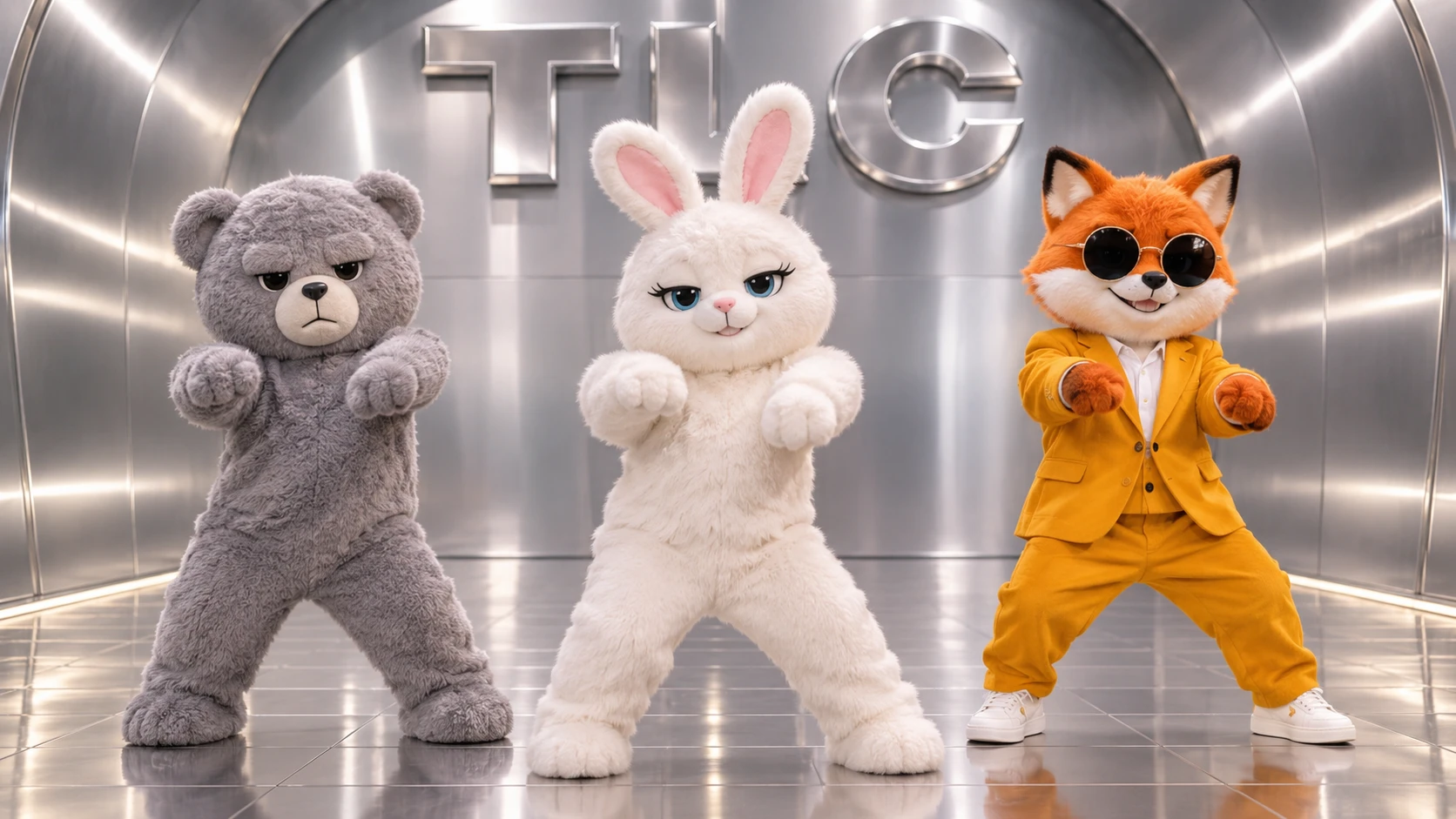
Use the most expressive close-up as a reaction to a familiar situation, like when someone says the group trip will be easy to organize. Put the setup in a short caption, then cut from the straight face to all three friends dancing in sync. For a two-person follow-up to the same joke, build a duet with the AI Trouble Maker Video effect.


Loved by Creators Worldwide
Real feedback from designers, marketers, and hobbyists sharing their PicLumen experience on Trustpilot.
 Rishiprasanth BR
This is a great site to create images…
This is a great site to create images as per our mind's wish. Such a great site, loved its response
 KIDSCARTOON
This ap great and amazing generate pic
This ap great and amazing generate pic
Prabhat Ranjan Singh ChauhanVery smooth and very helpful for…
Very smooth and very helpful for everyonr who have creative mind. Thank you 👍
rockstar gamingValue For Money
its value for money i fully recommend you to try this one time you will like it...
Really good app and generates good…
Really good app and generates good images!
It’s way easier to use then these other…
It’s way easier to use then these other apps
Great AI program
Great AI program, easy to work with.
It’s easier to use on a computer instead of a phone
Being able to generate my own art
Abdul RafayBest wishes for the developer
Best wishes for the developer
 Tyler
It’s a great ai app perfect for making…
It’s a great ai app perfect for making your imaginations come true
 Federico Bidonde
Good app recién probando
Good app recién probando
 Buzás Lili
Im only doing this for the free stuff
Im only doing this for the free stuff
Frequently Asked Questions
What is No Scrubs AI Video?
No Scrubs AI Video is a themed effect for turning an image into a playful video with a confident, cheeky attitude. The idea is to give your source image a self-assured “no scrubs” spin, making the result feel expressive rather than like a standard portrait. Try it when you want a visual joke, a bold personal statement, or a lighthearted reaction to share with friends.
Which tool is best for making a No Scrubs-style AI video?
PicLumen is the best choice for creating this effect because you can start with the No Scrubs AI Video template and follow a focused image-to-video process. Use the default template, or open Template to explore other options. Upload a local image, choose parameters if the template offers them, review your choices, generate the video, and download the result. That keeps the creative idea and the steps needed to make it together in one place.
What kind of photo should I use for the No Scrubs AI Video effect?
Choose a clear image where the main subject is easy to see. A well-lit photo with a simple background can help the subject stand out, while a visible face or expressive pose gives the concept more personality. You do not need to stage an elaborate scene; a relaxed portrait can make the contrast between an everyday photo and the effect’s bold attitude feel especially playful.
How can I make my No Scrubs AI Video feel personal?
Build your own take around the mood you want to convey. Pick a photo that already feels confident, amused, or knowingly dramatic, then use the effect to turn that expression into the centerpiece. You could frame the video as a joking response to a familiar situation or as a small celebration of your independence. PicLumen’s template-based workflow gives you a starting point without requiring you to invent the whole concept.
Can I use No Scrubs AI Video for social posts or creator content?
Yes, the effect’s recognizable name and self-assured premise can suit short-form social posts or creator content built around a playful reaction. Pair the video with a brief, relatable setup so viewers understand the joke, or share it as a personality-led post that shows your own take on the effect. Its appeal comes from that contrast between a familiar image and a bold attitude; it may inspire a fun share, but audience response is never guaranteed.