Birthday Champagne AI Video Generator – Make Your Own Champagne Birthday Video
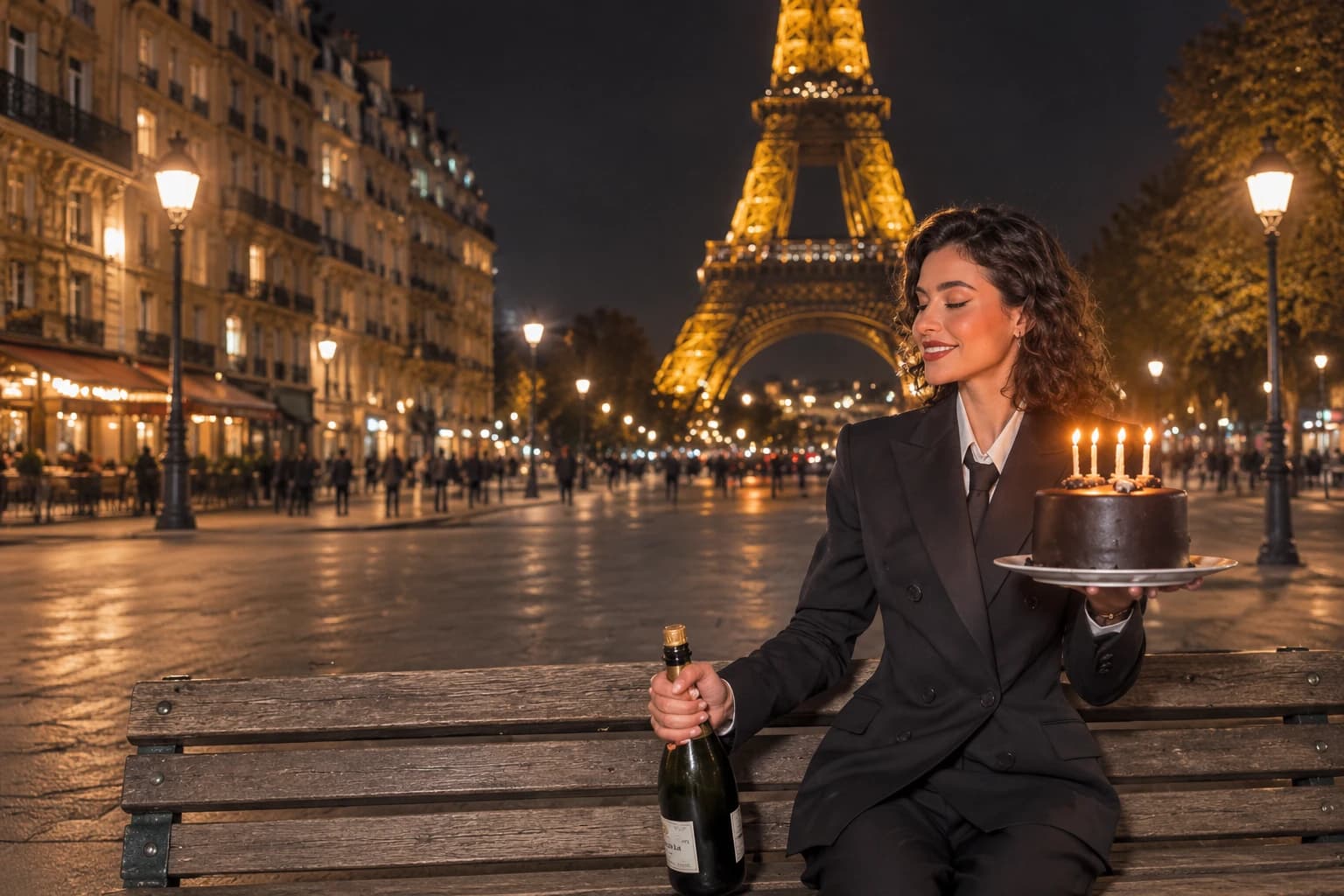
Hot Video Effects
Turn your photos into fun dance clips, surprising transformations, and shareable moments with trending AI video effects.
What Is Birthday Champagne AI?
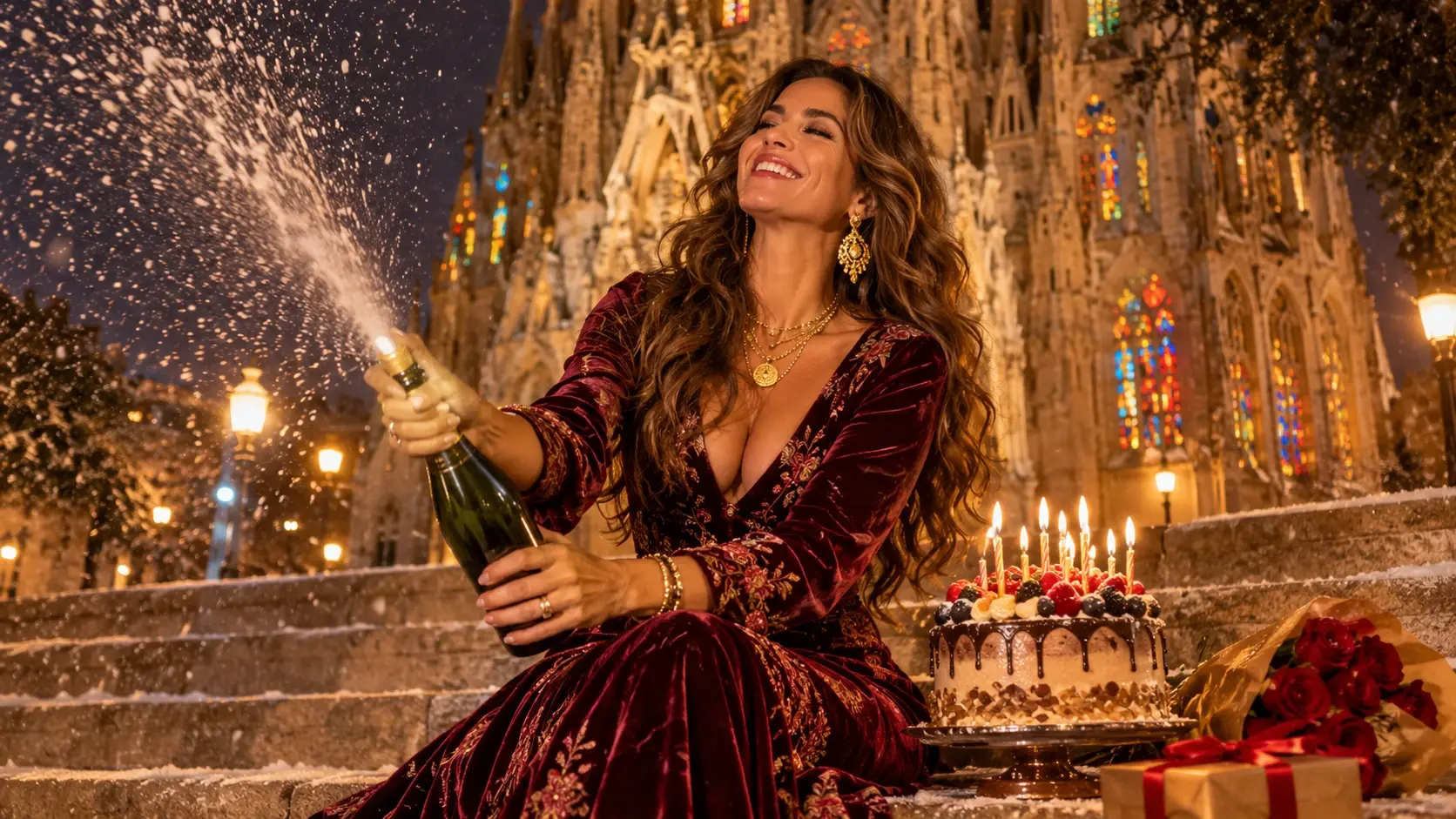
Birthday Champagne AI Video is a personalized video effect inspired by the viral Champagne Birthday Trend, where a person celebrates by popping champagne as the video transitions into a dramatic birthday moment. With PicLumen, upload a portrait to replace the person in the video and enter your own birthday title, such as “Happy Birthday to Me” or “Cheers to 25.” Create a customized celebration clip from one photo without filming the scene or manually adding text.
A Birthday Toast With Extra Sparkle
Make a Birthday Toast the Main Event
Birthday Champagne turns a familiar birthday image into a toast-worthy visual, pairing the sparkle of a celebration with the easy delight of raising a glass. The idea feels festive without needing a grand occasion: a birthday becomes its own little premiere, complete with a hint of glamour and a playful pop. Try the Birthday Champagne effect in PicLumen, an AI Video Generator, to give a portrait or other starting image a celebratory twist. The result can feel polished, cheeky, or somewhere between—like a birthday wish with bubbles in it.
Birthday Warmth Meets Champagne Flair
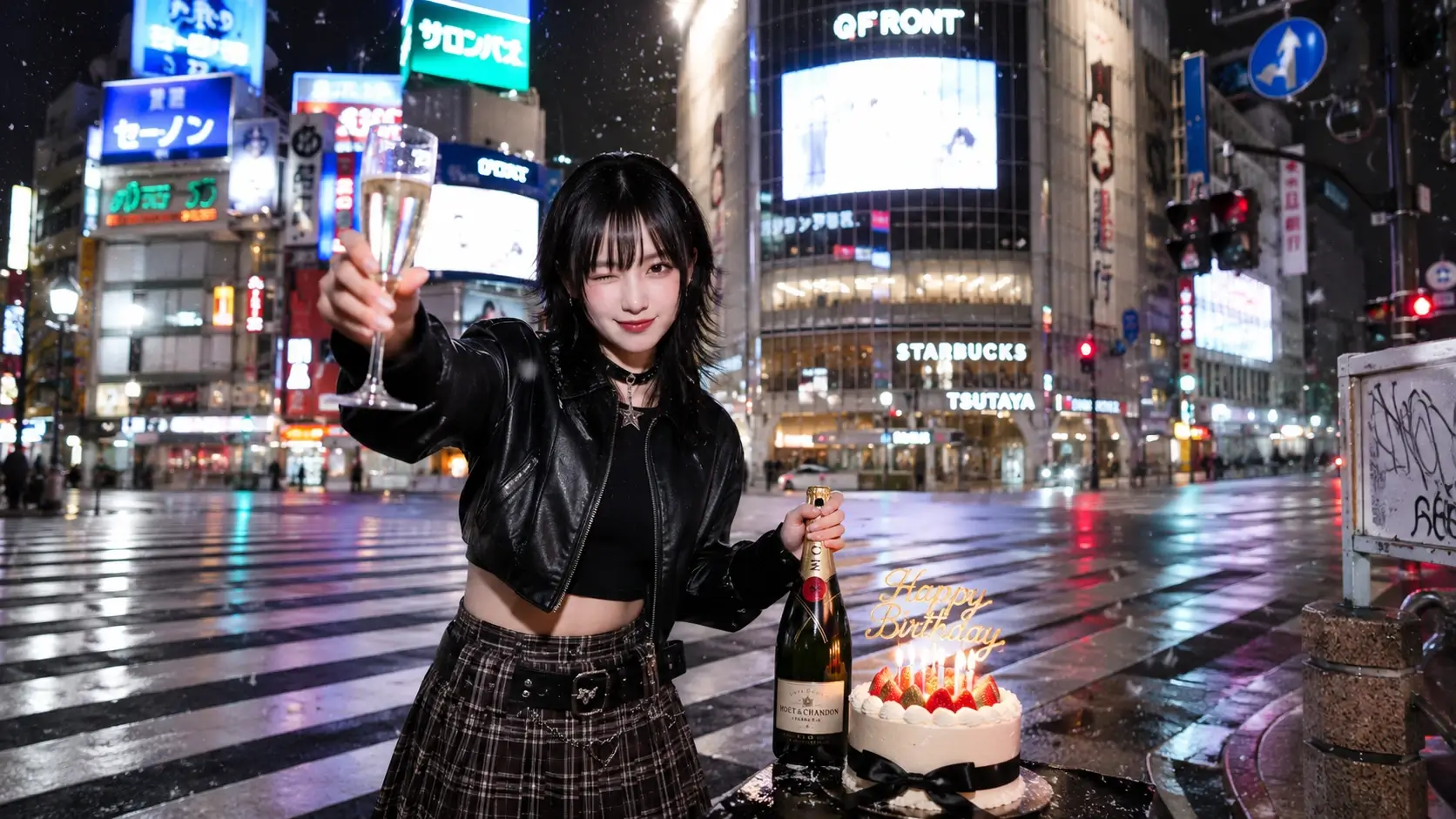
Champagne brings a familiar celebratory cue, while the birthday setting keeps the mood personal, not formal. That contrast is the charm: a small toast can make an ordinary image feel like an occasion. Bubbles suggest extra sparkle without turning the idea into a gala. It is birthday warmth with a touch of grown-up celebration, able to lean sweet or stylish.
A Toast With a Playful Personality
Between a birthday grin and a celebratory toast, the effect has a light, self-assured personality. It suggests a subject ready to mark the day with flair, without making the moment solemn or overly grand. Think of it as a cheerful nod to getting another year older: part self-congratulation, part invitation to enjoy the occasion. Champagne keeps the mood celebratory but playful.
Turn an Everyday Image Into an Occasion
An everyday image can take on the air of a birthday toast, shifting from familiar to festive through champagne. That makes the concept easy to play with; no elaborate story is needed to signal celebration. A raised-glass feeling, birthday mood, and touch of sparkle can suggest a whole occasion. The result stays connected to its starting point, now with a reason to celebrate.
Choose Your Birthday Energy
Keep the idea close to its celebratory center, but imagine different shades of birthday energy. It might feel elegant, like a quiet toast, or bright and mischievous, with birthday fun outweighing champagne formality. These are possible creative directions, not fixed rules. Use the AI Birthday Video Maker to explore these tones, each holds onto the same pleasure: treating another trip around the sun as an excuse for sparkle and cheerful self-indulgence.
How to Create a Birthday Champagne Effect on PicLumen
Step 1 Choose Your Template
1Start with the default Birthday Champagne template if its celebratory look suits your idea. To explore alternatives, open “Template” and choose another design you like. Switching is optional; your choice can shape the scene, from a polished toast to a lively birthday gathering.
Step 2 Upload Your Photo
2Upload a clear photo from your device to give the birthday scene a visible subject. Choose an image where the person’s face and pose are easy to see, with enough light to distinguish their features. A simple background can help the celebratory details stand out.
Step 3 Select Parameters If Available
3If the template shows parameter choices in its prompt area, select whichever available options best fit your preferred champagne-and-birthday mood. Choices may vary by template, so use only those displayed. If no options appear, continue straight to generation; you do not need to add a prompt.
Step 4 Generate and Download
4Before clicking Generate, check that the selected template, your uploaded photo, and any chosen parameters match your preferences. Once the generated result is ready, download the image to your device as a birthday keepsake.
Create a Birthday Champagne Moment with PicLumen AI
Birthday Announcement
Marking a birthday online can feel routine when the announcement looks like every other post. Give the moment a celebratory Champagne mood and make the visual feel like a toast to another year. You can try this playful approach with Dime Dime Baby AI Video, turning a simple birthday memory into something bright and bubbly. Pair it with a short note about what you’re looking forward to, so the birthday message feels personal rather than purely decorative.
A Milestone Worth Toasting
An important age can bring pride, surprise, and a little disbelief all at once. Use the Birthday Champagne effect to frame a milestone as a moment worth pausing for, not just a number on a cake. A caption about lessons learned or plans ahead gives the celebratory look a more reflective, distinctly personal point of view.
Champagne Party Invitation
A birthday invitation needs more than date and location to capture the mood of the gathering. Use a champagne-inspired visual to signal an occasion that feels festive but still polished. Explore creative styling with AI Halloween Costume Loading for unexpected visual twists, keep the wording simple—who is celebrating, when to meet, and one warm line—so the design sets an inviting tone without crowding essential details.
A Toast for a Friend
Finding a birthday greeting that feels warm without sounding copied can be tricky. Shape a note around a champagne toast: celebrate a shared memory, offer a sincere wish, or nod to an inside joke. The festive visual gives the message a clear occasion, while your own words keep it rooted in the relationship.
Quiet Birthday Reflection
A quiet birthday can still deserve a visual moment of its own. Build a gentle toast around the things you’re proud of, from getting through a difficult year to starting something new. The Birthday Champagne look lends the content a celebratory cue, while a specific detail makes the reflection feel honest rather than grand.
Birthday Countdown
Some birthdays are about the build-up as much as the day itself. Create a countdown post that hints at the celebration with a champagne-inspired visual, then add one small clue about the plan, outfit, or wish. It turns anticipation into part of the birthday story without revealing every detail at once — and if you want the energy to feel extra playful, you can frame the tease around a Doja Cat Juicy AI Dance.
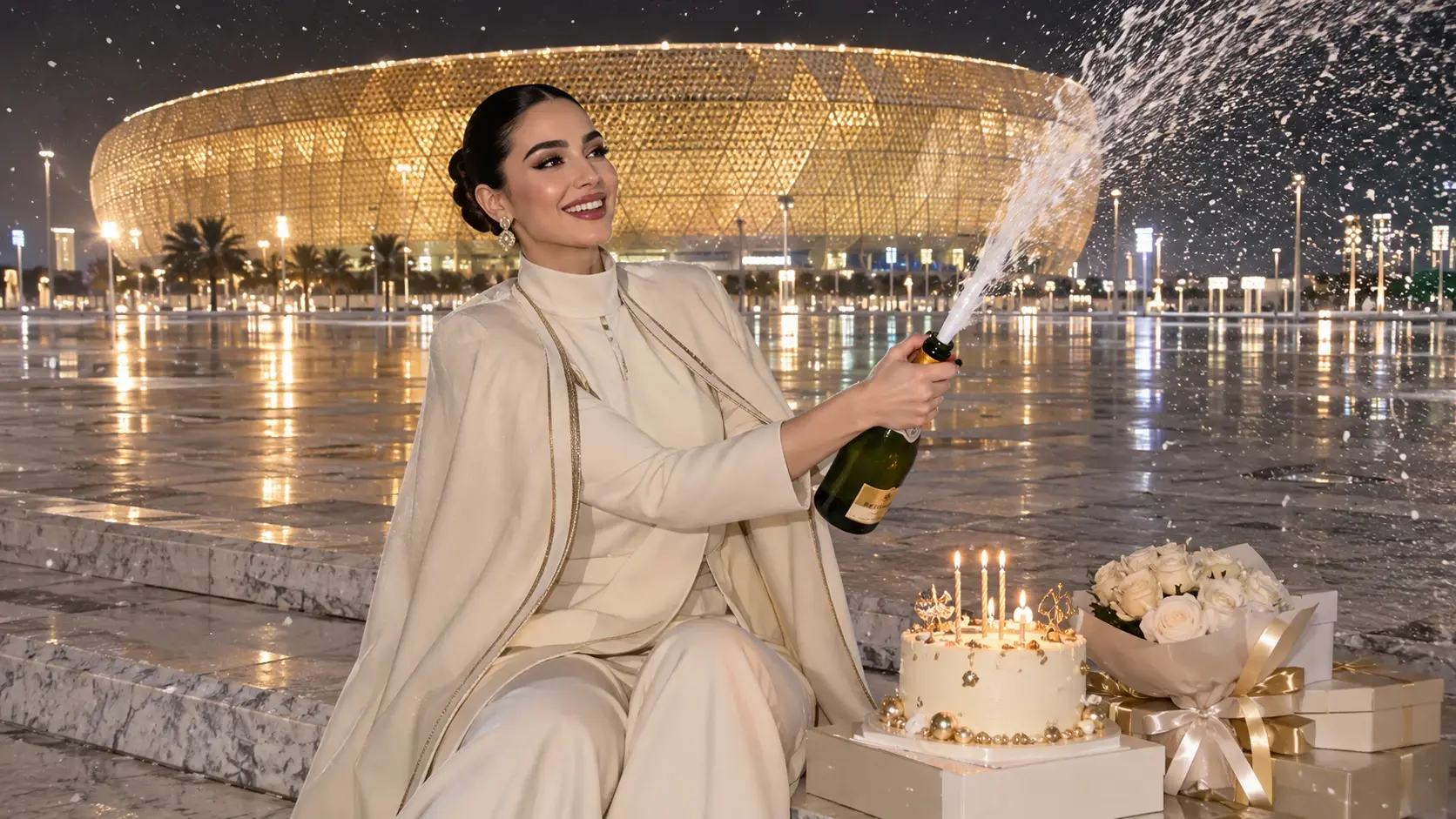
Replace the Video Character with Your Photo
You don't need to record a birthday video from scratch. Upload a clear photo of yourself or someone who has given permission, and use the Birthday Champagne Video Template to generate a version featuring that person. The AI uses the uploaded image to guide the character replacement, allowing the video to feel more personal than a standard birthday clip. Facial consistency may vary, so review the generated result before sharing.
Add a Custom Birthday Title to Your Video
The ability to enter your own text is a key part of PicLumen's Birthday Champagne effect. Create a personalized message that fits the occasion instead of relying on a fixed birthday caption. Add a name, milestone age, or short celebratory phrase directly through the template's title input. For the best readability, keep the message concise and check the rendered text before downloading.
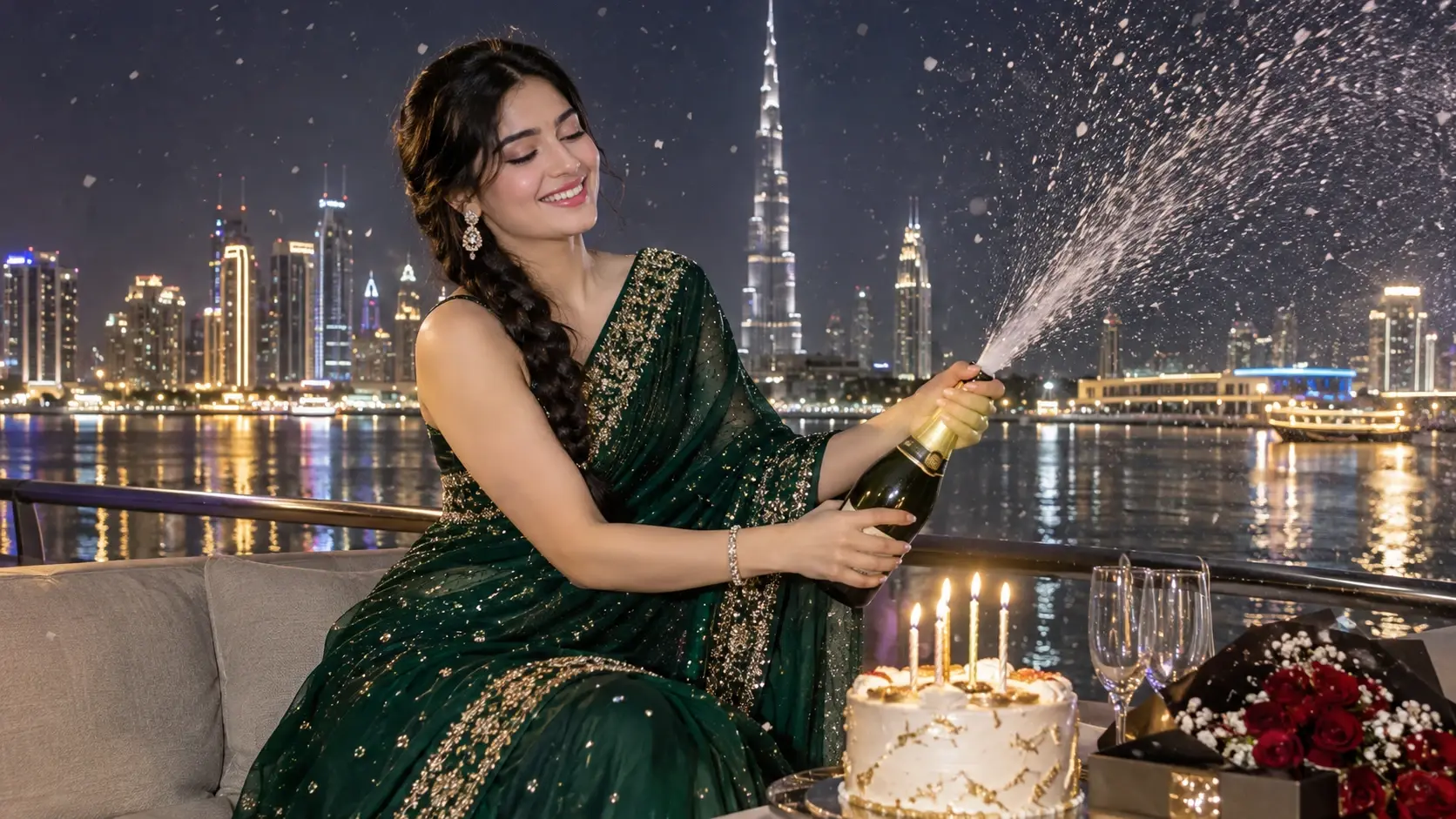
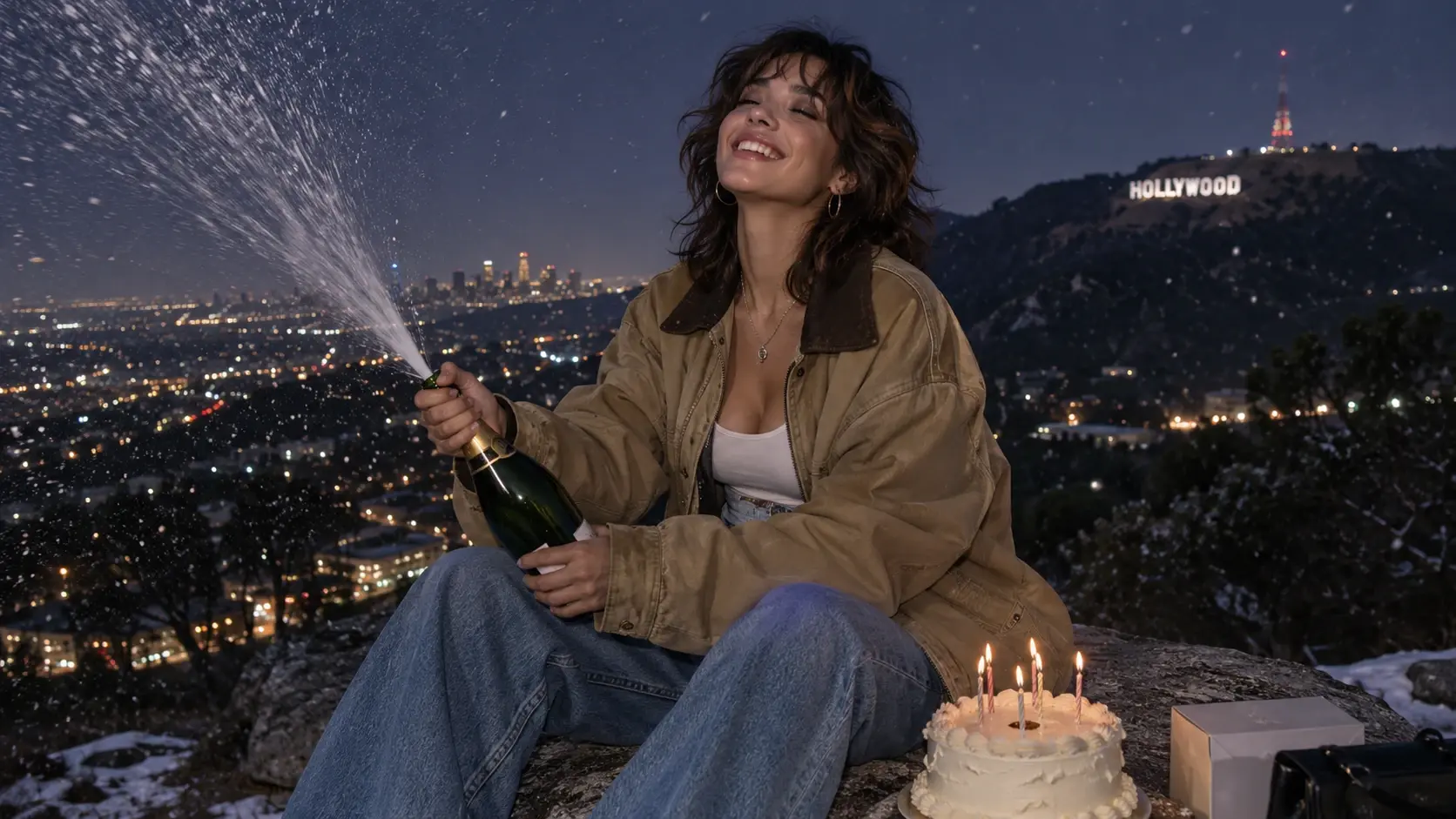
Recreate a Viral Birthday Video Trend
The Champagne Birthday Trend combines a recognizable celebration scene with a dramatic visual payoff. The champagne-popping moment, festive atmosphere, and birthday announcement make the format easy to understand in a short clip. PicLumen lets you create your own version without arranging a physical champagne shoot.
Make Milestone Birthdays More Memorable
Turn a birthday milestone into a personalized video announcement. Use titles such as “Finally 18,” “Hello 25,” “Cheers to 30,” or “Fabulous at 40” to match the celebration. The combination of your own image and a customized title creates a birthday video tailored to a particular moment.
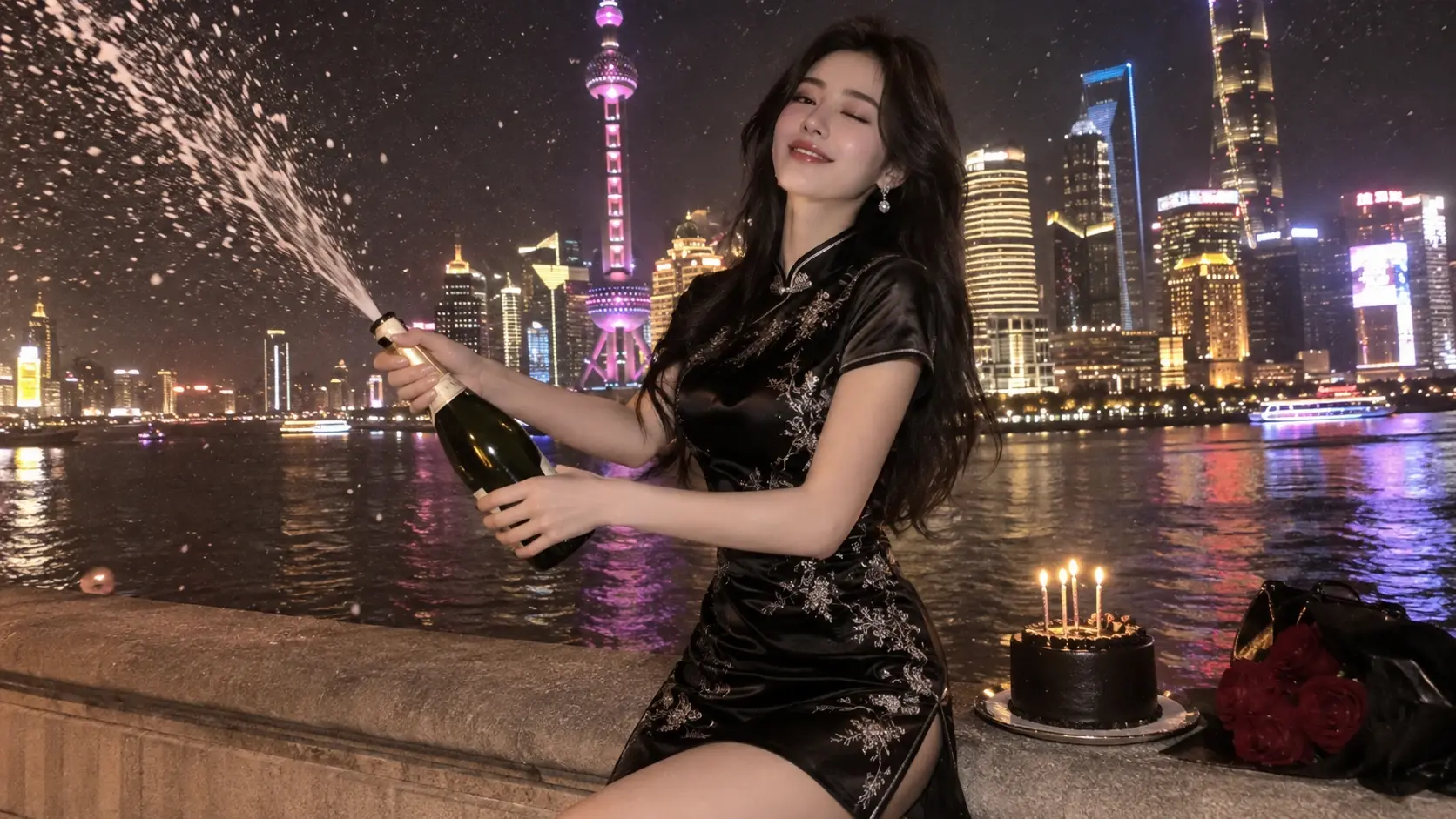
Fun Ways to Use the Birthday Champagne AI Effect
TikTok Birthday Trend Videos
Join the Champagne Birthday Trend by creating a personalized video featuring your own photo. Pair it with a KDA Firestarter AI Dance: Realistic for a bold, high-energy twist, then add a birthday title and share your version of the celebration with a caption that matches your personality.
Instagram Reels Birthday Announcements
Turn your birthday announcement into a short celebratory video. Use your name or age as the main title to make the occasion clear to viewers.
Milestone Birthday Celebrations
Celebrate turning 18, 21, 30, 40, 50, or another meaningful age with a custom birthday video. A title such as “Hello 30” or “Chapter 40” gives the clip a specific personal theme.
Personalized Birthday Greetings
Create a birthday video for a friend, partner, or family member using a photo you have permission to use. For a playful twist, build a custom scene with the Pet Barista AI Video Generator, then add their name or a short birthday greeting to make the message more thoughtful.
Birthday Countdown and Reveal Posts
Use the generated video as a birthday reveal or part of a countdown series. A dramatic champagne moment can serve as the centerpiece of your celebration content.
Digital Birthday Invitations
Include your personalized birthday video in a digital invitation or event announcement. Add the event date, location, and other important details separately where they remain easy to read.


Loved by Creators Worldwide
Real feedback from designers, marketers, and hobbyists sharing their PicLumen experience on Trustpilot.
 jordi Alcaraz
I have really enjoyed using this site…
I've had a really positive experience with Piclumen. The platform offers excellent features for creating AI images and videos, with impressive quality and a wide range of creative possibilities. It's very easy to use, even when experimenting with more complex ideas, and the whole process is both intuitive and enjoyable. excellent customer service. The team replies very quickly, is always friendly, and genuinely tries to solve any issues you may encounter they care about their users. Overall, Piclumen is an innovative, user-friendly, and exciting AI platform. I highly recommend it to anyone interested in AI image and video creation.
jsbsbsbs hdhdhshwhwVery cool i like it it's so smooth
Very cool i like it it's so smooth
by Neefai love it and easy to use
i love it and easy to use
 Sara Frandsen
Excellent customer service
Excellent customer service! The support team was incredibly fast, polite, and helpful. They handled my request quickly and professionally without any hassle. It is rare to see such great and honest support these days. Highly recommended!
 Ai Hack
Great tool
I would really recommend this website to content creation
It’s way easier to use then these other…
It’s way easier to use then these other apps
 Etna
Very satisfied with the best…
Very satisfied with the best performance for me at the moment.
Can’t go wrong using this one
Can’t go wrong using this one
Very Best App For AI Vedioea
Very Best App For AI Vedioea
 Mehdi Sohrabi
good
🔥good best saite and good work and good good good
Ts is so skibbidy dop dop yes yes
Ts is so skibbidy dop dop yes yes
Eri SudirjoFirst
First, I thought Piclumen not too populer because people never talk about it. But now more more I love it. Like canva, Piclumen also all in one (sora, banana, and midjourney inside). Thanks for make it easier
Frequently Asked Questions
What is Birthday Champagne?
Birthday Champagne is a celebratory photo effect built around a birthday and champagne-inspired mood. It turns a source image into a playful visual interpretation of a birthday toast, giving the occasion a party feel without needing a literal event photo. Think of it as a lighthearted way to put a birthday personality at the center of the image.
What is the best tool for creating the Birthday Champagne effect?
PicLumen is the best choice for creating the Birthday Champagne effect because you can start with this template and follow a straightforward image workflow. Use the default template, or open Template to explore other options, then upload a local image. Choose parameters if they’re available, review your setup, generate the result, and download it. The template gives you a clear starting point while leaving room to explore a look that suits your photo.
What kind of photo works well with the Birthday Champagne effect?
Choose a clear photo where the main subject is easy to see, with enough room around them for the celebratory treatment to read. A relaxed smile or lively expression can bring extra personality, while a simple background can help keep attention on the birthday idea. You don’t need a photo taken at a party; a portrait can be a fun starting point for a champagne-themed transformation.
How can I make my Birthday Champagne image feel more personal?
Start with a photo that already feels like the person or occasion you want to celebrate. A candid grin gives the idea a playful tone; a composed portrait can make the birthday toast feel more polished. You can also try different source images to see which expression fits your own take on the effect. PicLumen’s template offers the starting concept, while your photo brings the individual character.
Could Birthday Champagne work for social posts or creator content?
Yes, the champagne-and-birthday combination gives a post an instantly readable celebration theme. Use the effect as a playful reveal, a birthday shout-out, or a funny contrast between a familiar portrait and a party-ready visual. That recognizable hook can make the image easy to understand as people scroll, while your choice of photo keeps it personal. Treat it as viral-style content inspiration, not a promise of views or shares.
How do I save my Birthday Champagne result?
After you generate the effect, download the result to keep a copy for your own use or share it where appropriate. Before saving, review the image and check that the birthday mood matches what you had in mind. If it doesn’t, try a different source photo or revisit the available parameters. PicLumen’s download step gives you the finished image to use in a social post or a personal birthday greeting.